'/%3e%3c/g%3e%3c/svg%3e)

Add a Microsoft Account to Dove
Link your Outlook, Office 365, or Hotmail account to Dove so Microsoft email sits alongside your other inboxes, fully triaged by AI.
Open Dove.
Steps to Add Account:
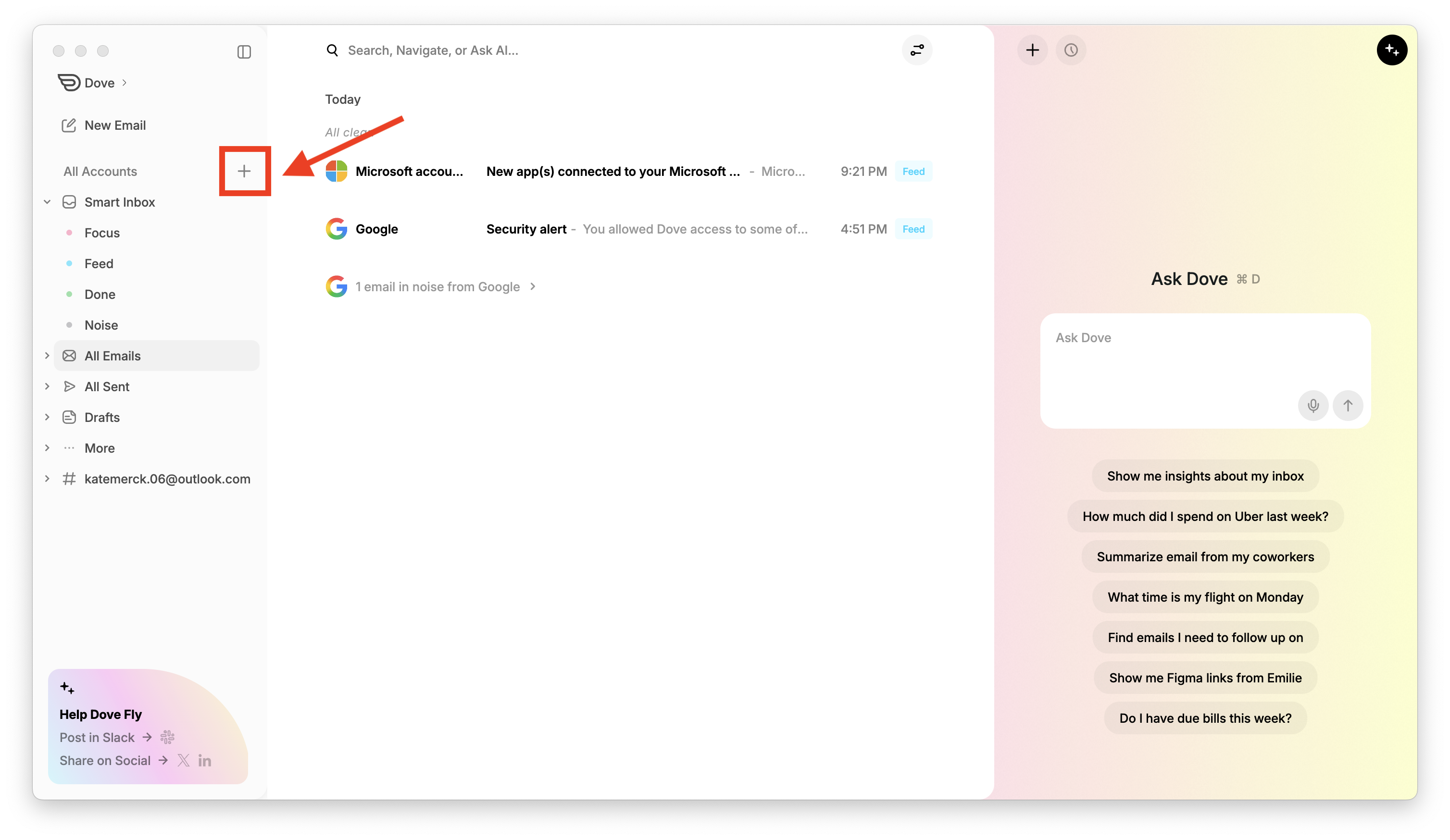
You can quickly add an account from the sidebar by clicking the “+” icon next to All Accounts, as shown below:
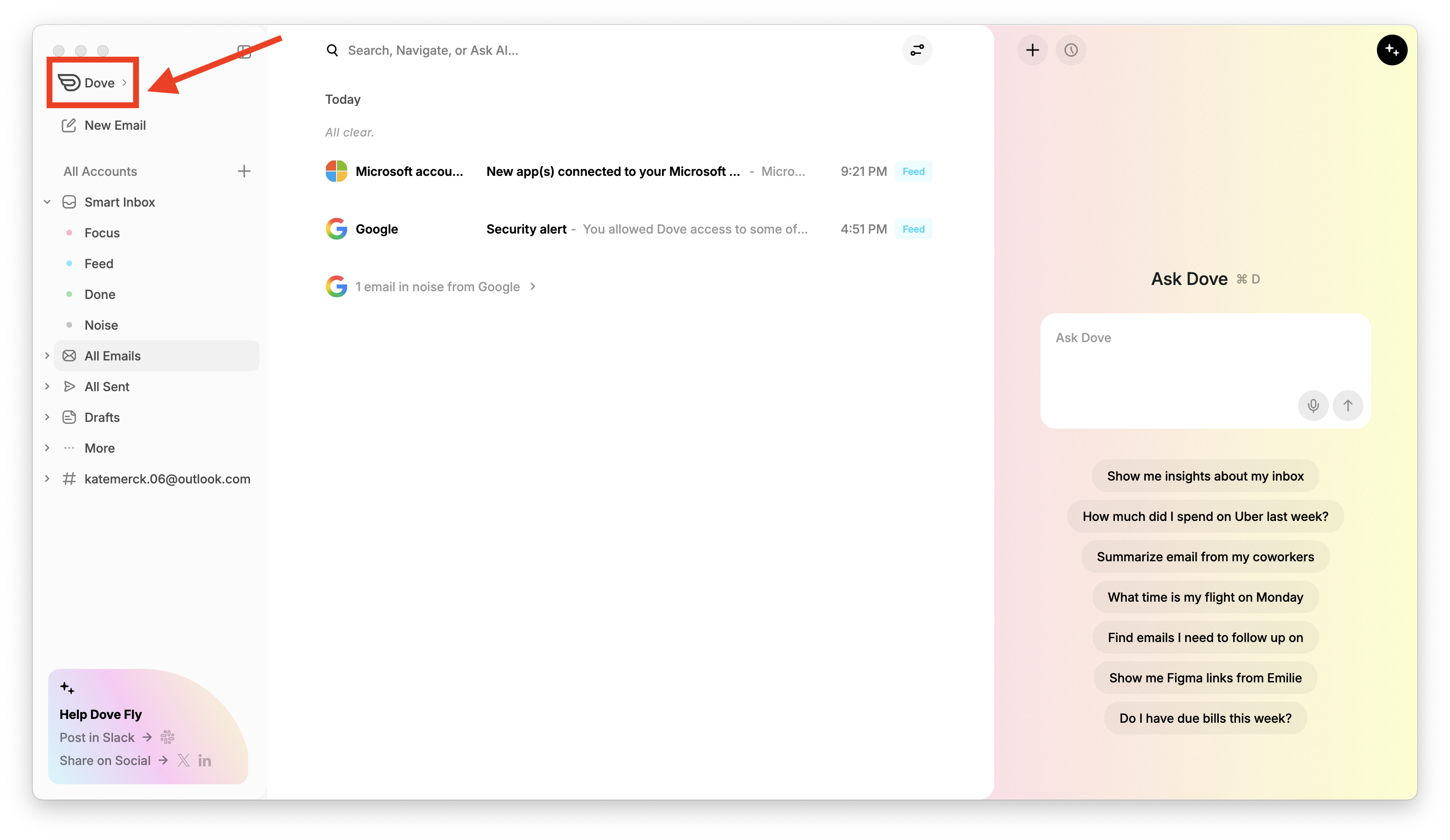
Or, click Dove at the top-left corner and select Add Account from the dropdown menu.
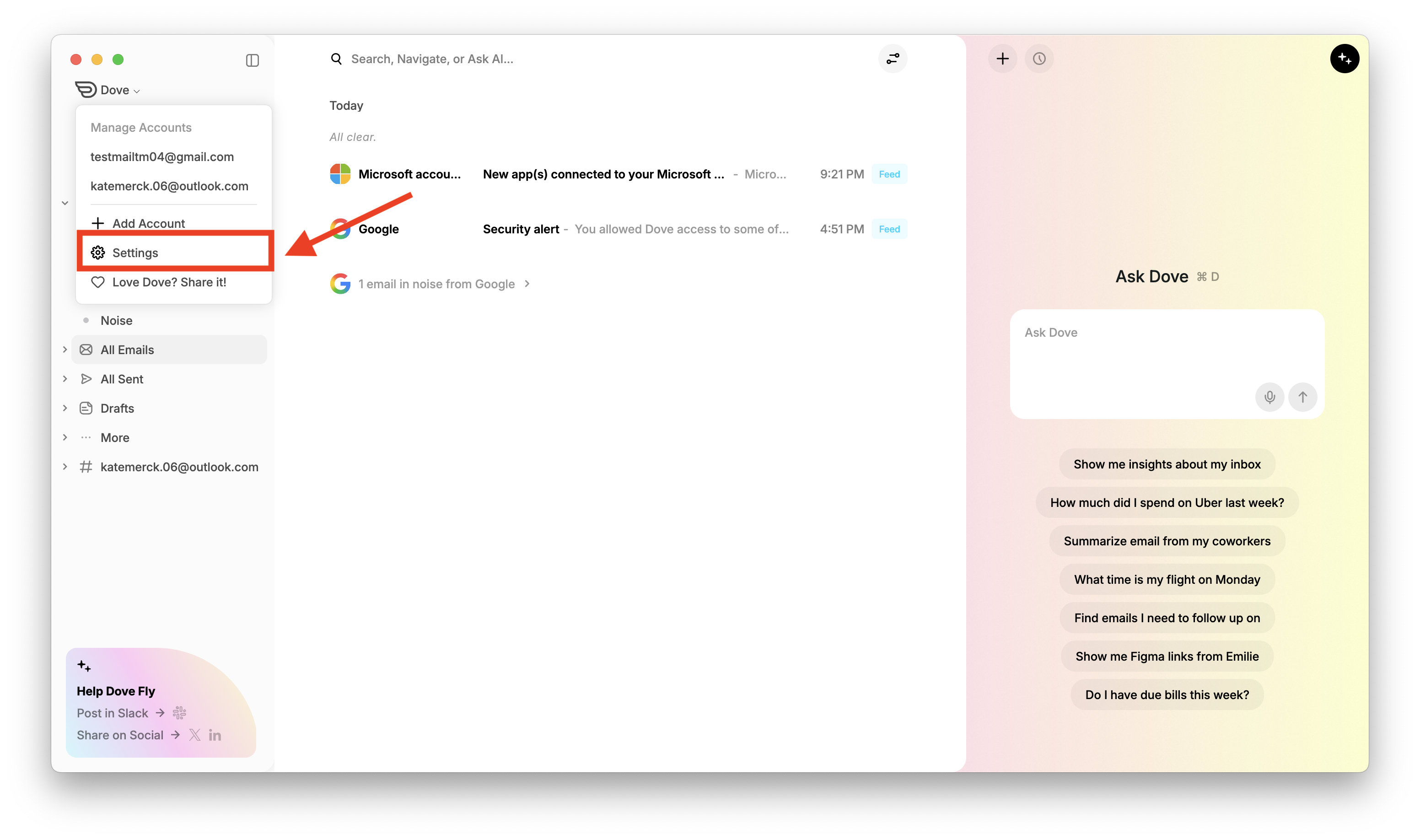
Or, go to Settings → Accounts and click the “+” button at the bottom of the accounts list.
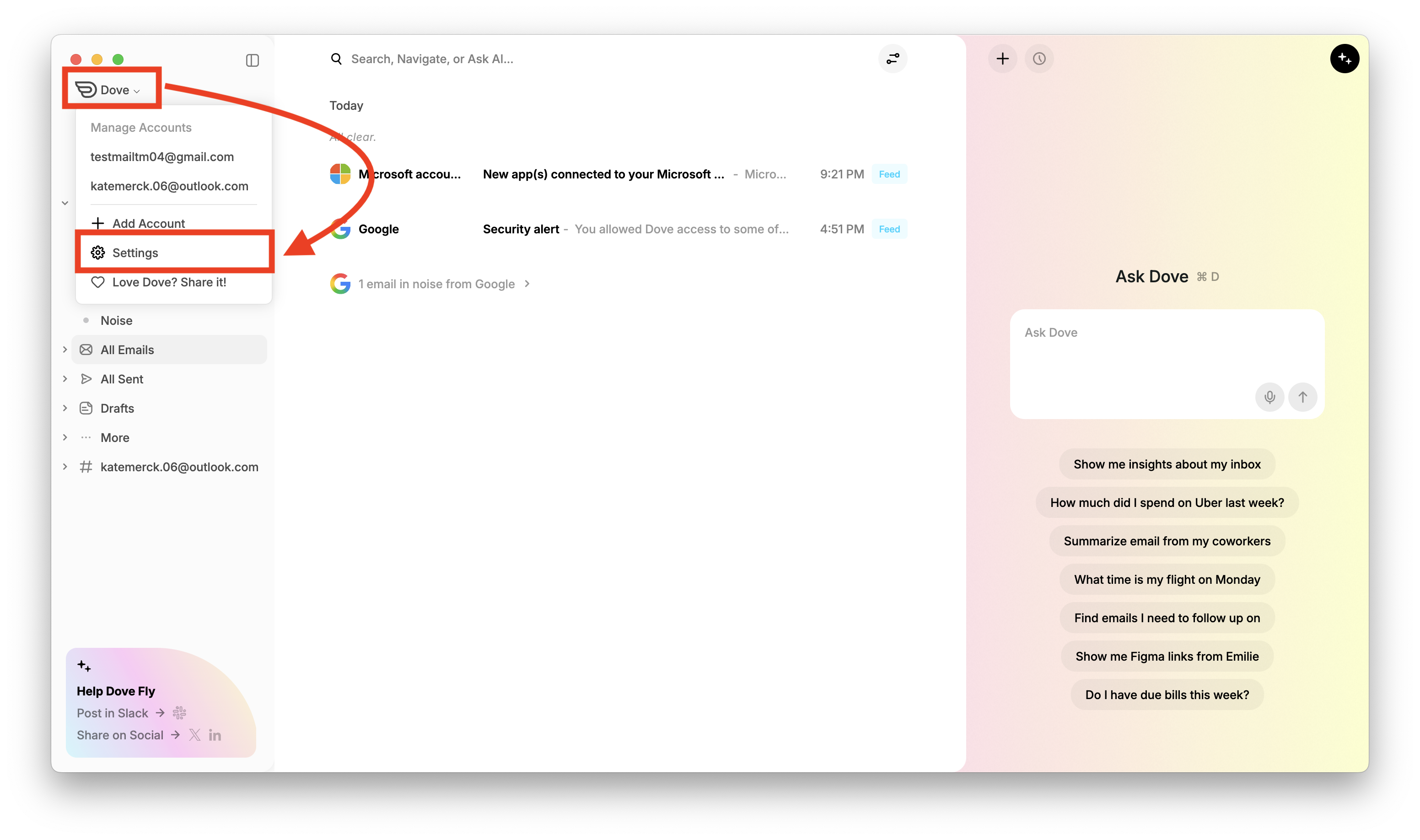
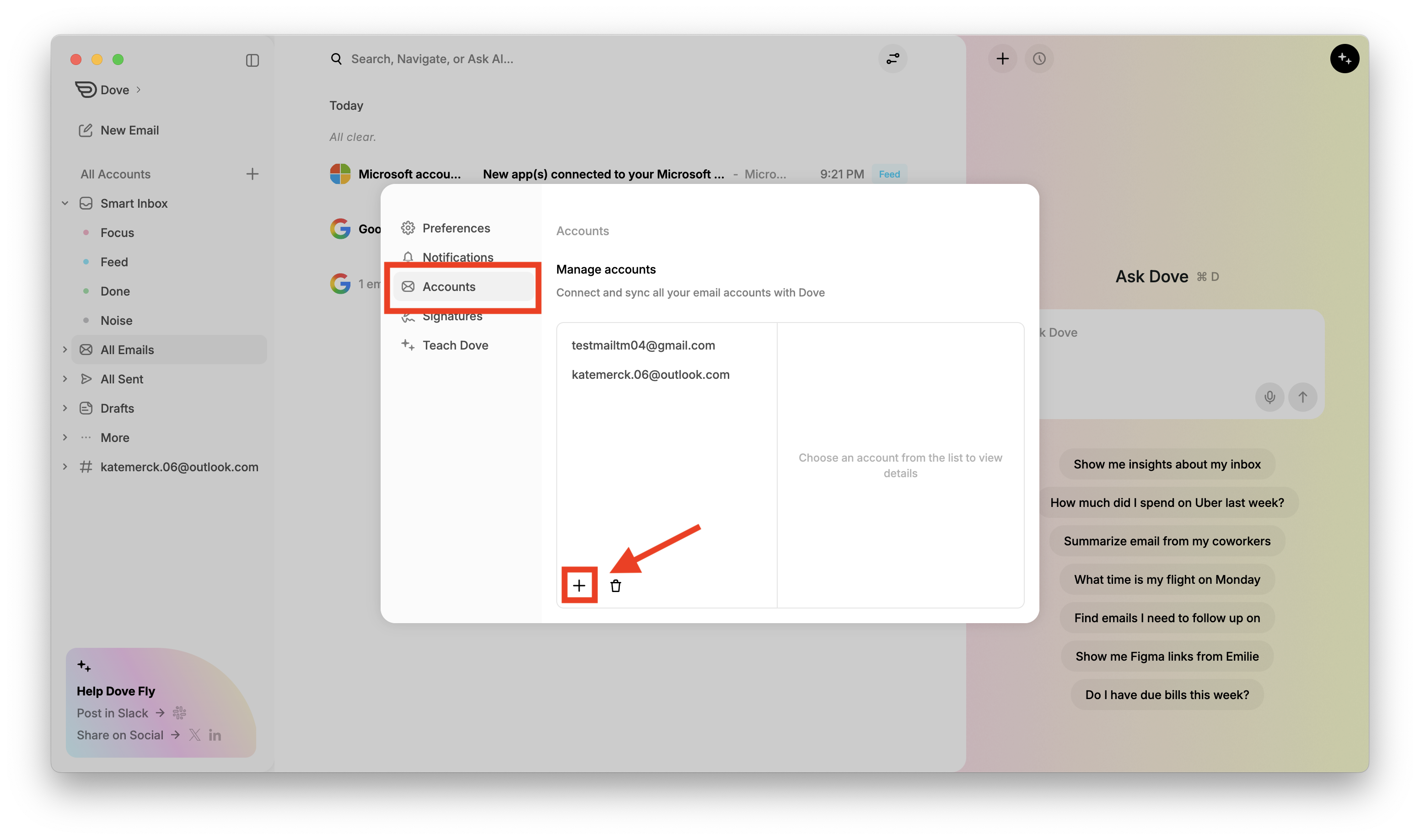
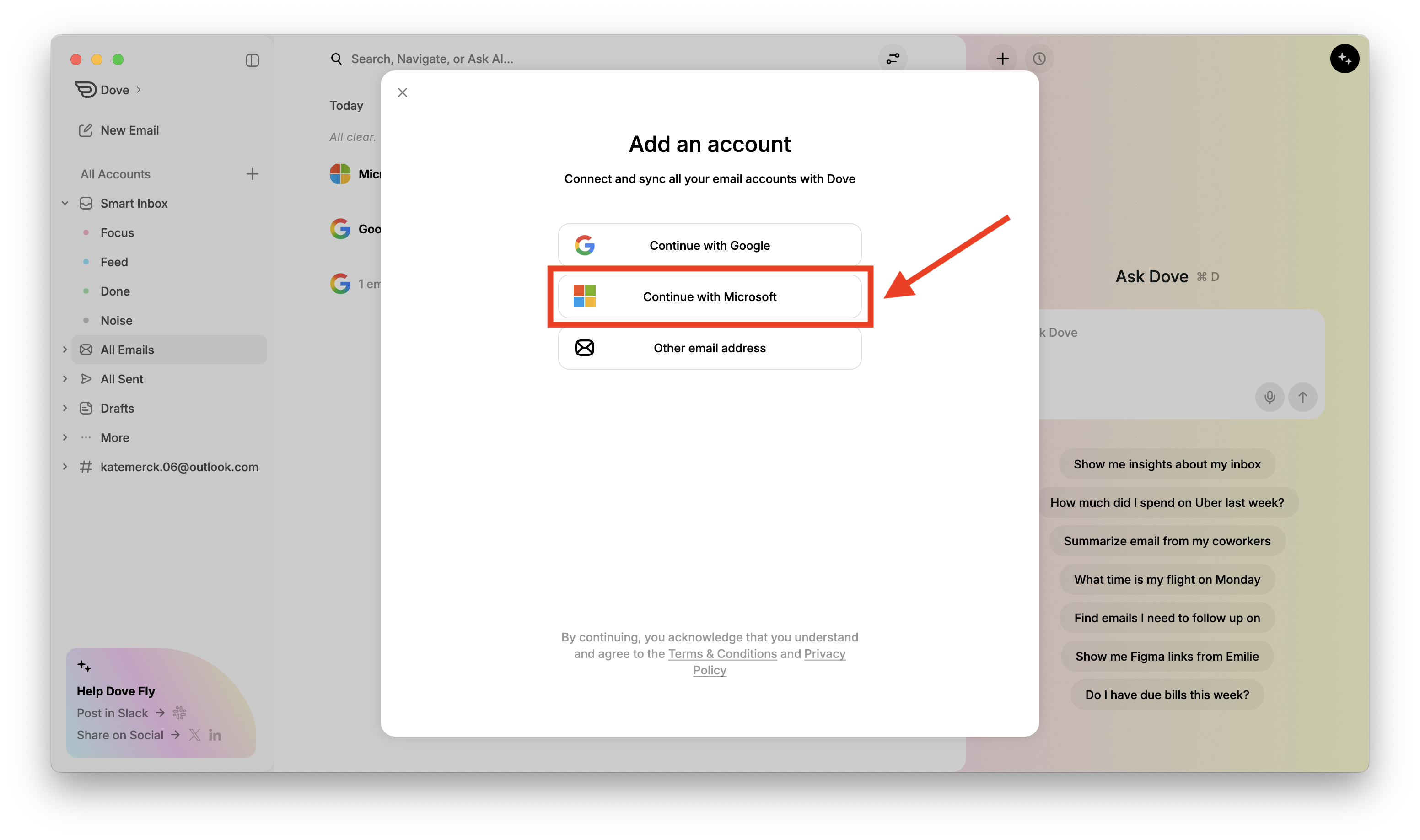
An Add an account dialog will appear. Click Continue with Microsoft. This will open Microsoft's authentication page for you to sign in to your Microsoft account.
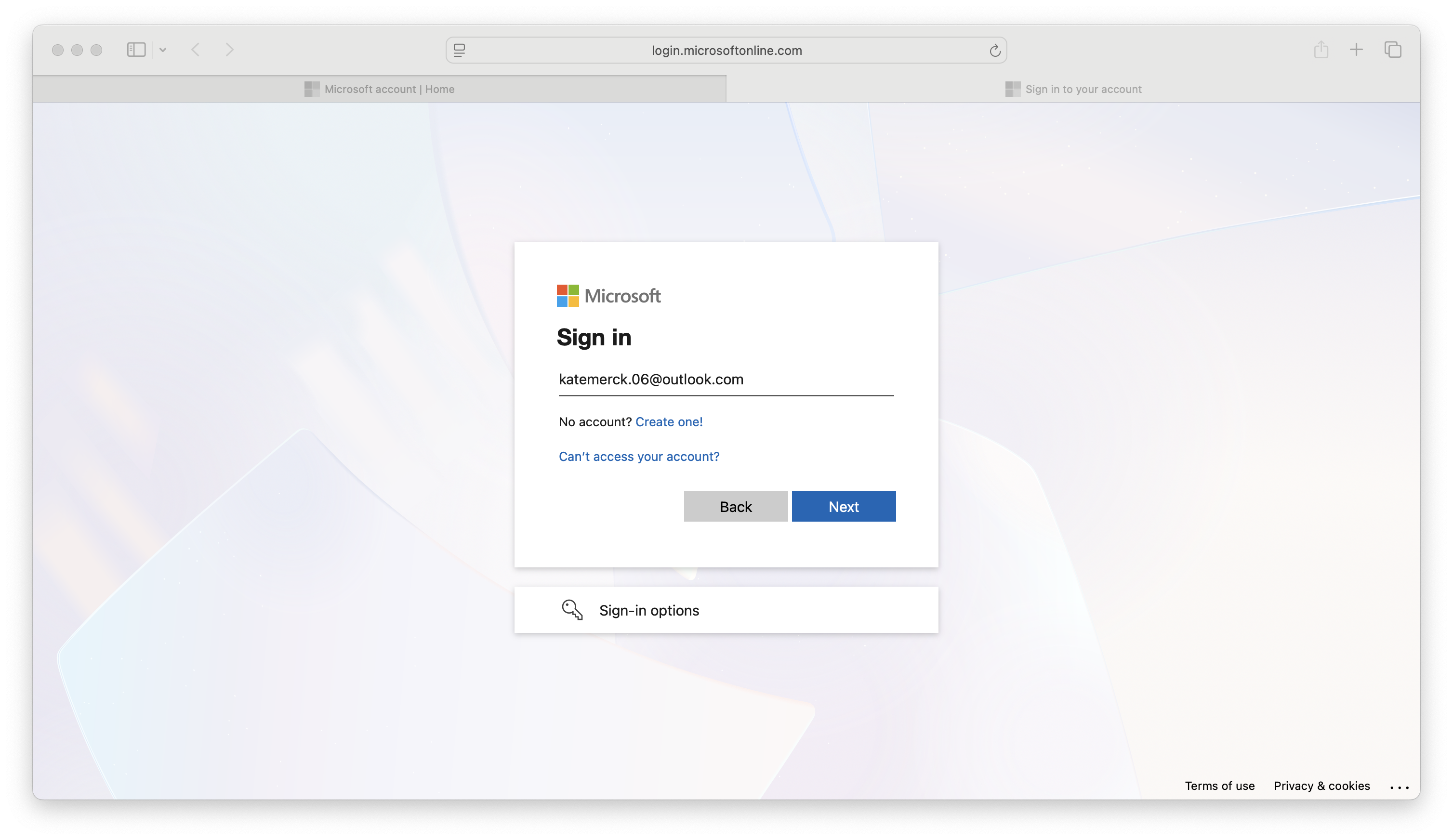
Enter your Microsoft email address then click Next.
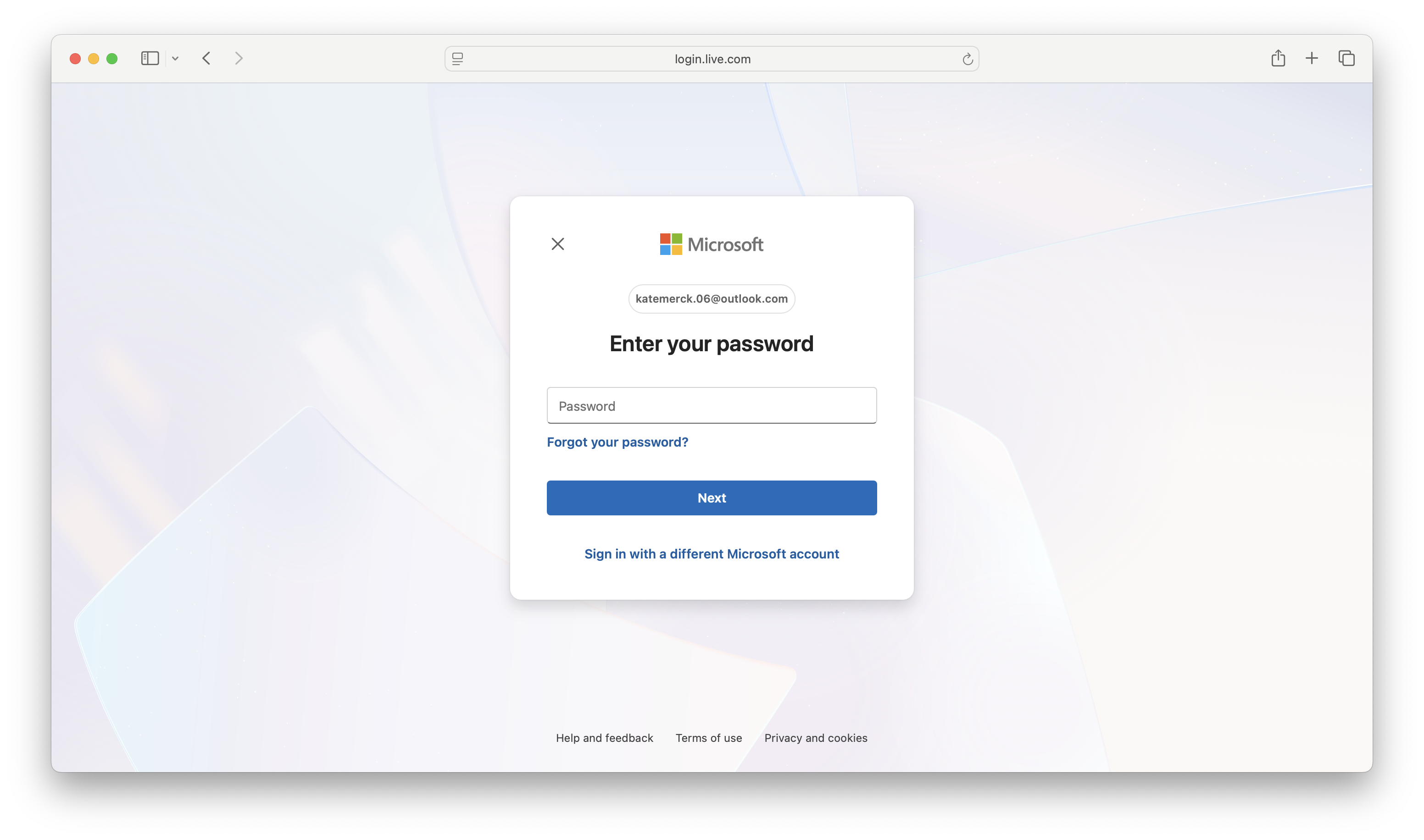
Enter the correct password and click Next.
Review the permissions that Dove is requesting access to, then click Accept to grant Dove access to your Microsoft account.
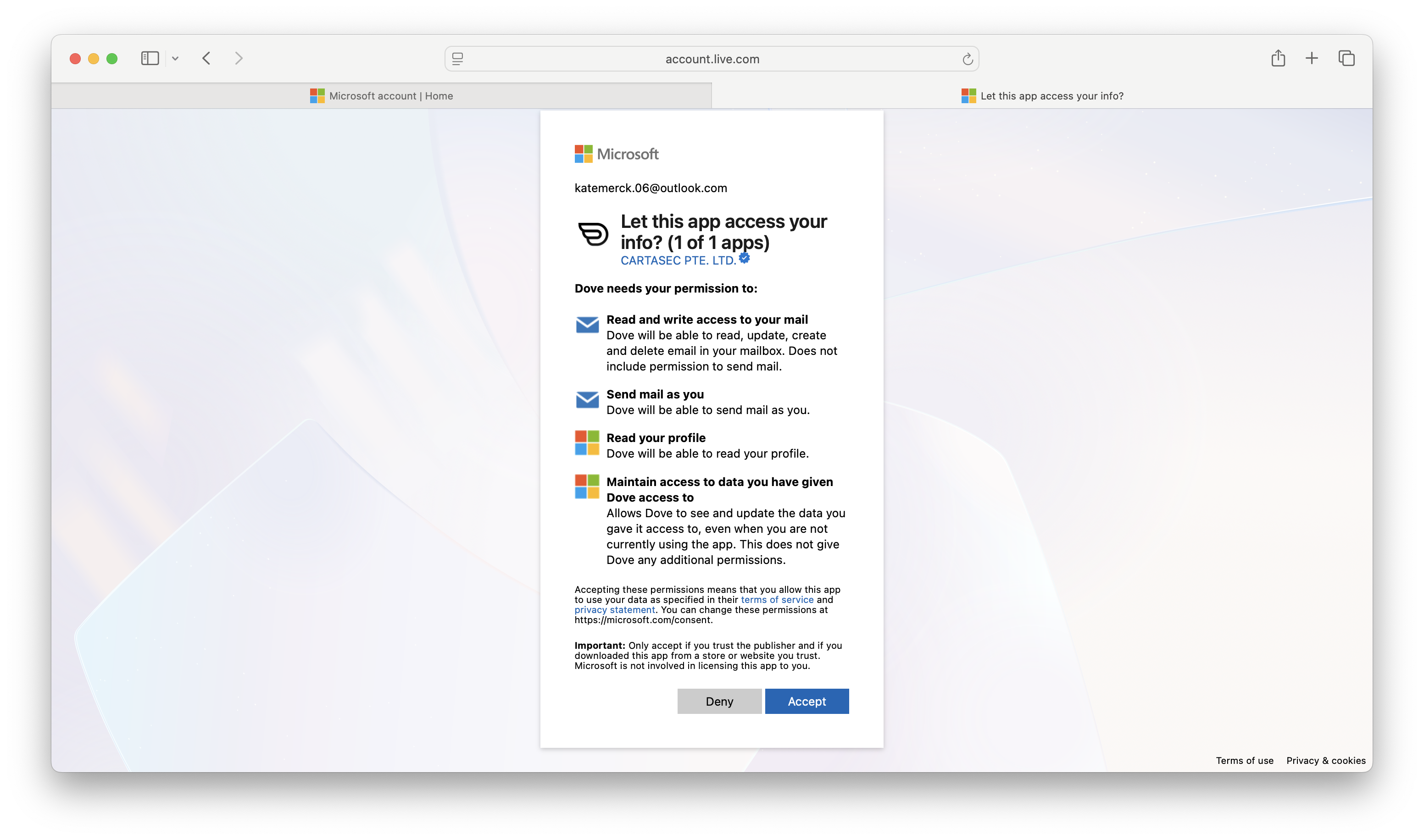
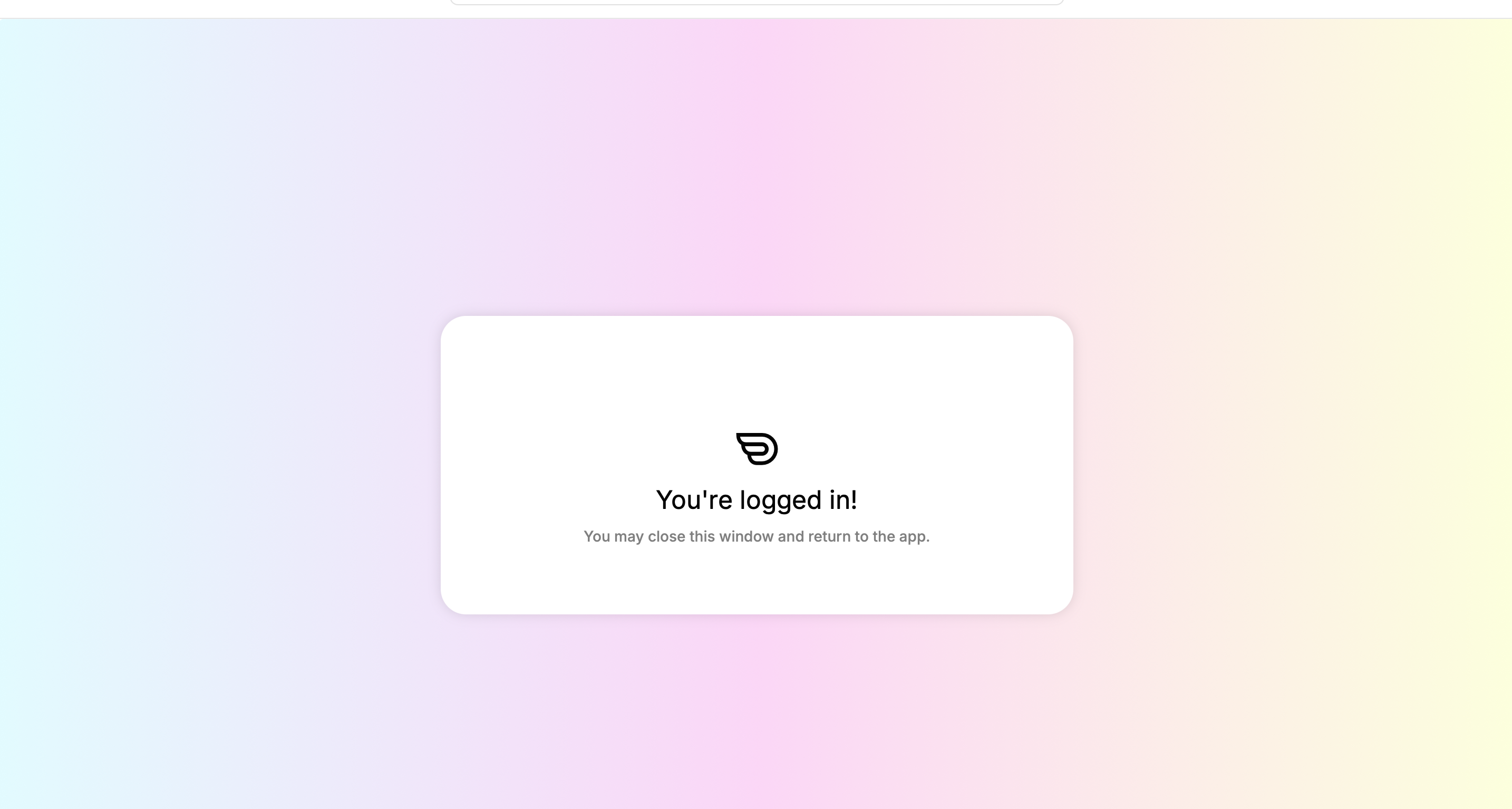
Important: These permissions allow Dove to read, send, and manage your email. Dove requires all of these to function correctly.Once successfully authenticated, you will see a "You're logged in!" confirmation screen. Close this window and return to the Dove app.
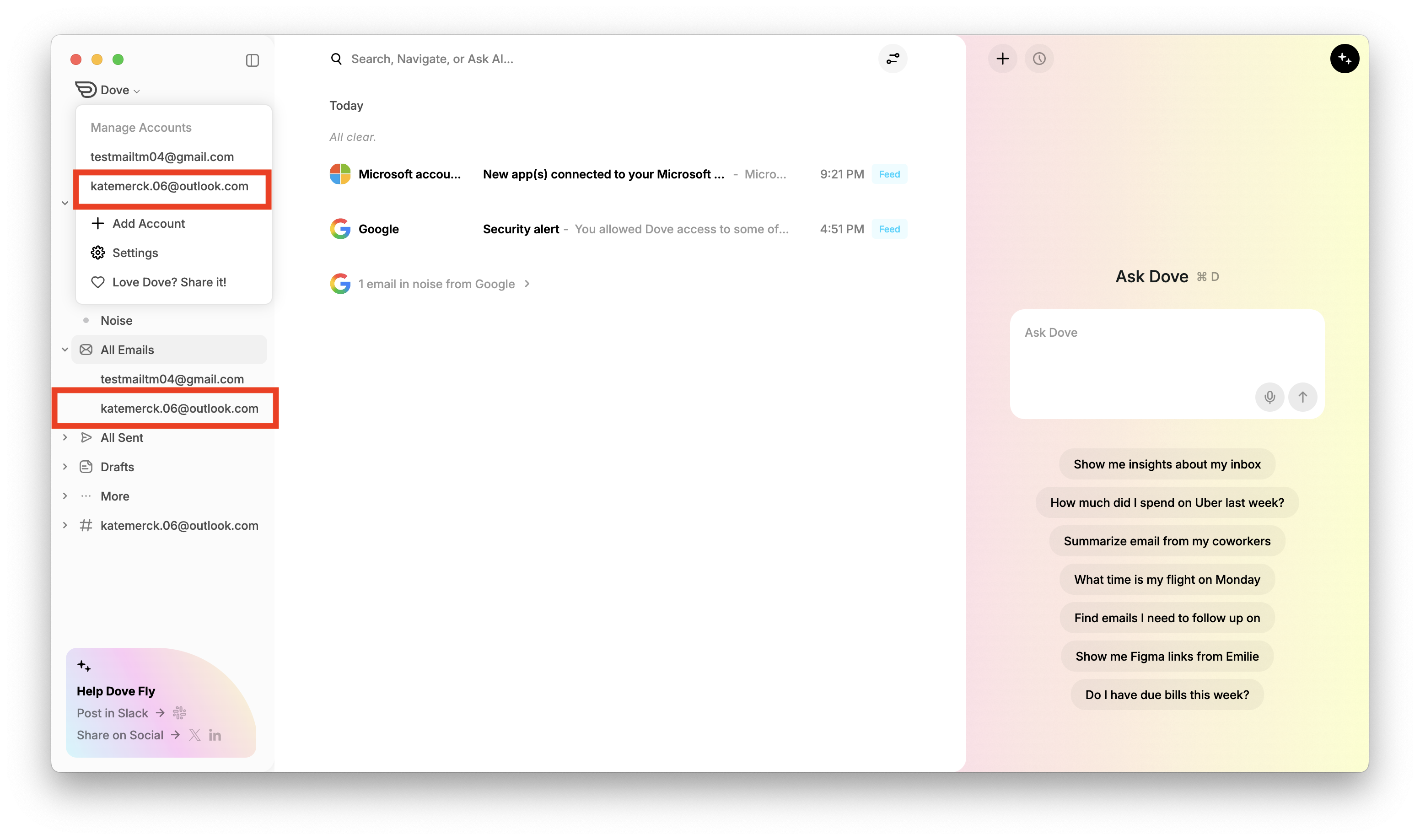
You can now see your account in the dropdown that appears after clicking Dove in the top-left corner. It will also appear under the All Emails dropdown in the sidebar.
Your Microsoft account will now appear in the Accounts list in Settings. By default, your account will be identified by your name as set in your Microsoft profile.
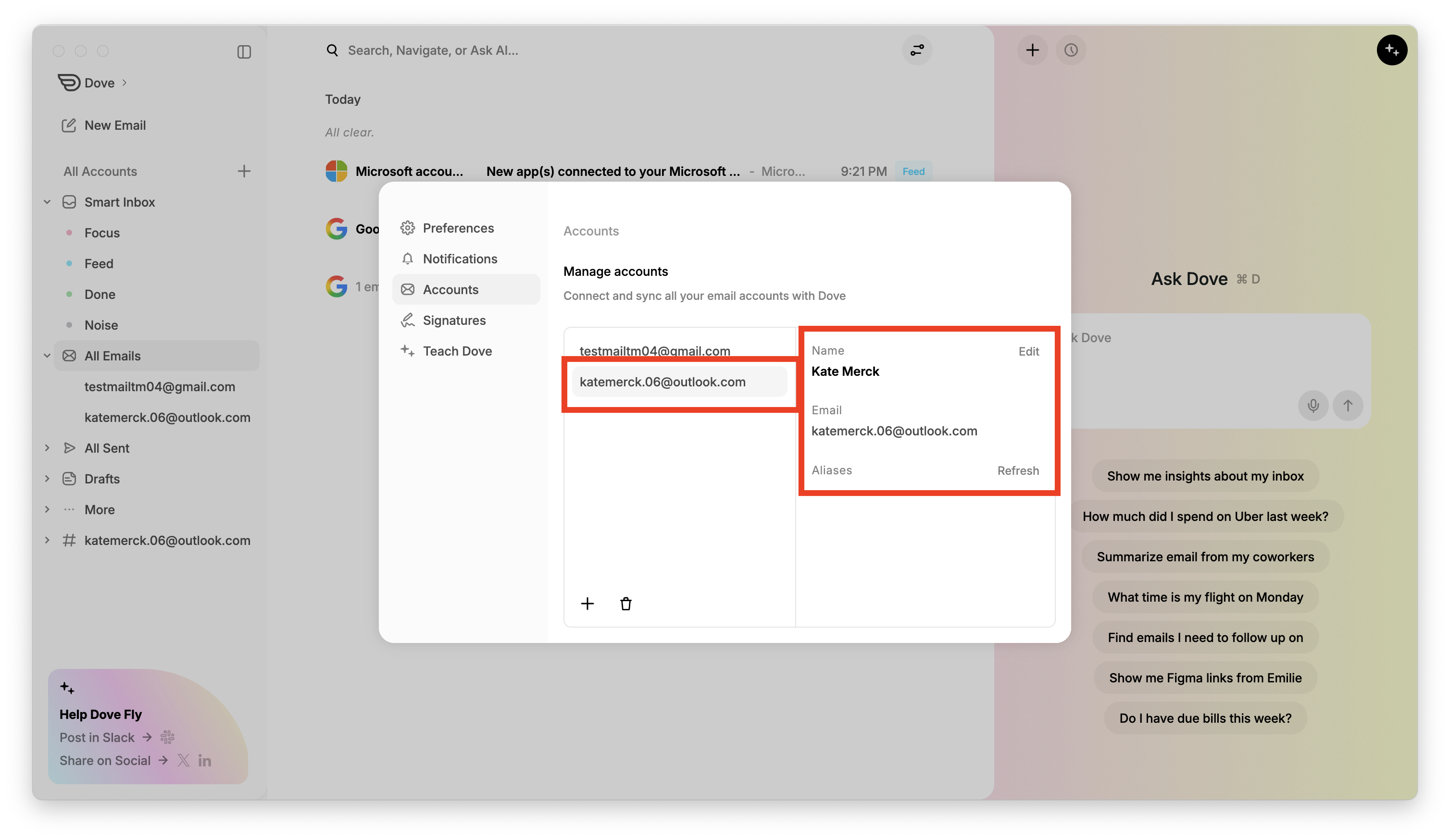
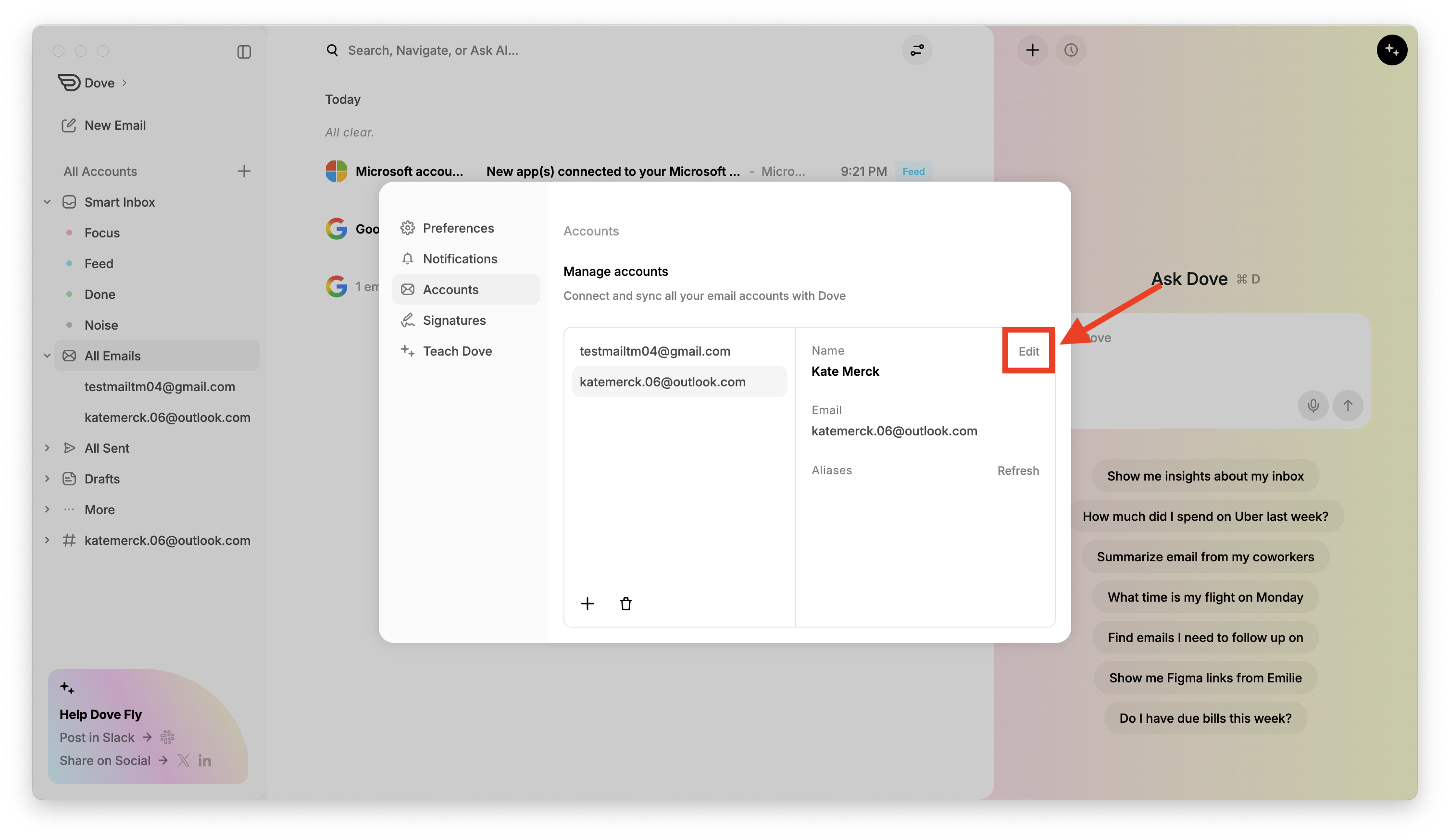
To rename the account, click Edit next to the name, type your preferred account name, and click Save.
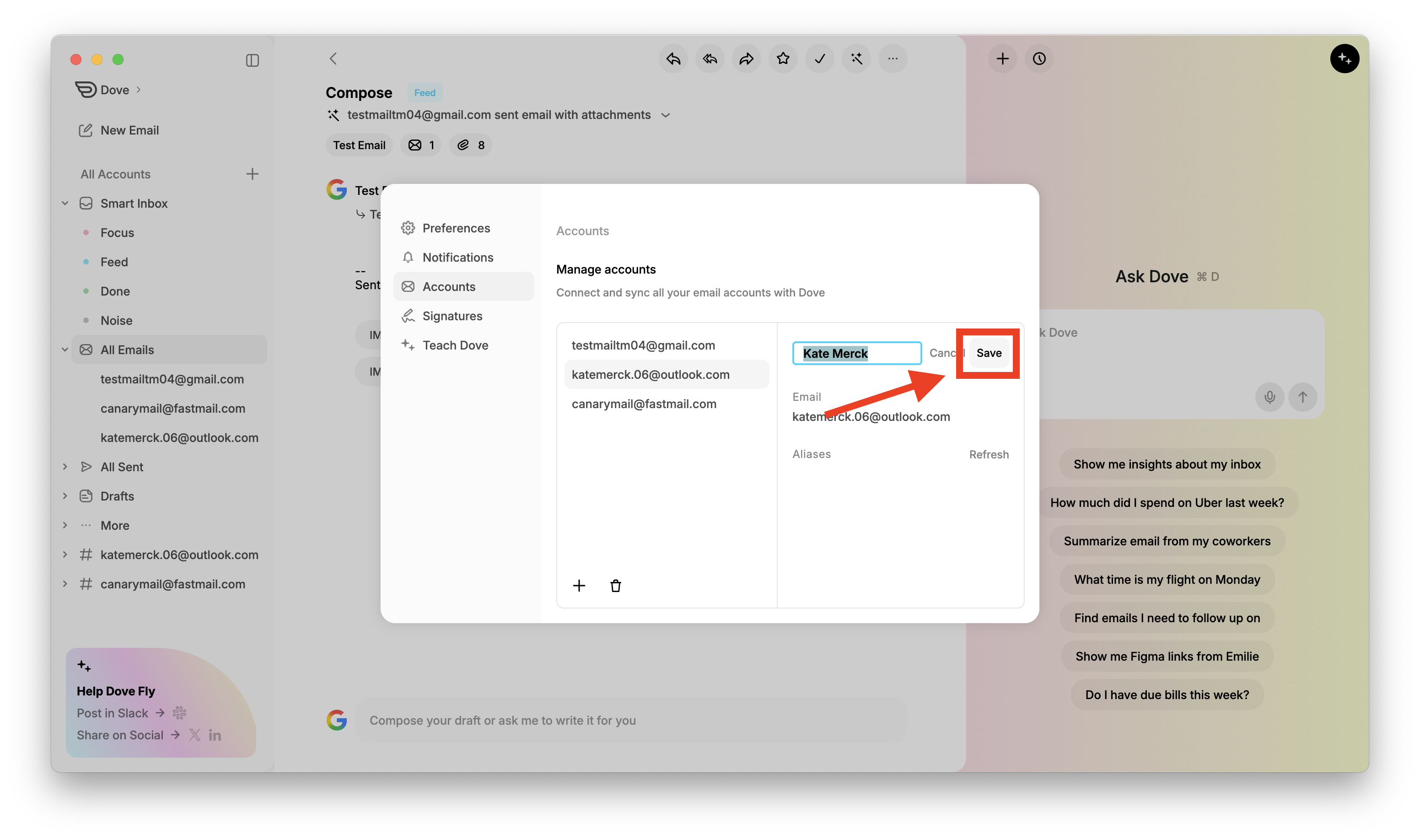
Your Microsoft account is now connected to Dove and your emails will begin syncing.
More from Dove
Related articles
August 11, 2026
Keyboard Shortcuts in Dove
Every keyboard shortcut in the Dove desktop app for macOS and Windows - navigation, triage, compose, search, and Ask Dove - plus how to view and rebind them.
April 21, 2026
Tasks in Dove
Dove helps you stay productive by automatically creating a task list from your emails. These tasks appear in the Dove Assistant panel on the right side when you are in Smart Inbox.
April 21, 2026
Manage Notifications in Dove
Dove allows you to customize notifications so you only get alerted for important emails. By enabling Smart Notifications, Dove will notify you only for emails classified as Focus and Feed, while avoiding notifications for Noise emails.