'/%3e%3c/g%3e%3c/svg%3e)

Dove help
Help center
Guides, answers, and tips for getting the most out of Dove.
August 11, 2026
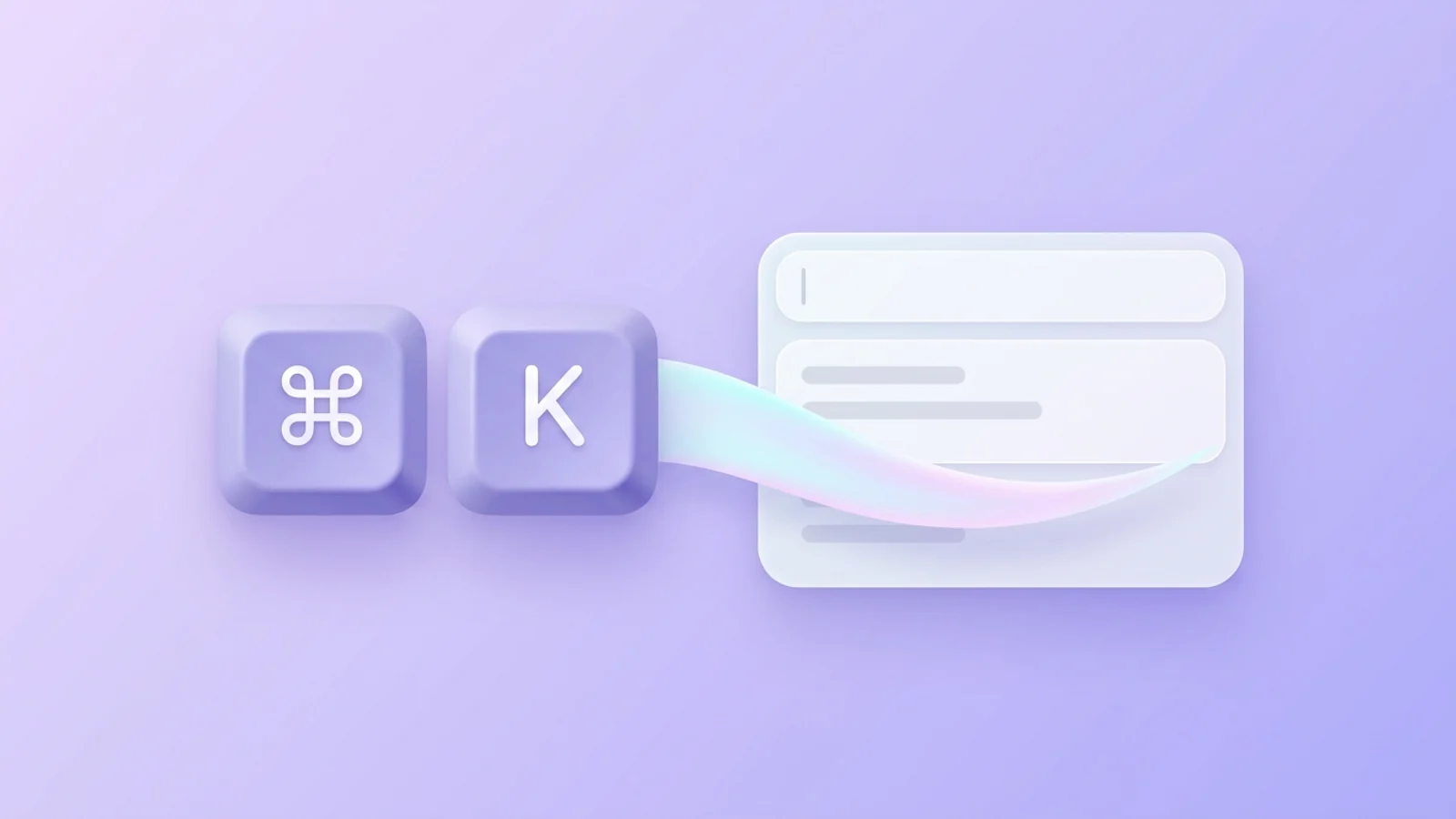
Keyboard Shortcuts in Dove
Every keyboard shortcut in the Dove desktop app for macOS and Windows - navigation, triage, compose, search, and Ask Dove - plus how to view and rebind them.
April 21, 2026
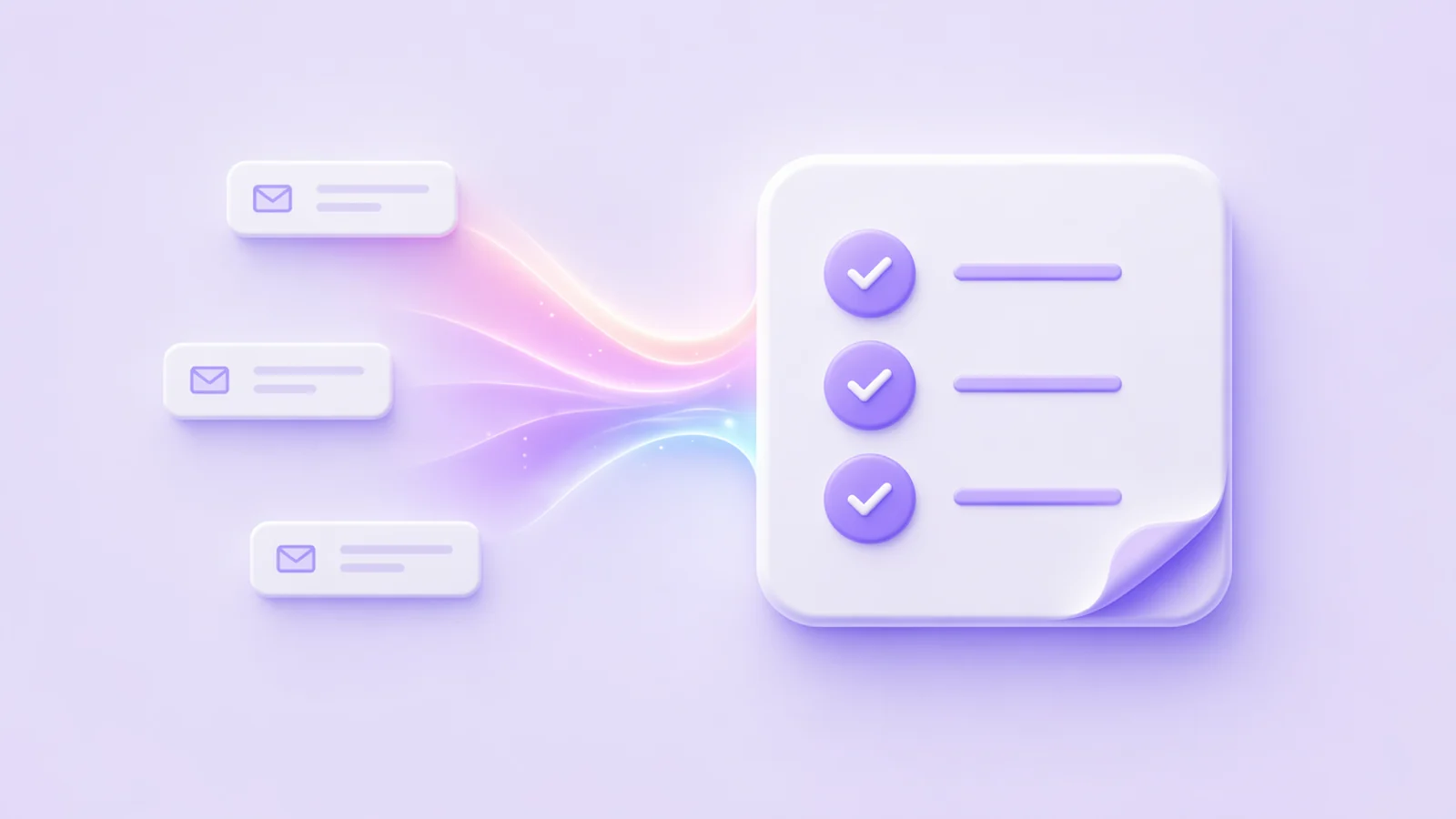
Tasks in Dove
Dove helps you stay productive by automatically creating a task list from your emails. These tasks appear in the Dove Assistant panel on the right side when you are in Smart Inbox.

April 21, 2026
Manage Notifications in Dove
Dove allows you to customize notifications so you only get alerted for important emails. By enabling Smart Notifications, Dove will notify you only for emails classified as Focus and Feed, while avoiding notifications for Noise emails.
April 21, 2026
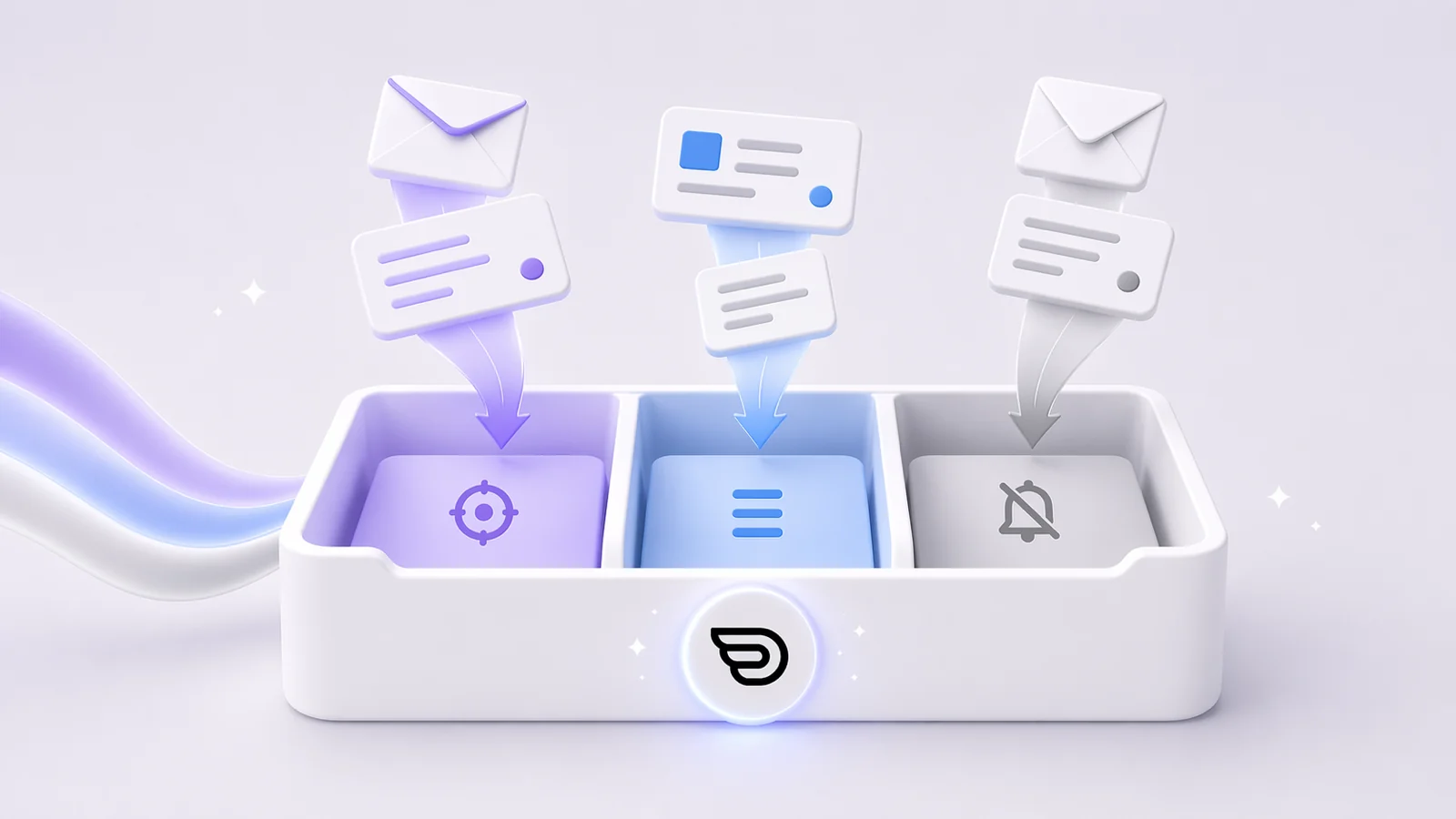
Smart Inbox in Dove
Dove helps you stay organized by automatically classifying your emails into three categories: Focus : Important and personal emails that need your attention Feed : Newsletters, upd
April 21, 2026
Add a Signature in Dove
Add a personal sign-off to every outgoing message. Dove lets you configure a signature per account so your emails always end the way you want.
April 21, 2026
Compose an Email in Dove
Start a new message in Dove. Compose lets you draft, format, attach files, and send from any connected account in a single focused window.
April 21, 2026
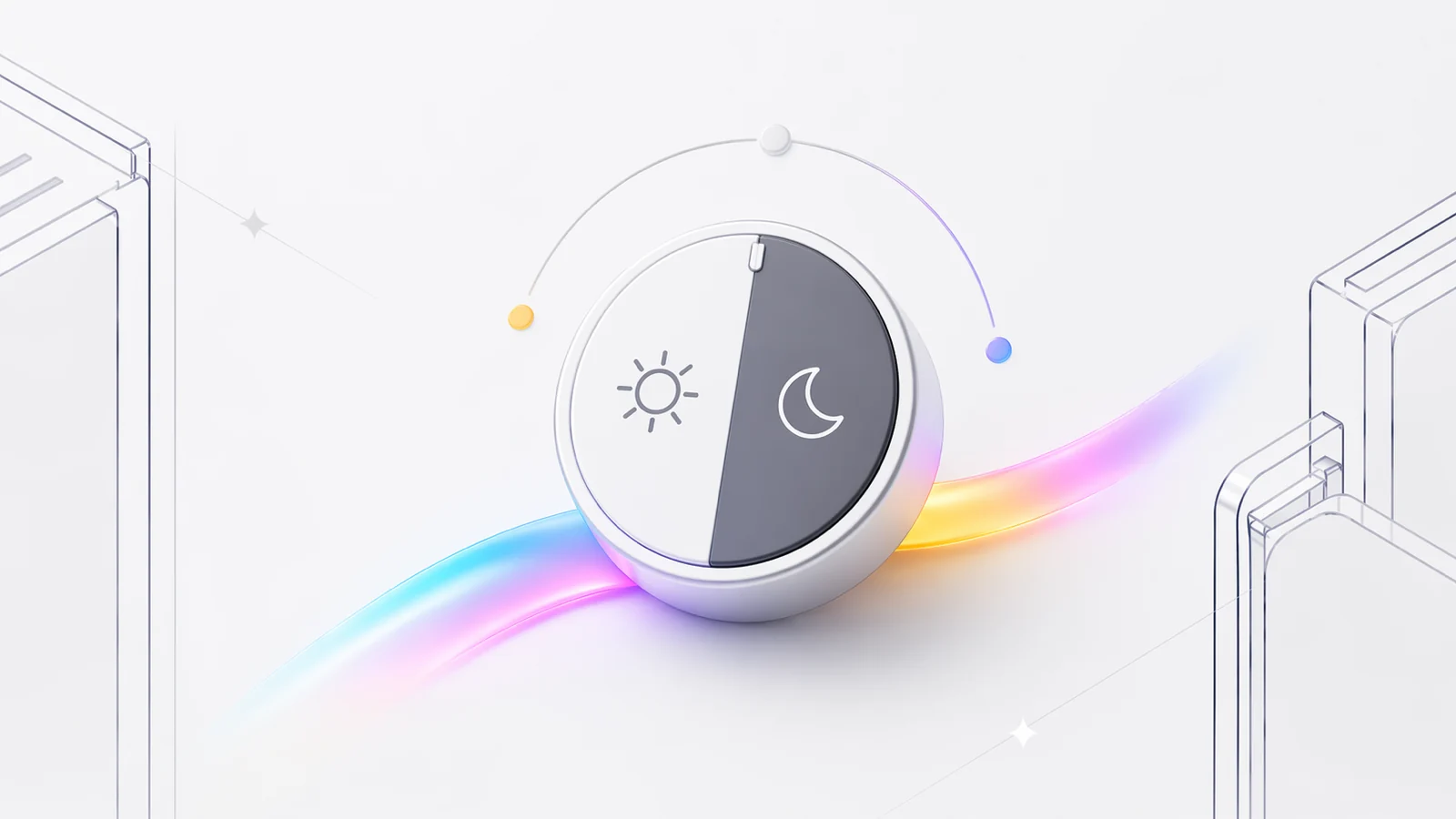
Theme Preferences in Dove
Dove lets you personalize your experience by choosing a theme that suits your environment. You can pick from Light, Dark, or System - which automatically follows your system appearance setting.
April 20, 2026
Add an IMAP Account to Dove
Connect any IMAP-compatible mailbox — Fastmail, iCloud, Yahoo, or a custom domain — to Dove in a few steps.
April 20, 2026
Add a Microsoft Account to Dove
Link your Outlook, Office 365, or Hotmail account to Dove so Microsoft email sits alongside your other inboxes, fully triaged by AI.
April 20, 2026
Add a Google Account to Dove
Connect your Gmail or Google Workspace account to Dove to bring Google mail into a single, AI-aware inbox.