'/%3e%3c/g%3e%3c/svg%3e)


Dove helps you stay organized by automatically classifying your emails into three categories:
Focus: Important and personal emails that need your attention
Feed: Newsletters, updates, and subscriptions
Noise: Low-priority emails that are filtered out to reduce clutter
How Emails Are Classified
Each email is automatically categorized by Dove.
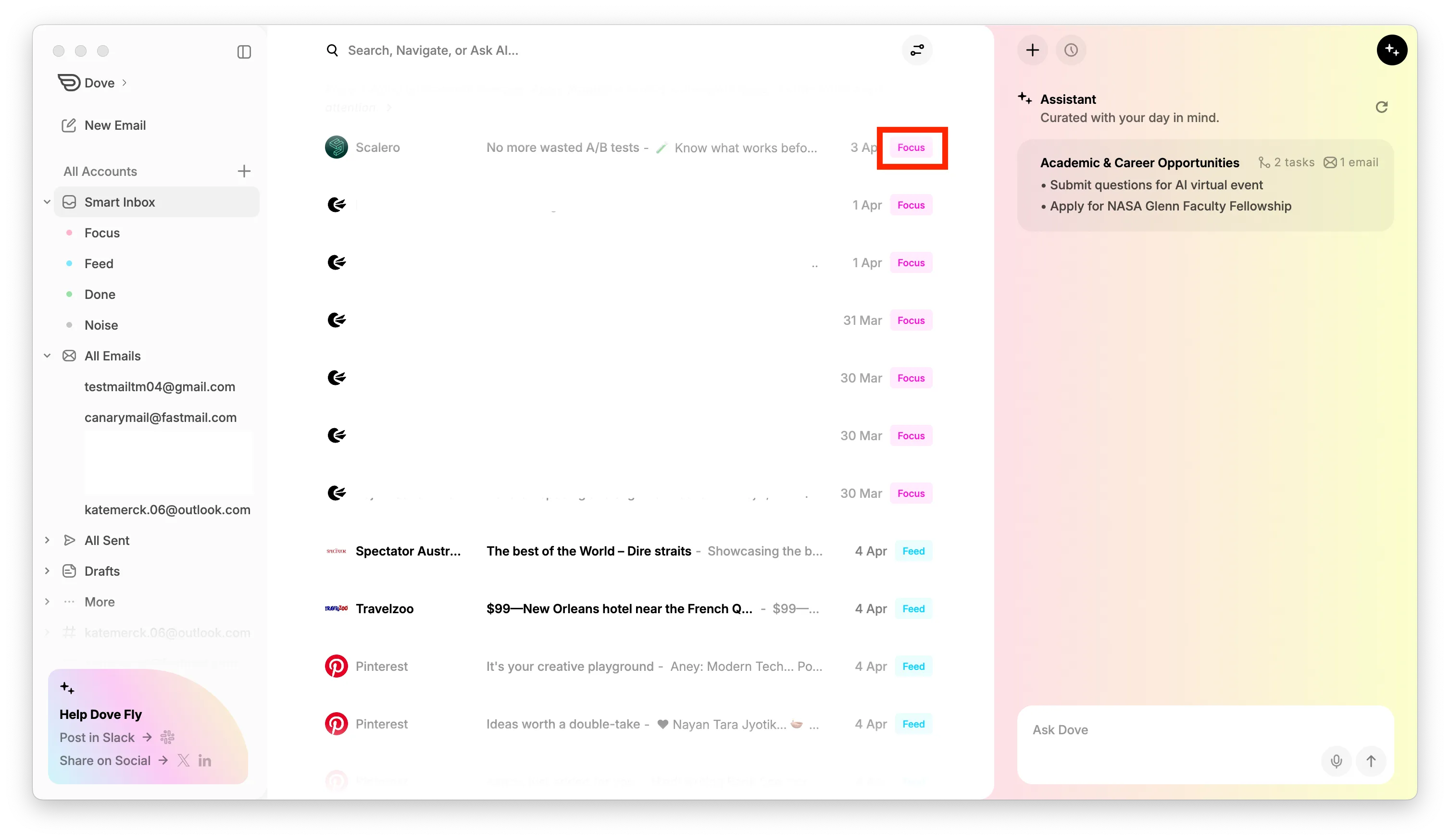
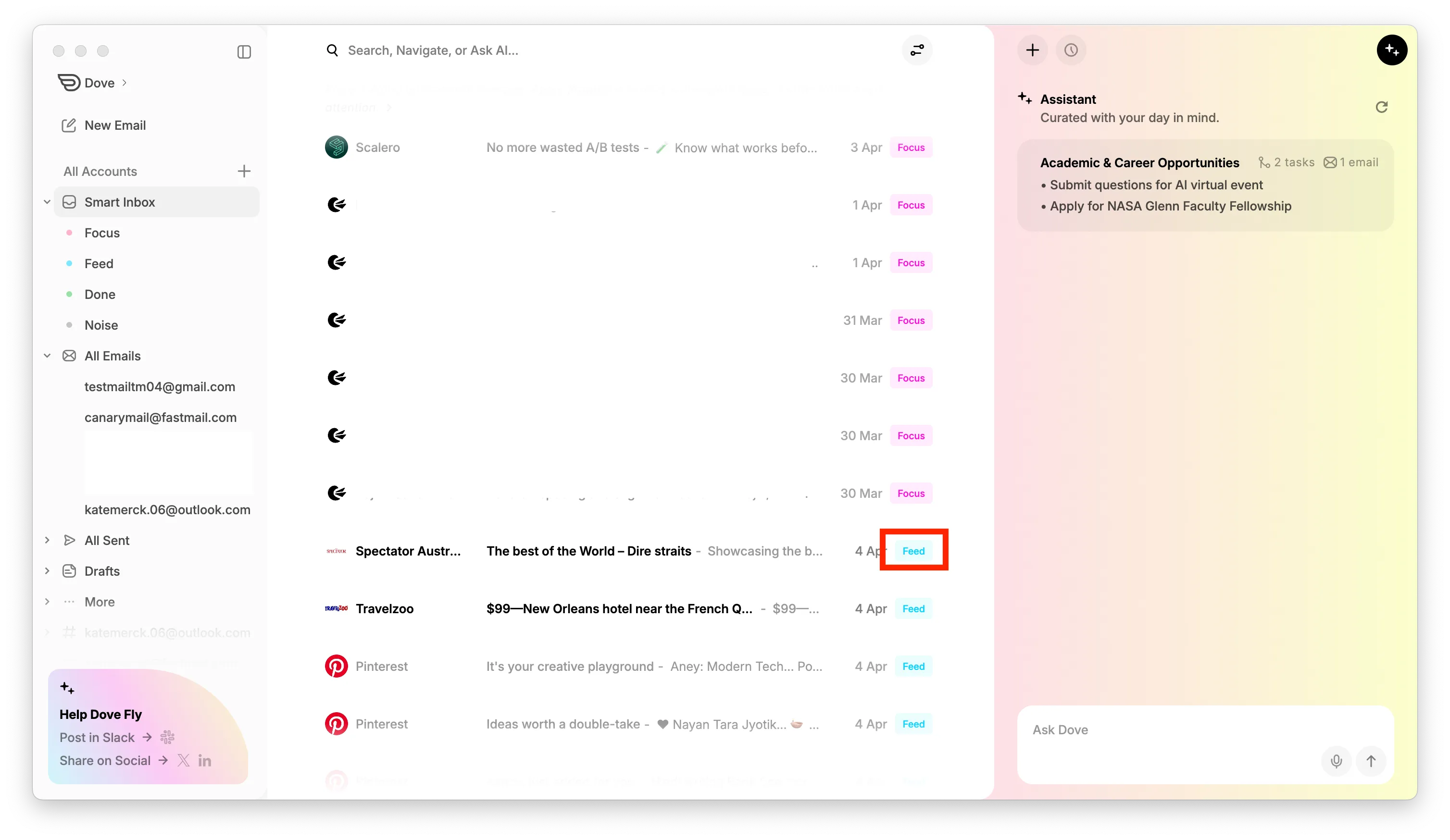
The category label appears on each email on the right side in the email list:
Focus is shown in pink
Feed is shown in blue
Email Grouping in Smart Inbox
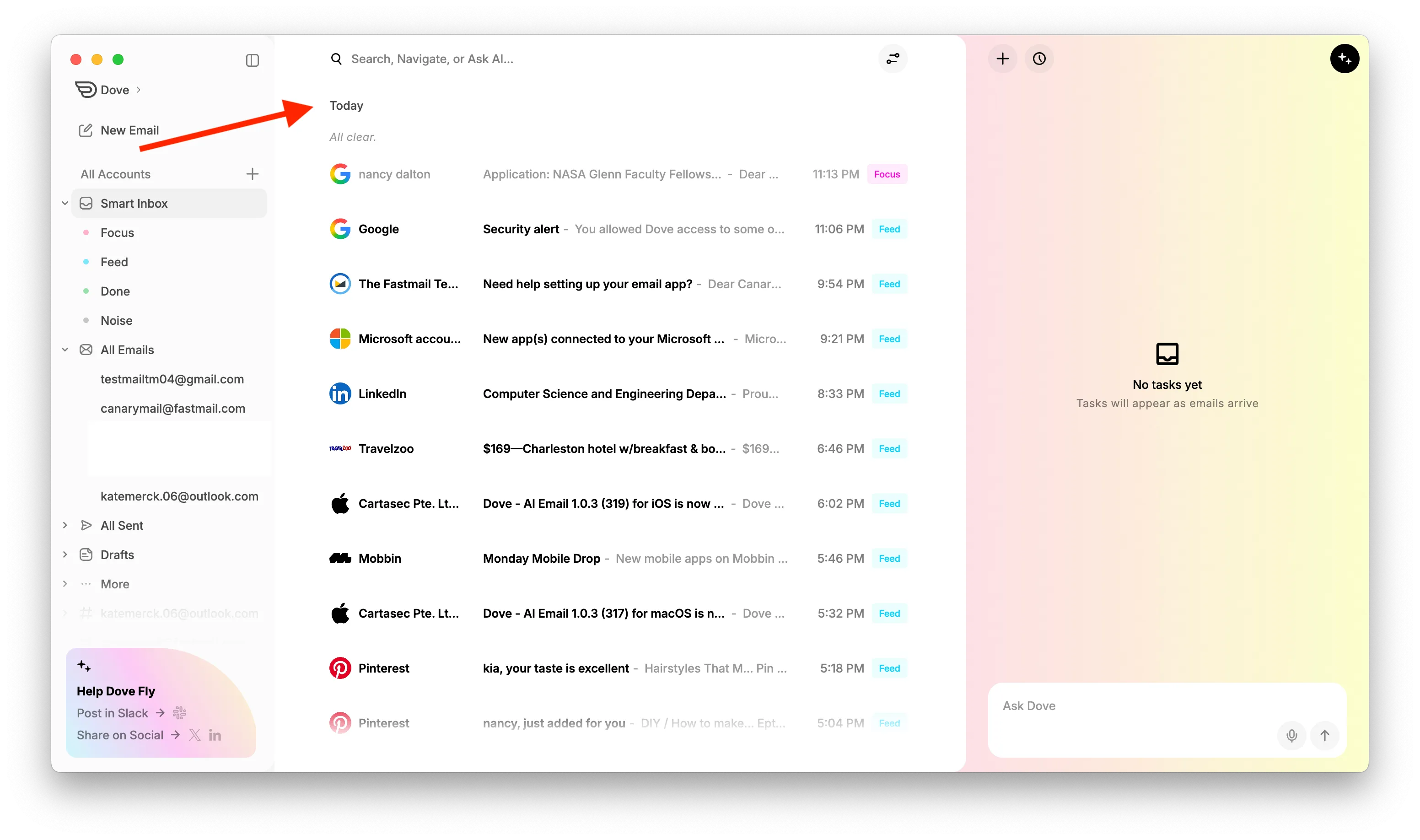
In Smart Inbox, emails are organized by time and category to help you quickly scan your inbox.
Emails appear in the following structure:
Today → Focus, Feed, Noise
Yesterday → Focus, Feed, Noise
Last Week → Focus, Feed, Noise
Last Month → Focus, Feed, Noise
Noise emails are shown as a collapsed dropdown within each section to reduce clutter.
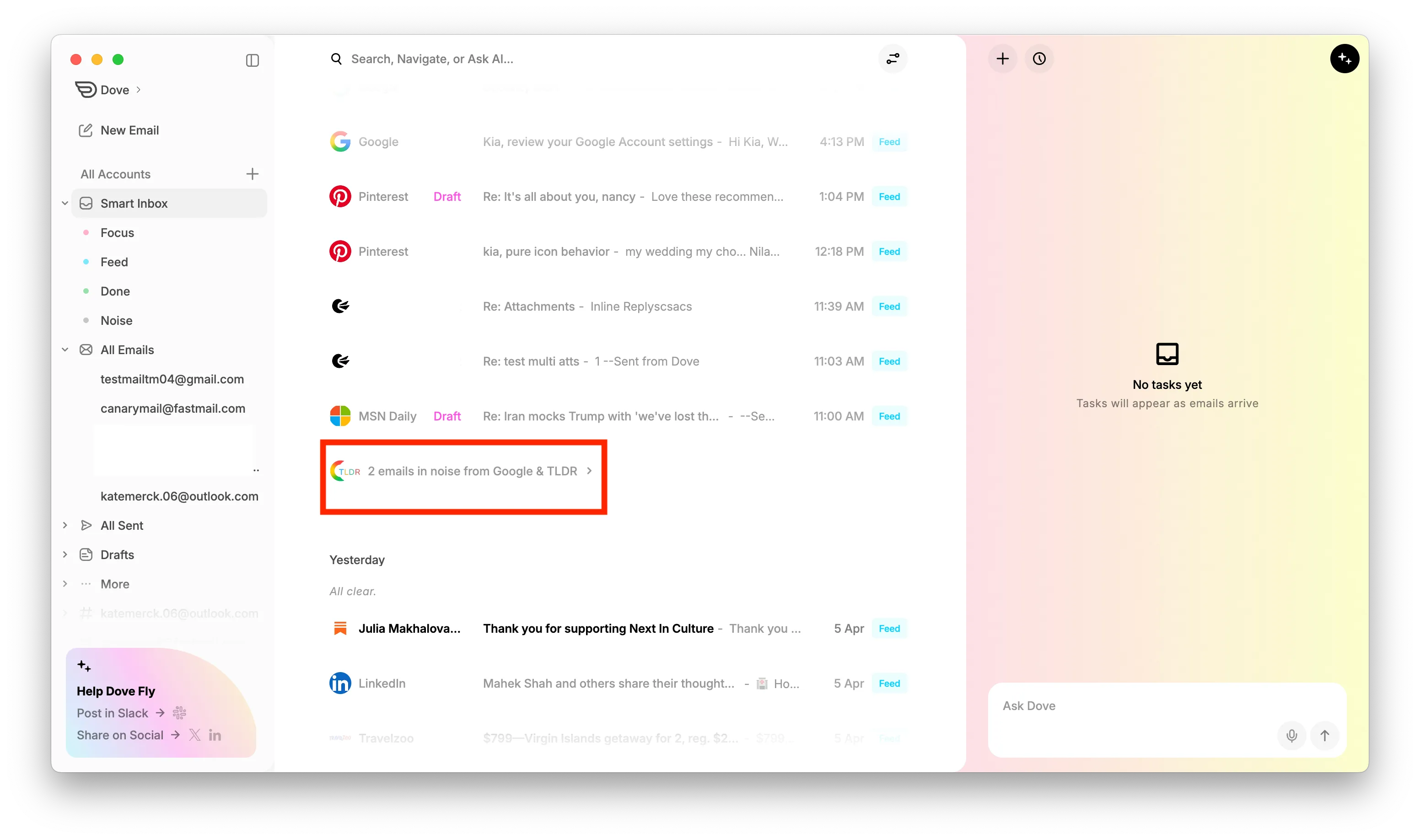
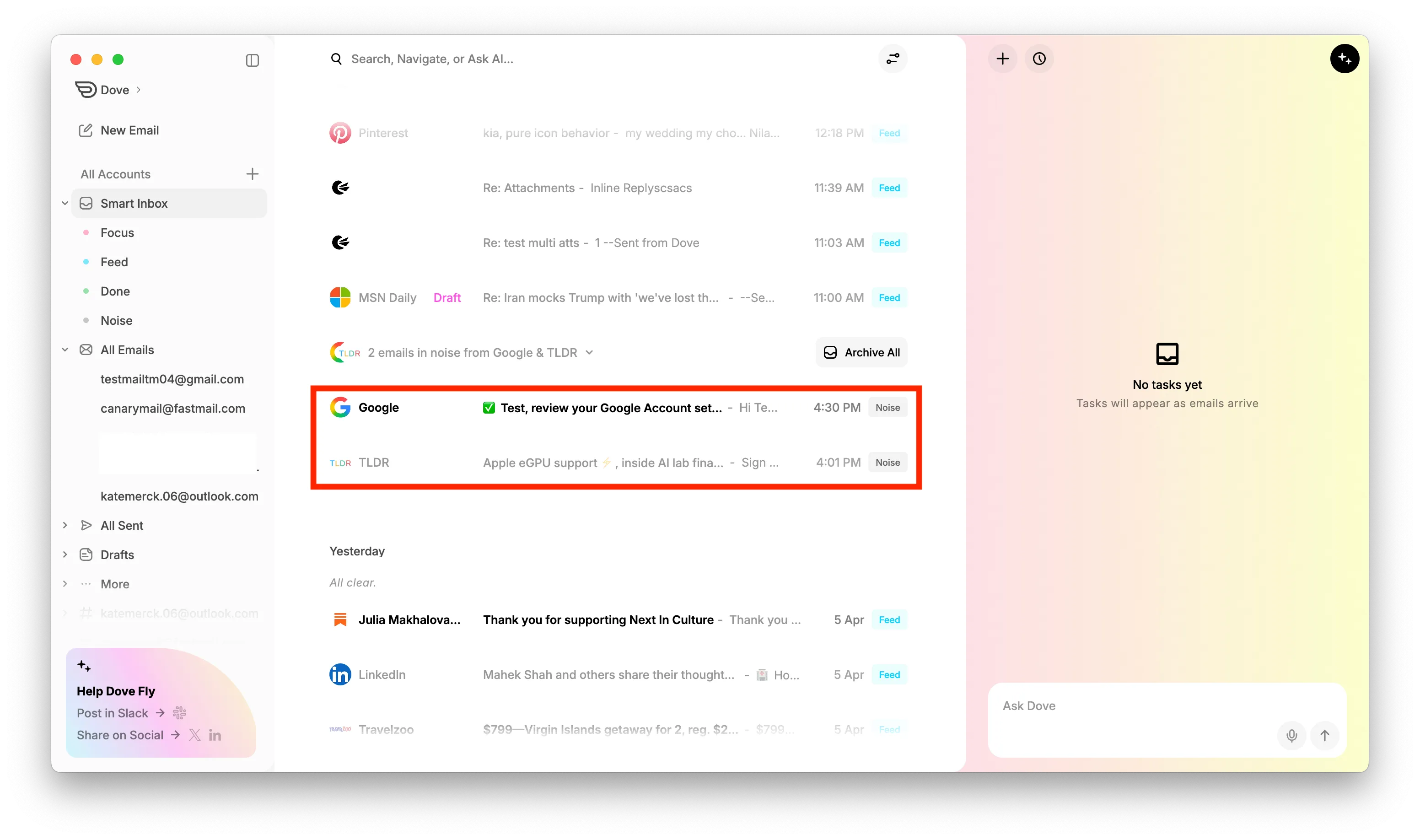
Note: Classification labels are primarily applied to emails from the past 7 days.
Open Dove.
On the sidebar click Smart Inbox.
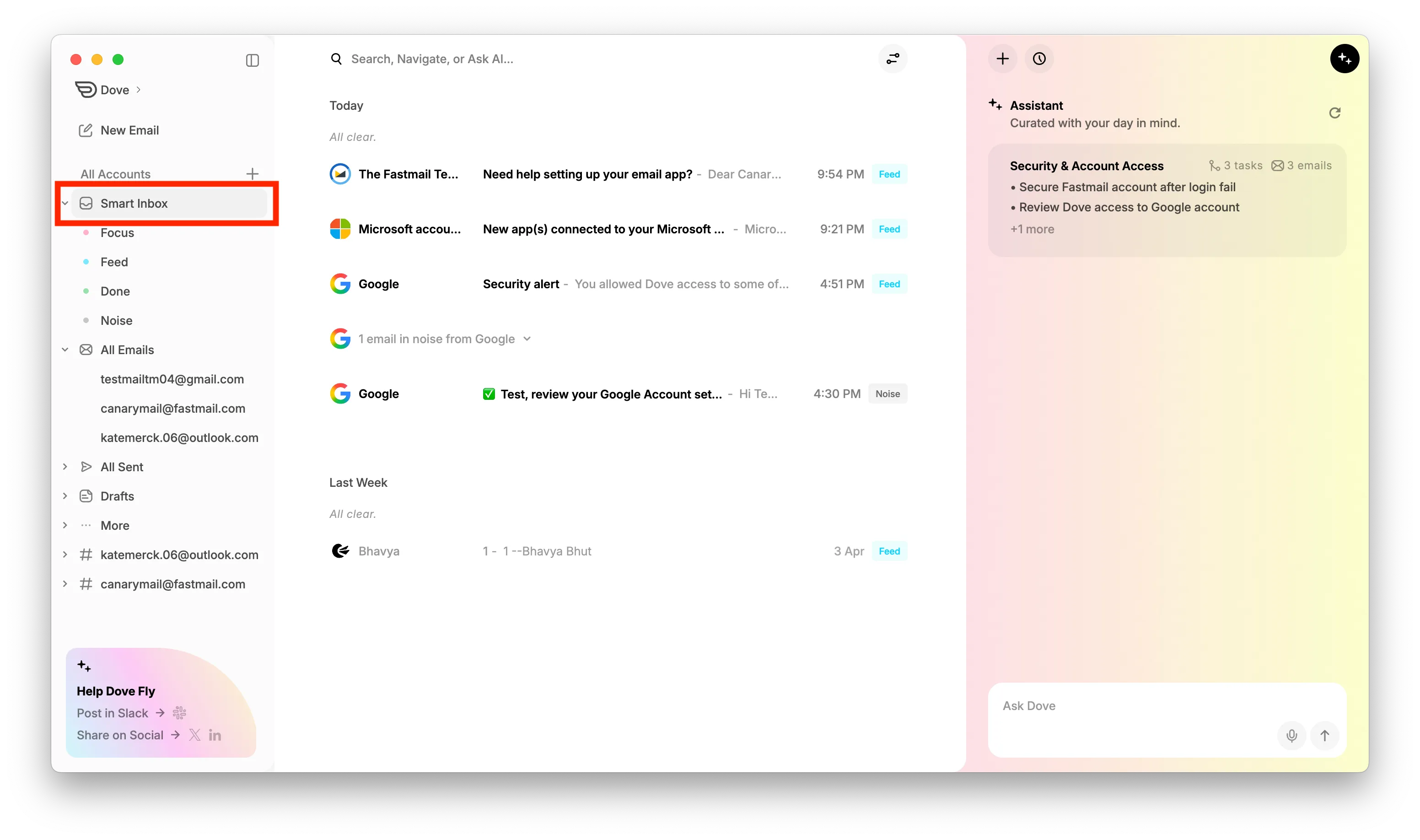
You can also view Focus, Feed, and Noise emails separately by clicking on the Smart Inbox dropdown on the sidebar.
Click on Focus, Feed, or Noise to view emails from that specific category
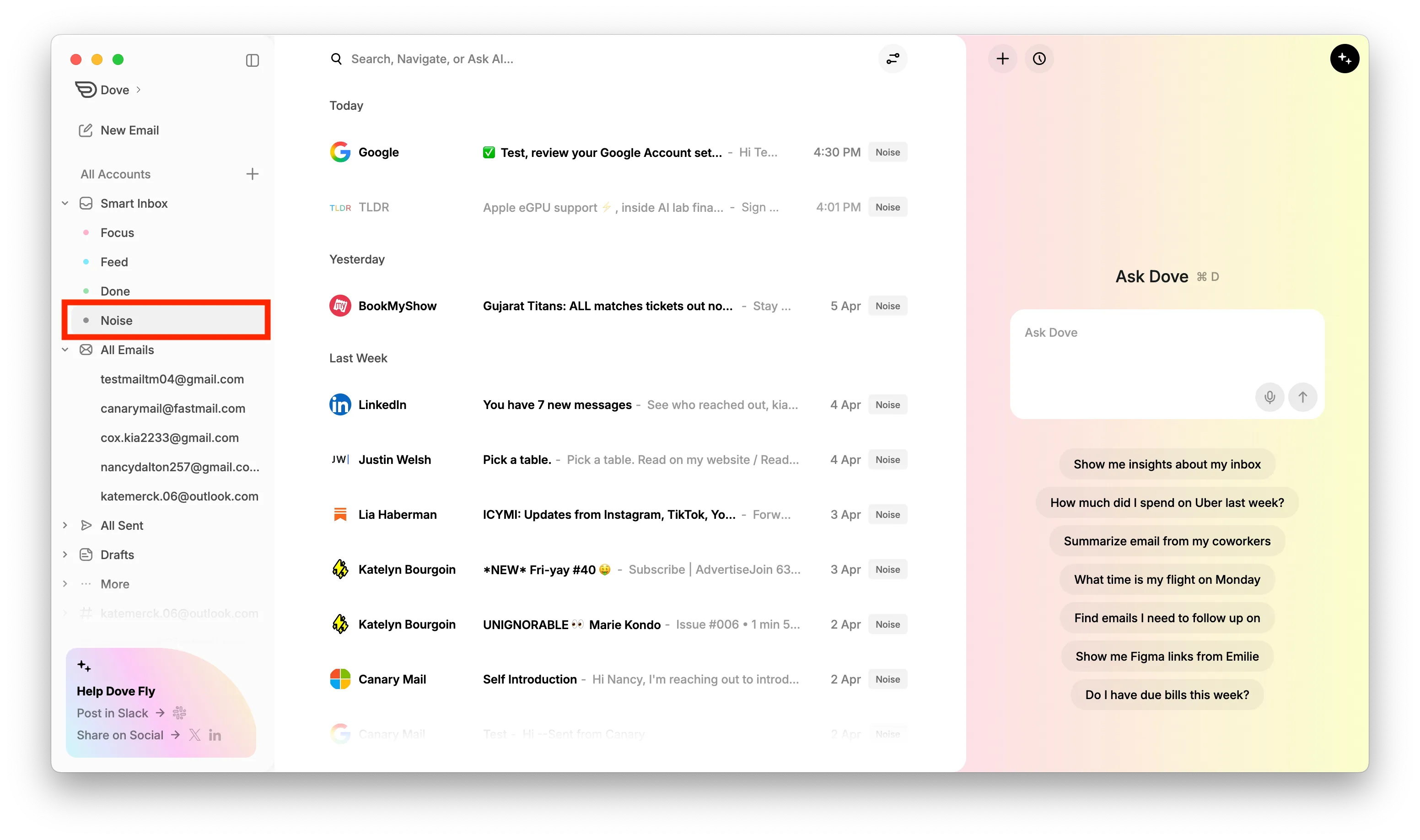
Smart Inbox helps you focus on important emails while keeping less relevant emails out of view.
More from Dove
Related articles
August 11, 2026
Keyboard Shortcuts in Dove
Every keyboard shortcut in the Dove desktop app for macOS and Windows - navigation, triage, compose, search, and Ask Dove - plus how to view and rebind them.
April 21, 2026
Tasks in Dove
Dove helps you stay productive by automatically creating a task list from your emails. These tasks appear in the Dove Assistant panel on the right side when you are in Smart Inbox.

April 21, 2026
Manage Notifications in Dove
Dove allows you to customize notifications so you only get alerted for important emails. By enabling Smart Notifications, Dove will notify you only for emails classified as Focus and Feed, while avoiding notifications for Noise emails.