'/%3e%3c/g%3e%3c/svg%3e)

How to Stop Wasting Time on Email in 2026
Spending hours in your inbox every day? Here's how to cut email time in half with smarter workflows, AI triage, and systems that handle the busywork for you.
The average professional spends 28% of their workweek on email. That’s more than 11 hours, roughly a day and a half, every week. And most of that time isn’t spent on anything important. It’s scanning, sorting, re-reading, and deciding what to do next with messages that probably didn’t need your attention in the first place.
The fix isn’t “check email less” or “unsubscribe from everything.” Those tips address symptoms. The real problem is that most inboxes dump every message into one undifferentiated pile and expect you to sort through it manually, over and over, every single day.
Here’s what actually works to cut your email time in half without missing anything that matters.
The Real Problem: You’re Doing Your Inbox’s Job
Most email clients treat every message the same. A contract renewal from your biggest client sits next to a shipping notification from Amazon, which sits next to a newsletter you signed up for three years ago. You have to read each subject line, assess its importance, and decide what to do with it.
That assessment loop is the time killer. It’s not the replying. It’s the deciding. Research from the McKinsey Global Institute found that knowledge workers spend roughly 2.6 hours per day on email, and the majority of that time goes to processing and organizing rather than composing actual responses.
When you eliminate the sorting step, everything gets faster. You open your inbox, see only what needs your attention, and handle it. No scrolling through 40 messages to find the three that matter.
Let AI Handle the Sorting
The single biggest time savings comes from removing manual triage entirely. Instead of scanning every message yourself, let software do it.
Dove
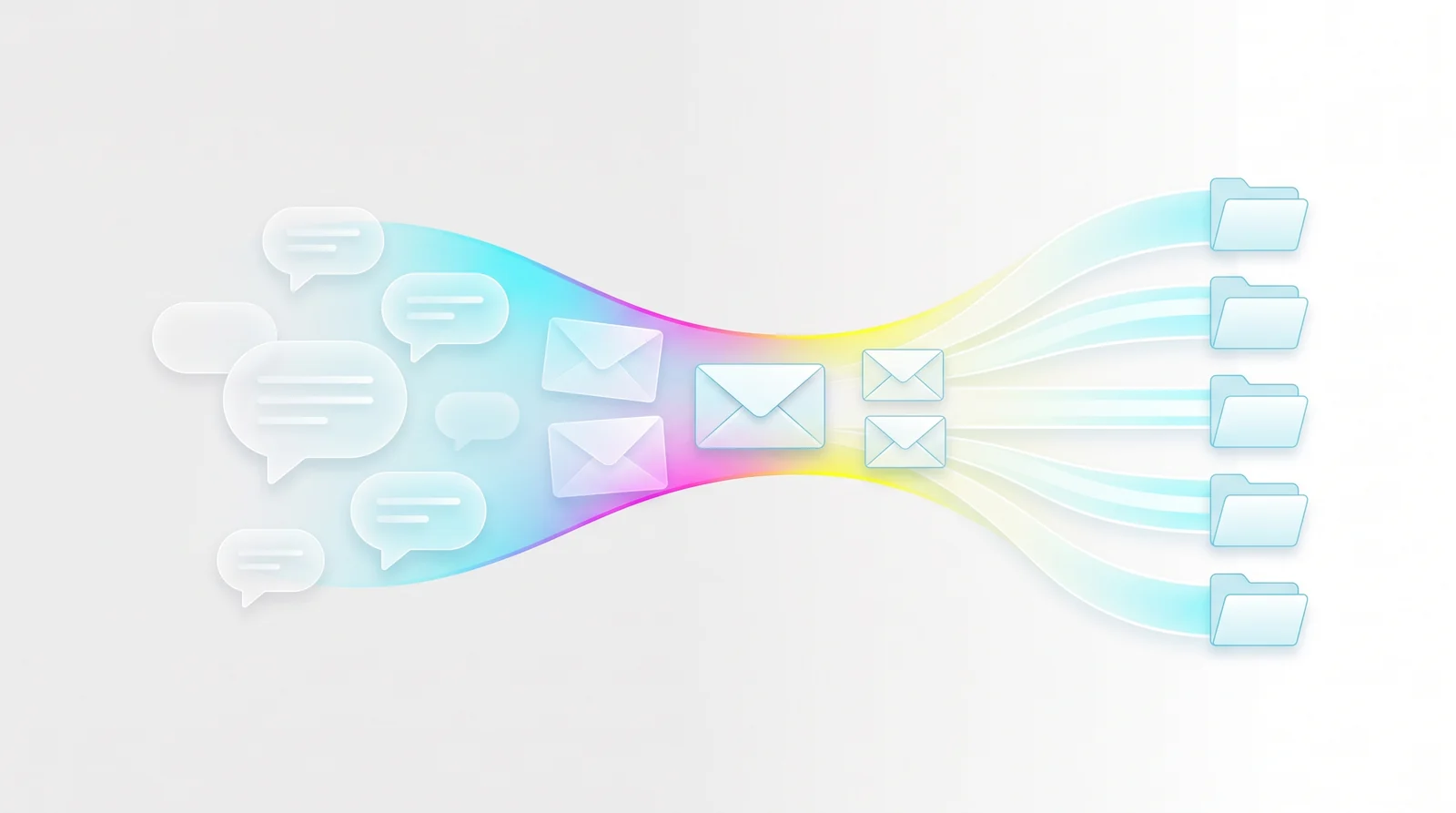
Dove sorts every incoming message into three categories before you open your inbox:
Focus - messages that need your attention or a reply
Noise - newsletters, promotions, automated notifications
Done - messages already handled or requiring no action
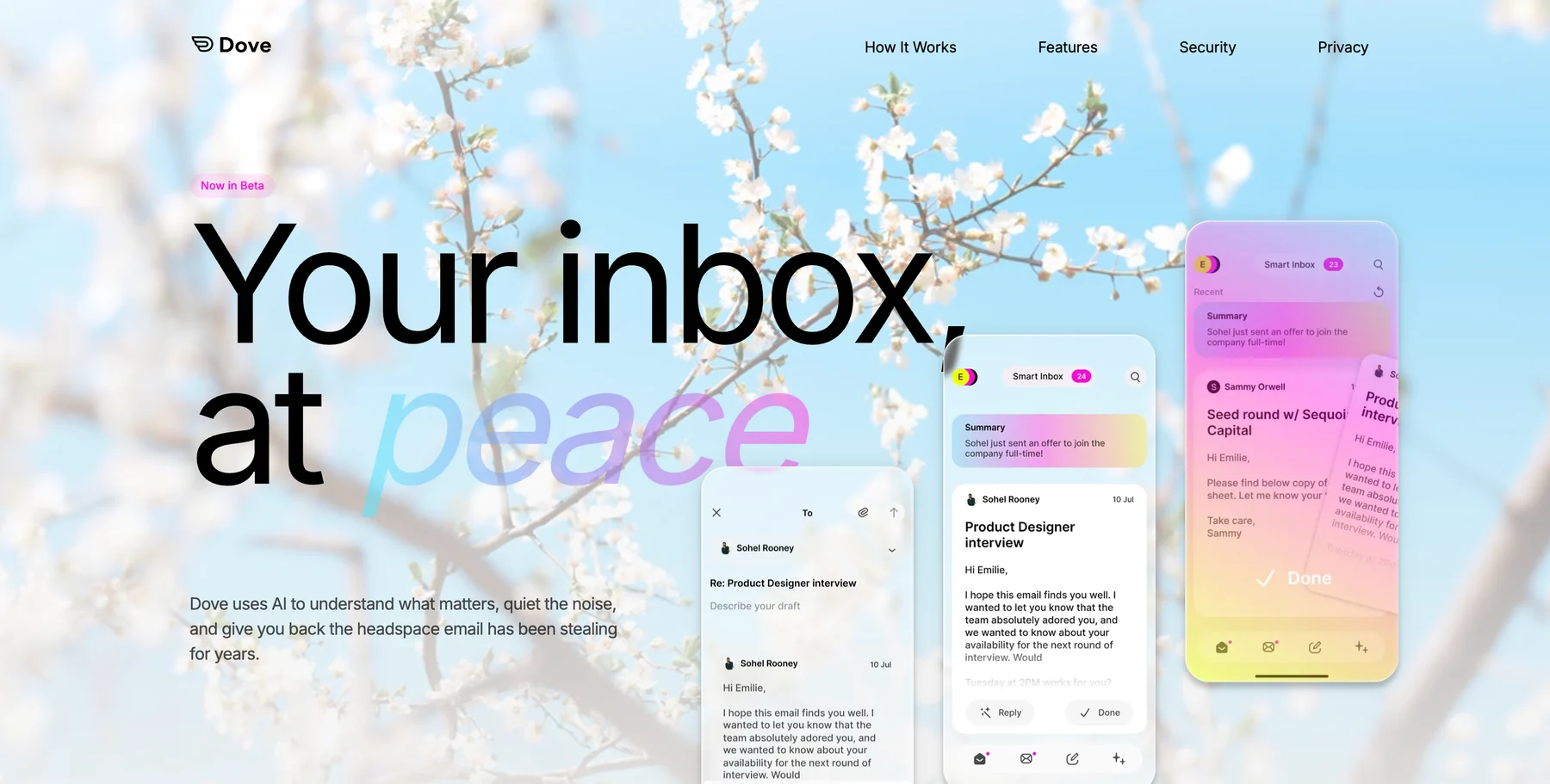
The AI learns from your behavior over time. It watches who you reply to quickly, what you archive without reading, and which senders always get priority. After a few days, the triage is sharp enough that you can skip your Noise folder entirely and go straight to Focus.
This is different from Gmail’s tabs or Outlook’s Focused Inbox, which rely on static rules. Dove’s sorting adapts to you specifically, not to a generic model of what “important” means.
Canary Mail
Canary Mail takes a privacy-first approach. It offers AI-powered email categorization and prioritization while keeping your data encrypted end-to-end. Canary is a more traditional email client with optional AI features layered on top, which makes it a strong choice if you want smart sorting without giving up a conventional inbox layout.
Build a Processing Schedule (and Stick to It)
Once your inbox pre-sorts itself, the next step is batching. Instead of checking email throughout the day and losing focus every time, set two or three dedicated processing windows.
A schedule that works for most professionals:
Morning (9:00 AM) - Process overnight messages. Handle Focus items, skim Noise briefly.
After lunch (1:00 PM) - Catch up on anything that arrived during your deep work block.
End of day (4:30 PM) - Clear the remaining queue. Flag anything that needs tomorrow’s attention.
Between those windows, close your email tab and turn off notifications. This sounds aggressive, but truly urgent messages almost never arrive only via email. If something is genuinely time-sensitive, it comes through a call, a text, or a Slack ping.
The productivity gains here are real. A study from the University of British Columbia found that limiting email checks to three times per day significantly reduced stress and increased sense of daily accomplishment compared to unlimited checking.
Stop Re-Reading the Same Threads
Long email threads are black holes for attention. You scroll through 15 messages looking for the one detail that changed. Was it the delivery date? The pricing? Who approved the revised scope?
AI thread summarization eliminates this problem entirely. Dove’s Wingman feature reads the entire thread and surfaces what matters: changed terms, overdue items, open questions, and suggested next steps. Instead of scrolling, you get a brief.
This is especially valuable when you’re CC’d on a thread mid-conversation. Rather than reading every previous message to understand the context, you get caught up in seconds.
Even without AI summaries, you can save time by adopting a simple thread discipline: when replying to a long chain, summarize the current state of play at the top of your reply. This helps everyone in the thread, not just you, and reduces the number of “wait, what did we decide?” follow-up messages.
Extract Tasks from Email Immediately
One of the biggest time wasters is using your inbox as a to-do list. You read an email, think “I need to handle this later,” and leave it sitting in your inbox. Then you re-read it during your next processing window. And the next one. And the next.
Every re-read is wasted time. The fix is extracting tasks from email the moment you identify them, then archiving the message.
Dove’s Daily Tasks feature does this automatically. Each morning, the AI scans your Focus messages and extracts a prioritized task list grouped by project. Tasks are categorized as Action, Follow Up, Upcoming, or Done. You get a clear picture of what needs doing without re-reading any threads.
If you prefer a manual approach, the rule is simple: if an email requires action beyond a quick reply, move the task to your actual task manager (Todoist, Things, Notion, a simple text file) within 60 seconds, then archive the email. Your inbox processes messages. Your task manager tracks work. Don’t mix them.
Write Shorter Emails
This one cuts time on both ends. Shorter emails are faster to write and faster to read, which means faster replies, which means fewer follow-ups.
Practical guidelines:
Lead with the ask. Put your question or request in the first sentence. Context goes below.
Use bullet points for multiple items. Dense paragraphs get skimmed, and important details get missed.
Cap it at five sentences. If your reply needs more than five sentences, it probably needs a call instead.
Drop the filler. “Hope this finds you well” and “Just wanted to circle back” add nothing. Start with the substance.
Short emails aren’t rude. They’re respectful of the other person’s time. Nobody has ever complained about a message being too clear and too concise.
Kill the Notification Drip
Push notifications for email are the single worst productivity default on any phone or computer. Every buzz pulls your attention away from whatever you’re doing, and the cognitive cost of switching back is significant. Research suggests it takes roughly 23 minutes to fully refocus after an interruption.
Turn off all email push notifications. Every platform, every device. If you’re batching your email processing (and you should be), you don’t need real-time alerts for new messages. You’ll see them during your next processing window.
If you’re worried about missing something genuinely urgent, set up a VIP notification list. Most email clients let you create a short list of senders (your boss, your biggest client, your co-founder) who bypass the notification block. Everything else waits.
Unsubscribe Aggressively
Every newsletter and promotional email you receive adds to your processing load, even if you never open it. The subject line still demands a fraction of your attention as you scan past it.
The 30-day rule works well here: if you haven’t opened a recurring email in the past 30 days, unsubscribe. Not “snooze.” Not “filter to a folder.” Unsubscribe. Fewer incoming messages means less to process, which means your batch sessions stay short and focused.
If your inbox is deeply cluttered, set aside 20 minutes for a bulk cleanup session. Scroll through the past month, identify every recurring sender you don’t read, and unsubscribe from all of them in one pass. Tools like Unroll.me and Clean Email can accelerate this by showing every subscription tied to your address.
Use Templates for Repetitive Replies
If you type the same kind of response more than twice a week, you should have a template for it. Meeting confirmations, project status updates, common client questions, introduction emails. These don’t need fresh prose every time.
A solid template library saves 15 to 30 minutes per day for professionals handling high-volume correspondence. The setup investment is a single afternoon. The return is weeks of recovered time per year.
Most email clients support this natively. Gmail has Templates (Settings > Advanced). Outlook has Quick Parts. Dove’s AI Assist can draft contextual replies based on the thread content, which goes a step further than static templates by adapting the response to the specific conversation.
Measure Your Progress
You can’t improve what you don’t measure. For one week, track two numbers:
Total time in email per day (use a simple timer or a tool like RescueTime)
Number of times you check email per day (tally marks on a sticky note work fine)
Most people are shocked by both numbers. The average is 15 email checks per day and 2 to 3 hours of total email time. After implementing even half the strategies above, you should see those numbers drop meaningfully within two weeks.
The goal isn’t to reach some arbitrary target. It’s to spend your email time on messages that actually matter and eliminate the time spent sorting, re-reading, and context-switching on everything that doesn’t.
Frequently Asked Questions
How much time does the average person spend on email?
Research from the McKinsey Global Institute puts it at roughly 2.6 hours per day for knowledge workers. Other studies estimate 28% of the total workweek, which works out to more than 11 hours. Most of that time goes to scanning, sorting, and organizing rather than writing actual replies.
What is the fastest way to reduce email time?
AI-powered triage is the single biggest lever. Tools like Dove automatically sort incoming messages into Focus, Noise, and Done categories so you skip the manual scanning entirely. Combining AI triage with batched processing (checking email two or three times per day instead of continuously) typically cuts email time by 40 to 60 percent.
Is it okay to only check email a few times per day?
Yes. Most emails do not require a reply within 30 minutes. Truly urgent matters almost always arrive through faster channels like a phone call, text, or Slack message. Setting two or three dedicated processing windows and closing your inbox between them reduces context-switching and increases focus on deeper work.
How do I stop using my inbox as a to-do list?
When an email requires action beyond a quick reply, move the task to a dedicated task manager (Todoist, Things, Notion, or even a simple text file) and archive the email immediately. Dove’s Daily Tasks feature automates this by extracting a prioritized task list from your Focus messages every morning.
Do email templates actually save time?
A well-maintained template library saves 15 to 30 minutes per day for professionals handling high volumes of similar messages. The setup takes a single afternoon. Meeting confirmations, project status updates, and common client questions are strong candidates for templates because they follow predictable patterns.
The Bottom Line
Email isn’t going away. But the way most people handle it is fundamentally broken. They treat every message as equally important, process their inbox reactively throughout the day, and let notifications control their attention.
The professionals who spend 30 minutes on email instead of three hours aren’t more disciplined. They’ve built systems that handle the sorting, extracting, and prioritizing before they ever open their inbox. The tools exist. The question is whether you’ll set them up.
Start with AI triage and batched processing. Those two changes alone will cut your email time significantly. Add task extraction and shorter emails, and you’ll wonder how you ever spent three hours a day on your inbox.
More from Dove
Recent posts
August 17, 2026
Best Email App for Multiple Accounts in 2026
Juggling more than one inbox? Here is the best email app for multiple accounts in 2026, plus two other ways to fix inbox overwhelm for good.
July 1, 2026
Best Airmail Alternatives in 2026
The best Airmail alternatives in 2026 compared. See platform support, pricing, strengths, and weaknesses for Dove, Canary Mail, Spark Mail, Mimestream, Edison Mail, Shortwave, Outlook, and Apple Mail.
June 30, 2026
Best Spike Alternatives in 2026
The best Spike alternatives in 2026 compared. See platforms, pricing, strengths, and weaknesses for Dove, Shortwave, Spark, Missive, and Superhuman.