

How to Unsubscribe From Emails in Gmail, Including Mass Unsubscribe
The fastest way to unsubscribe from emails in Gmail is the Manage subscriptions page. On a computer, click More in the left menu, then Manage subscriptions, and click Unsubscribe next to each sender you don't want. In the Gmail app on iPhone or Android, tap Menu at the top left, then Manage subscriptions, then Unsubscribe. Gmail sends the request for you, so you never open the sender's website.
That's also how you mass unsubscribe in Gmail. Manage subscriptions lists every mailing list that writes to you, with the most frequent senders first, so you can work down the list in a few minutes. It's free and built in, and no other company gets access to your mail.
Unsubscribing stops new mail. It doesn't remove the emails you already have, so this guide also shows how to clear those out. We checked every step against Google's own help pages on November 16, 2026.
How to unsubscribe from emails in Gmail on a computer
Open Gmail in your browser.
In the menu on the left, click More, then Manage subscriptions.
You'll see your mailing lists, sorted by how often each one emails you, with a count of how many emails it sent recently.
Next to a sender you don't want, click Unsubscribe.
Confirm in the pop-up. For some senders, Gmail offers Go to website or Block instead, because they only let you unsubscribe on their own site.
Click a sender's name before you unsubscribe to see all their recent emails. Google suggests doing this, and it's a good check that you aren't dropping the list your receipts or school updates come from.
How to unsubscribe in the Gmail app on iPhone and Android
Open the Gmail app.
At the top left, tap Menu (the three lines).
Scroll down and tap Manage subscriptions.
On the right, next to the sender, tap Unsubscribe.
The steps are the same on Android and iPhone and iPad.
Don't see Manage subscriptions?
Google announced Manage subscriptions on July 8, 2025 and is rolling it out gradually, to "select countries" that it doesn't name. Google says it's available to personal Google accounts and to every Google Workspace plan, with no admin setting to turn it off. If you don't see it, update the Gmail app, look under More on the web, and use the one-email method below in the meantime.
How to unsubscribe from one email in Gmail
This works on a computer and in the app, and it's handy when a newsletter is open in front of you.
Open the email.
Next to the sender's name at the top, click or tap Unsubscribe.
In the pop-up, choose Unsubscribe, or Go to website if the sender wants you to finish on their site.
Google notes that unsubscribing from one email may only take you off one of that sender's lists. A shop can have separate lists for sales, new arrivals and its loyalty scheme. Manage subscriptions unsubscribes you from all of that sender's active lists at once, which is another reason to use it.
How to mass unsubscribe in Gmail
There's no "unsubscribe from everything" button in Gmail, and you wouldn't want one: it would take you off your bank's alerts and your kid's school list too. The quick way is to work through Manage subscriptions from the top.
A 10-minute routine that works:
Open Manage subscriptions. The senders at the top email you the most, so they're the ones worth dropping first.
Unsubscribe from anything you haven't opened in a month. If you're not sure, click the sender and look at the last few emails.
Keep the ones you'd miss. A store you still buy from can stay; you can always come back later.
Stop at the bottom of the first screen. Senders further down email you rarely. They aren't the reason your inbox is full.
Delete the old mail from the senders you just dropped (next section).
Unsubscribing doesn't delete old emails. Here's how to clear them
When you unsubscribe through Manage subscriptions, Google says new emails from that sender go to Spam with a banner explaining why. Google's help pages only describe what happens to new mail; they don't say anything about removing the emails you already have. To get rid of those yourself:
In the Gmail search box, type from: followed by the sender's address, for example from:deals@example.com, and press Enter.
Tick the select box above the list. If there are more emails than fit on one page, Gmail shows a link to select every conversation that matches. Click it.
Click Delete.
For bigger cleanups, search for groups instead of senders. category:promotions older_than:6m finds every promotion over six months old. larger:10M finds the big attachments that eat your storage. Google's search operator list has the rest.
Deleted mail stays in Trash for up to 30 days, so you can undo a mistake. Empty the Trash once you're sure if you need the storage back now.
Stop mail from senders without an Unsubscribe button
Not every email has an Unsubscribe button next to the sender's name. Google says some senders require you to unsubscribe on their website instead. Since February 2024, Google has required anyone sending more than 5,000 emails a day to Gmail to offer one-click unsubscribe, so big brands nearly always have it. Small senders often don't.
For those, you have three options:
Use the sender's own link. Most marketing emails have an unsubscribe link at the bottom. Use it only for senders you recognize and signed up with.
Block the sender. Open the email, click More (the three dots) and choose Block. Google says blocking doesn't unsubscribe you; it sends their future mail to Spam.
Filter it. On a computer, click Show search options in the search box, enter the sender's address in From, click Create filter, and choose to delete it or skip the inbox. Every new email from that sender then goes straight to Trash or your archive. (Google's filter steps)
Don't unsubscribe from real spam. If an email is a scam or you never signed up, don't click links in it. Select it and click Report spam instead. Google's spam help page says not to open links in suspicious emails.
A warning about one popular tip. Some guides, and Google's own AI answer for "gmail mass unsubscribe", suggest making a filter for every email containing the word "unsubscribe" and setting it to delete. Don't. Bank statements, receipts, school emails and nearly every service you use put the word "unsubscribe" in their footer. That filter would quietly delete them all.
Still getting emails after unsubscribing?
Give it a few days. Google says senders can take a few days to process the request. Its rules for bulk senders ask them to honor it within two days.
It may be a different list. If you unsubscribed from a single email, you may still be on the same company's other lists. Use Manage subscriptions to catch them all.
It's going to Spam, not your inbox. After you unsubscribe with Manage subscriptions, new emails from that sender go to Spam. That's Gmail doing its job.
The sender is ignoring you. Block them or set a filter to delete their mail, and report it as spam if it keeps coming.
Should you use an unsubscribe app instead?
For most people, no. Gmail's own tools now do the main job for free. An app helps when you have a huge backlog to clear across several accounts, or want rules that keep only the newest email from a sender.
If you do use one, read how it makes money first. Some of the most popular free unsubscribe apps are funded by selling data from your shopping emails. We compared what each one costs and reads in our guide to email cleaner apps. There's also a short-cut you'll see on social media: typing #sub at the end of the Gmail web address to open Manage subscriptions. It may work for you, but Google doesn't document it, so the menu is the safer route.
Where Dove fits
Dove is our email app, made by the team behind Canary Mail, so take this section with that in mind. Dove works with Gmail and Google Workspace accounts (and Outlook, iCloud, Yahoo and IMAP), and it handles newsletters in two ways:
It sorts them out of the way. Dove puts every new email into Focus, Feed or Noise. Promotions and newsletters you never read land in Noise, so the mail that needs you isn't buried while you decide what to unsubscribe from.
It unsubscribes in one tap. Unsubscribe is in the email menu and can be set as a swipe action. Dove uses the sender's one-click unsubscribe when there is one.
Dove isn't a bulk cleaner, and it doesn't replace Manage subscriptions for clearing years of mail. The sorting is part of Dove Pro, which costs $20 a month or $200 a year after a 7-day trial that asks for a card; the free plan includes 10 AI actions a day (Dove's pricing).
For other ways to get email under control, see our guide to the best email management software.
FAQ
How do I unsubscribe from a lot of emails in Gmail at once?
Use Manage subscriptions. On a computer it's under More in the left menu; in the app, tap Menu, then Manage subscriptions. It lists all your mailing lists, most frequent first, with an Unsubscribe button beside each. There's no single button for all of them, but you can get through 20 or 30 senders in a few minutes.
Can I unsubscribe from all emails at once in Gmail?
No. Gmail has no "unsubscribe from all" option, and that's deliberate: it would also take you off lists you need, such as account alerts. Manage subscriptions is the quickest safe way.
How do I stop receiving unwanted emails in Gmail?
Unsubscribe from mailing lists you signed up for. Block senders who ignore unsubscribe requests. Report actual spam with Report spam so Gmail learns. For a sender who keeps writing, create a filter that deletes their mail automatically.
What is the fastest way to unsubscribe from emails?
Gmail's Manage subscriptions page. Each sender takes one click, Gmail sends the request for you, and you don't visit any websites.
Why am I still getting emails after unsubscribing?
The sender may not have processed it yet (Google says it can take a few days), you may be on another of their lists, or they're ignoring the request. If you used Manage subscriptions, new mail from them should go to Spam.
Does unsubscribing in Gmail delete old emails?
No. It stops new ones. To clear the old ones, search from: plus the sender's address, select all the conversations that match, and click Delete.
How do I delete 50,000 emails at once in Gmail?
Search for the group you want gone, such as category:promotions older_than:1y. Tick the select box, click the link to select every conversation that matches the search, then click Delete.
Is it safe to click unsubscribe in Gmail?
The Unsubscribe button next to the sender's name is safe: Gmail sends the request for you. Be careful with unsubscribe links inside emails you don't recognize. For suspected spam, use Report spam instead of clicking anything.
More from Dove
Recent posts
November 16, 2026
How to Set Out of Office in the Outlook App (iPhone, Android, Windows, Mac and Web)
Exact steps to turn on automatic replies in Outlook on every device, checked against Microsoft's support pages in November 2026, plus the fix when the option is missing.
November 16, 2026
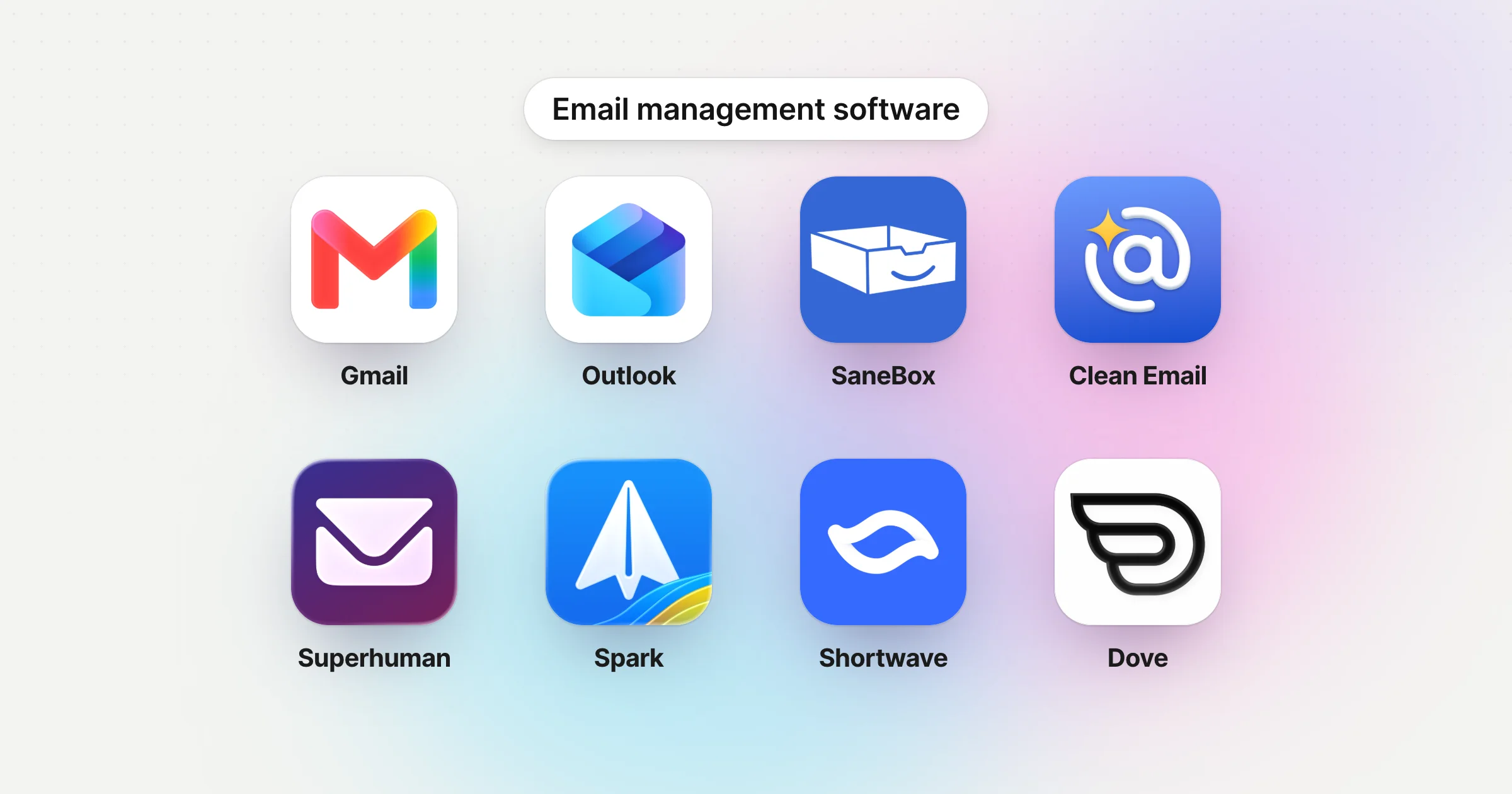
The Best Email Management Software in 2026, for Your Inbox and Your Team's
Email management software for people who want their inbox under control, and for teams sharing one. We checked every price on the vendor's own site, started with what Gmail and Outlook already do for free, and gave every tool a real downside.
November 11, 2026
Postbox Alternatives: What to Use Now That Postbox Is Gone
Postbox stopped being sold or developed in October 2024. Here's what to move to on Mac or Windows, which app keeps the Postbox features you used, and how to bring your mail and settings across.