

The Best Email Management Software in 2026, for Your Inbox and Your Team's
The best email management software depends on which problem you have. For most people with a busy inbox, the best place to start is free: the tabs, filters, snooze and unsubscribe tools already in Gmail and Outlook. If that isn't enough, SaneBox is the best email management tool for keeping the email app you already use, because it moves unimportant mail out of your inbox in the background. Clean Email is best for clearing a huge backlog. If you'd rather switch to an app that sorts and drafts for you, look at Superhuman, Spark, Shortwave or Dove. And if a team shares an inbox such as support@ or sales@, you need a shared inbox tool like Front, Missive, Help Scout or Hiver instead.
Disclosure: Dove is made by the team behind Canary Mail. Dove appears on this list, marked "(ours)". We checked every price below on the vendor's own site on November 16, 2026, and every tool, ours included, gets one real downside.
Quick picks
Best free option: Gmail's and Outlook's own tools. Tabs, filters, snooze, Manage subscriptions in Gmail, and Focused Inbox, rules and Sweep in Outlook.
Best for keeping your current email app: SaneBox. Works with almost any account and any app.
Best for clearing a huge backlog: Clean Email. Bulk delete and unsubscribe by sender, on every device.
Best for speed in Gmail or Outlook: Superhuman. Keyboard-first, with AI built in.
Best free email app with sorting: Spark. A Smart Inbox on its free plan.
Best for Gmail users who want AI to do the work: Shortwave.
Best for many accounts on every device, sorted for you: Dove (ours).
Best shared inbox for customer-facing teams: Front.
Best shared inbox for small teams on a budget: Missive.
Best for support teams: Help Scout.
Best shared inbox for teams that live in Gmail: Hiver.
What "email management software" means
The phrase covers three different kinds of tool, and most lists that rank for it mix them up.
Tools for your own inbox. They sort, filter, clean up, snooze or draft your mail so you spend less time in it. Some work inside the email app you already have (SaneBox, Clean Email). Some are email apps themselves (Superhuman, Spark, Shortwave, Dove).
Shared inbox tools for teams. Several people answer one address, such as support@. You need to assign emails, comment privately and avoid two people replying to the same customer. Front, Missive, Help Scout and Hiver do this.
Email marketing software. Mailchimp, Brevo and Klaviyo send newsletters to lists. That's a different job, and this guide doesn't cover it. If a "best email management software" list has Mailchimp on it, it's answering a different question from the one you probably have.
This guide covers the first two. If you want a new email app more than a set of tools, see our guide to the best email apps. If you want AI added to the inbox you have, see the best AI email assistants.
Start with what's free in Gmail and Outlook
Before you pay for anything, use what you already have. For someone getting under 50 emails a day, these are often enough.
Gmail
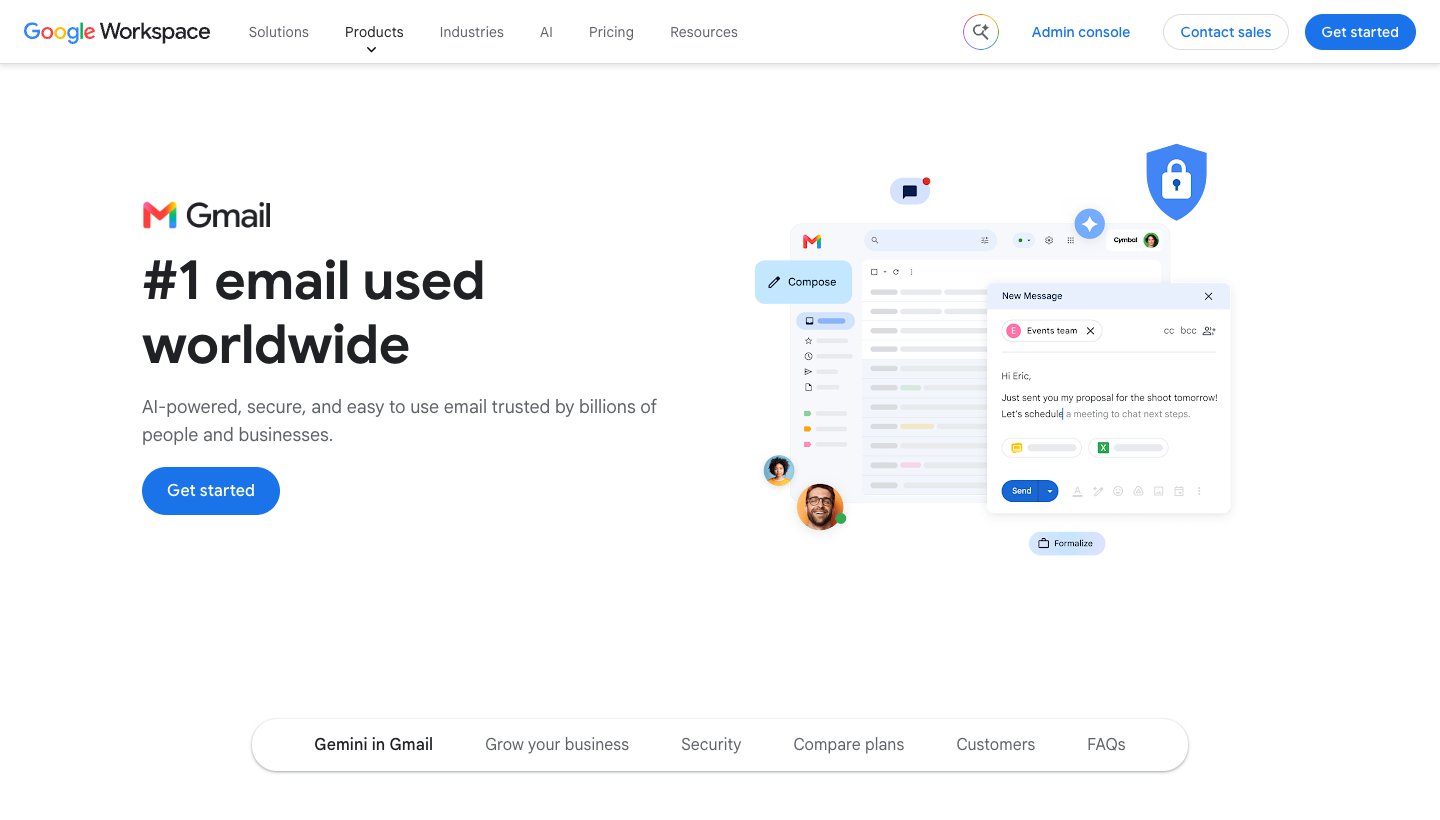
Inbox tabs split mail into Primary, Promotions, Social and Updates, so newsletters don't sit next to mail from people.
Filters act on new mail automatically: label it, archive it, star it or delete it. (Google's filter steps)
Manage subscriptions lists every mailing list that emails you, most frequent first, with an Unsubscribe button beside each. Our step-by-step guide covers how to unsubscribe from emails in Gmail, including mass unsubscribe.
Snooze hides an email until a time you choose.
Search operators like older_than:1y or larger:10M let you select and delete thousands of old emails at once.
One real downside: filters only match fixed rules, such as a sender or a word. They can't tell an important email from an unimportant one sent by the same company.
Outlook
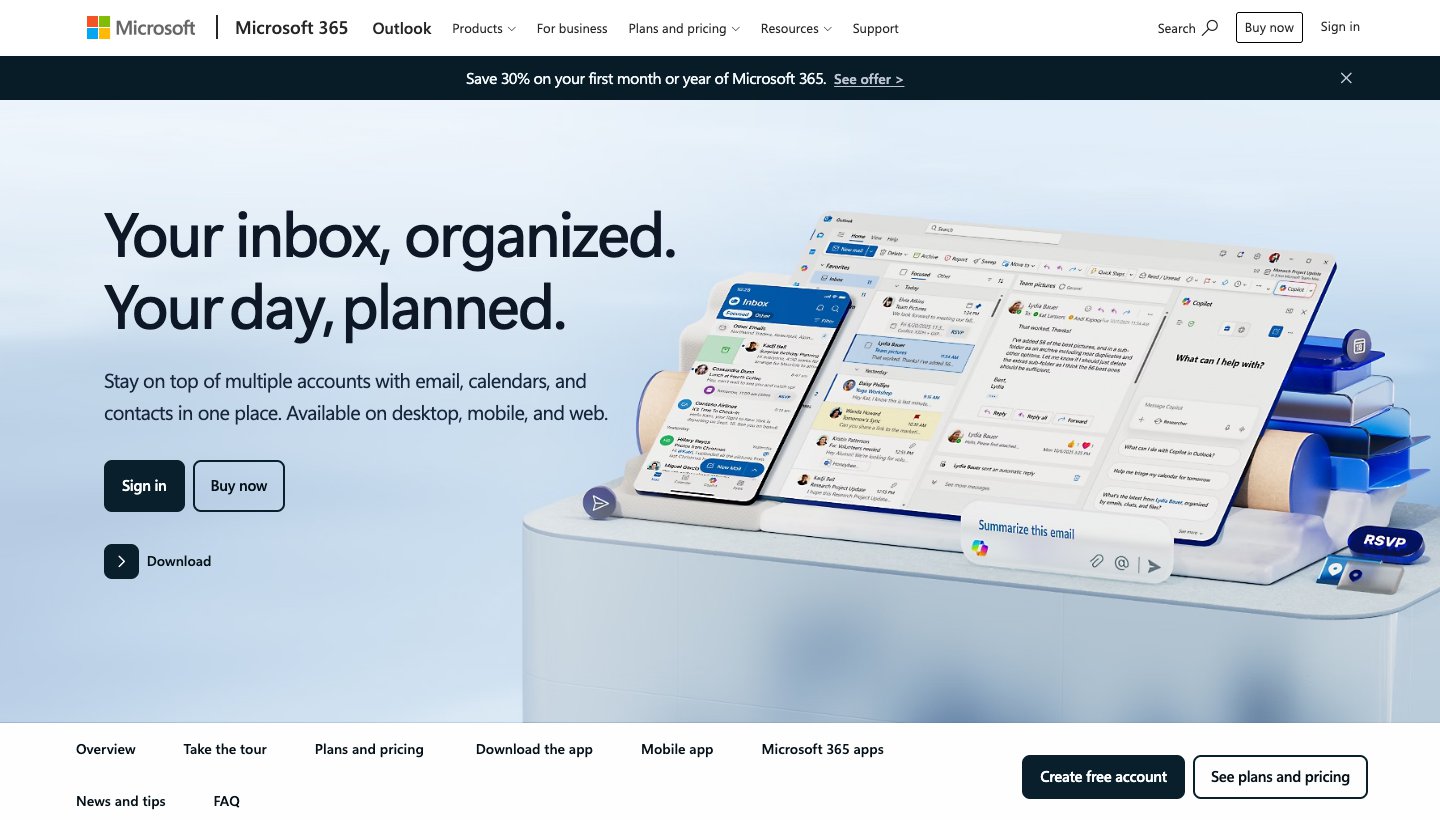
Focused Inbox splits mail into Focused and Other, and you can tell it to always move a sender to one or the other.
Rules move, flag or delete new mail automatically.
Sweep in Outlook on the web and Outlook.com deletes everything from a sender, keeps only the latest email, or clears anything older than 10 days, now and in future (Microsoft's Sweep page).
Automatic replies for when you're away. Our guide shows how to set out of office in the Outlook app on every device, and which accounts support it.
One real downside: many of these tools work only for Microsoft accounts. Microsoft says new Outlook "does not support rules for managing third-party accounts like Gmail, Yahoo, and iCloud", and those accounts don't get automatic replies either.
Both companies also sell AI that summarizes threads and drafts replies: Gemini in Gmail and Copilot in Outlook. What each costs and does is in our guide to the best AI email assistants.
Prices at a glance
Prices are in US dollars, from each vendor's own site, checked on November 16, 2026. The tool name links to the pricing page we used.
Tool | Type | Free | Paid from | Works with | Platforms |
|---|---|---|---|---|---|
Gmail / Outlook built-ins | Built in | Yes | Nothing extra | Their own accounts | Wherever you use them |
Works inside your app | 7-day trial | $3.49 a month or $29 a year | Gmail, Microsoft 365, iCloud, Yahoo, IMAP, Exchange | Any email app | |
Cleanup tool | First 1,000 emails | $9.99 a month or $29.99 a year | Gmail, Outlook, Yahoo, iCloud, IMAP | Web, iPhone, Mac, Android | |
Email app | No | $30 a month, or $25 a month billed yearly | Gmail, Outlook | Mac, Windows, iPhone, Android; web via a Chrome extension | |
Email app | Yes | $10 a month or $99 a year | Gmail, Outlook, Exchange, iCloud, Yahoo, IMAP | Mac, Windows, iPhone, iPad, Android | |
Email app | Yes | $18 a month | Gmail, Google Workspace | Mac, Windows, iPhone, Android | |
Email app | 10 AI actions a day | $20 a month or $200 a year | Gmail, Outlook, Microsoft 365, iCloud, Yahoo, IMAP | Mac, Windows, iPhone, iPad, Android, web | |
Shared inbox | 14-day trial | $35 per user a month, or $25 billed yearly | Your team's shared addresses | Web, Mac, Windows, iPhone, Android | |
Shared inbox | 30-day trial | $18 per user a month, or $14 billed yearly | Gmail, Outlook, IMAP | Web, Mac, Windows, iPhone, Android | |
Support inbox | 5 users, 1 inbox | $30 per user a month, or $25 billed yearly | Your support addresses | Web | |
Shared inbox, help desk | 7-day trial | $35 per user a month, or $25 billed yearly; 2 seats minimum | Gmail, Google Workspace, Outlook | Web, inside Gmail |
Tools for your own inbox
SaneBox: best for keeping your current email app
SaneBox doesn't replace anything. It connects to your mail account, learns which senders matter to you, and moves the rest into a SaneLater folder. Because it works with folders, the result shows up in every email app you use, on every device.
Who it's for: people who like their email app and want less clutter in it.
Price: Snack is $3.49 a month or $29 a year for one account, Lunch $5.99 or $49 for two, and Dinner $16.99 or $139 for four. There's a 7-day trial with no card. See SaneBox's pricing.
Works with: Gmail, Microsoft 365, iCloud, Yahoo, Fastmail, and any IMAP or Exchange server.
Platforms: any email app, because it works through folders.
Standout: SaneBlackHole. Drag a sender into that folder once and you won't see them again.
One real downside: there's no free plan, only the trial, and its AI drafts and summaries come only with the $16.99 Dinner plan.
Clean Email: best for clearing a huge backlog
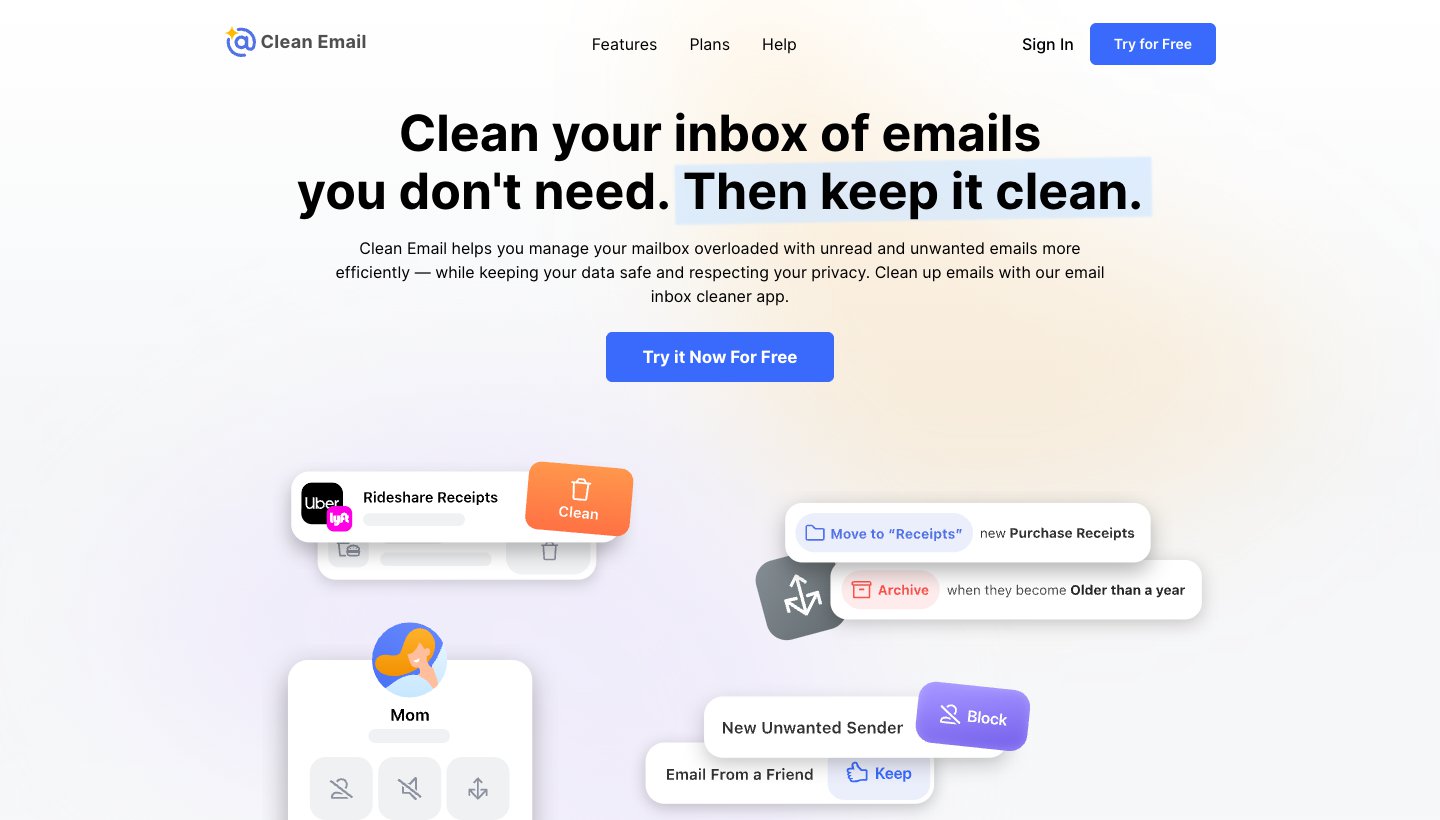
Clean Email groups years of mail by sender and type so you can delete, archive or unsubscribe from a whole group at once. Its Auto Clean rules keep working afterwards.
Who it's for: anyone with tens of thousands of old emails on almost any provider.
Price: free for your first 1,000 emails, with a 14-day trial of everything and no card. Then one account is $9.99 a month or $29.99 a year; five accounts are $19.99 a month or $49.99 a year. See Clean Email's plans.
Works with: Gmail, Yahoo, Outlook, Microsoft 365, AOL, iCloud, Fastmail and other IMAP accounts. Not Proton or Tuta.
Platforms: web, iPhone and iPad, Mac and Android.
Standout: rules such as "keep only the newest email from this sender", which Gmail's filters can't do.
One real downside: the free plan covers only your first 1,000 emails, which won't dent a big backlog.
For more cleanup tools, including free ones and the free apps that pay for themselves with your data, see our guide to the best email cleaner apps.
Superhuman: best for speed in Gmail or Outlook
Superhuman is an email app built around keyboard shortcuts. Its Split Inbox puts different kinds of mail into separate tabs, and it has snooze, follow-up reminders and Send Later. On the Business plan, its AI drafts replies and answers questions about your inbox.
Who it's for: people who live in Gmail or Outlook all day and want to get through mail faster.
Price: Starter is $30 a month, or $25 a month billed yearly. Business, which adds auto drafts and Ask AI, is $40 a month or $33 billed yearly. There's no free plan. See Superhuman's pricing.
Works with: Gmail, Google Workspace, Outlook and Microsoft 365 only.
Platforms: Mac, Windows, iPhone, Android; web via a Chrome extension.
Standout: speed. Once you learn the shortcuts, nothing in this list gets you through an inbox faster.
One real downside: no free plan, Gmail and Outlook accounts only, and the AI drafting is on the $33-and-up Business plan.
More on Superhuman's plans in our Superhuman pricing guide.
Spark: best free email app with sorting
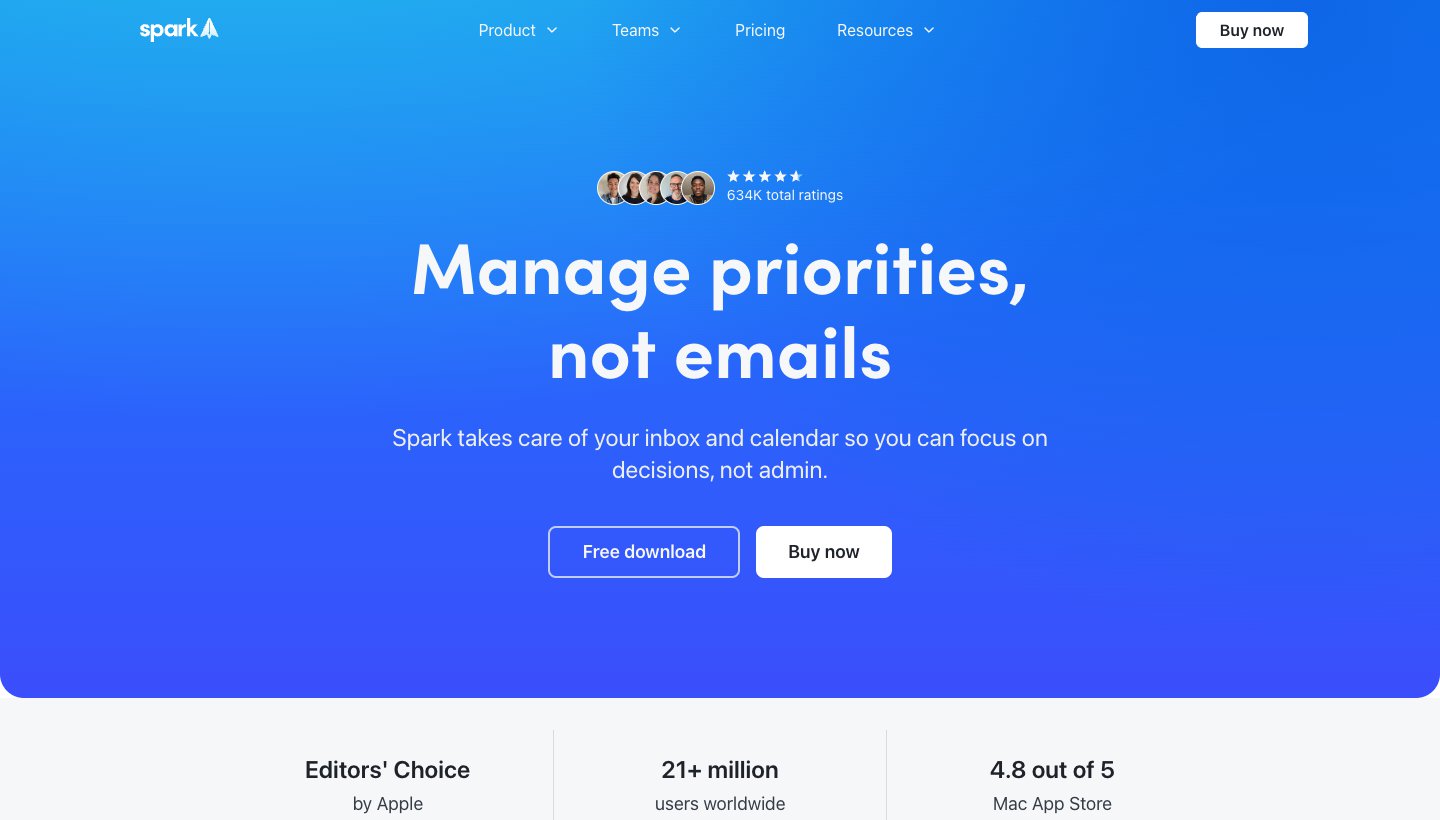
Spark, from Readdle, is a full email app. Its Smart Inbox groups newsletters and notifications apart from mail from people, and that works on the free plan.
Who it's for: people who want a free email app with sorting on every device.
Price: free. Plus is $10 a month or $99 a year and adds Spark +AI; Pro is $20 a month or $199 a year and adds Auto-Drafts and Autopilot. Paid plans have a 7-day trial in the app. See Spark's pricing.
Works with: Gmail and Google Workspace, Outlook and Microsoft 365, iCloud, Yahoo and IMAP.
Platforms: Mac, Windows, iPhone, iPad and Android. No web app.
Standout: the Gatekeeper screens first-time senders before they reach your inbox (paid plans).
One real downside: the AI is mostly paid (the free plan gets a limited preview), and there's no web app.
Shortwave: best for Gmail users who want AI to do the work
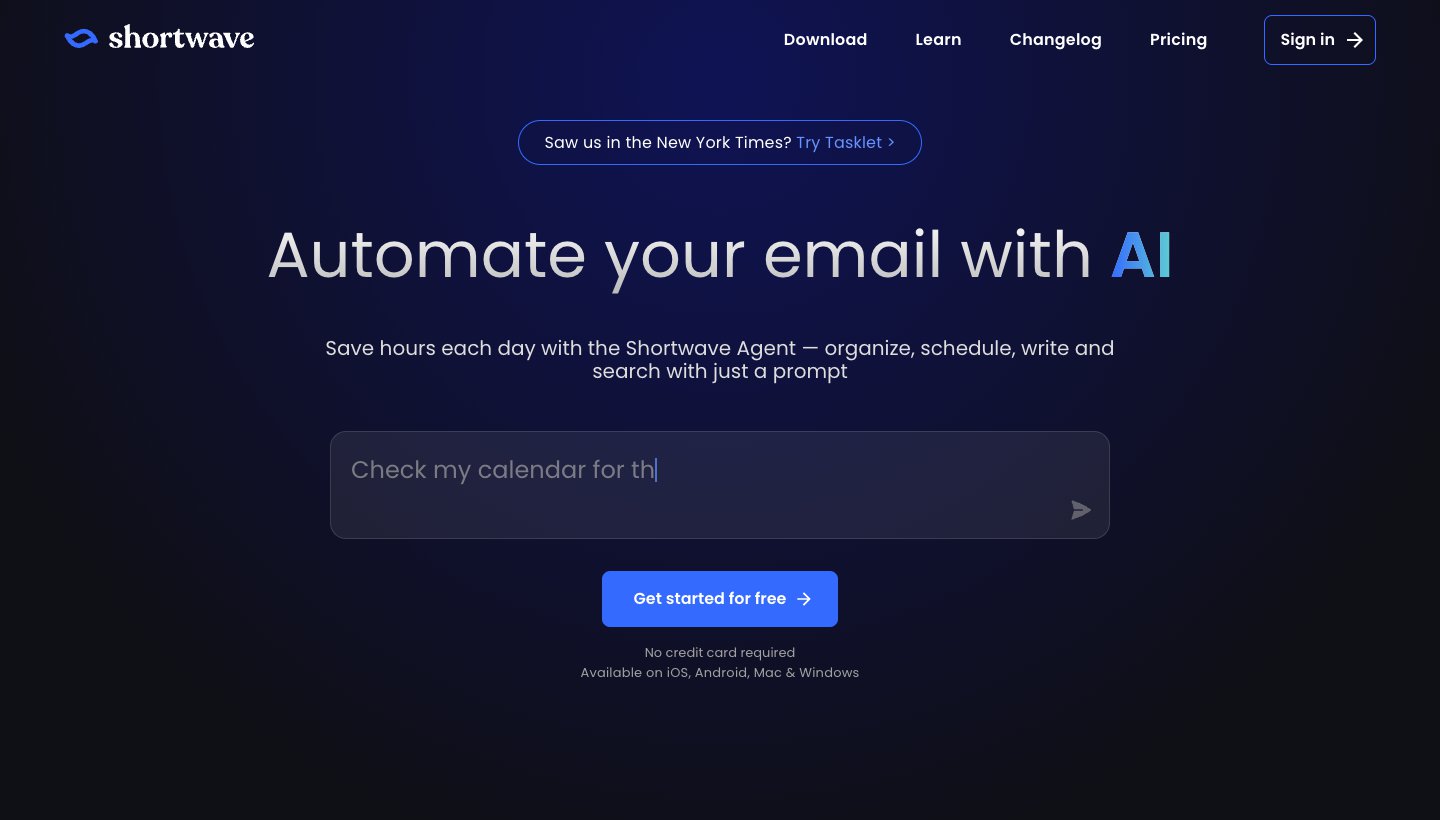
Shortwave is an email app for Gmail accounts with an AI agent you can ask to organize, search, write and schedule.
Who it's for: Gmail and Google Workspace users who'd rather ask for things than click through them.
Price: free plan; Pro is $18 a month. Business plans run from $30 to $120 per user a month. Paid plans have a 14-day trial and are billed monthly only. See Shortwave's pricing.
Works with: Gmail and Google Workspace only.
Platforms: Mac, Windows, iPhone and Android.
Standout: you can ask its agent to organize, schedule, write and search with a prompt, instead of clicking through it yourself.
One real downside: no Outlook, iCloud or other accounts, so it's out if you use anything besides Gmail.
Dove (ours): best for many accounts, sorted for you, on every device
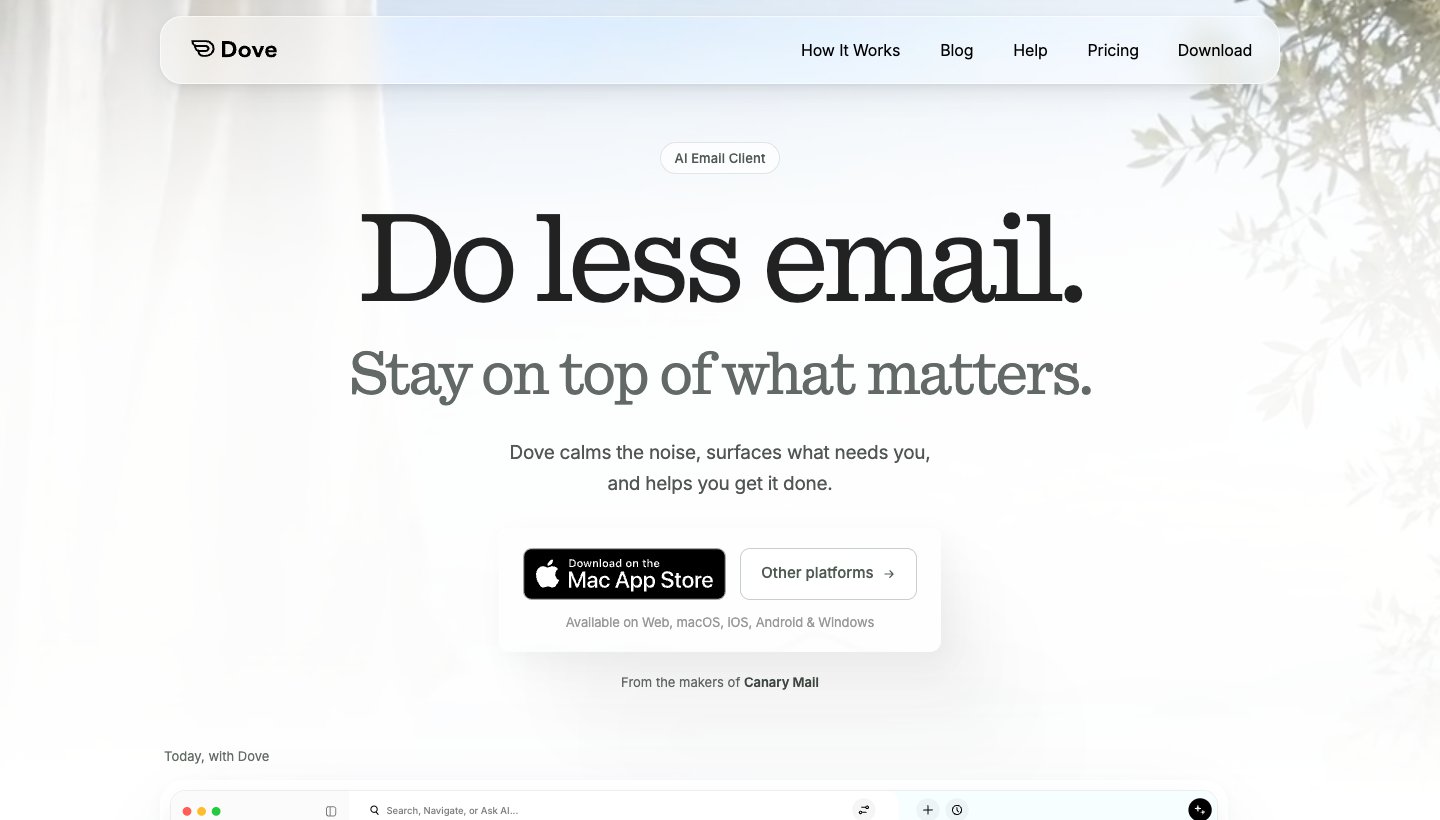
Dove is our email app. It sorts every new email into Focus, Feed and Noise, so mail that needs you is apart from newsletters and promotions. The Today view lists what needs you, your schedule and what you're waiting on. Its AI drafts replies and answers questions about your mail, and you can unsubscribe with one tap from the email menu or a swipe.
Who it's for: people with several accounts, often a mix of Gmail and Outlook, who want one app that sorts them all.
Price: free plan with 10 AI actions a day. Pro is $20 a month or $200 a year, with a 7-day trial that asks for a card. See Dove's pricing.
Works with: Gmail, Google Workspace, Outlook.com, Microsoft 365, iCloud, Yahoo and any IMAP account. The calendar works with Gmail and Microsoft 365 accounts.
Platforms: Mac, Windows, iPhone, iPad, Android and the web.
Standout: the same sorting and Today view across every account and every device, including Windows and the web, where some rivals have no app.
One real downside: Dove is new, so it has a short track record and few reviews, and the sorting is in the paid plan. It isn't a bulk cleaner: use Gmail's tools or Clean Email for an old backlog first.
You can download Dove for any device.
Shared inbox tools for teams
Front: best for customer-facing teams
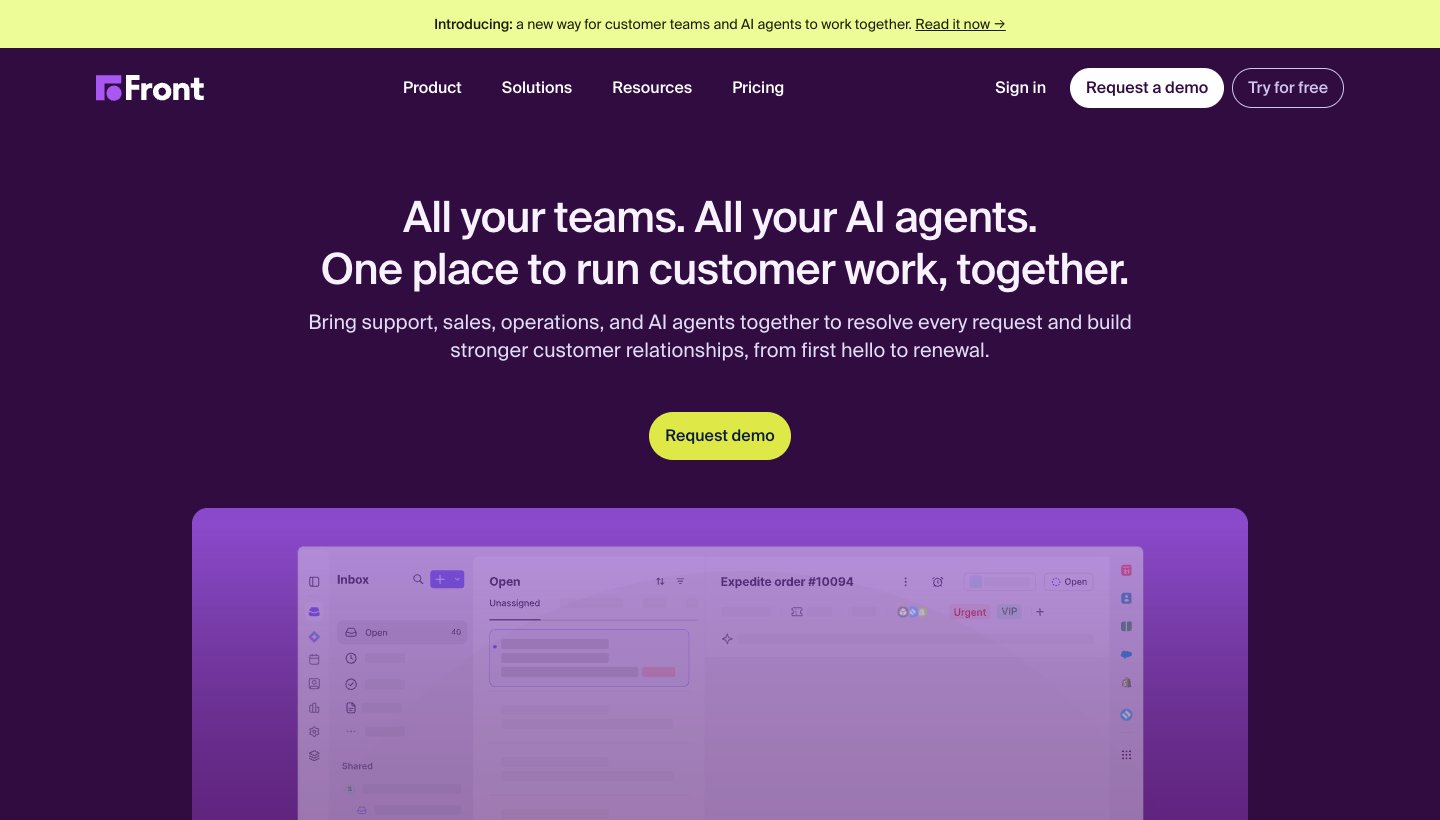
Front turns shared addresses into a team workspace: assign an email, comment on it privately, and see who's replying. It now sells itself as a platform for customer work, with AI agents alongside your team.
Who it's for: support, sales and operations teams that answer customers from shared addresses.
Price: Starter is $35 per user a month, or $25 billed yearly, for up to 10 users. Professional is $85, or $65 billed yearly, for up to 50. Enterprise is $105, yearly only. There's a 14-day trial with no card. See Front's pricing.
Standout: rules that send each email to the right teammate, and apps on every desktop and phone.
One real downside: no free plan, and Starter is capped at 10 users and 10 rules, so growing teams soon pay for Professional.
Missive: best shared inbox for small teams
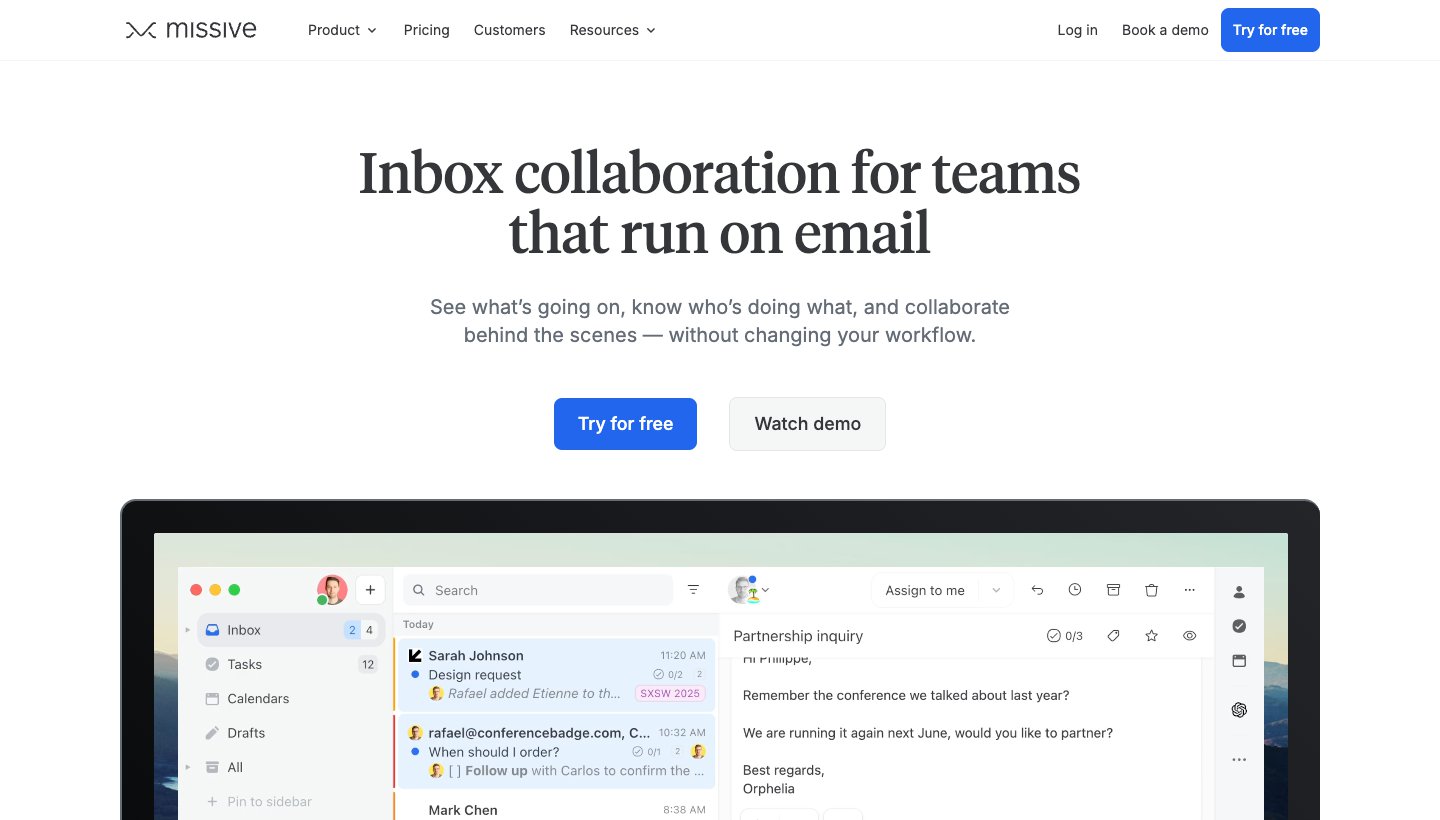
Missive is an email app with team features built in: shared inboxes, a chat next to every email, and shared drafts you write together. It also handles SMS and WhatsApp.
Who it's for: small teams who want one app for their personal and shared mail.
Price: Starter is $18 per user a month, or $14 billed yearly, for up to 5 users. Productive is $30, or $24 yearly, and Business $45, or $36 yearly. There's a 30-day trial with no card, and no free plan. See Missive's pricing.
Standout: it works as your personal email app too, so you don't need two apps.
One real downside: rules and integrations start on Productive, so the cheapest plan is fairly bare. Some older reviews mention a free plan; Missive's pricing page no longer lists one.
Help Scout: best for support teams
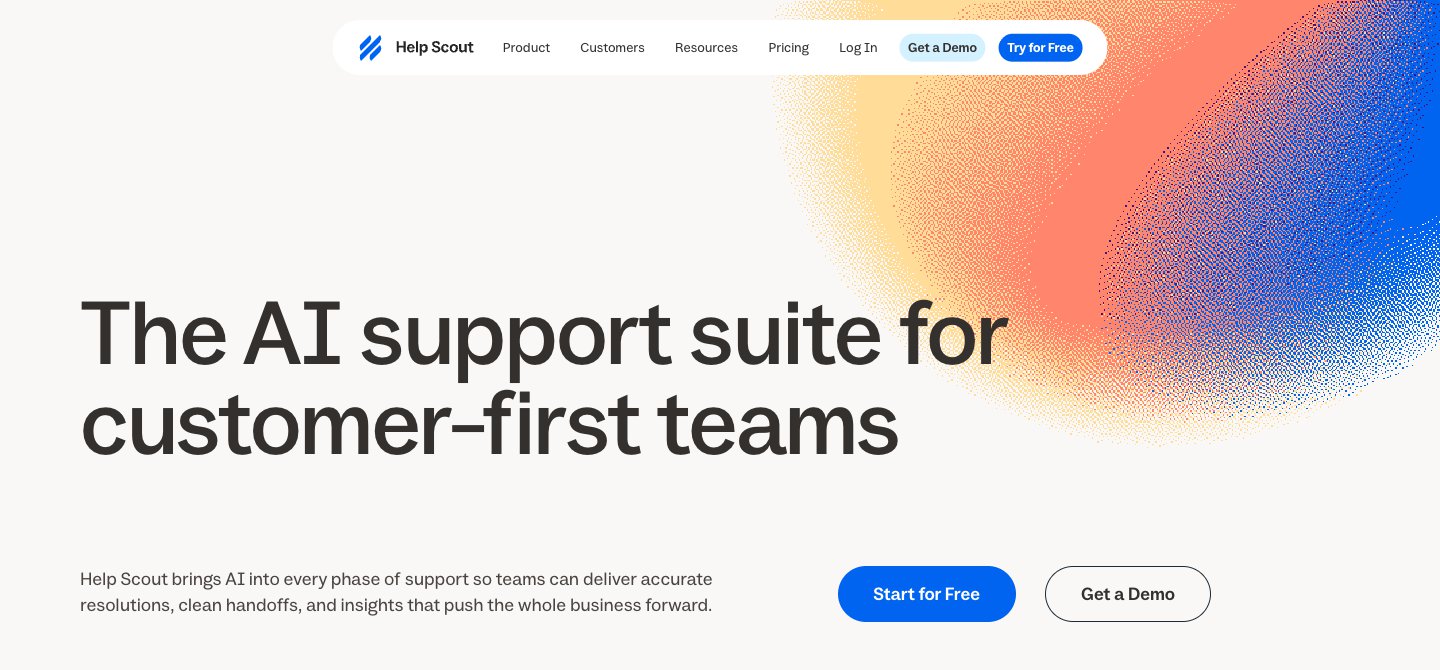
Help Scout is a help desk that feels like email. Customers write to your support address, and your team sees a shared inbox with assignments, saved replies and customer history.
Who it's for: support teams that want help desk features without a ticket-number feel.
Price: free for up to 5 users and one inbox. Standard is $30 per user a month, or $25 billed yearly; Plus is $54, or $45 yearly; Pro is $90, or $75 yearly, with a 10-user minimum. Standard and Plus have a 15-day trial with no card. See Help Scout's pricing.
Standout: a real free plan for up to 5 users and one inbox.
One real downside: it's for customer conversations. It won't manage your personal inbox.
Hiver: best shared inbox for teams that live in Gmail
Hiver began as a shared inbox inside Gmail. It still sells that, as Hiver in Gmail ("a complete helpdesk right in Gmail"), alongside Hiver Omni, a customer service platform that works with Gmail and Outlook. (Hiver's site showed our screenshot tool a bot check, so there's no image here.)
Who it's for: support teams on Google Workspace or Outlook who want help desk features without leaving email behind.
Price: Growth is $25 per user a month billed yearly ($35 monthly), Pro $55 ($65), and Elite $85 ($95). Every plan starts at two seats. There's a 7-day trial. See Hiver's pricing.
Standout: with Hiver in Gmail, the team keeps working in the Gmail it already knows.
One real downside: no free plan, a two-seat minimum, and a short 7-day trial.
What each tool can see in your mail
Every tool here needs access to your mailbox. Before you connect one, check how much of your mail it reads and who pays for it.
Tool | What it reads | How it's paid for |
|---|---|---|
Gmail, Outlook built-ins | Nothing new: no extra company gets access | Part of the email service you already use |
Headers only, unless you turn on its optional AI features, which can read message bodies. It says it never trains AI on your email | Subscriptions | |
Headers to build its index; message bodies only briefly, for previews and Auto Clean | Subscriptions: "100% of our income comes from subscription fees" | |
Mail is "mainly processed on your device"; shared emails, shared drafts and Send Later use its servers | Subscriptions, with a free plan | |
Full messages, so its AI can sort and draft. Encrypted in transit and at rest; no PGP or end-to-end encryption. Dove says it never uses your email content to train AI models | Subscriptions, with a free plan |
Superhuman, Shortwave and the team inbox tools are email apps or shared inboxes, so they handle your full messages too. Read each one's privacy page before you connect a work account.
How to build an email management system that lasts
Software helps, but most of the gain comes from a few habits. Here's the routine we'd suggest, whichever tools you pick.
Cut the volume first. Unsubscribe from everything you don't read. In Gmail, Manage subscriptions does this in minutes; see how to unsubscribe from emails in Gmail.
Clear the backlog once. Delete or archive old mail by group (all promotions older than six months, everything from one noisy sender), not one email at a time. The best email cleaner apps help on big inboxes.
Sort new mail automatically. Tabs, Focused Inbox, SaneBox or an email app that sorts for you, so only mail from people lands in front of you.
Decide once per email. When you open something, delete it, do it now if it takes two minutes, schedule it for later, or hand it off. That's the "4 Ds" (delete, do, defer, delegate) many productivity guides teach.
Check at set times. Two or three blocks a day beats checking every few minutes. Turn off notifications for everything except people who matter.
Set expectations when you're away. An out of office reply stops the follow-ups; here's how to set it in the Outlook app.
Which should you choose?
Choose Gmail's or Outlook's own tools if you get a manageable amount of mail and want nothing new to learn or pay for.
Choose SaneBox if you want to keep your email app and stop clutter landing in your inbox.
Choose Clean Email if you have years of mail to clear on any provider.
Choose Superhuman if you use only Gmail or Outlook, live in email all day, and want the fastest app.
Choose Spark if you want a free email app with sorting on every device.
Choose Shortwave if you use only Gmail and want an AI agent to do the busywork.
Choose Dove (ours) if you have several accounts across providers and want them sorted the same way on every device, including Windows and the web.
Choose Front if a customer-facing team needs routing, rules and reports.
Choose Missive if a small team wants shared and personal mail in one app.
Choose Help Scout if you run customer support and want a free plan to start.
Choose Hiver if your team lives in Gmail and doesn't want another app.
FAQ
What is the best email management software?
For one person, start with the free tools in Gmail or Outlook, then add SaneBox if you want to keep your app, or switch to an app that sorts for you, such as Spark, Superhuman, Shortwave or Dove (ours). For a team sharing an inbox, Front, Missive, Help Scout or Hiver.
What is the best free email management software?
The tools built into your email: Gmail's tabs, filters and Manage subscriptions, and Outlook's Focused Inbox, rules and Sweep. Among separate tools, Spark's free plan includes its Smart Inbox, and Help Scout has a free plan for small support teams.
What's the difference between an email client and email management software?
An email client is the app you read mail in, such as Outlook, Apple Mail or Spark. Email management software is anything that helps you control the mail: some of it is built into clients, some works alongside your client (SaneBox, Clean Email), and some is a team tool (Front). Some email apps, such as Superhuman, Spark and Dove, do both.
Can ChatGPT organize my email?
Not by itself. ChatGPT can't sort or delete mail in your inbox unless it's connected to your account, and even then it works best for searching and summarizing, not for filing every new email. Tools built into email, such as Gemini in Gmail, Copilot in Outlook, or an app with AI sorting, do this job directly. Our AI email assistants guide compares them.
How much does email management software cost?
From free (Gmail and Outlook's own tools) to about $3.49 to $30 a month for one person's paid tools, and from about $14 to $35 per user per month for team inboxes. Dove (ours) is $20 a month or $200 a year.
Is email management software safe for work email?
The well-known tools connect through Google's or Microsoft's own sign-in, so they never see your password. Check two things before connecting a work account: whether your IT team allows third-party mail apps, and what the tool does with your mail (see the table above). Some workplaces block outside apps entirely.
Can I use more than one email management tool at once?
Yes, and many people do: a cleanup tool once, then a sorting tool every day. Avoid two tools that both move new mail into folders, such as SaneBox and an app's own sorting, or they'll fight over the same emails.
What is the best way to manage multiple email accounts?
Use one app that shows all of them together, so you aren't switching between apps. Outlook, Spark and Dove all handle Gmail, Outlook, iCloud and other accounts in one inbox. Superhuman and Shortwave are limited to Gmail (and Outlook for Superhuman). For more, see our guide to the best email apps.
More from Dove
Recent posts
November 16, 2026
How to Unsubscribe From Emails in Gmail, Including Mass Unsubscribe
Gmail's free Manage subscriptions page lets you unsubscribe from dozens of mailing lists in minutes. Here are the steps on every device, how to delete what's already there, and what to do when there's no Unsubscribe button.
November 16, 2026
How to Set Out of Office in the Outlook App (iPhone, Android, Windows, Mac and Web)
Exact steps to turn on automatic replies in Outlook on every device, checked against Microsoft's support pages in November 2026, plus the fix when the option is missing.
November 11, 2026
Postbox Alternatives: What to Use Now That Postbox Is Gone
Postbox stopped being sold or developed in October 2024. Here's what to move to on Mac or Windows, which app keeps the Postbox features you used, and how to bring your mail and settings across.