'/%3e%3c/g%3e%3c/svg%3e)

Best Email Apps and Clients in 2026 for Mac, Windows, iPhone and Android
For most people, the best email app is the free one already on their device: Apple Mail on a Mac, iPhone or iPad, Outlook on Windows, and Gmail on Android. They cost nothing, they handle Gmail, Outlook and iCloud accounts, and they've gotten a lot better in the last two years. You only need something else if your devices come from different makers, you want several accounts in one inbox, you get more mail than you can sort by hand, or you need encryption. There's a pick below for each of those.
Disclosure: Dove is made by the team behind Canary Mail, and both appear on this list, marked "(ours)". Every app gets the same fields and every price comes from the vendor's own site. Each entry, ours included, names one real downside.
Quick picks
Best overall: the free app your device came with. Apple Mail on Apple devices, Outlook on Windows, Gmail on Android.
Best for a busy inbox you want sorted for you, on any provider and every platform: Dove (ours), $20 a month or $200 a year, with a free plan.
Best free app that runs almost everywhere: Spark.
Best for privacy and PGP encryption: Canary Mail (ours).
Best free desktop client, and the pick for Linux: Thunderbird.
Best for a Windows or Mac power user who wants a one-time licence: eM Client.
Best Outlook alternative on Windows: Mailbird.
Best for Gmail on a Mac: Mimestream.
Best for fast, keyboard-driven email if you'll pay for it: Superhuman.
If you only care about one device, our platform guides go deeper: the best email app for Mac, the best email app for iPhone and iPad, the best email app for Android and the best email client for Windows.
Every app at a glance
Prices are in US dollars, from each vendor's own pricing page, checked on October 8, 2026. Each app's section below links to the page we used.
App | Best for | Price | Platforms | Free option |
|---|---|---|---|---|
Apple Mail | Anyone on Apple devices | Free, built in | Mac, iPhone, iPad | Yes |
Outlook | Windows users and Microsoft 365 accounts | Free with ads; $1.99 a month removes them | Windows, Mac, iPhone, iPad, Android, web | Yes |
Gmail | Android users and Google accounts | Free; Gemini in Gmail from $4.99 a month | Android, iPhone, iPad, web | Yes |
Dove (ours) | A busy inbox sorted for you, on any provider | $20 a month or $200 a year | Mac, Windows, iPhone, iPad, Android, web | Free plan (10 AI actions a day) |
Spark | A free cross-platform app | Free; Plus $10 a month or $99 a year | Mac, Windows, iPhone, iPad, Android | Yes, unlimited accounts |
Canary Mail (ours) | Privacy and PGP | Free; Growth $36 a year; Pro+ $100 a year | Mac, Windows, iPhone, iPad, Android | Yes, up to 2 devices |
Thunderbird | Free desktop client, Linux | Free | Windows, Mac, Linux, Android | Yes |
eM Client | Desktop power users | Free; Personal $39.95 a year or $59.95 once | Windows, Mac, iPhone, Android | Yes, 2 accounts, home use |
Mailbird | Windows users leaving Outlook | Free; Premium yearly or one-time | Windows, Mac (Android in beta) | Yes, 1 account |
Mimestream | Gmail on a Mac | $4.99 a month or $49.99 a year | Mac | 14-day trial |
Superhuman | Keyboard-driven speed | $30 a month, or $25 billed yearly | Mac, Windows, iPhone, iPad, Android, Chrome | No |
Email app or email provider?
An email app (or email client) is the program you read mail in. An email provider is the company that hosts your address. Gmail and Outlook are both: Google and Microsoft host your mail and also make apps for it. Apple Mail, Spark, Thunderbird and Dove are apps only; they connect to the address you already have.
This page is about apps. Wanting a new address, say a more private one, is a different decision. That's why Proton Mail and HEY only show up near the end, and the FAQ covers free and secure providers.
How we chose
We started with the apps recommended by the pages that rank for "best email app" and "best email client". Then we dropped the dead and abandoned ones and added the ones those pages miss. Each app had to be available today, work with at least one of the big account types (Gmail, Microsoft, iCloud, Yahoo or IMAP), and run on at least one of Mac, Windows, iPhone, iPad, Android or Linux.
Each entry has the same fields: who it's for, price, platforms, accounts it works with, standout features and one real downside. Prices, platforms and features come from the vendor's own pricing, product, download and help pages. If a vendor didn't publish something, we say so. We didn't run benchmarks or timed tests.
What changed in 2025 and 2026
Older lists still recommend several apps that have since shut down or changed. If you used one of them, this is where things stand.
App or feature | What changed | What to use instead |
|---|---|---|
Windows Mail and Calendar | Support ended December 31, 2024; it can no longer send or receive mail | New Outlook for Windows, which Windows 11 now ships as the default |
Postbox | Acquired by eM Client in October 2024; no longer sold or developed | eM Client |
Outlook Lite (Android) | Outlook for Android | |
Notion Mail | Spark, Dove or Gmail | |
Legacy Outlook for Mac | The current Outlook for Mac | |
Gmail on the web | Removing Gmailify, POP fetch and "Send as" for outside accounts; full removal January 2027 | The Gmail mobile app, or any app below that holds several accounts |
Outlook.com on the web | The Outlook desktop or mobile apps | |
Edison Mail | Now "Edison Software from YipitData"; its privacy policy says it identifies "Commercial Data" such as receipts in your mail and uses de-identified information to "develop products and insights for our business subscribers" (you can opt out) | Any app on this list |
Thunderbird for iPhone | Still in development; community testing expected "in the next few months" | Apple Mail or a cross-platform app for now |
The Gmail change is the one most likely to catch people out. If you use Gmail on a computer to collect mail from a work, school or custom-domain address, that stops working by January 2027. You'll need an app that holds several accounts.
Start with the free app you already have
Apple Mail
Apple Mail is better than its reputation. Older reviews say it has no smart features, but it now sorts mail into categories and reminds you about mail you set aside. On recent devices it also summarizes long threads with Apple Intelligence.
Who it's for: anyone whose computer and phone are both Apple.
Price (checked October 2026): free, built into macOS, iOS and iPadOS. See Apple's Mail support pages.
Platforms: Mac, iPhone, iPad. iCloud Mail also works in a browser at iCloud.com.
Accounts: iCloud, Gmail, Microsoft Exchange, work and school accounts, and any other IMAP or POP account.
Standout features: Mail Privacy Protection hides your IP address and stops senders seeing when you open their email. Categories (Primary, Transactions, Updates, Promotions), Remind Me, and on the Mac, Follow Up Suggestions for sent mail with no reply after three days. With Apple Intelligence you get summaries, Smart Reply and suggested actions.
One real downside: it's Apple-only, so there's no version for a Windows PC or an Android phone, and the AI features need an Apple Intelligence-capable device (iPhone 15 Pro or newer, or an M1 Mac or newer) in a supported language and region.
How it compares with ours: Dove vs Apple Mail.
Outlook
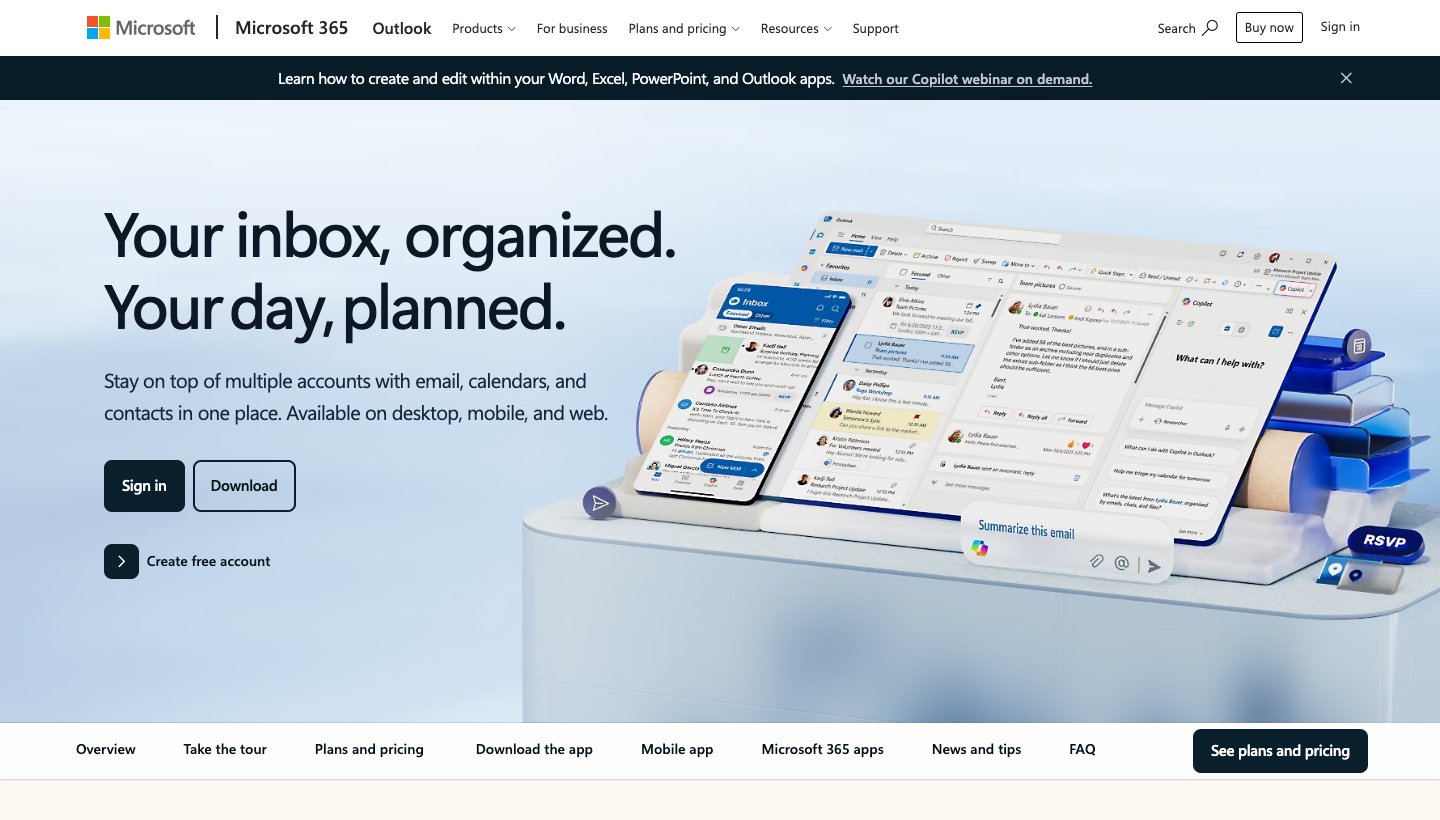
With Windows Mail gone, Outlook is the default on Windows, and it runs on every other platform too. If your work runs on Microsoft 365, pick this one.
Who it's for: Windows users, and anyone whose work or school email is Microsoft 365 or Exchange.
Price (checked October 2026): free, with ads. Microsoft 365 Basic at $1.99 a month or $19.99 a year removes them. Copilot in Outlook comes with Microsoft 365 Personal at $9.99 a month or $99.99 a year, which has a one-month free trial.
Platforms: Windows (new Outlook, plus classic Outlook), Mac, iPhone, iPad, Android and web.
Accounts: Outlook.com, Hotmail, Microsoft 365 and Exchange, plus Gmail, iCloud and IMAP in the apps. Yahoo is supported on Windows and Mac. The web version only takes Microsoft accounts now.
Standout features: email, calendar and contacts in one place, deep Microsoft 365 integration, and Copilot drafting and summaries on paid plans.
One real downside: it behaves differently on every platform. On the web it can no longer add a Gmail account, IMAP and POP accounts sync mail only (no calendar or contacts) on mobile, and the free version shows ads.
If you want AI inside Outlook, our guide to AI email assistants for Outlook explains which Microsoft 365 plans include Copilot.
Gmail
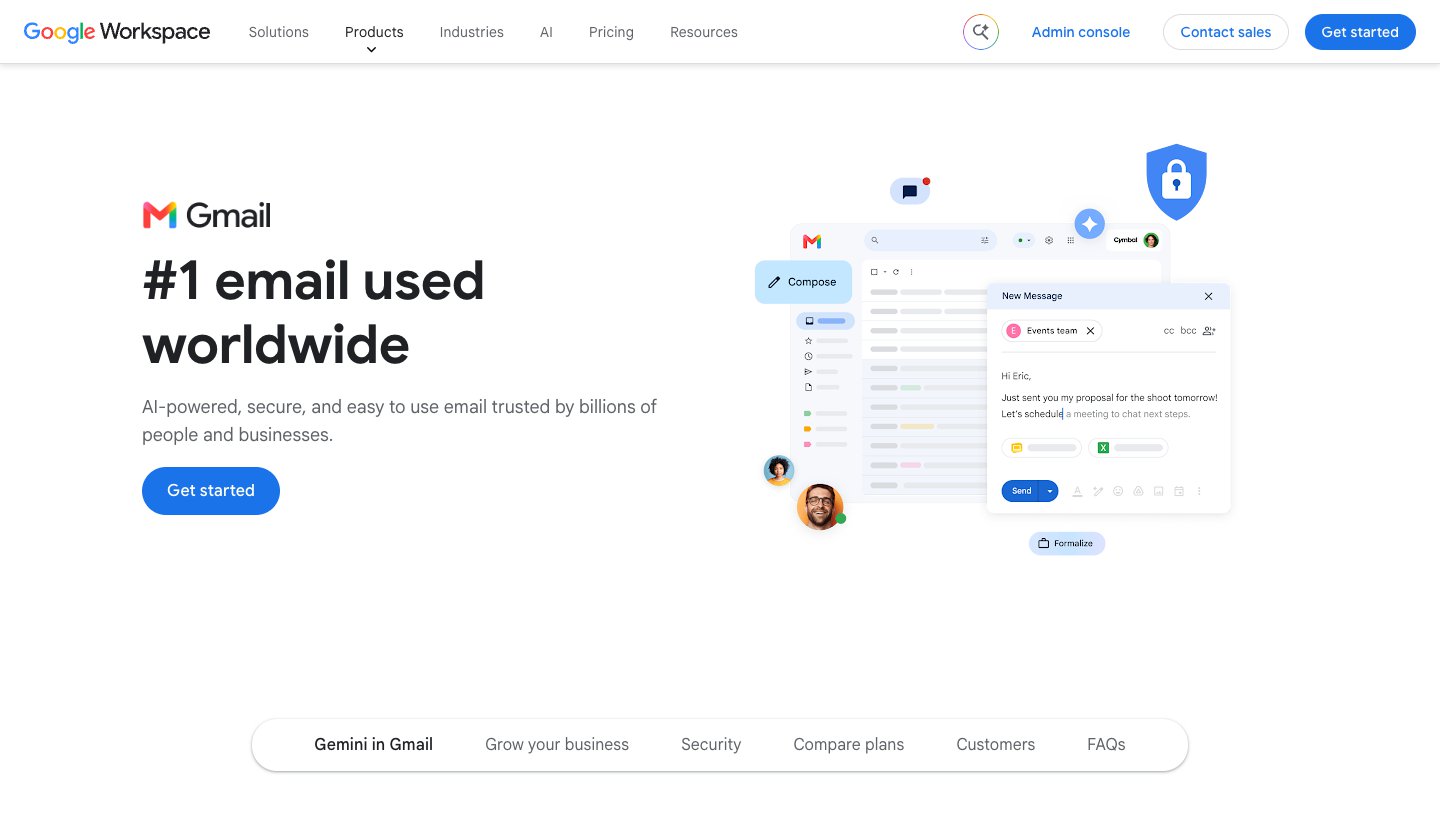
The Gmail app is the default on most Android phones, and for a Google account it's the easiest app to use anywhere. It's free, and a Google account needs no setup.
Who it's for: Android users, and anyone whose main address is Gmail or Google Workspace.
Price (checked October 2026): free. Gemini in Gmail needs a paid plan, starting with Google AI Plus at $4.99 a month; Google AI Pro is $19.99 a month. See Google AI plans.
Platforms: Android, iPhone, iPad and web. There's no Mac or Windows app.
Accounts: Gmail and Google Workspace. The mobile apps can also add Outlook, iCloud, Yahoo and other IMAP accounts, up to five addresses.
Standout features: your labels and search work exactly as they do in Gmail on the web. Paid plans add Gemini to find, summarize and write mail.
One real downside: it's weak at mail that isn't Gmail on a computer. There's no desktop app, and Gmail on the web is removing Gmailify, POP fetch and "Send as" for outside accounts by January 2027.
For Gemini in Gmail and the add-ons that work with it, see our guide to AI email assistants for Gmail.
Best email apps and clients for specific needs
Dove (ours): best for a busy inbox you want sorted for you
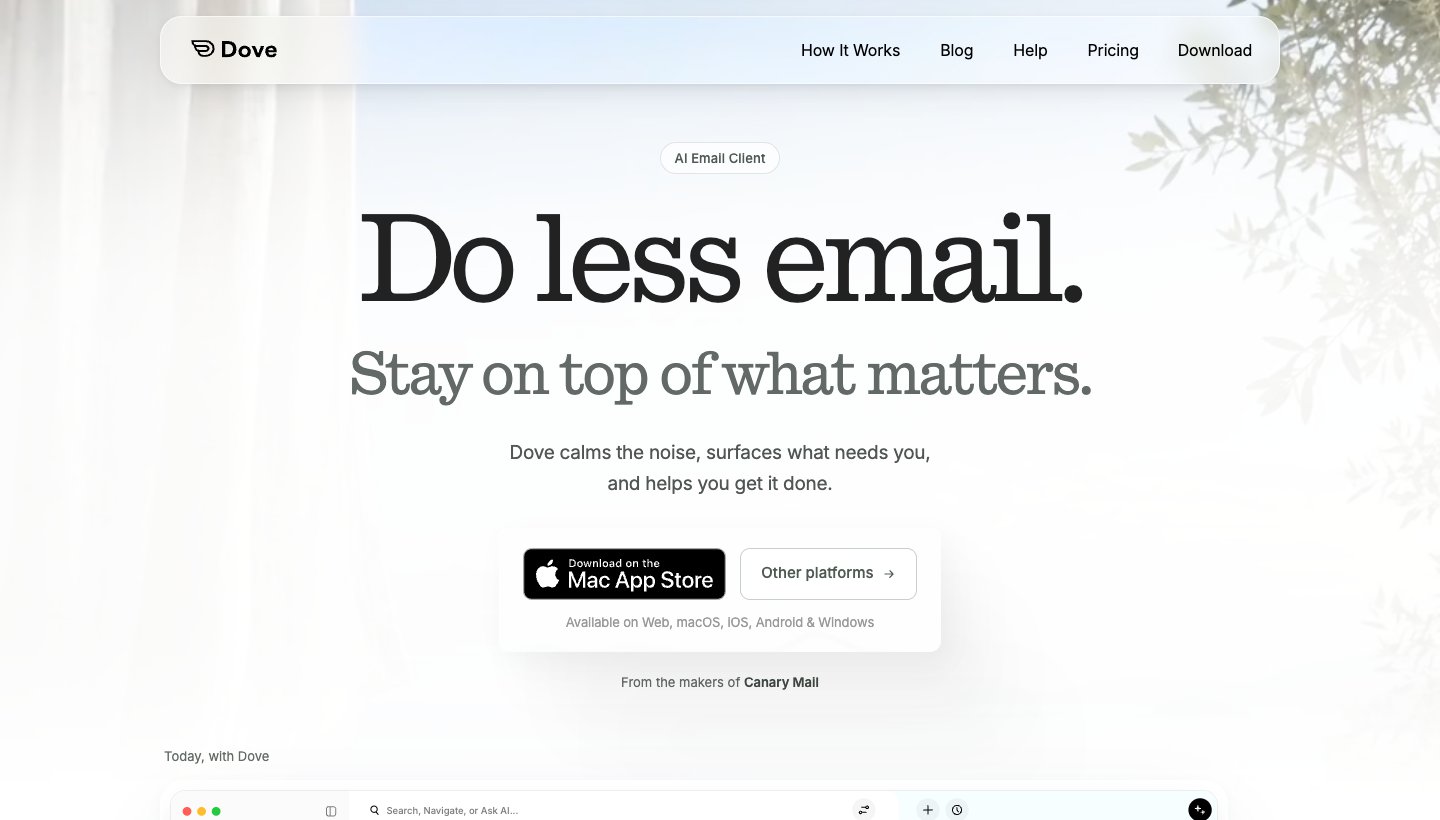
Dove is our app. It sorts incoming mail by whether it needs you and then helps you reply. That works the same way on every device and for every account you add.
Who it's for: people with a busy inbox, often several accounts across Gmail, Outlook, iCloud and Yahoo, who want the sorting done for them on every device.
Price (checked October 2026): $20 a month or $200 a year. There's a free plan with 10 AI actions a day. The 7-day free trial of the paid plan asks for a card. Sorting, Today and read receipts are paid-plan features. See Dove's pricing.
Platforms: Mac, Windows, iPhone, iPad, Android and web. No Linux or Apple Watch app.
Accounts: Gmail, Google Workspace, Outlook, Microsoft 365, Yahoo, iCloud and any IMAP account.
Standout features: mail is sorted into Focus, Feed and Noise, which keeps newsletters and notifications away from the mail that needs you. Today gathers what needs you, your schedule and what you're waiting on. AI drafts replies and summarizes threads, and Ask AI answers questions about your inbox. Read receipts are included. Mail is encrypted in transit and at rest; Dove doesn't offer PGP or end-to-end encryption.
One real downside: Dove is new. It has few ratings so far (4.7 from 20 ratings on the iPhone App Store), and the trial asks for a card.
If your mail is manageable and you live on one platform, the free defaults are the better deal: Apple Mail, Outlook or Gmail cost nothing and do the job. Dove earns its price when sorting your mail is the actual problem.
Spark: best free app that runs almost everywhere
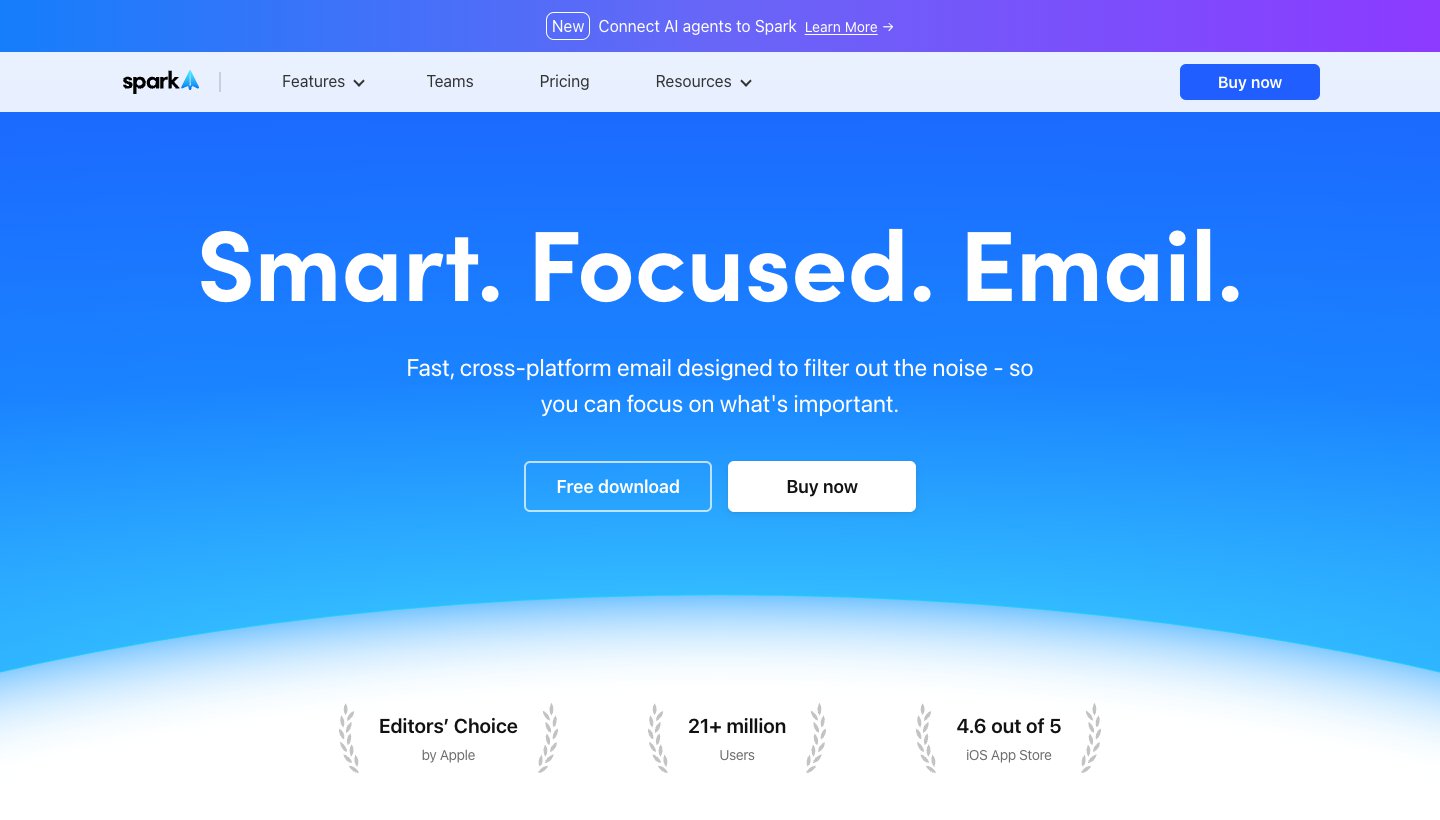
Spark, from Readdle, is the third-party app that ranking lists mention most. That's mostly down to the free plan, which you can actually live on: unlimited accounts on Mac, Windows, iPhone and Android.
Who it's for: people who want one polished app across a mix of Apple, Windows and Android devices without paying.
Price (checked October 2026): free. Plus is $10 a month or $99 a year; Pro is $20 a month or $199 a year. Paid plans have a seven-day trial when you subscribe in the app. See Spark's pricing.
Platforms: Mac, Windows, iPhone, iPad and Android.
Accounts: Gmail and Google Workspace, Outlook and Office 365 (including Exchange Online), iCloud, Yahoo and any IMAP account.
Standout features: Smart Inbox, unlimited accounts on the free plan, smart notifications and a built-in calendar. There's also an AI assistant (off by default) that can search and summarize across mail, attachments and meeting notes.
One real downside: its AI allowances aren't published as numbers (Plus gets "Extended" credits, Pro "High"), and auto-drafting and Autopilot are still marked "Soon" on the pricing page.
Comparing Spark with Dove? See Dove vs Spark.
Canary Mail (ours): best for privacy and PGP encryption
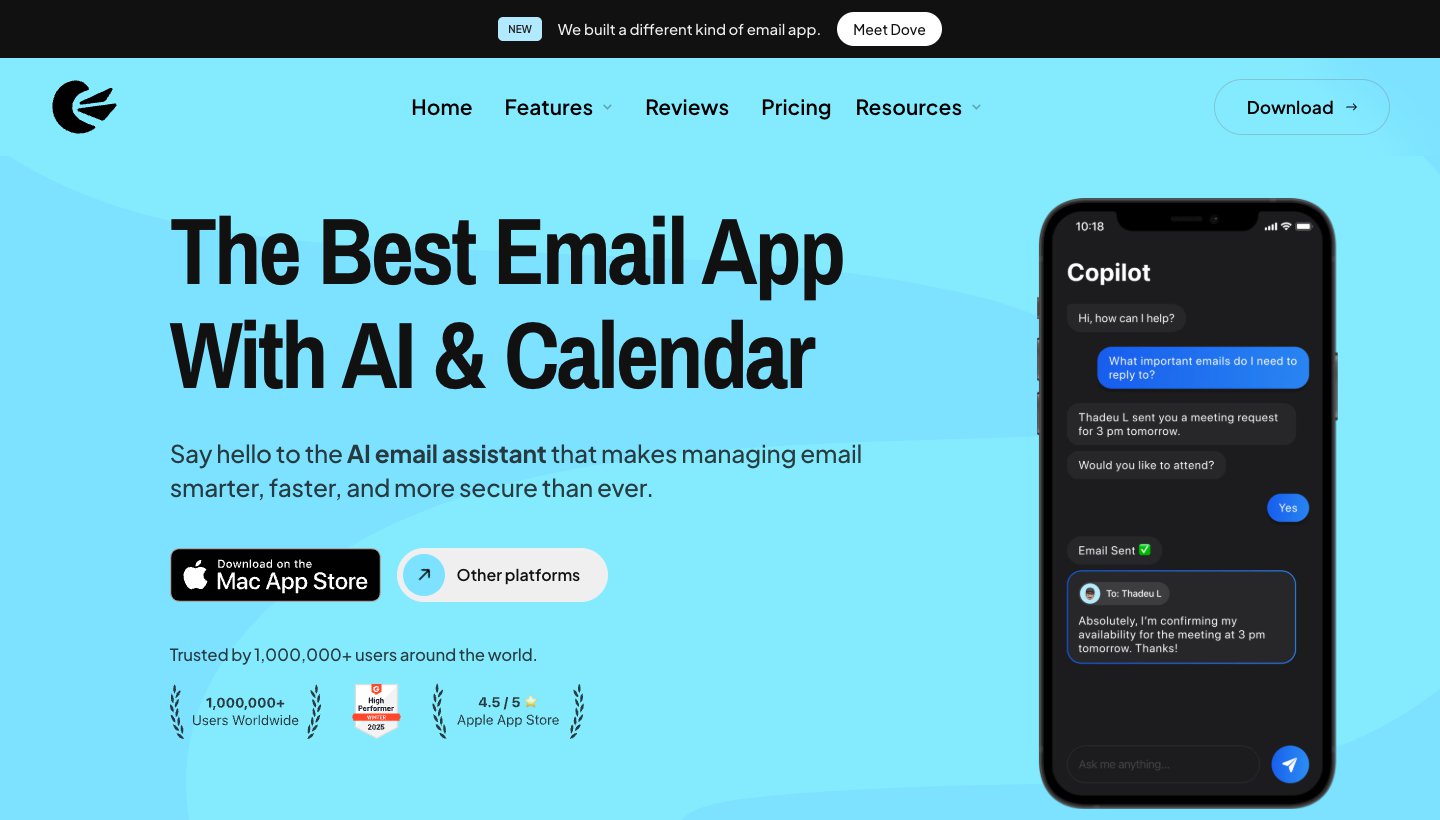
Canary Mail is made by the same team as Dove. It has more than 2 million users and has been featured by Apple on the App Store and Mac App Store. On this list it's the privacy pick. PCMag's list of the best email clients calls it "our top pick overall."
Who it's for: people who need encrypted email, or who prefer a low yearly price or a one-time licence.
Price (checked October 2026): free on up to two devices. Growth is $36 a year or $100 once for a lifetime licence. Pro+ is $100 a year or $300 once. There's no monthly billing; the "$3 a month" and "$10 a month" on the pricing page are yearly plans shown per month. A 7-day trial needs no card. See Canary's pricing.
Platforms: Mac, Windows, iPhone, iPad and Android.
Accounts: Gmail, Outlook, Office 365, Exchange, iCloud, Yahoo, Zoho Mail and ProtonMail.
Standout features: PGP end-to-end encryption and SecureSend on Pro+, and an AI Copilot that writes, summarizes and sorts mail into priority tabs on paid plans. Canary's privacy policy says it doesn't collect or store the content of your email; credentials and messages stay on your device.
One real downside: there's no monthly plan, so you commit to a year or a lifetime licence, and the free tier has no AI and is limited to two devices.
Need PGP? Choose Canary over Dove, which has no PGP or end-to-end encryption.
Thunderbird: best free desktop client, and the pick for Linux
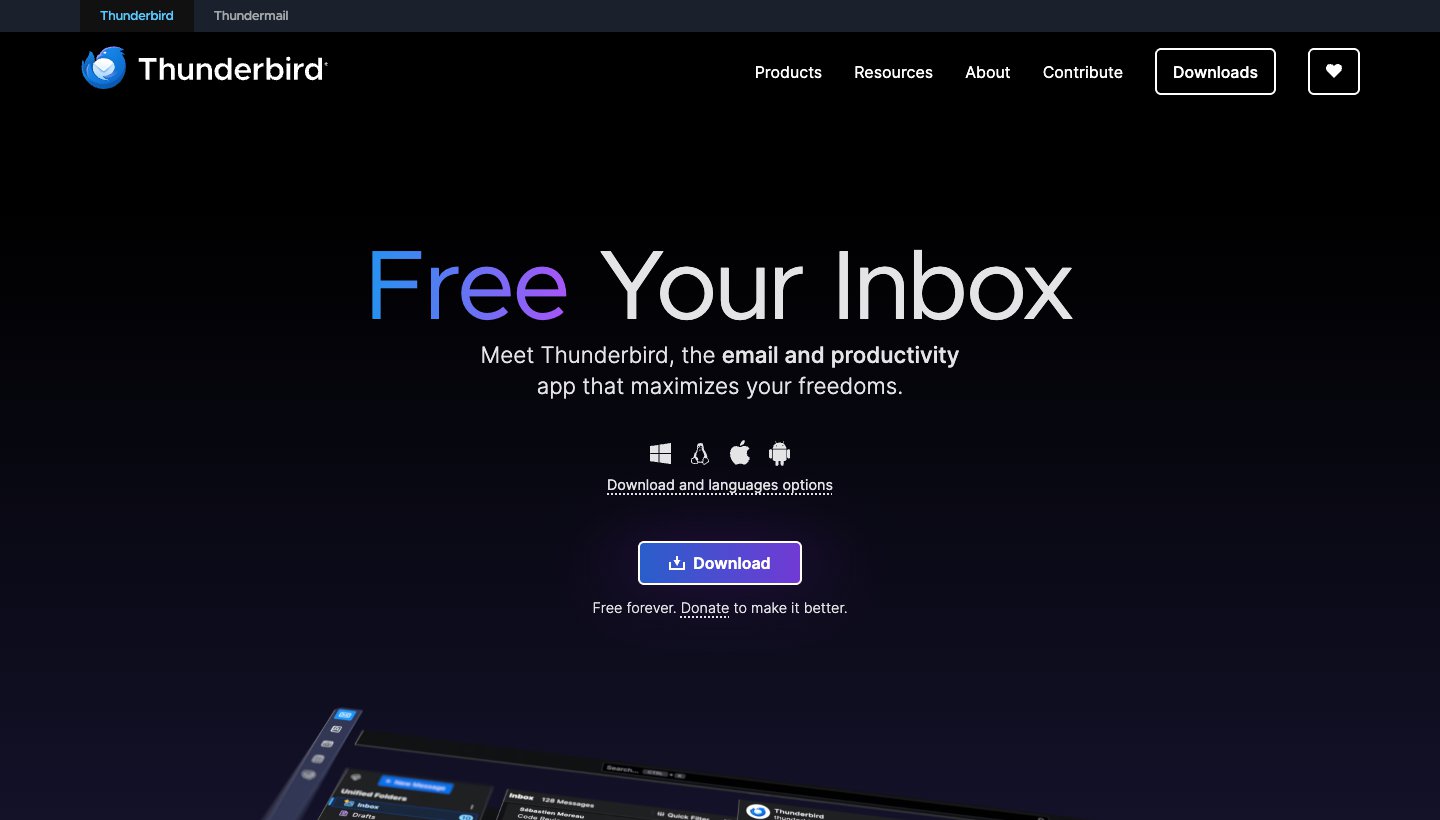
Thunderbird is free and open source, and donations pay for it. No free desktop client does more, and it's the only app here with a full Linux version.
Who it's for: people who want a free, customizable desktop client with no ads, especially on Linux.
Price (checked October 2026): free. See Thunderbird's site.
Platforms: Windows, Mac, Linux and Android. No iPhone or iPad app yet, and no web version.
Accounts: Gmail, Outlook and Microsoft 365, Yahoo, iCloud and any IMAP or POP account, in a unified inbox. Exchange works natively for email only.
Standout features: OpenPGP and S/MIME encryption built in, a large add-on library, and mail stored on your device, never sent to Thunderbird. Its homepage says it doesn't collect personal data or sell ads in your inbox.
One real downside: there's no iPhone or iPad app yet, so an iPhone user can't keep the same app on their phone and computer.
eM Client: best for desktop power users who want a one-time licence
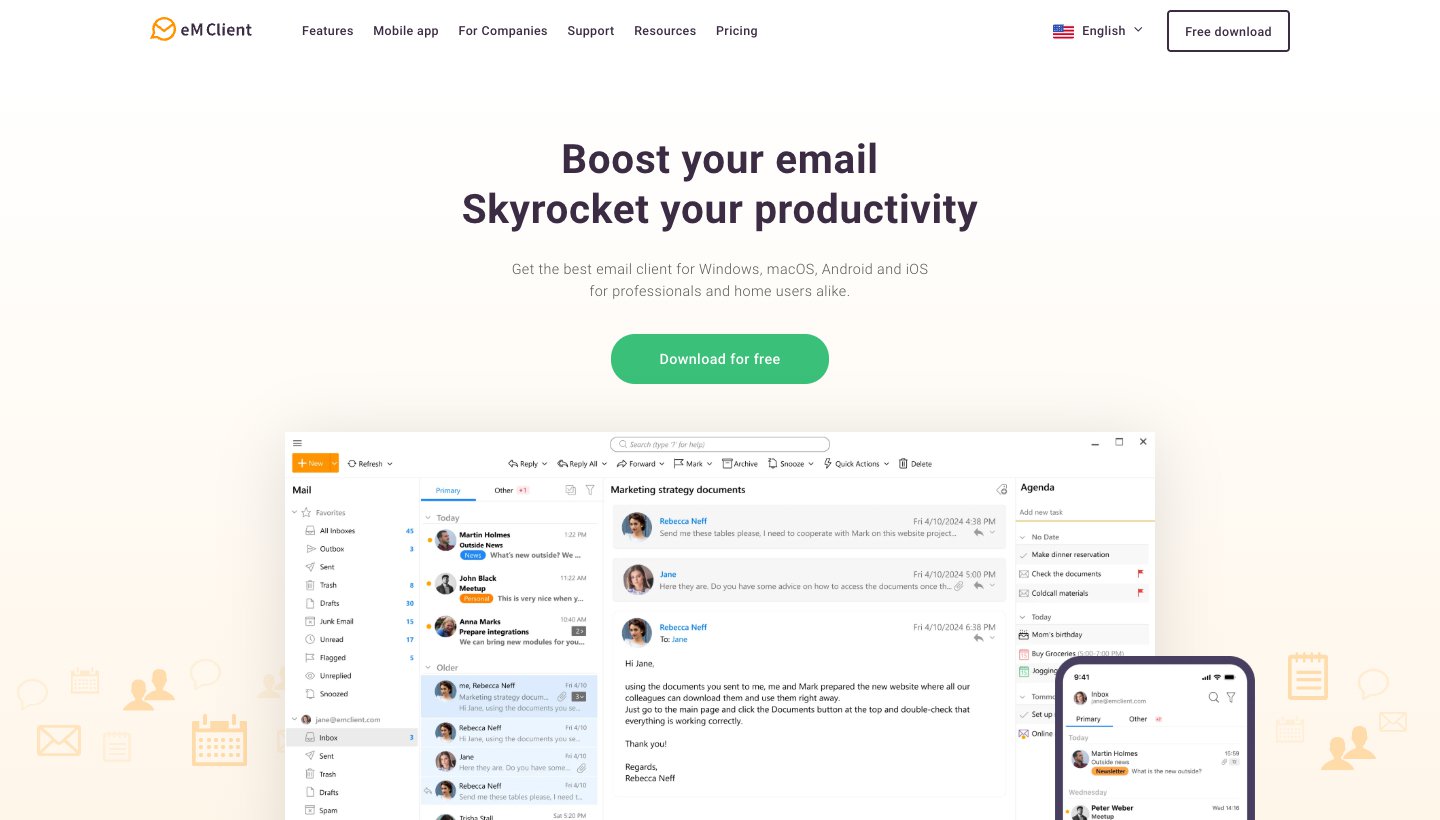
eM Client is a full desktop client for Windows and Mac that puts mail, calendar, tasks and contacts in one app. It bought Postbox in 2024, so former Postbox users usually end up here.
Who it's for: Windows and Mac users who want an Outlook-style all-in-one client and like paying once.
Price (checked October 2026): free for home use on one device with two accounts. Personal is $39.95 a year (with the AI add-on) or $59.95 once, for one person on up to three devices; the one-time licence covers the current major version. Prices vary by country. There's a 30-day trial. The iPhone and Android apps are free. See eM Client's pricing.
Platforms: Windows, Mac, iPhone and Android.
Accounts: Gmail and Google Workspace, Microsoft 365, Exchange, Outlook, iCloud, and any IMAP or POP account.
Standout features: PGP and S/MIME encryption, tracking-pixel blocking, and AI that drafts, summarizes, proofreads and translates on the yearly plans. Its privacy policy says it has no access to the content of your email.
One real downside: the free tier allows only two accounts, for home use only, and the one-time licence doesn't include AI or future major versions.
Mailbird: best Outlook alternative on Windows
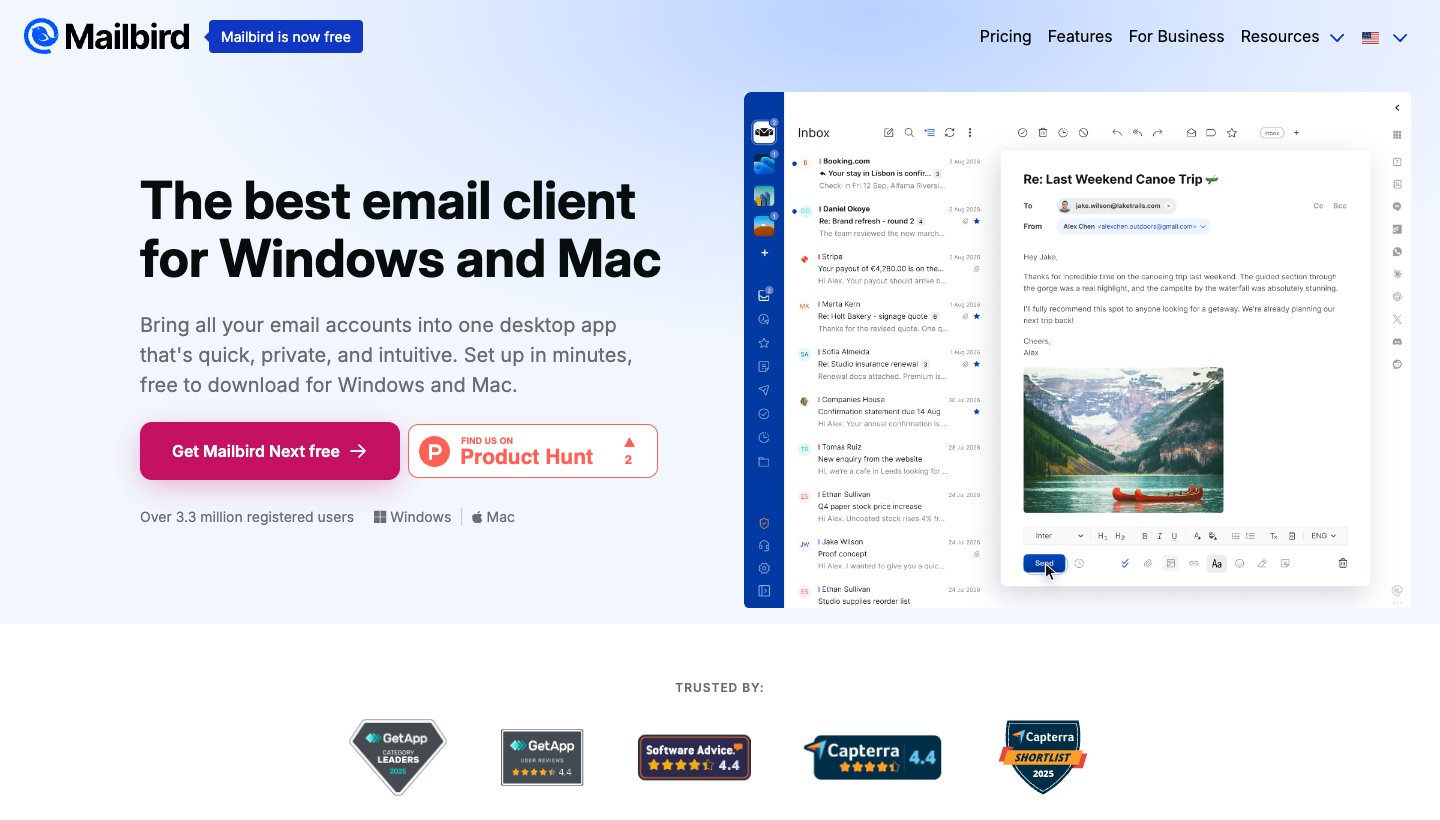
Mailbird started on Windows and now runs on Mac too. It puts all your accounts in one inbox. The current version is called Mailbird Next, and the site says "Mailbird is now free."
Who it's for: Windows users who want a simpler unified inbox than Outlook.
Price (checked October 2026): free for one account. Premium is sold yearly or as a one-time purchase, and each new account gets Premium free for seven days. Mailbird's page showed us prices in another currency, so we couldn't confirm the US-dollar figures; see Mailbird's pricing.
Platforms: Windows 10 and 11, and Mac. The Android app is in public beta; the iPhone app is "available soon."
Accounts: Gmail, Outlook, Microsoft 365, iCloud, Yahoo, Proton and any IMAP account.
Standout features: a unified inbox, a privacy hub that blocks tracking pixels and remote images, and opt-in AI that runs locally by default, with your own OpenAI or Anthropic key as an option.
One real downside: there's no iPhone app and Android is still in beta, so you can't yet use it on your phone and your computer.
Mimestream: best for Gmail on a Mac
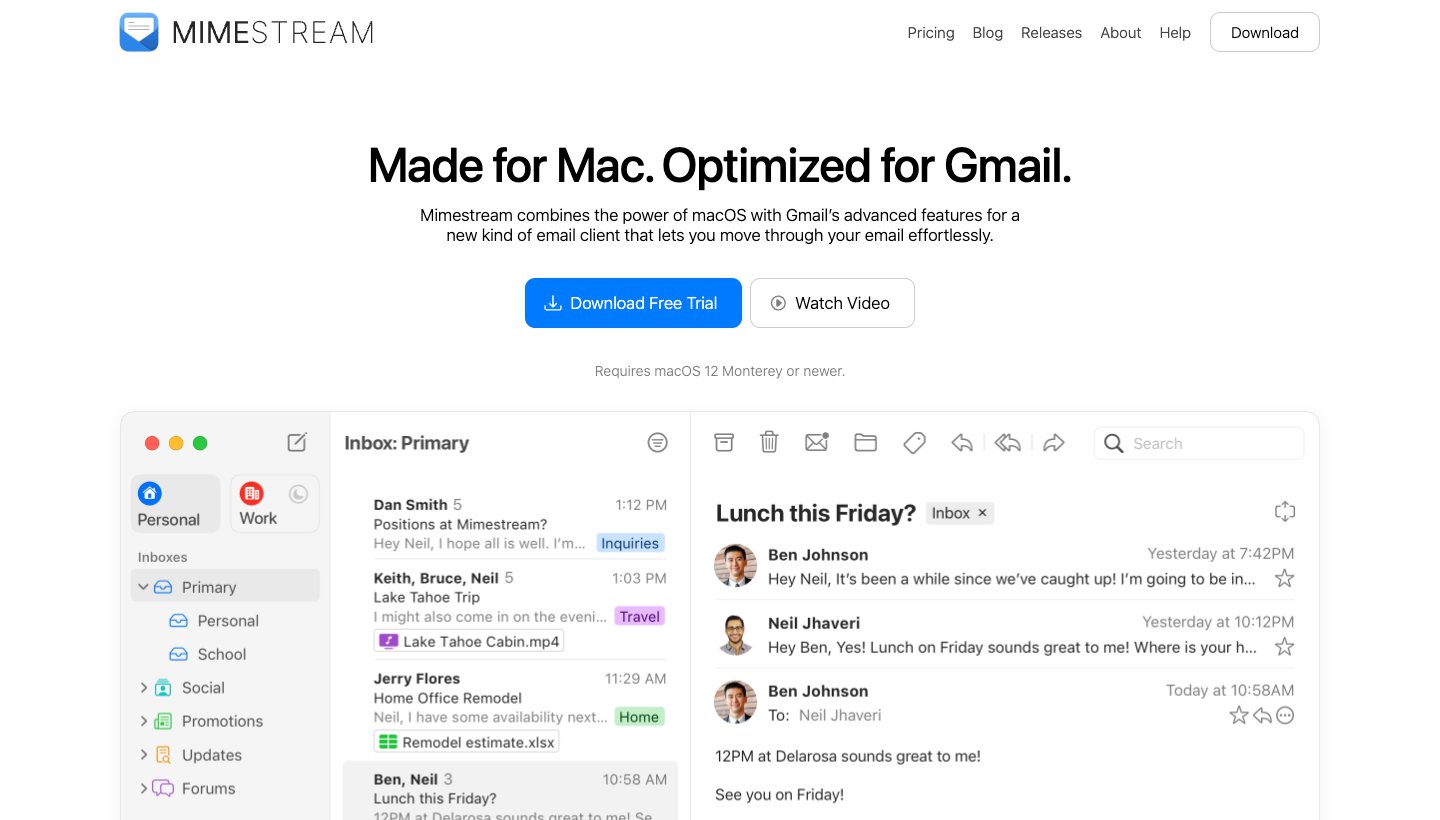
Mimestream is a native Mac app built on the Gmail API. You get a proper Mac interface, and your Gmail labels and categories still work.
Who it's for: Gmail and Google Workspace users who want a real Mac app instead of a browser tab.
Price (checked October 2026): $4.99 a month or $49.99 a year, with a 14-day trial and no card. No free plan. See Mimestream's pricing.
Platforms: Mac only (macOS 12 or newer).
Accounts: Gmail and Google Workspace only.
Standout features: native macOS design, full Gmail label and category support, and mail and credentials stored on your Mac.
One real downside: it's Mac-only and Gmail-only, with no phone app.
Superhuman: best for fast, keyboard-driven email
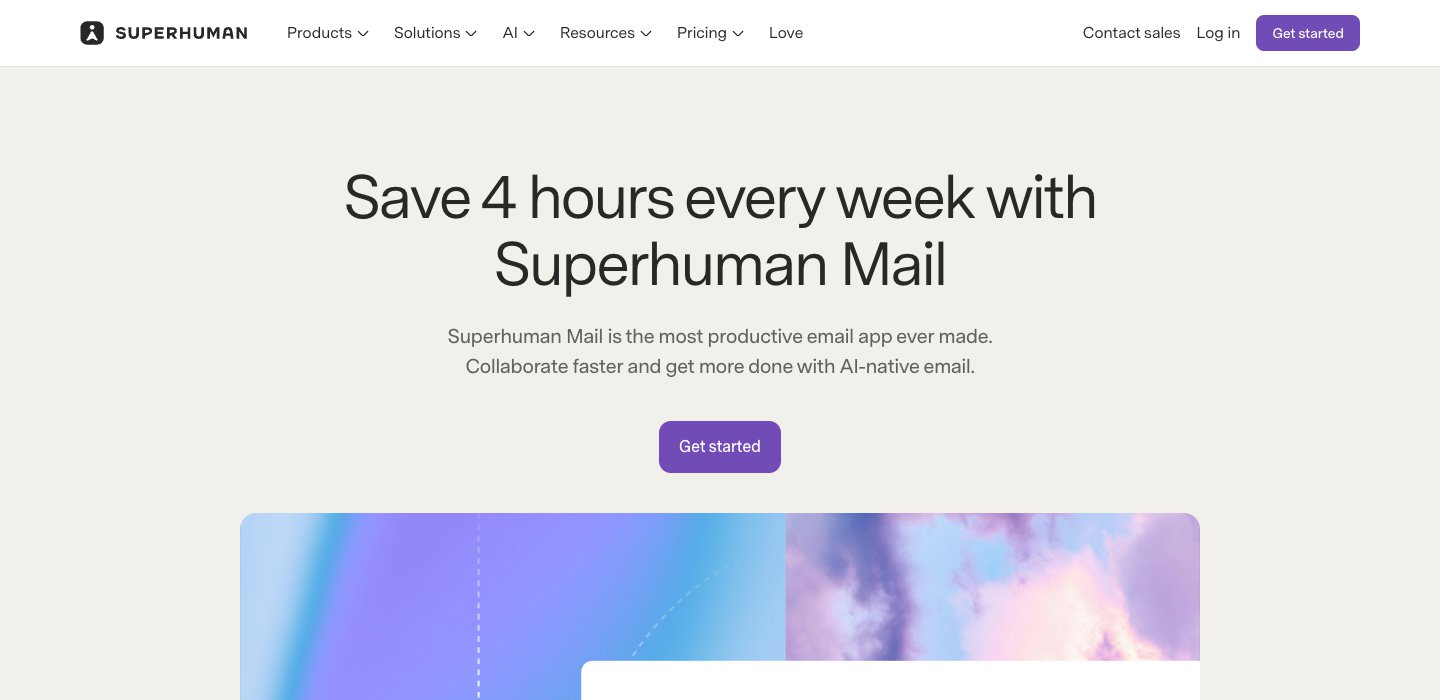
Superhuman is for people who clear hundreds of emails a day and want to do it without touching the mouse. It's also the most expensive app here.
Who it's for: heavy Gmail or Outlook users who work at a desktop and care about speed more than price.
Price (checked October 2026): Starter is $30 a month, or $25 a month billed yearly. Business, which adds Auto Drafts and Ask AI, is $40 a month or $33 billed yearly. See Superhuman's pricing.
Platforms: Mac, Windows, iPhone, iPad, Android and a Chrome extension.
Accounts: Gmail and Outlook only.
Standout features: a keyboard shortcut for nearly every action, Split Inbox, reminders, read statuses, Snippets and AI writing on every plan.
One real downside: there's no free plan or trial, so you pay $25 to $40 a month before you know whether it fits.
Thinking of leaving it? See our guide to Superhuman alternatives.
Want AI built in? If the reason you are switching is to have the app sort your mail and draft replies for you, see the best AI email apps. It compares the AI-first apps, which accounts each one supports, and what each does with your mail.
Want a new address, or a team inbox?
These don't work with the account you already have, but people find them through the same searches.
Proton Mail is a provider with its own apps and end-to-end encryption. Free with 1 GB; Mail Plus is $4.99 a month or $47.88 a year. See Proton's pricing.
HEY is a provider with its own rules for who can reach you. $99 a year, with a 30-day trial. See HEY's pricing.
Missive is built for teams sharing inboxes, with chat on email threads. Use it if more than one person answers the same address.
Which apps work with your devices and accounts
Most people can cross off half the list by checking two things: the devices they use and where their mail lives. "Yes" and "No" come from each vendor's own pages; a dash means the vendor didn't say.
App | Mac | Windows | iPhone/iPad | Android | Web | Linux | Gmail | Microsoft | iCloud | Yahoo | Other IMAP |
|---|---|---|---|---|---|---|---|---|---|---|---|
Apple Mail | Yes | No | Yes | No | iCloud only | No | Yes | Yes | Yes | Yes | Yes |
Outlook | Yes | Yes | Yes | Yes | Microsoft accounts only | No | Yes | Yes | Yes | Desktop | Yes |
Gmail | Web | Web | Yes | Yes | Yes | Web | Yes | Mobile apps | Mobile apps | Mobile apps | Mobile apps |
Dove (ours) | Yes | Yes | Yes | Yes | Yes | No | Yes | Yes | Yes | Yes | Yes |
Spark | Yes | Yes | Yes | Yes | — | — | Yes | Yes | Yes | Yes | Yes |
Canary Mail (ours) | Yes | Yes | Yes | Yes | — | — | Yes | Yes | Yes | Yes | — |
Thunderbird | Yes | Yes | Not yet | Yes | No | Yes | Yes | Yes | Yes | Yes | Yes |
eM Client | Yes | Yes | Yes | Yes | No | No | Yes | Yes | Yes | Yes | Yes |
Mailbird | Yes | Yes | Not yet | Beta | No | No | Yes | Yes | Yes | Yes | Yes |
Mimestream | Yes | No | No | No | No | No | Yes | No | No | No | No |
Superhuman | Yes | Yes | Yes | Yes | Chrome | No | Yes | Yes | No | No | No |
Dove, Spark, Canary Mail and eM Client all run on Mac, Windows, iPhone and Android. So does Outlook, but what it can connect to depends on the platform: the web version takes only Microsoft accounts.
Thunderbird is the only Linux pick.
Gmail handles outside accounts in its phone apps. On a computer it's Gmail only from January 2027.
Best email app by platform
Mac
Start with Apple Mail. It's free, and Mail Privacy Protection and iCloud are built in. Spark is the best free upgrade and Mimestream suits Gmail-only users. For sorting, there's Dove; for encryption, Canary. If you're on Microsoft 365, use Outlook for Mac. Our guide to the best email app for Mac compares ten Mac apps, including Airmail and MailMate.
iPhone and iPad
Apple Mail is the default to beat here too. For Gmail or Microsoft accounts, the Gmail and Outlook apps are the best free alternatives. Spark, Dove and Canary all have iPhone and iPad apps. Thunderbird and Mailbird don't yet. The best email app for iPhone and iPad guide covers iPad-specific features too.
Android
Gmail is the best default. If your mail is with Microsoft, Outlook is better. Samsung Galaxy owners also have Samsung Email, and FairEmail is the privacy-focused open-source pick. See the best email app for Android guide.
Windows
With Windows Mail retired, new Outlook is the built-in client, free with ads. Thunderbird is free and has no ads. eM Client and Mailbird are the paid upgrades. Our best email client for Windows guide covers them, plus Mailspring.
Linux
Thunderbird is the main choice on Linux. Mailspring is a free alternative with Snap, Flatpak, .deb and .rpm builds. None of the paid cross-platform apps above, ours included, has a Linux version.
Which email app should you choose?
Stay with Apple Mail, Outlook or Gmail if your mail is manageable and you mostly use one platform. That's most people.
Choose Dove (ours) if you get more mail than you can sort by hand, have accounts across providers, and want the same sorted inbox on every device, at $20 a month or $200 a year.
Choose Spark if you want a free app that holds many accounts across Mac, Windows, iPhone and Android.
Choose Canary Mail (ours) if you need PGP encryption, or want a yearly or lifetime licence.
Choose Thunderbird if you want a free, open-source desktop client, or you're on Linux.
Choose eM Client if you want an all-in-one desktop client and prefer paying once.
Choose Mailbird if you're on Windows and want a simpler unified inbox than Outlook.
Choose Mimestream if you use Gmail on a Mac and want a native app.
Choose Superhuman if you process a lot of Gmail or Outlook mail by keyboard and the price is worth it.
Choose Proton Mail or HEY if what you actually want is a new address.
FAQ
What is the best free email app?
For most people, the one already on their device: Apple Mail on Mac, iPhone and iPad, Outlook on Windows, and Gmail on Android. For one free app across all of them, Spark's free plan handles unlimited accounts on Mac, Windows, iPhone and Android. Thunderbird is the best free desktop client with no ads. Dove and Canary Mail (both ours) also have free plans.
What is the best free email address to have?
Gmail and Outlook.com are the most widely used free addresses, and almost every app above works with both. Both show ads. If privacy is the priority, Proton Mail has a free plan with 1 GB of storage and end-to-end encryption. Yahoo Mail is free with 20 GB, also with ads.
What is the most secure email provider?
Among the big free options, Proton Mail goes furthest: it uses end-to-end and zero-access encryption, and says it can't read your encrypted mail. The app matters too. Canary Mail, Thunderbird and eM Client add PGP encryption to accounts you already have, and Apple Mail's Mail Privacy Protection stops senders from seeing when you open their email. Whatever you use, turn on two-factor sign-in.
Is there a better app than Gmail?
For a Google account on Android, Gmail is hard to beat. It falls short if you have other accounts or work on a computer: there's no desktop app, and Gmail on the web is dropping support for outside accounts by January 2027. Spark, Dove, Thunderbird and eM Client all hold Gmail alongside other accounts on desktop.
If you're leaving Gmail altogether, our guide to Gmail alternatives covers new providers as well as better apps for the address you keep.
What is better than Outlook?
On Windows, Thunderbird is the free alternative with no ads, and eM Client and Mailbird are paid upgrades. If you also use a phone, Spark and Dove keep the same inbox on Windows, Mac, iPhone and Android. And if you just want Outlook without the ads, Microsoft 365 Basic removes them for $1.99 a month.
For the full list of apps that replace Outlook on every device, see our guide to Outlook alternatives.
Why are people ditching Gmail?
Ads and privacy are the usual reasons. In 2026 there's a more practical one: Google is removing Gmailify, POP fetch and "Send as" for outside accounts from Gmail on the web, with full removal in January 2027. People who used Gmail to collect mail from a work or custom-domain address need a client that holds several accounts instead.
Does Windows 11 have a built-in email app?
Yes. Windows 11 now ships with the new Outlook for Windows as its default mail app. The old Windows Mail and Calendar app stopped working when support ended on December 31, 2024. New Outlook is free with ads and can add Gmail, Yahoo, iCloud and IMAP accounts.
More from Dove
Recent posts
October 13, 2026
Outlook Alternatives in 2026: 9 Email Apps for Every Device
Microsoft isn't shutting Outlook down, but Windows Mail is gone and the old Outlook for Mac loses work accounts this month. Here's what's changing, and nine Outlook alternatives for Windows, Mac, iPhone and Android, with prices checked on October 13, 2026.
October 13, 2026
Gmail Alternatives in 2026: A New Provider, or Just a Better App
Leaving Google entirely means picking a new email provider. If you only dislike the Gmail app, you can keep your address and change the app instead. Both routes are covered below, with every price checked on October 13, 2026.
October 12, 2026
AI Email Assistant for Gmail in 2026: Gemini, Add-ons and What They Cost
Gmail already has a free AI assistant, at least in the US. Here's what Gemini does on each plan, how to switch it on or off, and when an add-on like Fyxer, Cora or Inbox Zero is worth paying for.