'/%3e%3c/g%3e%3c/svg%3e)

Best Email Client for Windows in 2026: 10 Picks, Prices Checked
For most people on Windows, the free new Outlook that comes with Windows 11 is good enough, as long as you can live with ads or pay $19.99 a year to remove them. If you want free with no ads, use Thunderbird. Only pay for something else if you have a reason to: you're drowning in mail, you'd rather pay once, you need PGP, or you want the same app on your phone.
Disclosure: Dove is made by the team behind Canary Mail, and both are on this list. Every product, ours included, gets the same fields and one real downside, and every price comes from the vendor's own site.
This page is the Windows part of our guide to the best email apps on every platform.
Does Windows 11 have a built-in email client?
Yes. It's the new Outlook for Windows. Microsoft says "Windows 11 devices are now shipped with the new Outlook as the default mailbox application," and it's free.
It replaced the old Windows Mail and Calendar apps. Microsoft's support page doesn't soften it: "Support for Windows Mail, Calendar, and People ended December 31, 2024." They can no longer send or receive mail. If the old app is still on your PC, it's a dead end, though you can export your local mail from it and import that into the new Outlook.
Before you settle on the new Outlook:
Free accounts see ads. Microsoft's Store listing says: "If you use a free email service such as Outlook.com, Hotmail, or Gmail without a Microsoft 365 subscription, you'll see ads in the new Outlook for Windows."
Microsoft 365 Basic gets rid of them. Basic is $1.99 a month or $19.99 a year. Microsoft says Basic, Personal or Family removes "any advertising served by Microsoft." Basic doesn't include the desktop Office apps.
Classic Outlook is a separate app. The older desktop Outlook comes with the Office desktop apps in Microsoft 365 Personal ($9.99 a month or $99.99 a year) and up. It's still supported, and Microsoft's retirement of Windows Mail doesn't apply to it.
One more trap. If you search the Microsoft Store for "Mail", a top result is an app called Mail from a publisher named eyacker.com, not Microsoft. It's a wrapper around webmail sites, and its own listing says it "has advertisments on the top of the app." It isn't the old Windows Mail.
Quick picks
Best overall: New Outlook for Windows. Free and built in, works with Gmail, Yahoo, iCloud and IMAP, ads unless you pay $19.99 a year.
Best free, no ads: Thunderbird. Open source and donation-funded.
Best for a busy inbox you want sorted for you, on any provider and every device: Dove (ours). $20 a month or $200 a year, with a free plan.
Best one-time purchase: eM Client. $59.95 once, or $39.95 a year in the US.
Best free app that's also on your phone: Spark. Unlimited accounts on the free plan.
Best for privacy and PGP encryption: Canary Mail (ours). $36 a year, or $100 once.
Closest to the old Windows Mail: Wino Mail. Free for 3 accounts.
Fastest for heavy Gmail or Outlook users: Superhuman. $30 a month.
What changed: apps you'll still see recommended
A lot of pages that rank for this search still recommend apps you can't use any more.
App | Status |
|---|---|
Windows Mail and Calendar | Support ended December 31, 2024. It can no longer send or receive mail. Replaced by the new Outlook. |
Postbox | Acquired by eM Client on October 22, 2024, and "will no longer be sold or developed." Support ended December 22, 2024. Its homepage still lists Windows. It did not become Betterbird, which is an unrelated Thunderbird fork. |
"Mail" in the Microsoft Store | A third-party, ad-supported webmail wrapper from eyacker.com. Not Microsoft's app. |
Apple Mail, Airmail | Mac and iPhone only. There's no Windows version of either. |
Every pick at a glance
Prices are in US dollars from each vendor's own site, checked on October 8, 2026. Each product's section links to its pricing page.
Client | Best for | Free version | Paid price | One-time option |
|---|---|---|---|---|
New Outlook | Most people | Yes, with ads | Microsoft 365 Basic $1.99/mo or $19.99/yr (no ads) | No |
Thunderbird | Free, no ads | Yes, everything | Donations | n/a |
Dove (ours) | A busy inbox sorted for you | Yes, 10 AI actions a day | $20/mo or $200/yr | No |
eM Client | A one-time purchase | 2 accounts, 1 device, home use | $39.95/yr | $59.95 |
Spark | Free on desktop and phone | Yes, unlimited accounts | Plus $10/mo or $99/yr | No |
Canary Mail (ours) | Privacy and PGP | Yes, 2 devices | Growth $36/yr, Pro+ $100/yr | $100 or $300 lifetime |
Mailbird | Windows-first, local storage | 1 account | Shown in local currency on its site | Yes (Pay Once) |
Mailspring | Free, open source, Linux too | Yes | Pro $8/mo | No |
Wino Mail | Windows Mail refugees | Up to 3 accounts | n/a | $9.99 for unlimited accounts |
Superhuman | Keyboard speed | No | $30/mo or $25/mo yearly | No |
Which accounts and devices each one works with
Most Windows lists skip this table. "IMAP" covers most other providers, including many custom domains.
Client | Gmail | Outlook.com / Microsoft 365 | iCloud | Yahoo | Other IMAP | Also on |
|---|---|---|---|---|---|---|
New Outlook | Yes | Yes | Yes | Yes | Yes | Mac, iPhone, iPad, Android, web (as Outlook) |
Thunderbird | Yes | Yes (Exchange: email only) | Yes | Yes | Yes, plus POP | Mac, Linux, Android |
Dove (ours) | Yes | Yes | Yes | Yes | Yes | Mac, iPhone, iPad, Android, web |
eM Client | Yes | Yes, plus Exchange | Yes | Via IMAP | Yes, plus POP | Mac, iPhone, Android |
Spark | Yes | Yes, including Exchange Online | Yes | Yes | Yes | Mac, iPhone, Android |
Canary Mail (ours) | Yes | Yes, plus Exchange | Yes | Yes | Zoho and Proton named | Mac, iPhone, iPad, Android |
Mailbird | Yes | Yes, plus Exchange | Yes | Yes | Yes, plus POP | Mac (Android in beta) |
Mailspring | Yes | Yes | Yes | Yes | Yes | Mac, Linux |
Wino Mail | Yes | Yes | Via IMAP | Via IMAP | Yes | Windows only |
Superhuman | Yes | Yes | No | No | No | Mac, iPhone, iPad, Android, Chrome |
How we chose
We picked clients that run as real Windows apps and connect to the email accounts you already have. Services that give you a new address, like Proton Mail or HEY, are a different decision, so they aren't here. Every price, platform and account type comes from the vendor's own pricing, download, help or Microsoft Store pages, checked on October 8, 2026. Where a vendor doesn't publish something, we say so. We didn't run speed benchmarks, and we don't claim any.
The best email clients for Windows
1. New Outlook for Windows: best overall
It's already on your PC and handles almost any account. It's also the same Outlook you'd use on a phone or at work.
Who it's for: most Windows users, and anyone whose work runs on Microsoft 365.
Price: free with ads. Microsoft 365 Basic at $1.99 a month or $19.99 a year removes Microsoft's ads and adds 100 GB of storage. Personal is $9.99 a month or $99.99 a year and adds the desktop Office apps and Copilot.
Platforms: Windows, with Outlook also on Mac, iPhone, iPad, Android and the web.
Accounts: Outlook.com and Hotmail, work or school Microsoft accounts, Gmail, Yahoo, iCloud and other IMAP accounts.
Standout features: one app for mail and calendar across several accounts, scheduled send, undo send, follow-up reminders and pinned messages. The AI writing suggestions need a Microsoft 365 subscription.
One real downside: free accounts get ads in the inbox. Paying to remove them is cheap, but it's another subscription.
If you want AI inside new Outlook, our guide to AI email assistants for Outlook covers which Microsoft 365 plans include Copilot.
2. Thunderbird: best free email client
Thunderbird is free, open source and funded by donations. Its homepage says it doesn't "sell ads in your inbox", and its privacy notice says your messages are stored and processed on your device, not sent to Mozilla.
Who it's for: anyone who wants a full desktop client with no ads and no subscription, and people with a lot of accounts or old POP mail.
Price: free. Donations are optional.
Platforms: Windows (including a Microsoft Store version), Mac, Linux and Android.
Accounts: Gmail, Outlook and Microsoft 365, Yahoo, iCloud and any IMAP or POP account. Native Exchange support covers email only so far. Calendar and contacts are on the roadmap.
Standout features: a unified inbox, add-ons, OpenPGP and S/MIME encryption built in, and local storage you control. If you want extra features on the same base, Betterbird is a free community fork with a portable Windows build.
One real downside: there's no iPhone or iPad app yet. Thunderbird says one is in development, so iPhone users need a second app for now.
3. Dove: best for a busy inbox you want sorted for you (ours)
Dove is our app, made by the team behind Canary Mail. It's for people who get more mail than they can read: it sorts mail by what needs you, then helps you answer it.
Who it's for: one person with a heavy inbox, maybe across Gmail, Outlook and iCloud, who wants the sorting done for them on a Windows PC and every other device.
Price: $20 a month or $200 a year. A free plan includes 10 AI actions a day. The paid plan has a 7-day free trial that asks for a card. See Dove's pricing.
Platforms: Windows (in the Microsoft Store), Mac, iPhone, iPad, Android and web. No Linux.
Accounts: Gmail, Google Workspace, Outlook, Microsoft 365, Yahoo, iCloud and any IMAP account.
Standout features: mail is sorted into Focus, Feed and Noise, so newsletters and notifications stay out of the way. Today shows what needs you, your schedule and what you're waiting on. AI drafts replies and summarizes long threads, and read receipts are built in. Mail is encrypted in transit and at rest. Dove doesn't offer PGP or end-to-end encryption.
One real downside: Dove is new. It has only a handful of ratings in the Microsoft Store and a short track record, and the trial asks for a card.
4. eM Client: best one-time purchase
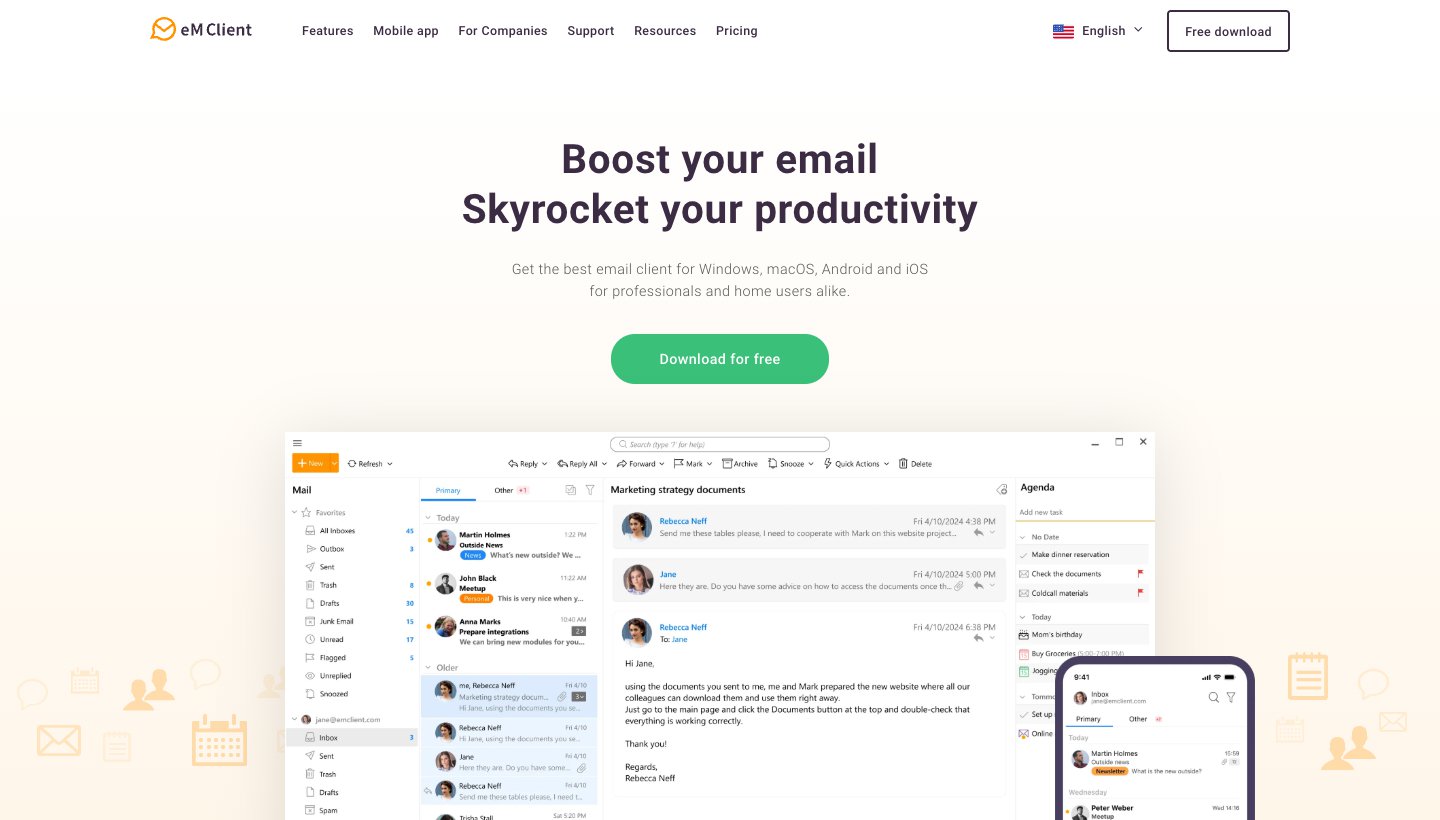
eM Client puts mail, calendar, contacts and tasks in one desktop window. When eM Client bought Postbox in 2024, it offered Postbox users discounts to move over.
Who it's for: people who want an Outlook-style desktop app without Microsoft 365, and anyone who'd rather pay once.
Price: free for home use on 1 device with 2 accounts. Personal is $39.95 a year (3 devices, unlimited accounts, AI included) or $59.95 once in the US; eM Client sets prices by country. Business is priced per device. There's a 30-day trial. See eM Client's pricing.
Platforms: Windows and Mac, with free iPhone and Android apps.
Accounts: Gmail, Microsoft 365, Exchange, Outlook.com, iCloud and any IMAP or POP account.
Standout features: PGP and S/MIME encryption, tracking-pixel blocking, and an AI writing add-on. Its privacy policy says the company has no access to the content of your emails.
One real downside: the one-time licence covers only the current major version, and AI isn't included with it. Future major versions need a separate Lifetime Upgrades purchase.
5. Spark: best free client that's also on your phone
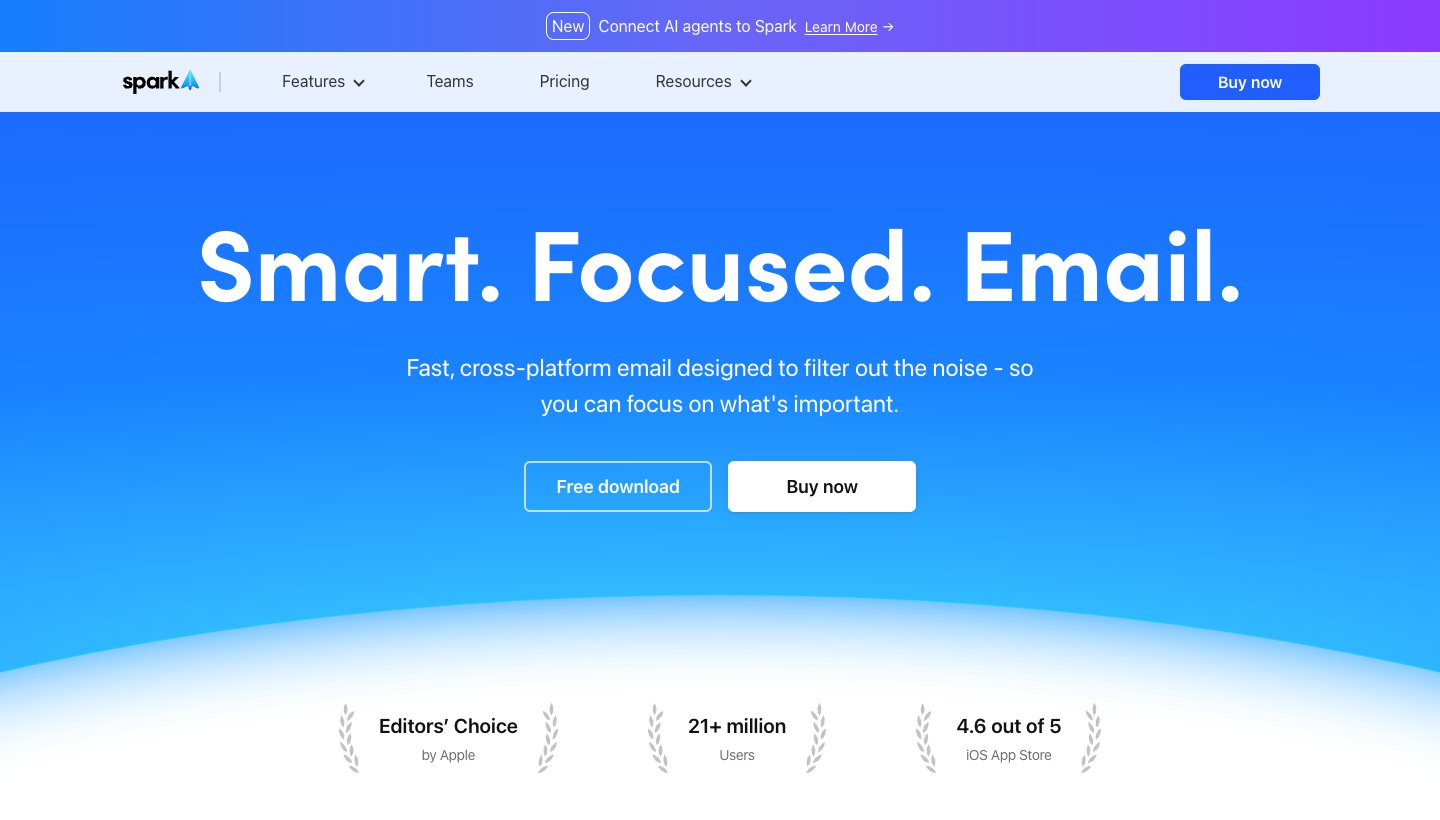
Spark, from Readdle, is one of the few Windows clients where the free plan is actually usable and there's an app for every phone.
Who it's for: people who want the same free app on Windows, Mac, iPhone and Android.
Price: free with unlimited accounts. Plus is $10 a month or $99 a year. Pro is $20 a month or $199 a year. See Spark's pricing.
Platforms: Windows, Mac, iPhone and Android.
Accounts: Gmail and Google Workspace, Outlook and Office 365 (including Exchange Online), iCloud, Yahoo and any IMAP account.
Standout features: Smart Inbox groups mail by type, Gatekeeper screens new senders, and the AI assistant can search and summarize across mail and calendar. Some lists say the free plan allows one account. Spark's pricing page says unlimited.
One real downside: AI allowances aren't published as numbers. Plus gets "Extended" credits and Pro "High", so you can't tell in advance how much you get.
How Spark compares with our app: Dove vs Spark.
6. Canary Mail: best for privacy and PGP (ours)
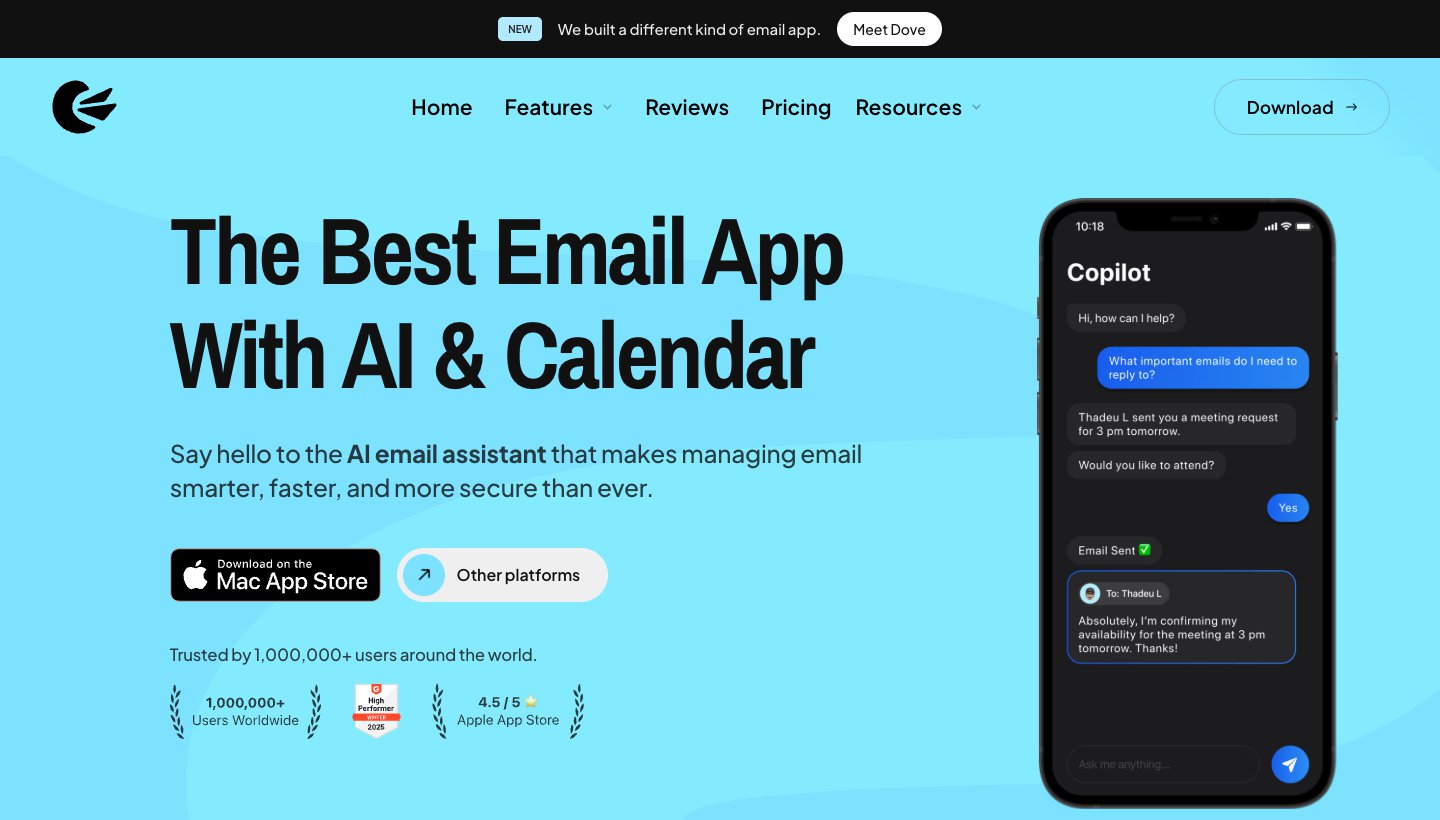
Canary Mail is also made by our team. PCMag's email client roundup names it "our top pick overall."
Who it's for: people who want encryption they control, like PGP, in an everyday email app.
Price: free on up to 2 devices. Growth is $36 a year or $100 once. Pro+ is $100 a year or $300 once. There's no monthly plan. The 7-day trial doesn't ask for a card. See Canary's pricing.
Platforms: Windows, Mac, iPhone, iPad and Android.
Accounts: Gmail, Outlook, Exchange, Office 365, iCloud, Yahoo, Zoho Mail and ProtonMail.
Standout features: PGP end-to-end encryption and SecureSend on Pro+, plus AI drafting and summaries on paid plans. Its privacy policy says Canary doesn't collect or store the content of your email.
One real downside: there's no monthly plan, so you pay for a year or a lifetime up front. The free plan has no AI.
7. Mailbird: best Windows-first client with local storage
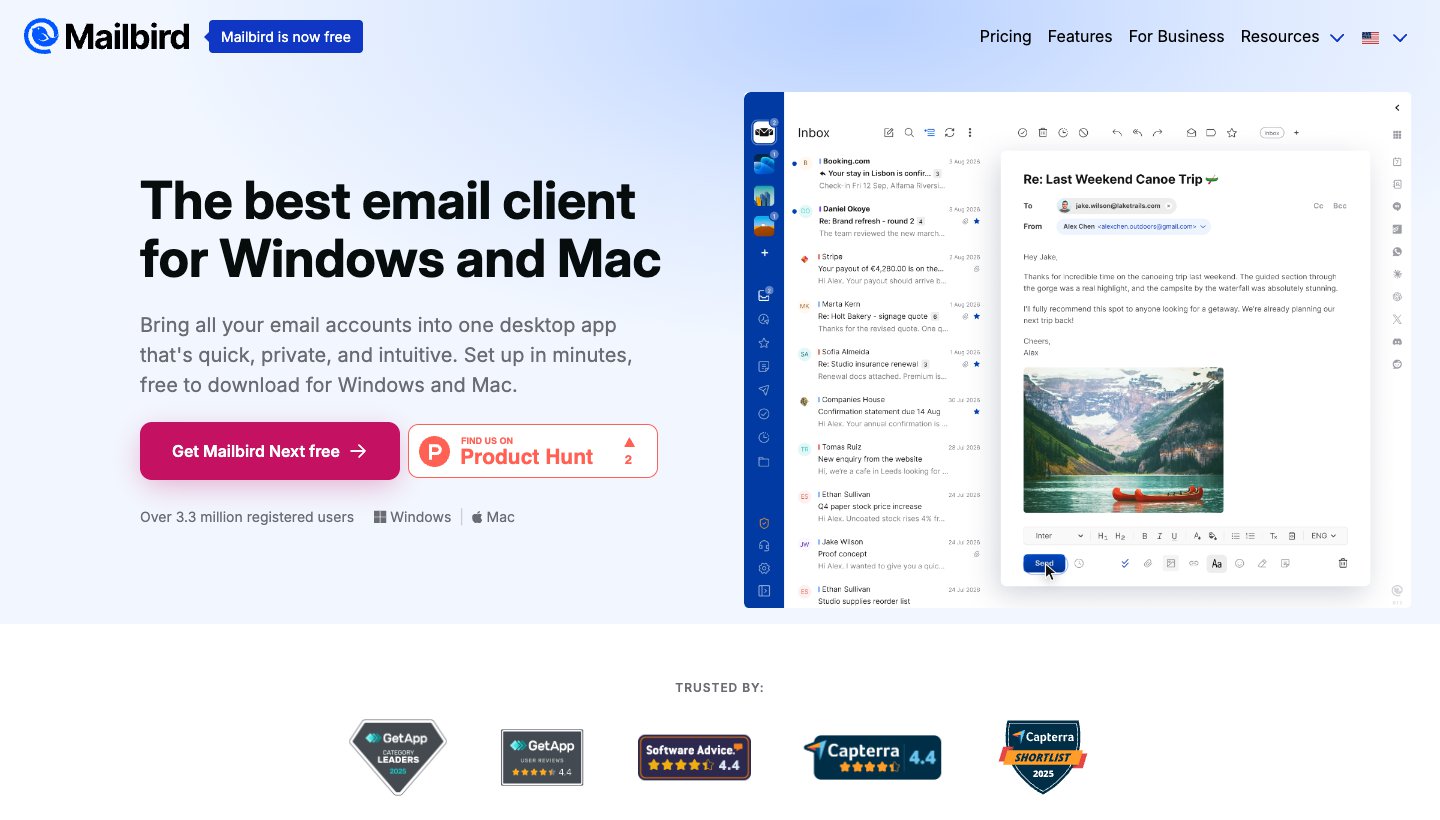
Mailbird started on Windows and still feels most at home there. The current version is called Mailbird Next.
Who it's for: Windows users who want a clean unified inbox with their mail kept on their own PC.
Price: a free plan with 1 account, a Premium yearly plan and a Pay Once option. New accounts get Premium free for 7 days. Prices are shown in local currency on Mailbird's pricing page, and we couldn't see the US dollar prices, so we haven't quoted them.
Platforms: Windows 10 and 11, and Mac. The Android app is in public beta, and the iPhone app isn't out yet.
Accounts: Gmail, Outlook, Microsoft 365, iCloud, Yahoo, Proton and any IMAP account, plus Exchange. POP works on Windows.
Standout features: a tracker-blocking privacy hub, and AI that's opt-in and local by default, with the option of bringing your own AI provider key. Mailbird says your mail stays on your computer, not on its servers (AI and data flow).
One real downside: the free plan covers just 1 account, which isn't much for a client whose main job is combining inboxes.
8. Mailspring: best free open-source alternative
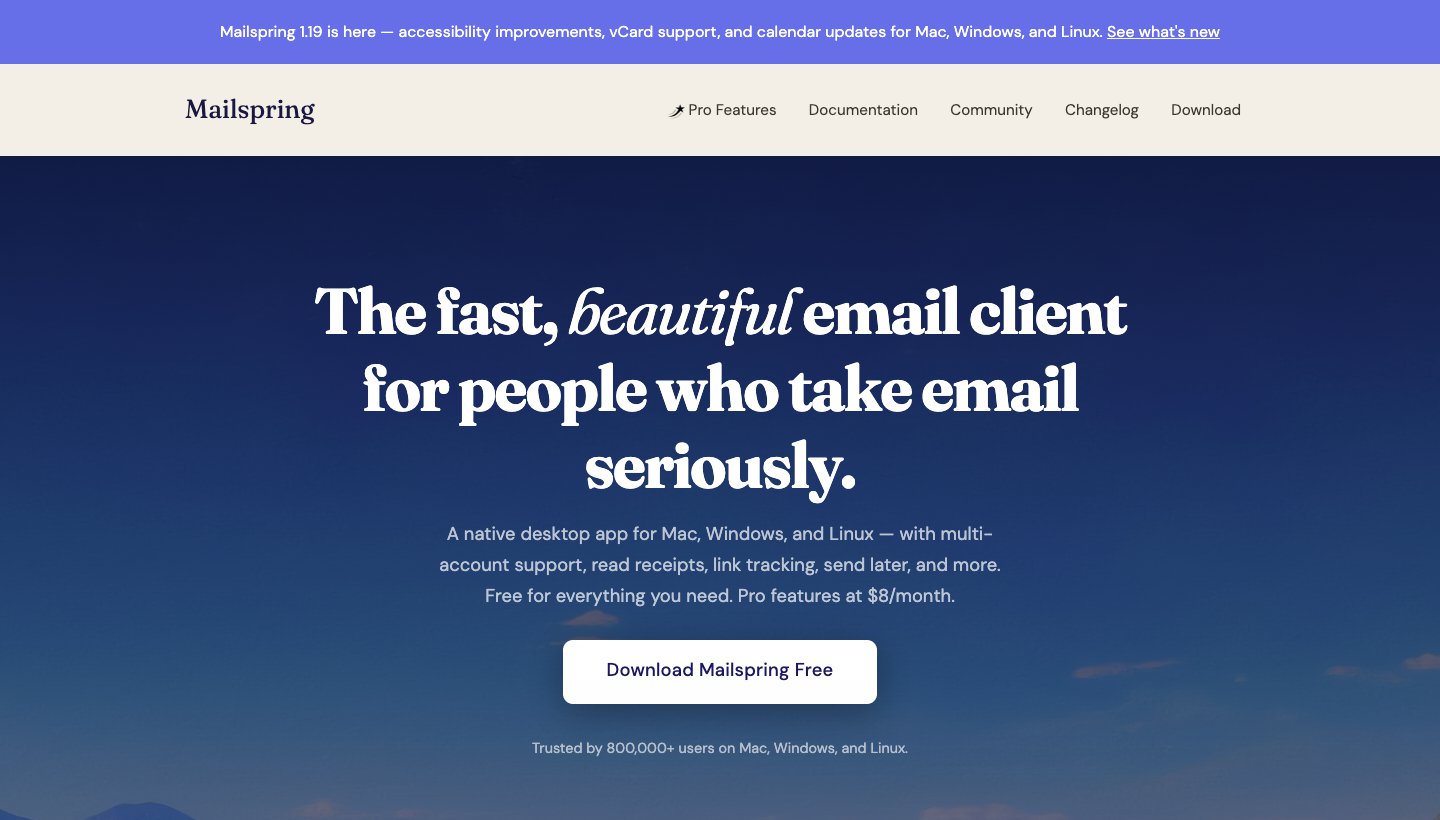
Mailspring is free, open source and modern-looking. It also runs on Linux, which helps if you move between Windows and Linux.
Who it's for: people who want something lighter and newer-looking than Thunderbird, free.
Price: free. Mailspring Pro is $8 a month for read receipts, link tracking, send later, snooze, templates and reminders. No yearly price is listed.
Platforms: Windows (including ARM64), Mac and Linux.
Accounts: Gmail, Outlook.com, Office 365, iCloud, Yahoo, FastMail and any IMAP account.
Standout features: several accounts in one app, with calendar and contact sync over CalDAV and CardDAV. Mail syncs straight from your provider to your PC, not through Mailspring's servers (privacy policy).
One real downside: it's desktop-only. There's no phone app, so you'll need something else on mobile.
9. Wino Mail: closest to the old Windows Mail
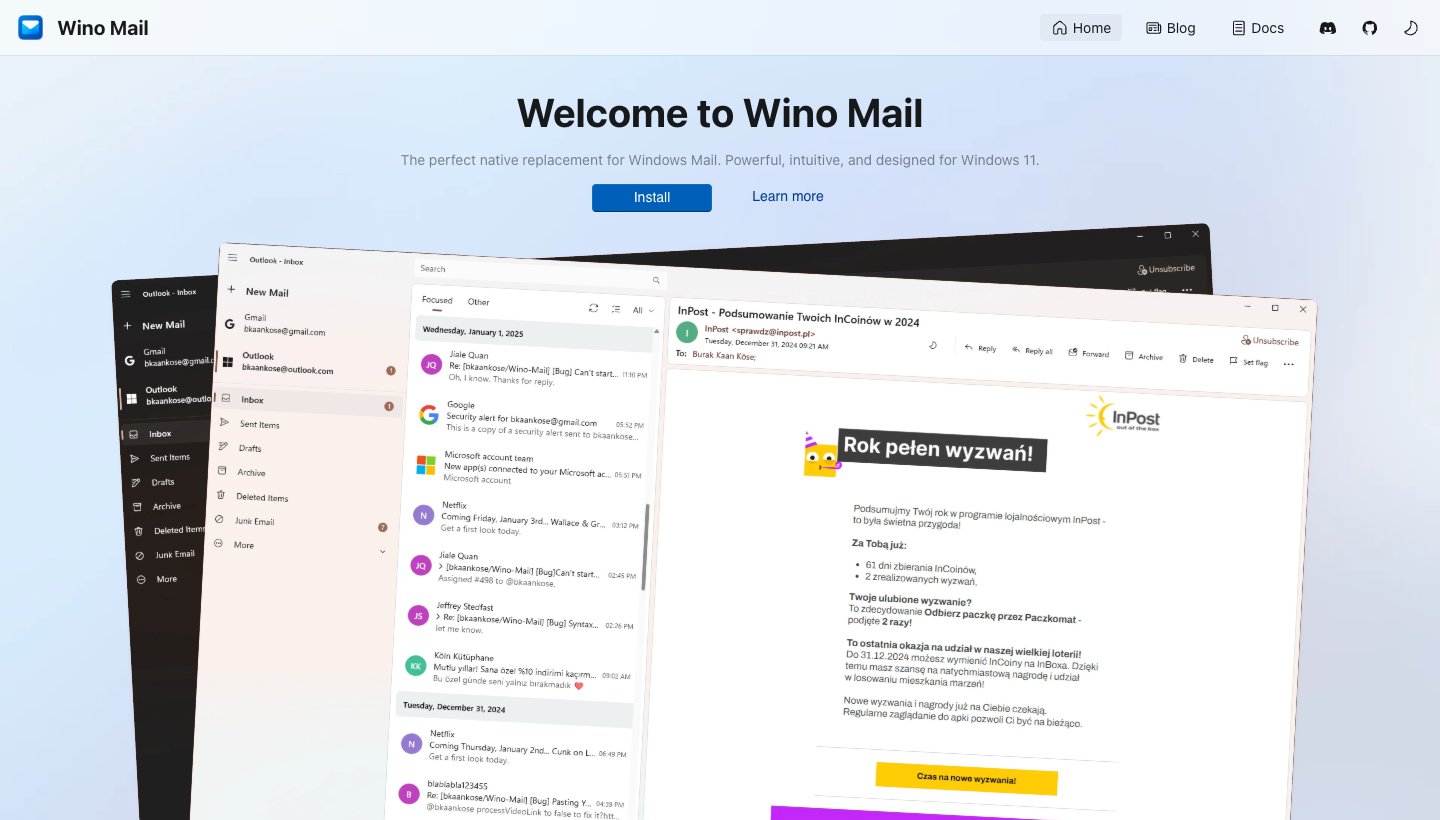
If you miss Windows Mail, start here. Its developer started it because Microsoft was retiring Mail & Calendar, and the goal is to bring back that app's look and feel.
Who it's for: people who liked the old Windows Mail and want something simple and native.
Price: free for up to 3 accounts. An Unlimited Accounts add-on is a one-time $9.99 in the Microsoft Store.
Platforms: Windows 10 and 11 only.
Accounts: Outlook and Gmail through their own APIs, plus any IMAP/SMTP account.
Standout features: a native WinUI app (not a web wrapper) with mail and calendar, toast notifications and offline access. It's open source, and its site says your data stays on your device.
One real downside: it's mostly one developer's project, built in their spare time, so updates depend on one person.
10. Superhuman: fastest for heavy Gmail or Outlook users
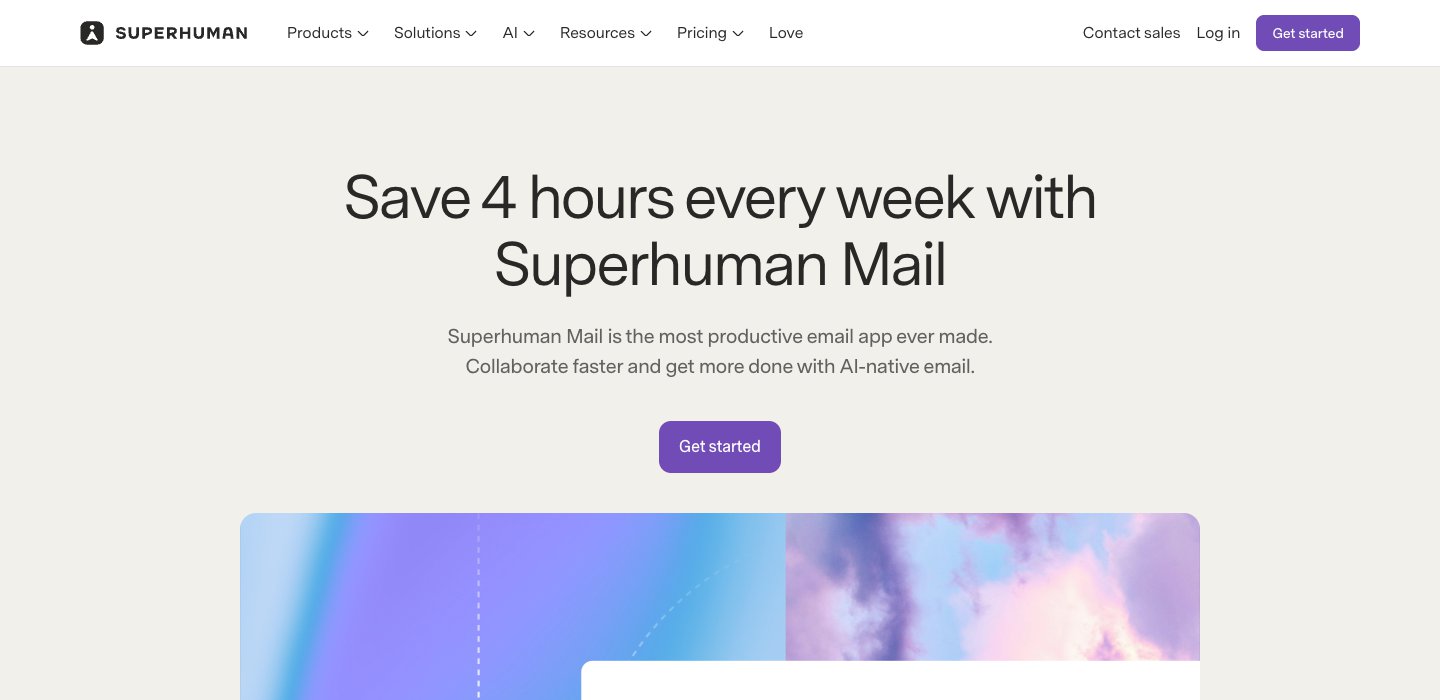
Superhuman is for getting through a lot of mail fast without leaving the keyboard. It has a native Windows app, even though some lists still say it's browser-only on Windows.
Who it's for: people who handle hundreds of emails a day in Gmail or Outlook and want a keyboard shortcut for everything.
Price: Starter is $30 a month, or $25 a month billed yearly. Business is $40 a month, or $33 billed yearly. No free plan or trial. See Superhuman's plans.
Platforms: Windows, Mac, iPhone, iPad, Android and Chrome.
Accounts: Gmail and Outlook only.
Standout features: Split Inbox, Snippets, follow-up reminders, read statuses and AI writing. Its privacy policy says it uses collected information "to train our AI models", with a setting to opt out.
One real downside: it's the most expensive client here, with no trial, and it can't add iCloud, Yahoo or other IMAP accounts.
If you're comparing it with cheaper options, see our Superhuman alternatives.
Free, one-time or subscription?
Windows forums ask this more than anything else.
Free with no catch: Thunderbird and Mailspring. Wino Mail is free up to 3 accounts.
Free with limits: new Outlook (ads), Spark (AI preview only), eM Client (2 accounts, home use), Mailbird (1 account), Canary (2 devices, no AI) and Dove (10 AI actions a day).
Pay once: eM Client ($59.95), Canary ($100 or $300 lifetime), Wino Mail ($9.99 add-on) and Mailbird (Pay Once).
Subscription only: Superhuman, Dove and Spark's paid plans, and Microsoft 365 for ad-free or classic Outlook.
Switching from Windows Mail or Outlook
From the old Windows Mail: your mail lives on your provider's server, so any client above picks it up when you sign in. Microsoft's support page explains how to export mail that was only stored locally.
Keep POP accounts in mind: if an account only offers POP, use Thunderbird, eM Client or Mailbird. We couldn't confirm that the new Outlook adds POP accounts.
Gmail users: there's no Gmail app for Windows. Any client above works, or you can stay in the browser. Google is also removing Gmailify and POP fetching from Gmail on the web by January 2027, so if you use Gmail to collect other accounts, you'll need a desktop client to keep doing that.
Work accounts: if your company uses Microsoft 365 or Exchange, stick with the new Outlook or classic Outlook. Check with your IT team before adding a work account anywhere else.
Also choosing for your phone or a Mac? See the best email app for iPhone, the best email app for Android and the best email app for Mac.
Choose the right one
Choose the new Outlook if you want what's already installed and don't mind ads, or will pay $19.99 a year to remove them.
Choose Thunderbird if you want free, no ads and your mail stored on your PC.
Choose Dove (ours) if your inbox is the problem and you want it sorted for you on every device.
Choose eM Client if you want to pay once and have an Outlook-style desktop app.
Choose Spark if you want one free app on Windows and your phone.
Choose Canary (ours) if you need PGP encryption.
Choose Mailbird if you want a Windows-first client with mail stored locally.
Choose Mailspring if you also use Linux.
Choose Wino Mail if you just want Windows Mail back.
Choose Superhuman if speed through Gmail or Outlook is worth $30 a month to you.
FAQ
What is the best free email client for Windows?
Thunderbird, if you want free with no ads and no account limits. The new Outlook is also free and already installed, but it shows ads on free accounts. Spark is the best free choice if you want the same app on your phone.
What's the best email client for Windows 11?
For most people, the new Outlook that ships with Windows 11. It handles Outlook.com, Microsoft 365, Gmail, Yahoo, iCloud and IMAP. If the ads bother you and you don't want to pay, use Thunderbird. If you want the old Windows Mail feel, try Wino Mail.
Is there a better email client than Outlook?
Depends what you dislike about it. For no ads and no subscription, Thunderbird. For a one-time price, eM Client. For an inbox that's sorted for you across providers, Dove (ours). For PGP, Canary (ours). For work accounts on Microsoft 365, Outlook is usually still the best fit.
If you want to leave Outlook on a Mac or phone too, our guide to Outlook alternatives covers every platform, with PST import and prices checked.
Is there a better mail client than Thunderbird?
For some people. eM Client is a tidier all-in-one desktop app. Spark and Dove (ours) have phone apps on iPhone, which Thunderbird doesn't yet. Mailspring looks more modern and is also free. If you like Thunderbird but want more features, Betterbird is a free fork.
Is there a better mail app than Gmail?
On Windows, Google doesn't make a Gmail app, so you're using Gmail in a browser. Any client here can open your Gmail account in a desktop app, and most can combine it with your other accounts. Superhuman is the fastest for Gmail by keyboard, and Dove (ours) and Spark sort Gmail by what needs you.
What happened to Windows Mail?
Microsoft ended support for Windows Mail, Calendar and People on December 31, 2024. The apps can no longer send or receive mail, and Windows 11 now ships with the new Outlook instead. For a free replacement with the same simple feel, try Wino Mail. For more options on other devices, see our guide to the best email apps.
More from Dove
Recent posts
October 13, 2026
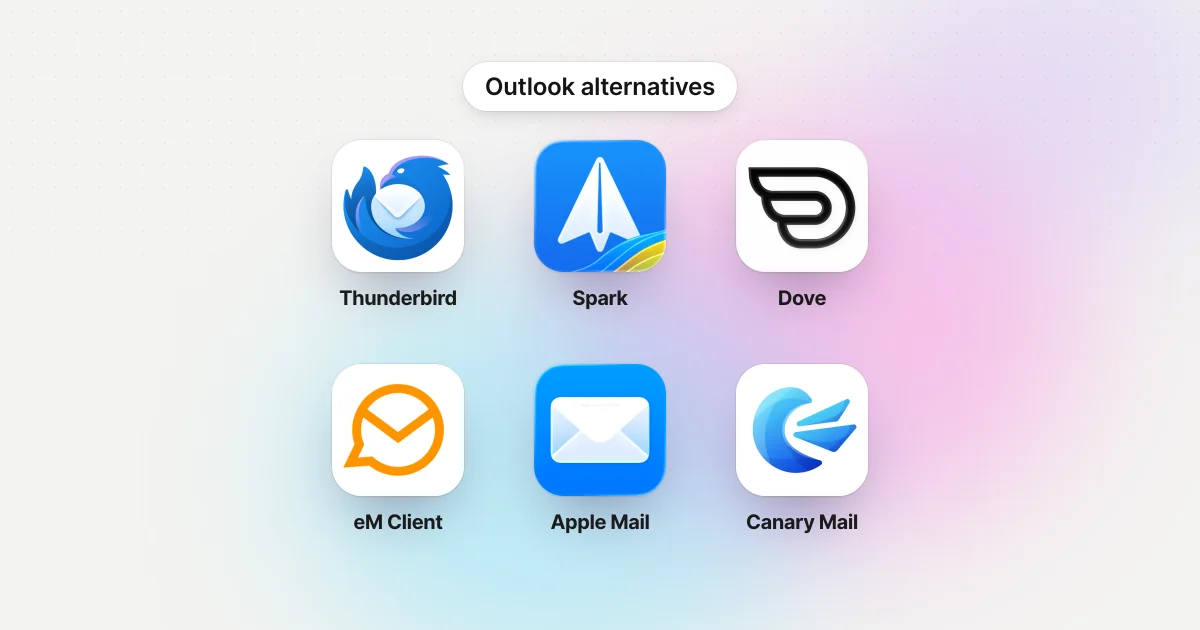
Outlook Alternatives in 2026: 9 Email Apps for Every Device
Microsoft isn't shutting Outlook down, but Windows Mail is gone and the old Outlook for Mac loses work accounts this month. Here's what's changing, and nine Outlook alternatives for Windows, Mac, iPhone and Android, with prices checked on October 13, 2026.
October 13, 2026
Gmail Alternatives in 2026: A New Provider, or Just a Better App
Leaving Google entirely means picking a new email provider. If you only dislike the Gmail app, you can keep your address and change the app instead. Both routes are covered below, with every price checked on October 13, 2026.
October 12, 2026
AI Email Assistant for Gmail in 2026: Gemini, Add-ons and What They Cost
Gmail already has a free AI assistant, at least in the US. Here's what Gemini does on each plan, how to switch it on or off, and when an add-on like Fyxer, Cora or Inbox Zero is worth paying for.