'/%3e%3c/g%3e%3c/svg%3e)

The Best Email Apps for Android in 2026, With Prices Checked
For most people, the best email app for Android is the one already on the phone: Gmail. It's free, it handles Outlook, Yahoo, iCloud and other IMAP accounts as well as Google ones, and there's nothing to set up. If you own a Samsung Galaxy, Samsung Email is a good free default too.
Sometimes the default isn't enough. Maybe you get more mail than you can sort, you need a work Exchange account with calendar and contacts, care more about privacy than about convenience, or want the same app on your Windows PC or Mac. There's a pick below for each case, with its one real downside.
Disclosure: Dove and Canary Mail are ours. Dove is made by the team behind Canary Mail. Both get the same fields as every other app here, including one real downside. This page is one of five in our guide to the best email apps.
Quick picks
Best overall: Gmail. Free, preinstalled, and it reads non-Google accounts too.
Best for a busy inbox you want sorted for you, on any provider and every device: Dove (ours). $20 a month or $200 a year, with a free plan.
Best for Microsoft 365 or Exchange at work: Outlook.
Best on a Samsung Galaxy: Samsung Email.
Best cross-platform app with a free plan: Spark.
Best for privacy and many accounts with no subscription: FairEmail.
Best free and open source with a desktop version: Thunderbird.
Best for PGP encryption on several providers: Canary Mail (ours).
Best if you want a new encrypted address: Proton Mail.
Best for customization and Exchange power users: Aqua Mail.
The ten apps at a glance
Prices are in US dollars, from each vendor's own site or Google Play listing, checked on October 8, 2026. Each app's section links to its pricing page. Ratings and downloads are from the US Google Play listing on the same day.
App | Best for | Free plan | Paid price | Google Play rating | Downloads |
|---|---|---|---|---|---|
Gmail | Most people | Yes | Gemini in Gmail from $4.99/mo | 4.1 (14.5M) | 10B+ |
Dove (ours) | A busy inbox sorted for you, any provider | Yes, 10 AI actions a day | $20/mo or $200/yr | 4.7 (30) | 1K+ |
Outlook | Microsoft 365 and Exchange | Yes, with ads | Microsoft 365 from $1.99/mo | 4.3 (10.7M) | 1B+ |
Samsung Email | Galaxy owners | Yes | — | 4.4 (2.53M) | 1B+ |
Spark | One app on Android, iPhone, Windows and Mac | Yes | Plus $10/mo or $99/yr | 4.1 (89.3K) | 1M+ |
FairEmail | Privacy, many accounts, no subscription | Yes | One-time Pro purchase | 4.7 (30.7K) | 1M+ |
Thunderbird | Free, open source, with a desktop app | Yes, fully free | — | 3.6 (9.96K) | 1M+ |
Canary Mail (ours) | PGP encryption | Yes, 2 devices | $36/yr or $100 lifetime | 4.2 (7.7K) | 100K+ |
Proton Mail | A new encrypted address | Yes, 1 GB | Mail Plus $4.99/mo | 4.5 (94.7K) | 10M+ |
Aqua Mail | Customization and Exchange | Yes, 1 account, ads | Premium $9.99/mo | 4.4 (196K) | 5M+ |
A dash means there's no paid plan to quote.
What changed in Android email
Older lists still recommend some apps that have since shut down, changed hands or stopped updating. Here's where they stood on October 8, 2026:
App | Status |
|---|---|
Outlook Lite | Retired. Microsoft says it "will no longer provide mailbox functionality starting May 25, 2026" and points users to the main Outlook app (Microsoft support). Its Play listing is gone. |
Nine | Still updated (September 30, 2026), but now published by NextIntelligence.ai. It's rated 3.0 from 32K reviews, and the Play listing says a licence is $14.99 after a two-week trial. |
Newton Mail | The original Play listing has been removed. A new listing from Pixer Digital (Google Play) had 500+ downloads and no rating yet. |
Edison Mail | Active, but its privacy policy says Edison is "an affiliate of Yipit LLC (d.b.a. YipitData)" and uses de-identified data from commercial emails such as receipts to "develop products and insights for our business subscribers". You can opt out in the app. |
Spike | Last updated on Google Play on June 7, 2026. Its free plan covers one address; Pro is $6 a user a month billed yearly (Spike's pricing). |
Notion Mail | Shut down. Its site says it "has shut down as of September 22, 2026" (mail.notion.com). |
Which accounts and devices each app supports
Start with where your mail lives and which other devices you use. Many Android owners use a Windows PC; if that's you, see our best email client for Windows guide too.
App | Gmail | Outlook.com / Microsoft 365 | Exchange server | iCloud | Yahoo | Other IMAP | Also on |
|---|---|---|---|---|---|---|---|
Gmail | Yes | Yes | — | Yes | Yes | Yes | iPhone, web |
Dove | Yes | Yes | — | Yes | Yes | Yes | iPhone, iPad, Mac, Windows, web |
Outlook | Yes | Yes | Yes | Yes | — | Yes, mail only | iPhone, Mac, Windows, web |
Samsung Email | Yes | Yes | Yes (ActiveSync) | Via IMAP | Yes | Yes | Galaxy devices only |
Spark | Yes | Yes | Exchange Online | Yes | Yes | Yes | iPhone, Mac, Windows |
FairEmail | Yes | Yes | Only via IMAP | Yes | Yes | Yes | Android only |
Thunderbird | Yes | Yes | Desktop only | Yes | Yes | Yes | Windows, Mac, Linux |
Canary Mail | Yes | Yes | Yes | Yes | Yes | — | iPhone, iPad, Mac, Windows |
Proton Mail | Import only | Import only | No | No | Import only | Import only | iPhone, Mac, Windows, web, Linux (beta) |
Aqua Mail | Yes | Yes | Yes (EWS) | Yes | Yes | Yes | iPhone |
A dash means the vendor didn't say. Proton Mail is a mail service with its own addresses and doesn't read other inboxes. It imports from other providers with Easy Switch and can forward Gmail in.
How we chose
We picked the apps that rank for Android email searches, the ones Android users recommend to each other on r/androidapps, and the defaults that ship on the phone. Each app gets the same fields: who it's for, price, platforms, the accounts it works with, standout features and one real downside. Prices and features come from each vendor's own pricing, help or download pages and its Google Play listing. We didn't run speed or battery tests, so we don't quote any.
We left out apps in the status box above, and Yahoo Mail, which is a provider's own app (its free tier now has 20 GB and shows ads).
Gmail: best overall
Gmail is on almost every Android phone already, and most people never need anything else. It works with other providers too. Google's help page shows how to add Outlook, iCloud, Yahoo and other IMAP addresses.
Who it's for: anyone with a Google account, and anyone with one or two other accounts who wants a free app that just works.
Price: free. Each Google account includes up to 15 GB of storage shared with Drive and Photos. Gemini in Gmail needs a paid plan, from Google AI Plus at $4.99 a month or Google AI Pro at $19.99 (Google AI plans).
Platforms: Android, iPhone and iPad, and web. There's no Windows or Mac app; on a computer you use Gmail in the browser.
Accounts: Gmail and Google Workspace, plus Outlook, iCloud, Yahoo and other IMAP accounts in the mobile app.
Standout features: it's already signed in to your Google account, it keeps other accounts in the same app, and Gemini adds writing help and summaries on paid plans.
One real downside: the Play listing says it contains ads, and on the web Google is removing Gmailify, POP fetching and "Send as" for outside accounts, with full removal in January 2027. The Android app keeps other accounts, but your computer won't.
Dove: best for a busy inbox you want sorted for you (ours)
Dove is our app, made by the team behind Canary Mail. It sorts mail by what needs you, so on a busy day the few messages that matter are the ones you see first. It's on Google Play as "Dove by Canary Mail".
Who it's for: people who get more mail than they can read, often across several providers, and want the same sorted inbox on their phone and computer.
Price: $20 a month or $200 a year (Dove's pricing). A free plan includes 10 AI actions a day. The paid plan has a 7-day free trial, and the trial asks for a card.
Platforms: Android, iPhone and iPad, Mac, Windows and web. No Linux app.
Accounts: Gmail, Google Workspace, Outlook, Microsoft 365, Yahoo, iCloud and any IMAP account.
Standout features: mail is sorted into Focus, Feed and Noise, so newsletters and automated mail stay out of the way. Today lays out your day as Needs you, Schedule, FYI, Later and Waiting on. Dove also drafts replies in your style, summarizes threads and has read receipts. Mail is encrypted in transit and at rest; Dove has no PGP or end-to-end encryption.
One real downside: Dove is new. It has 30 ratings on Google Play and 1K+ downloads, so its track record is short, and the trial asks for a card up front.
If you need PGP encryption, look at Canary Mail below instead.
Outlook: best for Microsoft 365 and Exchange
If your work runs on Microsoft 365, use Outlook. Mail, calendar and contacts all sync, and your IT department probably supports it already. Microsoft also names it as the replacement for the retired Outlook Lite.
Who it's for: anyone with a work or school Microsoft account, and Outlook.com users.
Price: free, with ads. Microsoft 365 Basic removes them for $1.99 a month or $19.99 a year. Copilot in Outlook comes with Personal ($9.99 a month or $99.99 a year) and above (Microsoft 365 plans).
Platforms: Android, iPhone and iPad, Windows, Mac and web.
Accounts: Outlook.com, Microsoft 365, Exchange, Gmail, iCloud, and IMAP or POP3 (Microsoft's Android setup guide).
Standout features: the Focused inbox, a built-in calendar, and full Exchange and Microsoft 365 support including calendar and contacts.
One real downside: IMAP and POP accounts sync mail only, not calendar or contacts, and the free app shows ads.
Samsung Email: best on a Samsung Galaxy
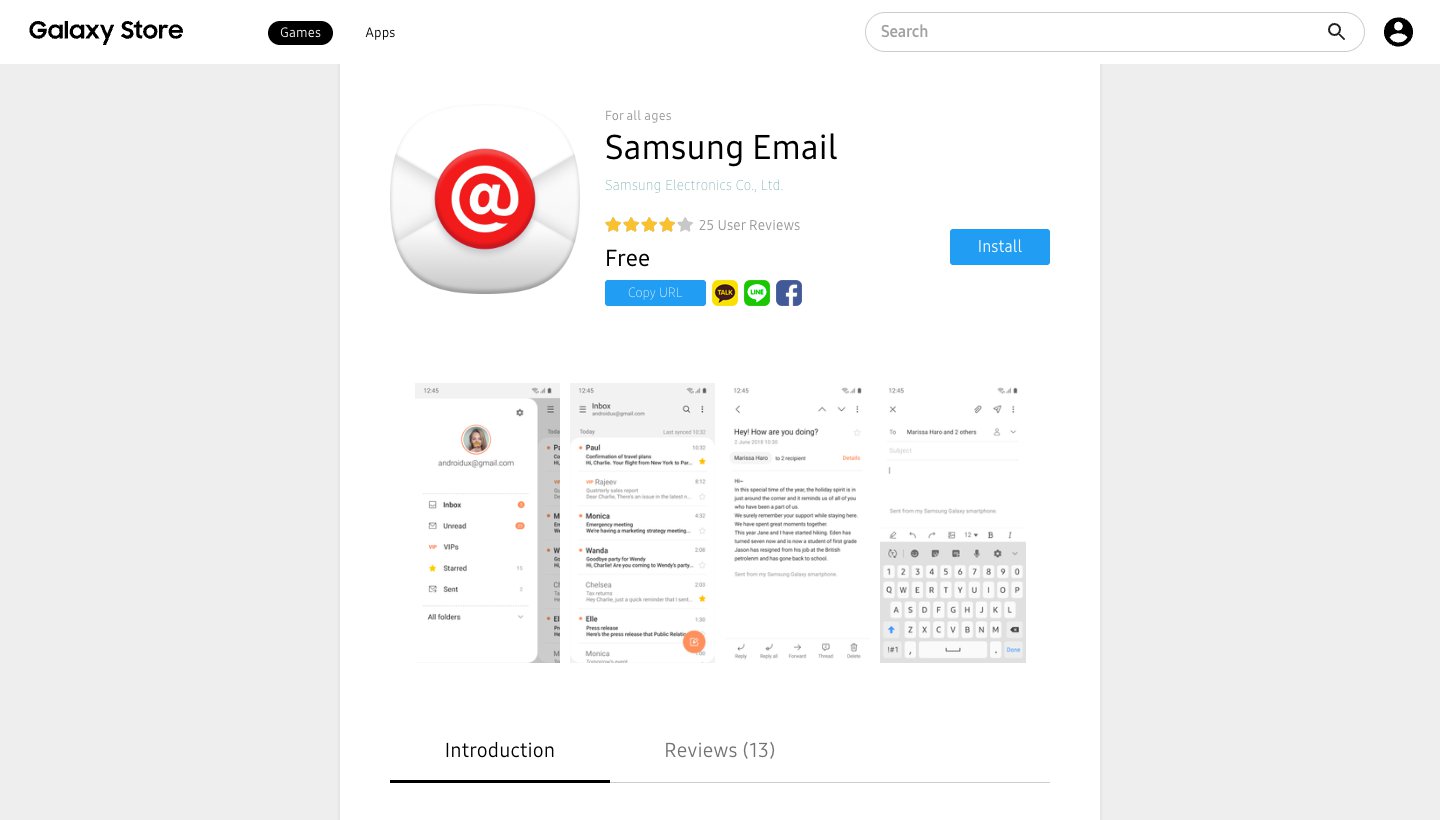
Samsung Email comes on Galaxy phones and has more than a billion downloads on Google Play. It's plain, it works, and its Exchange support is good.
Who it's for: Galaxy owners, especially those with a work Exchange account who don't want Outlook.
Price: free on the Galaxy Store. The listing mentions in-app purchases but doesn't say what they are.
Platforms: Android on Samsung Galaxy phones and tablets. No iPhone, desktop or web version.
Accounts: Gmail, Outlook, Yahoo and Exchange (Samsung support), plus any IMAP or POP3 account.
Standout features: Exchange ActiveSync for mail, calendars, contacts and tasks, S/MIME encryption, and settings that company IT teams can manage.
One real downside: it's tied to Galaxy devices. Its AI writing tool, Composer, is limited to certain models such as the Galaxy Z Flip6 and Z Fold6, and there's no desktop version to keep the same inbox on your computer.
Spark: best cross-platform app with a free plan
Spark, from Readdle, is what people usually suggest when someone wants something nicer than the default without paying. The free plan takes unlimited accounts.
Who it's for: people who want one polished app on Android, iPhone, Windows and Mac.
Price: free. Plus is $10 a month or $99 a year; Pro is $20 a month or $199 a year. Both have a seven-day trial when you subscribe in the app (Spark's pricing).
Platforms: Android, iPhone, Windows and Mac.
Accounts: Gmail and Google Workspace, Outlook and Office 365 (including Exchange Online), iCloud, Yahoo and any IMAP account.
Standout features: Smart Inbox, smart notifications, a built-in calendar, and an AI assistant that searches, summarizes and drafts across email and attachments. Spark says it doesn't sell your data.
One real downside: AI limits aren't published as numbers (Plus gets "Extended" credits, Pro "High"), and auto-drafting is still marked "Soon".
We compare the two in Dove vs Spark.
FairEmail: best for privacy and many accounts
Ask Android enthusiasts for an email app and FairEmail is the name you'll hear most. It also has the highest rating on this list (4.7 from 30.7K reviews). One developer builds it, it's open source, and it's made for people who like control.
Who it's for: privacy-minded users with many accounts who don't mind a busy, settings-heavy app.
Price: free to use. Pro features such as snooze, send later, filter rules and the widget are a one-time purchase, with no subscription (FairEmail's FAQ). FairEmail doesn't publish the price on its site.
Platforms: Android only, from Google Play, GitHub or F-Droid.
Accounts: Gmail, Outlook, Yahoo, iCloud and nearly any IMAP, SMTP or POP3 account.
Standout features: a unified inbox, OpenPGP and S/MIME, and no ads or profiling: the app sends nothing to the developer apart from opt-in error reports. An optional AI integration uses your own OpenAI-compatible API key.
One real downside: it doesn't support Exchange ActiveSync or EWS, so a work Exchange account must have IMAP turned on. The developer calls it "no bells and whistles", and it looks it.
Thunderbird: best free and open-source app with a desktop version
Thunderbird for Android grew out of K-9 Mail, a long-time Android favourite. The reason to pick it is the desktop app, which is the same free, open-source client on Windows, Mac and Linux.
Who it's for: people who already use Thunderbird on a computer, and anyone who wants a free app with no ads or paid tier.
Price: free, funded by donations (Thunderbird for Android).
Platforms: Android, plus Windows, Mac and Linux. There's no iPhone app yet; Thunderbird says one is in development.
Accounts: Gmail, Outlook, Yahoo, iCloud and any IMAP account.
Standout features: a unified inbox, OpenPGP through OpenKeychain, and a privacy notice that says your messages are stored on your device and never sent to Thunderbird.
One real downside: it's the lowest-rated mainstream app here, at 3.6 on Google Play. Native Exchange support arrived on desktop, not yet on Android.
Canary Mail: best for PGP encryption (ours)
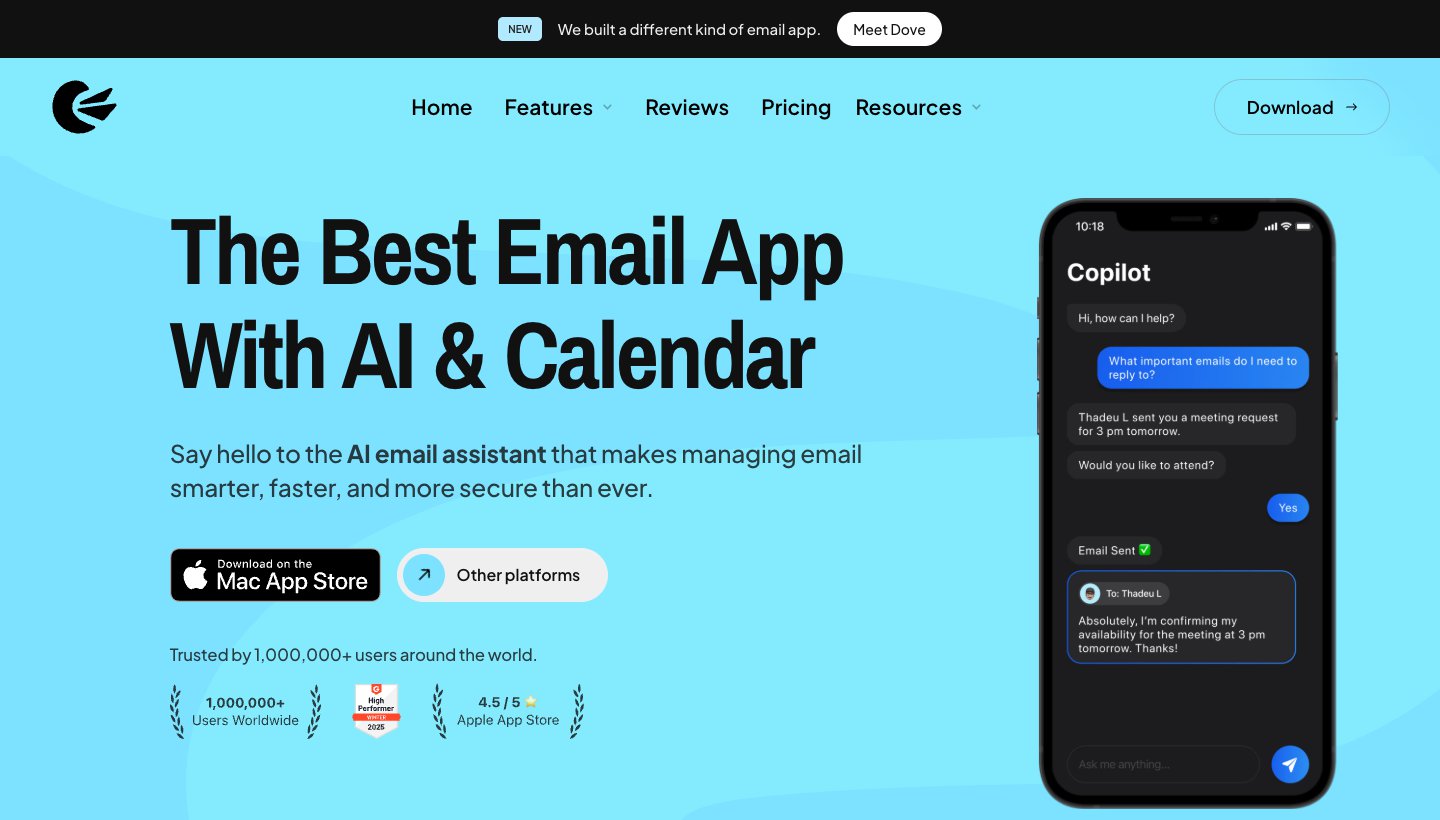
Canary Mail is made by the same team as Dove. Of the two, it's the one to pick for privacy, and it has more than 2 million users.
Who it's for: people who want encrypted email on their existing Gmail, Outlook or iCloud account, and prefer a low yearly price or a one-time licence.
Price: free on up to two devices. Growth is $36 a year or $100 once for lifetime; Pro+ is $100 a year or $300 once. There's no monthly billing. A 7-day trial needs no card (Canary's pricing).
Platforms: Android, iPhone and iPad, Mac and Windows.
Accounts: Gmail, Outlook, Office 365, Exchange, iCloud, Yahoo, Zoho Mail and ProtonMail.
Standout features: PGP end-to-end encryption and SecureSend on Pro+, read receipts, and an AI Copilot that writes, summarizes and sorts mail into priority tabs. Canary says it doesn't collect or store the content of your email.
One real downside: no monthly plan, so you commit for a year or pay for lifetime up front, and the free tier has no AI and is limited to two devices.
Dove doesn't have PGP. If encryption is the reason you're switching, choose Canary.
Proton Mail: best for a new encrypted address
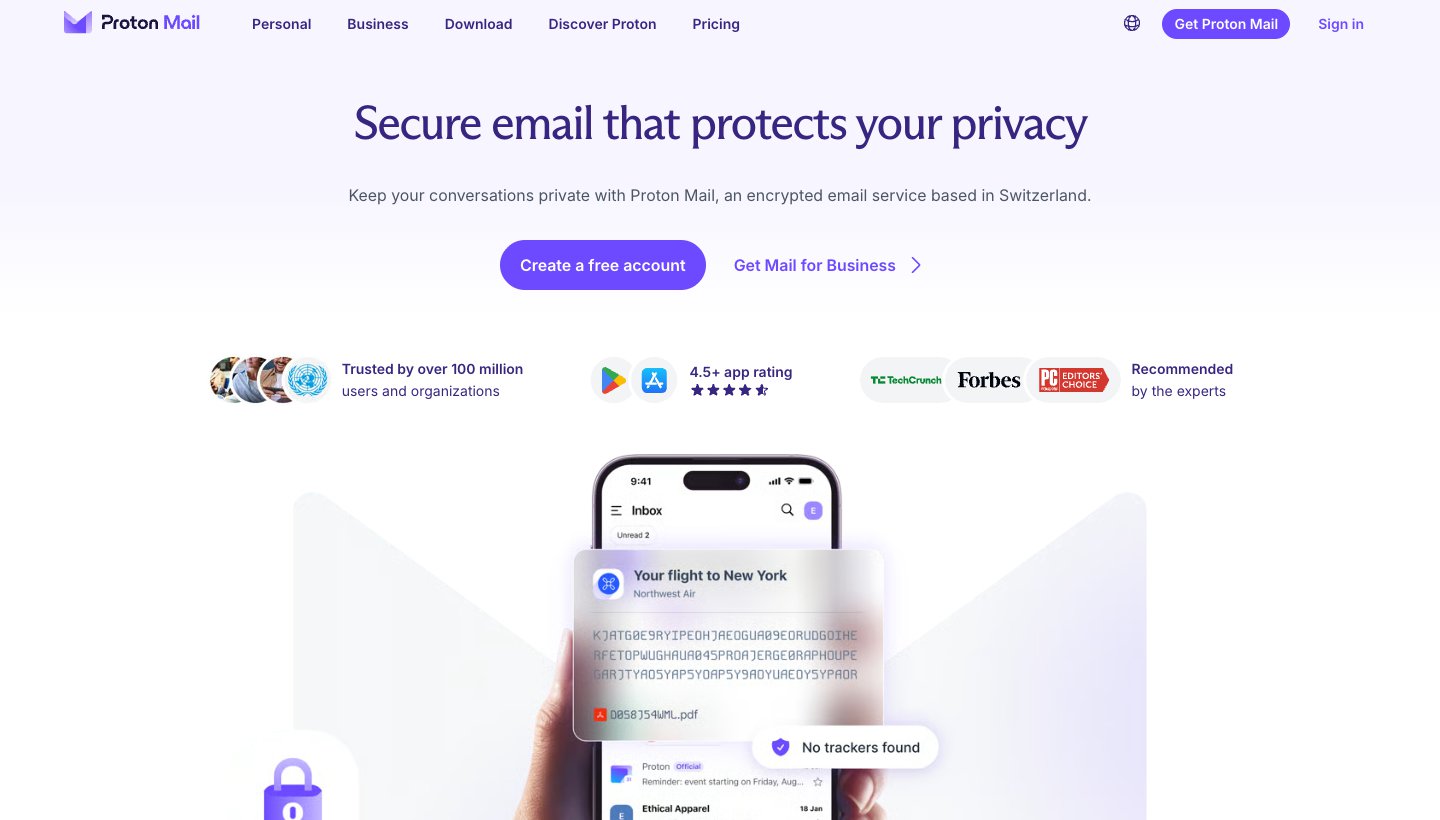
Proton Mail gives you a new address on its own service. You can't point it at the inbox you already have.
Who it's for: people ready to move to a new, end-to-end encrypted address.
Price: free with 1 GB and one address. Mail Plus is $4.99 a month, or $47.88 a year. Proton Unlimited is $12.99 a month, or $119.88 a year (Proton's pricing).
Platforms: Android, iPhone and iPad, web, and desktop apps for Mac and Windows (Linux in beta).
Accounts: Proton addresses only. You can import mail from Gmail, Outlook, Yahoo and other IMAP accounts, and forward Gmail in.
Standout features: zero-access and end-to-end encryption on every plan, and a business funded only by paying subscribers.
One real downside: it can't act as the app for your existing Gmail or Outlook inbox. You have to move your mail or forward it.
Aqua Mail: best for customization and Exchange power users
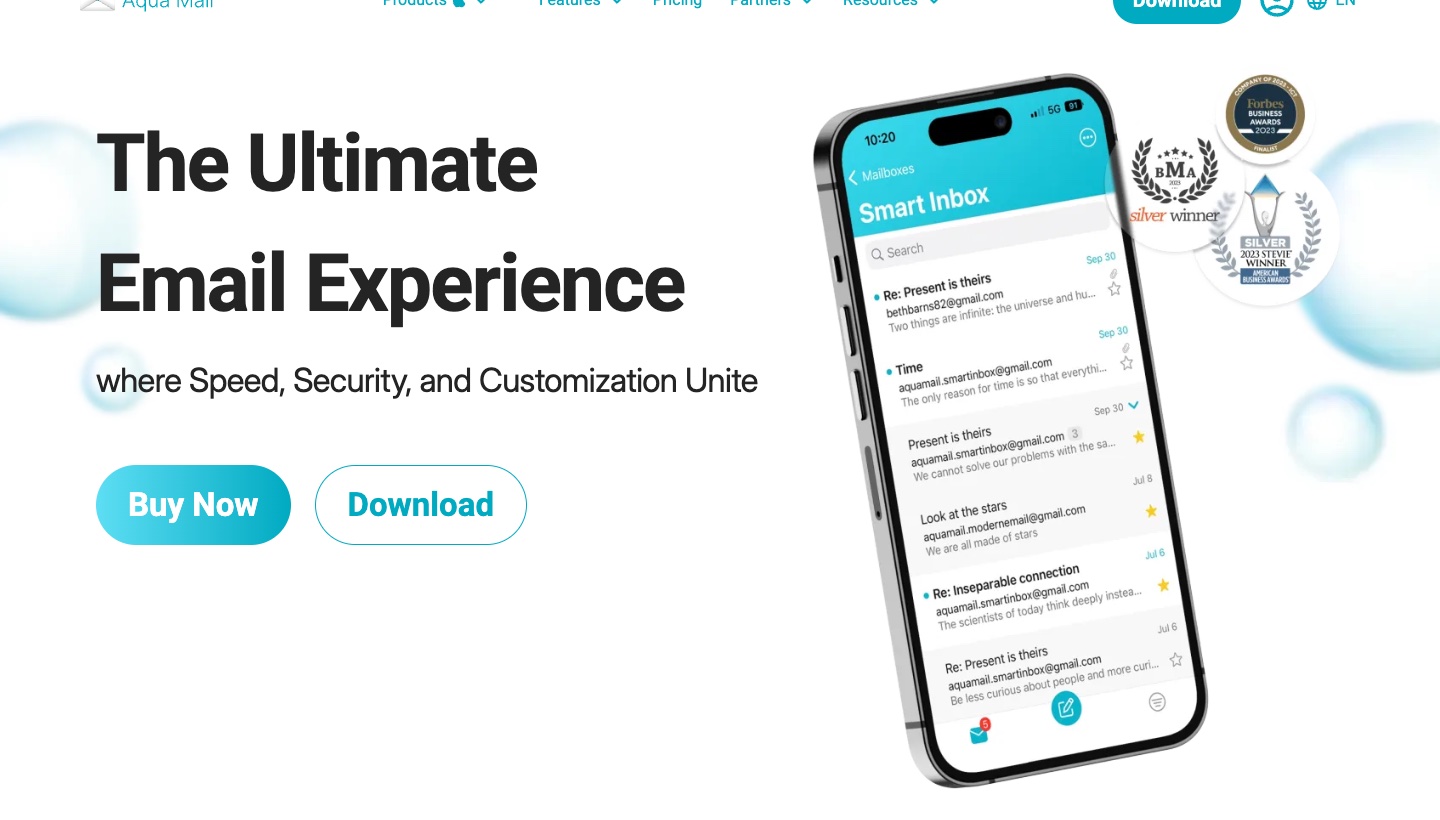
Aqua Mail has been on Android for more than a decade. People who like to adjust everything tend to end up here, and it handles Exchange well.
Who it's for: power users who want to tune the look, swipes, notifications and signatures, and people with Exchange work mail.
Price: free for one account, with ads. Premium is $9.99 a month, for unlimited accounts and no ads. The pricing page also lists a one-off licence at $99.99 (shown marked down from $199) and a Family plan for up to six people at $144 a year, with a 30-day money-back guarantee (Aqua Mail's pricing).
Platforms: Android and iPhone.
Accounts: Gmail, Outlook, Yahoo, iCloud, Exchange, Office 365, AOL and any IMAP or POP3 account. It connects over IMAP, POP3, SMTP and EWS.
Standout features: a Smart Folder that combines accounts, home screen widgets, Exchange and Office 365 contact and calendar sync, S/MIME, and push for Exchange on Premium. Aqua says it doesn't store your passwords or emails.
One real downside: the free version shows ads and allows only one account, so most people with more than one address will end up paying.
Android things worth knowing before you switch
Late notifications are usually battery settings. Android limits apps running in the background to save power. If a new email app's notifications arrive late, open the app's settings on your phone and check its battery use isn't restricted. Menu names vary between Pixel, Samsung and other makers.
Mail links open in the app you choose. Tapping an email address can open a chooser or your last-used app. To change which app handles links, Google's guide to setting or clearing default apps covers Pixel phones; on other phones, search Settings for "default".
Exchange is where apps differ most. Outlook, Samsung Email and Aqua Mail speak Exchange directly. FairEmail needs IMAP, and Thunderbird's Exchange support is desktop-only for now. If your company uses Exchange without IMAP, start with Outlook or Samsung Email.
Think about your computer too. FairEmail and Samsung Email exist only on Android. If you want the same app at your desk, Dove, Spark, Outlook, Canary Mail and Thunderbird all have desktop versions.
Which Android email app should you choose?
Choose Gmail if you get a manageable amount of mail and want something free that already works.
Choose Dove if your inbox is busy, your mail is spread across providers, and you want it sorted for you on your phone and computer for $20 a month or $200 a year.
Choose Outlook if work runs on Microsoft 365 or Exchange.
Choose Samsung Email if you have a Galaxy and want a simple free app with Exchange support.
Choose Spark if you want one free app on Android, iPhone, Windows and Mac.
Choose FairEmail if privacy and lots of accounts matter more than looks, and you'd rather pay once.
Choose Thunderbird if you use it on your computer, or want an app that's free with no catch.
Choose Canary Mail if you need PGP encryption on your existing accounts.
Choose Proton Mail if you're ready for a new encrypted address.
Choose Aqua Mail if you want to customize everything and use Exchange.
On an iPhone too? Our best email app for iPhone guide covers that side, and best email app for Mac covers the Mac.
Want AI built in? See the best AI email apps, or, for Gemini inside Gmail, our guide to AI email assistants for Gmail.
FAQ
Does Android have a built-in mail app?
Yes. Gmail comes preinstalled on most Android phones and can add non-Google accounts such as Outlook, Yahoo, iCloud and other IMAP addresses. Samsung Galaxy phones also come with Samsung Email.
What is the most popular email app on Android?
Gmail, by a wide margin: its Google Play listing shows more than 10 billion downloads. Outlook and Samsung Email each show more than a billion.
Is there a better app than Gmail?
For some jobs, yes. Outlook is better for Microsoft 365 and Exchange, FairEmail for privacy and many accounts, Dove for sorting a busy inbox across providers, and Proton Mail for encryption. If your inbox is light and on a Google account, stick with Gmail.
What is the best free email for personal use?
That depends on the provider more than the app. Gmail gives 15 GB of free storage shared with Google Drive and Photos, Yahoo Mail's free tier has 20 GB and shows ads, and Proton Mail's free plan has 1 GB with end-to-end encryption. Any of them works in the apps above, except that Proton needs its own app.
Which email gets hacked the least?
Usually the weak point is the account rather than the app. Whatever provider you use, turn on two-step verification or a passkey, and be wary of links in unexpected emails. If you want encryption that the provider itself can't read, Proton Mail uses zero-access encryption, and Canary Mail and FairEmail support PGP.
What is the most hacked email provider for Android?
Nobody publishes a reliable ranking of providers by how often accounts get hacked, so we won't guess. How you secure the account matters more than whose it is: a strong unique password, two-step verification and an up-to-date app protect you on any provider.
What happened to Outlook Lite?
Microsoft retired it. Outlook Lite stopped working on May 25, 2026, and Microsoft recommends the regular Outlook app instead. For the full picture across every platform, see our guide to the best email apps.
More from Dove
Recent posts
October 13, 2026
Outlook Alternatives in 2026: 9 Email Apps for Every Device
Microsoft isn't shutting Outlook down, but Windows Mail is gone and the old Outlook for Mac loses work accounts this month. Here's what's changing, and nine Outlook alternatives for Windows, Mac, iPhone and Android, with prices checked on October 13, 2026.
October 13, 2026
Gmail Alternatives in 2026: A New Provider, or Just a Better App
Leaving Google entirely means picking a new email provider. If you only dislike the Gmail app, you can keep your address and change the app instead. Both routes are covered below, with every price checked on October 13, 2026.
October 12, 2026
AI Email Assistant for Gmail in 2026: Gemini, Add-ons and What They Cost
Gmail already has a free AI assistant, at least in the US. Here's what Gemini does on each plan, how to switch it on or off, and when an add-on like Fyxer, Cora or Inbox Zero is worth paying for.