'/%3e%3c/g%3e%3c/svg%3e)

Gmail Alternatives in 2026: A New Provider, or Just a Better App
The right Gmail alternative depends on what you want to leave. If you want off Google's servers, you need a new email provider and a new address. Proton Mail is the usual privacy pick, and Fastmail is the best paid all-rounder that also works in any email app. If you're only tired of the Gmail app, you don't have to move anything. Keep your @gmail.com address and read it in a better app, such as Dove, Spark, Superhuman, Apple Mail or Thunderbird.
Disclosure: Dove is made by the team behind Canary Mail, and Dove appears in the app section below, marked "(ours)". Every price comes from the vendor's own site, and every entry, ours included, names one real downside. Dove is an app, not a provider, so it doesn't help if your goal is to get your mail off Google.
Quick picks
If you want a new address (leaving Google):
Best for privacy: Proton Mail. Free plan, or Mail Plus at $4.99 a month or $47.88 a year.
Best paid email that works in any app: Fastmail, from $6 a month or $60 a year.
Strictest encryption: Tuta, which encrypts subject lines too.
Best free mainstream address: Outlook.com, free with ads.
Best if you use Apple devices: iCloud+, from $0.99 a month.
Best free email on your own domain: Zoho Mail.
Best clean break with strict sender screening: HEY, $99 a year.
Best for PGP in any app you like: Mailbox.org.
If you want to keep your Gmail address and change the app:
Best for a busy inbox sorted for you: Dove (ours), $20 a month or $200 a year, with a free plan.
Best free app on every device: Spark.
Best for keyboard speed: Superhuman.
Best free option on Apple devices: Apple Mail.
Best free desktop client: Thunderbird.
Gmail alternatives at a glance
These are the eight providers in section 1. Prices come from each vendor's own pricing page, checked on October 13, 2026. Tuta and Mailbox.org show prices in euros, so we quote them in euros.
Provider | Free plan | Paid from | Storage on that plan | End-to-end encrypted? | Ads | Use it in other email apps? |
|---|---|---|---|---|---|---|
Proton Mail | Yes, 500 MB (1 GB after setup steps) | $4.99/mo or $47.88/yr | 15 GB | Message bodies and attachments; not subject lines | No | Paid plans, through Proton Mail Bridge |
Fastmail | No (30-day trial) | $6/mo or $60/yr | 60 GB | No | No | Yes |
Tuta | Yes, 1 GB | €3.60/mo, or €3/mo billed yearly | 20 GB | Yes, including subject lines | No | No |
Outlook.com | Yes | Microsoft 365 Basic, $1.99/mo or $19.99/yr | 100 GB mailbox | No | On the free plan | Yes |
iCloud+ | Yes, 5 GB shared | $0.99/mo | 50 GB shared | No | Not stated | Yes |
Zoho Mail | Yes, on your own domain | Mail Lite, $1 per user/mo billed yearly | 5 GB | No (PGP on paid plans) | No | Paid plans |
HEY | No (30-day trial) | $99/yr | 100 GB | No | No | No |
Mailbox.org | No (30-day trial) | Standard, €4/mo or €36/yr | 20 GB | Only if you set up PGP | No | Yes, every plan |
New address or new app?
An email provider hosts your address and stores your mail. An email app (also called a client) is the program you read it in. Gmail is both: Google hosts @gmail.com, and Google makes the Gmail app and website.
That gives you two different ways out:
Change the provider if the problem is Google itself: privacy, ads, AI in your inbox, or too much of your life in one account. You get a new address and have to move your mail.
Change the app if the problem is the interface: no desktop app, a crowded inbox, poor handling of other accounts. Your address and mail stay put.
You can also do both. The compatibility table further down shows which providers work in other apps.
How we chose
We started with the providers and apps the ranking pages recommend most, and dropped ones that have shut down (Skiff "has joined Notion") or aren't email. Every entry gets the same fields, ends with one real downside, and comes from the vendor's own pricing and help pages, checked on October 13, 2026. Encryption is described in each provider's own words. If a vendor didn't publish something, we left it out. We didn't run benchmarks.
Gmail alternatives if you want a new address
Proton Mail
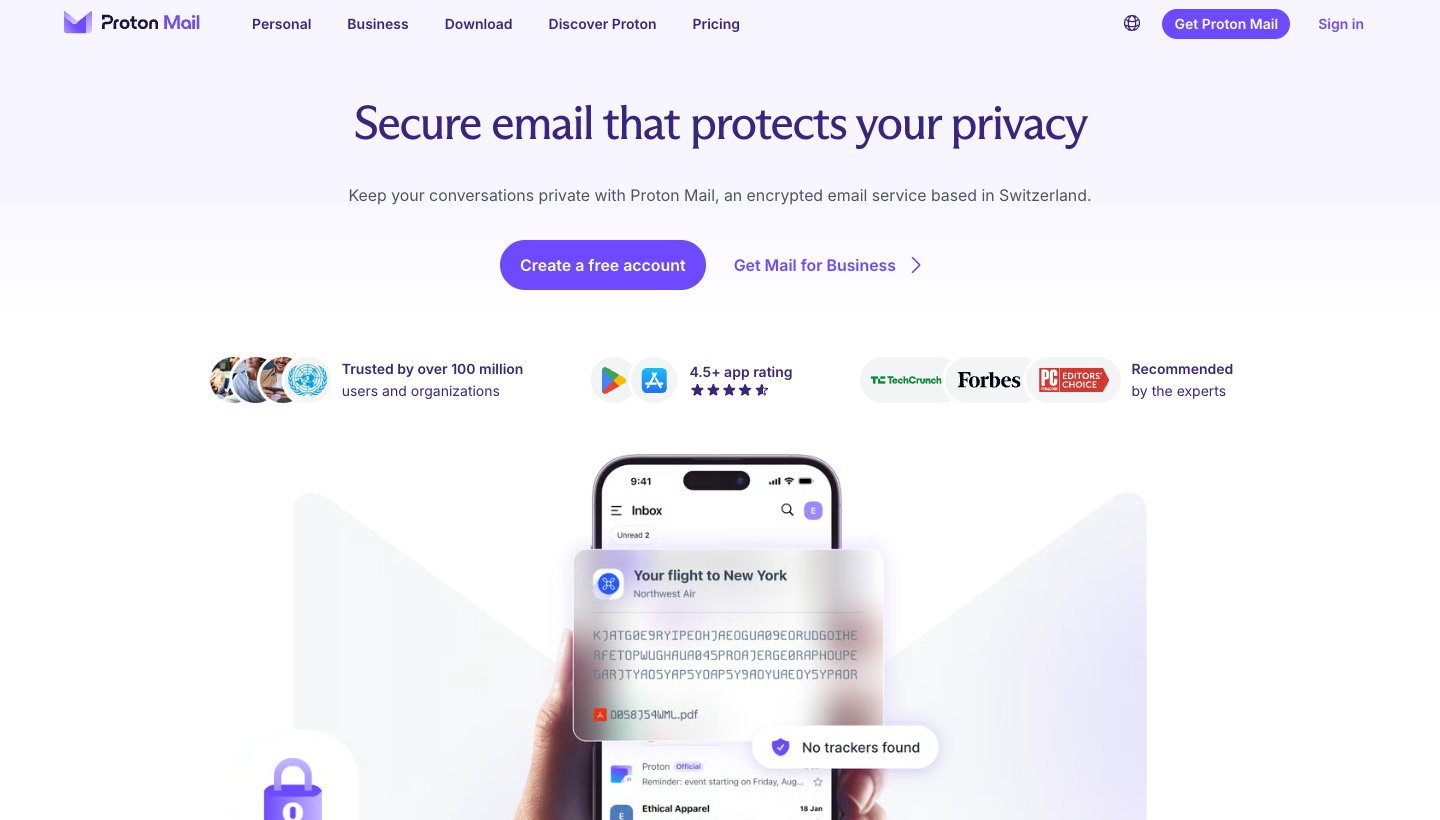
Proton Mail is the provider most people mean by "a private Gmail alternative".
Who it's for: people leaving Google for privacy reasons who want encryption without setting anything up.
Price (checked October 13, 2026): free. Mail Plus is $4.99 a month or $47.88 a year (15 GB, 10 addresses, one custom domain). See Proton's pricing.
Free plan: 500 MB, which Proton raises to 1 GB when you finish its "Get started" checklist. One address and 150 messages a day.
Encryption, in Proton's words: "Body content and attachments are stored with end-to-end encryption." Subject lines and sender and recipient addresses "are encrypted, but not end-to-end encrypted." See Proton's encryption explainer.
Ads and custom domain: "Ad free, always free". Custom domains on Mail Plus and higher.
Bringing your Gmail: Easy Switch, free on every plan, imports your Gmail and can keep receiving mail sent to the old address.
Works in other email apps? Only on a paid plan, through Proton Mail Bridge, a desktop app that Proton says works with Outlook, Apple Mail and Thunderbird. It isn't available for phones.
One real downside: the free plan is small (1 GB at most and 150 messages a day), and using Proton in any other app means paying and running Bridge on a computer.
Fastmail
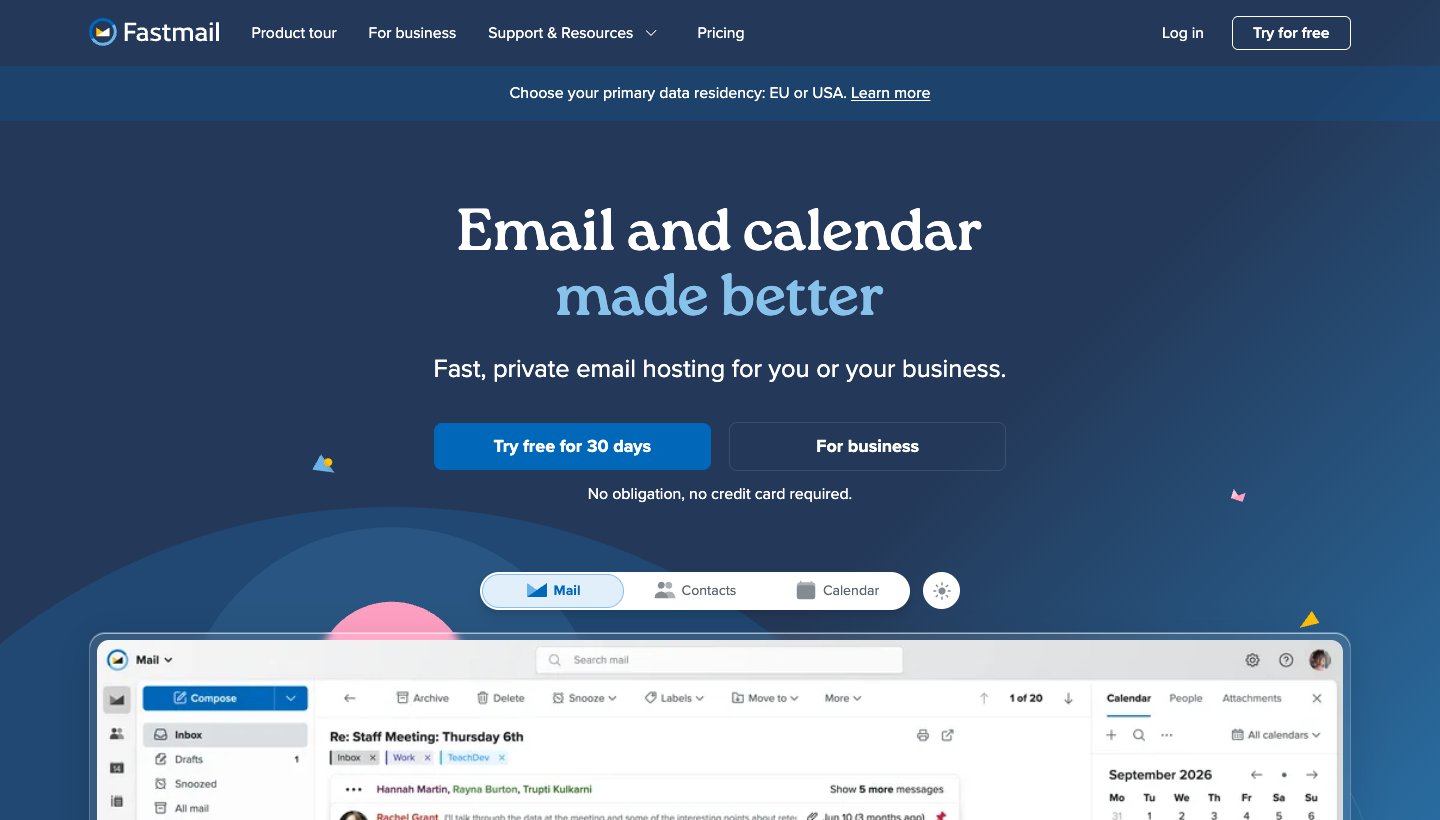
Fastmail is the closest thing to Gmail without Google: mail, calendar and contacts, and it works with almost any email app.
Who it's for: people happy to pay for an ad-free address they can use in any email app.
Price (checked October 13, 2026): Individual is $6 a month or $60 a year (60 GB). Duo and Family plans cost more. See Fastmail's pricing.
Free plan: none, but you can try it free for up to 30 days.
Encryption, in Fastmail's words: "We don't offer end-to-end encryption in our own apps." Mail is encrypted "in transit and at rest", and you can use PGP or S/MIME in third-party apps. See Fastmail's security page.
Ads and custom domain: "no ads, ever". Custom domains on every plan except business Basic.
Bringing your Gmail: Settings → Migration → Import, then choose "Gmail / Google Workspace". Labels become folders. See Migrating from Gmail.
Works in other email apps? Yes, over IMAP with an app password, on every plan except business Basic. Fastmail names Outlook, iPhone Mail and Thunderbird. See Fastmail's server settings.
One real downside: there's no free plan, and Fastmail doesn't offer end-to-end encryption in its own apps.
Tuta
Tuta (formerly Tutanota) encrypts more of each message than Proton does, including the subject line. The trade-off is that you can only use it in Tuta's own apps.
Who it's for: people who want the most encryption by default and are happy to use one provider's apps for everything.
Price (checked October 13, 2026): free. Revolutionary is €3.60 a month, or €3 a month billed yearly (20 GB, 15 extra addresses, three custom domains). Legend is €9.60 a month, or €8 a month billed yearly (500 GB). Prices are in euros. See Tuta's pricing.
Free plan: 1 GB, no custom domain.
Encryption, in Tuta's words: subject lines and attachments are end-to-end encrypted, and "the only unencrypted data are mail addresses of users as well as senders and recipients of emails." See Tuta's encryption page.
Ads and custom domain: ad-free. Custom domains on Revolutionary and Legend.
Bringing your Gmail: there's no Gmail import tool. Importing old mail as EML or MBOX files works only on Legend, in Tuta's desktop app. See Tuta's support page.
Works in other email apps? No. Tuta "does not support the use of third-party email clients or the protocols IMAP/POP3/SMTP".
One real downside: you can't use any other email app, and bringing your old Gmail across needs the top plan.
Outlook.com
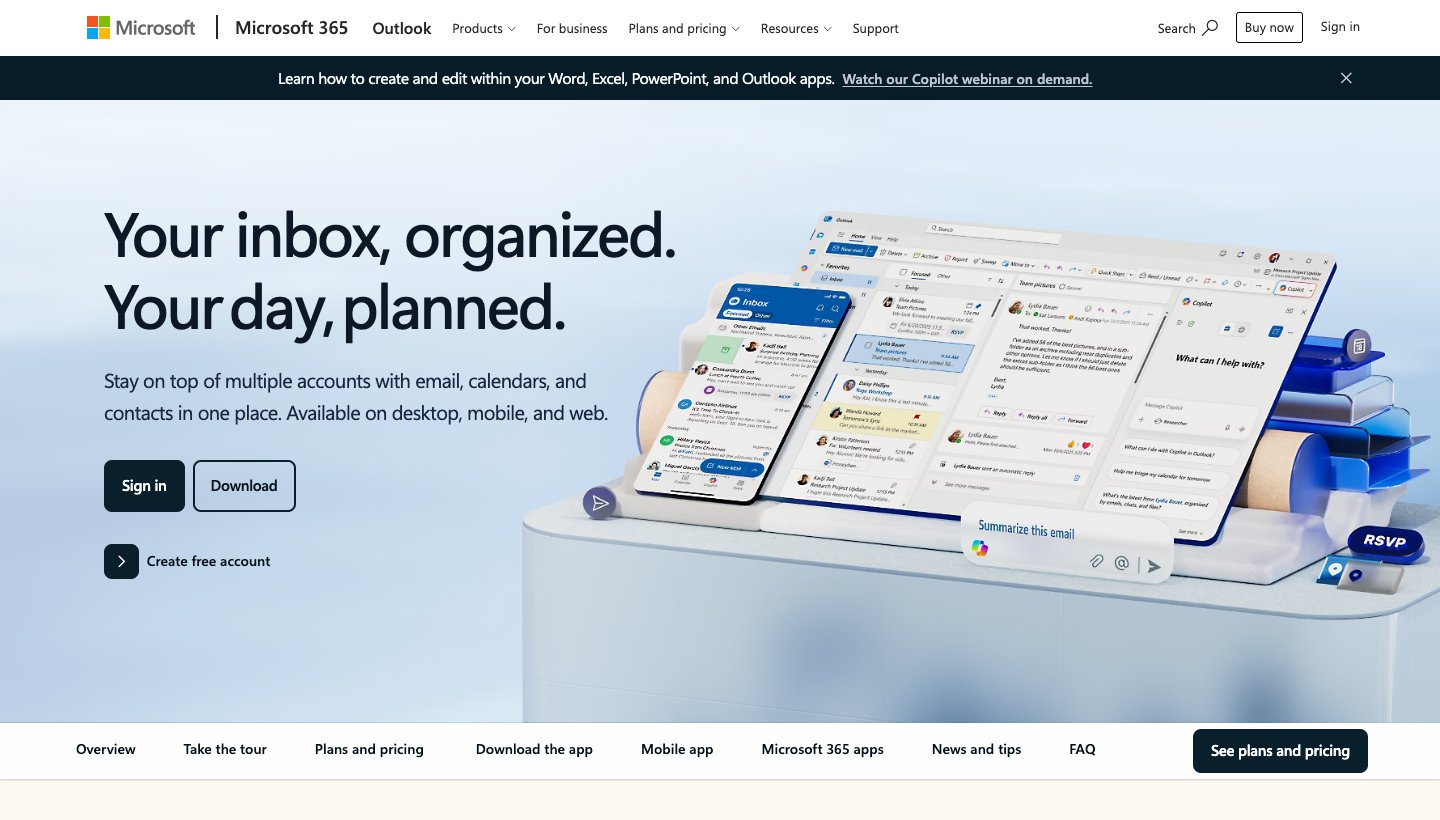
Outlook.com is Microsoft's free email, the direct equivalent of Gmail. It swaps one big tech company for another, so it suits people leaving for practical reasons, not privacy.
Who it's for: Windows and Microsoft 365 users who want a free, mainstream address.
Price (checked October 13, 2026): free with ads. Microsoft 365 Basic, $1.99 a month or $19.99 a year, removes the ads and gives you a 100 GB mailbox.
Free plan: 5 GB of free cloud storage, which attachments count toward. Go over and you "can't send or receive email". Microsoft doesn't state the free mailbox size.
Encryption: Microsoft 365 subscribers get an "Email encryption" feature that keeps a message "encrypted and doesn't leave Microsoft 365". Microsoft doesn't describe end-to-end encryption for free accounts.
Ads: on free accounts, "ads appear alongside messages in your inbox", plus a display ad on the side of the web version. See ads in Outlook.
Custom domain: we couldn't confirm a current option on Microsoft's pages; for your own domain, look at Fastmail, Zoho, iCloud+ or Mailbox.org.
Bringing your Gmail: there's no import tool on the Outlook.com website, which can no longer connect a Gmail account. Microsoft's route is to add Gmail to Outlook for Windows and move the mail there.
Works in other email apps? Yes, in apps that support Microsoft's modern sign-in (OAuth2).
One real downside: the free version shows ads in your inbox, and attachments eat into a 5 GB cloud quota that can stop your mail when it's full.
If you're also thinking about leaving Outlook, our guide to Outlook alternatives covers the apps.
iCloud+
iCloud Mail is free with an Apple account. iCloud+ adds storage, custom domains and Hide My Email, which hands out random forwarding addresses instead of your real one.
Who it's for: people whose phone, tablet and computer are all Apple.
Price (checked October 13, 2026): 5 GB free, shared with photos and backups. iCloud+ starts at $0.99 a month for 50 GB; 2 TB is $9.99. Apple lists monthly prices only. See Apple's iCloud+ plans.
Encryption, in Apple's words: "iCloud Mail does not use end-to-end encryption because of the need to interoperate with the global email system." That holds even with Advanced Data Protection. See Apple's iCloud data security overview.
Ads and custom domain: we found no Apple statement on ads. Custom domains on every iCloud+ plan, "up to five custom domains, with up to 10 personalized email addresses per domain". See custom email domains.
Bringing your Gmail: Apple has an Import mail option for custom domains, but says it's "not available for all email providers". Otherwise you move mail by hand in the Mail app.
Works in other email apps? Yes, over IMAP with an app-specific password. There's no POP. See iCloud Mail server settings.
One real downside: mail is never end-to-end encrypted, the free 5 GB is shared with photos and backups, and it's at its best only on Apple devices.
Zoho Mail
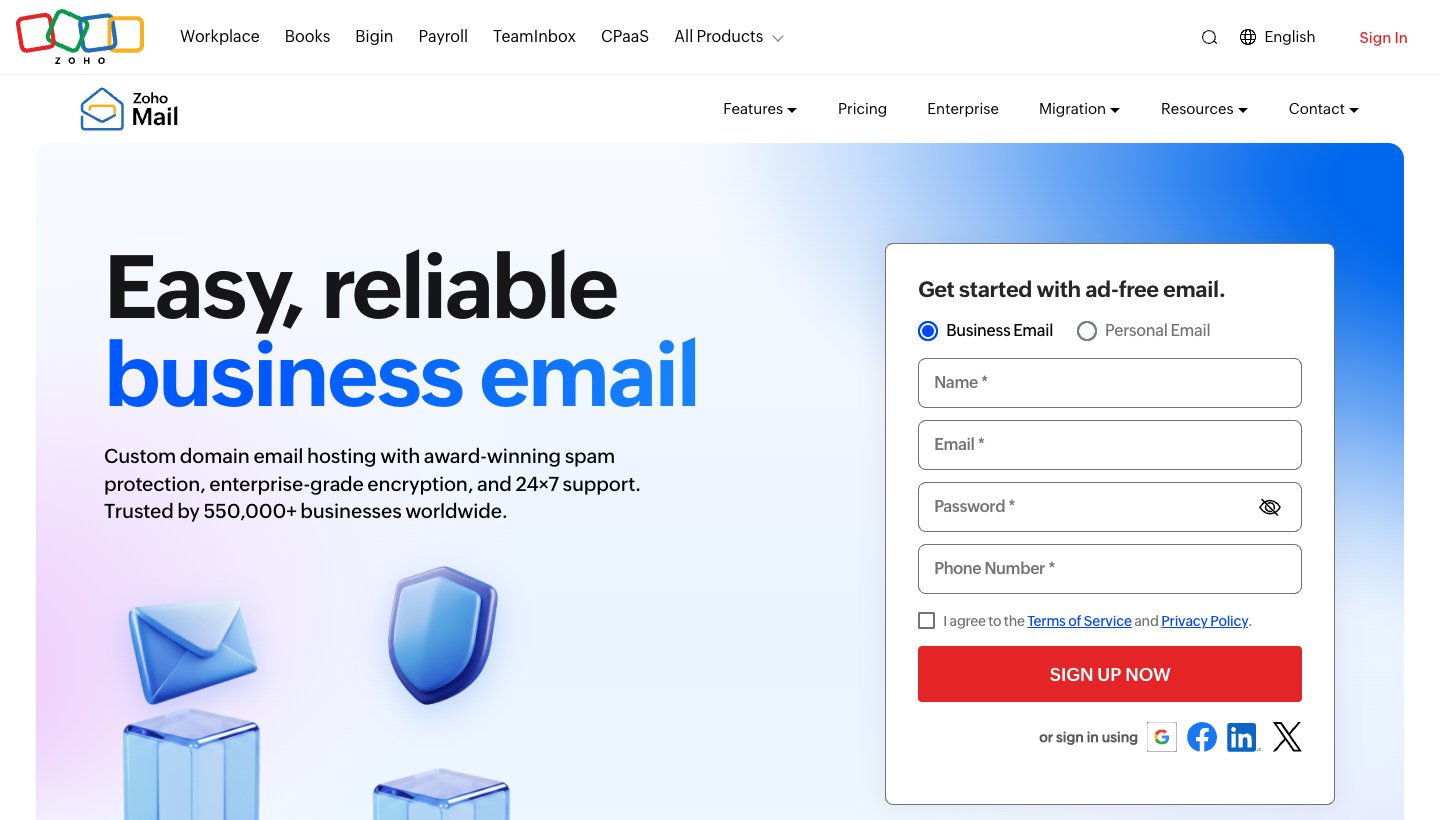
Zoho Mail is built for email on your own domain, and unusually, its free plan includes one.
Who it's for: freelancers, small businesses and families who want an address at their own domain.
Price (checked October 13, 2026): Forever Free costs nothing. Mail Lite is $1 per user a month for 5 GB, billed yearly only. Mail Premium is $4 per user a month, also yearly only. These dollar figures come from Zoho's own price data, as its page showed us another currency. See Zoho Mail's pricing.
Free plan: "Email hosting for one domain for up to 5 users", 5 GB per user, and Zoho says it's available "only in select data centers".
Encryption, in Zoho's words: "Data is encrypted both at rest and in transit." Paid plans add OpenPGP. See Zoho's secure email page.
Ads and custom domain: "We will never serve you ads". Custom domains on every plan, including Forever Free (one domain).
Bringing your Gmail: Zoho's free migration tool moves Gmail over IMAP. See Gmail to Zoho migration.
Works in other email apps? On paid plans, yes: "Zoho Mail can be accessed via IMAP on any standard IMAP client." The pricing page says Forever Free doesn't include IMAP, POP or ActiveSync, though one Zoho help page lists settings for free users, so check before you rely on it.
One real downside: the free plan is built around your own domain and leaves out IMAP, and the cheap paid plans are billed yearly only.
HEY
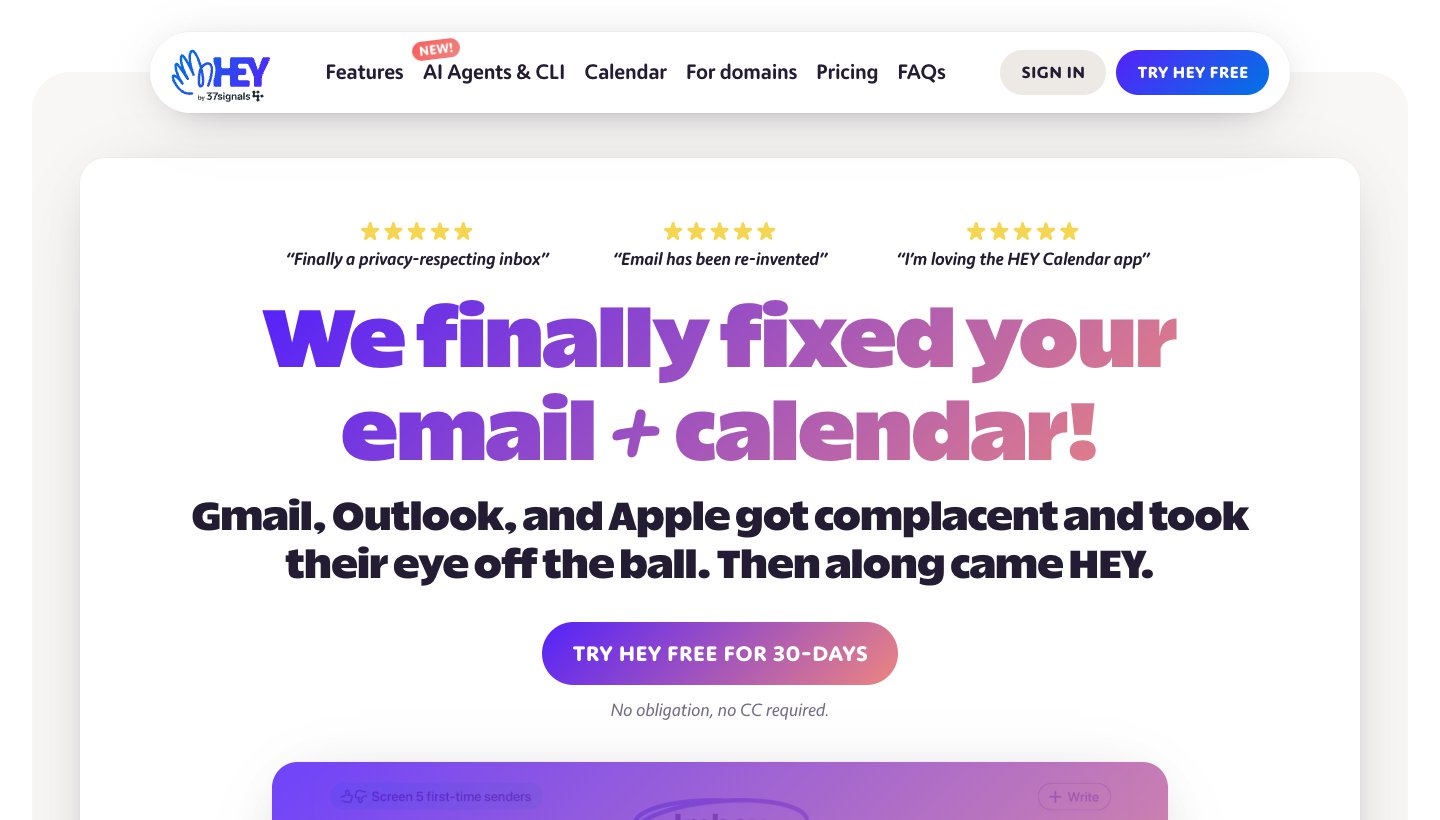
HEY, from 37signals, is email with its own rules: new senders wait in a Screener until you approve them.
Who it's for: people ready for a fresh start who want a firm say over who reaches them.
Price (checked October 13, 2026): HEY for You is $99 a year, billed yearly only. Families is $179 a year. HEY for Domains is $12 per user a month ($10 for the first user). There's a 30-day trial with no card. See HEY's pricing.
Free plan: none. Paid plans include 100 GB.
Encryption, in HEY's words: "HEY is not end-to-end encrypted (we still hold the keys)."
Ads and custom domain: "100% ad-free". Custom domains with HEY for Domains.
Bringing your Gmail: HEY doesn't import old mail. Its moving from Gmail guide uses forwarding, sending as your Gmail address, and a contacts export.
Works in other email apps? No. "HEY doesn't support IMAP or POP." Its own apps cover web, Mac, Windows, Linux, iPhone, iPad and Android.
One real downside: your old mail stays in Gmail, and you can only use HEY's own apps.
Mailbox.org
Mailbox.org does the opposite of Tuta: it works in any email app, and encryption is something you switch on with PGP.
Who it's for: people who want an ad-free address in the email app of their choice, and are comfortable with PGP.
Price (checked October 13, 2026): Light is €1 a month, billed yearly (2 GB). Standard is €4 a month, or €36 a year (20 GB of mail plus 10 GB of storage, custom domain). Premium is €12 a month or €108 a year. Prices are in euros including VAT, with a 30-day trial and no free plan. See Mailbox.org's prices.
Encryption, in Mailbox.org's words: "With PGP and S/MIME in our webmail client, your emails are always encrypted securely from end to end." It isn't end-to-end by default; you set up PGP yourself.
Ads and custom domain: "No advertising, no tracking". Custom domains on Standard and Premium.
Bringing your Gmail: a free migration service, run with the partner audriga, for private Standard and Premium accounts. See moving your mailbox.
Works in other email apps? Yes, over IMAP, POP3 and SMTP on every plan.
One real downside: no free plan and no mobile app of its own, and end-to-end encryption means setting up PGP yourself.
Keep your Gmail address, change the app
If the Gmail app is the problem, you don't have to move anything. Every app below reads your existing Gmail, so your mail and contacts stay with Google, which also means none of them gets your mail off Google's servers.
Google is also removing Gmailify, POP fetching and "Send as" for outside accounts from Gmail, with full removal in January 2027. If you used Gmail to collect mail from a work, school or other address, you'll need an app that holds several accounts. The Gmail mobile apps aren't changing.
Dove (ours): best for a busy inbox sorted for you
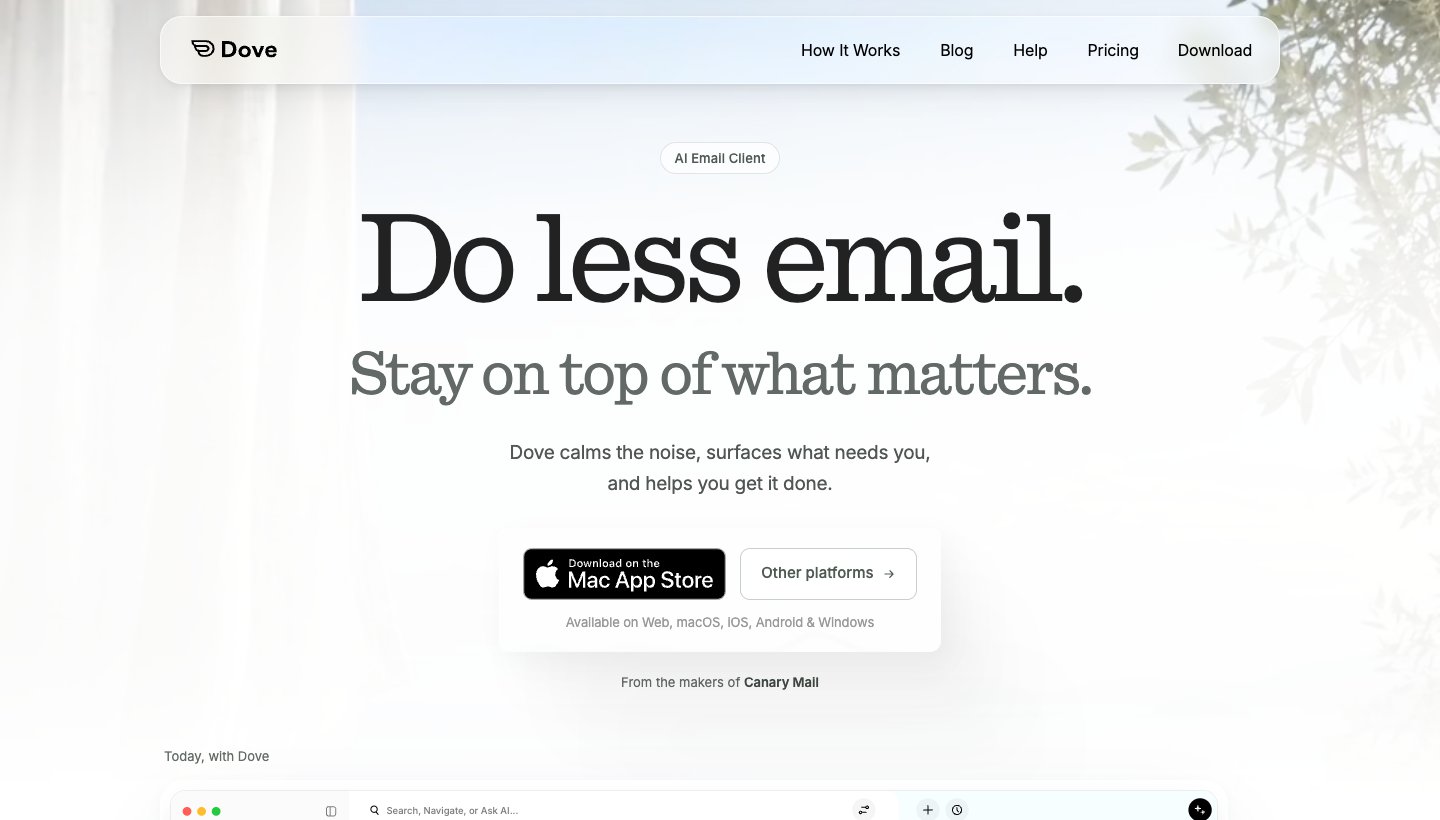
Dove is our app (Dove is made by the team behind Canary Mail). It reads your Gmail alongside your other accounts, sorts incoming mail by whether it needs you, and helps you answer it.
Who it's for: Gmail users with a busy inbox, often plus other accounts, who want it sorted for them on every device.
Price (checked October 13, 2026): $20 a month or $200 a year. The free plan has unlimited accounts and 10 AI actions a day. The 7-day trial of the paid plan asks for a card. See Dove's pricing.
Platforms: Mac, Windows, iPhone, iPad, Android and web.
Accounts: Gmail, Google Workspace, Outlook.com, Microsoft 365, iCloud, Yahoo and any IMAP account. That includes Fastmail, which Dove names, and in principle Mailbox.org or paid Zoho if you move later.
Standout features: on the paid plan, mail is sorted into Focus, Feed and Noise, which keeps newsletters and notifications away from the mail that needs you, and Today gathers what needs you, your schedule and what you're waiting on. AI drafts replies and summarizes threads on every plan, within the free plan's daily limit. Email content is stored locally when possible.
One real downside: Dove is new and has few ratings so far. The trial needs a card, sorting and Today are paid features, there's no PGP or end-to-end encryption, and because it's an app, it doesn't get you off Google's servers.
Try it with your Gmail account from the download page. If you'd rather keep using Gmail itself with AI added, our guide to AI email assistants for Gmail covers Gemini and the add-ons.
Spark: best free app on every device
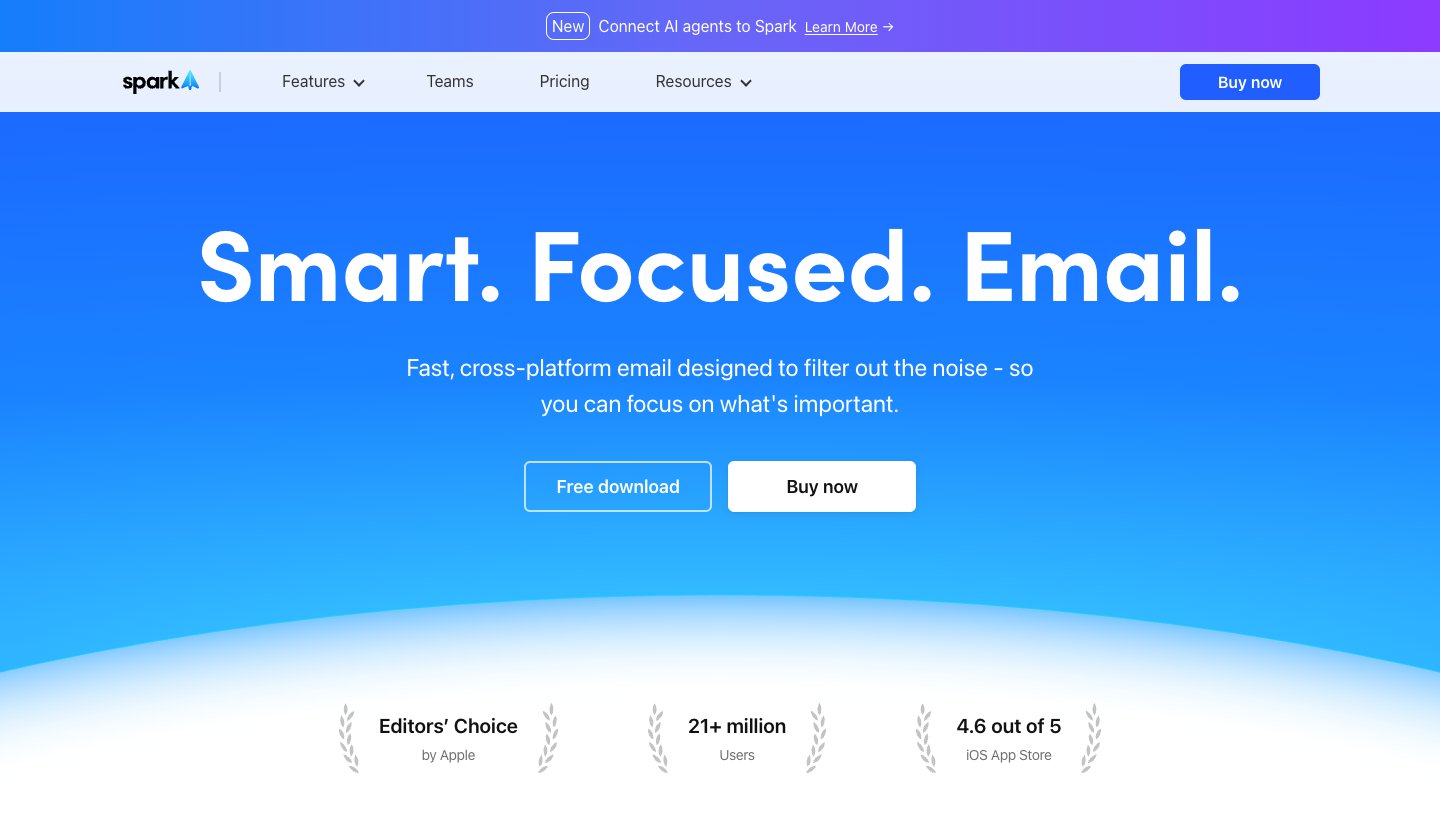
Spark, from Readdle, has a free plan you can actually live on.
Who it's for: people who want one free app for Gmail and other accounts across mixed devices.
Price (checked October 13, 2026): free. Plus is $10 a month or $99 a year; Pro is $20 a month or $199 a year. Paid plans have a 7-day trial when you subscribe in the app. See Spark's pricing.
Platforms: Mac, Windows, iPhone, iPad and Android.
Accounts: Gmail, iCloud, Yahoo, Exchange, Outlook and Office 365, and other IMAP accounts. On Mac and Windows it can also use Proton through Bridge.
Standout features: Smart Inbox, unlimited accounts on the free plan, a built-in calendar and an AI assistant.
One real downside: Spark doesn't publish its AI allowances as numbers, and auto-drafting and Autopilot are still marked "Soon".
Superhuman: best for keyboard speed
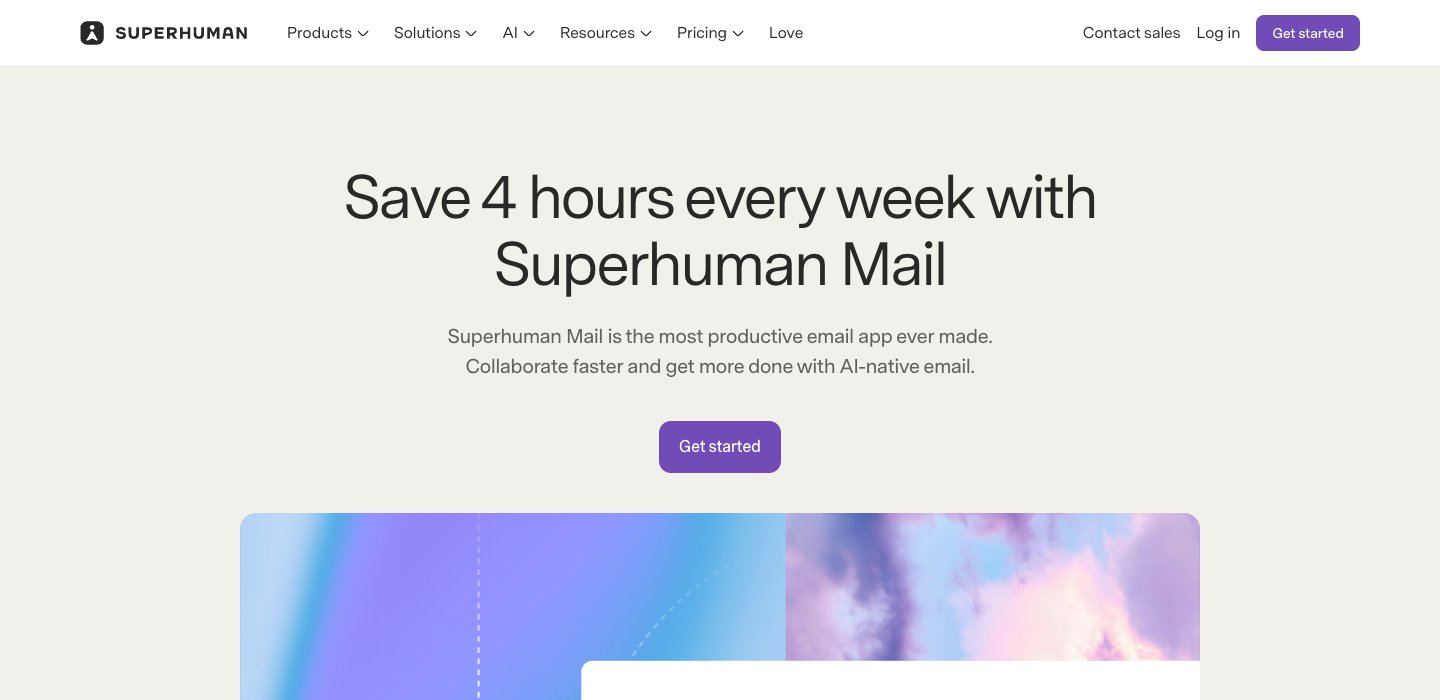
Superhuman is for people who clear a lot of Gmail at a desk and want to do it without the mouse.
Who it's for: heavy Gmail or Google Workspace users who care about speed more than price.
Price (checked October 13, 2026): Starter is $30 a month, or $25 a month billed yearly. Business is $40 a month or $33 billed yearly. See Superhuman's plans.
Platforms: Mac, Windows, iPhone, iPad, Android and a Chrome extension.
Accounts: "We only support Gmail and Microsoft 365 hosted accounts at the moment."
Standout features: a keyboard shortcut for nearly every action, Split Inbox, reminders and AI writing.
One real downside: it's the most expensive option here, with no free plan and no trial, and it can't add iCloud, Yahoo or other IMAP accounts.
Already paying for it and having second thoughts? See our guide to Superhuman alternatives.
Apple Mail: best free option on Apple devices
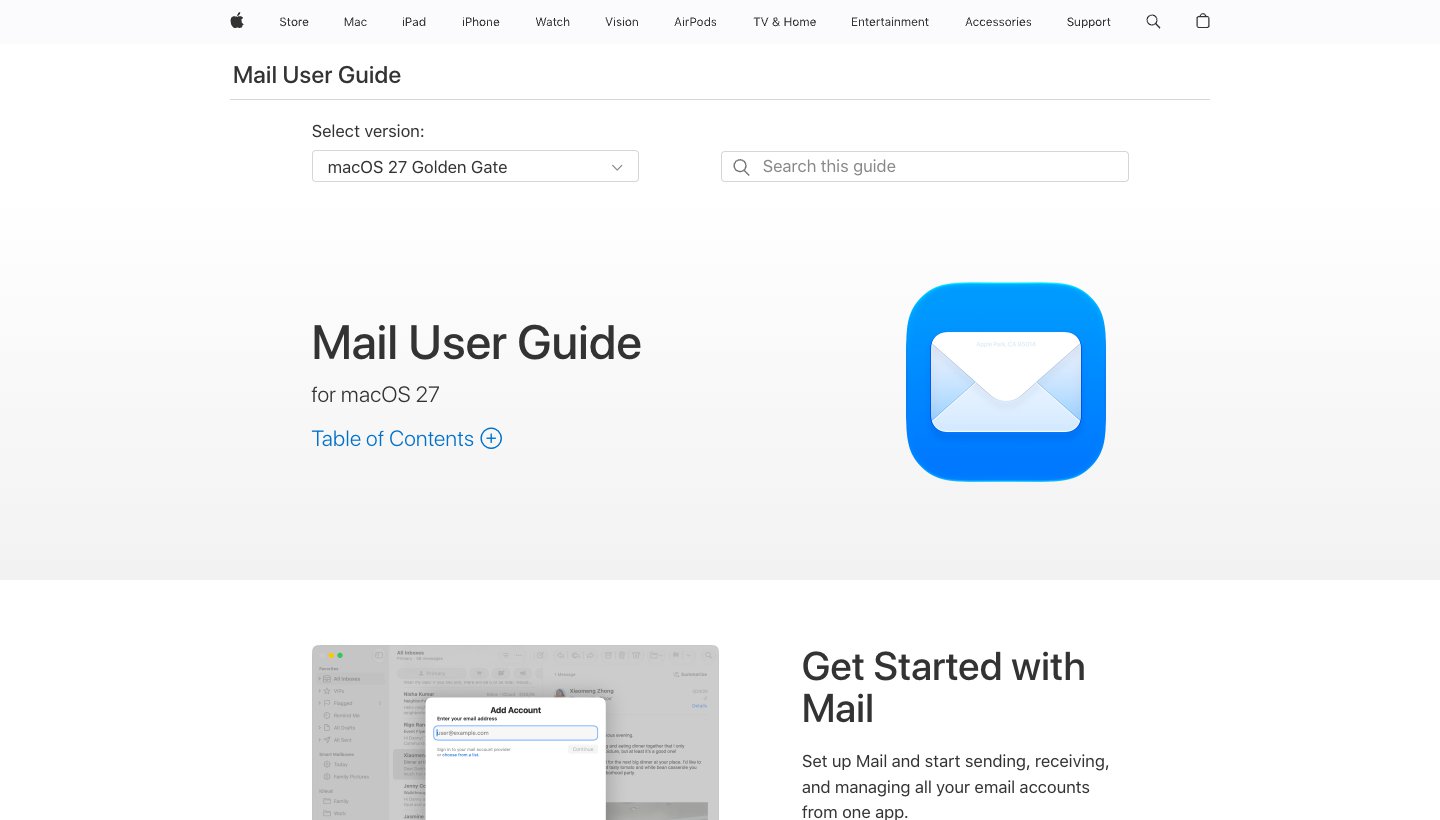
Apple Mail is already on every Mac, iPhone and iPad and takes a Gmail account in a minute.
Who it's for: Gmail users whose devices are all Apple.
Price (checked October 13, 2026): free, built into macOS, iOS and iPadOS. See adding accounts on iPhone and iPad.
Platforms: Mac, iPhone and iPad.
Accounts: iCloud, Google, Microsoft Exchange, Yahoo and other accounts.
Standout features: it's free and native, and on capable devices Apple Intelligence adds summaries and Smart Reply.
One real downside: it's Apple-only, so it can't follow you to a Windows PC or an Android phone.
Thunderbird: best free desktop client
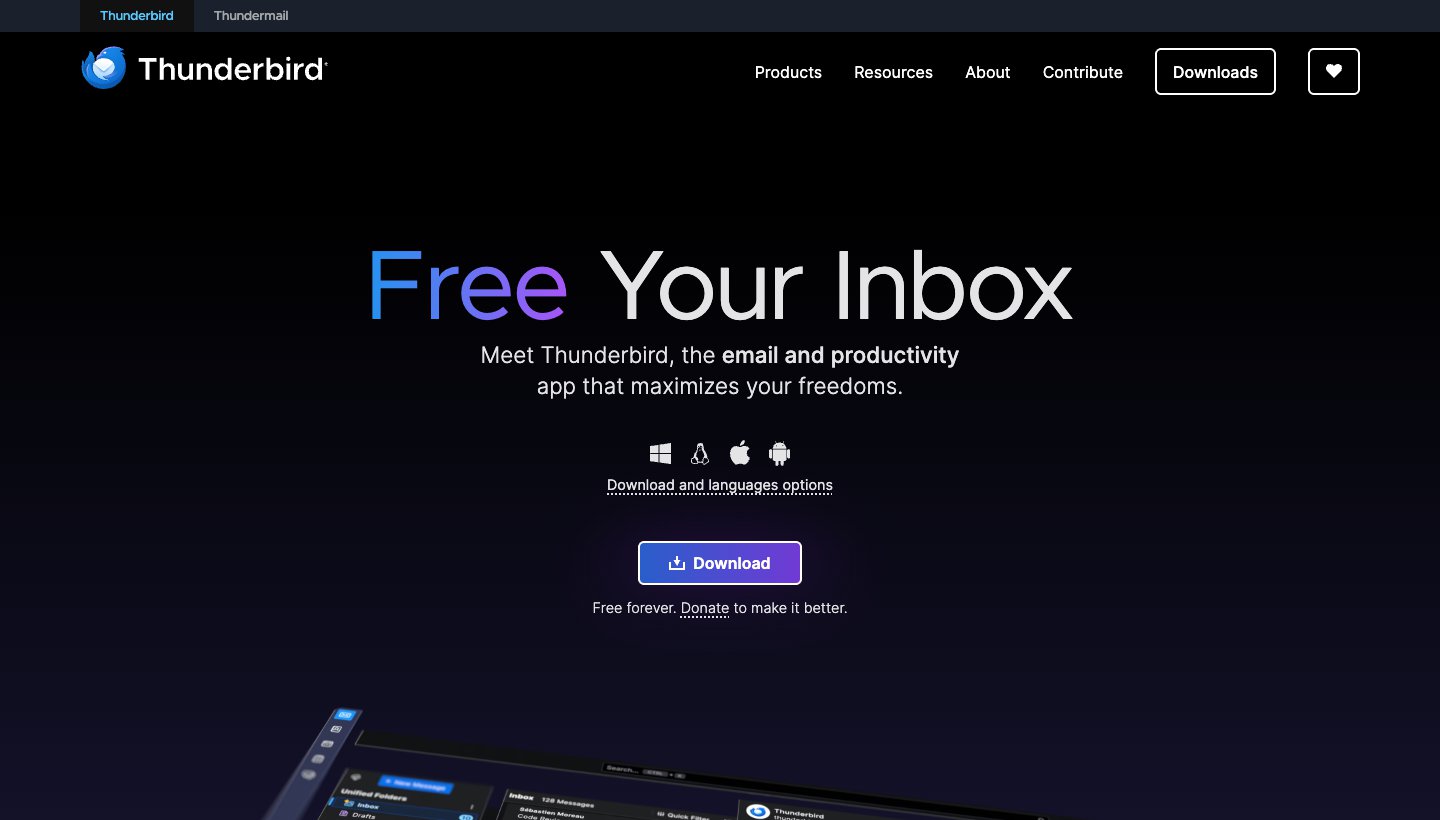
Thunderbird is free and open source, paid for by donations. It's also the only app in this section with a Linux version.
Who it's for: people who want a free, ad-free desktop app, including on Linux.
Price (checked October 13, 2026): free. See Thunderbird.
Platforms: Windows, Mac, Linux and Android. No iPhone or iPad app, and no web version.
Accounts: any IMAP or POP account, including Gmail, plus Exchange. It works with Proton through Bridge.
Standout features: OpenPGP and S/MIME encryption built in, a large add-on library, and mail kept on your computer.
One real downside: there's no iPhone or iPad app yet, so iPhone users can't use the same app on their phone.
Gmail-only apps: Mimestream and Shortwave
Two apps are built only for Gmail. Neither helps if you might leave Google later.
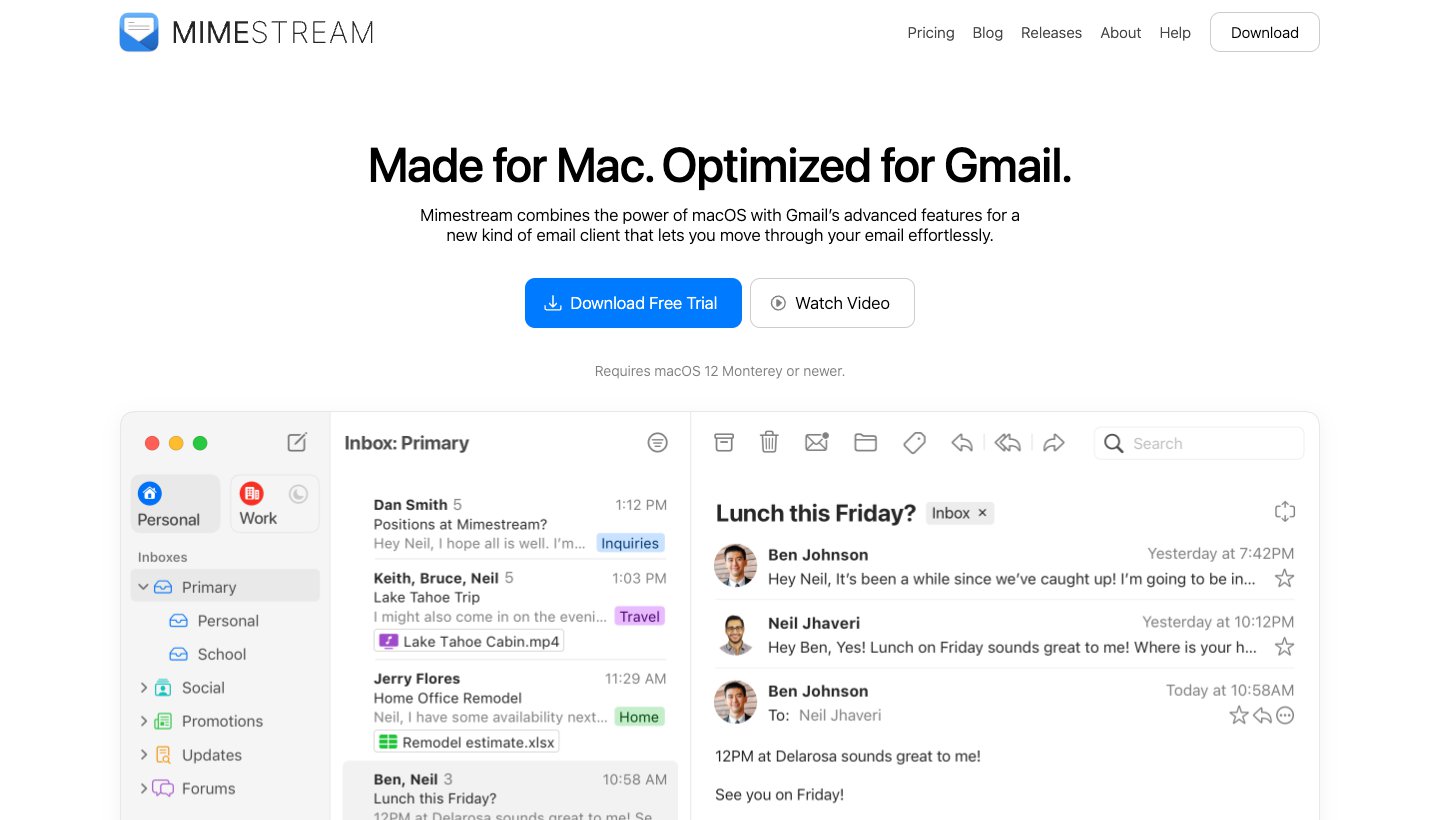
Mimestream is a native Mac app built on the Gmail API, so labels and categories work as they do in Gmail. It costs $4.99 a month or $49.99 a year, with a 14-day trial and no card (Mimestream's pricing). Its downside: it's Mac-only and Gmail-only, with no phone app and no AI.
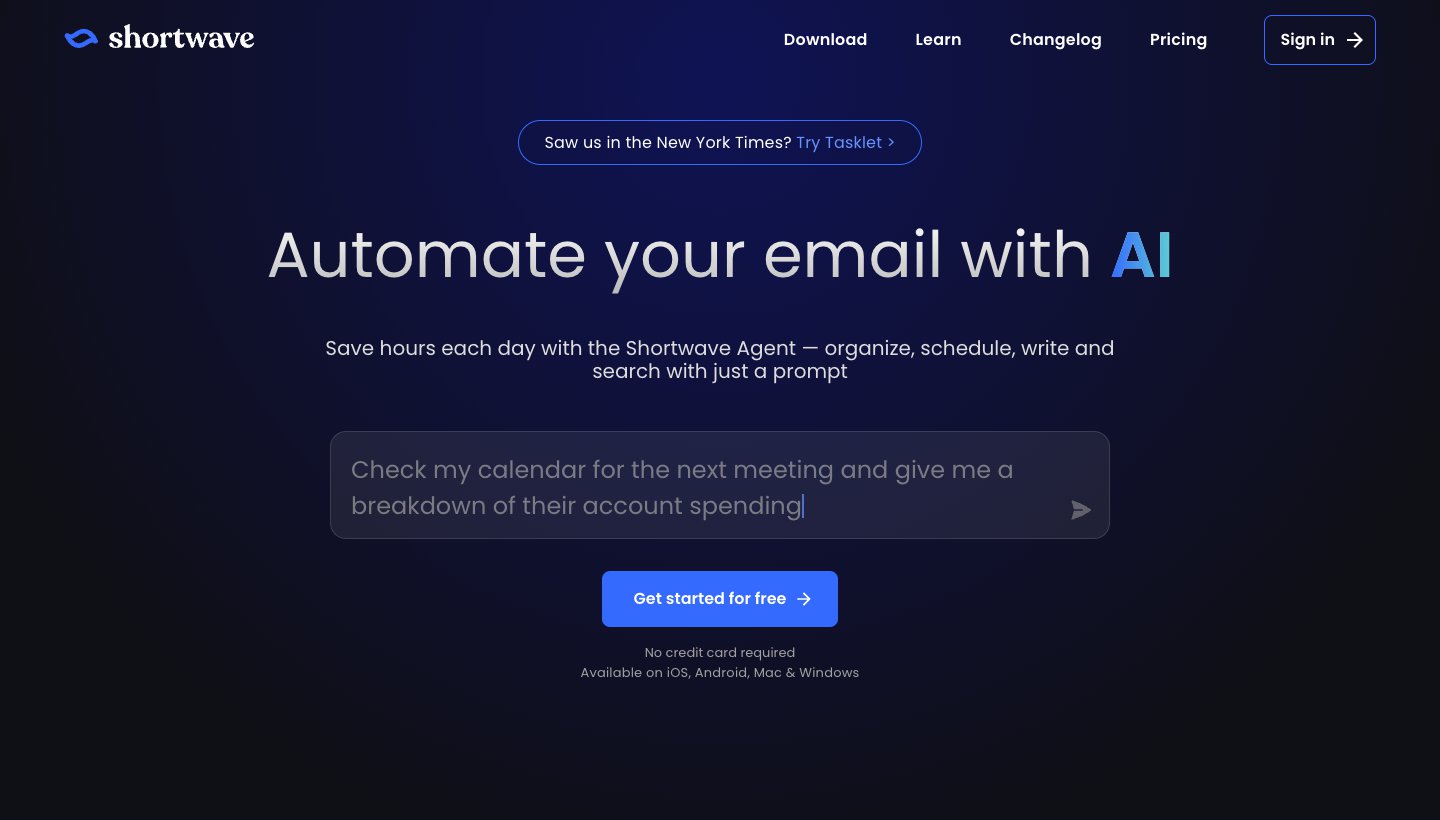
Shortwave is an AI-first email app for Gmail and Google Workspace. It has a free plan, and Pro is $18 per seat a month (Shortwave's pricing). Its downside: it needs a Gmail account underneath, and other mail can only reach it by forwarding into Gmail, so it's no use for leaving Gmail. Our Shortwave pricing guide goes through every plan.
For more apps beyond Gmail, see our guide to the best email apps and clients. If you want AI that sorts and drafts for you, the best AI email apps compares the AI-first ones.
Which providers work in which apps
If you want a new provider but a favourite app, check this first. Several privacy-focused providers only work in their own apps.
Provider | Works in other email apps? | Plan needed | In Dove |
|---|---|---|---|
Gmail | Yes | Free | Yes |
Proton Mail | Only through Proton Mail Bridge, a desktop app; Proton names Outlook, Apple Mail and Thunderbird | Paid | Not confirmed (Bridge runs on computers only) |
Fastmail | Yes, IMAP with an app password | Any plan except business Basic | Yes (Dove lists Fastmail) |
Tuta | No | — | No |
Outlook.com | Yes, with Microsoft's modern sign-in | Free | Yes |
iCloud Mail | Yes, IMAP with an app-specific password | Free | Yes |
Zoho Mail | Yes, IMAP | Paid (Zoho's pricing excludes it from Forever Free) | Through IMAP, not tested |
HEY | No | — | No |
Mailbox.org | Yes, IMAP and POP | Any plan | Through IMAP, not tested |
Tuta and HEY are all-or-nothing: their apps only.
Proton works in other desktop apps if you pay and keep Bridge running; on a phone you use Proton's app.
Fastmail, iCloud, Outlook.com and Mailbox.org work in nearly any app, so you can leave Google and still pick your app.
"Through IMAP, not tested" means the provider offers standard IMAP and Dove accepts any IMAP account, but we haven't checked that pairing ourselves. Dove's help explains adding an IMAP account.
What breaks when you leave Gmail
The pages ranking for this search skip this part. Everything below comes from Google's own help pages, checked on October 13, 2026.
Sites where you "Sign in with Google"
If you've used the "Sign in with Google" button on other websites, those accounts are tied to your Google account, not just your inbox. Google lists them under your Google Account's linked apps, and Google's help page says you can review or remove them at any time. Before you move, go through that list and change each important site to sign in with your new address or a password. Google's page doesn't say what happens to these sign-ins if you delete your account, so don't count on them surviving.
Removing Gmail doesn't remove your Google account
You can remove Gmail and keep the rest of your Google account. According to Google's instructions:
you need a non-Gmail address to keep using other Google services;
your emails and settings are deleted after 30 days, and you can't send or receive with that address;
nobody else can ever use your Gmail address.
Most people don't need to remove Gmail at all. Leaving it in place with forwarding switched on catches anything you forgot to update.
Export your mail with Google Takeout
Google Takeout downloads a copy of your Gmail as a zip or tgz archive. Each message keeps its labels in a special header. Google says an export "could take from a few minutes to a few days", and downloading your data doesn't delete it from Google's servers. Do it even if your new provider imports Gmail directly.
Forwarding catches new mail, import brings the old
These are two separate jobs:
Forwarding sends new mail from Gmail to your new address. Gmail verifies the new address first, then forwards "all new messages to the account, except for spam". It doesn't forward mail you already have. Google recommends keeping Gmail's copy in the inbox. See Google's forwarding instructions.
Importing copies your existing mail. Proton's Easy Switch, Fastmail's Gmail import, Zoho's migration tool and Mailbox.org's migration service do this. Tuta (except on Legend) and HEY don't import old Gmail.
Plan on running both for a while. Leave forwarding on, and each time a message arrives at the old address, update that sender or site to your new one.
If you only dislike your address
Google now lets you change your @gmail.com address without starting a new account. The old address becomes an alternate: mail to either one reaches you, and you can sign in with either. You can do this once every 12 months, up to three times in total, and you can't delete the new address afterwards. It applies to addresses ending in gmail.com; work and school accounts go through their administrator. If an embarrassing old username is your only reason to leave, this is the simplest fix.
Which Gmail alternative should you choose?
If you want a new address:
Proton Mail for encryption without setup; Tuta if you want subject lines encrypted too and can live with Tuta's apps only.
Fastmail or Mailbox.org for an ad-free address that works in any app.
Outlook.com for a free mainstream address, if ads and Microsoft don't bother you.
iCloud+ if all your devices are Apple; Zoho Mail for free email on your own domain.
HEY for a clean break with strict control over who reaches you.
If you want to keep your Gmail address:
Dove (ours) if your inbox is busy and you want it sorted for you on every device, at $20 a month or $200 a year.
Spark for a free app across Mac, Windows, iPhone and Android.
Superhuman if keyboard speed is worth $25 to $40 a month.
Apple Mail if you're all Apple; Thunderbird for a free desktop app or Linux; Mimestream for Gmail on a Mac.
FAQ
Why are people leaving Gmail?
The ranking pages mostly cite privacy (not wanting your whole life in one Google account), ads, Google's AI features showing up in Gmail, and storage: Google's free 15 GB is "shared across Gmail, Google Drive, and Google Photos". In 2026 there's a practical reason too. Google is removing Gmailify, POP fetching and "Send as" for outside accounts by January 2027, so people who used Gmail to collect other mail need a different setup.
What is the most hacked email provider?
Nobody publishes a reliable ranking. The largest documented breach is Yahoo's: in October 2017 Yahoo said it believed "all Yahoo user accounts were affected by the August 2013 theft", and that the stolen data didn't include clear-text passwords, payment cards or bank details (Yahoo's announcement, filed with the SEC). That was years ago, and it doesn't tell you how safe any provider is today. Whichever you pick, use a unique password and turn on two-step verification.
What's the downside of Proton Mail?
The free plan is small: 500 MB to start, 1 GB once you finish Proton's setup checklist, and 150 messages a day. Subject lines aren't end-to-end encrypted, only message bodies and attachments. And you can't use Proton in another email app unless you pay and run the Proton Mail Bridge desktop app, which isn't available on phones.
What's the easiest free email account to set up?
Gmail and Outlook.com are the easiest. Both are free, take a few minutes to create, and work in almost every email app, though Outlook.com shows ads on its free plan. If you want free without ads, Proton Mail and Tuta both have free plans, though they're small (1 GB at most) and you can only use them in their own apps. Zoho Mail's free plan is only for email on your own domain.
Can I keep my Gmail address and use a different app?
Yes. Any app that supports Google accounts reads your Gmail directly, including Dove, Spark, Superhuman, Apple Mail, Thunderbird, Mimestream and Shortwave. Your mail, labels and contacts stay in Gmail, and you can switch back at any time. You can also run the new app alongside Gmail while you decide.
Does leaving Gmail delete my Google account?
No. You can remove Gmail and keep your Google account and its other services, such as Google Play, but you'll need a non-Gmail address on the account. Your emails are deleted 30 days after you remove Gmail, so export them with Google Takeout first.
More from Dove
Recent posts
October 13, 2026
Outlook Alternatives in 2026: 9 Email Apps for Every Device
Microsoft isn't shutting Outlook down, but Windows Mail is gone and the old Outlook for Mac loses work accounts this month. Here's what's changing, and nine Outlook alternatives for Windows, Mac, iPhone and Android, with prices checked on October 13, 2026.
October 12, 2026
AI Email Assistant for Gmail in 2026: Gemini, Add-ons and What They Cost
Gmail already has a free AI assistant, at least in the US. Here's what Gemini does on each plan, how to switch it on or off, and when an add-on like Fyxer, Cora or Inbox Zero is worth paying for.
October 12, 2026
AI Email Assistant for Outlook in 2026: Copilot and the Add-ins Worth Adding
If you pay for Microsoft 365, Copilot may already be in your Outlook. Here's which plans and versions get it, how to switch it on or off, and when an add-in like MailMaestro, Fyxer or SaneBox is worth paying for.