'/%3e%3c/g%3e%3c/svg%3e)

Superhuman Alternatives in 2026: 10 Options With Verified Prices
Superhuman costs $30 to $40 a month and works only with Gmail and Outlook. Here are ten alternatives for one person, for keeping your current inbox, and for teams, with every price checked in October 2026.

Superhuman Alternatives in 2026: 10 Options With Verified Prices
Superhuman makes you faster at email. If you're leaving it, you probably want to spend less and see less email, and these ten options do that for different kinds of people.
Disclosure: Dove and Canary Mail are made by our team at Cartasec, the company behind Canary Mail. To keep this fair, every product gets the same fields, every price comes from the vendor's own site as checked in October 2026, and every entry, ours included, names one real downside.
Quick picks
One person who wants AI to sort mail and draft replies, on any provider: Dove (ours), $20 a month or $200 a year, with a free plan.
Cheapest app that runs almost everywhere: Spark, free or $8.25 a month billed yearly.
Gmail on a Mac, if speed is what you'll miss: Mimestream, $4.99 a month.
Keep the app you already use: Gmail with Gemini, Outlook with Copilot, or SaneBox on top of either.
Teams sharing an inbox: Missive, or Front for customer support.
Every option at a glance
Prices are per person per month in US dollars, from each vendor's own site in October 2026. Superhuman is the first row, so you can compare against what you pay now. Gmail and Outlook get a row each here, though we count them as one option below.
Product | Best for | Monthly billing | Annual billing (per month) | Platforms | Email providers | Free option |
|---|---|---|---|---|---|---|
Superhuman (baseline) | Keyboard-first Gmail and Outlook users | Starter $30, Business $40 | Starter $25, Business $33 | Mac, Windows, iPhone/iPad, Android, Chrome | Gmail, Outlook | No free plan |
Dove (ours) | One person, any provider, AI sorting and drafts | $20 | $16.67 ($200/yr) | Mac, Windows, iPhone/iPad, Android, web | Gmail, Workspace, Outlook, Microsoft 365, iCloud, Yahoo, IMAP | Free plan (10 AI actions a day); 7-day trial |
Spark | Cheap cross-platform app with a free plan | Plus $10, Pro $20 | Plus $8.25, Pro $16.58 | Mac, Windows, iPhone/iPad, Android | Gmail, Outlook, iCloud, Yahoo, IMAP | Free plan; 7-day trial of paid plans |
Shortwave | AI-first email for Gmail users | Pro $18 | — | Mac, Windows, iPhone/iPad, Android, web | Gmail and Google Workspace (others through Gmail) | Free plan; 14-day trial |
Mimestream | Gmail on a Mac | $4.99 | $4.17 ($49.99/yr) | Mac | Gmail | 14-day trial |
HEY | A new address with a screened inbox | No monthly plan | $8.25 ($99/yr) | Web, Mac, Windows, Linux, iPhone/iPad, Android | Its own @hey.com service | 30-day trial |
Canary Mail (ours) | Privacy and encryption | No monthly plan | Growth $3 ($36/yr), Pro+ $100/yr | Mac, Windows, iPhone/iPad, Android | Gmail, Outlook, Office 365, Exchange, iCloud, Yahoo, Zoho, ProtonMail | Free plan (2 devices); 7-day trial |
Gmail with Gemini | Staying in Gmail | Google AI Plus $4.99, AI Pro $19.99 | — | Web, iPhone/iPad, Android | Google accounts | Gmail is free; Gemini in Gmail is paid |
Outlook with Copilot | Staying in Outlook | Microsoft 365 Personal $9.99, Premium $19.99 | Personal $99.99/yr, Premium $199.99/yr | Windows, Mac, iPhone/iPad, Android, web | Microsoft accounts, plus Gmail, Yahoo, iCloud in Outlook | Outlook is free; 1-month trial of Personal |
SaneBox | Filtering any inbox without switching apps | Snack $3.49, Lunch $5.99, Dinner $16.99 | Snack $2.42, Lunch $4.08, Dinner $11.58 | Works inside your current app | Any provider | 7-day trial |
Missive | Small teams sharing inboxes | Starter $18 | Starter $14 | Web, Mac, Windows, iPhone/iPad, Android | Gmail, Outlook, IMAP | 30-day trial |
Front | Support teams | Starter $35 | Starter $25 | Mac, Windows, iPhone/iPad, Android, web | Gmail, Microsoft 365 (others by forwarding) | 14-day trial |
A dash means the vendor doesn't publish that figure.
Why people look for a Superhuman alternative
The price. Superhuman Mail's Starter plan is $30 a month, and Business is $40. For one person paying out of pocket, that's $360 to $480 a year. Annual billing brings it to $25 or $33 a month, still the top of this list.
The headline AI is on the higher plan. Auto Drafts and Ask AI are listed under Business, not Starter. If AI drafting is why you signed up, you're paying $40 a month for it, or $33 billed yearly.
Gmail and Outlook only. If you also have an iCloud, Yahoo or other IMAP account, Superhuman can't hold all your mail in one place.
No free plan or trial. Superhuman's billing FAQ says, "We don't currently offer discounts or free trials for the Superhuman suite." You pay before you know whether it fits.
The Grammarly change. In 2025, Grammarly, Coda and Superhuman Mail became one brand, Superhuman. The suite has Free, Pro, Business and Enterprise tiers, and Mail first appears in Business. Mail is still sold on its own, but the free and Pro suite tiers don't include it.
Speed isn't always the problem. Superhuman is very good at getting you through mail quickly. But a lot of people leaving it don't want to process email faster. They want less of it to reach them in the first place, and some help with the replies that are left.
What Superhuman costs in October 2026
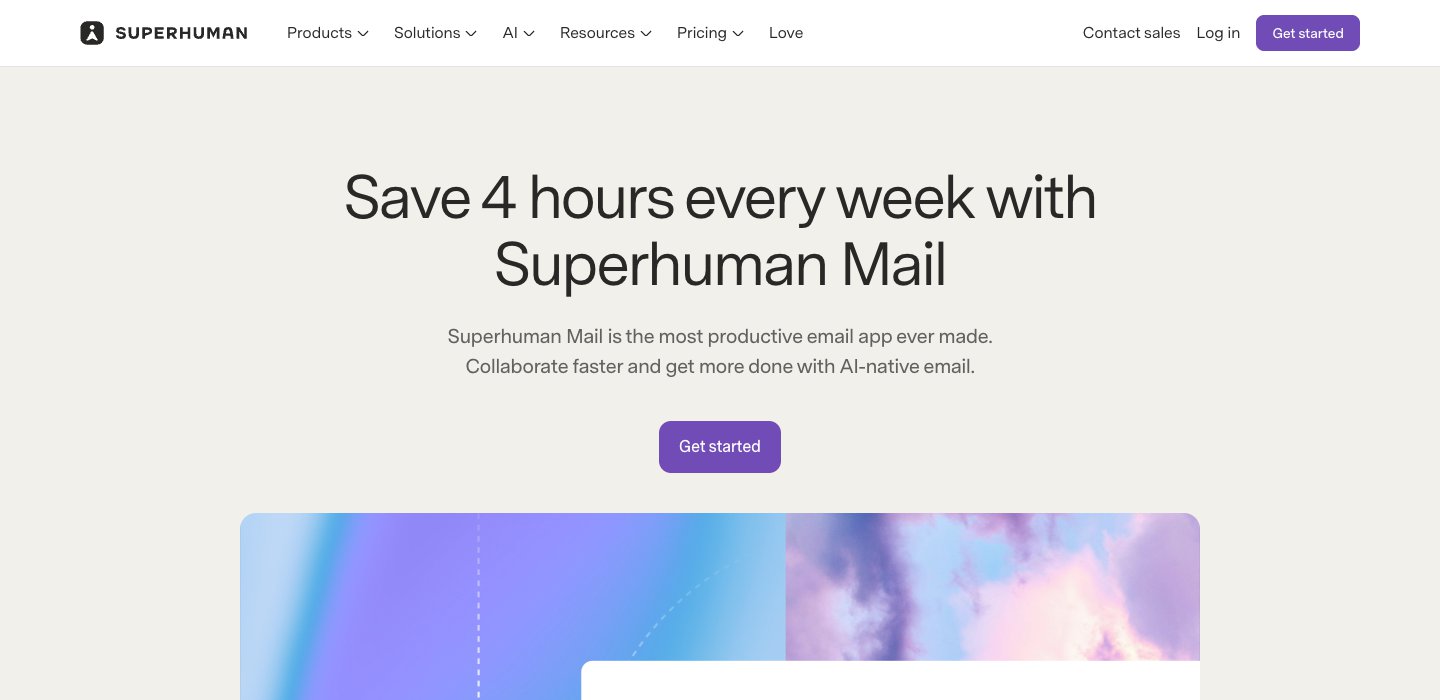
From Superhuman's Mail pricing page, checked in October 2026:
Plan | Billed monthly | Billed annually (per month) | What it adds |
|---|---|---|---|
Starter | $30 | $25 | Email productivity features, Superhuman AI, team collaboration, calendar and scheduling |
Business | $40 | $33 | Most advanced AI, Auto Drafts, Ask AI, Superhuman Mail MCP, custom auto labels, HubSpot and Salesforce integrations |
Enterprise | Contact sales | Contact sales | Custom pricing |
There's no free Mail plan. The suite's free tier includes Grammarly, Docs and Go, not Mail. We couldn't confirm the suite's US dollar prices on Superhuman's site, so we haven't quoted them.
To be fair to Superhuman, the money buys something real. You get Split Inbox lanes you define, follow-up reminders, Snippets, read statuses, Send Later, Snooze, Instant Reply, and a keyboard shortcut for nearly every action. It has native apps for Mac and Windows, apps for iPhone, iPad and Android, and runs in Chrome. Superhuman claims its users save four hours a week. If you clear hundreds of emails a day by keyboard, it's still one of the best tools for that, though its shortcuts are designed for US QWERTY keyboards.
What a year costs for one person
Most people leaving Superhuman pay for themselves, so here's the yearly bill for one person on each product's main plans. "Billed yearly" is the vendor's annual price; "billed monthly" is twelve monthly payments.
Product and plan | Billed yearly | Billed monthly (12 months) |
|---|---|---|
Superhuman Starter | $300 | $360 |
Superhuman Business (Auto Drafts, Ask AI) | $396 | $480 |
Dove | $200 | $240 |
Spark Plus | $99 | $120 |
Spark Pro | $199 | $240 |
Shortwave Pro | — | $216 |
Mimestream | $49.99 | $59.88 |
HEY for You | $99 | No monthly plan |
Canary Mail Growth | $36 (or $100 once, lifetime) | No monthly plan |
Canary Mail Pro+ | $100 (or $300 once, lifetime) | No monthly plan |
Gmail with Google AI Plus | — | $59.88 |
Gmail with Google AI Pro | — | $239.88 |
Outlook with Microsoft 365 Personal | $99.99 | $119.88 |
Outlook with Microsoft 365 Premium | $199.99 | $239.88 |
SaneBox Snack / Lunch / Dinner | $29.04 / $48.96 / $138.96 | $41.88 / $71.88 / $203.88 |
Missive Starter (one user) | $168 | $216 |
Front Starter (one seat) | $300 | $420 |
A dash means the vendor doesn't publish a yearly price. If AI drafting is what you used Superhuman for, compare against Business: $396 a year billed yearly, or $480 billed monthly.
How we compared
We picked products that people leaving Superhuman actually consider and grouped them by job: apps for one person, ways to keep your current inbox, and team inboxes. Notion Mail, which some older lists still recommend, has shut down, so it isn't here.
Each product gets the same fields: who it's for, monthly and annual price, platforms, email providers, standout features and one real downside. Every price and feature comes from the vendor's own pricing, product, download or help pages, checked on October 6, 2026. Where a vendor didn't publish something, we say so. We didn't run benchmarks or timed tests, and we don't claim any.
Best Superhuman alternatives for one person
Dove
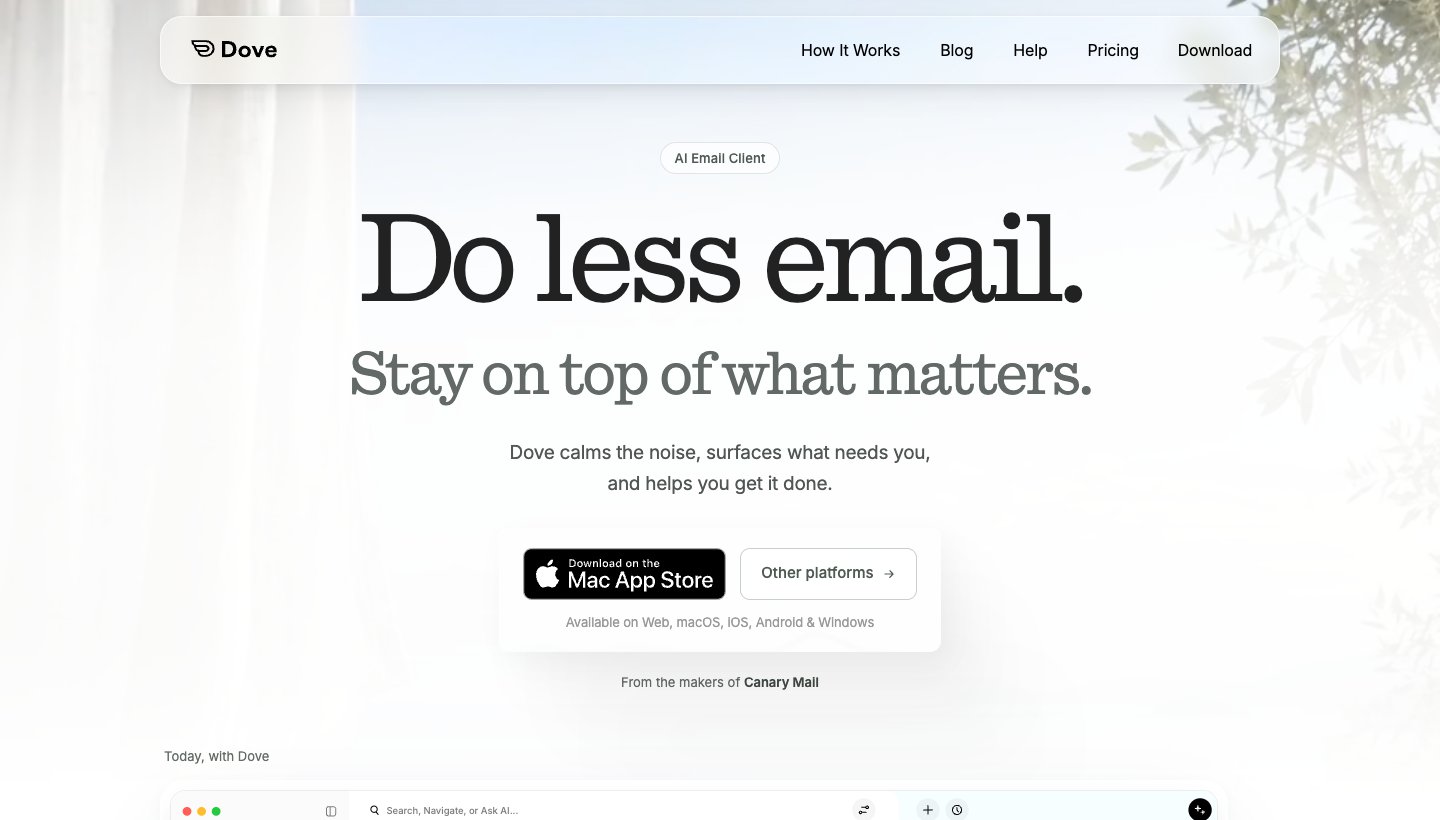
Dove is our product: an AI email app that sorts mail by what needs you, then helps you answer it.
Who it's for: one person with one or several accounts, possibly across Gmail, Outlook, iCloud and Yahoo, who wants AI to triage mail and draft replies on every device.
Price (checked October 2026): $20 a month, or $200 a year. A free plan includes 10 AI actions a day (one action is one prompt, search or draft). The paid plan has a 7-day free trial that asks for a card. Smart Inbox sorting, Today, read receipts and risk scoring are paid-plan only. See Dove's pricing.
Platforms: Mac, Windows, iPhone and iPad, Android, and web.
Email providers: Gmail, Google Workspace, Outlook, Microsoft 365, iCloud, Yahoo and any IMAP account, with unlimited accounts on every plan.
Standout features: mail is sorted into Focus, Feed and Noise, and Smart Notifications only alert you for Focus. Today groups your day into Needs you, Schedule, FYI and Waiting on. Ask Dove answers questions about your inbox and turns answers into drafts. Wingman shows the context behind a thread, its risks and a next step. Drafts follow your writing style, and Teach Dove takes rules in plain language. Read receipts, one-tap unsubscribe, custom swipes and phishing and impersonation scoring are included.
One real downside: Dove is new. Its track record is short, and its ecosystem of integrations and community guides is thin next to older apps.
Where Superhuman is better: if you loved flying through mail by keyboard, Superhuman is built around that more than Dove is. Dove is built to do more of the sorting and writing for you. More in Dove vs Superhuman.
Spark
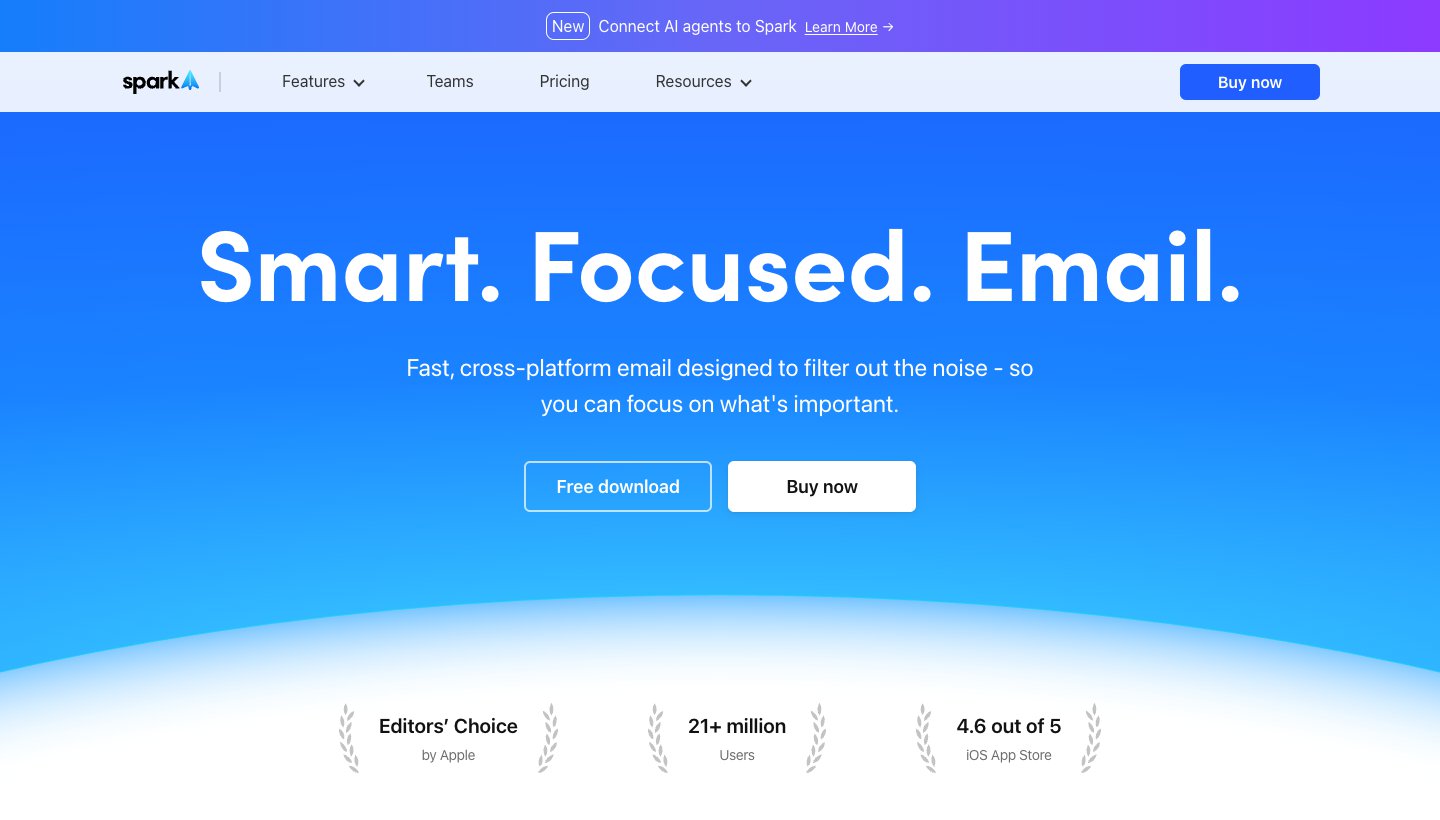
Spark, from Readdle, is the app most people mention when they ask for a cheaper Superhuman. It has a real free plan and apps for every major desktop and phone, which is a lot for $0.
Who it's for: individuals who want a polished app with many accounts in one inbox for well under $30.
Price (checked October 2026): Free. Plus is $10 a month or $99 a year ($8.25 a month). Pro is $20 a month or $199 a year ($16.58 a month). Plus and Pro have a seven-day trial when you subscribe in the app. See Spark's pricing.
Platforms: Mac, Windows, iPhone and iPad, Android.
Email providers: Gmail and Google Workspace, Outlook and Office 365 (including Exchange Online), iCloud, Yahoo and any IMAP account. The free plan allows unlimited accounts.
Standout features: Smart Inbox, Gatekeeper for new senders, Priority, and an AI Assistant across email, attachments, calendar and meeting notes. Spark says only the emails relevant to a query go to its AI provider, are kept up to 30 days for abuse monitoring, and aren't used for training.
One real downside: AI limits aren't published as numbers (Plus gets "Extended" credits, Pro "High"), and Auto-Drafts and Autopilot are still marked "Soon".
We compare it with Dove in Dove vs Spark.
Shortwave
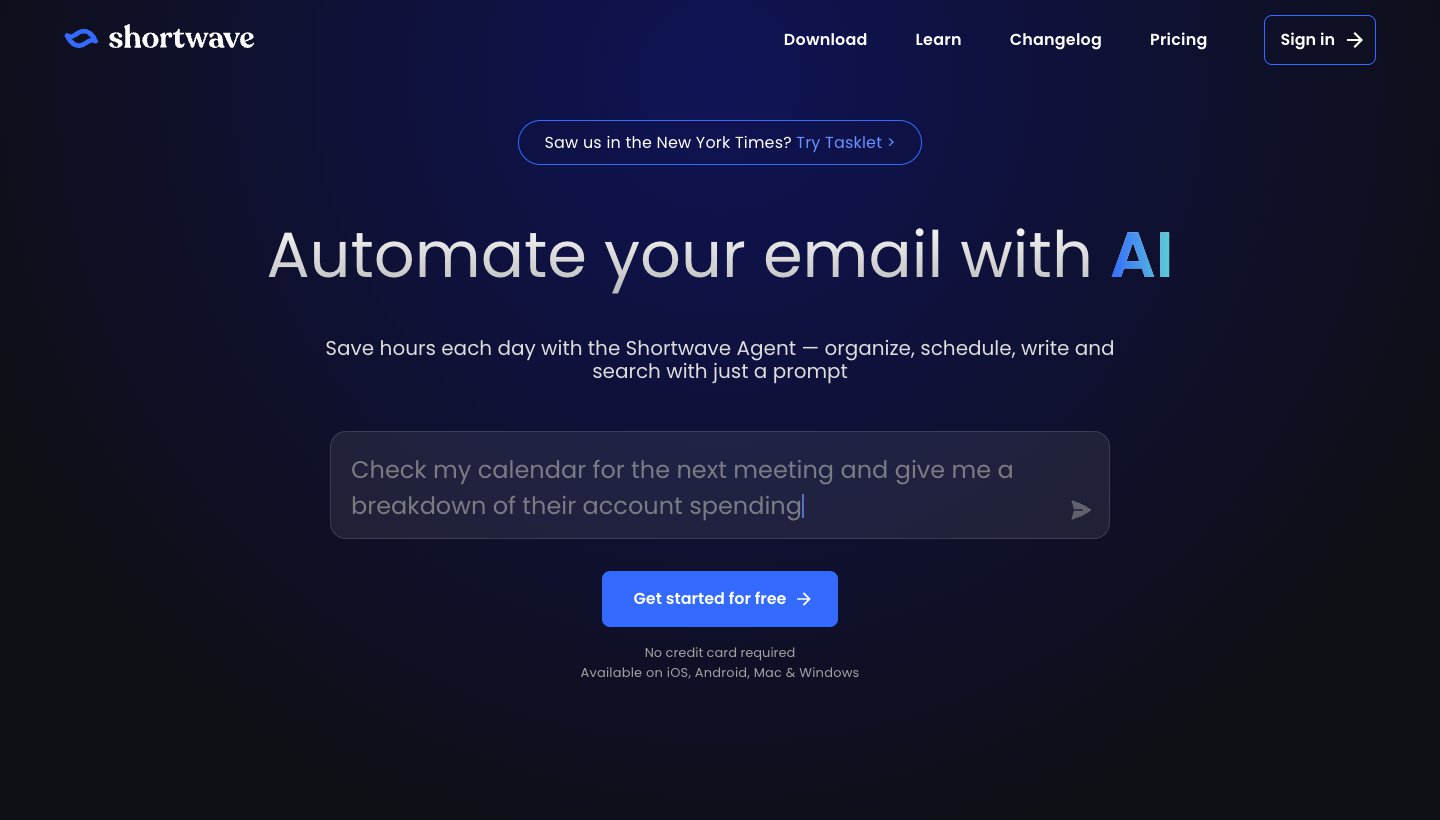
Shortwave is the closest thing to an AI-first Superhuman for Gmail users. Its assistant searches years of mail and acts on what it finds.
Who it's for: Gmail and Google Workspace users who want a modern client with strong AI search.
Price (checked October 2026): Free. Pro is $18 per seat a month; Business $30, Premier $45, Max $120. The pricing page shows no annual price. There's a 14-day free trial. See Shortwave's pricing.
Platforms: Mac, Windows, iPhone and iPad, Android, and web.
Email providers: Gmail and Google Workspace natively. Outlook, Fastmail, Yahoo and others can be added by connecting them to a Gmail account first.
Standout features: AI search over three years of mail on Pro, AI filters, splits and bundles, instant summaries, autocomplete and personalized writing. Pro allows roughly 75 to 150 AI requests a day.
One real downside: it's built for Gmail. An Outlook or iCloud account has to go through Gmail first, and the free plan keeps only 90 days of search history and adds a "Sent with Shortwave" signature.
See Dove vs Shortwave for a head-to-head.
Mimestream
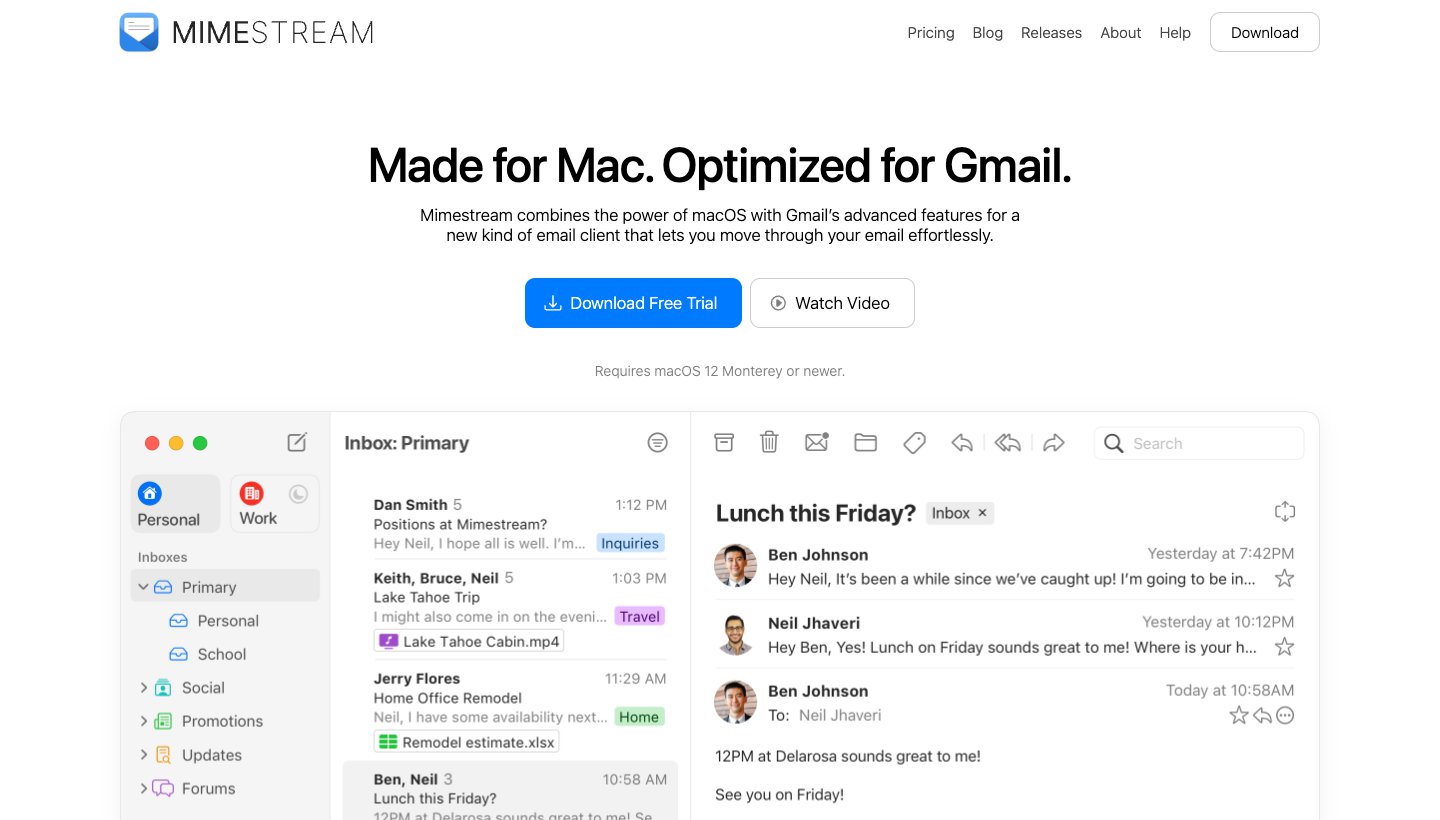
Mimestream is a native Mac app built on the Gmail API. If what you'll miss is how quick Superhuman felt on a Mac, this is the cheapest way to keep that.
Who it's for: Gmail users on a Mac who don't need AI or a phone app from the same vendor.
Price (checked October 2026): $4.99 a month, or $49.99 a year (about $4.17 a month). A 14-day trial needs no card; there's no free plan. It's sold directly, not on the App Store, and covers all your Google accounts on up to five devices, with free family sharing. See Mimestream's pricing.
Platforms: macOS 12 Monterey or newer, only.
Email providers: Gmail only.
Standout features: a native macOS app, Gmail categories and labels, Google Calendar invite responses, tracker blocking for more than 75 services, and mail stored locally.
One real downside: Mac-only and Gmail-only, with no phone app, and its homepage mentions no AI features.
HEY
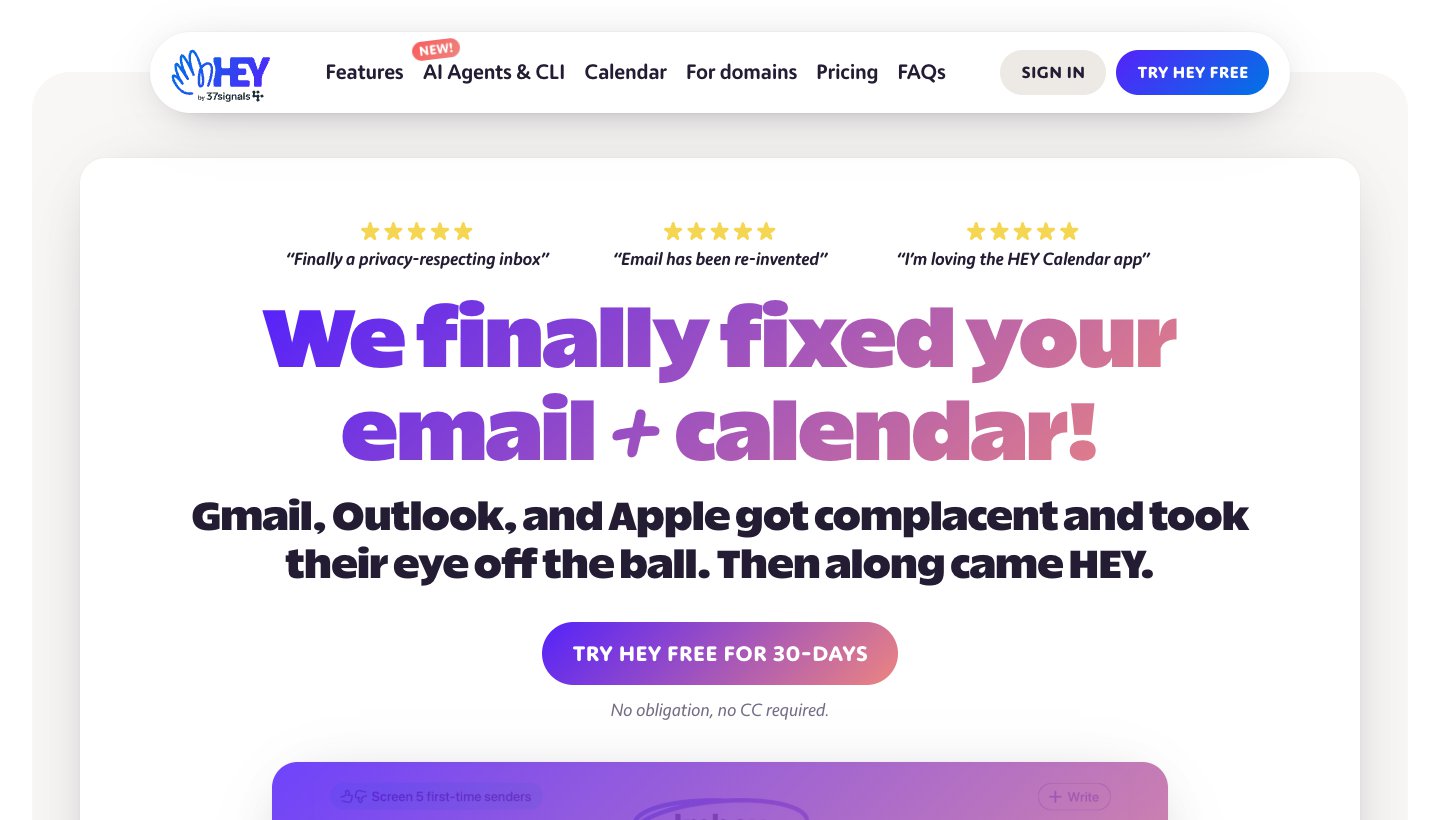
HEY, from 37signals, is its own email service with its own rules for what reaches you, rather than a client for the account you have.
Who it's for: people ready to use a new address who want a firm say over who can email them.
Price (checked October 2026): HEY for You is $99 a year (about $8.25 a month), annual billing only. HEY for Domains is $12 per user a month ($10 for the first user), monthly only. Families is $179 a year for up to five people. HEY for You has a 30-day trial with no card; there's no free plan. See HEY's pricing.
Platforms: web, Mac, Windows, Linux, iPhone and iPad, Android.
Email providers: HEY is the provider. You get an @hey.com address, or use your own domain on HEY for Domains. Send As lets you send from outside addresses.
Standout features: The Screener for first-time senders, the Imbox, The Feed for newsletters, Paper Trail for receipts, Reply Later, spy-pixel blocking and HEY Calendar. Its pricing page lists no AI writing or summaries.
One real downside: you have to change your address or move your domain. HEY doesn't sit on top of an existing Gmail or Outlook inbox.
Canary Mail
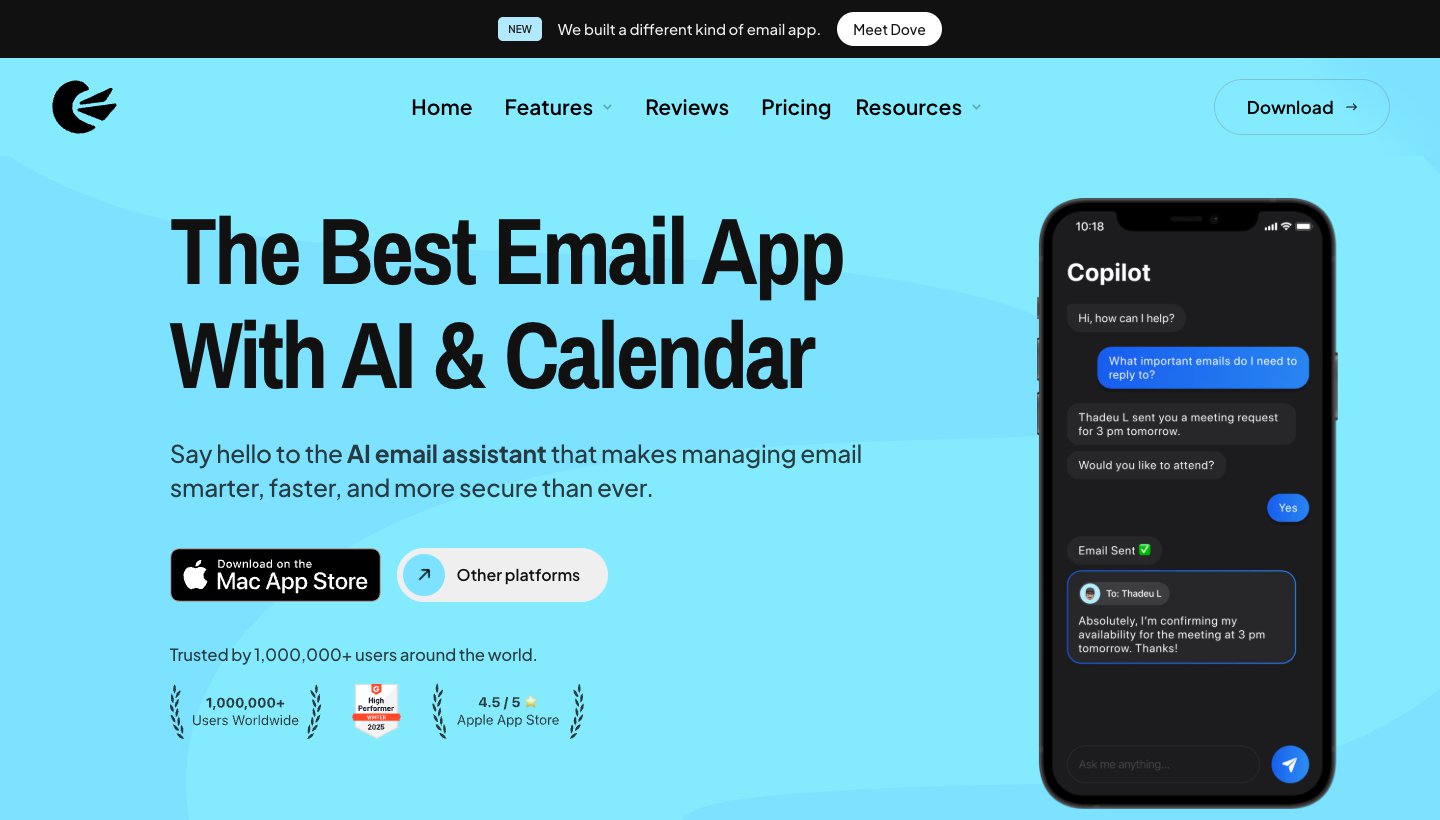
Canary Mail is made by the same team as Dove, and it's the privacy pick here. It has more than 2 million users and has been featured by Apple on the App Store and Mac App Store.
Who it's for: people who want encrypted email and security checks, and prefer a low yearly price or a one-time license.
Price (checked October 2026): Free on up to two devices. Growth is $36 a year (shown as $3 a month) or $100 once for lifetime. Pro+ is $100 a year or $300 once. There's no monthly billing; monthly figures on the pricing page are yearly plans shown per month. A 7-day trial needs no card.
Platforms: Mac, Windows, iPhone and iPad, Android.
Email providers: Gmail, Outlook, Office 365, Exchange, iCloud, Yahoo, Zoho Mail and ProtonMail.
Standout features: PGP end-to-end encryption, SecureSend for HIPAA-sensitive mail, phishing and impersonation detection, misdirection prevention, read receipts, and an AI Copilot that writes, summarizes and categorizes.
One real downside: its AI is lighter than in the AI-first apps here. It helps you write and summarize, but it isn't built around AI triage.
If you need PGP, choose Canary over Dove. Dove has no PGP or end-to-end encryption.
Keep your inbox and add AI or filtering
Gmail with Gemini / Outlook with Copilot
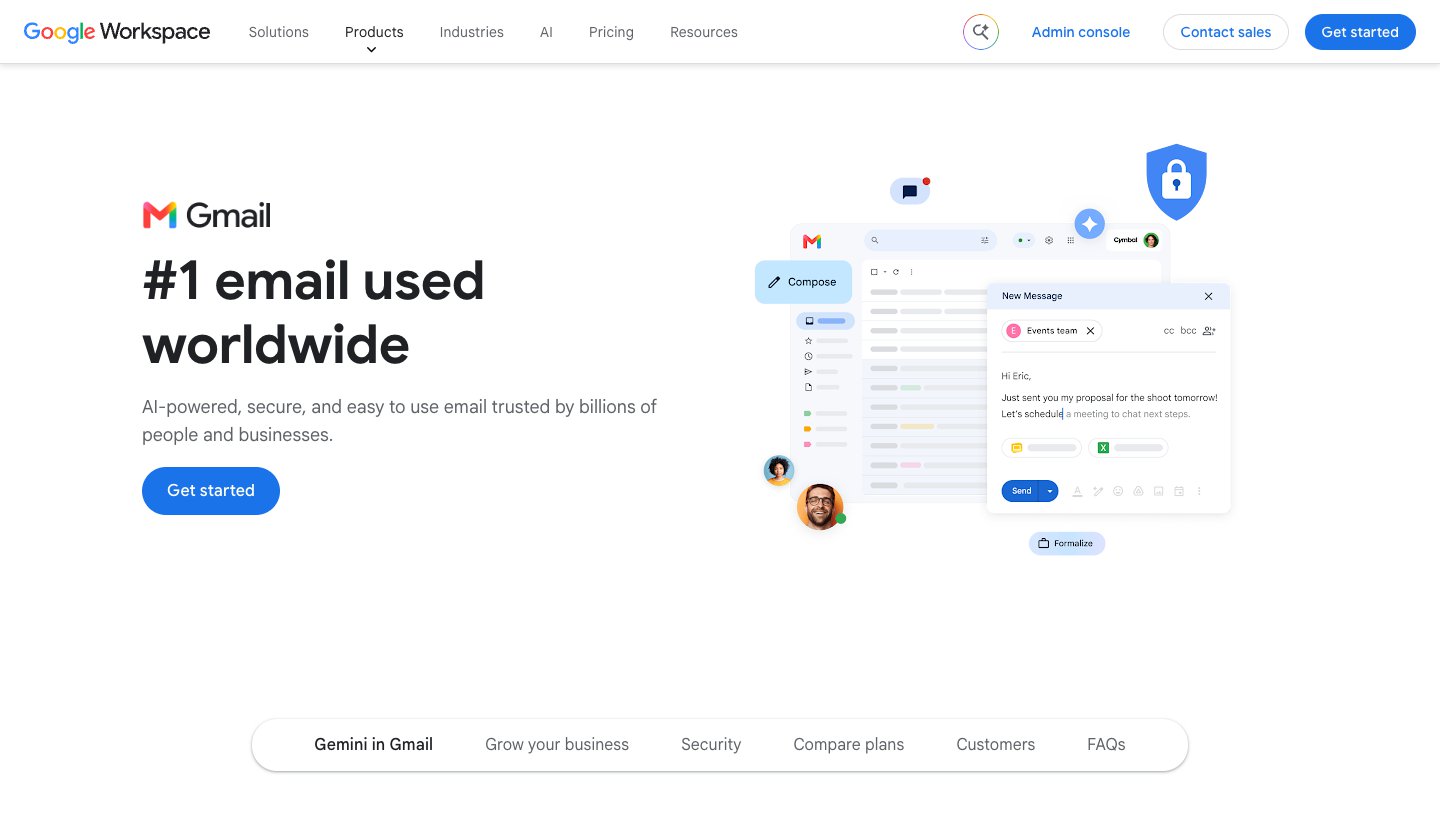
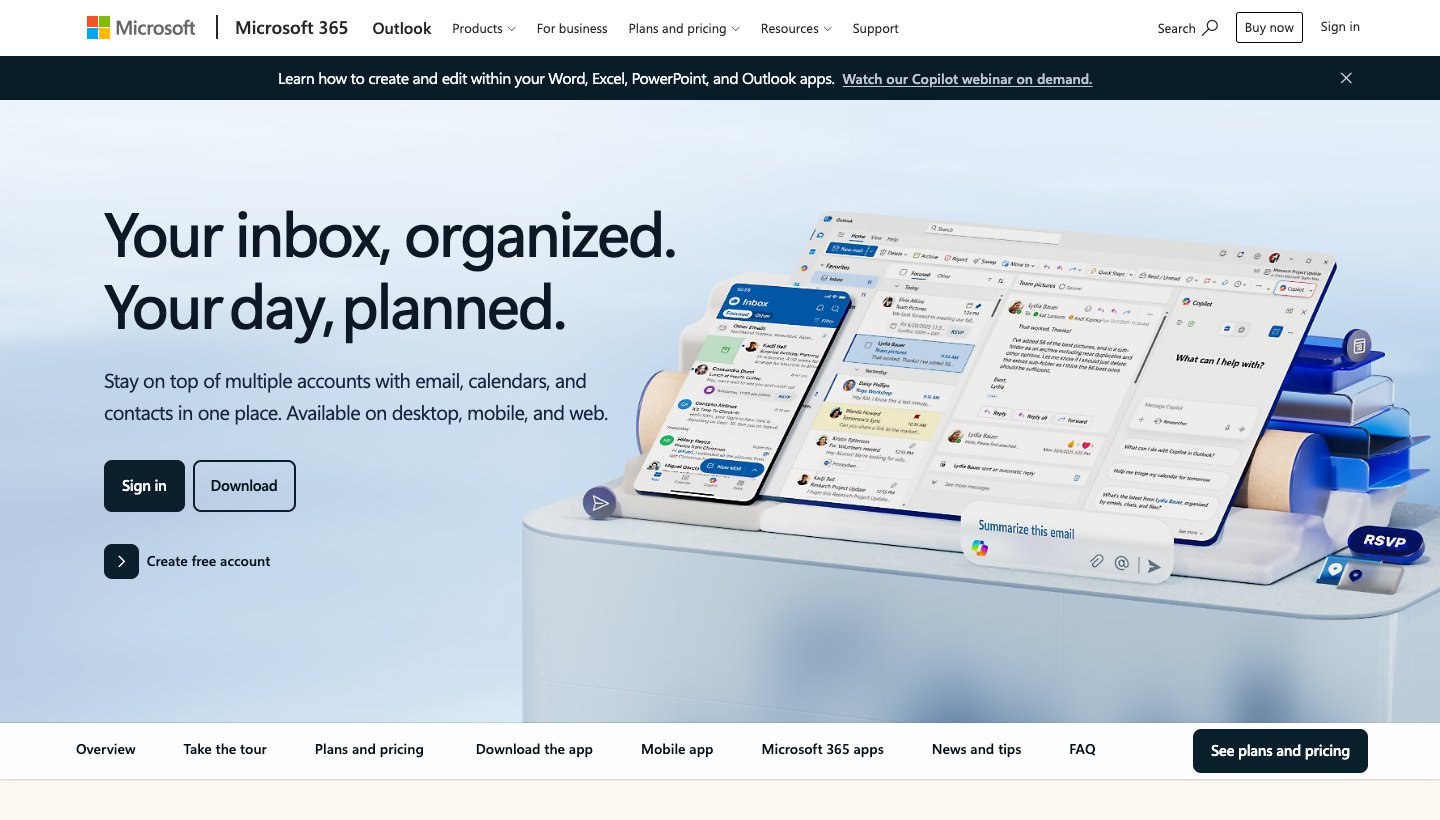
You may not need a new app at all. Google and Microsoft both sell AI that lives inside the app you already have open all day.
Gmail with Gemini
Who it's for: people happy in Gmail who want help writing, summarizing and finding email.
Price (checked October 2026): Gemini in Gmail starts with Google AI Plus at $4.99 a month; the free plan doesn't list it. Google AI Pro is $19.99 a month. Google Workspace Business Starter is $8.40 per user a month on flexible billing or $7 on an annual plan, with a 14-day trial; a new Base tier doesn't include Gemini in Gmail. See Google AI plans and Workspace pricing.
Platforms: web, iPhone and iPad, Android.
Email providers: your Google account.
Standout features: there's nothing new to learn, because it's the Gmail you already use. Gemini in Gmail is for users 18 and over, in selected languages.
One real downside: it's AI added to the same Gmail. You get writing and summaries, not a new way of deciding what reaches you.
Outlook with Copilot
Who it's for: people who already pay for Microsoft 365, or want Office apps along with email AI.
Price (checked October 2026): Microsoft 365 Personal is $9.99 a month or $99.99 a year, with a one-month free trial. Family is $12.99 a month or $129.99 a year, but AI is for the subscription owner only. Premium, with heavier Copilot use, is $19.99 a month or $199.99 a year. Businesses can add Microsoft 365 Copilot Business at $25.20 per user a month, or $21 paid yearly. See Microsoft 365 plans.
Platforms: Windows, Mac, iPhone and iPad, Android, and web.
Email providers: on consumer plans, Microsoft says Copilot works with Outlook.com and other Microsoft addresses, work and school accounts, and Gmail, Yahoo and iCloud accounts signed in to Outlook on the same device.
Standout features: Copilot thread summaries and drafting, plus Word, Excel, PowerPoint and 1 TB of OneDrive.
One real downside: you pay for a whole Office bundle to get email AI, and Microsoft notes that usage limits apply.
SaneBox
SaneBox isn't an email app. It's a filtering service that works with your provider and moves less important mail out of your inbox, so any app you use shows less.
Who it's for: people who like their current app but get too much mail.
Price (checked October 2026): Snack is $3.49 a month, or $2.42 billed annually, for one account and two features. Lunch is $5.99 or $4.08, for two accounts and six features each. Dinner is $16.99 or $11.58, for four accounts and every feature. Two-year billing is cheaper still. A 7-day trial covers all features for up to four accounts. See SaneBox's pricing.
Platforms: it works inside whatever app you use; iPhone and Android apps handle digests and settings.
Email providers: SaneBox says it works with any email service, including Gmail, Exchange, Outlook and Yahoo.
Standout features: folders such as SaneLater and SaneNews, a Daily Digest, SaneBlackHole for one-move unsubscribing, SaneNoReplies for unanswered mail, and reminders. SaneBox says it sorts using headers and never reads the body of your email.
One real downside: no AI writing, summaries or chat. It moves mail into folders, and you still need an email app.
Best Superhuman alternatives for teams
Missive
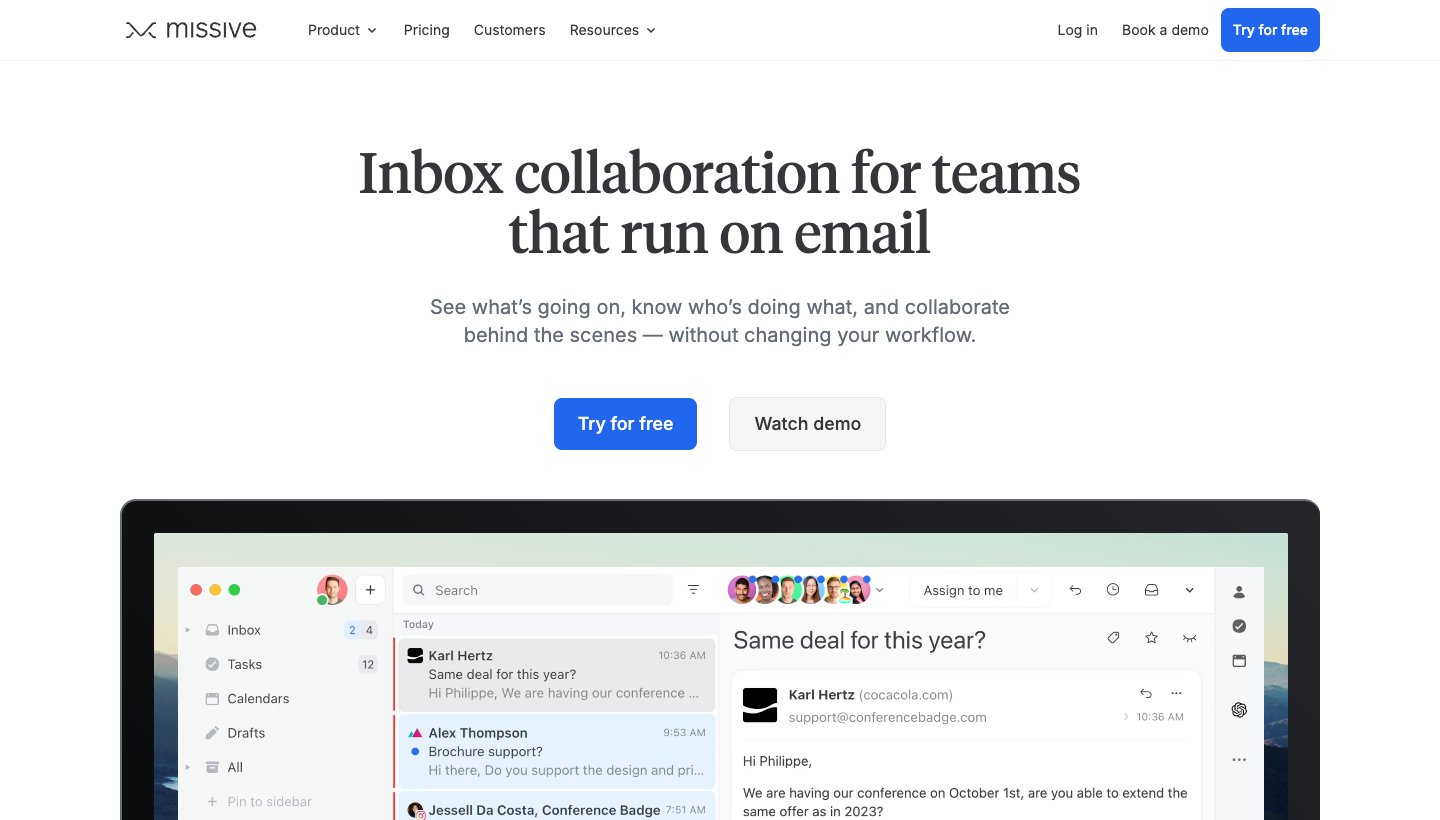
Missive shows up on more "Superhuman alternatives" lists than any other app. For a team, that's fair: it puts shared inboxes and chat on the same threads, with AI built in.
Who it's for: small and mid-size teams that share inboxes and discuss email together.
Price (checked October 2026): Starter is $18 per user a month, or $14 billed yearly, for up to five users. Productive is $30 or $24, up to 50 users. Business is $45 or $36. New teams get a 30-day trial of Productive with no card; there's no free plan. See Missive's pricing.
Platforms: mainly web, with apps for Mac, Windows, iPhone and iPad, and Android.
Email providers: Gmail and Google Workspace, Outlook and IMAP, plus WhatsApp, Messenger, Instagram and SMS through Twilio.
Standout features: shared inboxes, internal chat on any thread, drafting together, assignments and tasks. AI drafts, rules, translation and summaries run on Anthropic, OpenAI or Gemini models, with Missive's credits or your own API key.
One real downside: it's built for teams, which is more than one person needs, and each user is capped at 10 personal and 5 shared accounts.
Front
Front is a shared inbox and ticketing platform. If your "email problem" is really a support queue, Front fits it better than any personal email app will.
Who it's for: support, operations and account teams answering customers together.
Price (checked October 2026): Starter is $35 per seat a month, or $25 billed annually, for up to 10 seats. Professional is $85 or $65, up to 50 seats. Enterprise is $105, annual only. Copilot is a $20 per seat add-on below Enterprise. A 14-day trial with Professional features needs no card; there's no free plan. See Front's pricing.
Platforms: Mac, Windows, iPhone and iPad, Android, and web.
Email providers: native sync for Gmail and Microsoft 365; others, such as iCloud and Yahoo Business, connect by forwarding.
Standout features: shared inboxes with ticketing, assignments, internal comments, SMS, WhatsApp and chat in one place, a knowledge base and analytics.
One real downside: it's a support platform, not a personal email client, and the most useful AI costs extra below Enterprise.
Platforms and email providers compared
Most people can cross off half this list by checking two things: the devices they use and where their mail lives. "Yes" and "No" come from each vendor's own pages; a dash means the vendor didn't say.
Product | Mac | Windows | iPhone/iPad | Android | Web | Gmail | Outlook / Microsoft 365 | iCloud | Yahoo | Other IMAP |
|---|---|---|---|---|---|---|---|---|---|---|
Superhuman | Yes | Yes | Yes | Yes | Chrome | Yes | Yes | No | No | No |
Dove | Yes | Yes | Yes | Yes | Yes | Yes | Yes | Yes | Yes | Yes |
Spark | Yes | Yes | Yes | Yes | — | Yes | Yes | Yes | Yes | Yes |
Shortwave | Yes | Yes | Yes | Yes | Yes | Yes | Through Gmail | — | Through Gmail | — |
Mimestream | Yes | No | No | No | No | Yes | No | No | No | No |
HEY | Yes | Yes | Yes | Yes | Yes | No | No | No | No | No |
Canary Mail | Yes | Yes | Yes | Yes | — | Yes | Yes | Yes | Yes | — |
Gmail with Gemini | Web | Web | Yes | Yes | Yes | Yes | — | — | — | — |
Outlook with Copilot | Yes | Yes | Yes | Yes | Yes | Yes | Yes | Yes | Yes | — |
SaneBox | Your app | Your app | Your app | Your app | Your app | Yes | Yes | Yes | Yes | Yes |
Missive | Yes | Yes | Yes | Yes | Yes | Yes | Yes | — | — | Yes |
Front | Yes | Yes | Yes | Yes | Yes | Yes | Yes | By forwarding | By forwarding | — |
HEY is its own email service, so it doesn't connect to Gmail or Outlook inboxes. It's also the only product here that lists a Linux app.
Outlook with Copilot reaches Gmail, Yahoo and iCloud only when they're signed in to Outlook on the same device as an eligible Microsoft 365 subscription.
If you mix Windows or Android with Apple devices, Mimestream drops out first, and Gmail has no desktop app, only the web.
AI and privacy compared
AI email tools read your mail to do their job, so it's worth knowing where that mail goes. This table only repeats what each vendor publishes in its own privacy policy, security pages or help center, checked in October 2026.
Product | Built-in AI | Where the AI runs | Trains AI on your email? | Encryption | Keeps your mail on its servers? |
|---|---|---|---|---|---|
Superhuman | Superhuman AI; Auto Drafts and Ask AI on Business | Third-party models (OpenAI, Anthropic, Azure) | Help center says no; privacy policy has a training setting | In transit and at rest | Yes |
Dove | Sorting, Ask Dove, Wingman, drafts, summaries | Several AI providers, not one | No, never | In transit and at rest; no end-to-end or PGP | Mostly on your device; limited metadata on our servers |
Spark | AI Assistant | On your device, plus OpenAI, Anthropic, Google or Azure for queries (kept up to 30 days) | No, for any model | In transit and at rest | Partly, depending on the feature |
Shortwave | AI assistant, filters, summaries, writing | Its own servers plus OpenAI and Anthropic | Not by third-party models | In transit; AES-256 at rest | Yes, in Google Cloud |
Mimestream | None | No AI | No AI | In transit | No, only on your Mac |
HEY | No AI on your mail | No AI | No | In transit and at rest | Yes |
Canary Mail | AI Copilot: writing, summaries, categorization | On your device, plus OpenAI, Anthropic, Cohere or Google | No | PGP end-to-end | No, on your device by default |
Gmail with Gemini | Gemini in Gmail, on paid plans | Google's own infrastructure | No | In transit and at rest | Yes |
Outlook with Copilot | Copilot in Outlook, on paid plans | Azure OpenAI; Anthropic models optional for business | No | In transit and at rest | Yes |
SaneBox | SaneSummary | Not published | Not published | Server-side encryption | Headers only, never message bodies |
Missive | Drafts, rules, translation, summaries | OpenAI, Anthropic or Gemini, chosen by the admin | Not by its AI providers | In transit and at rest | Yes |
Front | Copilot add-on, Autopilot | OpenAI, Microsoft or AWS | Not by AI providers; Front may use data to improve its service for you | TLS 1.2 in transit; AES-256 at rest | Yes |
A few things worth knowing:
Only Canary Mail offers PGP end-to-end encryption here. Dove encrypts mail in transit and at rest but isn't end-to-end encrypted, so if you need PGP, pick Canary.
Superhuman's own pages disagree. Its help center says neither Superhuman nor its vendors train on your data, but its privacy policy describes a setting that lets you decide whether Superhuman can train its own models on your content. If that matters to you, check the setting in your account.
"Not trained on" isn't the same everywhere. Missive and Front say their AI providers don't train on your mail; Front also says it can use your data to improve its service for you.
The lightest-touch options are Mimestream, which has no AI and keeps mail on your Mac, and SaneBox, which sorts using headers and never reads message bodies. The trade-off is little or no AI help.
How to switch from Superhuman
Superhuman runs on top of Gmail or Outlook, so your email, labels and folders stay with your provider. Leaving is mostly about what you set up inside Superhuman.
List what you use daily. Usually Split Inbox lanes, Snippets, reminders, read statuses, Send Later and a few shortcuts. Check that the new app covers each one.
Check your accounts against the grid above. If you have iCloud or Yahoo mail that Superhuman never covered, bring it in now.
Save your Snippets. Copy the text before you cancel so you can recreate them as templates.
Rebuild your lanes as rules. In Dove, Teach Dove lets you write a rule as a plain sentence. In Spark, Gatekeeper and Smart Inbox are the nearest equivalents. In Shortwave, use splits and AI filters.
Run both apps for a week. Both can read the same Gmail or Outlook account side by side, so use the new app's trial or free plan before committing.
Remove Superhuman and cancel. Superhuman's help center explains removing Superhuman Mail. On an annual plan, check your renewal date first.
To try Dove, download it and add your accounts. The free plan gives you 10 AI actions a day; sorting into Focus, Feed and Noise, Today and read receipts come with the paid plan and its 7-day trial.
Which Superhuman alternative should you choose?
Stay with Superhuman if you work mostly at a desktop in Gmail or Outlook, clear a lot of mail by keyboard, and $25 to $40 a month is worth it. Nothing here beats it at its own game.
Choose Dove if you want AI to sort mail and draft replies across every provider and device for $20 a month or $200 a year, and you're fine with a newer app.
Choose Spark if you want the lowest-cost polished app on Mac, Windows, iPhone and Android, with a free plan that handles many accounts.
Choose Shortwave if you're all-in on Gmail or Google Workspace and want strong AI search over years of mail.
Choose Mimestream if you use Gmail on a Mac and miss Superhuman's speed more than its AI.
Choose HEY if you're ready for a new address and want strict control over who reaches you, including on Linux.
Choose Canary Mail if you need PGP or SecureSend, or want a yearly plan or lifetime license.
Choose Gmail with Gemini or Outlook with Copilot if you don't want to switch apps, especially if you already pay for Google or Microsoft.
Choose SaneBox if you like your current app and just want less in your inbox.
Choose Missive if you're a small team sharing inboxes and want chat and AI on the same threads.
Choose Front if your shared inbox is really a support queue.
FAQ
What's better than Superhuman?
It depends on why you're leaving. For AI sorting and drafting on any provider, Dove; for AI on Gmail only, Shortwave. For a cheaper all-round app, Spark. For Gmail speed on a Mac, Mimestream. For teams, Missive or Front. None copies Superhuman's keyboard-first design exactly.
Is Superhuman worth it?
It can be if you spend hours a day in Gmail or Outlook at a desktop and use its shortcuts heavily. Note that Starter, at $30 a month or $25 billed yearly, doesn't include Auto Drafts or Ask AI. Those are on Business, at $40 a month or $33 billed yearly.
Is there a free version of Superhuman?
No. Superhuman Mail has no free plan, and its help center says the suite offers no free trials. The suite's free tier includes Grammarly, Docs and Go, not Mail. Free alternatives include Spark's free plan, Shortwave's free plan (90 days of search history), Canary Mail's free plan (two devices) and Dove's free plan (10 AI actions a day).
Is Superhuman better than Gmail?
Superhuman is faster to use by keyboard and adds Split Inbox, reminders, read statuses and Snippets. Gmail is free, and Google AI Plus at $4.99 a month adds Gemini in Gmail for writing and summaries. If you mainly want AI help, Gmail with Gemini costs far less.
Is Superhuman better than Outlook?
Many people prefer Superhuman's speed and minimal design. But Microsoft 365 Personal, at $9.99 a month, includes Copilot in Outlook plus Word, Excel, PowerPoint and 1 TB of storage. If you already pay for Microsoft 365, adding $30 to $40 a month for Superhuman only makes sense if keyboard speed matters most.
Does Superhuman work on Windows and Android?
Yes. Superhuman Mail has native Mac and Windows apps, apps for iPhone, iPad and Android, and a Chrome extension. Older articles that call it Mac and iOS only are out of date.
What happened to Notion Mail?
Notion Mail shut down on September 22, 2026, according to the notice at mail.notion.com. The closest replacements are the Gmail-focused options above (Shortwave, Mimestream, or Gmail with Gemini) or a multi-provider app like Dove or Spark.
Sources
All pages checked on October 6, 2026.
Privacy and AI data pages, also checked on October 6, 2026:
More from Dove
Recent posts

September 25, 2026
Dove vs Superhuman: Two Answers to the Same Inbox
Superhuman makes you faster at email. Dove does more of the email for you. A verified comparison of price, platforms, email providers, AI and team features, with a real downside for each.
September 25, 2026
Dove vs Spark Mail: Two Ways to Sort the Same Inbox
Spark groups your mail so there is less of it in front of you. Dove reads it and tells you what needs you today. Pricing, AI limits, platforms, teams and privacy compared.
September 25, 2026
Dove vs Shortwave: AI Email, With and Without Gmail
Shortwave is an AI layer on top of Gmail. Dove is an AI email client for the mailbox you already have. Compared on provider support, where the AI runs, price and teams.