'/%3e%3c/g%3e%3c/svg%3e)

Best AI Email Assistants in 2026: For the Gmail or Outlook You Keep
Before you buy an AI email assistant, check what you already pay for. Gmail now drafts and summarizes for free in the US, and more with a Google AI plan. Microsoft 365 Personal, Family and Premium put Copilot inside Outlook. Apple Mail summarizes and suggests replies on recent Apple devices. An add-on is worth paying for when you want something those don't do: mail sorted before you see it, replies drafted while you sleep, or one assistant across Gmail and Outlook. (If you'd rather switch to an app built around AI, see our guide to the best AI email apps.)
This guide covers AI you add to the inbox you keep. Each entry lists price, accounts, what the assistant does, whether it acts without asking, and one real downside. We also include a table showing which vendors train on your mail.
Disclosure: this guide is published by Dove, which is made by the team behind Canary Mail. Neither is ranked here. Both appear only in the short section on switching, marked "(ours)".
Quick picks
Best if you live in Gmail: Gemini in Gmail. The basics are free in the US, and Google AI Plus is $4.99 a month.
Best if you live in Outlook: Copilot in Outlook, which comes with the Microsoft 365 plan you may already have.
Best free option on Apple devices: Apple Intelligence in Mail.
Best for sorted mail plus drafted replies on Gmail or Outlook: Fyxer, if you're paying for Pro or Team.
Best for rules you control, including auto-replies: Inbox Zero.
Best for sorting only, on any provider: SaneBox.
Best cheap writing help inside Outlook or Gmail: MailMaestro.
Best for an assistant that works beyond email: Lindy.
Best for a twice-daily digest instead of an inbox: Cora (Gmail only).
Best for teams sharing Gmail inboxes: Gmelius.
Check what you already pay for
If you use Gmail, Outlook or Apple Mail, you probably have some AI already.
Gmail. Since January 2026, Google has been rolling out Help me write, Suggested Replies and AI Overview thread summaries to everyone at no cost, starting in the US and in English. The thread summaries are free worldwide. The drafting features are free only in the US. Asking questions about your inbox, Proofread and AI Inbox need a paid Google AI plan; Workspace has its own set.
Outlook. Copilot is part of Microsoft 365 Personal, Family and Premium. It isn't part of Microsoft 365 Basic or free Outlook. On Family, only the person who set up the subscription gets it. Work accounts need a Copilot licence from the employer.
Apple Mail. On a supported iPhone, iPad or Mac, Apple Intelligence puts a short summary under each unread email, suggests replies and rewrites your text. It works with every account in Mail.
When is an add-on worth it? When you want work done before you open the inbox. None of the built-ins fully sort and draft in the background on a personal plan today. Gmail's AI Inbox comes closest, but it's a US, English-only beta. An add-on also makes sense when your mail is split between Gmail and Outlook and you want one assistant for both, or when you'd rather have strict rules than a chat panel.
Prices at a glance
Prices are in US dollars, per person, from each vendor's own pricing page, checked on October 12, 2026. The product name links to the page we used. "Meter" means usage is counted in credits or limits, so a heavy month can pause features or cost more.
Assistant | Free | Billed monthly | Billed annually (per month) | Trial | Meter |
|---|---|---|---|---|---|
Yes (drafting US only) | Google AI Plus $4.99, Pro $19.99, Ultra from $99.99 | Not checked | — | — | |
No | Starter $8.40, Standard $16.80, Plus $26.40 | Starter $7, Standard $14, Plus $22 | 14 days | — | |
No | Personal $9.99, Family $12.99, Premium $19.99 | $99.99, $129.99, $199.99 a year | 1 month | — | |
No | Not checked | Copilot Business add-on $21 (promo $18) | — | — | |
Yes, built in | — | — | — | Daily limits on server features | |
Yes, 400 credits (no sorting or drafts) | Pro $49, Team $99 | Pro $37, Team $64 | 14 days (Team plan) | Credits | |
No | Starter $20, Plus $35, Professional $50 | $18, $28, $42 | 7 days | — | |
No | Snack $3.49, Lunch $5.99, Dinner $16.99 | $2.42, $4.08, $11.58 | 7 days | — | |
Yes, 3 AI writes a week | Professional $15 | $12 | 14 days, no card | Free tier only | |
$50 in credits for 7 days | Team $29.99 (3,000 credits) | Not shown | Free credits | Credits; top-ups $10 per 1,000 | |
No | Professional $25, Unlimited $49 | $20, $39 | 7 days | — | |
No | Meli $21, Growth $33, Pro $50 | $19, $25, $40 | 7 days (Growth) | — | |
Yes, to start | Not shown to us in USD | Not shown to us in USD | — | — |
A dash means the vendor doesn't sell it that way or doesn't say. Fyxer is giving Pro and Team unlimited credits for their first three months; after that, inbox labeling costs 0.2 credits per email and drafting is included. Fyxer customers on its older plans can keep them for now, which is why other lists still show different Fyxer prices.
Which accounts each assistant works with
Most add-ons support Gmail and Microsoft 365 and nothing else. Most built-ins tie you to one company's mail. A dash means the vendor doesn't say.
Assistant | Gmail | Google Workspace | Outlook.com | Microsoft 365 (work) | iCloud, Yahoo, IMAP | Where it runs |
|---|---|---|---|---|---|---|
Gemini in Gmail | Yes | Yes (Business Starter and up) | No | No | — | Gmail on the web, iPhone and Android |
Copilot in Outlook | Yes, if added to Outlook (home plans) | — | Yes (home plans) | Yes, with a Copilot licence; Exchange Online only | Yes, if added to Outlook (home plans) | Outlook for Windows, Mac, iPhone, Android and the web |
Apple Intelligence | Yes | Yes | Yes | Yes | Yes | Apple Mail on recent iPhone, iPad and Mac |
Fyxer | Yes | Yes | — | Yes, cloud-hosted only | — | Inside Gmail and Outlook (Windows, web, new Outlook for Mac), plus a browser dashboard |
Inbox Zero | Yes | — | — | Yes | — | In the background of your mailbox, plus its own web and mobile apps and a Gmail extension |
SaneBox | Yes | Yes | Via IMAP | Yes | Yes | Server-side folders, so any email program |
MailMaestro | Yes | — | — | Yes | — | Outlook add-in and a Chrome extension for Gmail |
Lindy | Yes | — | — | Yes | — | Lindy, Slack, iMessage and a Chrome extension; drafts land in your mailbox |
Cora | Yes | Yes | No | No | No | Labels and drafts in Gmail, plus Cora's Brief |
Gmelius | Yes | Yes | No | No | No | Inside Gmail |
Superhuman Go | — | — | — | — | — | Mac and Windows apps, Chrome and Edge extensions, iPhone, Android and the web |
Personal vs work accounts: the rules people trip over
Gemini, personal Gmail: free summaries everywhere; free Help me write and Suggested Replies in the US only. Asking your inbox questions and Proofread (web only) need Google AI Plus, Pro or Ultra. AI Inbox needs one of those plans too, and is US and English only.
Gemini, Workspace: Business Starter and up include Gemini in Gmail. The side panel that summarizes and drafts (in about 29 languages) and Help me schedule are Workspace features that personal plans don't get. AI Inbox reaches work accounts only on Enterprise Plus with Google's early-access programs (Google's feature table).
Copilot, home accounts: Microsoft 365 Personal, Family (owner only) or Premium. Copilot works on Outlook.com, Hotmail, Live and MSN addresses, and on Gmail, Yahoo or iCloud accounts signed into Outlook on the same device (Microsoft's FAQ). Microsoft 365 Basic has no AI.
Copilot, work accounts: needs a Microsoft Copilot (work) licence and a mailbox on Exchange Online, primary mailbox only. The new "agentic" inbox and calendar features are in Microsoft's Frontier early-access program for work tenants, not the home plans.
For setup steps, see our guides to the AI email assistant for Outlook and the AI email assistant for Gmail.
Can AI send emails for me? Drafts only vs acts for you
Yes, some can, but most of the assistants here are built not to. An "AI email agent" is an assistant that acts: it moves, labels, forwards or sends mail without you approving each item. The table shows what each vendor says its product does on its own.
Assistant | Sends or forwards | Archives or moves | Labels | Calendar |
|---|---|---|---|---|
Gemini in Gmail (side panel) | No | Only after you confirm, with 60 seconds to undo | Only after you confirm | — |
Gemini Spark (Gemini app agent) | Asks for your review first | — | Yes | — |
Copilot in Outlook (work, Frontier) | Not stated | Triage and inbox rules | — | Yes: answers invites, reschedules 1:1 conflicts, rebooks rooms, blocks focus time |
Apple Intelligence | No | No | No | No |
Fyxer | Never | In Outlook, moves mail into category folders | Yes (paid plans) | Scheduling links add events |
Inbox Zero | Yes, if you create a rule that sends or forwards | Yes | Yes | — |
SaneBox | Never | Yes, into its folders | Folders | No |
MailMaestro | Not stated | — | Auto labels (paid) | — |
Lindy | Asks first by default; you can let it send routine mail | Inbox management | Inbox management | Schedules; outside-facing actions wait for approval by default |
Cora | Never | Yes, into a "Next Brief" label | Yes | — |
Gmelius | Has an "Automatic Responder" rule (whether it uses AI isn't stated) | — | AI sorting | AI scheduling help |
Superhuman Go | Not stated | Sorts your inbox | — | — |
Sources: Fyxer's pricing FAQ ("Fyxer never sends emails on your behalf"), Cora's homepage, Inbox Zero's docs, Lindy's pricing FAQ, Google's Gemini side panel help and Gemini app help, Microsoft's Outlook blog and SaneBox's FAQ.
In practice:
If you want nothing to leave without you seeing it, pick a drafts-only assistant: Fyxer, Cora, Gemini or Apple Intelligence.
If you want real autopilot, Inbox Zero and Lindy can send for you once you set them up. Inbox Zero's docs say its assistant asks before it creates a rule that sends, replies or forwards, and you can add a delay of a minute to 90 days to outgoing actions. Start with drafts and turn on sending for one narrow case at a time.
General AI agents can email too. Perplexity's help center says its Computer agent "writes docs, builds slides, sends emails" through a connected Gmail or Outlook account. We couldn't find whether it asks before sending, so we don't rank it.
Where the AI runs, and whether it trains on your mail
Each row comes from the vendor's own privacy, security or help page, linked from the name.
Assistant | Where your mail goes for AI | Does it train on your mail? |
|---|---|---|
No: Google says Gemini in Gmail "doesn't use your content to train or improve" its models, and Workspace data isn't used without permission. Data you choose to share with the Gemini app on a personal account can be used for training. | ||
Microsoft | For home plans, Microsoft says prompts, responses and file contents "aren't used to train foundation models". That sentence doesn't name email content specifically. | |
Your device, or Apple's Private Cloud Compute, where Apple says "your data is never stored" | Apple's page doesn't say. | |
Its AI providers (its sub-processor list names OpenAI) under a zero-retention arrangement; Google Cloud hosting | Yes, by default. Its privacy policy says "We use content to train and improve our own AI models", after removing identifiers. You can opt out in the Dashboard (on by default for Enterprise). It doesn't let its providers train on your mail. | |
Third-party AI services, not named in the policy | Its providers aren't allowed to train on your data. The policy doesn't say whether Inbox Zero trains its own models. | |
SaneBox reads "only... the envelope and header data", never the body | No generative AI. It learns from how you treat senders. | |
Models "from ChatGPT, Claude, and more" | No: customer data is "never used to train AI models". | |
The model you choose ("most major models are available") | Its pricing page says data is "never used to train models". We couldn't open its privacy policy (the link returned 404). | |
Models from Google, Anthropic and OpenAI | No: "your data is never used to train models". | |
Gmelius | Not checked | We didn't verify Gmelius's privacy policy, so we make no claim. |
Superhuman and its AI providers, not named | Yes, by default. Superhuman's policy, which covers Go, Mail and Grammarly, says it uses collected information to train its AI models, with a training control in account settings. It restricts its providers from training on your content. |
Two assistants here train their own models on your mail unless you opt out: Fyxer and Superhuman. Both say so in their policies. If that matters to you, turn it off on day one.
How we chose
We started from the products recommended by the pages ranking on Google for "AI email assistant", "best AI email assistant" and "AI email organizer". We kept only what you add to a mailbox you already use, and moved full email apps to their own section below. We dropped products that are shutting down, and added Apple Intelligence, which most lists skip even though it's free for many readers.
Every entry has the same fields. Facts come from each vendor's own pricing, help, security and privacy pages, checked on October 12, 2026. We didn't run timed tests or benchmarks.
What's changed: renamed, repriced or going away
Status as of October 12, 2026
Perplexity's Email Assistant is being retired. Its help center says it "will soon be deprecated", and its launch post is gone.
Fyxer changed its plans to Free, Pro, Team and Enterprise, priced in credits. Older plans still work for existing customers, so many lists quote out-of-date prices (Fyxer's note to existing customers).
Gmail made its basic AI free in January 2026 (US first), and AI Inbox spread from Ultra to Google AI Plus and Pro subscribers.
Copilot in Outlook went "agentic" in April 2026, for work accounts in Microsoft's Frontier program.
Grammarly is now part of Superhuman, and its writing help sits in Superhuman's free plan.
AI built into Gmail, Outlook and Apple Mail
Gemini in Gmail: best if you live in Gmail
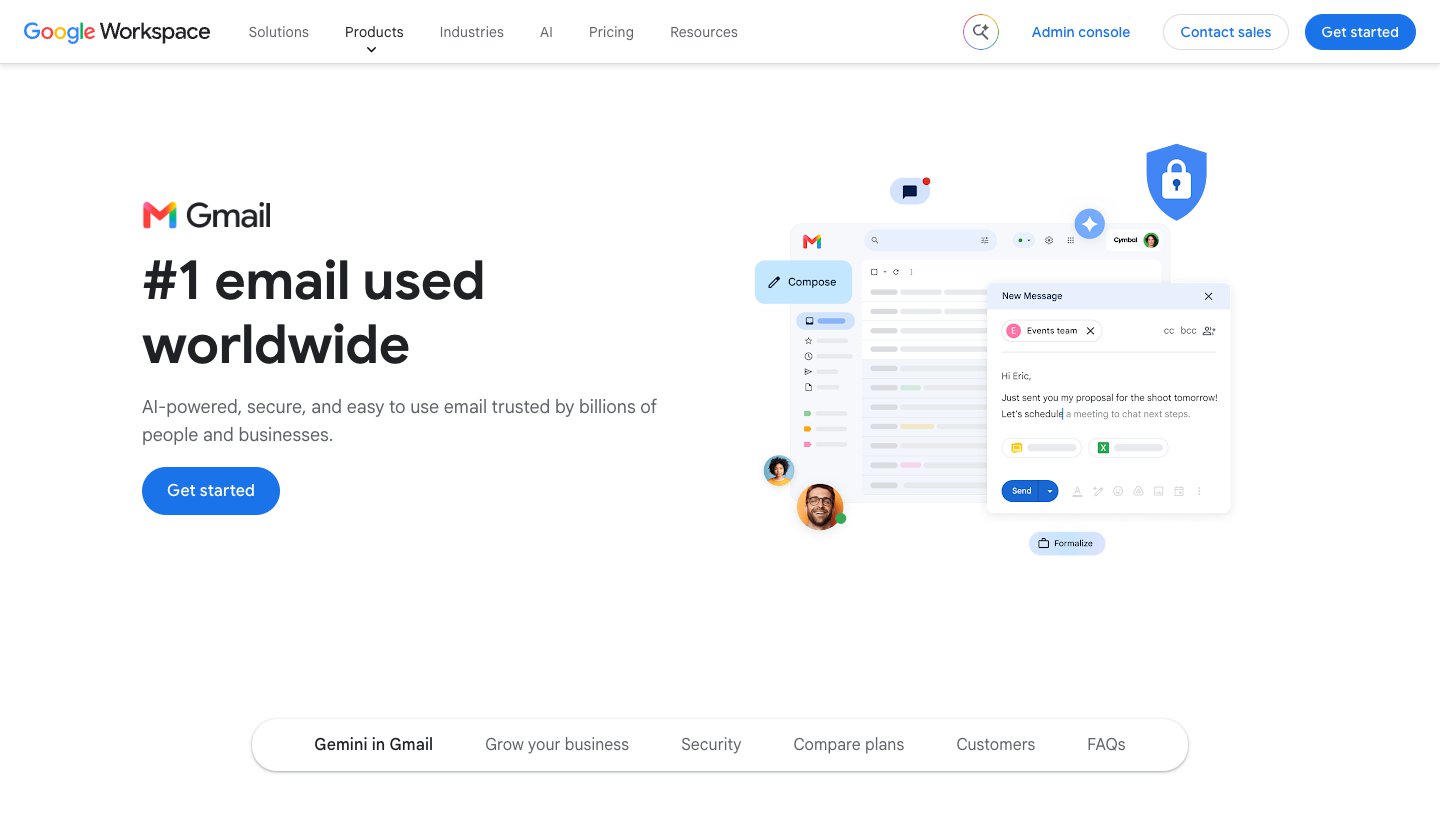
Who it's for: anyone on Gmail or Google Workspace who wants AI without installing anything.
Price (checked October 12, 2026): free for thread summaries everywhere and for Help me write and Suggested Replies in the US. Google AI Plus is $4.99 a month, Pro $19.99 and Ultra from $99.99 (Google AI plans). Workspace Business Starter is $8.40 a user a month, or $7 on an annual plan.
Accounts: Gmail and Google Workspace.
What it does: summarizes threads, drafts and suggests replies, and answers questions about your inbox on paid plans. Proofread works on the web. AI Inbox gathers suggested to-dos and topics to catch up on, from your Primary tab only. Workspace adds a side panel that summarizes and drafts across mail.
Acts without approval? No. The side panel can archive, delete or label only after you confirm, and it doesn't send.
One real downside: what you get depends on your plan, country and language. Free drafting is US-only, and AI Inbox is a US, English-only beta that ignores everything outside Primary.
Copilot in Outlook: best if you live in Outlook
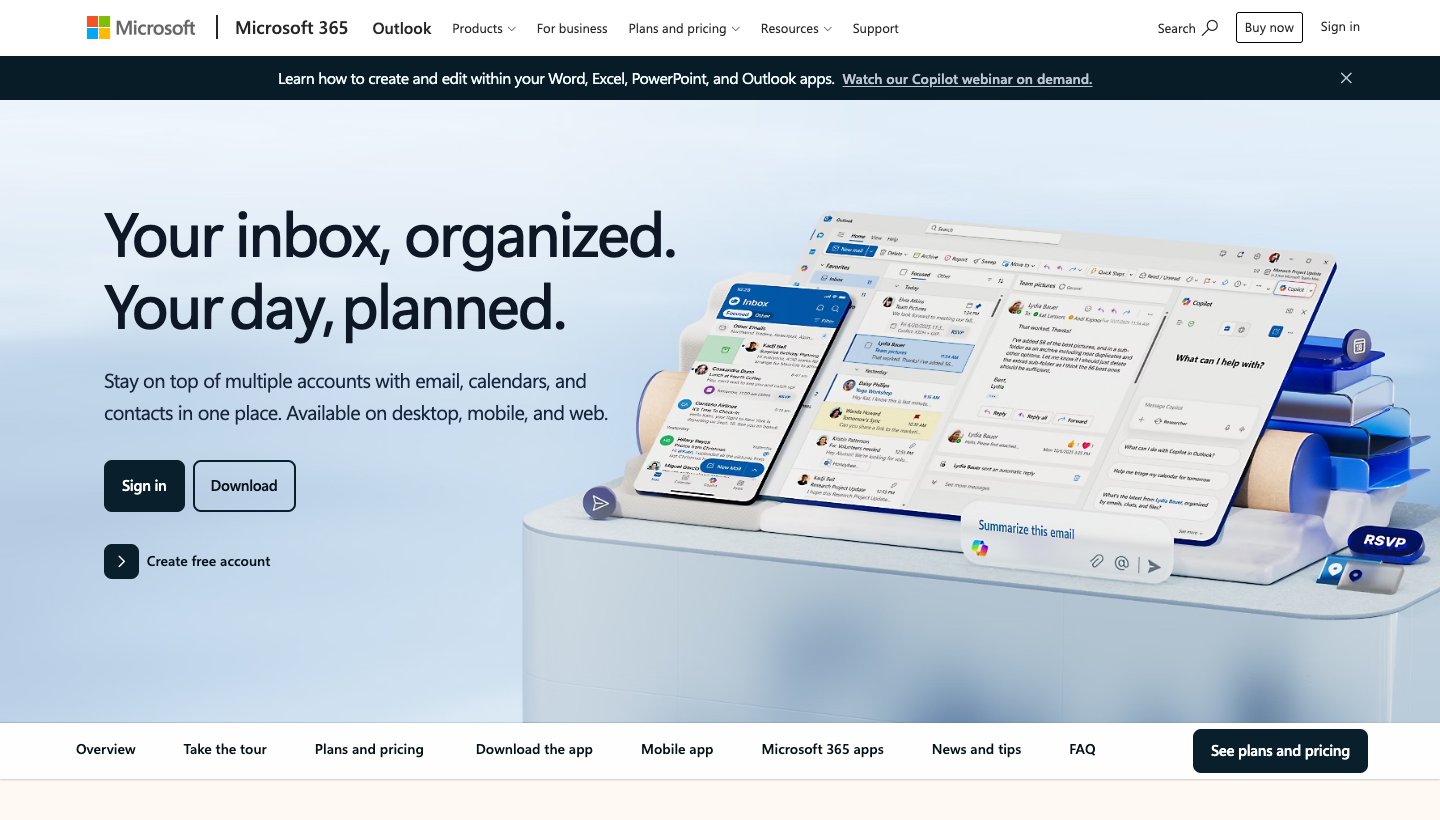
Who it's for: people who already pay for Microsoft 365, and workers whose employer buys Copilot.
Price (checked October 12, 2026): comes with Microsoft 365 Personal ($9.99 a month or $99.99 a year), Family ($12.99 or $129.99, owner only) and Premium ($19.99 or $199.99), each with a one-month trial. For work, the Copilot Business add-on is $21 a user a month paid yearly, currently $18 on promotion (Microsoft's business page).
Accounts: Outlook.com and Microsoft 365. On home plans, it also works on Gmail, Yahoo and iCloud accounts signed into Outlook.
What it does: Microsoft's list for work licences covers prioritizing the inbox, summarizing threads, drafting and coaching your writing, and scheduling and preparing for meetings. On home plans it's inside Outlook on every platform once connected experiences are on. Work accounts in the Frontier program also get Copilot drafting follow-ups, setting up rules and managing parts of the calendar.
Acts without approval? On work accounts in Frontier, the calendar features answer invites and reschedule conflicts based on preferences you set. Microsoft says Copilot shows what it's doing "so you can review, adjust, or step in". We couldn't confirm whether it sends email on its own.
One real downside: you only get it inside a paid Microsoft 365 plan, never in Basic or free Outlook, and the most capable features are early-access previews for work accounts.
Apple Intelligence in Mail: best free option on Apple devices
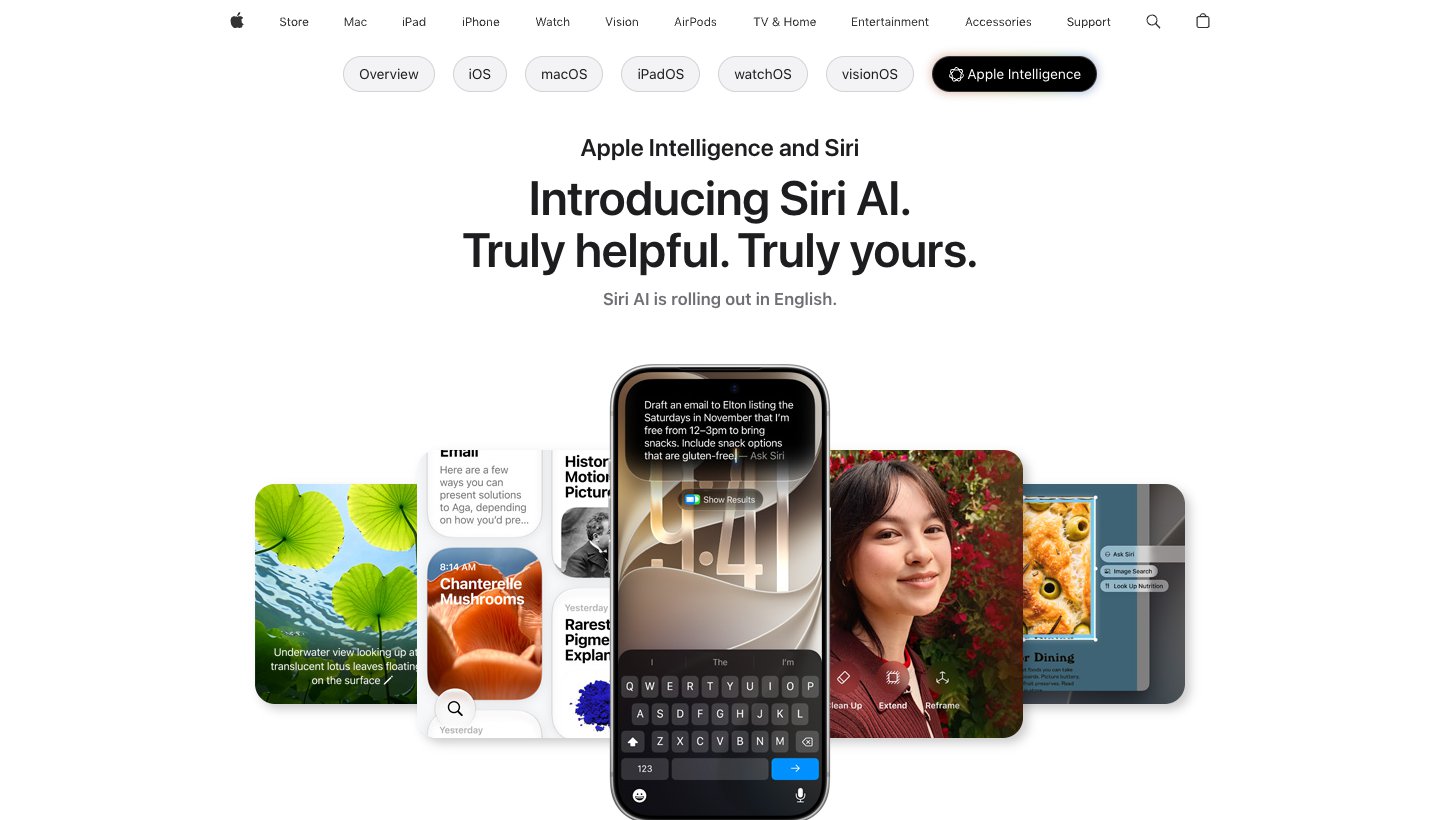
Who it's for: people who read mail in Apple Mail on a recent iPhone, iPad or Mac.
Price (checked October 12, 2026): free. Apple says expanded access "will be available for a fee in the future".
Accounts: whatever Apple Mail holds: iCloud, Gmail, Exchange and any IMAP account.
What it does: a short summary appears under each unread email. You can summarize a thread, get suggested replies, and rewrite or proofread with Writing Tools. Siri can find an email for you. It needs an iPhone 15 Pro, iPhone 16 or later, iPhone Air, or an iPad or Mac with M1 or later (Apple's device list).
Acts without approval? No. It suggests; you act.
One real downside: Apple devices only, and only recent ones in a supported language and region. It doesn't sort your inbox or draft replies in the background.
AI email assistants you add on
Fyxer: best for sorted mail plus drafted replies
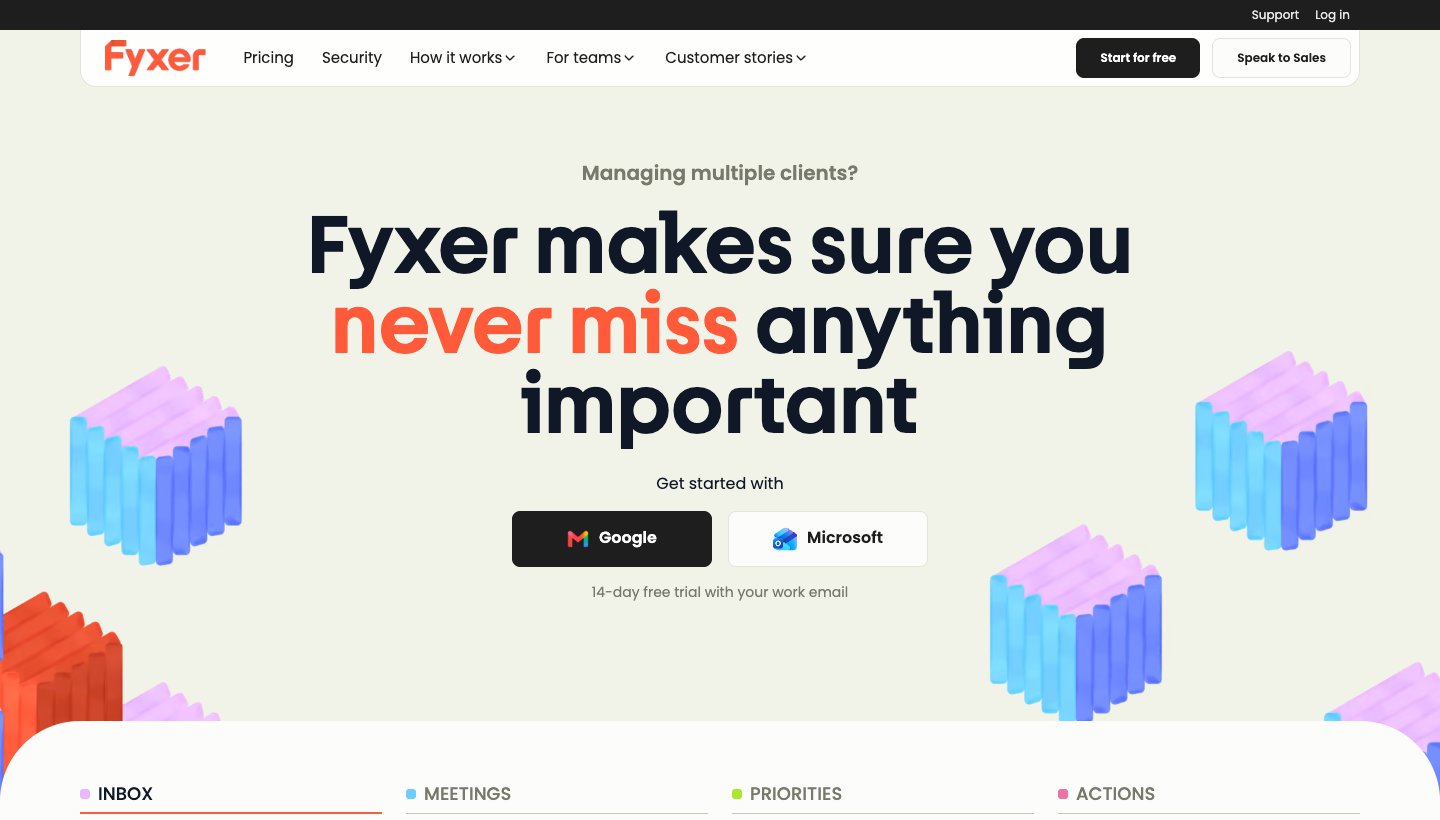
Who it's for: professionals and teams on Gmail or Microsoft 365 who want mail sorted, replies drafted and meetings written up.
Price (checked October 12, 2026): free with 400 credits a month. Pro is $49 a month, or $37 a month billed yearly. Team is $99, or $64 billed yearly. Enterprise is custom. Sign-up gives you the Team plan free for 14 days. Its pricing page contradicts itself on whether Pro has a trial: the card says yes, the FAQ says no.
Accounts: Gmail (personal and Workspace) and Microsoft 365 in the cloud. On-premises and hybrid Exchange aren't supported.
What it does: sorts new mail into five fixed categories, drafts replies in your tone into your Drafts folder, records meetings and drafts follow-ups, tracks sent mail without replies, and sends daily briefings. The free plan has no inbox sorting and no automatic drafts.
Acts without approval? It labels (and in Outlook moves) mail, but "Fyxer never sends emails on your behalf".
One real downside: the features most people want start at $37 to $49 a month for one person, and Fyxer trains its own models on your mail unless you opt out.
Our Fyxer review covers the new plans, credits and alternatives in detail.
Inbox Zero: best for rules you control
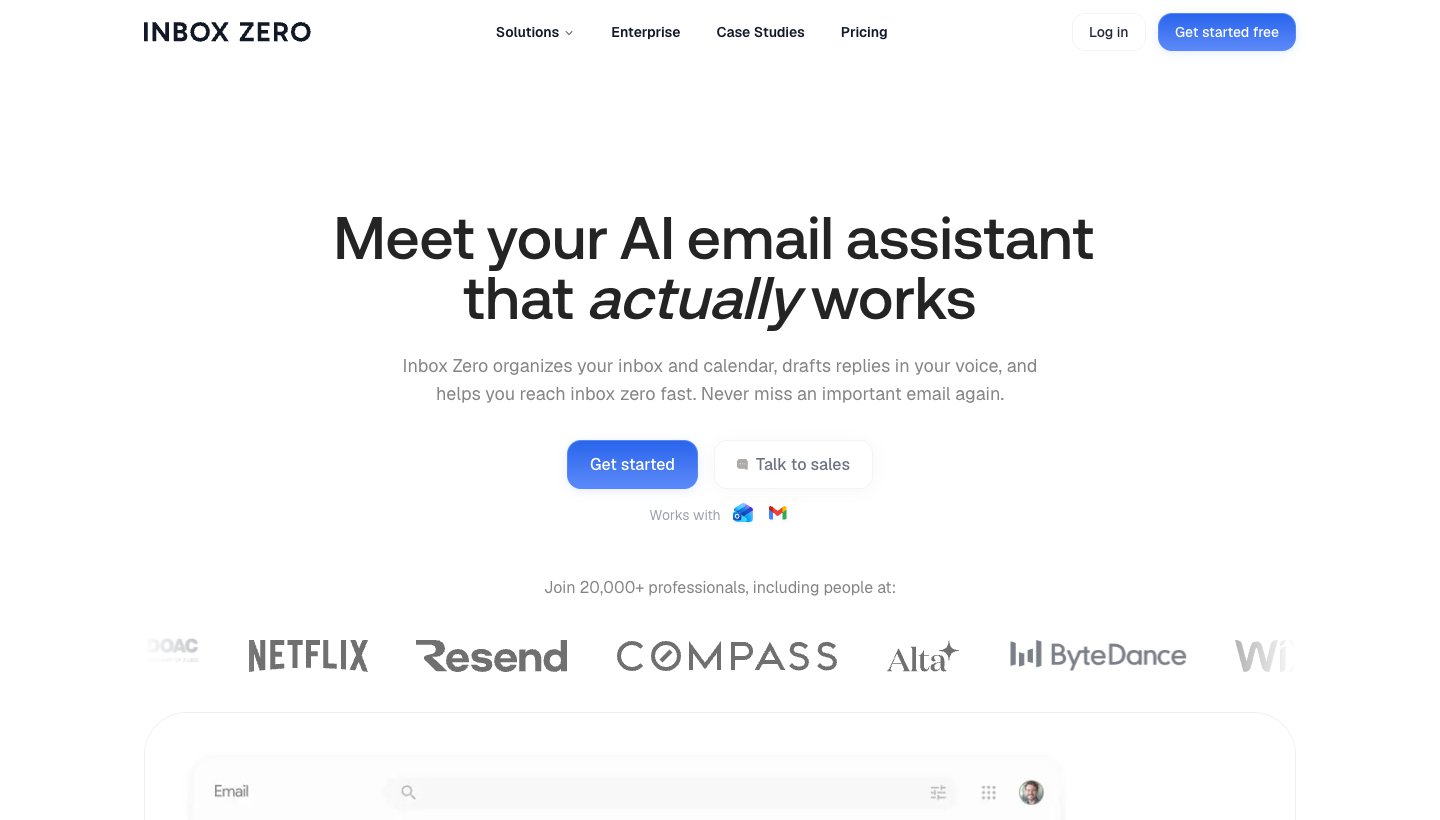
Who it's for: founders and small teams on Gmail or Outlook who want plain-English rules for sorting and replying. It's open source.
Price (checked October 12, 2026): Starter $20 a month or $18 billed yearly; Plus $35 or $28 (two accounts per user, meeting notes, Slack); Professional $50 or $42. All plans have a 7-day trial, and there's no free plan.
Accounts: Gmail and Outlook, including Microsoft 365.
What it does: labels mail that needs a reply, archives marketing and cold email, drafts replies in your voice, bulk-unsubscribes, and briefs you before meetings. Rules are written in plain English.
Acts without approval? Yes, if you build a rule with a send, reply or forward action. Drafts it writes on its own aren't sent.
One real downside: it's only as safe as your rules. A badly scoped send or forward rule acts on real mail, and there's no free plan to practice on.
SaneBox: best for sorting only, on any provider
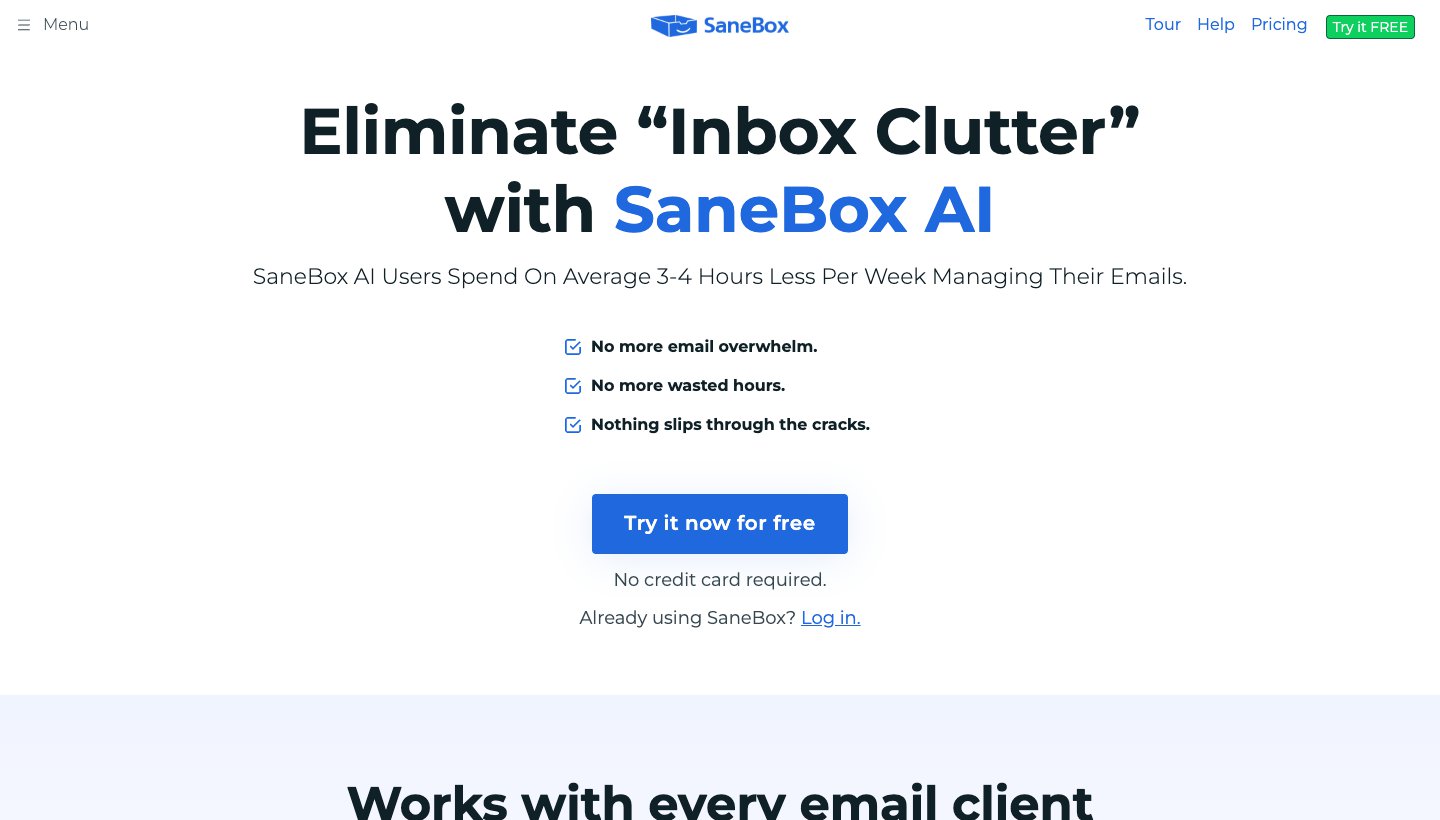
Who it's for: anyone, on any provider, who wants unimportant mail out of the inbox without changing how they read email.
Price (checked October 12, 2026): Snack $3.49 a month (one account, two features), Lunch $5.99 (two accounts, six features), Dinner $16.99 (four accounts, everything). Yearly billing brings these to $2.42, $4.08 and $11.58 a month. The 7-day trial needs no card, according to its homepage.
Accounts: Gmail, Microsoft 365, iCloud, Yahoo, Fastmail and any IMAP or Exchange server. POP accounts don't work.
What it does: moves mail into folders such as SaneLater by learning from how you treat senders, and sends a daily digest. Optional features include SaneBlackHole, SaneNoReplies and custom snooze.
Acts without approval? It moves mail, and "SaneBox doesn't send or receive your email."
One real downside: it only sorts. There are no drafts or summaries, and the cheaper plans make you choose which features you get.
MailMaestro: best cheap writing help in Outlook or Gmail
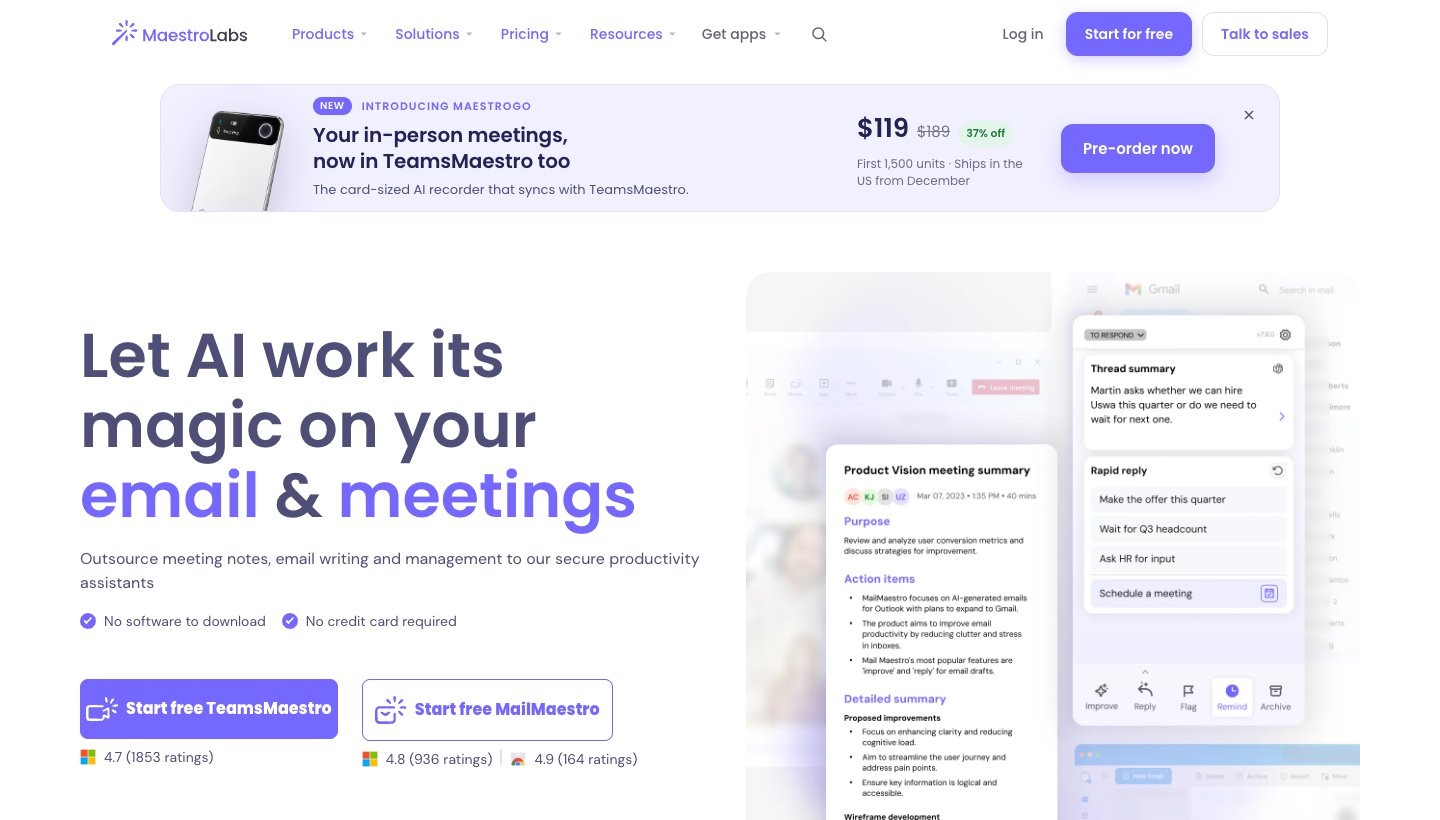
Who it's for: Outlook users, mostly, who want AI writing and summaries without changing anything else.
Price (checked October 12, 2026): free for three AI writes a week. Professional is $15 a month or $12 billed yearly. The 14-day trial needs no card. Yearly plans aren't refundable.
Accounts: Microsoft 365 through the Outlook add-in; Gmail through a Chrome extension.
What it does: composes, replies and improves drafts. Paid plans add automatic labels, email and attachment summaries, reminders and meeting scheduling.
Acts without approval? It labels on paid plans. Its pages don't say it sends anything.
One real downside: it's a writing helper first. It has no inbox-wide triage, and three writes a week on the free plan is only enough to try it.
Lindy: best for an assistant that works beyond email
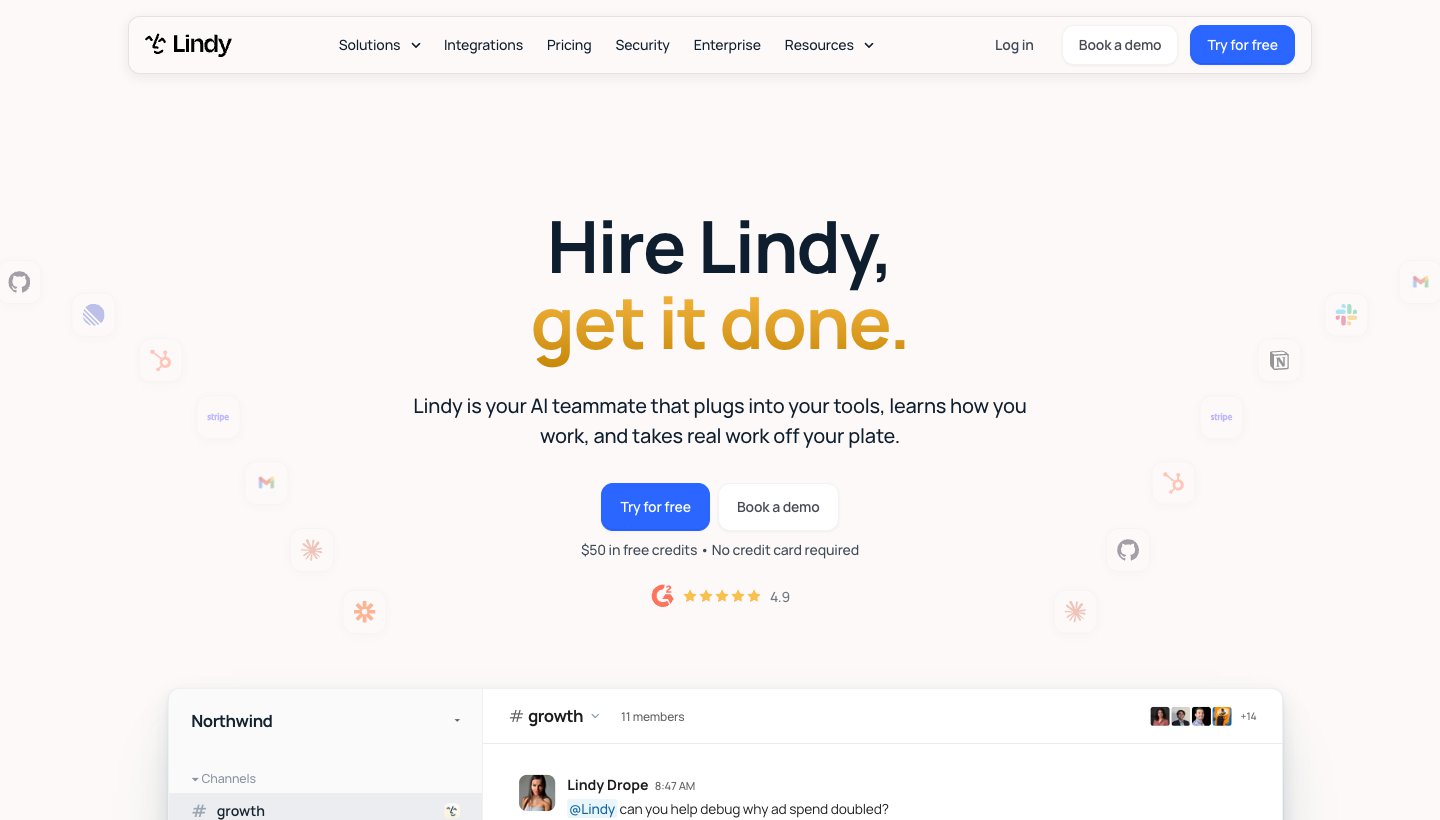
Who it's for: teams that want one AI "teammate", often in Slack, that also runs the inbox and calendar.
Price (checked October 12, 2026): free to try with $50 of credits for seven days and no card. Team is $29.99 per active user a month with 3,000 credits each, pooled. Extra credits cost $10 per 1,000. No yearly price is shown.
Accounts: Gmail or Outlook.
What it does: manages the inbox, drafts in your voice, takes meeting notes, schedules, sends daily briefs and follow-ups, and connects to more than 1,500 other tools.
Acts without approval? By default, "anything with outside impact waits for approval such as sending an email". You can let it send routine follow-ups automatically.
One real downside: it's metered. Everyday requests cost 2 to 250 credits and deep work up to 1,000, so a busy month is hard to predict. The pricing page also mentions "Pro and Max" plans that it doesn't list.
Cora: best for a twice-daily digest
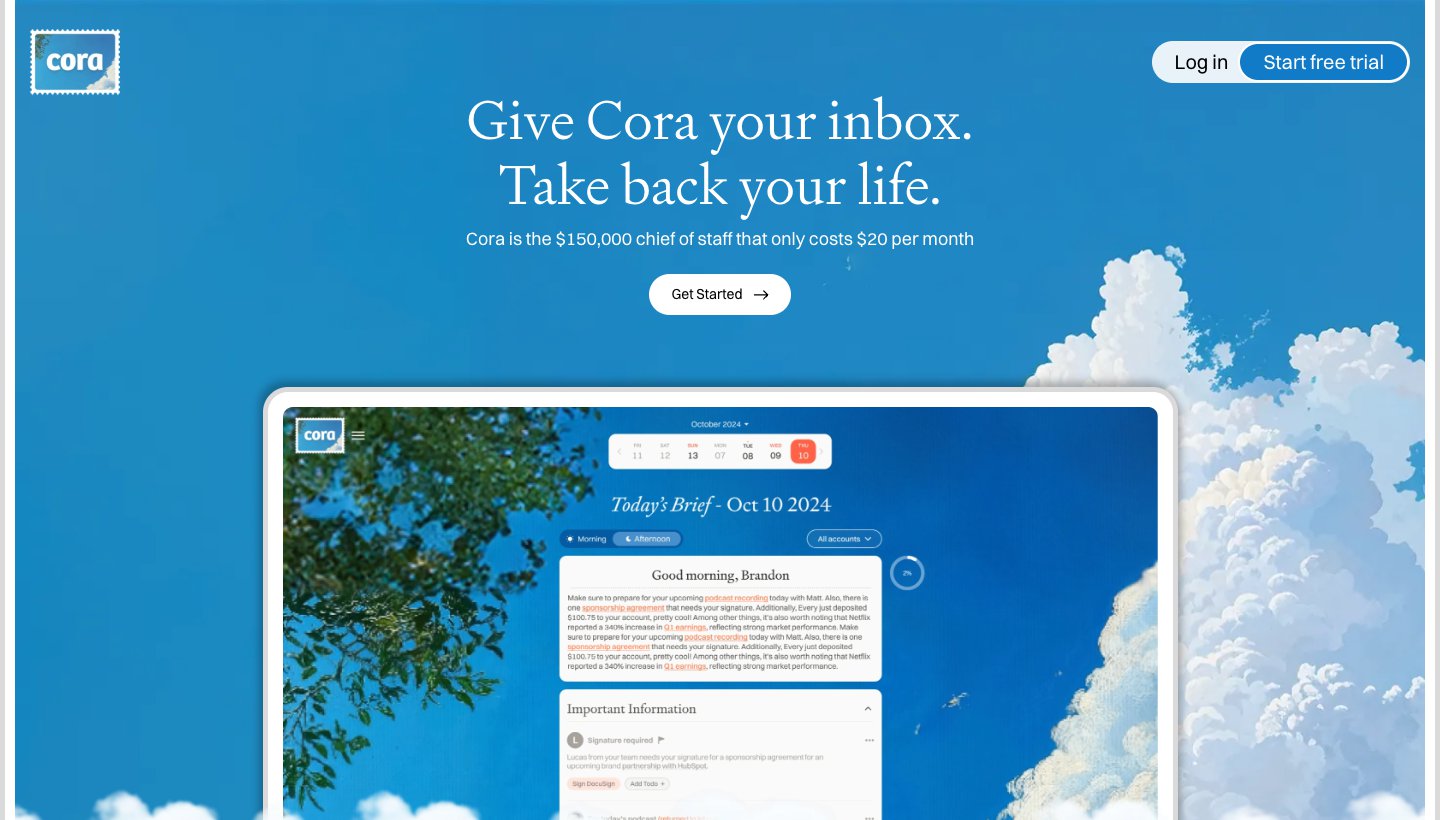
Who it's for: Gmail users who'd rather read their email as a summary twice a day.
Price (checked October 12, 2026): Professional is $25 a month, or $20 a month billed yearly ($240), for two accounts. Unlimited is $49, or $39 billed yearly ($470). 7-day trial.
Accounts: Gmail and Google Workspace only. "Outlook and other email providers are not supported yet."
What it does: keeps important mail in the inbox, moves the rest under a "Next Brief" label, summarizes it in a Brief twice a day, and drafts replies into your Drafts folder.
Acts without approval? It archives into its label, but "Cora can't send or delete emails."
One real downside: Gmail only.
Gmelius: best for teams sharing Gmail inboxes
Who it's for: teams that answer shared Gmail addresses, such as support or client services.
Price (checked October 12, 2026): Meli $21 a user a month or $19 billed yearly; Growth $33 or $25; Pro $50 or $40. No free plan; there's a 7-day trial on Growth.
Accounts: Gmail and Google Workspace.
What it does: an AI drafting assistant, AI sorting and AI scheduling help. Growth adds automation and sentiment analysis; Pro adds AI routing for shared inboxes.
Acts without approval? It has an "Automatic Responder" rule on every plan; its page doesn't say whether that uses AI.
One real downside: it's built for shared team inboxes on Gmail. For one person, or anyone on Outlook, it's the wrong tool.
Superhuman Go (with Grammarly): best if you want AI everywhere you type
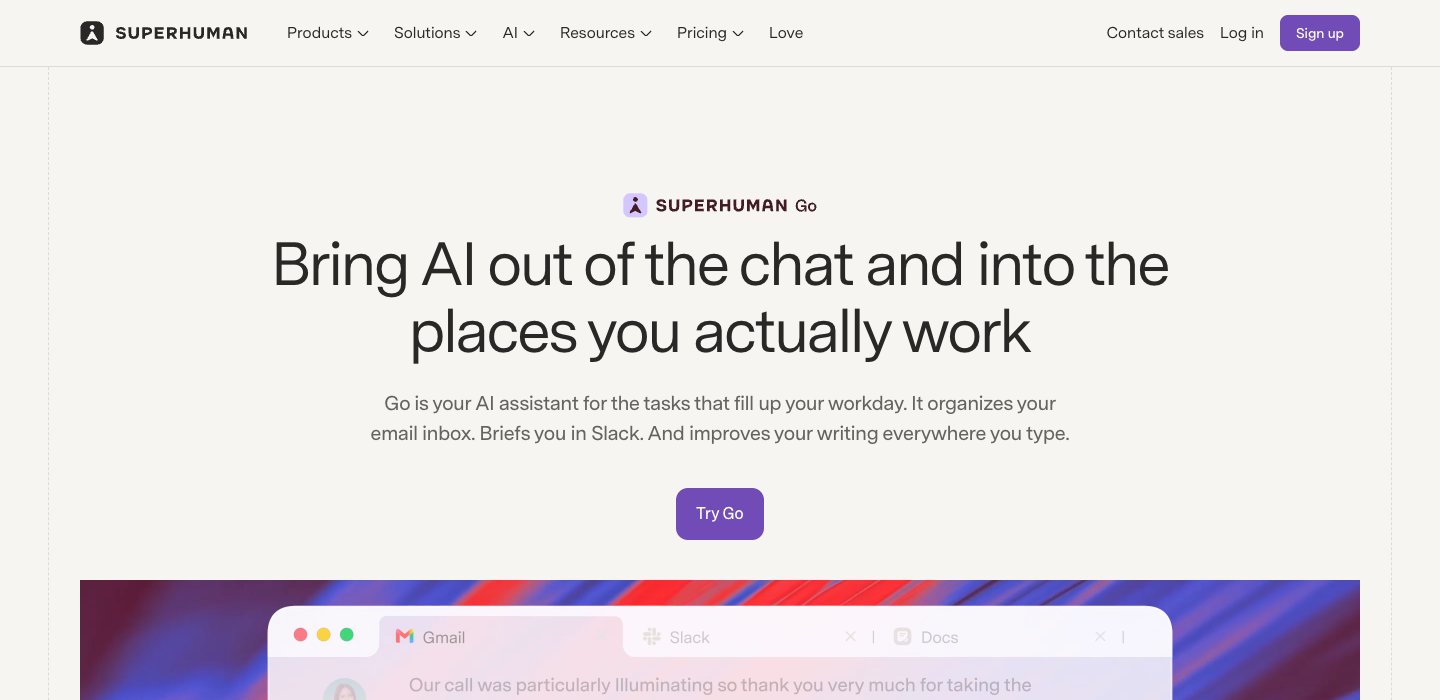
Who it's for: people who want one assistant across email, Slack and documents, rather than a tool just for email.
Price (checked October 12, 2026): free to start, and included in every Superhuman plan; custom agents need a paid plan. Superhuman showed us its plan prices only in rupees, so we don't quote them.
Accounts: Superhuman's Go page doesn't list which email providers it supports.
What it does: its Email Assistant agent "sorts your inbox and drafts replies informed by your voice, calendar, and connected apps". Grammarly, now part of Superhuman's free plan, corrects grammar in 20+ languages and writes in your voice in any text box.
Acts without approval? It sorts. Superhuman's page doesn't say whether it sends.
One real downside: Superhuman's privacy policy says it trains its AI on your content unless you switch that off, and Go's email support is less clearly documented than the dedicated tools here.
AI email organizers: when you only want sorting
An AI email organizer sorts mail and doesn't write anything. It's the right choice if drafting doesn't interest you, or if you don't want a tool reading your messages.
Start with what's built in. Gmail already splits mail into tabs (Primary, Promotions and the rest). AI Inbox goes further, pulling to-dos and topics out of your Primary tab, if you're on a Google AI plan in the US. Outlook has its Focused Inbox, and Copilot can prioritize mail on work accounts with a Copilot licence.
SaneBox is the organizer that works with almost any provider, and the one that reads the least: headers only, never the body. It's also the cheapest add-on here, from $3.49 a month.
Inbox Zero sorts by rules you write in plain English and can also draft. It reads full messages to do that.
Fyxer's paid plans sort into five fixed categories. Its free plan doesn't sort.
So you're choosing between reach and how much gets read. SaneBox works on iCloud, Yahoo and any IMAP account because it only sorts by sender and behavior. The tools that understand what an email says are limited to Gmail and Microsoft 365, and they read the whole message.
Or switch to an inbox built around AI
If none of this fits, the other route is a new email app with the assistant built in. Our guide to the best AI email apps compares them in full. Five of them in brief:
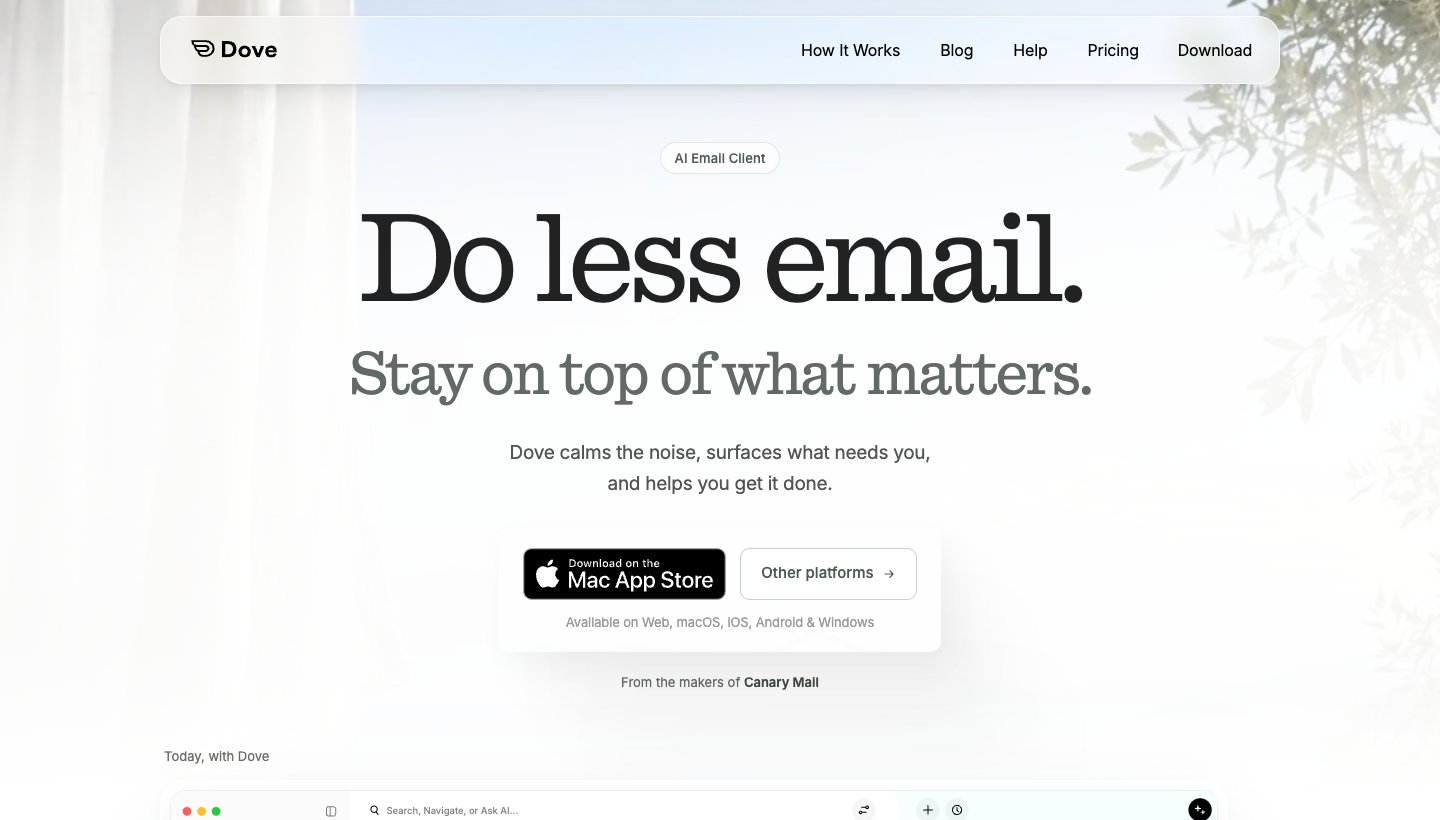
Dove (ours). Dove is made by the team behind Canary Mail. It sorts mail from Gmail, Google Workspace, Outlook, Microsoft 365, iCloud, Yahoo and any IMAP account into Focus, Feed and Noise, drafts replies in your style, and answers questions about your inbox. It runs on Mac, Windows, iPhone, iPad, Android and the web. It costs $20 a month or $200 a year, and the free plan includes 10 AI actions a day. Email content is stored locally when possible, and Dove says it never uses your email content to train AI models (Dove's pricing). One real downside: Dove is new, so its track record and ecosystem are thin, the 7-day trial asks for a card, and there's no PGP or end-to-end encryption.
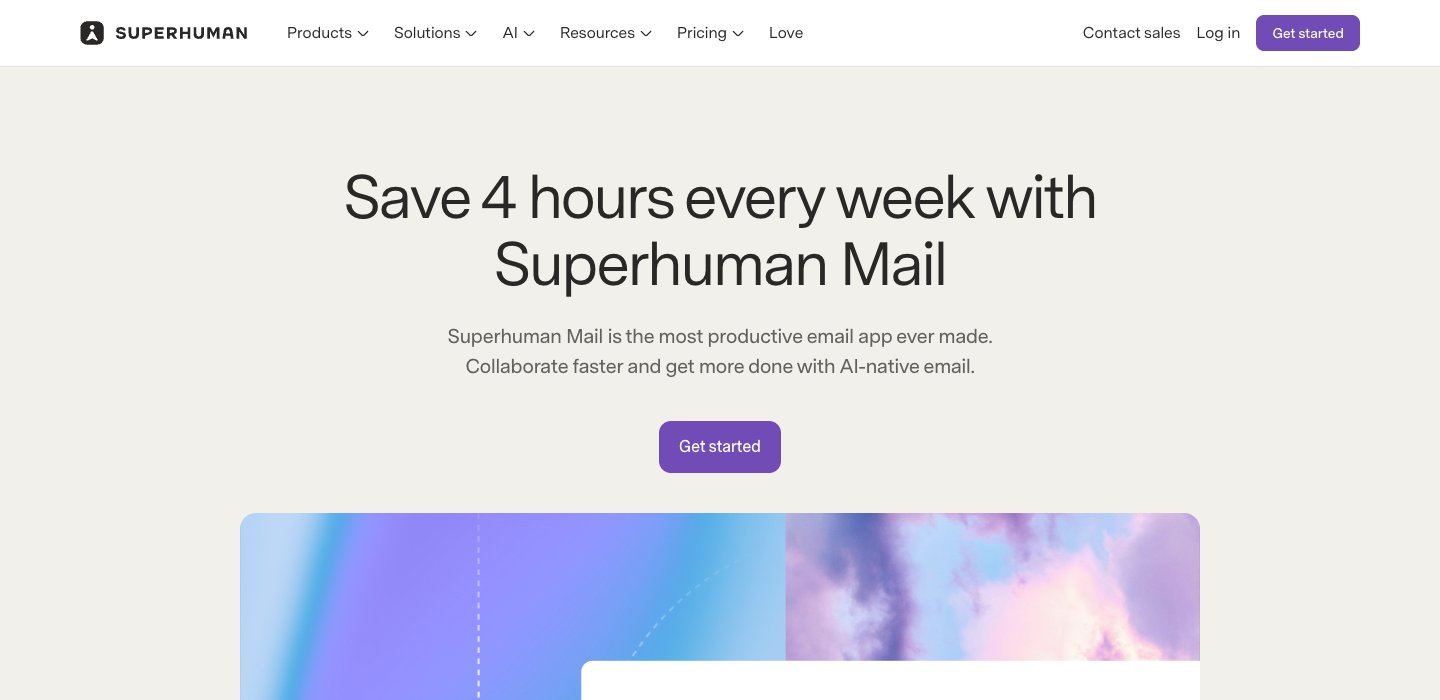
Superhuman Mail is built for fast, keyboard-driven email on Gmail and Microsoft 365. Starter is $25 a month and Business $33, billed yearly, and Auto Drafts needs Business (Superhuman's Mail pricing). There's no free plan or trial. See Superhuman alternatives.
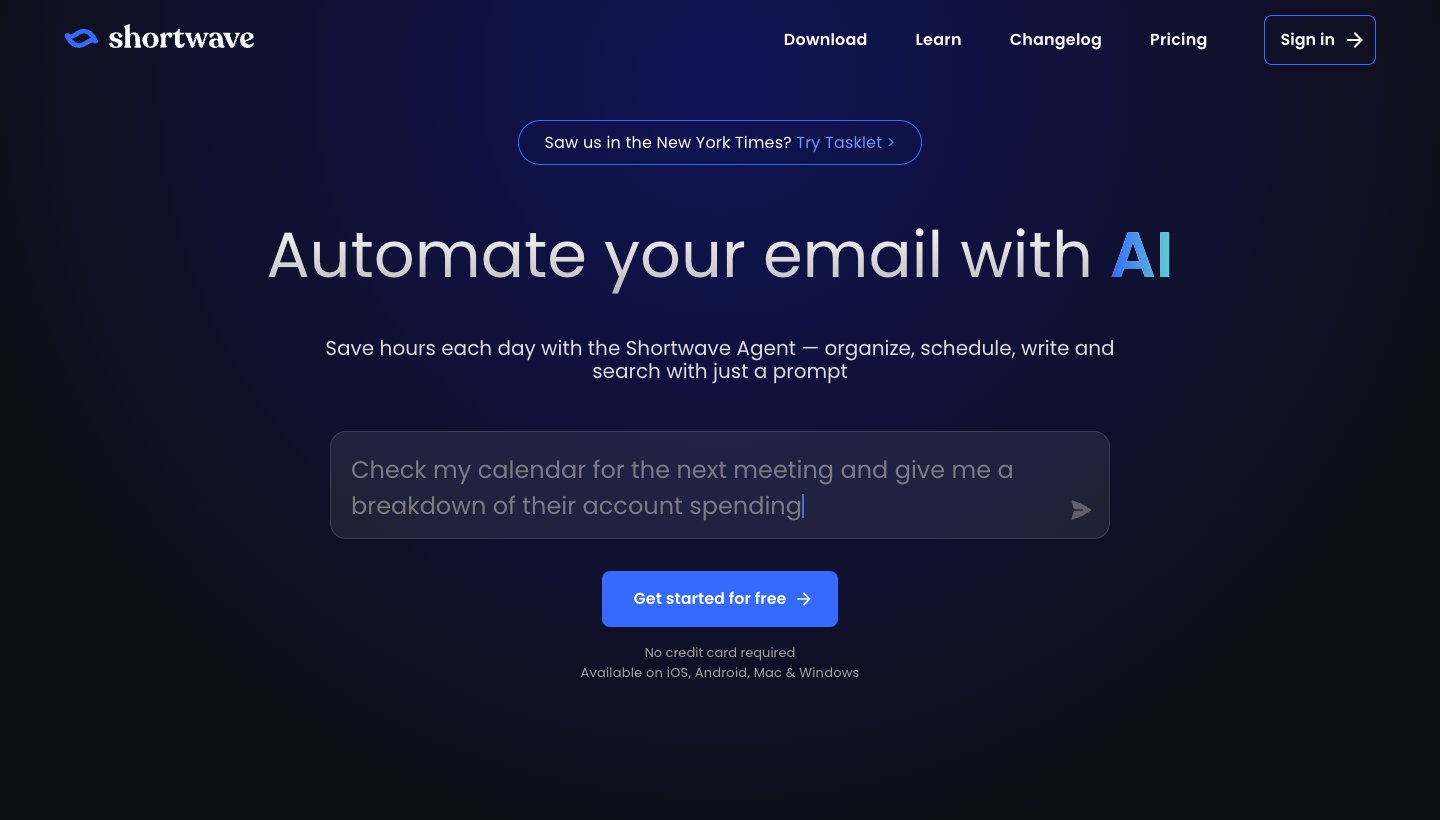
Shortwave is an AI-first app for Gmail and Google Workspace only. It has a free plan; Pro is $18 a month and the team plans run from $30 to $120 a seat a month, all billed monthly, with a 14-day trial (Shortwave's pricing, checked October 12, 2026). See Shortwave pricing and Shortwave alternatives.
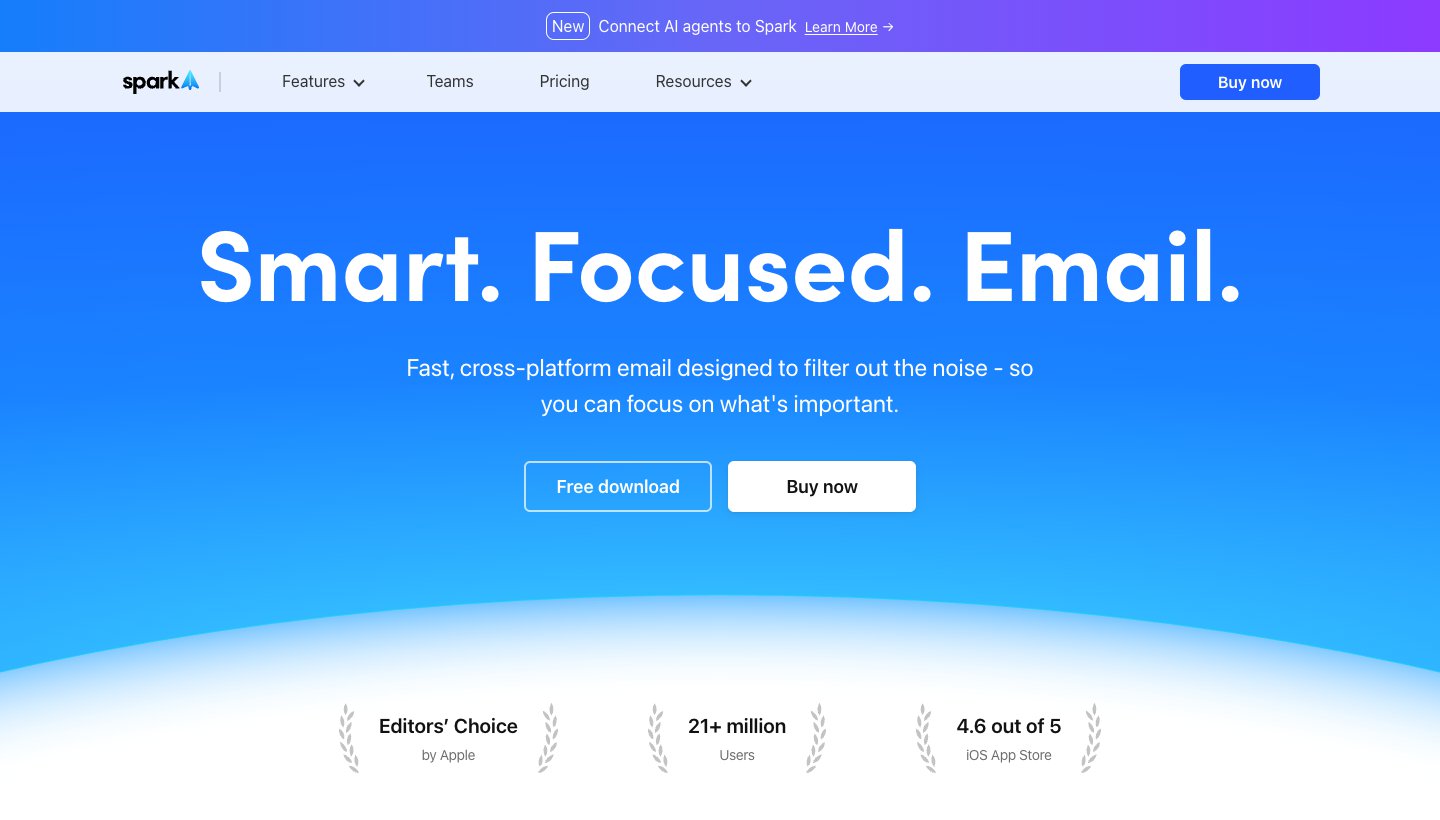
Spark is a multi-account app with a free plan and paid AI: Plus is $10 a month or $99 a year, Pro $20 or $199 (Spark's pricing).
Canary Mail (ours) is the pick if you want AI and PGP encryption together. It's free, with Growth at $36 a year and Pro+ at $100 a year, and a 7-day trial with no card (Canary's pricing).
Which AI email assistant should you choose?
Choose Gemini in Gmail if you're on Gmail and the free or $4.99 features cover you. Try it before you pay anyone else.
Choose Copilot in Outlook if you already pay for Microsoft 365, or your employer licenses Copilot.
Choose Apple Intelligence if you read mail in Apple Mail on a recent device and summaries are enough.
Choose Fyxer if you're on Gmail or Microsoft 365 and want sorting, drafts and meeting notes in one product, and $37 to $49 a month works for you. Opt out of training if that matters to you.
Choose Inbox Zero if you want rules you write yourself, including auto-replies once you trust them.
Choose SaneBox if you only want sorting, on any provider, without the AI reading your messages.
Choose MailMaestro if you mainly want writing help in Outlook for $12 to $15 a month.
Choose Lindy if you want an assistant across Slack, calendar and inbox, and can live with credits.
Choose Cora if you're on Gmail and want two summaries a day instead of an inbox.
Choose Gmelius if your team shares Gmail addresses.
FAQ
What is the best AI email assistant?
For most people, it's the one built into the email they already use: Gemini in Gmail or Copilot in Outlook. If you want mail sorted and replies drafted before you open the inbox, Fyxer does both on Gmail and Microsoft 365. Inbox Zero is better if you want to write the rules yourself. SaneBox is the best choice for sorting alone on any provider.
Can AI help me manage my emails?
Yes. AI can sort incoming mail by importance, summarize long threads, draft replies and remind you about mail nobody answered. The built-ins handle summaries and drafts. Add-ons like Fyxer, Inbox Zero, SaneBox and Cora sort the inbox for you in the background.
Can ChatGPT write or reply to my emails?
It can write a reply if you paste the email in, and you then copy the draft back and send it yourself. That's fine for the odd tricky message. Pasting won't sort mail as it arrives or put drafts in your Drafts folder, though, and that's the job the assistants here do. Several of them use the same kind of model underneath: Fyxer's sub-processor list names OpenAI, and MailMaestro says it uses models "from ChatGPT, Claude, and more".
Is there a free AI email assistant for Outlook?
Not from Microsoft: Copilot in Outlook needs a paid Microsoft 365 plan, and Basic and free Outlook don't include it. MailMaestro's Outlook add-in has a free plan with three AI writes a week, and Fyxer's free plan works with Microsoft 365 but doesn't sort or draft. If you read Outlook mail in Apple Mail on a supported device, Apple Intelligence is free.
How do I get AI on my email?
Turn on what you already have first. In Gmail, look for Help me write and thread summaries (free in the US). In Outlook, Copilot appears if your Microsoft 365 plan includes it. On a supported Apple device, Apple Intelligence works in Mail once it's turned on. To go further, connect an add-on: most ask you to sign in with Google or Microsoft and grant access to your mailbox. Our Gmail and Outlook guides walk through each step.
Is there an AI that can go through my emails?
Yes. Gemini answers questions about your Gmail on Google AI plans and Workspace, and Copilot summarizes and prioritizes Outlook mail. Fyxer, Inbox Zero, Lindy and Cora read each new message to sort it and draft replies. Check the privacy table above before you connect one. Fyxer and Superhuman train their own models on your mail unless you opt out, and SaneBox reads headers only.
Can AI agents send emails for me?
Some can. Inbox Zero sends or forwards if you build a rule that does, and Lindy sends routine mail if you allow it. Fyxer and Cora say they never send, Gemini asks you to review before sending, and Gmail's side panel doesn't send at all. Start with drafts, and let an agent send only for narrow, low-risk cases.
More from Dove
Recent posts
October 13, 2026
Outlook Alternatives in 2026: 9 Email Apps for Every Device
Microsoft isn't shutting Outlook down, but Windows Mail is gone and the old Outlook for Mac loses work accounts this month. Here's what's changing, and nine Outlook alternatives for Windows, Mac, iPhone and Android, with prices checked on October 13, 2026.
October 13, 2026
Gmail Alternatives in 2026: A New Provider, or Just a Better App
Leaving Google entirely means picking a new email provider. If you only dislike the Gmail app, you can keep your address and change the app instead. Both routes are covered below, with every price checked on October 13, 2026.
October 12, 2026
AI Email Assistant for Gmail in 2026: Gemini, Add-ons and What They Cost
Gmail already has a free AI assistant, at least in the US. Here's what Gemini does on each plan, how to switch it on or off, and when an add-on like Fyxer, Cora or Inbox Zero is worth paying for.