'/%3e%3c/g%3e%3c/svg%3e)

AI Email Assistant for Gmail in 2026: Gemini, Add-ons and What They Cost
Gmail's own AI assistant is Gemini, and some of it is now free. On a free personal account in the US you get Help me write and Suggested Replies, and everyone gets AI thread summaries. More (AI search across your inbox, Proofread, the side panel and AI Inbox) needs a Google AI plan from $4.99 a month or a Google Workspace plan. Pay for an add-on only if you want something Gemini doesn't do yet: sorting every new email for you, drafting replies before you open them, or rules that act on mail as it arrives.
This page covers AI you add to the Gmail you already use. If you'd rather move to a different program built around AI, see our best AI email apps. This guide is part of our best AI email assistants series; on Outlook, read AI email assistant for Outlook.
Disclosure: Dove is made by the team behind Canary Mail. Dove is an app you switch to, not a Gmail add-on, so it only appears in the last section.
What Gemini in Gmail does on each plan
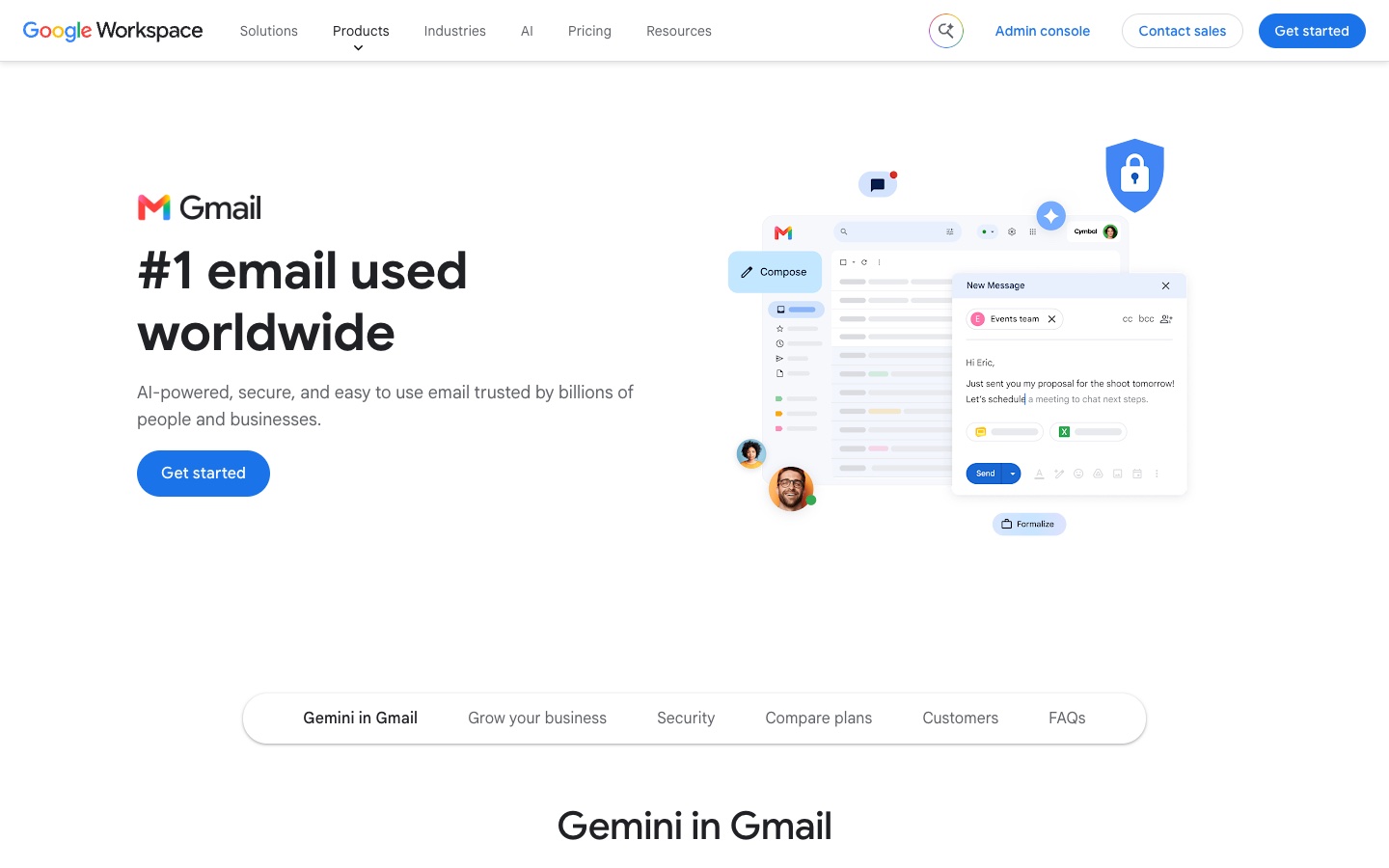
Google's help page, Learn about Gemini features in Gmail, lists who gets each feature. We read it on October 12, 2026. Prices come from Google's AI plans page (US) and Google's Workspace billing page, checked the same day.
Feature | Free Gmail | Google AI Plus, Pro or Ultra | Google Workspace | Where |
|---|---|---|---|---|
AI Overview thread summaries | Yes, worldwide, 8 languages | Yes | Yes | Web, iPhone, Android |
Help me write (drafts from a prompt) | US only | Yes | Yes | Web, iPhone, Android |
Suggested Replies | US only, English | Yes | Yes | Web, iPhone, Android |
AI Overview in Gmail search (ask about your inbox) | No | Yes, English | Yes, English | Web, iPhone, Android |
Proofread | No | Yes, English | Yes | Web only |
AI Inbox | No | US and English only | Enterprise Plus with Gemini Beta | Web, iPhone, Android |
Gmail Live (talk to Gmail by voice) | No | Yes, English | No | iPhone and Android only |
Help me schedule | No | No | US and English only | Web only |
Summarize and draft emails | No | Not listed | Yes, about 30 languages | Web, iPhone, Android |
Google opened the free tier on January 8, 2026. Its announcement, Gmail is entering the Gemini era, said Help me write and Suggested Replies were rolling out to everyone at no cost, starting in the US and in English. Nine months later the help page still limits them to the US for personal accounts without a paid plan.
What the plans cost
Free Gmail: $0. Summaries everywhere; drafting and suggested replies in the US.
Google AI Plus: $4.99 a month. Google's feature table treats Plus, Pro and Ultra the same inside Gmail, so for Gmail alone Plus is the one to compare.
Google AI Pro and Ultra: $19.99 a month, and from $99.99 a month ($199.99 for Ultra's higher tier). In Gmail they get what Plus gets; the extra money buys Gemini elsewhere.
Google Workspace (work accounts): Business Starter $8.40 per user a month on flexible billing or $7 on an annual plan; Business Standard $16.80 or $14; Business Plus $26.40 or $22. Google's Workspace pricing page says Business Starter includes Gemini in Gmail. There's a 14-day trial.
Google's US plans page shows only monthly prices for the consumer plans, so we haven't quoted annual ones. College students can get Google AI Pro free for a year.
Does Gemini send emails on its own?
No. Help me write puts a draft in front of you and you press Send. The side panel can archive, delete, label, star or mark mail read, but Google's side panel help page says "Your emails are never deleted, archived, labeled, or marked read or unread until you explicitly confirm", and you get 60 seconds to undo. That page talks about drafting, not sending. Gemini Spark, the agent in the separate Gemini app, can reply and forward mail, but Google says it asks for your review and confirmation before it sends.
Does Google train Gemini on your Gmail?
Google's Gemini privacy page for Gmail says Gemini in Gmail "doesn't use your content to train or improve Gemini or other generative AI models" on Google AI plans, and that Workspace data isn't used for training without permission. The exception is data you choose to share with the Gemini app or Search on a personal account (Personal Intelligence), which may be used to improve the models.
How to turn on AI in Gmail
If your account qualifies, most of Gemini is already on. If it doesn't show up, check two smart-feature switches first. Google's page on smart features and controls gives the path on a computer:
Open Gmail, click the gear icon, then See all settings.
On the General tab, find Smart features and tick Turn on smart features in Gmail, Chat, and Meet.
On the same tab, under Google Workspace smart features, click Manage Workspace smart feature settings.
Turn on Smart features in Google Workspace (this one powers Gemini's summaries and drafts) and, for AI Inbox, Smart features in other Google products.
Click Save.
Google says you can change the same settings in the Gmail app and that the change applies on every device you're signed in to. In the EEA, Japan, Switzerland and the UK these settings start switched off.
Then, to use each feature:
Help me write: click Compose (or reply), type what you want in the prompt bar at the bottom of the draft, and click Create. If the bar isn't there, click the Help me write icon. You can then ask for a different version or tap Formalize, Friendly or Shorten (Google's steps).
The Gemini side panel: click the Ask Gemini icon at the top right of Gmail on a computer. You need an eligible Google AI or Workspace plan.
AI Inbox: click AI Inbox in the left panel. If it's missing, go to See all settings > Inbox and tick Show AI Inbox.
On a work or school account, your admin decides. In the Google Admin console the switch is under Menu > Generative AI > Gemini for Workspace > Feature access, where an admin clicks Edit next to Gmail and picks On or Off (Google's admin page). It's on by default. If Gemini is missing on a company account and your own settings are on, ask IT.
How to turn off AI in Gmail
You can, with the same settings in reverse:
To remove Gemini's summaries and drafting: in See all settings > General > Manage Workspace smart feature settings, turn off Smart features in Google Workspace, then Save. Google says this turns off asking Gemini "to summarize content, create drafts, and find key information".
To hide AI Inbox only: See all settings > Inbox, untick Show AI Inbox.
To also remove Smart Compose and Smart Reply: untick Turn on smart features in Gmail, Chat, and Meet.
Know what that last switch costs you. Google's page says it also turns off automatic categorization, so the Primary, Social and Promotions tabs stop sorting your mail, along with summary cards. If you want to keep the tabs, turn off only the Workspace switch.
Gmail's AI Inbox, explained
AI Inbox is Google's feature, not a separate product. It's a view in Gmail's left panel that pulls suggested to-dos and topics to catch up on out of your mail, so you can work from a list rather than the inbox. Google's AI Inbox help page sets out the limits:
It needs Google AI Plus, Pro or Ultra on a personal account, or Workspace Enterprise Plus with Gemini Beta at work.
It's only available in the US and in English, and it's in beta.
It reads only your Primary tab. Spam and mail you've archived, deleted, muted or snoozed are left out, as are attachments, delegated inboxes and encrypted email.
Your first to-dos and topics can take up to 7 days to appear.
It won't sort your inbox or write replies in the background. That's the gap most Gmail add-ons are selling into.
AI assistants you can add to Gmail
Add-ons run on top of your Gmail account. Most connect through Google sign-in and work on the server side, by applying labels and saving drafts in your Drafts folder, so their work shows up in every Gmail app, including the one on your phone. A few add tabs or a sidebar through a Chrome extension. All prices below are in US dollars per person, from each vendor's own pricing page, checked on October 12, 2026.
Fyxer: sorting and drafts, with meeting notes
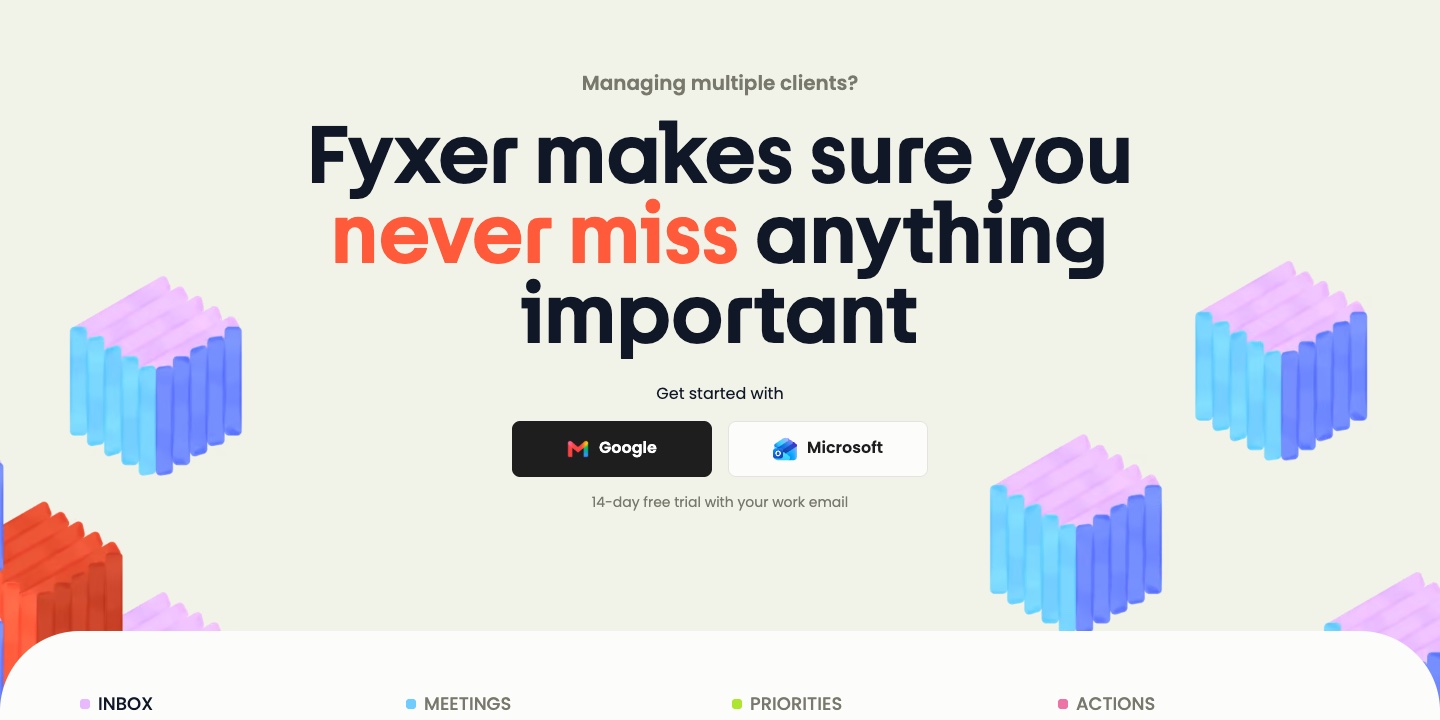
Price: Free ($0, no sorting or automatic drafts). Pro $49 a month, or $37 a month billed annually. Team $99, or $64 annually. The 14-day trial is of the Team plan. Fyxer's pricing.
Gmail and Workspace: both, plus Microsoft 365.
Where it works: inside Gmail through labels and the Drafts folder, plus a browser dashboard. We found no Fyxer mobile app.
Acts without approval? It labels mail on its own. It doesn't send: "Fyxer never sends emails on your behalf."
AI data: its privacy policy says it uses your content to train its own models unless you opt out from the dashboard. It doesn't let its AI providers train on your mail.
One real downside: sorting and drafts start at $49 a month for one person billed monthly, and training is on until you switch it off.
Full details in our Fyxer AI review.
Cora: a twice-daily brief instead of an inbox
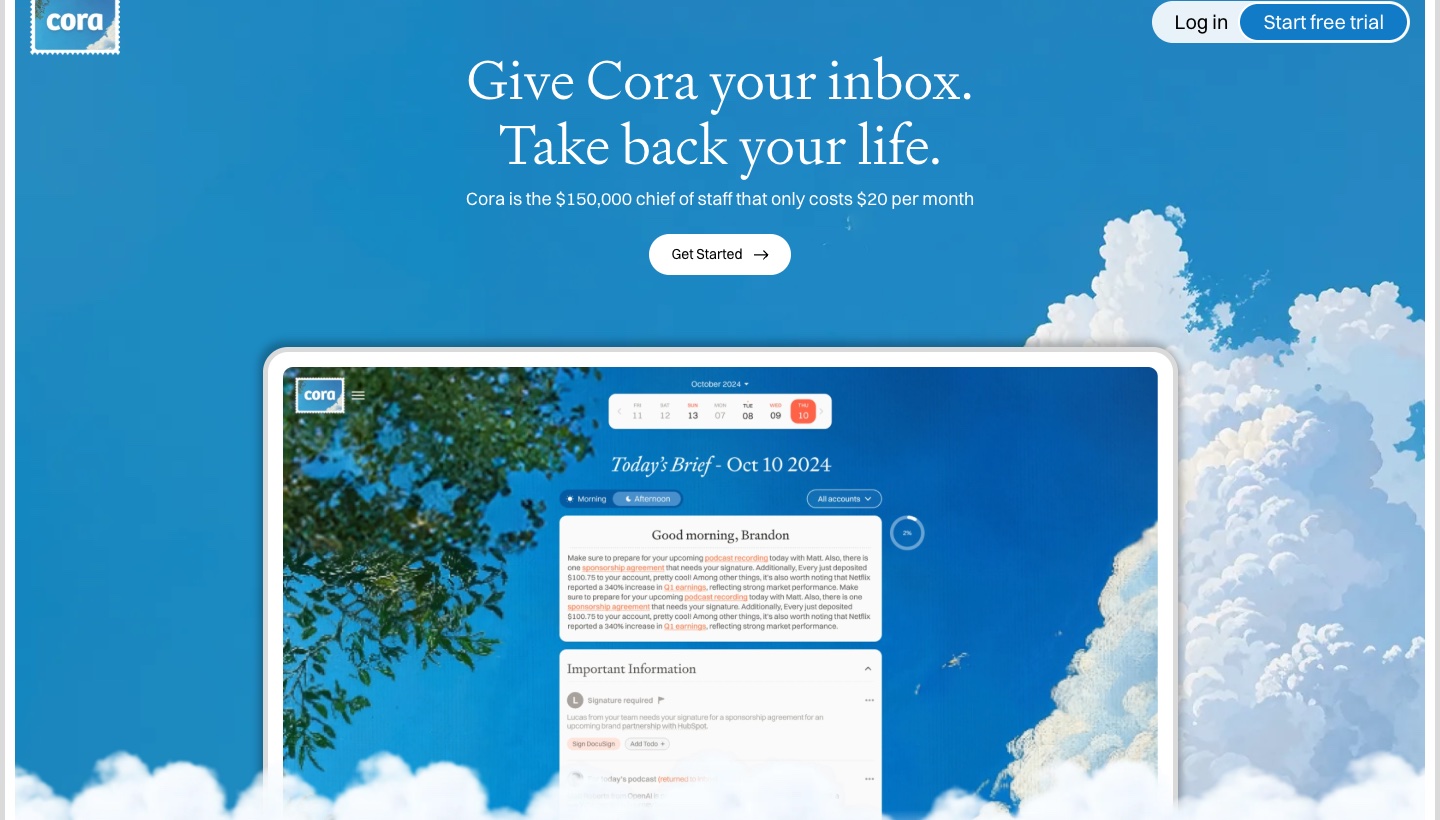
Price: Professional $25 a month, or $20 a month billed annually ($240); Unlimited $49, or $39 annually ($470). 7-day trial. Cora's site.
Gmail and Workspace: both, and nothing else. "Outlook and other email providers are not supported yet."
Where it works: in Gmail. Important mail stays in the inbox, the rest goes under a label and into a Brief twice a day, and drafts land in Drafts.
Acts without approval? It archives non-urgent mail by itself, but "Cora can't send or delete emails."
AI data: "your data is never used to train models".
One real downside: Gmail only, so mail on your other accounts stays where it was.
Inbox Zero: AI rules that act as mail arrives
Price: Starter $20 a month or $18 annually; Plus $35 or $28; Professional $50 or $42. No free plan; 7-day trial. Inbox Zero's pricing.
Gmail and Workspace: Gmail, plus Outlook.
Where it works: in the background on your mailbox, plus a Chrome extension that adds tabs to Gmail and iPhone and Android apps. It's open source.
Acts without approval? It can. Its rules label, archive and draft automatically, and if you build a rule with a send or forward action, that runs without asking. Auto-drafts aren't sent.
AI data: it doesn't allow its AI providers to train on your data.
One real downside: the power is in rules you write and test yourself, and a badly scoped send or forward rule acts on real mail.
SaneBox: sorting only, no generative AI
Price: Snack $3.49 a month or $2.42 annually; Lunch $5.99 or $4.08; Dinner $16.99 or $11.58. 7-day trial. SaneBox pricing.
Gmail and Workspace: Gmail, plus Microsoft 365, iCloud, Yahoo, Fastmail and any IMAP account.
Where it works: it moves mail between folders (labels in Gmail) on the server, so it works in any app. There's a SaneBox app for iPhone and Android.
Acts without approval? It moves mail on its own; "SaneBox doesn't send or receive your email."
AI data: it reads headers only, never the body of your email.
One real downside: it only sorts. No drafts, no summaries.
Lindy: an AI assistant that also does your inbox
Price: Free with $50 in credits for 7 days, no card. Team $29.99 per user a month with 3,000 credits; no annual price shown. Lindy's pricing.
Gmail and Workspace: Gmail, plus Outlook.
Where it works: through Slack, iMessage and a Chrome extension, with drafts saved in your Drafts folder.
Acts without approval? By default anything that leaves your account, like sending an email, waits for approval. You can let it send routine follow-ups automatically.
AI data: "never used to train models".
One real downside: it runs on credits, and bigger tasks use hundreds of them.
Gmelius: for teams sharing a Gmail inbox
Price: Meli $21 a month or $19 annually; Growth $33 or $25; Pro $50 or $40. No free plan; 7-day trial. Gmelius pricing.
Gmail and Workspace: Gmail and Workspace only.
Where it works: a Chrome extension inside Gmail, with a web app you can install on iPhone and Android.
Acts without approval? Not stated for its AI features.
AI data: its security page says "We never store the content of your emails" but doesn't cover AI training.
One real downside: it's built for shared team inboxes, and priced like it.
Superhuman Go: an assistant that follows you across apps
Price: free to start, and included in every Superhuman plan. We couldn't see paid prices in US dollars. Superhuman Go.
Gmail and Workspace: the Go page doesn't name Gmail or Outlook.
Where it works: Chrome and Edge extensions, Mac and Windows apps, iPhone and Android, and the web. Its Email Assistant agent "sorts your inbox and drafts replies".
Acts without approval? No: "Nothing happens without your approval."
AI data: "You control whether or not your content is used to train our models"; it's off by default only for Enterprise.
One real downside: it's a general assistant across many apps rather than an email tool, and the Go page doesn't say which email accounts it supports.
Also worth knowing: MailMaestro is a Gmail Chrome extension for writing help. It's free for 3 AI writes a week, or $15 a month ($12 annually), and says your data is never used to train AI models (MailMaestro pricing).
Comparison table
Checked on October 12, 2026. "Annual" is the per-month price when billed yearly.
Assistant | Monthly | Annual | Account types | Where it works | Acts without approval? | Trains on your mail? |
|---|---|---|---|---|---|---|
Gemini in Gmail | Free; AI Plus $4.99; Workspace from $8.40 | Workspace from $7 | Gmail, Workspace | Built into Gmail web and mobile | No; inbox actions need your OK | No |
Fyxer | Pro $49 | Pro $37 | Gmail, Workspace, Microsoft 365 | Labels and Drafts; web dashboard | Labels, never sends | Own models, unless you opt out |
Cora | $25 | $20 | Gmail, Workspace only | Labels, Drafts, twice-daily Brief | Archives, never sends | No |
Inbox Zero | $20 | $18 | Gmail, Outlook | Background, Chrome extension, mobile | Yes, if a rule says so | Providers can't |
SaneBox | $3.49 | $2.42 | Gmail and any IMAP | Server-side folders, any app | Moves mail, never sends | Reads headers only |
Lindy | $29.99 | Not shown | Gmail, Outlook | Slack, iMessage, Chrome extension | Asks first unless you allow auto-send | No |
Gmelius | $21 | $19 | Gmail, Workspace only | Chrome extension | Not stated | Not stated |
Superhuman Go | Free to start | Not shown in USD | Not named | Extensions, desktop, mobile, web | No | Your choice |
When an add-on is worth it
Stay with Gemini if you mainly want help writing and catching up on long threads. In the US that's free, and outside the US Google AI Plus at $4.99 is the cheapest way to get it.
Add Cora or Fyxer if you want the inbox thinned out and replies drafted before you open anything. Cora is cheaper and Gmail-only; Fyxer adds meeting notes and Outlook.
Add Inbox Zero if you'd rather write the rules yourself and are comfortable letting some of them act.
Add SaneBox if you only want less noise and no AI reading the body of your mail.
Add Gmelius if a team answers the same Gmail address.
One thing none of them fixes: Gemini and the Gmail-only add-ons see your Gmail and nothing else. If you also have an Outlook, iCloud or work IMAP account, pick a tool that covers both (Fyxer, Inbox Zero, Lindy or SaneBox) or look at the apps below.
Or switch to an app built around AI
If you'd rather the AI ran the whole inbox, you need a different app, and our best AI email apps guide covers those in depth. Three matter most if you're on Gmail.
Shortwave is built on Gmail and only works with Gmail and Google Workspace. Its AI searches years of mail and acts on what it finds. Free, then Pro at $18 a month, billed monthly only. See our Shortwave pricing breakdown.
Superhuman Mail is built for fast, keyboard-driven email on Gmail and Microsoft 365. Starter is $30 a month or $25 billed annually, Business $40 or $33, with no free plan. See Superhuman pricing.
Dove (ours). Dove is made by the team behind Canary Mail. It sorts every account into Focus, Feed and Noise, drafts replies in your style, summarizes threads and answers questions about your inbox, on Gmail, Google Workspace, Outlook, Microsoft 365, iCloud, Yahoo and any IMAP account. It runs on Mac, Windows, iPhone, Android and the web, and email content is stored locally when possible. It costs $20 a month or $200 a year, with a free plan of 10 AI actions a day; the 7-day trial asks for a card (Dove pricing). One real downside: Dove is new, so its track record and ecosystem are thin next to Gmail's own tools, and you have to move to a different app to use it.
If you'd rather leave Gmail itself, our guide to Gmail alternatives covers new providers and better apps for the address you keep.
FAQ
How do I activate AI in Gmail?
On a computer, open Settings > See all settings > General, tick Turn on smart features in Gmail, Chat, and Meet, then under Manage Workspace smart feature settings turn on Smart features in Google Workspace and save. Help me write then appears when you compose. On a free account it works only in the US; elsewhere you need a Google AI or Workspace plan.
How do I enable Gemini in Gmail?
The same switches turn it on. The Gemini side panel (the Ask Gemini icon at the top right) also needs a Google AI plan from $4.99 a month or an eligible Workspace plan. On a work account, your admin must have Gemini on for Gmail in the Admin console.
Can I turn off the AI assistant in Gmail?
Yes. Turn off Smart features in Google Workspace to remove Gemini's summaries and drafting, and untick Show AI Inbox under the Inbox settings. Turning off the Gmail smart-features switch also removes Smart Compose and Smart Reply, but it turns off the Primary, Social and Promotions tabs too.
What is the best AI assistant for Gmail?
For most people, the Gemini built into Gmail, since much of it is free. If you want your inbox sorted and replies drafted for you, Cora is the Gmail-only pick and Fyxer the one that also covers Outlook and meetings. For rules you control, Inbox Zero.
More from Dove
Recent posts
October 13, 2026
Outlook Alternatives in 2026: 9 Email Apps for Every Device
Microsoft isn't shutting Outlook down, but Windows Mail is gone and the old Outlook for Mac loses work accounts this month. Here's what's changing, and nine Outlook alternatives for Windows, Mac, iPhone and Android, with prices checked on October 13, 2026.
October 13, 2026
Gmail Alternatives in 2026: A New Provider, or Just a Better App
Leaving Google entirely means picking a new email provider. If you only dislike the Gmail app, you can keep your address and change the app instead. Both routes are covered below, with every price checked on October 13, 2026.
October 12, 2026
AI Email Assistant for Outlook in 2026: Copilot and the Add-ins Worth Adding
If you pay for Microsoft 365, Copilot may already be in your Outlook. Here's which plans and versions get it, how to switch it on or off, and when an add-in like MailMaestro, Fyxer or SaneBox is worth paying for.