'/%3e%3c/g%3e%3c/svg%3e)

If you're willing to switch apps, the best AI email app for most people with a busy inbox is one that sorts and drafts across every account you have. Dove (ours) does that on Gmail, Microsoft and IMAP. If you live in Gmail, look at Shortwave. If you clear mail by keyboard and the company pays, look at Superhuman. Spark is the cheapest polished option, and Apple Mail with Apple Intelligence is free if everything you own is a recent Apple device.
First, check that you want an app at all. An AI email app replaces the program you read mail in. Tools that add AI to the Gmail or Outlook you already use (Gemini, Copilot, Fyxer, Inbox Zero, SaneBox) are a different kind of product, and they aren't on this list. And if you don't care about AI, see the best email apps.
Disclosure: Dove is made by the team behind Canary Mail, and both apps are on this list, marked "(ours)". Every app gets the same fields, every price comes from the vendor's own site, and every entry, ours included, names one real downside.
Want AI inside the Gmail or Outlook you already use instead? Our guide to the best AI email assistants covers Gemini, Copilot and add-ons like Fyxer and SaneBox.
Quick picks
Best for a busy inbox across any provider and every platform: Dove (ours; Dove is made by the team behind Canary Mail). $20 a month or $200 a year, with a free plan.
Best for fast, keyboard-driven email on Gmail or Outlook: Superhuman.
Best for Gmail and Google Workspace users: Shortwave.
Best cheap all-rounder with a real free plan: Spark.
Best for AI plus PGP encryption: Canary Mail (ours).
Best free option on Apple devices: Apple Mail with Apple Intelligence.
Best for private, encrypted email with an AI writer: Proton Mail with Scribe.
Best for teams sharing an inbox: Missive.
Free, with a data model you should read first: Edison Mail.
Prices at a glance
Prices are in US dollars, per person, from each vendor's own pricing page, checked on October 9, 2026. The app name links to the page we used.
App | Free plan | Billed monthly | Billed annually | Trial |
|---|---|---|---|---|
Yes, 10 AI actions a day | $20 a month | $200 a year | 7 days, card required | |
No | Starter $30, Business $40 | Starter $25 a month ($300 a year), Business $33 a month | None listed | |
Yes | Pro $18; Business $30; Premier $45; Max $120 | Not offered | 14 days | |
Yes | Plus $10, Pro $20 | Plus $99 a year, Pro $199 a year | 7 days, in the app | |
Yes, up to 2 devices | Not offered | Growth $36 a year, Pro+ $100 a year (or $100 / $300 once for life) | 7 days, no card | |
Free, built in | — | — | — | |
Yes (no Scribe) | Mail Plus $4.99, Unlimited $12.99 | Mail Plus $47.88 a year, Unlimited $119.88 a year | Scribe: 14 days | |
No | Starter $18, Productive $30, Business $45 | Starter $14, Productive $24, Business $36 a month | 30 days, no card | |
Yes | Mail+ $14.99 | Mail+ $99.99 a year | Not stated |
A dash means the vendor doesn't sell it that way. Proton's Scribe is an add-on on Mail Plus and Unlimited (we couldn't find its price) and is included in Proton Duo and Family. Missive's AI is paid separately through credits or your own API key.
Which accounts each app works with
When you switch apps, the first thing to check is which accounts it can hold. No other list we read has this table, and it's where these apps differ most. "Forwarding" means you forward mail into a Gmail account the app can read. A dash means the vendor doesn't say.
App | Gmail | Google Workspace | Microsoft 365 | Outlook.com | iCloud | Other IMAP |
|---|---|---|---|---|---|---|
Dove (ours) | Yes | Yes | Yes | Yes | Yes | Yes |
Superhuman | Yes | Yes | Yes | — | No | No |
Shortwave | Yes | Yes | No | Forwarding only; can't send from it | Through Gmail | Through Gmail |
Spark | Yes | Yes | Yes | Yes | Yes | Yes |
Canary Mail (ours) | Yes | — | Yes | Yes | Yes | — |
Apple Mail | Yes | Yes | Yes (Exchange) | As an IMAP account | Yes | Yes |
Proton Mail | No | No | No | No | No | No |
Missive | Yes | Yes | Yes | Yes | Yes | Yes |
Edison Mail | Yes | — | Yes (Exchange) | Yes | Yes | Yes |
Shortwave is built on Gmail. Its support page says Microsoft 365 and Exchange are "not supported at this time". Other providers come in by forwarding them to a Gmail address.
Superhuman supports accounts hosted by Google or Microsoft 365, and not on-premises Exchange. Its help pages don't say whether a free Outlook.com address counts.
Proton Mail is a new address, not a client. Its Easy Switch tool imports mail from Gmail, Outlook, Yahoo and IMAP, but you read it in Proton.
Where the AI runs, and whether it trains on your mail
Each row comes from the vendor's own privacy or security page, linked from the app name. We quote where wording matters.
App | Where your mail goes for AI | Does it train on your mail? |
|---|---|---|
Email content is "stored locally when possible", with limited metadata on Dove's servers. The sorting models are trained on your device. AI requests go to third-party AI providers, which the policy doesn't name. | No. The policy says your data is never used to train third-party AI models, and Dove's pricing page adds that Dove "never uses your email content to train AI models - not ours, and not any provider we work with." | |
Superhuman and its AI service providers, which the policy doesn't name. | Yes, by default. The policy says it uses collected information to train its AI models, with an opt-out in account settings. It says it restricts its AI providers from training on customer content. | |
Google Cloud. "The vast majority of our AI workloads use open source models that run on hardware we control"; the sub-processors are OpenAI, Anthropic and Pinecone. | "Your data will never be used to train third-party LLMs." It doesn't say whether Shortwave trains its own models. | |
A local index on your device. Only "a few specific emails related to your query" go to an AI provider (Azure OpenAI Service, OpenAI, Anthropic's Claude or Google's Vertex AI), kept up to 30 days. | No: "We do not use your data to train any AI model." | |
Sorting and prioritization run on your device. For natural-language search, "only the query and a limited set of selected results are sent to the cloud". | No: your content "is never used to train generalized AI models". | |
On your device, or Apple's Private Cloud Compute, where Apple says "your data is never stored". | Apple's page doesn't say. | |
Scribe runs on Proton's servers (prompts deleted "right after use") or as a local model on your device. | No: Proton says Scribe doesn't use your content to train its models. | |
The AI provider you pick (Anthropic, OpenAI or Gemini), "only during active AI processing". | No: Missive doesn't train models on your data. | |
The policy doesn't mention AI. It says Edison processes your email to identify "Commercial Data" such as receipts. | The policy says nothing about AI training. It does describe "De-identified Data sold to our business subscribers"; you can opt out. |
None of the AI-first apps here offer end-to-end encryption. Canary (PGP, on Pro+) and Proton (end-to-end and zero-access encryption) are the two apps on this list that do.
How we chose
We started from every app that the pages ranking for "AI email app" and "AI email client" recommend. Then we kept only full email apps you'd switch to, dropped the ones that have shut down, and added the ones those pages miss. Each app had to be available today and have AI built in, not bolted on through a browser extension.
Every entry has the same fields: who it's for, price, platforms, accounts, AI features and one real downside. Facts come from each vendor's own pricing, help, security and privacy pages, checked on October 9, 2026. We didn't run benchmarks or timed tests, and we don't claim any.
What's changed: apps that are gone or different
Older lists still recommend some of these.
Status as of October 9, 2026
Notion Mail has shut down. Its page reads that it "has shut down as of 22 September 2026."
Zero (0.email): we couldn't confirm it's a working product. Its site loads no product, pricing or privacy text, and the latest commit in its open-source repository is dated August 31, 2025.
Spike is still sold as an email app with Spike AI on every plan, but its site now also sells Teamspace, which sets up a business email address for a team.
If you came from Notion Mail, the closest replacements are Dove, Spark and Shortwave.
The best AI email apps
Dove (ours): best for a busy inbox across any provider and every platform
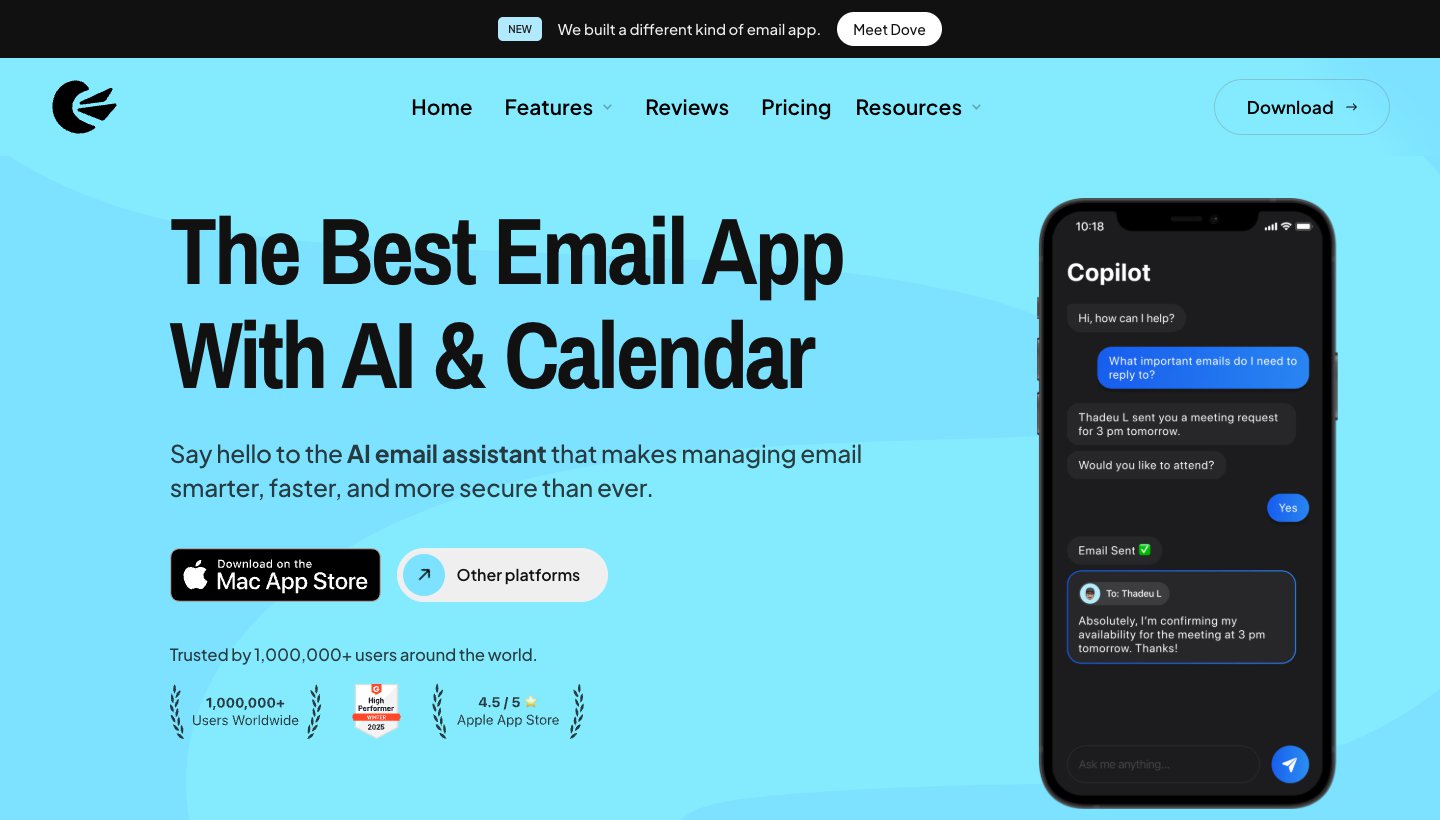
Dove is made by the team behind Canary Mail. It's our AI email app: it sorts incoming mail by whether it needs you, then helps you deal with what's left. The same sorting works on every account you add and every device you use.
Who it's for: people with a busy inbox, often several accounts across Gmail, Outlook and IMAP, who want the sorting and first drafts done for them.
Price (checked October 9, 2026): $20 a month or $200 a year; the app offers both when you subscribe. The free plan includes 10 AI actions a day (one action is one prompt, search or draft). The 7-day trial asks for a card, and you're charged on day 8 unless you cancel. See Dove's pricing.
Platforms: Mac, Windows, iPhone, iPad, Android and web. No Linux app.
Accounts: Gmail, Google Workspace, Outlook, Microsoft 365, iCloud, Yahoo and any IMAP account, with unlimited accounts on every plan, including free.
AI features: mail is sorted into Focus, Feed and Noise, so newsletters and notifications stay away from the mail that needs you. Today gathers what needs you, your schedule, FYIs, what you set aside for later and what you're waiting on. Dove drafts replies in your writing style, summarizes threads, analyzes attachments and answers questions about your inbox (Ask Dove). Wingman shows the context behind a thread and a next step. Read receipts are included.
One real downside: Dove is new. It has few ratings so far (4.7 from 20 on the iPhone App Store), and its ecosystem is thin next to older apps. The trial asks for a card, some features are for paid plans only, there's no shared team inbox, and there's no PGP or end-to-end encryption.
If the AI you want is mostly about speed rather than sorting, Superhuman is built for that more than Dove is. If you need PGP, Canary is the better pick. Mail in Dove is encrypted in transit and at rest.
Superhuman: best for fast, keyboard-driven email
Superhuman Mail turns up on every ranking list. If you clear hundreds of emails a day by keyboard, it's still one of the best tools for the job. The company, formerly Grammarly, now sells Mail alongside Grammarly, Docs and Go under the Superhuman name.
Who it's for: heavy Gmail or Microsoft 365 users, usually on a team, who care about speed more than price.
Price (checked October 9, 2026): Starter is $30 a month, or $25 a month billed yearly ($300). Business is $40 a month, or $33 billed yearly. There's no free Mail plan and no trial on the pricing page. See Superhuman's Mail pricing and our Superhuman pricing guide.
Platforms: Mac, Windows, iPhone, iPad, Android and a Chrome extension. No Linux app.
Accounts: Gmail, Google Workspace and Microsoft 365 only.
AI features: Starter includes AI writing, instant replies, auto-labels, auto-archive, auto-summaries and reminders. Business adds Superhuman's most advanced AI, Auto Drafts (replies waiting for you), Ask AI (questions about your inbox), voice and tone matching, and an MCP server.
One real downside: it's the most expensive app here and you can't try it first. The AI most people buy it for, Auto Drafts and Ask AI, needs Business at $33 to $40 a month. Its privacy policy also says it trains its AI on your data unless you opt out.
Leaving it, or deciding against it? See our guide to Superhuman alternatives.
For more on Superhuman, see our Superhuman review and our head-to-head Dove vs Superhuman.
Shortwave: best for Gmail and Google Workspace users
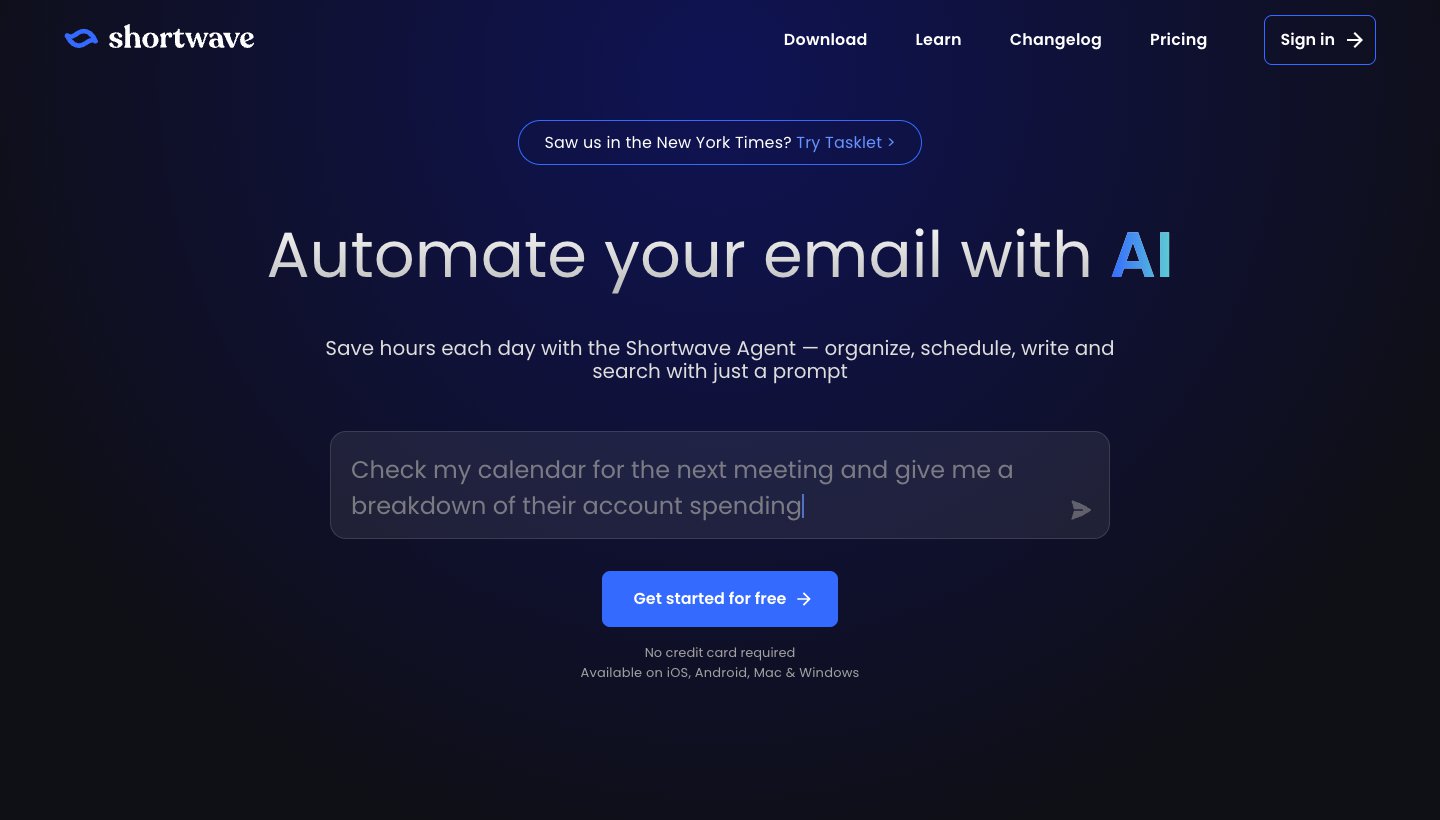
Shortwave was built around AI from the start, and its assistant is strong at searching years of mail and acting on what it finds. It's also strictly a Gmail app.
Who it's for: Gmail and Google Workspace users, solo or in teams, who want an AI agent in the inbox.
Price (checked October 9, 2026): free. Pro is $18 per seat a month; Business $30, Premier $45 and Max $120. Billing is monthly only, so a year of Pro is $216. Paid plans have a 14-day trial. See Shortwave's pricing and our Shortwave pricing breakdown.
Platforms: Mac, Windows, iPhone, iPad, Android and web. No Linux app, but the web app runs in any browser.
Accounts: Gmail and Google Workspace. Other providers only by forwarding into Gmail; Microsoft 365 isn't supported.
AI features: the Shortwave Agent organizes, schedules, writes and searches from a prompt. Paid plans add AI inbox organization, personalized writing, autocomplete and web browsing, and Business adds AI filters and attachment analysis. Pro allows roughly 75 to 150 AI requests a day; the free plan uses a lighter model with a limited allowance. Shortwave names the models it uses on each plan (Claude Haiku, Sonnet and Opus).
One real downside: it's Gmail-only at the core. You can't use a Microsoft 365 account at all, and an Outlook.com address can forward in but you can't send from it.
Comparing it with ours? See Dove vs Shortwave. Shortwave does team features (shared labels, comments, assignees) that Dove doesn't.
Leaving Shortwave rather than choosing it? Our guide to Shortwave alternatives picks the best option for each reason people switch.
Spark: best cheap all-rounder with a real free plan
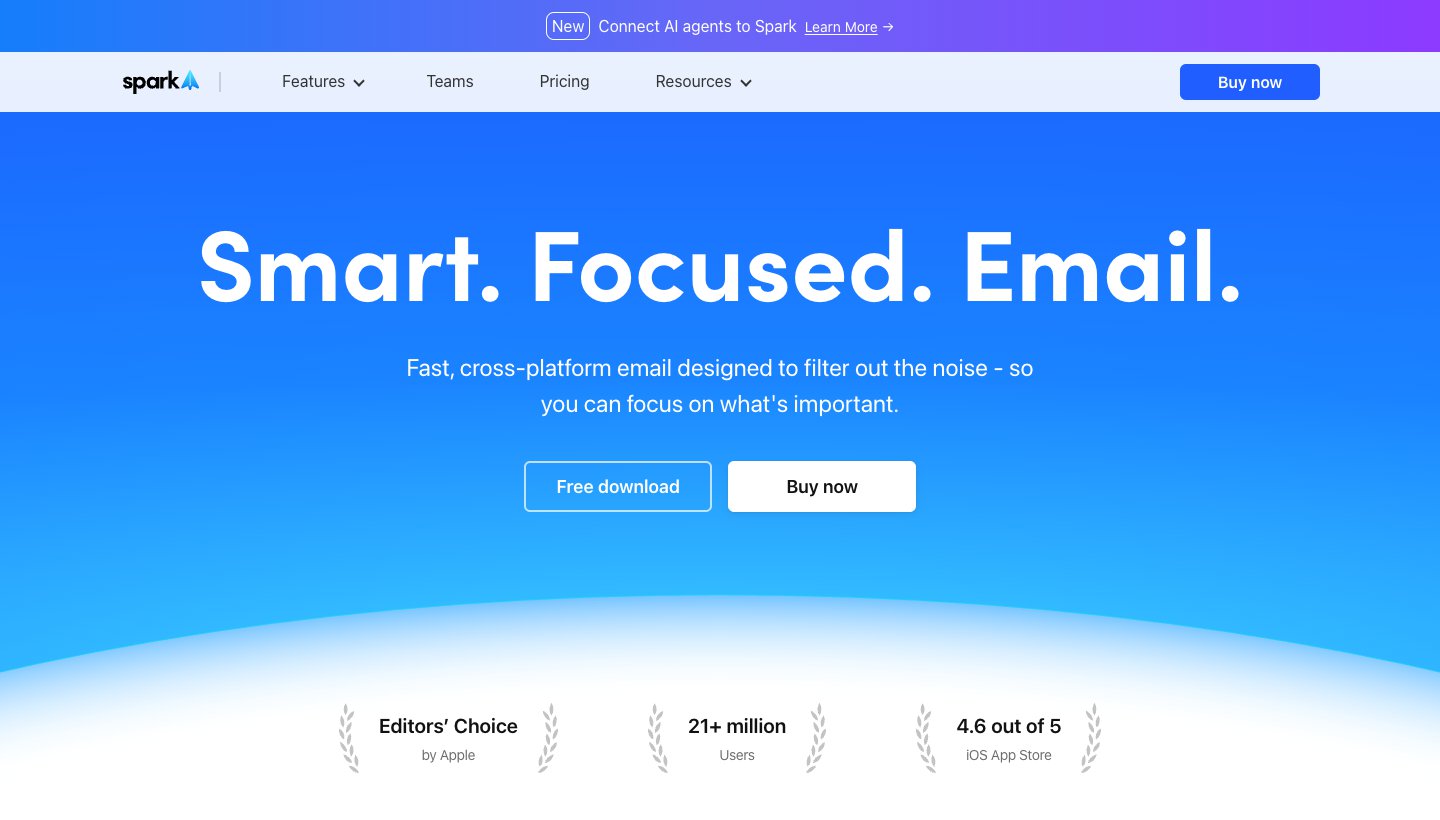
Spark, from Readdle, is a polished multi-account app that added AI on top. It's the cheapest paid app here, and the free plan is usable on its own.
Who it's for: people on any provider who want one good-looking app across Mac, Windows, iPhone and Android without paying much.
Price (checked October 9, 2026): free. Plus is $10 a month or $99 a year; Pro is $20 a month or $199 a year. Both have a seven-day trial when you subscribe in the app. See Spark's pricing.
Platforms: Mac, Windows, iPhone, iPad and Android. Readdle doesn't list a Linux app.
Accounts: Gmail and Google Workspace, Outlook and Office 365 (including Exchange Online), iCloud, Yahoo and any IMAP account.
AI features: writing help (draft, proofread, translate), quick replies, email summaries, AI meeting notes, and an AI Assistant that searches across mail, attachments, calendar and meeting notes. How far back the Assistant looks depends on the plan: one month on Free, a year on Plus, everything on Pro.
One real downside: AI limits aren't published as numbers ("Extended" on Plus, "High" on Pro), and the two most hands-off features, Autopilot rules and Auto-Drafts, are still marked "SOON".
More: Superhuman vs Spark and Dove vs Spark.
Canary Mail (ours): best for AI plus PGP encryption
Canary Mail is made by the same team as Dove. It has more than 2 million users and has been featured by Apple on the App Store and Mac App Store. Here it's the pick for people who want AI help and encryption in one app.
Who it's for: privacy-minded users who want PGP, AI drafting and a yearly or lifetime price.
Price (checked October 9, 2026): free on up to two devices. Growth is $36 a year or $100 once; Pro+ is $100 a year or $300 once. There's no monthly billing. A 7-day trial of Pro+ needs no card. See Canary's pricing.
Platforms: Mac, Windows, iPhone, iPad and Android. No Linux app.
Accounts: Gmail, Outlook, Office 365, Exchange, iCloud, Yahoo, Zoho Mail and ProtonMail.
AI features: the AI Copilot sorts mail into priority tabs (on every plan, including free), drafts and replies with tone control, summarizes threads with decisions and next steps, and searches across accounts in plain language. Writing and summaries need Growth or Pro+.
One real downside: its AI is lighter than in the AI-first apps here: no agent and no automatic drafts. And there's no monthly plan, so you commit to a year or a lifetime licence.
Choose Canary over Dove if you need PGP. Dove has no PGP or end-to-end encryption.
Apple Mail with Apple Intelligence: best free option on Apple devices
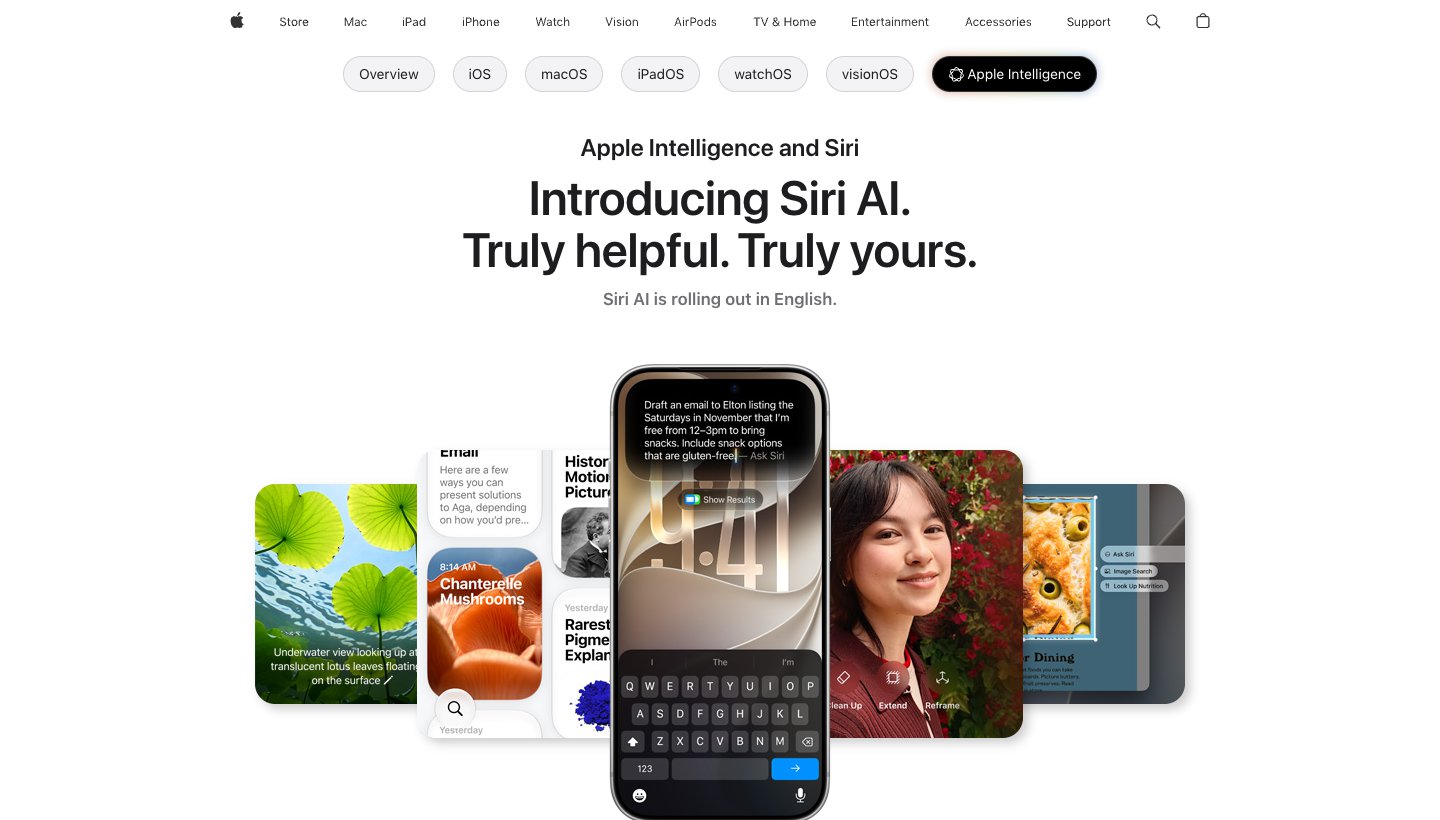
If all your devices are recent Apple ones, the Mail app you already have now does some of what the paid apps do, at no cost.
Who it's for: people whose phone and computer are both Apple, on supported hardware.
Price (checked October 9, 2026): free, built into macOS, iOS and iPadOS. Apple says server-based features have daily limits and that expanded access "will be available for a fee in the future." See Apple Intelligence.
Platforms: Mac, iPhone and iPad. Needs an iPhone 15 Pro, iPhone 16 or later, iPhone Air, iPad mini (A17 Pro), or an iPad or Mac with M1 or later (Apple's device list).
Accounts: iCloud, Gmail, Exchange and Microsoft 365, and any other IMAP account.
AI features: a short summary appears under each unread email, you can summarize a whole thread, Smart Reply suggests responses, and Writing Tools rewrite and proofread. Mail also suggests quick actions based on what an email is about.
One real downside: Apple devices only, recent ones only, in a supported language and region. The AI summarizes and suggests replies, but it doesn't sort your inbox or draft replies for you.
On an iPhone or iPad, our guide to the best email app for iPhone compares Apple Mail with the alternatives, and Dove vs Apple Mail covers the switch head to head.
Proton Mail with Scribe: best for private, encrypted email with an AI writer
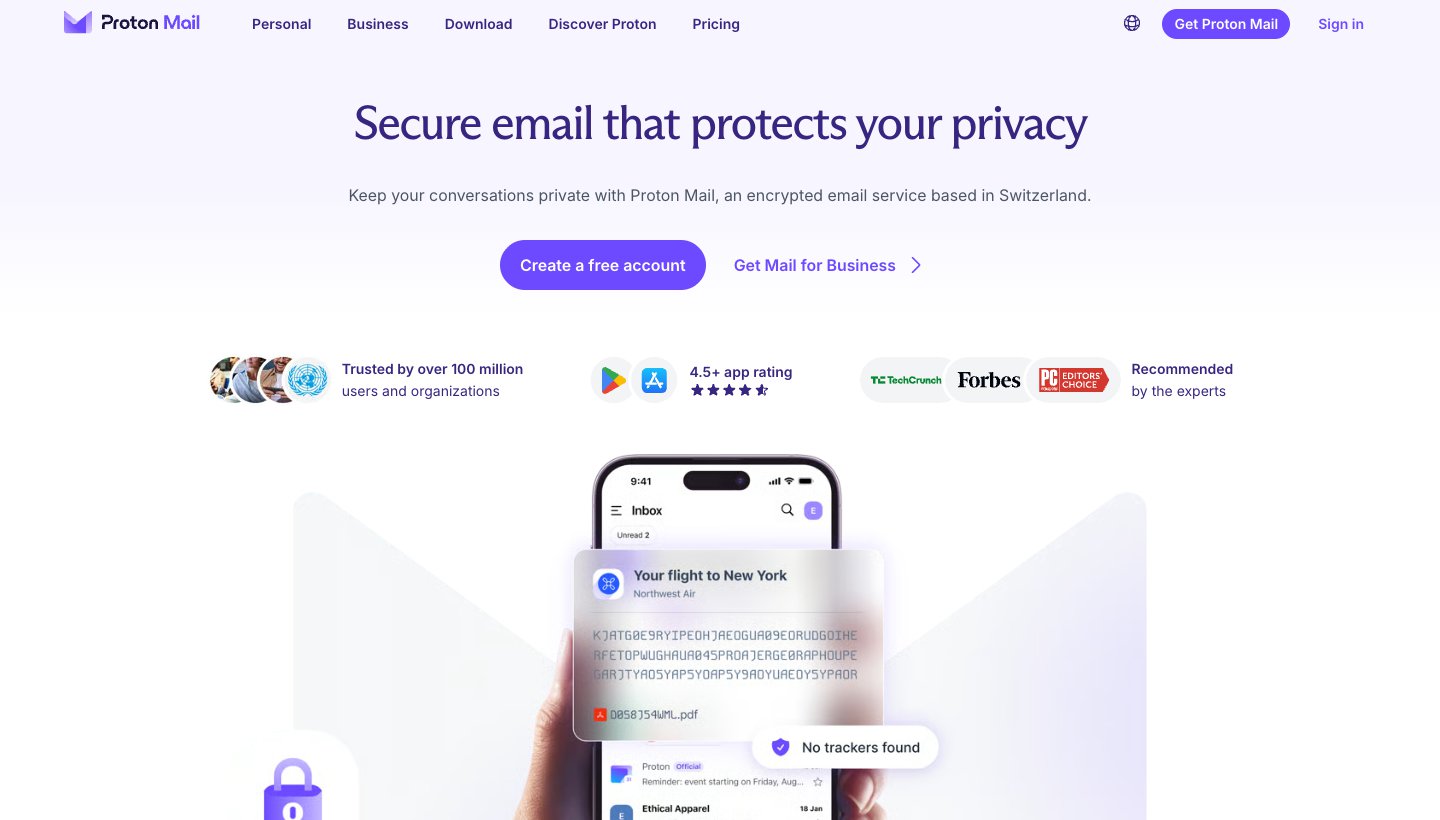
Proton Mail is an encrypted email provider, and Scribe is its writing assistant. It's the most private AI option here, but the AI does much less.
Who it's for: people who want an encrypted address first and an AI writing helper second.
Price (checked October 9, 2026): free (without Scribe). Mail Plus is $4.99 a month or $47.88 a year; Proton Unlimited is $12.99 a month or $119.88 a year. Scribe is an add-on on those plans, with a 14-day trial, and is included with Proton Duo and Family. See Proton's pricing.
Platforms: web, iPhone, Android, Mac, Windows, and Linux (in beta). Scribe itself works only on the web and in the Mac app.
Accounts: a Proton address only. Easy Switch imports mail from Gmail, Outlook, Yahoo and IMAP.
AI features: Scribe drafts an email from a prompt and can proofread, shorten, expand or change the tone of selected text. You can run it on Proton's servers or as a local model on your device (English only, in a Chromium browser or the Mac app).
One real downside: the AI is a writing helper only. We found no sorting, summaries or inbox agent, and you have to move to a Proton address.
Missive: best for teams sharing an inbox
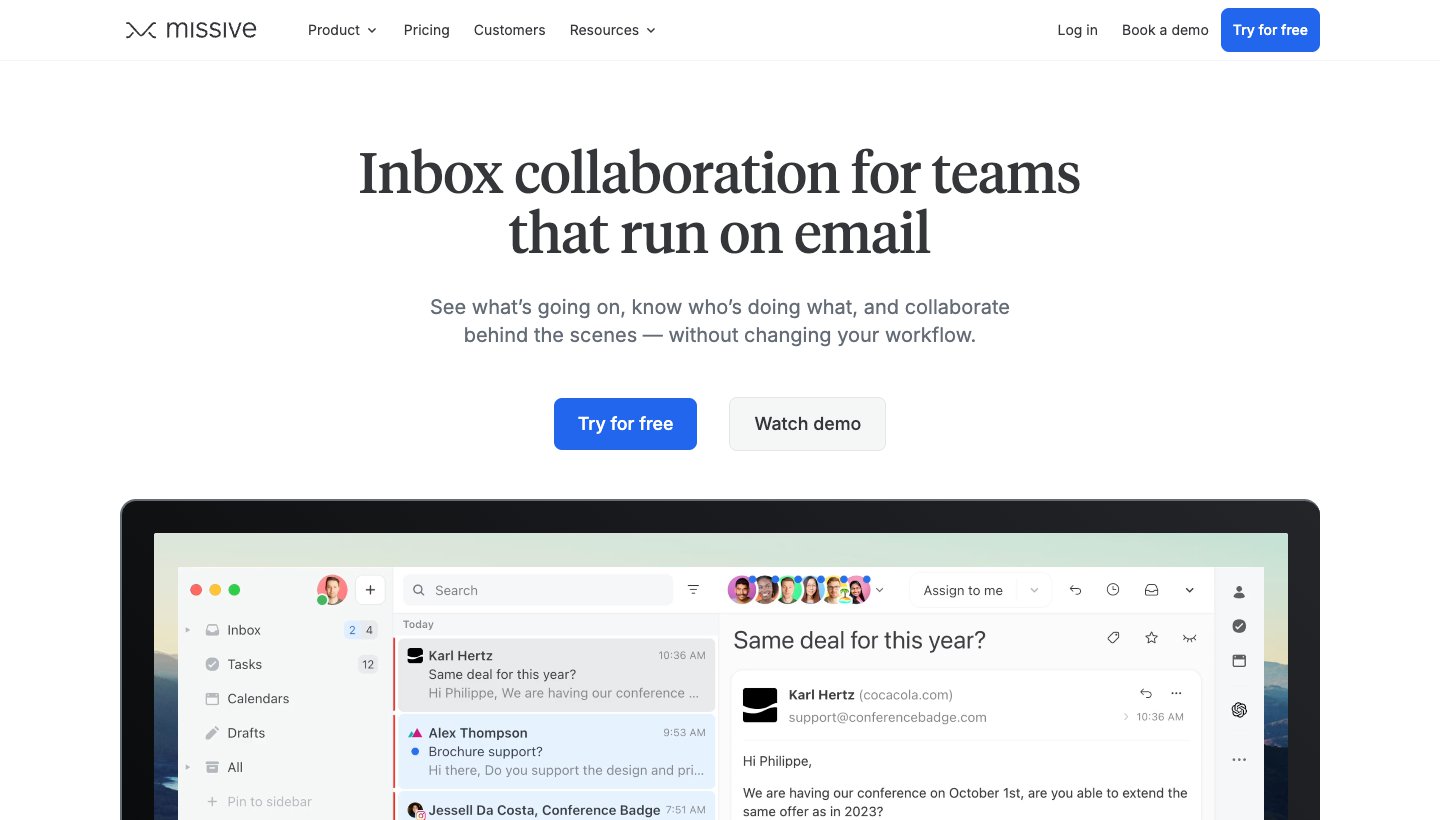
Missive is a shared inbox for teams that also handles SMS, WhatsApp and social messages. Its AI is flexible, and you pay for what you use.
Who it's for: teams where more than one person answers the same address.
Price (checked October 9, 2026): Starter is $18 per user a month or $14 billed yearly (up to 5 users); Productive $30 or $24 (up to 50); Business $45 or $36. There's no free plan; a 30-day trial needs no card. See Missive's pricing.
Platforms: web first, plus Mac, Windows, iPhone, iPad and Android apps.
Accounts: Gmail and Google Workspace, Microsoft 365, Outlook.com, iCloud and any IMAP account, plus WhatsApp, Messenger, Instagram and SMS.
AI features: instant AI drafts, AI rules and automations, translation, summaries, custom prompts and MCP connections, using Anthropic, OpenAI or Gemini models.
One real downside: the AI isn't included in a flat price. You pay through Missive AI credits, which carry a 25% markup, or bring your own API key, and the app is shaped around teams rather than one person.
Edison Mail: free, but read the data model first
Edison Mail is a free multi-account app with smart folders. It's on this list because other AI lists include it, and because how it's paid for matters more than its features.
Who it's for: people who want a free app with automatic folders for travel, packages and bills, and are comfortable with how Edison uses their data.
Price (checked October 9, 2026): free. Edison Mail+ is $14.99 a month or $99.99 a year (iPhone and Android). See Edison Mail+.
Platforms: iPhone, iPad, Mac, Windows and Android.
Accounts: Gmail, Outlook and Hotmail, Exchange, iCloud, Yahoo, AOL and any IMAP account.
AI features: an AI-based search Assistant that finds details across your inbox, smart folders, and, in paid Mail+, AI-based phishing protection.
One real downside: the free app is funded by data. Edison's privacy policy says it is "an affiliate of Yipit LLC (d.b.a. YipitData)", processes your email to identify "Commercial Data", and refers to "De-identified Data sold to our business subscribers". You can opt out in Manage Privacy, but that doesn't remove data already used. Its AI is also thin next to the AI-first apps.
HEY: no AI, on purpose
HEY often shows up next to these apps, but it's the opposite choice. 37signals' privacy policy says its products "don't include built-in AI features that process your content." Instead, HEY gives AI agents you bring yourself command-line access to triage and draft (HEY's agents page). It's $99 a year for a new @hey.com address, with a 30-day trial and apps for web, Mac, Windows, Linux, iPhone and Android. With Proton (in beta), it's one of only two apps in this article with a Linux version. Pick it if you'd rather have firm rules about who reaches you than AI deciding.
Already pay for Google or Microsoft? Try the built-in AI first
If you're happy in Gmail or Outlook, you may not need a new app. Gemini in Gmail comes with Google AI Plus at $4.99 a month or Google AI Pro at $19.99 a month (Google AI plans). Copilot in Outlook comes with Microsoft 365 Personal at $9.99 a month or $99.99 a year, and Premium at $19.99 a month or $199.99 a year; Microsoft 365 Basic has no AI (Microsoft's plan comparison). Both add AI to one company's mail. An app on this list makes sense when your accounts are spread across providers, or you want the inbox sorted for you rather than a chat panel beside it.
Our guides to AI in Gmail and Outlook cover what each plan includes, what it costs and how to turn it on.
Platforms: which AI email apps run where
App | Mac | Windows | iPhone/iPad | Android | Web | Linux |
|---|---|---|---|---|---|---|
Dove (ours) | Yes | Yes | Yes | Yes | Yes | No |
Superhuman | Yes | Yes | Yes | Yes | Chrome extension | No |
Shortwave | Yes | Yes | Yes | Yes | Yes | No (web app) |
Spark | Yes | Yes | Yes | Yes | — | — |
Canary Mail (ours) | Yes | Yes | Yes | Yes | — | — |
Apple Mail | Yes | No | Yes | No | No | No |
Proton Mail | Yes | Yes | Yes | Yes | Yes | Beta (Scribe: web and Mac only) |
Missive | Yes | Yes | Yes | Yes | Yes | No (web app) |
Edison Mail | Yes | Yes | Yes | Yes | — | — |
A dash means the vendor doesn't say. None of the AI-first apps lists a Linux version. On Linux, Shortwave, Missive and Dove all run in a browser, and Proton's desktop app is in beta.
Which AI email app should you choose?
Choose Dove (ours) if you have more mail than you can sort, accounts across Gmail, Microsoft and IMAP, and want the same sorted inbox and first drafts on every device, at $20 a month or $200 a year.
Choose Superhuman if you live on Gmail or Microsoft 365, clear mail by keyboard, and $30 to $40 a month is fine (or your company pays).
Choose Shortwave if all your mail is Gmail or Google Workspace and you want strong AI search and team features, starting free or at $18 a month.
Choose Spark if you want the cheapest paid AI app with a usable free plan and every major account type.
Choose Canary Mail (ours) if you need PGP encryption with your AI, or want a yearly or lifetime licence.
Choose Apple Mail if everything you own is a recent Apple device and summaries plus smart replies are enough.
Choose Proton Mail if encryption matters more than AI and you're ready for a new address.
Choose Missive if a team answers shared addresses and you're happy to pay for AI by use.
Choose Edison Mail if you want a free app and accept its data model after reading it.
FAQ
Is an AI email app safe?
It depends on where the AI sends your mail and what the vendor does with it, and the apps here differ a lot. Dove, Spark, Canary, Missive and Proton all say your mail isn't used to train AI models, and Shortwave says it's never used to train third-party models. Superhuman's policy says it trains its own AI on your data unless you turn that off. Edison's policy doesn't mention AI but describes selling de-identified commercial data. Check the privacy table above, and turn on two-factor sign-in for the account itself.
Is there a free AI email app?
Yes. Apple Mail's Apple Intelligence features are free on supported Apple devices. Shortwave, Spark and Canary Mail have free plans with limited AI. Dove's free plan gives you 10 AI actions a day. Edison Mail is free, with the data trade-off described above. Superhuman and Missive have no free plan.
Can AI send emails for me?
Some apps go further than drafting. Superhuman's product page describes AI that can send on your behalf and run multi-step workflows, and Shortwave connects to its sister product Tasklet to automate replies. For everything else on this list, Dove included, we've only described drafting: the AI writes a reply and you read it first. That's the safer way to start anyway. HEY lets an AI agent you bring draft replies and label mail.
What is Gmail's AI Inbox?
It's a Gmail feature, not a separate app. Google's help page describes two sections: "Suggested to-dos" and "Topics to catch up on", drawn only from your Primary tab. It's in beta, in the US and in English only, and needs a Google AI Plus, Pro or Ultra plan (or Workspace Enterprise Plus for work accounts). If you want AI sorting across non-Gmail accounts, you need one of the apps above.
Which AI email app is best?
For a busy inbox spread across providers, Dove (ours) sorts and drafts on every account and platform. For Gmail-only users, Shortwave has the strongest AI search and a free plan. For keyboard speed, Superhuman, if the price works. For the lowest cost, Spark, and for free on Apple devices, Apple Mail with Apple Intelligence.
What is replacing Gmail?
For most people, nothing replaces the Gmail account itself. What changes is the app: Dove, Superhuman, Shortwave and Spark all read your Gmail address and add AI on top, and Dove, Spark, Canary and Missive also hold your other accounts alongside it.
More from Dove
Recent posts
October 13, 2026
Outlook Alternatives in 2026: 9 Email Apps for Every Device
Microsoft isn't shutting Outlook down, but Windows Mail is gone and the old Outlook for Mac loses work accounts this month. Here's what's changing, and nine Outlook alternatives for Windows, Mac, iPhone and Android, with prices checked on October 13, 2026.
October 13, 2026
Gmail Alternatives in 2026: A New Provider, or Just a Better App
Leaving Google entirely means picking a new email provider. If you only dislike the Gmail app, you can keep your address and change the app instead. Both routes are covered below, with every price checked on October 13, 2026.
October 12, 2026
AI Email Assistant for Gmail in 2026: Gemini, Add-ons and What They Cost
Gmail already has a free AI assistant, at least in the US. Here's what Gemini does on each plan, how to switch it on or off, and when an add-on like Fyxer, Cora or Inbox Zero is worth paying for.