'/%3e%3c/g%3e%3c/svg%3e)

Best Email App for iPhone and iPad in 2026: 10 Picks With Checked Prices
For most people, the best email app on iPhone and iPad is the one already installed: Apple Mail. It's free, it handles Gmail, Outlook, iCloud and any IMAP account, it now sorts mail into categories, and on recent iPhones it summarizes it too. There are three good reasons to switch. You get more mail than you can read. Your work runs on Microsoft 365 or Google Workspace and you want the features those companies build for their own apps. Or you need something Apple Mail doesn't offer, like PGP encryption.
Disclosure: Dove is made by the team behind Canary Mail, and both appear below, each marked "(ours)". Every app gets the same fields and one real downside, ours included. This page is part of our guide to the best email apps on every platform.
Quick picks
Best overall: Apple Mail. It's free, it's already on your phone, and it's better than its reputation.
Best for a busy inbox you want sorted for you, on any provider and every device: Dove (ours), $20 a month or $200 a year, with a free plan.
Best for Gmail and Google Workspace: Gmail.
Best for Microsoft 365 and Exchange: Outlook.
Best free app for several accounts: Spark.
Best for privacy and PGP encryption with the accounts you have: Canary Mail (ours).
Best for an encrypted new address: Proton Mail.
Best for tinkerers, iPad keyboards and the Apple Watch: Airmail.
Best for clearing out a huge inbox: Chuck.
Best for a fresh start with a screened inbox: HEY.
The 10 apps at a glance
Prices are in US dollars from each vendor's own site, checked on October 8, 2026. Each app's section links to its pricing page. "Watch" means the app has an Apple Watch app on the App Store.
App | Best for | Free option | Paid price | iPad | Watch |
|---|---|---|---|---|---|
Apple Mail | Most people | Free, built in | None | Yes | Yes |
Dove (ours) | A busy inbox sorted for you | Free plan, 10 AI actions a day | $20/month or $200/year | Yes | No |
Gmail | Google accounts | Free | Gemini plans from $4.99/month | Yes | No |
Outlook | Microsoft 365 and Exchange | Free, with ads | Microsoft 365 Basic $1.99/month removes ads | Yes (iPadOS 26+) | Yes |
Spark | Many accounts for free | Free, unlimited accounts | Plus $10/month or $99/year | Yes | Yes |
Canary Mail (ours) | PGP encryption | Free on 2 devices | Growth $36/year, Pro+ $100/year | Yes | Yes |
Proton Mail | Encrypted new address | Free, 1 GB | Mail Plus $4.99/month or $47.88/year | Yes | No |
Airmail | Customizing, iPad, Watch | Free for 1 account | Pro subscription, see below | Yes | Yes |
Chuck | Bulk cleanup | Free for 1 account | Pro $5.99/month or $49/year | Yes | No |
HEY | A screened new inbox | 30-day trial | $99/year | Yes | No |
How we chose
We started with the apps recommended by the pages that rank for this search, then checked each one against its own pricing page, help center and App Store listing on October 8, 2026. We dropped apps whose consumer versions are gone or that no longer behave like an email client, and listed them in the "What changed" box below so you know why they're missing.
Every entry has the same fields: who it's for, price, devices, which accounts it works with, what stands out, and one real downside. We didn't run timed benchmarks, so you won't find any speed claims here.
Superhuman isn't a pick here. It's $30 a month with no free plan, it works only with Gmail and Outlook accounts, and its iPhone app now requires iOS 26. If you're weighing it, our Superhuman alternatives guide covers it in full.
Best overall: Apple Mail
Most round-ups dismiss Apple Mail as basic. That was fair a few years ago. Pages that say it has "no AI" are out of date.
Who it's for: anyone who wants a free, private app that works with every account they have and doesn't need heavy triage.
Price: free, built into iOS and iPadOS. Hide My Email and custom email domains need an iCloud+ subscription.
Devices: iPhone, iPad, Mac and Apple Watch. Nothing for Android or Windows.
Accounts: iCloud, Gmail, Microsoft Exchange and Microsoft 365, plus Yahoo, Outlook.com and any other IMAP or POP account through "Add Other Account".
Standout features: Mail sorts your inbox into categories: Primary, Transactions, Updates and Promotions (not in every country or region). With Apple Intelligence, you get short summaries under each email, thread summaries, Priority Messages at the top of the inbox and Smart Reply. "Remind Me" brings a message back later. Mail Privacy Protection hides your IP address and stops senders seeing when you opened their email.
One real downside: the smart features need an Apple Intelligence device: an iPhone 15 Pro or later, an iPhone Air, an iPad mini with A17 Pro, or an iPad with M1 or later. They also need a supported language and region. On an older iPhone, Mail is a clean but plain inbox.
If you're comparing it with our own app, Dove vs Apple Mail goes feature by feature.
Best for a busy inbox you want sorted for you: Dove (ours)
Dove is our app. It splits mail from all your accounts into what needs you and what doesn't, then helps you answer the part that does. If you gave up reading your inbox top to bottom a while ago, it's built for you.
Who it's for: one person with a lot of mail, often across several providers, who wants the sorting done for them on every device.
Price: $20 a month or $200 a year. A free plan includes 10 AI actions a day (one action is one prompt, search or draft). The 7-day trial asks for a card. Smart Inbox sorting, Today and read receipts are on the paid plan. See Dove's pricing.
Devices: iPhone, iPad, Mac, Windows, Android and the web. There's no Apple Watch app and no Linux app.
Accounts: Gmail, Google Workspace, Outlook, Microsoft 365, Yahoo, iCloud and any IMAP account.
Standout features: mail is sorted into Focus, Feed and Noise, and notifications skip Noise. Today groups your day into Needs you, Schedule, FYI, Later and Waiting on. You can ask questions about your inbox, get drafts in your own style, and see read receipts. On iPad, Dove uses its desktop layout rather than a stretched phone screen. Mail is encrypted in transit and at rest. Dove doesn't offer PGP or end-to-end encryption; if you need that, see Canary Mail below.
One real downside: Dove is new. It has about 20 ratings on the App Store, so there's little track record to go on, and the trial asks for a card.
Best for Gmail and Google Workspace: Gmail
If your mail lives at Google, the Gmail app is where new Google features show up first.
Who it's for: Gmail and Google Workspace users who want labels, Google's spam filtering and Gemini.
Price: free. Gemini in Gmail beyond the free features comes with Google AI Plus at $4.99 a month or AI Pro at $19.99 a month (Google AI plans), or with a Google Workspace plan.
Devices: iPhone, iPad, Android and the web. No Apple Watch app.
Accounts: Google accounts first. The iPhone app can also add Outlook, iCloud, Yahoo and other IMAP addresses. On the web, Google is removing Gmailify, POP fetching and "Send as" for outside accounts by January 2027; the mobile apps aren't affected.
Standout features: Gemini in Gmail. Free personal accounts get conversation summaries worldwide, and Help me write and Suggested Replies in the US. Paid plans add AI Inbox and Gmail Live, which lets you ask about your email by voice.
One real downside: outside the US, a free account gets summaries and little else, and non-Google accounts in the app miss the Google-only extras.
Best for Microsoft 365 and Exchange: Outlook
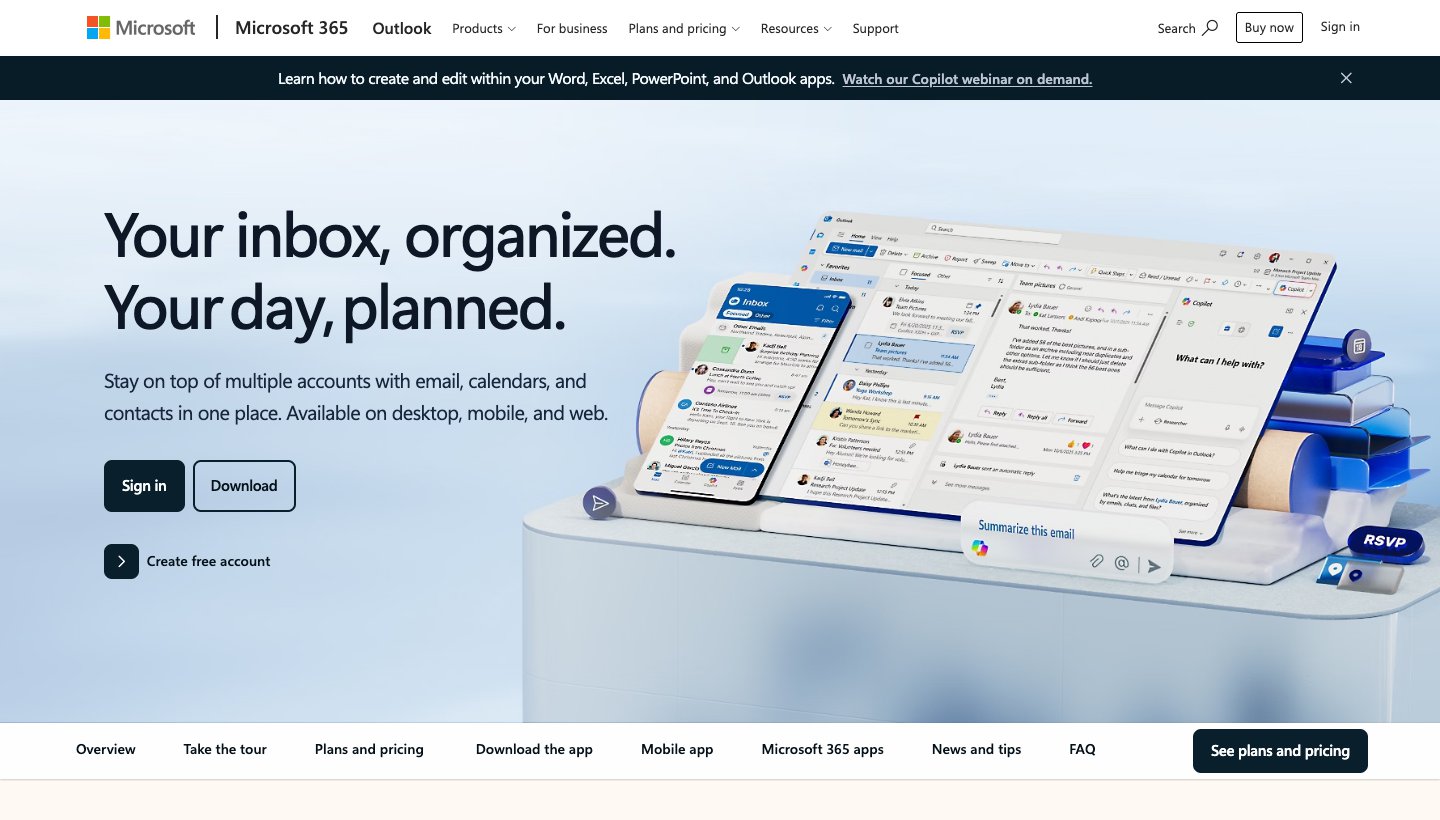
If your job runs on Microsoft 365, your IT team probably expects you to use Outlook. It does calendar and contacts too.
Who it's for: anyone on Microsoft 365, Exchange or Outlook.com, especially at work.
Price: free, with ads. Microsoft 365 Basic ($1.99 a month or $19.99 a year) removes them. Copilot in Outlook comes with Personal ($9.99 a month or $99.99 a year) and up (Microsoft 365 plans).
Devices: iPhone, iPad, Apple Watch, Mac, Windows, Android and the web.
Accounts: Microsoft 365, Exchange, Outlook.com, iCloud, Gmail, and IMAP or POP. IMAP and POP accounts sync mail only, not calendar or contacts.
Standout features: mail, calendar and contacts in one app, a watch app, and Copilot in Outlook on paid Microsoft 365 plans. It has 9.3 million ratings on the App Store, averaging 4.8.
One real downside: the current version requires iOS 26 or iPadOS 26, so it won't install on an iPhone or iPad that can't run them.
Best free app for several accounts: Spark
Spark, from Readdle, shows up on nearly every list. The free plan is the reason. It's generous.
Who it's for: people with several accounts who want one polished inbox without paying.
Price: free. Plus is $10 a month or $99 a year; Pro is $20 a month or $199 a year. Both have a seven-day trial when you subscribe in the app. See Spark's pricing.
Devices: iPhone, iPad, Apple Watch, Mac, Windows and Android.
Accounts: Gmail and Google Workspace, Outlook and Office 365 (including Exchange Online), iCloud, Yahoo and any IMAP account. Unlimited accounts on the free plan.
Standout features: Smart Inbox, Gatekeeper for screening new senders, and a built-in calendar. The AI Assistant finds and summarizes across email, attachments and your calendar; the free plan gets a limited preview, and the AI is off until you turn it on.
One real downside: the AI limits on paid plans aren't published as numbers ("Extended" on Plus, "High" on Pro), so you can't tell in advance how much you get.
How it compares with ours: Dove vs Spark.
Best for privacy and PGP encryption: Canary Mail (ours)
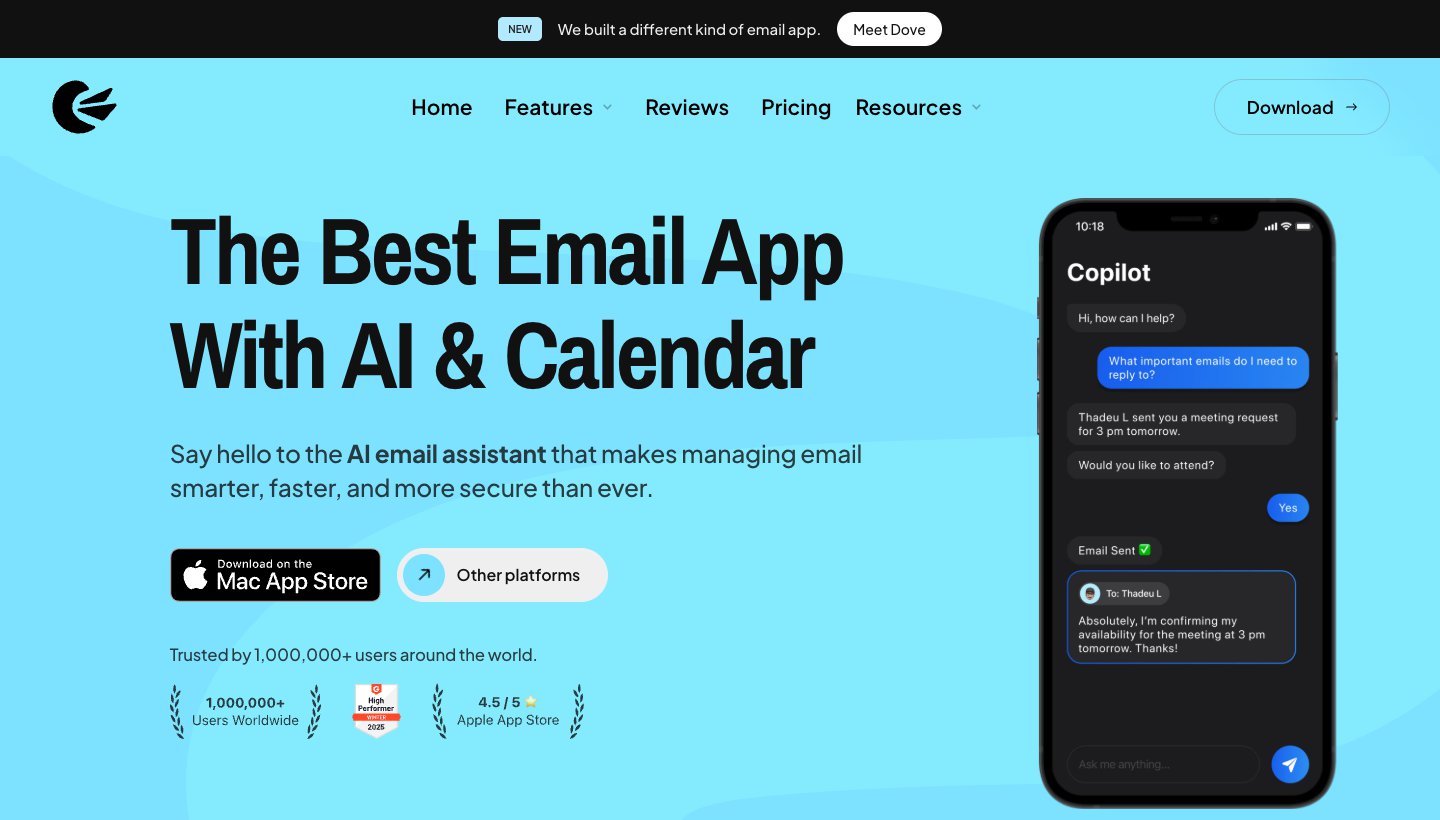
Canary Mail is also made by our team. Pick it if you want strong encryption and want to keep your Gmail or Outlook address.
Who it's for: people who need PGP encryption or want their mail kept on their device, while keeping their existing accounts.
Price: free on up to 2 devices. Growth is $36 a year and Pro+ is $100 a year, or $100 and $300 once for lifetime licences. There's no monthly billing. The 7-day trial needs no card. See Canary's pricing.
Devices: iPhone, iPad, Apple Watch, Mac, Windows and Android.
Accounts: Gmail, Outlook, Exchange, Office 365, iCloud, Yahoo, Zoho Mail and ProtonMail.
Standout features: PGP end-to-end encryption and SecureSend on Pro+. A built-in calendar, and AI Copilot for writing, summaries and sorting on paid plans. Canary's privacy policy says it doesn't collect or store the content of your email; its sorting models are trained and stored on your device.
One real downside: no monthly plan, so you commit to a year or a lifetime licence, and the free plan has no AI.
Best for an encrypted new address: Proton Mail
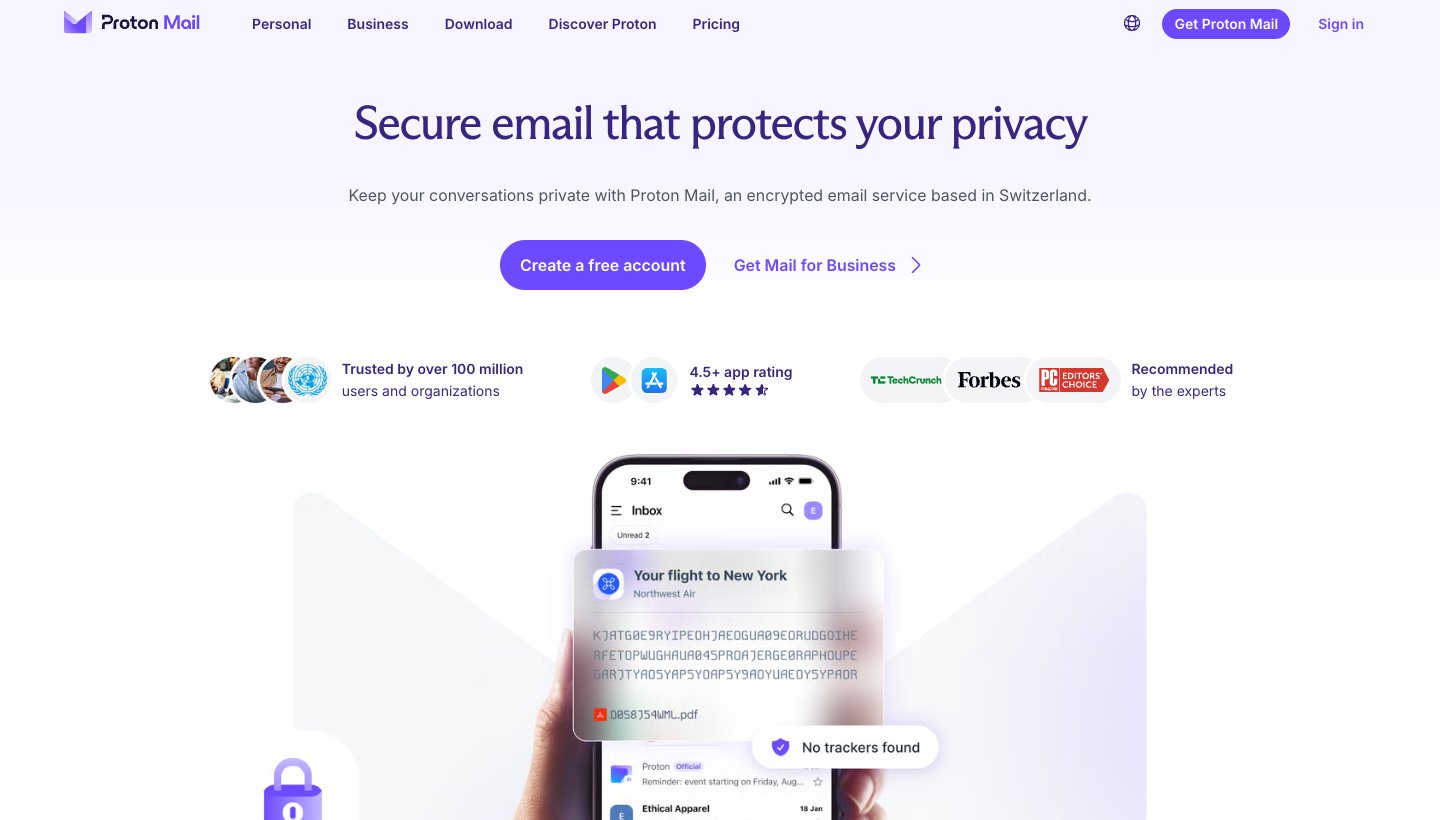
Proton Mail is an email service that comes with its own app. It won't open the inbox you already have.
Who it's for: people ready to move to a new, end-to-end encrypted address.
Price: free with 1 GB. Mail Plus is $4.99 a month or $47.88 a year on Proton's pricing page; buying inside the iPhone app costs $5.99 a month or $47.90 a year.
Devices: iPhone, iPad, Android, the web, and desktop apps for Mac and Windows (Linux in beta). No Apple Watch app.
Accounts: Proton addresses only. Easy Switch imports mail from Gmail, Outlook and Yahoo, and Gmail can be forwarded in.
Standout features: end-to-end and zero-access encryption on every plan. "Proton Mail is funded entirely by paying subscribers," says its pricing page.
One real downside: it can't open your existing Gmail or Outlook inbox. You import or forward, and the Proton Scribe writing assistant runs only on the web and the Mac app, not on iPhone.
Best for tinkerers, iPad keyboards and the Apple Watch: Airmail

Airmail, from Bloop in Italy, runs only on Apple devices. It's still being updated; the latest version shipped October 2, 2026.
Who it's for: people who like to set up custom swipes, actions and app integrations, and who use an iPad with a keyboard or read mail on their watch.
Price: free for one account. Airmail Pro is a subscription billed through the App Store, but Airmail's help center lists two different prices ($5.99 a month or $29.99 a year in one article, $9 or $49 in its FAQ), so check the price shown in the app.
Devices: iPhone, iPad, Apple Watch, Mac and Vision Pro. No Android, Windows or web.
Accounts: Gmail, Google Workspace, iCloud, Exchange, Office 365, Outlook, Yahoo, IMAP and POP3.
Standout features: a specific iPad layout with keyboard shortcuts and split-screen support, Apple Pencil sketches in emails, and interactive watch notifications. Its iOS privacy policy describes an on-device AI option, or your own key for Gemini, OpenAI, Claude and others.
One real downside: the free version is one account only, and the vendor can't settle on a published Pro price.
Best for clearing out a huge inbox: Chuck
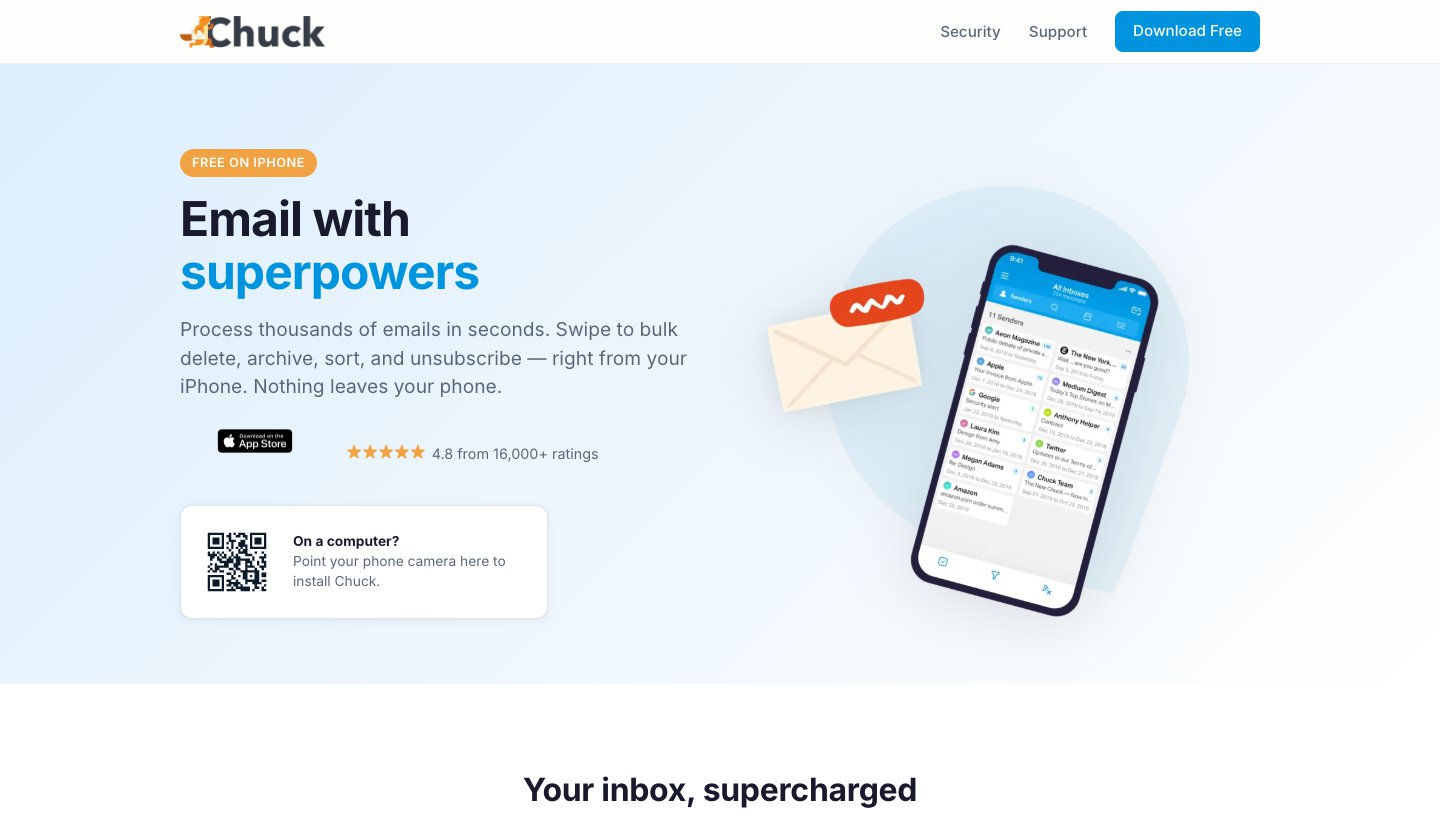
Chuck, from 410 Labs in Baltimore, groups mail by sender, date and size, so one swipe can delete, archive or unsubscribe from hundreds of messages. These days it calls itself a full email client too.
Who it's for: anyone sitting on tens of thousands of unread emails who wants them gone this week.
Price: free for one account, up to 10,000 messages, with a monthly processing quota. Pro is $5.99 a month or $49 a year, with unlimited accounts and processing. See Chuck's plans.
Devices: iPhone and iPad. No Apple Watch, Android or desktop app.
Accounts: Gmail, Outlook, Yahoo, iCloud, AOL and any IMAP account.
Standout features: batch actions by sender, global unsubscribe on Pro, and AI filters that suggest what you're likely to delete. Chuck says on its security page that all processing happens on your device and no AI provider reads your inbox. It's rated 4.8 from about 15,000 App Store ratings.
One real downside: it's at its best as a cleanup tool. The free plan covers one account with a monthly cap, so most people pair it with another app or pay for Pro.
Best for a fresh start with a screened inbox: HEY
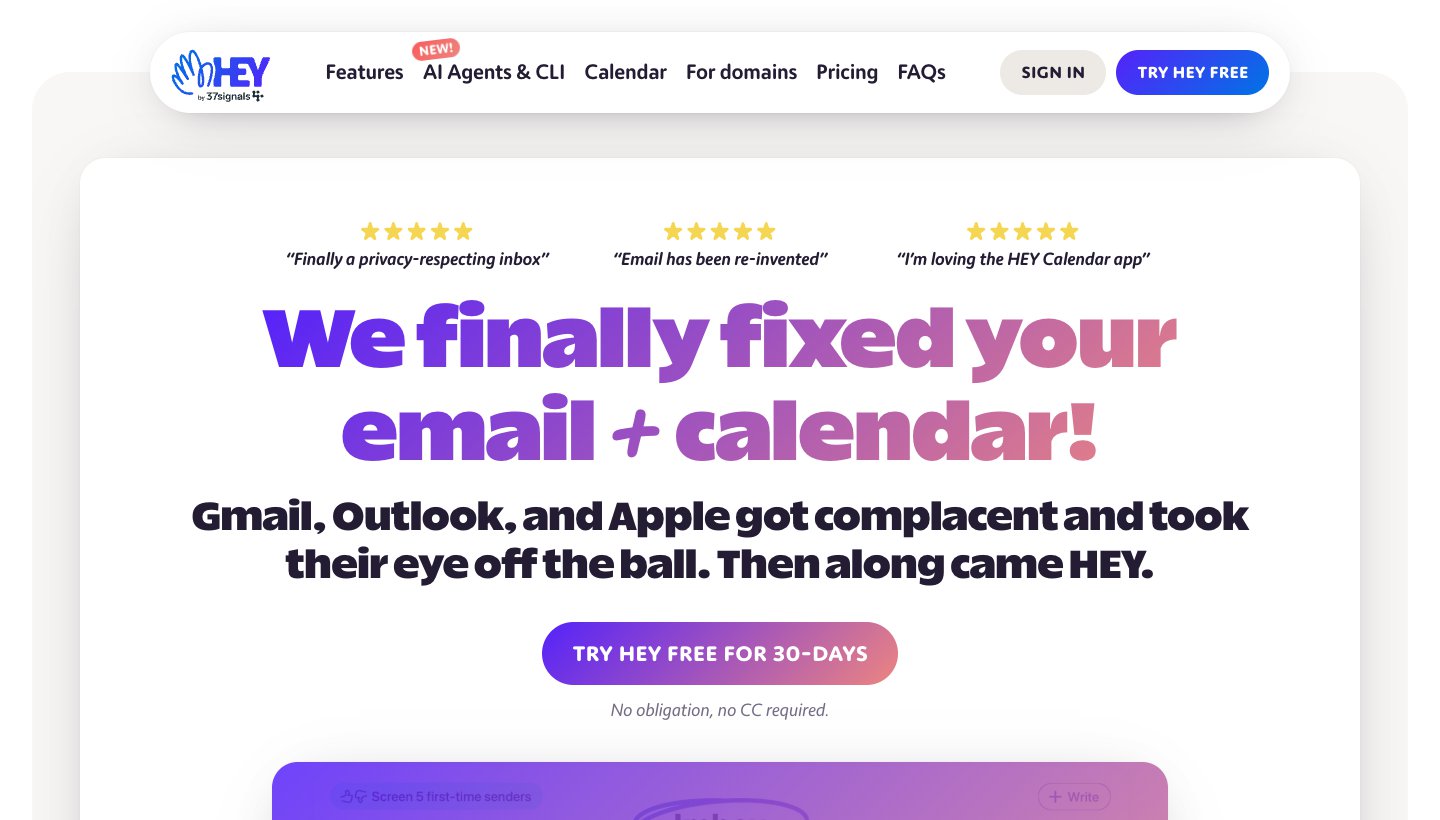
HEY, from 37signals, is an email service with strong opinions. Anyone who hasn't emailed you before waits in the Screener until you say yes or no.
Who it's for: people willing to change address to get an inbox only approved senders can reach.
Price: $99 a year, billed annually only, with a 30-day trial and no card. HEY for Domains is $12 per user a month. See HEY's pricing.
Devices: iPhone, iPad, Android, Mac, Windows, Linux and the web. No Apple Watch app.
Accounts: its own @hey.com addresses, or your domain on HEY for Domains. You can forward Gmail into it.
Standout features: the Screener, spy-pixel blocking, and no ads. HEY says it doesn't sell data or train AI on your mail. It has no built-in AI; you can point your own agent at it through its command-line tool.
One real downside: you have to move to a new address. HEY won't sit on top of your Gmail or Outlook inbox.
Which accounts and devices each app works with
"Yes" means the vendor's own site or App Store listing says so. A dash means we couldn't confirm it. "Own address" means the app is for its own email service.
App | iPhone | iPad | Watch | Gmail | Outlook / Microsoft 365 | iCloud | Yahoo | Other IMAP |
|---|---|---|---|---|---|---|---|---|
Apple Mail | Yes | Yes | Yes | Yes | Yes | Yes | Yes | Yes |
Dove | Yes | Yes | No | Yes | Yes | Yes | Yes | Yes |
Gmail | Yes | Yes | No | Yes | Yes | Yes | Yes | Yes |
Outlook | iOS 26+ | iPadOS 26+ | Yes | Yes | Yes | Yes | — | Yes (mail only) |
Spark | Yes | Yes | Yes | Yes | Yes | Yes | Yes | Yes |
Canary Mail | Yes | Yes | Yes | Yes | Yes | Yes | Yes | — |
Proton Mail | Yes | Yes | No | Forwarding | Import only | No | Import only | No |
Airmail | Yes | Yes | Yes | Yes | Yes | Yes | Yes | Yes |
Chuck | Yes | Yes | No | Yes | Yes | Yes | Yes | Yes |
HEY | Yes | Yes | No | Forwarding | No | No | No | No |
If you also use Android or Windows, Apple Mail and Airmail drop out. Dove, Spark, Outlook and Canary run on both.
What changed: apps other lists still recommend
Some of the pages ranking for this search still recommend apps that have since disappeared or changed. This is where they stood on October 8, 2026.
App | What changed |
|---|---|
Boxer | The consumer app is gone. The only Boxer on the App Store is Boxer – Workspace ONE, a business app your company has to set up. |
Spike | Now sells itself as "AI Email & Team Chat", with paid team plans. Its iPhone app was last updated June 29, 2026. |
Edison Mail | Made by Edison Software "from YipitData". Its privacy policy says it identifies purchases, receipts and bills in your mail and uses de-identified data to "develop products and insights for our business subscribers". You can opt out. |
Outlook | Now requires iOS 26 and iPadOS 26, and watchOS 26 for the watch app. |
Thunderbird | No iPhone app yet. The team says a first test version is "in the next few months". |
Mailbird | Its iPhone app is listed as "available soon"; it hasn't shipped. |
The best email apps for iPad
Oddly, none of the pages ranking for "best email app for iPad" say much about iPad. This is what changes on the bigger screen.
iPadOS now runs apps in real windows. In Settings, under Multitasking & Gestures, you choose Windowed Apps or Stage Manager. Either way, you can resize and move windows, tile two side by side, and keep one floating in Slide Over. Stage Manager adds groups of windows and a recent-apps strip on the left. For email, that means your inbox can sit next to a document or your calendar instead of taking over the screen.
Some apps can open more than one window. Apple Mail can: touch and hold its icon and choose New Window, or drag a message out to give it its own window. It's handy when you want the original thread open while you write the reply.
Keyboard shortcuts vary a lot from app to app. With a keyboard attached, hold the Command key in Apple Mail to see its shortcuts. Airmail advertises a set of iPad keyboard shortcuts on its site. The same trick works in other apps. If holding Command shows nothing, nobody designed that app with a keyboard in mind.
Being on the iPad App Store doesn't make something a real iPad app. All ten apps here are listed for iPad, but not all of them are designed for it. Apple Mail supports multiple windows and keyboard shortcuts. Airmail advertises its own iPad layout, split-screen support and Apple Pencil sketches. Dove uses its desktop layout on iPad rather than a stretched phone screen. For the rest, try the app with your keyboard attached before you commit. Check the minimum version too: Outlook needs iPadOS 26, Proton Mail iPadOS 17.2, Chuck iPadOS 16 and Dove iPadOS 15.6.
Our iPad picks: Apple Mail for most people, Outlook for Microsoft 365 work, and Airmail if you live on a Magic Keyboard. If you want your iPad, phone and computer to show the same sorted inbox, Dove (ours) runs on all of them.
Using a Windows PC too? See the best email client for Windows.
How to change your default email app on iPhone and iPad
Once you've picked a new app, make it the default so links like "email us" open in it. On iPhone or iPad, go to Settings > Apps > Default Apps > Email and choose the app (Apple's steps). The list only shows apps that support being the default. You can keep Apple Mail installed and use both.
Which should you choose?
Choose Apple Mail if you have a recent iPhone, a handful of accounts and no special needs. Most people should start and stay here.
Choose Dove (ours) if your inbox is busy enough that you want it sorted before you open it, and you use more than one provider or more than one kind of device.
Choose Gmail if everything is on Google and you want Gemini features as they arrive.
Choose Outlook if you work in Microsoft 365, and your iPhone runs iOS 26.
Choose Spark if you want a free, polished app for many accounts.
Choose Canary Mail (ours) if you need PGP encryption with your existing addresses.
Choose Proton Mail if you're ready for a new, encrypted address.
Choose Airmail if you want to customize everything and use an iPad keyboard or Apple Watch.
Choose Chuck if you have a backlog of thousands of emails to clear.
Choose HEY if you want a new address that only approved senders can reach.
On a Mac too? See our best email app for Mac guide. Switching to Android? See the best email app for Android.
Want AI to sort and draft for you? See the best AI email apps.
FAQ
What is the best email app for iPhone?
For most people, Apple Mail. It's free, works with every common account, and on an iPhone 15 Pro or later adds summaries and Priority Messages. Gmail is best if all your mail is at Google, and Outlook if you work in Microsoft 365. If you want an app that sorts a busy inbox for you across providers, that's what we built Dove for.
Is there a better mail app than Apple Mail?
For particular jobs, yes. Outlook is better for Microsoft 365 calendars and work accounts, Spark for many accounts on a free plan, Canary Mail for PGP encryption, Chuck for clearing a large backlog, and Dove for having your inbox sorted for you. For a light inbox on a recent iPhone, we'd stick with Apple Mail.
Should I use the Mail app on my iPhone?
Yes, unless you've run into one of its limits. It costs nothing, and Mail Privacy Protection makes it private by default. Switch if your work requires Outlook, if your iPhone is too old for Apple Intelligence and you want summaries, or if you need something it lacks, like PGP encryption.
What mail app does an iPad use?
The built-in Mail app, the same one as on iPhone, with categories and the same accounts. On iPad it can also open several windows at once and supports keyboard shortcuts. Every app on this list also has an iPad version.
What is the best free email app to use?
Apple Mail if you only use Apple devices. Spark if you want a free app with unlimited accounts that also runs on Android and Windows. Gmail and Outlook are free too, though Outlook shows ads unless you pay for Microsoft 365. For free picks on Mac, Windows and Android as well, see our best email apps guide.
Which email gets hacked the least?
Your provider and your account security decide that. The app on your phone doesn't. A different app doesn't change how well your Gmail or Outlook account is protected. Turn on two-factor authentication or a passkey with your provider, use a unique password, and if you want end-to-end encryption, use a service built for it, like Proton Mail, or PGP through an app like Canary Mail.
More from Dove
Recent posts
October 13, 2026
Outlook Alternatives in 2026: 9 Email Apps for Every Device
Microsoft isn't shutting Outlook down, but Windows Mail is gone and the old Outlook for Mac loses work accounts this month. Here's what's changing, and nine Outlook alternatives for Windows, Mac, iPhone and Android, with prices checked on October 13, 2026.
October 13, 2026
Gmail Alternatives in 2026: A New Provider, or Just a Better App
Leaving Google entirely means picking a new email provider. If you only dislike the Gmail app, you can keep your address and change the app instead. Both routes are covered below, with every price checked on October 13, 2026.
October 12, 2026
AI Email Assistant for Gmail in 2026: Gemini, Add-ons and What They Cost
Gmail already has a free AI assistant, at least in the US. Here's what Gemini does on each plan, how to switch it on or off, and when an add-on like Fyxer, Cora or Inbox Zero is worth paying for.