'/%3e%3c/g%3e%3c/svg%3e)

Best Email App for Mac in 2026: 10 Picks With Checked Prices
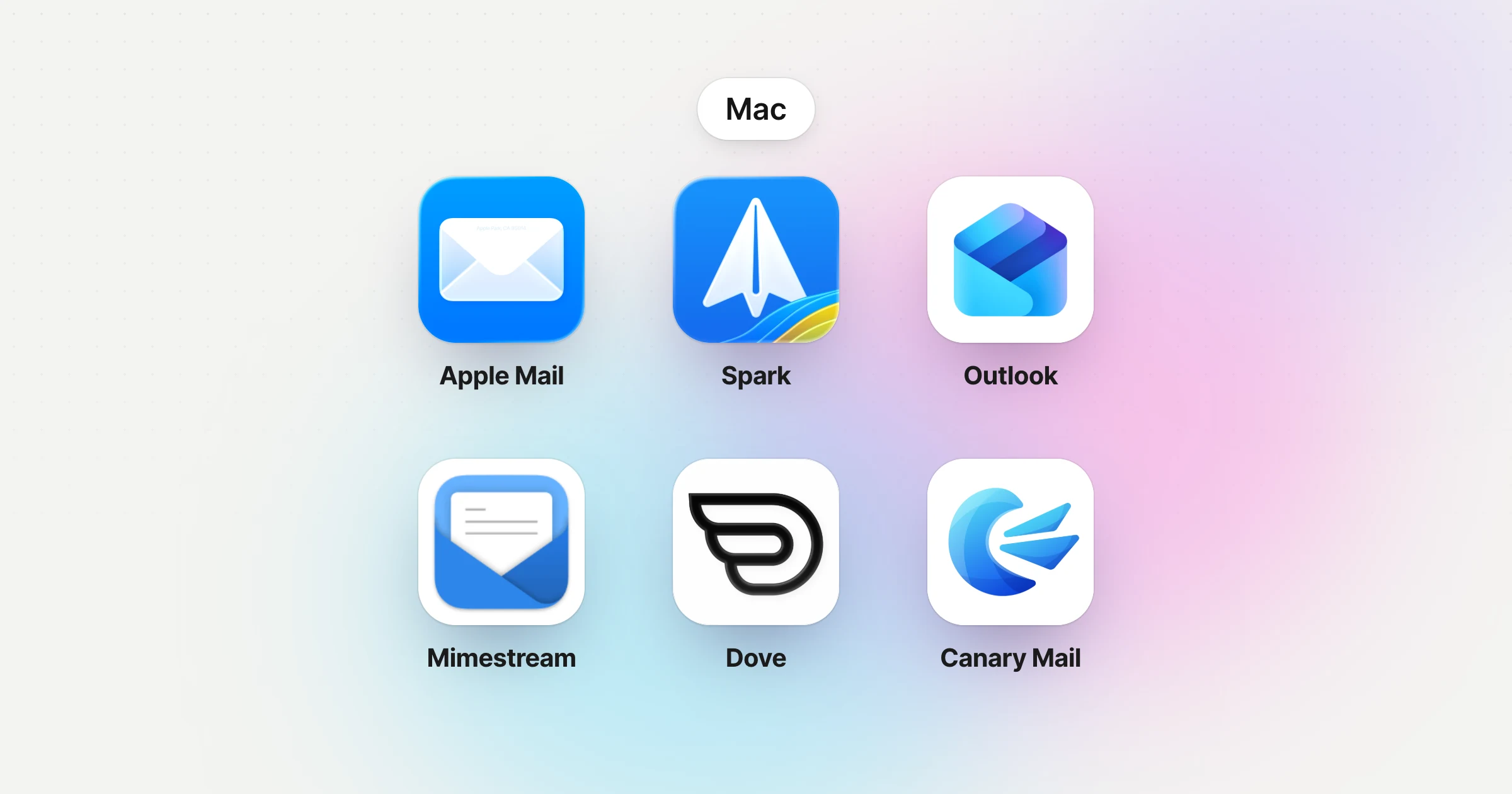
For most people, the best email app for Mac is Apple Mail. It's free, it's already installed, it handles iCloud, Gmail, Exchange and any IMAP account, and it does more than most reviews give it credit for. Switch when you need something it can't do: the same inbox on an Android phone or a Windows PC, mail that's sorted for you, Gmail labels that behave like Gmail, or PGP encryption.
Disclosure: Dove and Canary Mail are ours. Dove is made by the team behind Canary Mail. Both get the same fields as everything else here, including one real downside.
This page is the Mac part of our guide to the best email apps on every platform.
Quick picks
Best overall: Apple Mail. Free, built in, and better than people think.
Best for a busy inbox you want sorted for you, on any provider and every device: Dove (ours). $20 a month or $200 a year, with a free plan.
Best free app that also runs on Windows and Android: Spark.
Best for Microsoft 365 and Exchange: Outlook for Mac.
Best for Gmail on a Mac: Mimestream.
Best for privacy and PGP: Canary Mail (ours).
Best Apple-only alternative to Mail: Airmail.
Best free and open source: Thunderbird.
Best one-time purchase: eM Client.
Best for keyboard and IMAP power users: MailMate.
The ten picks at a glance
Prices are in US dollars from each vendor's own site, checked on October 8, 2026. Each entry below links to the pricing page.
App | Best for | Free option | Paid price | Also on | Get it on Mac |
|---|---|---|---|---|---|
Apple Mail | Most people | Free, built in | — | iPhone, iPad | Built into macOS |
Dove (ours) | A busy inbox sorted for you, any provider | Free plan, 10 AI actions a day | $20/mo or $200/yr | Windows, iPhone, iPad, Android, web | Mac App Store |
Spark | A free app across Mac, Windows and Android | Free plan | Plus $10/mo or $99/yr; Pro $20/mo or $199/yr | Windows, iPhone, Android | Mac App Store |
Outlook | Microsoft 365 and Exchange | Free app | Microsoft 365 Basic $1.99/mo (ad-free); Personal $9.99/mo (Copilot) | Windows, iPhone, iPad, Android, web | Mac App Store |
Mimestream | Gmail | 14-day trial | $4.99/mo or $49.99/yr | Mac only | Direct download |
Canary Mail (ours) | Privacy and PGP | Free plan, 2 devices | Growth $36/yr; Pro+ $100/yr; lifetime options | Windows, iPhone, iPad, Android | Mac App Store |
Airmail | An Apple-only Mail replacement | Free, 1 account | Pro: see below | iPhone, iPad, Apple Watch, Vision Pro | Mac App Store |
Thunderbird | Free and open source | Free | Donations | Windows, Linux, Android | Direct download |
eM Client | Paying once | Free, 2 accounts, home use | $59.95 once, or $39.95/yr | Windows, iPhone, Android | Direct download |
MailMate | Keyboard-driven IMAP | 14 days of active use | $10 every 3 months | Mac only | Direct download |
A dash means there's nothing to pay.
How we chose
We picked apps that run natively on a Mac and connect to the email accounts you already have. Each one gets the same fields: who it's for, price, platforms, the accounts it works with, standout features and one real downside. Every price and feature comes from the vendor's own pricing, help or download pages, checked on October 8, 2026. Where a vendor didn't publish something, or published two different things, we say so. We didn't run speed benchmarks, and we don't claim any.
Two questions settle most choices. First, does your inbox need to follow you to a non-Apple device? Apple Mail, Mimestream, Airmail and MailMate stay on Apple hardware or on the Mac alone. Second, which account do you live in? Mimestream is Gmail only, and Outlook is happiest with Microsoft accounts.
What changed: apps older lists still recommend
A lot of the pages ranking for this search still recommend apps that have closed or changed since they were written. This is what happened to them.
App | Status in October 2026 |
|---|---|
Postbox | Discontinued. eM Client bought it in October 2024; it's no longer sold or developed, and support ended December 22, 2024. Installed copies still open. eM Client is the natural replacement. |
Mail Pilot | Effectively gone. It's no longer on the US Mac App Store, and the developer's website no longer has a product page. |
MailMate | Still alive, but no longer a one-time purchase. It's a $10-a-quarter subscription, and old licence keys switched to "Free Mode" on July 1, 2025. |
Legacy Outlook for Mac | Microsoft says support for legacy Outlook for Mac ends in October 2026. The new Outlook for Mac carries on. |
Notion Mail | Shut down on September 22, 2026. It was a web app, not a Mac app. |
Gmail on the web | Google is removing Gmailify, POP fetching and "Send as" for outside accounts, with full removal in January 2027. If you read Yahoo or Outlook mail through Gmail in a browser, you'll need a real Mac app. |
Which accounts work where
This is the grid we wanted and couldn't find. "Yes" means the vendor's own pages name that account type. Microsoft means Outlook.com, Microsoft 365 or Exchange.
App | Gmail | Microsoft | iCloud | Yahoo | Any IMAP | iPhone | Android | Windows | Web |
|---|---|---|---|---|---|---|---|---|---|
Apple Mail | Yes | Yes (Exchange) | Yes | Via IMAP | Yes | Yes | No | No | No |
Dove (ours) | Yes | Yes | Yes | Yes | Yes | Yes | Yes | Yes | Yes |
Spark | Yes | Yes | Yes | Yes | Yes | Yes | Yes | Yes | No |
Outlook | Yes | Yes | Yes | Yes | Yes | Yes | Yes | Yes | Yes (Microsoft accounts only) |
Mimestream | Yes | No | No | No | No | No | No | No | No |
Canary Mail (ours) | Yes | Yes | Yes | Yes | Not stated | Yes | Yes | Yes | No |
Airmail | Yes | Yes | Yes | Yes | Yes | Yes | No | No | No |
Thunderbird | Yes | Yes (Exchange: email only) | Yes | Yes | Yes | No | Yes | Yes | No |
eM Client | Yes | Yes | Yes | Via IMAP | Yes | Yes | Yes | Yes | No |
MailMate | Via IMAP | Via IMAP | Via IMAP | Via IMAP | Yes | No | No | No | No |
Best overall: Apple Mail
Most "best Mac email client" articles describe an Apple Mail from years ago. One says it has no AI; another says it can't snooze or schedule mail. Both are wrong on a current Mac.
Who it's for: anyone whose devices are all Apple and who wants a solid, free app with no account to create.
Price (checked October 2026): free, built into macOS. Hide My Email and custom email domains need an iCloud+ subscription.
Platforms: Mac, iPhone and iPad. No Windows, Android or web app (iCloud Mail on iCloud.com is a separate web client).
Accounts: iCloud, Gmail, Microsoft Exchange, school and work accounts, and any other IMAP or POP account.
Standout features: Send Later and Undo Send; Remind Me, which brings a message back to the top of your inbox at a time you pick; Follow Up Suggestions, which resurface a sent email if nobody replies within three days; categories (Primary, Transactions, Updates and Promotions, not in every country or region); Smart Mailboxes and VIPs; and Mail Privacy Protection, which stops senders seeing when you open their email. On a Mac with Apple Intelligence, a short summary appears under each unread email, a Summarize button condenses long threads, and Smart Reply drafts responses. macOS 27 adds personalized writing and a search that tries to match what you mean instead of only the words you typed.
One real downside: it only works on Apple devices. If your phone is Android or your work PC runs Windows, your mail setup, flags and rules don't come with you. The AI features also need a Mac with M1 or later, per Apple's requirements, in a supported language and region.
If you're weighing Apple Mail against Dove specifically, see Dove vs Apple Mail.
Best for a busy inbox you want sorted for you: Dove (ours)
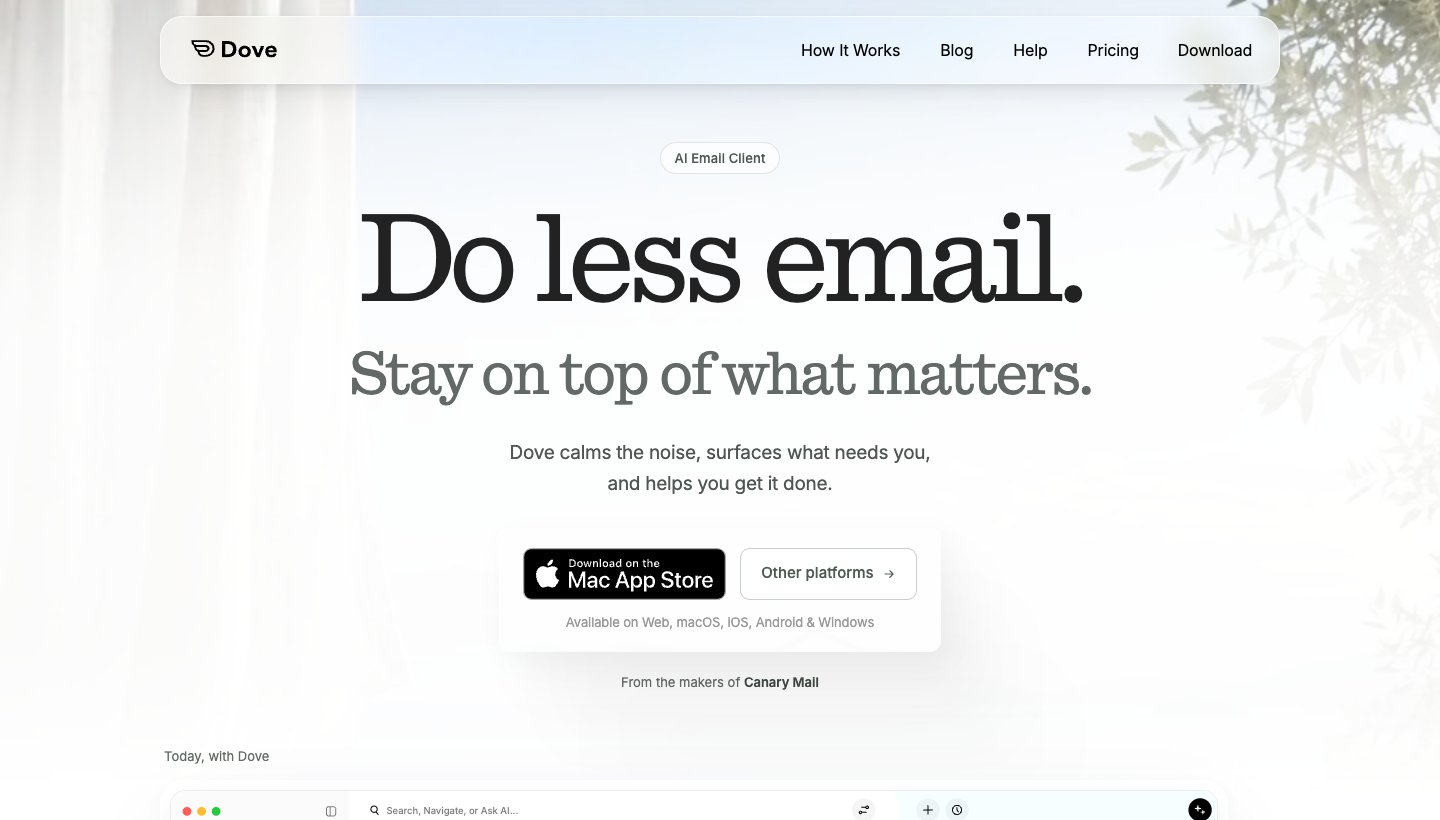
Dove is our app. We built it for people who get more mail than they can read and want the app to work out what needs them, whatever provider they use and whatever device they're holding.
Who it's for: one person with one or several accounts, often across Gmail, Outlook and iCloud, who uses a Mac alongside an iPhone, an Android phone, a Windows PC or a browser.
Price (checked October 2026): $20 a month, or $200 a year. A free plan includes 10 AI actions a day. The paid plan's 7-day free trial asks for a card. See Dove's pricing.
Platforms: Mac, Windows, iPhone, iPad, Android and web. There's no Linux app.
Accounts: Gmail, Google Workspace, Outlook, Microsoft 365, Yahoo, iCloud and any IMAP account.
Standout features: mail is sorted into Focus, Feed and Noise, so what needs you is at the top and newsletters and promotions wait in their own place. Today pulls the day together into Needs you, Schedule, FYI, Later and Waiting on. Dove drafts replies in your style, answers questions about your inbox, and has read receipts. Mail is encrypted in transit and at rest.
One real downside: Dove is new. It has only a handful of App Store ratings so far, a short track record, and the trial asks for a card up front. It also doesn't offer PGP or end-to-end encryption; if you need those, look at Canary Mail below.
Get it from the Mac App Store, where it's listed as "Dove by Canary Mail", or from dove.email/download.
Best free app across Mac, Windows and Android: Spark
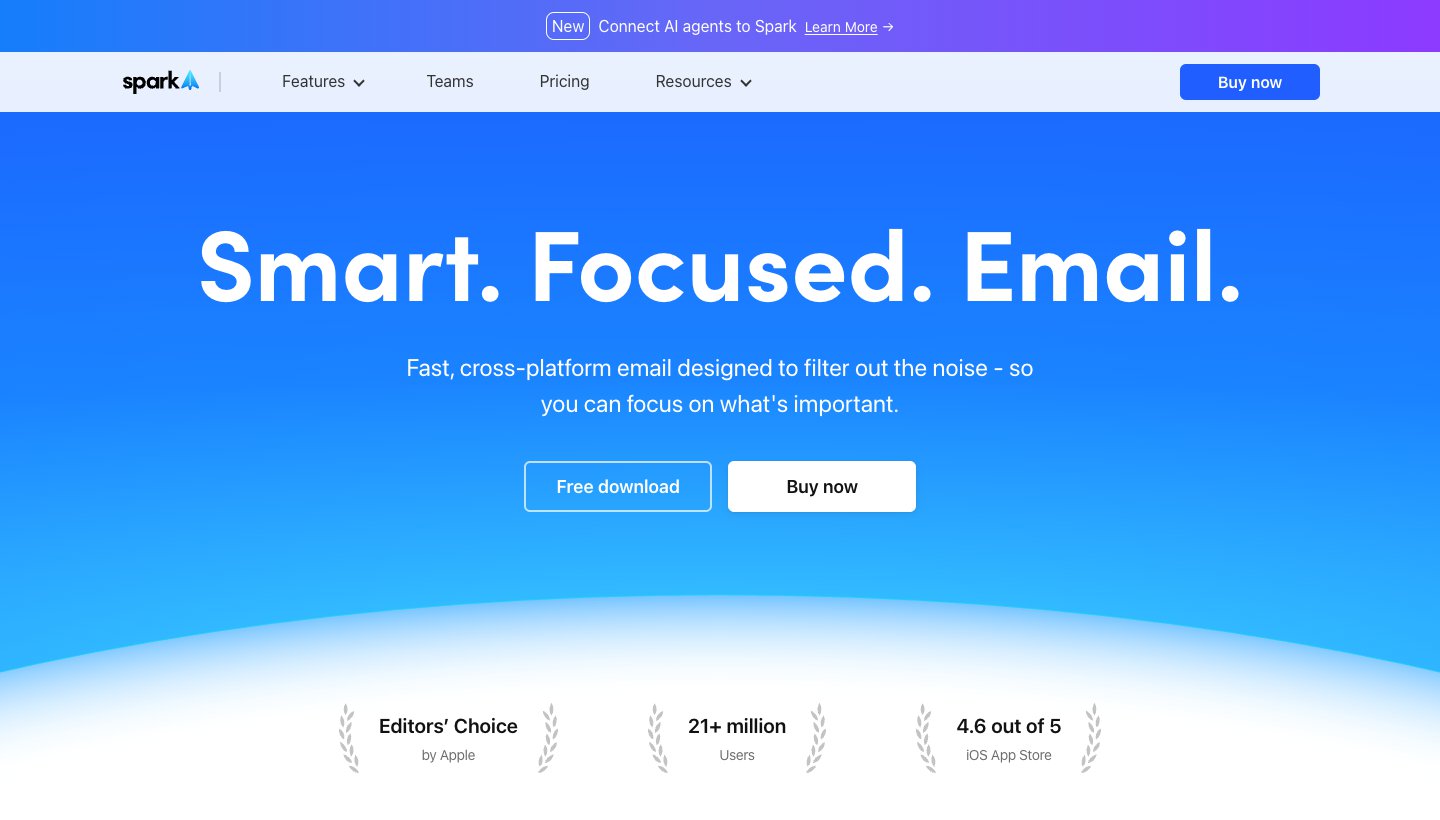
Spark, from Readdle, is the app most often recommended after Apple Mail. The free plan is why: unlimited accounts and a Smart Inbox for $0, on Mac, Windows, iPhone and Android.
Who it's for: people who want the same good-looking app on a Mac and a non-Apple device, without paying.
Price (checked October 2026): free. Plus is $10 a month or $99 a year; Pro is $20 a month or $199 a year. Paid plans have a seven-day trial in the app. See Spark's pricing. Older reviews quoting a $4.99 "Premium" plan are out of date.
Platforms: Mac, Windows, iPhone and Android. The Mac App Store lists both the current Spark Mail and an older "Spark Classic", so check which one you're installing.
Accounts: Gmail and Google Workspace, Outlook and Office 365 (including Exchange Online), iCloud, Yahoo and any IMAP account.
Standout features: Smart Inbox, Gatekeeper for first-time senders, and an assistant that searches across mail, attachments, calendar and meeting notes. Spark's AI features are off by default.
One real downside: AI allowances aren't published as numbers (Plus gets "Extended" credits, Pro "High"), and its auto-drafting and Autopilot features are still marked "Soon".
For a closer comparison, see Dove vs Spark.
Best for Microsoft 365 and Exchange: Outlook for Mac
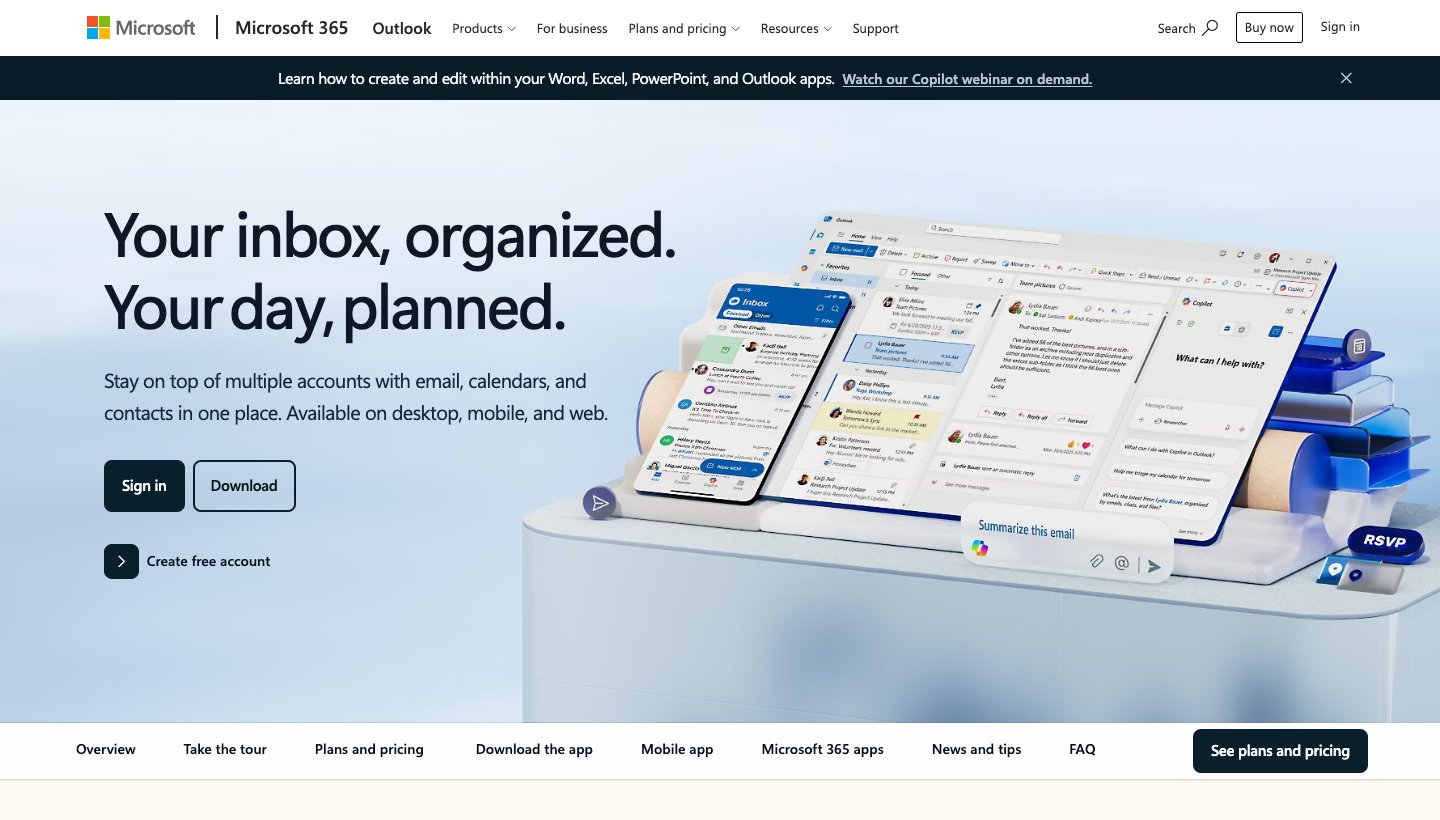
If your company runs on Microsoft 365, Outlook is the Mac app made for it, calendar included. The app itself costs nothing.
Who it's for: anyone with a work or school Microsoft account, or a Mac user who also uses Outlook on Windows.
Price (checked October 2026): the app is free. Ad-free Outlook email starts with Microsoft 365 Basic at $1.99 a month or $19.99 a year. Copilot in Outlook comes with Microsoft 365 Personal at $9.99 a month or $99.99 a year, and higher plans. See Microsoft 365 plans.
Platforms: Mac, Windows, iPhone, iPad, Android and web. The Mac App Store version needs macOS 14 or later.
Accounts: Microsoft work, school and personal accounts, plus Google, iCloud, Yahoo, POP and IMAP.
Standout features: the calendar, scheduling and Microsoft 365 integration, and the same app on every platform you're likely to use.
One real downside: the extras cost money: ad-free mail and Copilot both mean paying for a Microsoft 365 plan.
Best for Gmail on a Mac: Mimestream
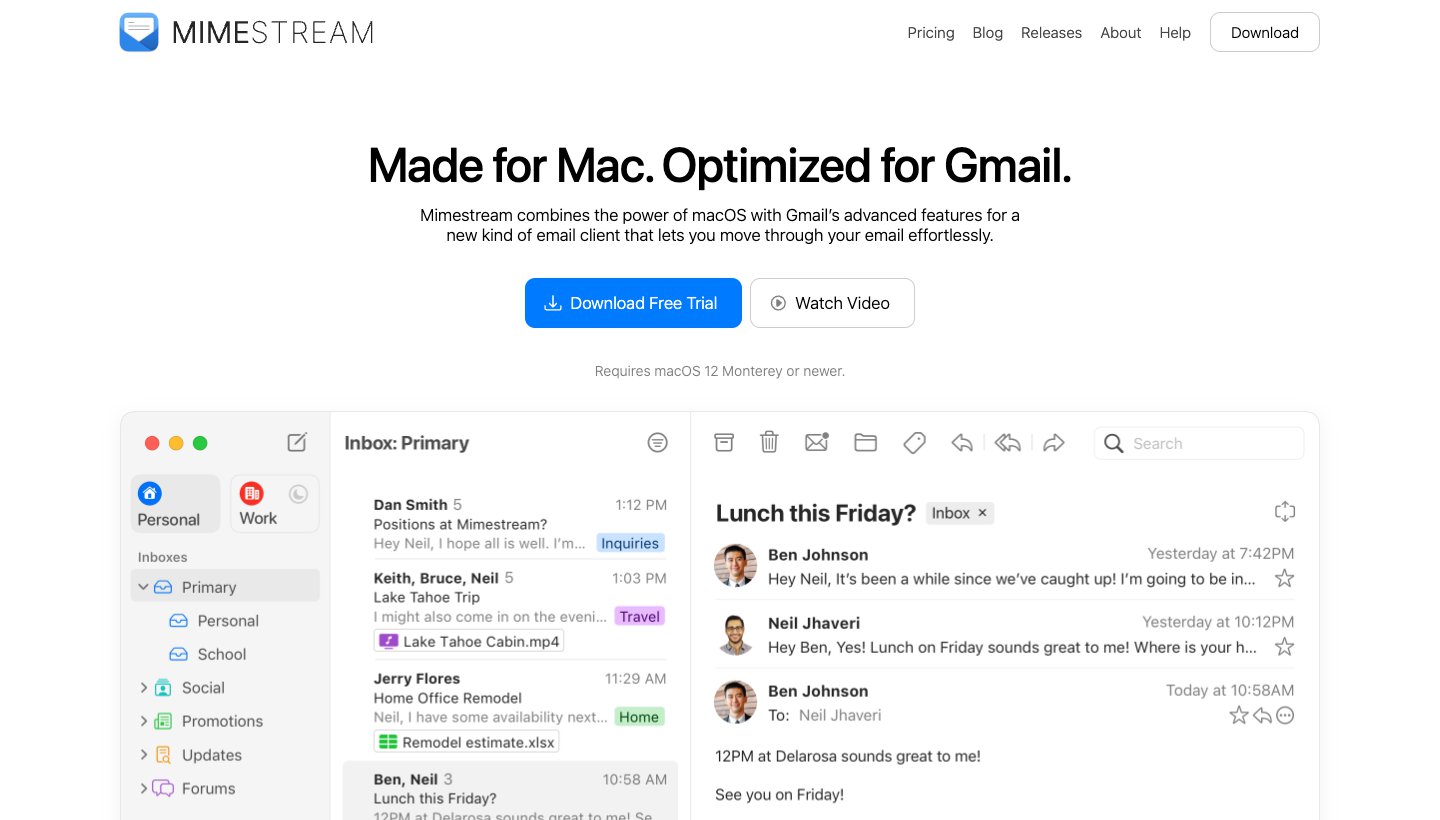
Mimestream is built on the Gmail API rather than IMAP, so labels, categories and filters work the way they do in Gmail, inside a native Mac app.
Who it's for: Gmail and Google Workspace users who live on a Mac.
Price (checked October 2026): $4.99 a month or $49.99 a year, with a 14-day free trial that doesn't need a card. Family sharing is included. See Mimestream's pricing.
Platforms: Mac only, macOS 12 or later. It's sold directly, not on the Mac App Store.
Accounts: Gmail and Google Workspace only.
Standout features: real Gmail labels and categories, multiple accounts and profiles, and credentials and mail kept on your Mac rather than on Mimestream's servers.
One real downside: it's Mac-only and Gmail-only, with no iPhone app and no AI features. You'll need another app on your phone.
Best for privacy and PGP: Canary Mail (ours)
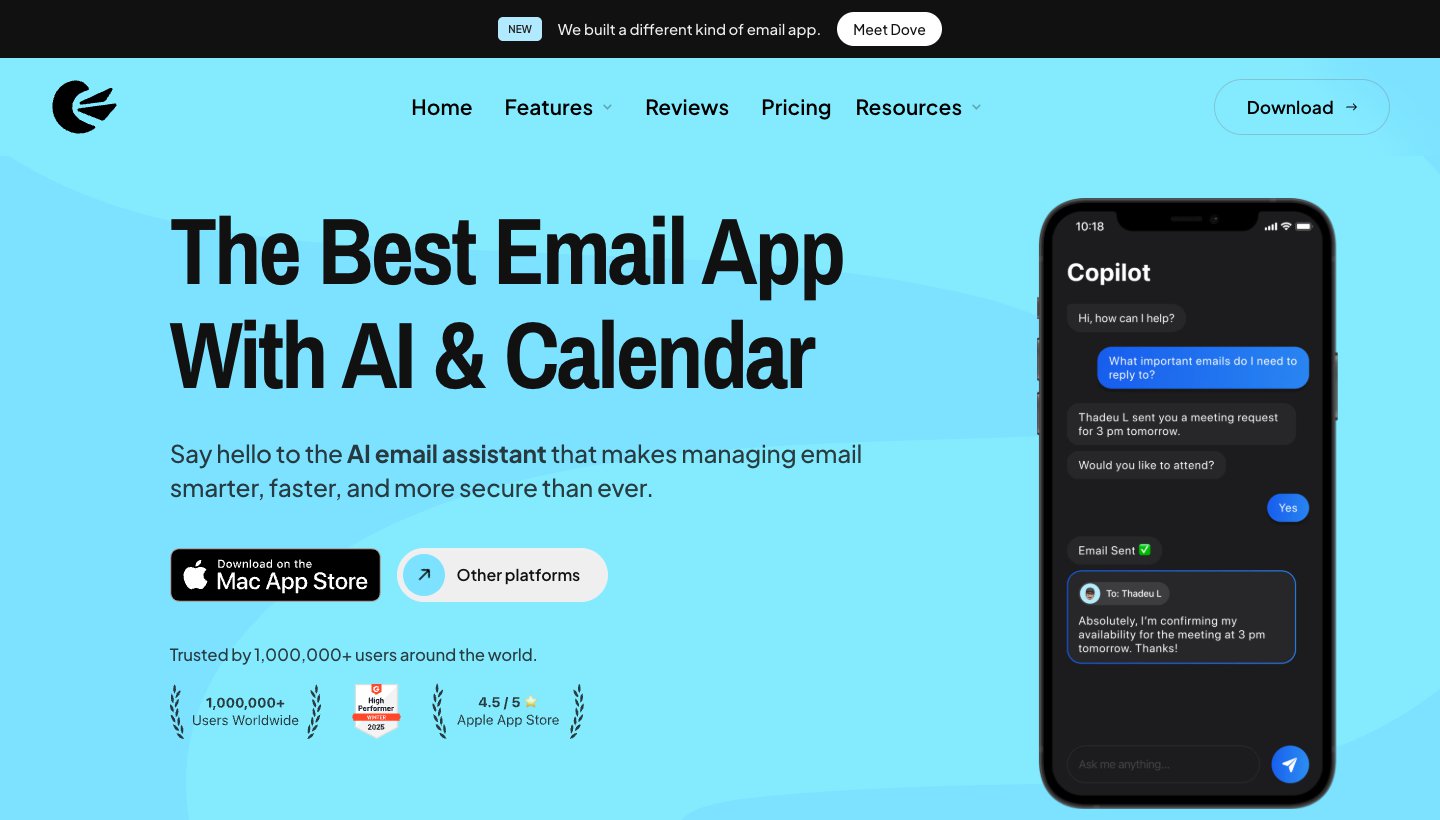
Canary Mail is made by our team. It's the privacy pick here because it supports PGP end-to-end encryption, which only a few apps on this list do, and it also runs on your iPhone.
Who it's for: people who need PGP or encrypted sending, or who want a cheap yearly or lifetime licence instead of a monthly subscription.
Price (checked October 2026): free for up to 2 devices. Growth is $36 a year or $100 once for a lifetime licence; Pro+ is $100 a year or $300 once. There's no monthly billing. The 7-day trial doesn't need a card. See Canary's pricing.
Platforms: Mac, iPhone, iPad, Windows and Android.
Accounts: Gmail, Outlook, Exchange, Office 365, iCloud, Yahoo, Zoho Mail and Proton Mail.
Standout features: PGP end-to-end encryption and SecureSend on Pro+; Canary's policy says it doesn't collect or store the content of your email, and its prioritization models run on your device. Growth and Pro+ add AI writing, summaries and priority tabs.
One real downside: there's no monthly plan, so you pay for a year or a lifetime up front, and the free tier has no AI and stops at 2 devices.
Best Apple-only alternative to Mail: Airmail

Airmail suits people who like how Apple Mail fits into the system but want more say over actions, layout and integrations.
Who it's for: Apple-only users who want a more customizable Mail, including on Apple Watch and Vision Pro.
Price (checked October 2026): free for one account. Airmail Pro is an in-app subscription, but Airmail's own help center lists two different prices, so we haven't quoted one; check the current price in the app under Settings, then Airmail Pro. See Airmail's FAQ.
Platforms: Mac, iPhone, iPad, Apple Watch and Vision Pro. No Android or Windows app, and none is planned.
Accounts: Gmail, Google Workspace, iCloud, Exchange, Office 365, Outlook, Yahoo, IMAP and POP.
Standout features: Send Later, Snooze and Reminders, a Privacy Mode that keeps processing on the device, optional AI with your own provider key or an on-device engine, and an MCP connector on Mac for assistants such as Claude.
One real downside: it's Apple-only, the free version handles just one account, and its pricing is unclear even on its own site.
Best free and open source: Thunderbird
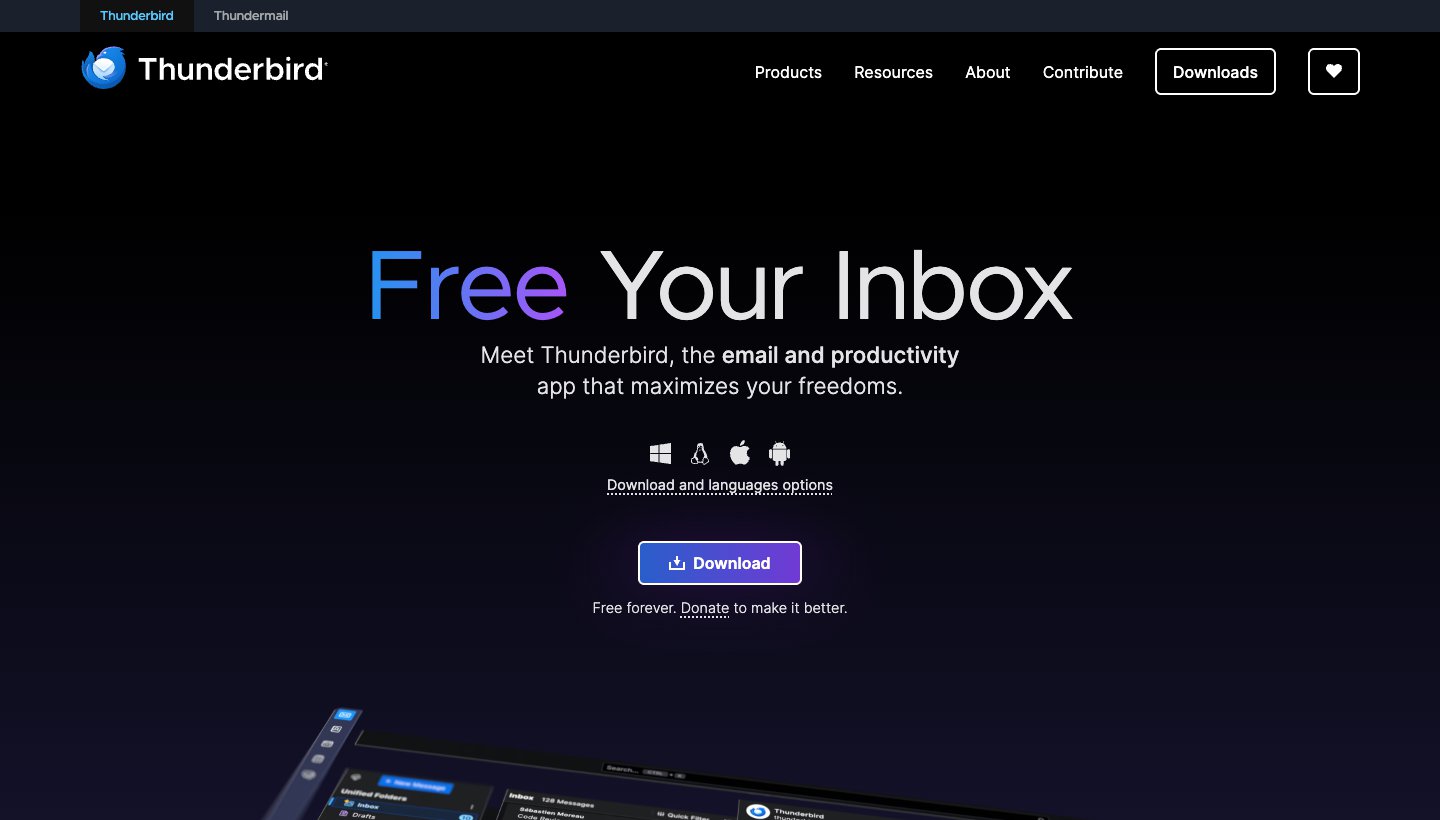
Thunderbird is free and open source, and donations pay for it. You can configure it more than anything else here.
Who it's for: people who want a free desktop client that also runs on Windows and Linux, with no account to sign up for.
Price (checked October 2026): free. Thunderbird is funded by donations.
Platforms: Mac, Windows, Linux and Android. There's no iPhone app yet; Thunderbird says one should be ready for community testing in the coming months.
Accounts: Gmail, Outlook and Microsoft 365, Yahoo, iCloud and any IMAP or POP account. Native Exchange support covers email only so far.
Standout features: OpenPGP and S/MIME built in, a unified inbox, add-ons, and email that's stored and processed on your Mac rather than sent to Thunderbird.
One real downside: there's no iPhone app yet, so it can't be the same mail app on your Mac and your phone.
Best one-time purchase: eM Client
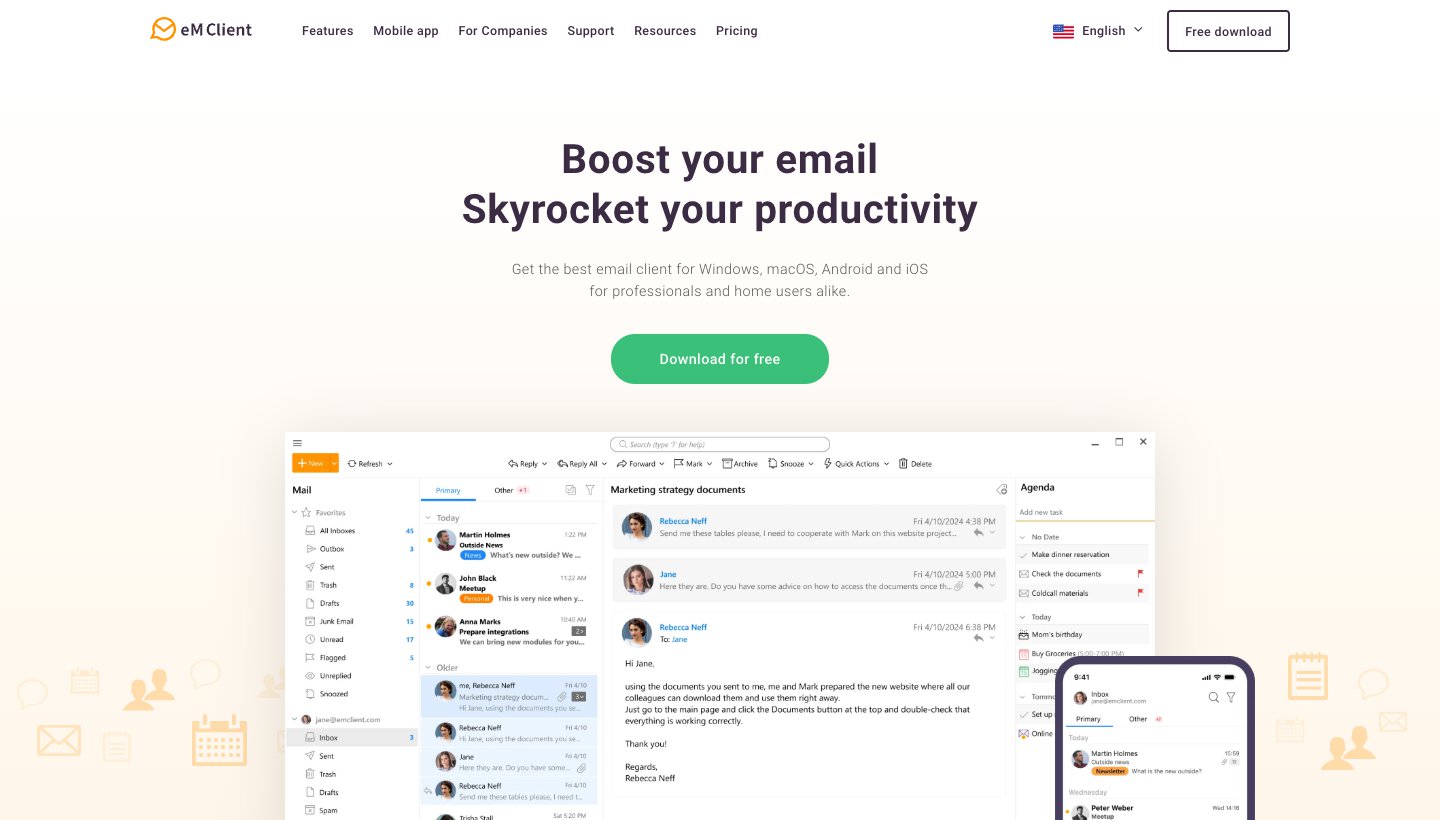
eM Client is a full mail, calendar and contacts app for Mac and Windows, and one of two picks here you can pay for once (Canary's lifetime plans are the other). It's also the company that bought Postbox.
Who it's for: former Postbox users, and anyone who'd rather pay once than subscribe.
Price (checked October 2026): free for home use on one device with 2 email accounts. Personal is $39.95 a year or $59.95 once in the US (eM Client sets prices by country); Business is priced per device. A one-time licence covers the current major version only. See eM Client's pricing.
Platforms: Mac, Windows, iPhone and Android. The phone apps are free.
Accounts: Gmail, Google Workspace, Microsoft 365, Exchange, Outlook, iCloud and any IMAP or POP account.
Standout features: PGP and S/MIME, tracking-pixel blocking, and an AI add-on for drafting, summaries and translation that comes with the yearly plans.
One real downside: the free tier allows only 2 accounts and home use, and a one-time licence doesn't include AI or future major versions.
Best for keyboard and IMAP power users: MailMate
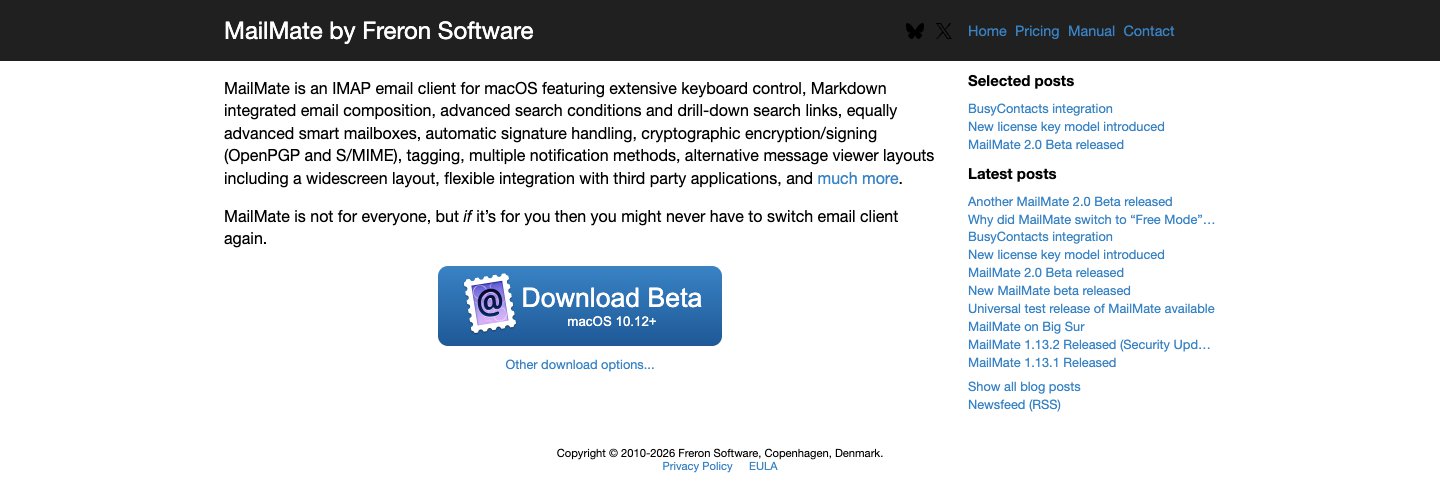
MailMate is a Mac-only IMAP client for people who want to drive everything from the keyboard and write mail in Markdown. Its own homepage says it's "not for everyone".
Who it's for: heavy IMAP users who want advanced search, Smart Mailboxes and Markdown composing.
Price (checked October 2026): $10 every 3 months. You can try it for 14 days of active use. When a subscription ends, MailMate drops to a Free Mode that keeps every feature but labels outgoing mail as sent from "MailMate Free Mode"; businesses are expected to pay. See MailMate's pricing. Older reviews quoting a one-time $50 licence are out of date.
Platforms: Mac only, sold directly.
Accounts: any IMAP account, which covers Gmail, iCloud, Yahoo and most providers.
Standout features: keyboard control for nearly everything, Markdown composing, drill-down search, OpenPGP and S/MIME.
One real downside: it's Mac-only and IMAP-only, with no phone app, and the current version is still labelled a beta (MailMate 2.0).
Also worth knowing
Superhuman has a native Mac app for Gmail and Outlook accounts and is built for fast keyboard triage, but it's the priciest option at $30 a month, or $25 billed yearly, with no free plan. Our Superhuman alternatives guide covers who it suits and what to use instead.
Mailspring is free and runs on Mac, Windows and Linux, with Pro at $8 a month for send later, snooze and read receipts. It has no phone app.
Which Mac email app should you choose?
Choose Apple Mail if all your devices are Apple and you want a capable free app. Turn on categories, Remind Me and Send Later before deciding it isn't enough.
Choose Dove if you get too much mail, want it sorted into what needs you and what doesn't, and use a Mac alongside a non-Apple phone, a Windows PC or a browser.
Choose Spark if you want a good free app on Mac, Windows and Android.
Choose Outlook if you work in Microsoft 365 or Exchange.
Choose Mimestream if you use Gmail on a Mac and want Gmail's labels to work properly.
Choose Canary Mail if you need PGP encryption or want a yearly or lifetime licence.
Choose Airmail if you want a more customizable Mail that stays on Apple devices.
Choose Thunderbird if you want free, open source and Linux or Windows too.
Choose eM Client if you'd rather pay once.
Choose MailMate if you live on the keyboard and only need IMAP.
Use an iPhone too? Our best email app for iPhone guide covers the phone side, and the best email client for Windows covers the PC on your desk at work.
On an Android phone too? See the best email app for Android. Want AI built in? See the best AI email apps.
FAQ
What is the best email app for Mac?
For most people, Apple Mail. It's free, built in, works with iCloud, Gmail, Exchange and IMAP, and has Send Later, Remind Me, categories and, on M1 or newer Macs, Apple Intelligence summaries. Pick something else when you need the same inbox on non-Apple devices (Dove or Spark), deep Microsoft 365 support (Outlook), true Gmail labels (Mimestream) or PGP (Canary Mail).
Is there a better mail app than Apple Mail?
For specific needs, yes. Outlook handles Microsoft 365 and Exchange accounts and calendars better. Mimestream is better at Gmail. Dove and Spark run on Windows and Android as well as your Mac, and Dove sorts mail for you. Canary Mail, Thunderbird, eM Client and MailMate support PGP. If none of that applies to you, it's hard to beat Apple Mail for free.
Is Apple Mail better than Outlook?
On a Mac with iCloud or Gmail, Apple Mail is lighter, free with no ads to remove, and tied into macOS features like Focus and Mail Privacy Protection. With a Microsoft 365 or Exchange account, Outlook is usually better: its calendar and scheduling are built for that system, and it runs on Windows and Android too.
Is Mac Mail better than Gmail?
They're different things: Gmail is a service you can use in a browser, and Apple Mail is an app that can show your Gmail account. Apple Mail gives you a native app, offline mail and all your accounts in one place. Gmail in a browser keeps Gmail's labels and its paid Gemini features, but Google is removing the ability to pull outside accounts into Gmail on the web by January 2027. If you want Gmail's own behavior in a Mac app, look at Mimestream.
What is the best free email client for Mac?
Apple Mail, if you're all Apple. Spark's free plan is the best free option if you also use Windows or Android. Thunderbird is free and open source. eM Client is free for home use with 2 accounts, and Canary Mail and Dove have free plans with limits (2 devices for Canary, 10 AI actions a day for Dove).
Is Thunderbird better than Apple Mail?
Thunderbird is more configurable, has OpenPGP built in, and runs on Windows, Linux and Android. Apple Mail feels more at home on a Mac, syncs with your iPhone and iPad, and has Apple Intelligence on supported Macs. If you don't need encryption or a non-Apple computer, stick with Apple Mail. It's simpler.
For every platform in one place, see our guide to the best email apps.
More from Dove
Recent posts
October 13, 2026
Outlook Alternatives in 2026: 9 Email Apps for Every Device
Microsoft isn't shutting Outlook down, but Windows Mail is gone and the old Outlook for Mac loses work accounts this month. Here's what's changing, and nine Outlook alternatives for Windows, Mac, iPhone and Android, with prices checked on October 13, 2026.
October 13, 2026
Gmail Alternatives in 2026: A New Provider, or Just a Better App
Leaving Google entirely means picking a new email provider. If you only dislike the Gmail app, you can keep your address and change the app instead. Both routes are covered below, with every price checked on October 13, 2026.
October 12, 2026
AI Email Assistant for Gmail in 2026: Gemini, Add-ons and What They Cost
Gmail already has a free AI assistant, at least in the US. Here's what Gemini does on each plan, how to switch it on or off, and when an add-on like Fyxer, Cora or Inbox Zero is worth paying for.