'/%3e%3c/g%3e%3c/svg%3e)

Shortwave Alternatives in 2026: 7 Picks for Every Reason to Leave
The best Shortwave alternative depends on why you're leaving:
Your mail isn't (all) in Gmail: Dove (ours) or Spark. Both connect directly to Gmail, Outlook, Microsoft 365, iCloud, Yahoo and IMAP.
You want keyboard speed on Gmail or Outlook: Superhuman.
Your team needs a real shared inbox: Missive.
You want encryption or PGP: Canary Mail (ours) or Proton Mail.
You'd rather stay in Gmail and keep some AI: Gmail with Gemini.
Disclosure: Dove is made by the team behind Canary Mail, and both appear below. Every product gets the same fields, every price comes from the vendor's own site, and every entry, ours included, names one real downside.
Shortwave alternatives at a glance
Prices are in US dollars per person, from each vendor's pricing page, checked on October 9, 2026. Shortwave is the first row so you can compare against what you pay now.
Product | Billed monthly | Billed annually | Free plan | Accounts | Platforms | Shared team inbox |
|---|---|---|---|---|---|---|
Shortwave (baseline) | Pro $18; Business $30; Premier $45; Max $120 | Not offered | Yes | Gmail, Google Workspace (others forwarded into Gmail) | Mac, Windows, iPhone/iPad, Android, web | Team features on every plan: shared threads, comments, assignees, shared labels |
Dove (ours) | $20 | $200 a year | Yes, 10 AI actions a day | Gmail, Workspace, Outlook, Microsoft 365, iCloud, Yahoo, IMAP | Mac, Windows, iPhone/iPad, Android, web | No |
Starter $30, Business $40 | Starter $25 a month, Business $33 a month | No | Gmail, Workspace, Microsoft 365 | Mac, Windows, iPhone/iPad, Android, Chrome extension | Team collaboration on every plan; no "shared inbox" listed | |
Plus $10, Pro $20 | Plus $99 a year, Pro $199 a year | Yes | Gmail, Workspace, Outlook, Office 365, iCloud, Yahoo, IMAP | Mac, Windows, iPhone/iPad, Android | Shared inboxes listed among its paid team features | |
Starter $18, Productive $30, Business $45 | $14, $24, $36 a month | No | Gmail, Workspace, Microsoft 365, Outlook.com, iCloud, IMAP | Web, Mac, Windows, iPhone/iPad, Android | Yes, team inboxes on every plan | |
Canary Mail (ours) | Not offered | Growth $36 a year, Pro+ $100 a year (or $100 / $300 once) | Yes, 2 devices | Gmail, Outlook, Office 365, Exchange, iCloud, Yahoo, Zoho | Mac, Windows, iPhone/iPad, Android | None listed |
Google AI Plus $4.99, AI Pro $19.99 | — | Gmail is free; Gemini in Gmail isn't | Google accounts | Web, iPhone/iPad, Android | — |
A dash means the vendor doesn't publish it. Proton Mail is covered in the Canary section.
Why people leave Shortwave
Each of these is in Shortwave's own documentation.
It's Gmail and Google Workspace only. Shortwave's provider guide says Microsoft 365 and Exchange accounts "are not supported at this time", with no timeline. Yahoo, iCloud, Fastmail and Zoho work only by forwarding into a Gmail account. Outlook.com and Hotmail can forward in, but you can't send from them.
Billing is monthly and per seat. "New subscriptions are billed monthly," says the billing guide. There's no annual discount, everyone on a team has to be on the same plan, and ten people on Premier come to $5,400 a year.
The AI is rationed by tier. Pro allows roughly 75 to 150 AI requests a day, and Free keeps 90 days of history and adds a "Sent with Shortwave" signature. AI filters, attachment analysis, read statuses and snippets start at Business, $30 a seat. Our Shortwave pricing guide breaks down every plan.
What Shortwave does better
Shortwave does three things well, so weigh them before you go:
Team features on every plan, Free included. Shared threads, team comments, assignees, shared labels and channels cost nothing extra. Superhuman, Spark and Missive have team tools too, but all three charge for them.
AI search over years of mail. Shortwave indexes your history so its assistant can search it: three years on Pro, five on Business, no limit on Premier and Max. Dove doesn't try to do this.
A cheaper Pro plan. $18 a month undercuts Dove ($20) and Superhuman ($30). Shortwave also names the AI model behind each plan, which few vendors do.
If you're on Gmail and those matter most, staying may be the right call. Dove vs Shortwave goes through the trade-offs in detail.
The best Shortwave alternatives
Dove (ours): best if your mail isn't all in Gmail
Dove is made by the team behind Canary Mail. It's an AI email app that sorts incoming mail by whether it needs you, then helps you answer it, across every account you add.
Who it's for: one person with a busy inbox, often spread across Gmail, Outlook and other providers, who wants the sorting and first drafts done for them.
Price (checked October 9, 2026): $20 a month or $200 a year. The free plan includes 10 AI actions a day (one action is one prompt, search or draft). The 7-day trial asks for a card. Over a year, $200 is less than twelve months of Shortwave Pro ($216); by the month it's $2 more. See Dove's pricing.
Platforms: Mac, Windows, iPhone, iPad, Android and web.
Accounts: Gmail, Google Workspace, Outlook, Microsoft 365, iCloud, Yahoo and any IMAP account, connected directly with no forwarding.
AI features: mail is sorted into Focus, Feed and Noise. Today gathers what needs you, your schedule and who you're waiting on. Dove drafts replies in your writing style, summarizes threads, and answers questions about your inbox (Ask Dove). On privacy, Dove's policy says "Email content is stored locally when possible."
One real downside: Dove is new, with few ratings so far (4.7 from 20 on the iPhone App Store as of October 8, 2026). The trial needs a card, some features are paid-only, there's no team inbox, and there's no PGP or end-to-end encryption. A team that lives in shared threads should stay on Shortwave or pick Missive.
Superhuman: best for keyboard speed on Gmail or Outlook
Superhuman Mail is Shortwave's best-known rival; Shortwave even publishes a guide to migrating from it. It's built for clearing mail fast by keyboard, and unlike Shortwave it works with Microsoft 365.
Who it's for: heavy Gmail or Microsoft 365 users, usually on a company card, who care about speed more than price.
Price (checked October 9, 2026): Starter is $30 a month or $25 a month billed yearly ($300). Business is $40 a month or $33 billed yearly. There's no free plan and no trial on the pricing page. See Superhuman's Mail pricing and our Superhuman pricing guide.
Platforms: Mac, Windows, iPhone, iPad, Android and a Chrome extension.
Accounts: Gmail, Google Workspace and Microsoft 365. No iCloud, Yahoo or IMAP.
AI features: Starter has AI writing, instant replies, auto-labels and auto-summaries. Business adds Auto Drafts (replies waiting for you) and Ask AI (questions about your inbox). Starter includes team collaboration; the plan table lists shared conversations, team comments and shared drafts.
One real downside: it costs the most here and you can't try it first, and the AI that's closest to Shortwave's (Ask AI, Auto Drafts) needs the $33–40 Business plan. Its privacy policy also says it trains its AI on your data unless you opt out.
Our Superhuman review covers it in more depth.
Spark: best cheap option for any provider
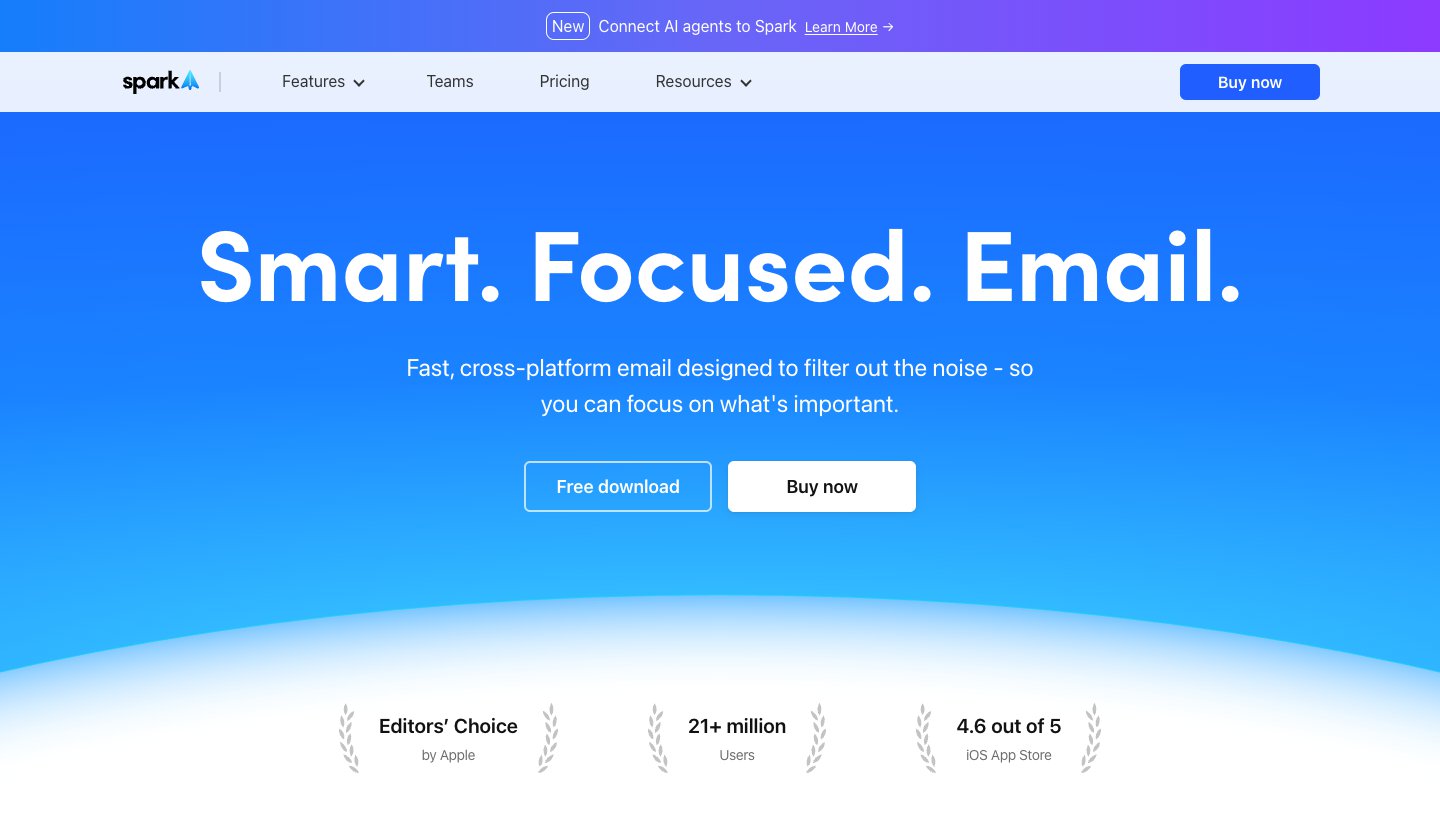
Spark, from Readdle, is a polished multi-account app with AI on top. The free plan is usable on its own.
Who it's for: people on any provider, or small teams, who want one good app on desktop and phone without paying much.
Price (checked October 9, 2026): free. Plus is $10 a month or $99 a year; Pro is $20 a month or $199 a year. Both have a seven-day trial when you subscribe in the app. See Spark's pricing.
Platforms: Mac, Windows, iPhone, iPad and Android.
Accounts: Gmail and Google Workspace, Outlook and Office 365 (including Exchange Online), iCloud, Yahoo and any IMAP account.
AI features: writing help, quick replies, summaries, AI meeting notes, and an AI Assistant that searches mail, attachments, calendar and notes (one month back on Free, a year on Plus, everything on Pro). Plus and Pro add team collaboration; Spark's team table lists shared threads, private comments, assignments and shared inboxes.
One real downside: AI limits aren't published as numbers ("Extended" on Plus, "High" on Pro), and Auto-Drafts and Autopilot are still marked "SOON".
See Dove vs Spark for a head-to-head with ours.
Missive: best for a real shared team inbox
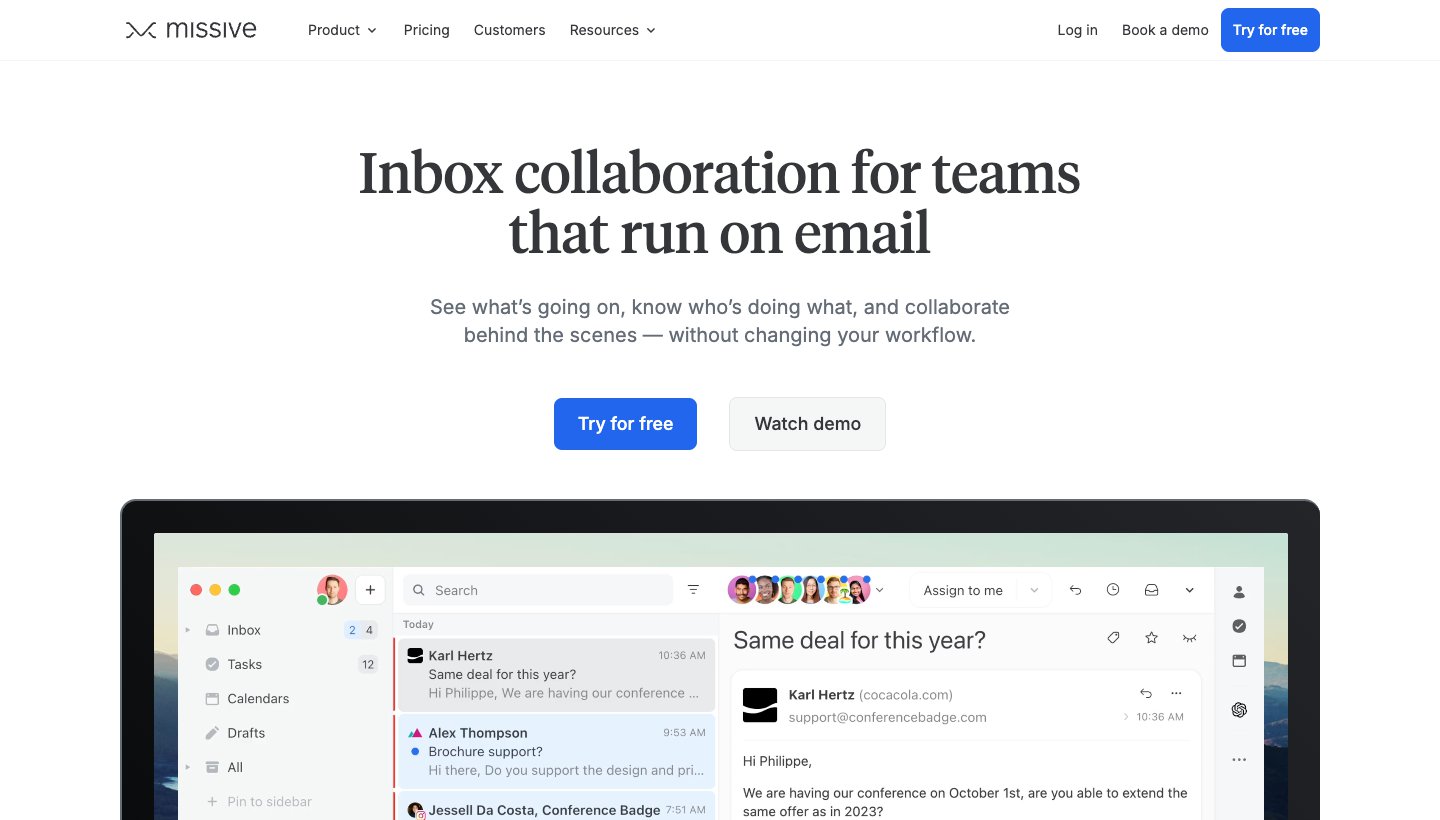
If you used Shortwave mostly to work email as a team, look at Missive. It's built around shared inboxes like support@ or sales@, with chat on every thread.
Who it's for: teams where several people answer the same addresses, on Gmail, Microsoft 365 or IMAP.
Price (checked October 9, 2026): Starter is $18 per user a month or $14 billed yearly (up to 5 users); Productive $30 or $24 (up to 50); Business $45 or $36. There's no free plan; a 30-day trial needs no card. See Missive's pricing.
Platforms: web first, plus Mac, Windows, iPhone, iPad and Android.
Accounts: Gmail and Google Workspace, Microsoft 365, Outlook.com, iCloud and IMAP, plus WhatsApp, Messenger, Instagram and SMS.
AI features: AI drafts, AI rules, translation and summaries, using Anthropic, OpenAI or Gemini models. Every plan includes team inboxes, and the feature list names assignments, internal chat and drafting together.
One real downside: AI isn't in the flat price. You pay through Missive AI credits, which include a 25% markup, or bring your own API key.
Canary Mail (ours) or Proton Mail: best for privacy and encryption
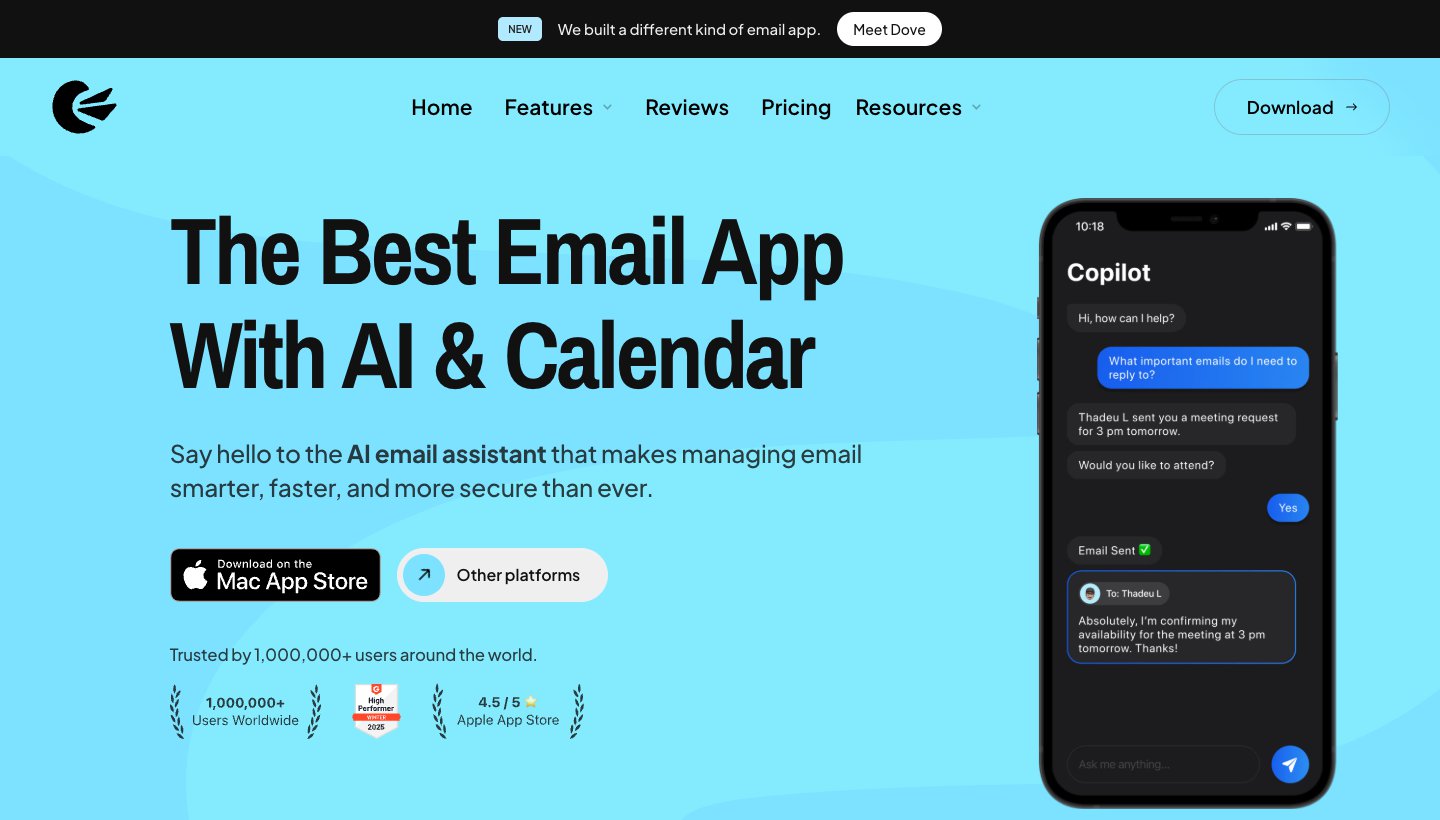
Shortwave stores your mail in Google Cloud to power its search, and it doesn't offer end-to-end encryption. If that's why you're leaving, look at these two.
Canary Mail is made by the same team as Dove. It has more than 2 million users and has been featured by Apple on the App Store and Mac App Store.
Who it's for: privacy-minded people who want PGP and AI help in one app, on the accounts they already have.
Price (checked October 9, 2026): free on up to two devices. Growth is $36 a year or $100 once; Pro+ is $100 a year or $300 once. There's no monthly billing. A 7-day trial needs no card. See Canary's pricing.
Platforms: Mac, Windows, iPhone, iPad and Android.
Accounts: Gmail, Outlook, Office 365, Exchange, iCloud, Yahoo, Zoho Mail and ProtonMail.
AI features: priority tabs on every plan; drafting, replies and thread summaries on Growth and Pro+. Canary says sorting runs on your device. PGP and SecureSend are on Pro+.
One real downside: its AI is lighter than Shortwave's: no agent and no automatic drafts. And there's no monthly plan.
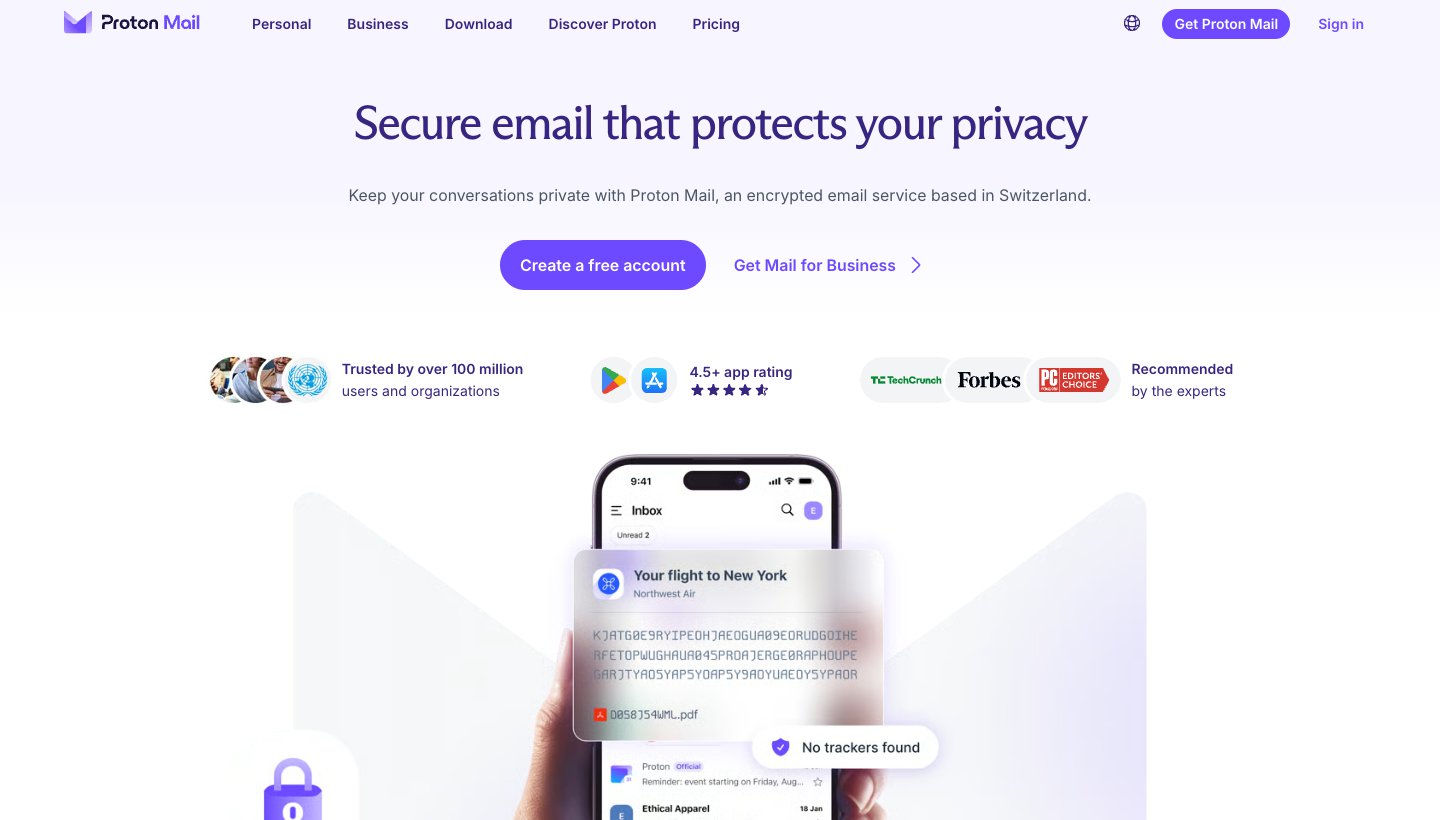
Proton Mail is a different kind of switch: a new, end-to-end encrypted address rather than a client for Gmail. Mail Plus is $4.99 a month or $47.88 a year, and Proton Unlimited is $12.99 a month or $119.88 a year, with a free plan (Proton's pricing). Its AI, Scribe, is a writing assistant only, and it works on the web and the Mac app. The downside: you have to move to a Proton address, and you lose the AI inbox Shortwave gave you.
Gmail with Gemini: best if you'd rather stay in Gmail
Shortwave runs on top of Gmail, so leaving it doesn't change your mail. If you mostly used it for summaries and writing help, Gmail itself may be enough.
Who it's for: Gmail and Workspace users who want AI writing, summaries and help finding mail without a new app.
Price (checked October 9, 2026): Gemini in Gmail comes with Google AI Plus at $4.99 a month, Google AI Pro at $19.99 a month and AI Ultra from $99.99 a month; the free plan doesn't list it (Google AI plans). On Workspace, the Starter plan lists "Gemini AI assistant in Gmail" and the Base plan doesn't (Workspace pricing). Google showed us those prices in rupees, so we haven't quoted them in dollars.
Platforms: web, iPhone, iPad and Android. No desktop app.
Accounts: your Google account.
AI features: writing and summaries in Gmail. Gmail's AI Inbox, with suggested to-dos and topics to catch up on, is in beta for US English users on Google AI plans.
One real downside: you lose what made Shortwave different: splits, bundles, AI filters and the assistant that searches years of mail.
Our guide to AI email assistants for Gmail explains what Gemini does on each plan and the add-ons that work with it.
How to switch from Shortwave
Shortwave works on top of Gmail, so your mail, labels and history stay in Gmail. Its security page says that if you stop using it, your Gmail inbox stays as you left it.
Note what you rely on: splits, AI filters, snippets, saved prompts. Rebuild the important ones as rules in the new app.
Try the new app alongside Shortwave. Both can read the same Gmail account, so use the free plan or trial first.
Add your other accounts directly. If you were forwarding Outlook, iCloud or Yahoo into Gmail, connect them natively in the new app and turn the forwarding off.
Cancel Shortwave. Go to Settings, then Members & Billing, choose the team, click Manage plan and pick Cancel plan (Shortwave's guide). You keep paid features until the period ends.
Which Shortwave alternative should you choose?
Stay with Shortwave if you're on Gmail, your team uses shared threads and assignees, and you value AI search over years of mail.
Choose Dove (ours) if you have accounts outside Gmail and want AI to sort and draft across all of them, for $20 a month or $200 a year.
Choose Superhuman if you want to fly through Gmail or Microsoft 365 by keyboard and the price doesn't bother you.
Choose Spark if you want the cheapest polished app for any provider, with team tools when you need them.
Choose Missive if your team shares addresses like support@ and needs assignments and chat.
Choose Canary Mail (ours) or Proton Mail if encryption matters more than AI depth.
Choose Gmail with Gemini if you only want AI writing and summaries and don't want another app.
More options, including Apple Mail and Edison, are in our guide to the best AI email apps.
FAQ
Is there a free alternative to Shortwave?
Yes. Spark has a free plan for any provider, Dove's free plan gives 10 AI actions a day, and Canary Mail and Proton Mail have free plans too. Shortwave also has its own free plan, with 90 days of history and a "Sent with Shortwave" signature. Superhuman and Missive have no free plan.
Does Shortwave work with Outlook?
Not directly. Microsoft 365 and Exchange accounts aren't supported, and Shortwave has no timeline for them. Outlook.com and Hotmail mail can be forwarded into Gmail, but you can't send from those addresses. Dove, Spark, Superhuman and Missive all connect to Microsoft 365 directly.
Does Shortwave only work with Gmail?
Yes. You need a Gmail or Google Workspace account to sign in. Yahoo, iCloud, Fastmail and Zoho can be forwarded into Gmail and sent from with an app password.
What's the best Shortwave alternative for teams?
Missive, if your team shares addresses and assigns conversations. Team inboxes are on every plan, from $18 per user a month ($14 billed yearly). Spark's paid plans and Superhuman also have team features. Dove has no team inbox.
Is Superhuman better than Shortwave?
For keyboard speed and Microsoft 365 support, yes. For price, a free plan and AI search over your mail history, Shortwave wins: Pro is $18 a month against Superhuman's $30 Starter, and Superhuman has no free plan or trial.
More from Dove
Recent posts
October 13, 2026
Outlook Alternatives in 2026: 9 Email Apps for Every Device
Microsoft isn't shutting Outlook down, but Windows Mail is gone and the old Outlook for Mac loses work accounts this month. Here's what's changing, and nine Outlook alternatives for Windows, Mac, iPhone and Android, with prices checked on October 13, 2026.
October 13, 2026
Gmail Alternatives in 2026: A New Provider, or Just a Better App
Leaving Google entirely means picking a new email provider. If you only dislike the Gmail app, you can keep your address and change the app instead. Both routes are covered below, with every price checked on October 13, 2026.
October 12, 2026
AI Email Assistant for Gmail in 2026: Gemini, Add-ons and What They Cost
Gmail already has a free AI assistant, at least in the US. Here's what Gemini does on each plan, how to switch it on or off, and when an add-on like Fyxer, Cora or Inbox Zero is worth paying for.