

Postbox Alternatives: What to Use Now That Postbox Is Gone
Postbox is gone. eM Client bought it in October 2024 and stopped selling and developing it. Your copy still opens, but it gets no fixes.
For most Postbox users the best move is eM Client. It imports your Postbox accounts, rules and response snippets, and it has since added Postbox's Account Groups and keyboard filing bar. If you'd rather pay nothing, move to Thunderbird, which comes from the same Mozilla code Postbox was built on. If you want the same inbox on your phone too, look at Spark, Canary Mail or Dove.
Disclosure: Dove is made by the team behind Canary Mail, and both apps are on this list. Every app gets the same fields, including one real downside, and every price comes from the vendor's own site or app store listing, checked on November 11, 2026.
What happened to Postbox
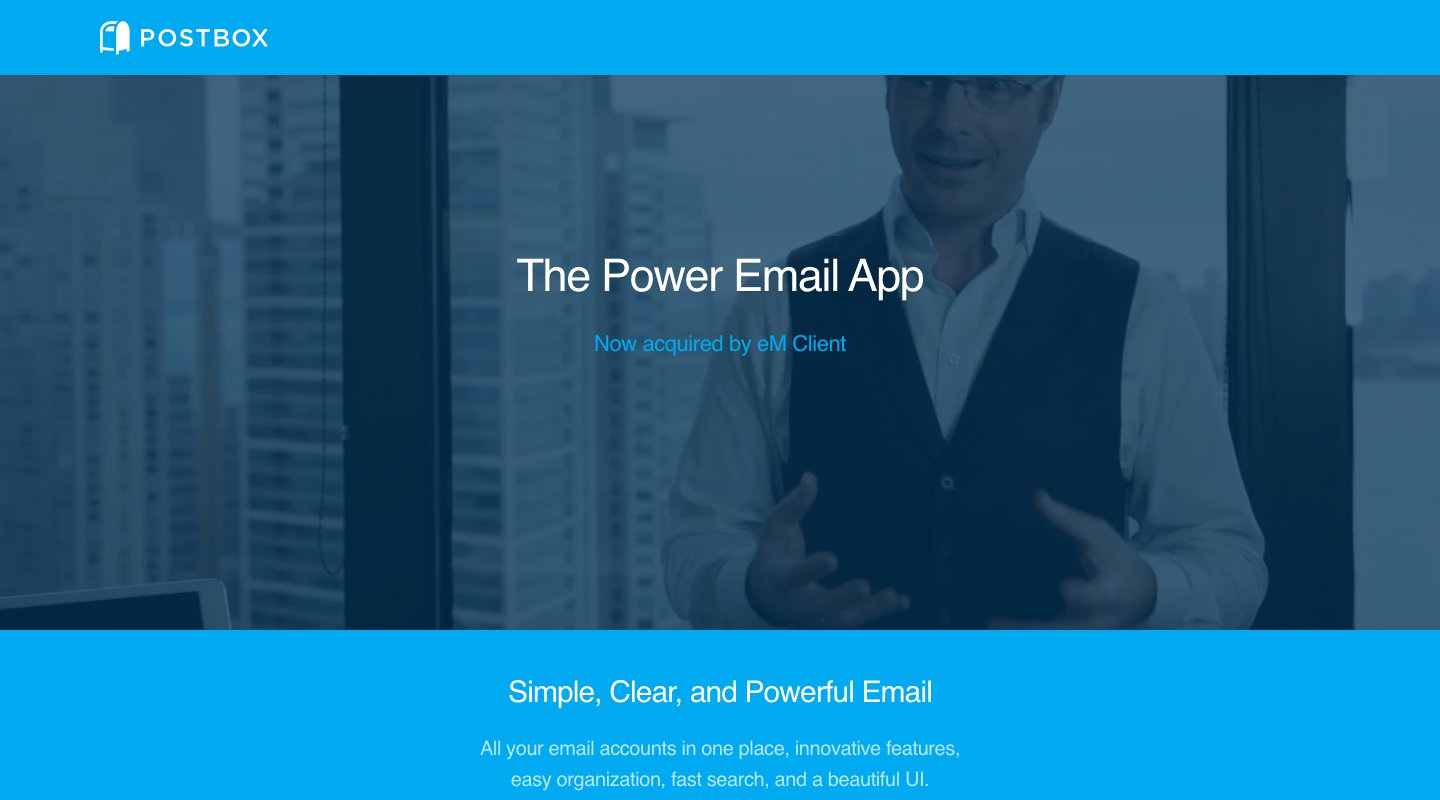
On October 22, 2024, Postbox announced that eM Client had bought it and that Postbox "will no longer be sold or developed". Support ended on December 22, 2024, and Postbox, Inc. closed the same day. eM Client offered Postbox owners a discount, but that offer has ended.
Here's where that leaves you if Postbox is still on your computer:
Your licence still works. Postbox's FAQ says your Lifetime License "will never expire", and you can keep using the app "as long as it is compatible with your system and email provider".
There are no more updates. The last release, 7.0.65, is labelled "Maintenance release for Postbox EOL". The two before it fixed Yahoo and Microsoft sign-in. When a provider changes how sign-in works again, nobody will ship that fix.
Your system may already be past it. Postbox's requirements list macOS 10.13 through 15 and Windows 8 through 11. The Mac is now on macOS 27, two versions past that list. On Windows, Postbox runs as a 32-bit app.
The help pages may go away. Postbox only promised to keep its help center online until December 22, 2025. It's still up as we write, so save any article you rely on.
You don't have to switch today. But moving is much easier while Postbox still opens and you can copy things out of it.
Postbox alternatives at a glance
US prices from each vendor's own site or app store listing, checked on November 11, 2026.
App | Best for | Price | Pay once? | Runs on |
|---|---|---|---|---|
The closest replacement, with a Postbox importer | Free for 2 accounts; $49.95 a year or $74.95 once | Yes | Windows, Mac; free iPhone and Android apps | |
Free, same Mozilla roots as Postbox | Free (donations) | Free | Windows, Mac, Linux, Android | |
Apple Mail | Mac users who want something simple | Free, built in | Free | Mac, iPhone, iPad |
Dove (ours) | A busy inbox sorted for you, on every device | Free plan; $20 a month or $200 a year | No | Mac, Windows, iPhone, iPad, Android, web |
Windows users who want a modern look | Free for 1 account; $69 a year or $399 once at list price | Yes | Windows, Mac, iPhone, Android | |
Canary Mail (ours) | Paying once for an app on every device, with PGP | Free on 2 devices; $36 or $100 a year; $100 or $300 once | Yes | Mac, Windows, iPhone, iPad, Android |
A free app on desktop and phone | Free; $10 or $20 a month | No | Mac, Windows, iPhone, iPad, Android | |
Mac and iPhone users who want custom actions | Free with limits; Pro $7.99 a month or $49.99 a year | No | Mac, iPhone, iPad | |
A clean free app, Linux included | Free; Pro $8 a month | No | Windows, Mac, Linux |
What Postbox did well, and where each part lives now
Ask long-time Postbox users what they'll miss and you get a list. On forums such as TidBITS Talk they name fast search, the Focus Pane, coloured Topics, filters, and canned Responses they had built up over years. Here's where you can find each of those today, based on each vendor's own feature pages.
What you used in Postbox | Closest match now |
|---|---|
Quick Bar for moving, copying and tagging mail by typing | eM Client added a type-to-file bar with Quick Move (M), Quick Copy (C) and Quick Tag (T) in version 10.3. Airmail's custom actions get you part of the way. |
Topics (tags that follow the whole conversation) | Thunderbird tags, eM Client tags (which map to Gmail labels). |
Account Groups and the unified inbox | eM Client added Account Groups in 10.3. Thunderbird has Unified Folders. Every app here has a unified inbox. |
Responses with placeholders | eM Client imports your Postbox Response snippets. In Thunderbird, use Templates or the free Quicktext add-on. Mailbird Premium, Spark's paid plans, Airmail and Mailspring Pro have templates. |
Filters and Smart Folders | Thunderbird and eM Client have both. eM Client can import your Postbox rules. |
Anti-Tracking | eM Client blocks tracking pixels. Airmail's Privacy Mode and Apple Mail's Mail Privacy Protection do too. |
Local and POP mail stored on your computer | Thunderbird and eM Client. Most newer apps expect IMAP. |
One price, paid once | Thunderbird (free), eM Client, Mailbird and Canary Mail. Dove, Spark, Airmail and Mailspring Pro are subscriptions. |
Mac and Windows with one app | eM Client, Thunderbird, Mailbird, Spark, Mailspring, Canary Mail and Dove. |
Two Postbox features have no real match anywhere we looked: Domain Fencing (the warning before you send work mail from your personal address) and Quick Post (sending a message to another app in the background). If you relied on either, plan to live without it.
How we picked
We started with apps that run on a Mac or a Windows PC, since that's where Postbox ran, and that are still being updated. Then we checked which Postbox habits each one keeps. Prices, platforms and account types come from each vendor's pricing, help or app store pages. We didn't run speed tests, so there are no speed claims here.
The best Postbox alternatives
1. eM Client: the closest replacement
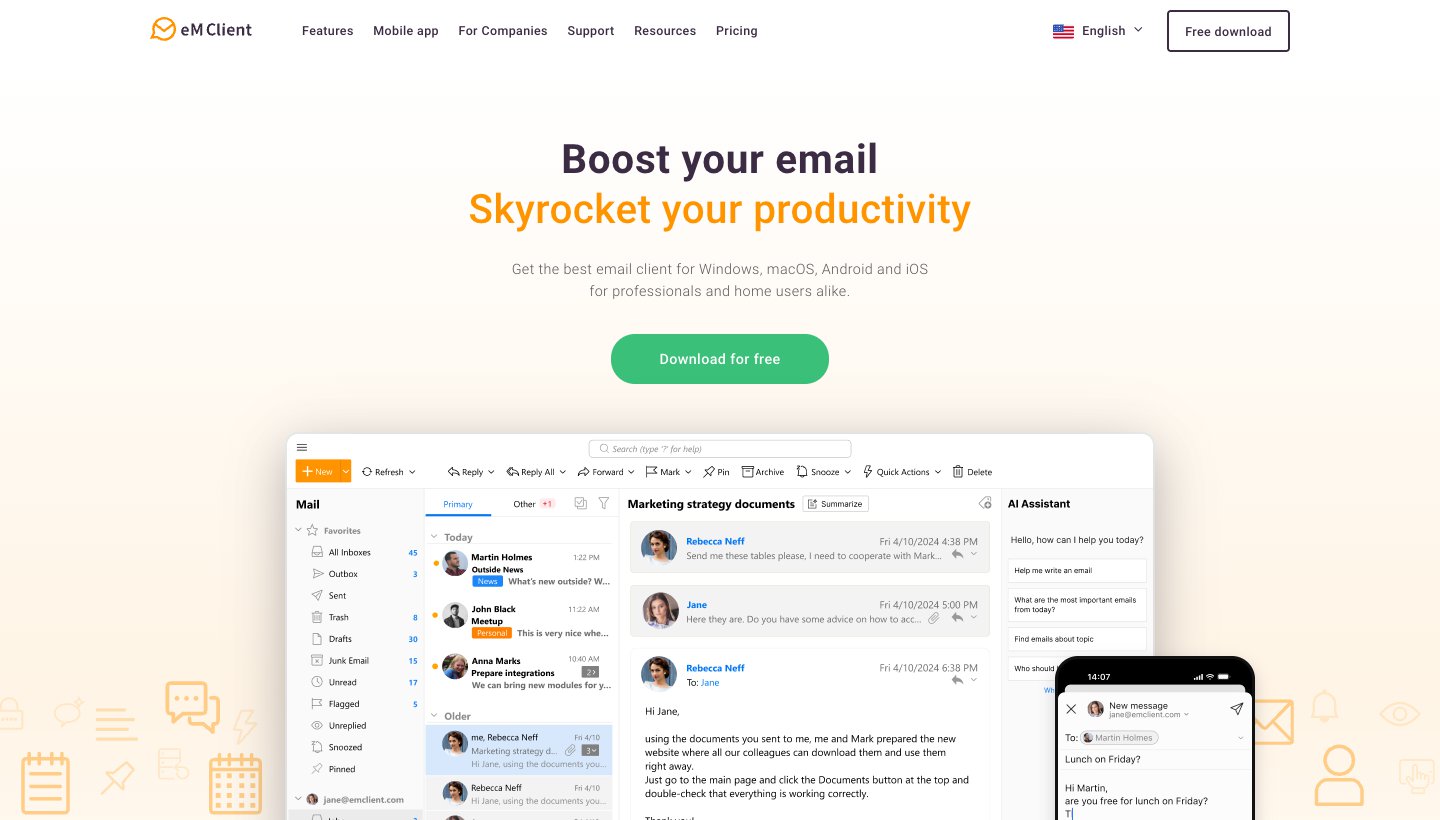
eM Client is where Postbox sent its users, and it has done the most work to make them feel at home. It has a Postbox importer built into its setup wizard. In April 2025 it added several Postbox features, and it says it "was offered the rights to some of Postbox's features" as part of the deal.
Who it's for: Postbox users on Mac or Windows who want the smoothest move and don't mind a bigger app.
Price: free for home use on 1 device with 2 accounts. Personal is $49.95 a year (3 devices, unlimited accounts, AI included) or $74.95 once. These are US prices; eM Client prices by country. 30-day free trial. See eM Client's pricing.
Platforms: Windows and Mac, with free iPhone and Android apps.
Accounts: Gmail, Microsoft 365, Exchange, Outlook.com, iCloud and any IMAP or POP account.
Postbox feature it replaces: almost all of the power-user layer: Account Groups, type-to-file shortcuts, tags, rules and Response snippets, plus a calendar, which Postbox never had built in.
One real downside: the one-time licence covers only the current major version. Version 11 came out in October 2026. For later versions you need the separate Lifetime Upgrades purchase. Some Postbox users also find it busier and less Mac-like than Postbox.
2. Thunderbird: the best free alternative
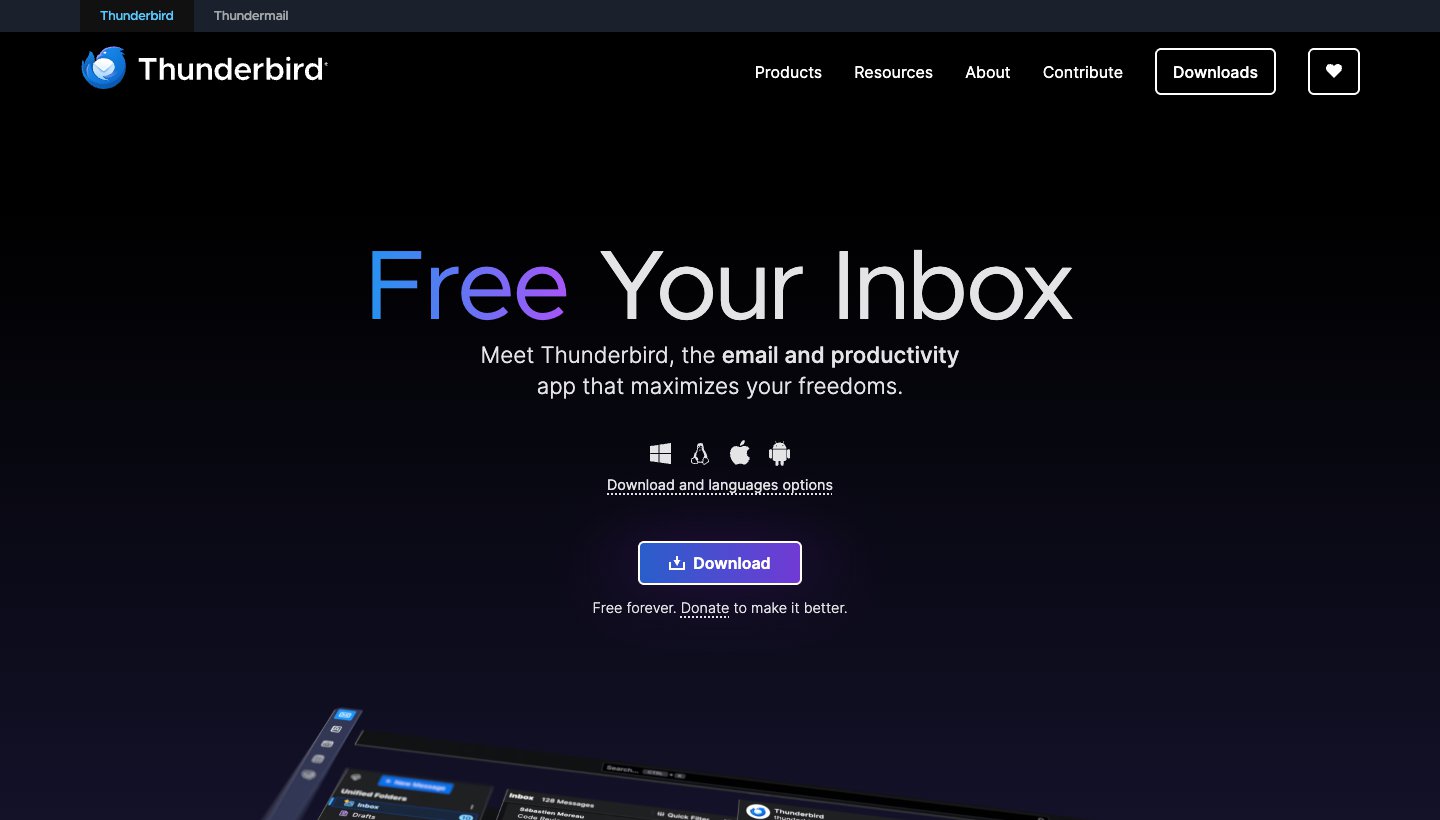
Postbox was built on Mozilla's code, the same base as Thunderbird. A lot will feel familiar: tabs, tags, filters, saved searches and add-ons. Thunderbird is free and still in active development.
Who it's for: anyone who wants a full desktop email app at no cost, with mail stored on their own computer.
Price: free, paid for by donations.
Platforms: Windows, Mac, Linux and Android.
Accounts: Gmail, Outlook and Microsoft 365, iCloud, Yahoo, and any IMAP or POP account.
Postbox feature it replaces: tags, filters, local folders and POP mail. Templates are built in, and the Quicktext add-on brings back Response-style snippets.
One real downside: there's no iPhone app yet. Thunderbird says it hopes to have a first version ready for testing "in the next few months". It also looks plainer than Postbox did. If you want Thunderbird with more fixes and tweaks, Betterbird is a free version of it.
3. Apple Mail: the simplest choice on a Mac
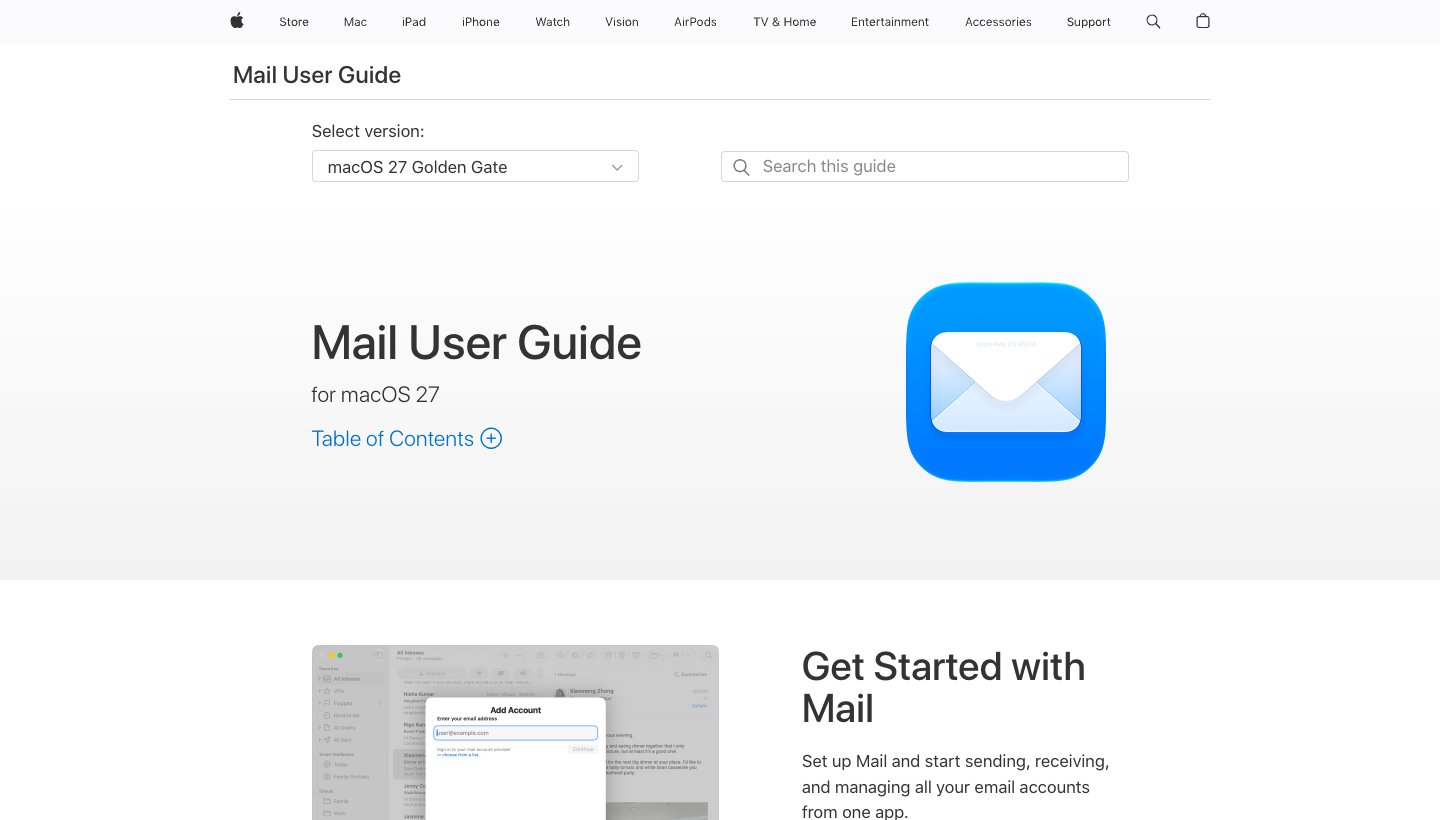
If you only used Postbox on a Mac and mostly want your mail to keep working, Apple Mail is already installed.
Who it's for: Mac and iPhone users who want a free app that stays in sync and don't need power features.
Price: free, built into macOS and iOS.
Platforms: Mac, iPhone and iPad.
Accounts: iCloud, Gmail, Exchange and other IMAP accounts, including Yahoo and Outlook.com. See Apple's guide.
Postbox feature it replaces: Smart Mailboxes work much like Postbox's Smart Folders, and Mail Privacy Protection hides when you open mail.
One real downside: there are no Topics, no Responses and no Quick Bar. Power users on forums often call it too basic, and it doesn't run on Windows.
4. Dove: best for a busy inbox you want sorted, on every device (ours)
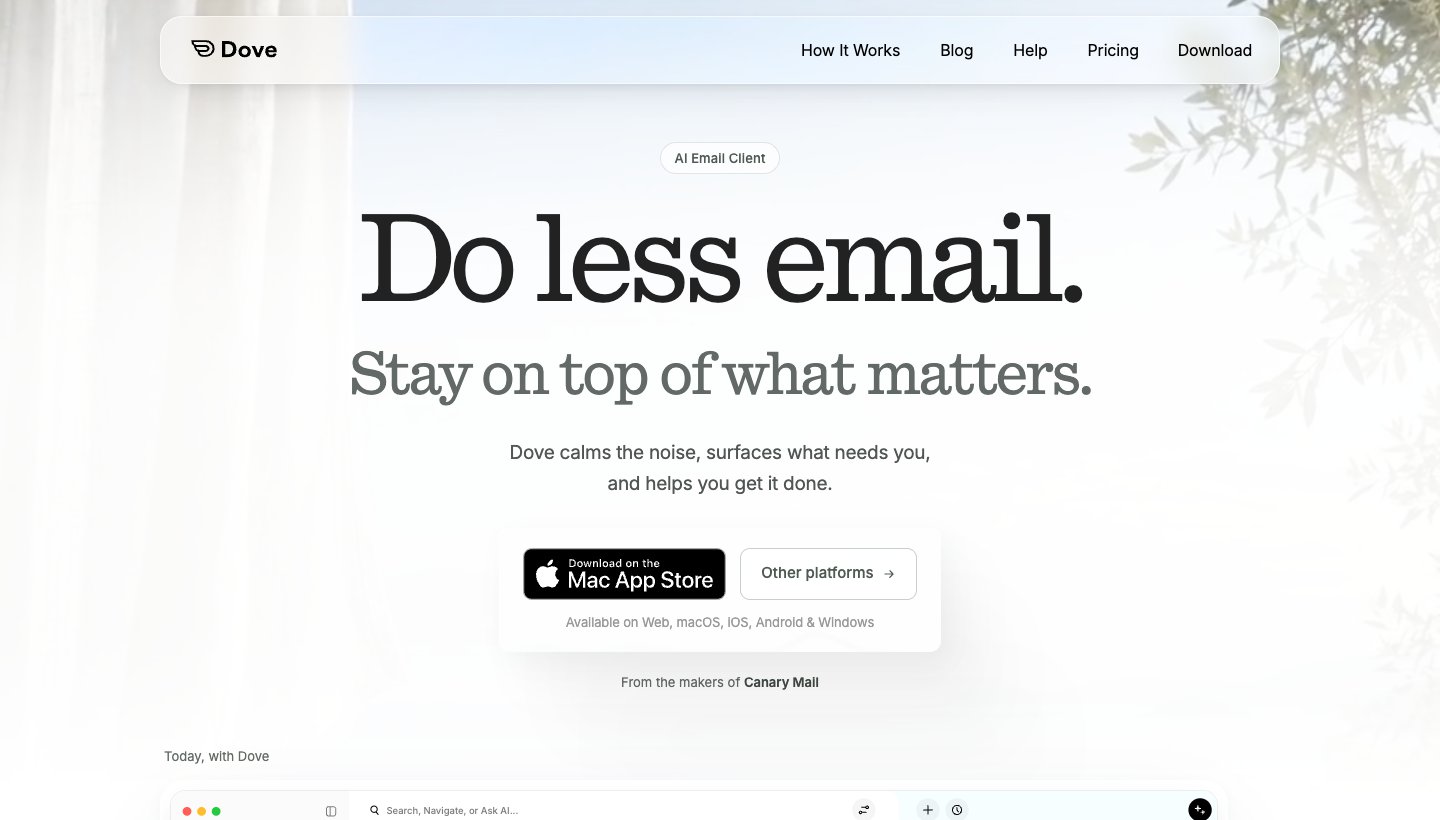
Dove is our app. Postbox gave you tools to sort your mail yourself. Dove does most of the sorting for you and puts the mail that needs you first.
Who it's for: people who get more mail than they can read, across several accounts, and want the same inbox on their computer and phone.
Price: $20 a month or $200 a year. It's a subscription, not a one-time purchase. The free plan gives you 10 AI actions a day. The paid plan has a 7-day free trial, and you add a card to start it. See Dove's pricing.
Platforms: Mac, Windows, iPhone, iPad, Android and web. No Linux.
Accounts: Gmail, Google Workspace, Outlook.com, Microsoft 365, iCloud, Yahoo and any IMAP account. Unlimited accounts on every plan, free included.
Postbox feature it replaces: the Focus Pane and your filters. On Pro, Dove sorts mail into Focus, Feed and Noise for you, and Today shows what needs you, your schedule and what you're waiting on. AI also drafts replies and sums up long threads.
One real downside: Dove is new, so its track record is short, and it's a subscription when Postbox was a one-time purchase. Sorting and Today are Pro features. Its calendar works with Gmail and Microsoft 365 accounts only, and it has no PGP or end-to-end encryption.
5. Mailbird: a modern look on Windows, with a one-time option
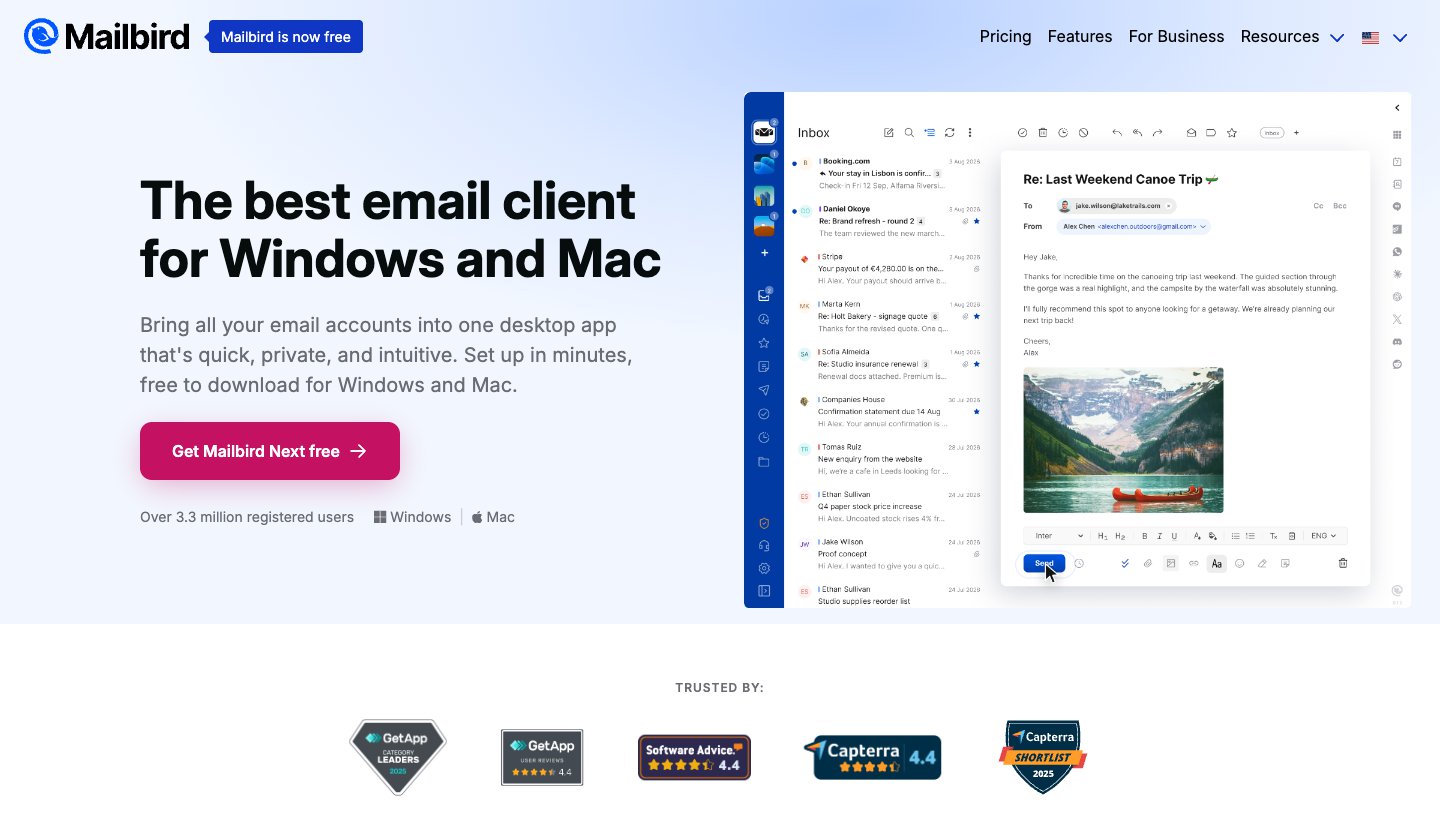
Mailbird started on Windows and now runs on Mac too. It's a common pick for Postbox users on Windows who want something that looks newer.
Who it's for: Windows users who want a clean unified inbox and apps such as calendars and chat in a sidebar.
Price: free for 1 account. Premium is $69 a year or $399 once at list price. When we checked, Mailbird's site showed them at $48.30 and $99.75 with discount codes. Updates to future major versions cost $69 more on the one-time plan. See Mailbird's pricing.
Platforms: Windows and Mac, with Android and iPhone apps that recently came out of beta.
Accounts: Gmail, Outlook, Yahoo, iCloud, Exchange and any IMAP account. POP works on Windows but not in the new Mailbird Next.
Postbox feature it replaces: the unified inbox, templates and filters on Premium, with a one-time price.
One real downside: Mailbird's own licences have caused confusion before. Its CEO apologised in September 2026 for unclear "Pay Once" wording, and Mailbird 2 stops getting updates at the end of 2026. More on that in our Mailbird alternatives guide.
6. Canary Mail: pay once, use it everywhere, with PGP (ours)
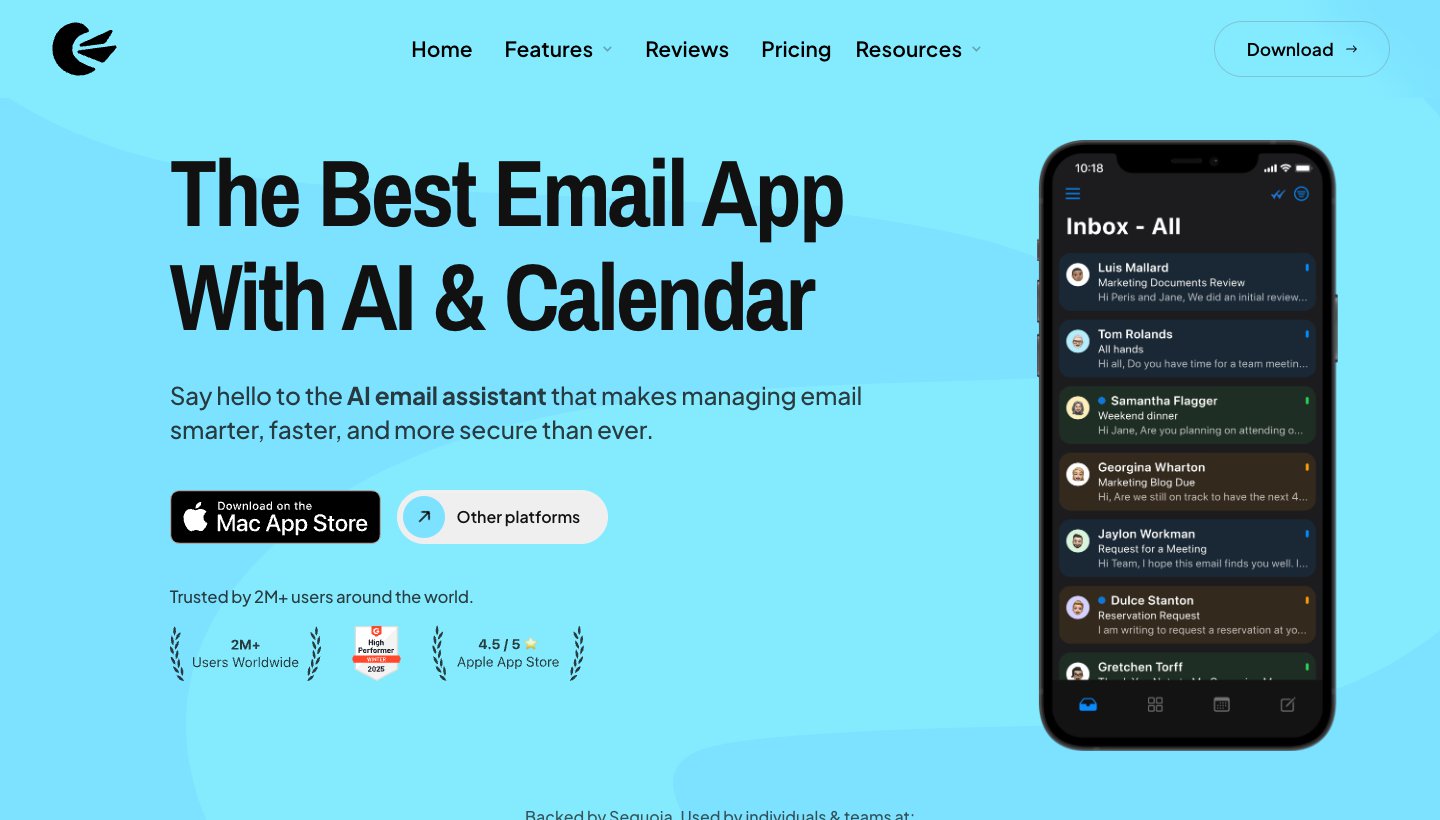
Canary is our team's other app. It's here because it's one of the few modern apps you can still buy outright, and it runs on your phone as well as your computer.
Who it's for: Postbox users who liked paying once, want an iPhone or Android app too, and care about encryption.
Price: free on 2 devices. Growth is $36 a year or $100 once. Pro+ is $100 a year or $300 once. A paid plan covers up to 5 devices. The 7-day trial doesn't ask for a card. See Canary's pricing.
Platforms: Mac, Windows, iPhone, iPad and Android.
Accounts: Gmail, Outlook, Exchange, Microsoft 365, iCloud, Yahoo and IMAP.
Postbox feature it replaces: the lifetime licence, and Anti-Tracking (Canary blocks trackers). Pro+ adds PGP encryption.
One real downside: the free plan has no AI writing, and there's no Linux version or POP support listed.
7. Spark: a free app on your computer and phone
Spark, from Readdle, gives you one free app on Mac, Windows, iPhone and Android, with no limit on accounts.
Who it's for: people who want a modern inbox on every device and don't need Postbox's deep settings.
Price: free with unlimited accounts. Plus is $10 a month or $99 a year. Pro is $20 a month or $199 a year. See Spark's pricing.
Platforms: Mac, Windows, iPhone, iPad and Android.
Accounts: Gmail and Google Workspace, Outlook and Microsoft 365, iCloud, Yahoo and any IMAP account.
Postbox feature it replaces: the unified inbox across all your accounts, on every device. Templates and AI are on paid plans.
One real downside: you sign in to a Spark account, and some features (sharing, send later) go through Spark's servers. Postbox kept everything on your computer. Our Spark alternatives guide covers this in more detail.
8. Airmail: custom actions on Mac and iPhone

Airmail suits the Postbox user who liked building their own shortcuts. Its custom actions chain steps together, for example label, forward and archive in one click.
Who it's for: Mac and iPhone users who want a highly adjustable app and don't use Windows.
Price: free to download with limited features. Airmail Pro is $7.99 a month or $49.99 a year on the Mac App Store.
Platforms: Mac, iPhone, iPad and Vision Pro.
Accounts: Gmail, Google Workspace, iCloud, Exchange, Microsoft 365, Outlook, IMAP and POP3. See Airmail's site.
Postbox feature it replaces: Quick Bar-style speed through custom actions, plus templates, snooze, send later and a Privacy Mode that blocks tracking pixels.
One real downside: no Windows version, and Pro is a subscription.
9. Mailspring: clean, free, and on Linux too
Mailspring is a tidy free desktop app. It doesn't have Postbox's depth, but it's quick to set up and runs on all three desktop systems.
Who it's for: people who want a good-looking free app and don't need a phone version.
Price: free. Mailspring Pro is $8 a month and adds templates, send later, snooze, read receipts and reminders.
Platforms: Mac, Windows and Linux.
Accounts: Gmail, Outlook.com, Microsoft 365, iCloud, Yahoo, FastMail and any IMAP account.
Postbox feature it replaces: the unified inbox and fast search across accounts. Templates need Pro.
One real downside: no phone app and no POP support, so it's no help with old POP mail.
If you liked Postbox's one-time price
For a lot of Postbox users, this matters most. You paid once and owned it. Most email apps now want a subscription instead. Here's what you can still pay for once, at US prices on November 11, 2026:
Thunderbird: free, so nothing to pay.
eM Client: $74.95 once for the current major version. Future major versions need Lifetime Upgrades, sold separately.
Canary Mail (ours): $100 once for Growth or $300 once for Pro+, both covering up to 5 devices.
Mailbird: $399 once at list price, often shown with a large discount. Lifetime Updates are $69 more.
Dove is not on this list. It's $20 a month or $200 a year, with a free plan if you only want light AI help.
How to move your mail and settings from Postbox
Do this while Postbox still opens. Copy first, change nothing.
Back up your Postbox data folder. Quit Postbox, then copy (don't move) the whole folder somewhere safe. On a Mac it's `~/Library/Application Support/PostboxApp` (in Finder, hold Option and choose Go > Library). On Windows it's `C:\Users\<your name>\AppData\Roaming\PostboxApp` (turn on hidden files to see AppData).
Check which accounts use IMAP. Gmail, Outlook.com, iCloud and Yahoo use IMAP by default. Their mail lives on the server, so there's nothing to move: add the same accounts to your new app and the mail appears.
Deal with local and POP mail. Mail in Postbox's local folders, or downloaded with POP, exists only on your computer. You have three ways to keep it: - eM Client: install it with Postbox still on the computer. Its setup wizard finds Postbox, and you choose which accounts, settings and rules to bring across. You can run it again later from Menu > File > Import. - Thunderbird: Postbox and Thunderbird store local mail in the same kind of mailbox files. Postbox's own help told people to move Thunderbird mail into Postbox by copying these files across. Going the other way, copy the folders from `PostboxApp/Profiles/<profile>/Mail/Local Folders` into the `Mail/Local Folders` folder of your Thunderbird profile (Help > Troubleshooting Information shows where it is) while both apps are closed. Or install the free ImportExportTools NG add-on and import the files as mbox. We haven't tested either route on every Postbox version, so work from your backup. - Any other app: do what Postbox recommended. Add an IMAP account (Gmail works) to Postbox and drag your local folders into it. Once the mail is on the server, every app can see it.
Bring over Responses, signatures and filters. eM Client imports Postbox Response snippets and rules. For every other app, copy them by hand. Even Postbox couldn't move its own filters between profiles.
Keep Postbox for a few weeks. Your licence never expires, so there's no harm in keeping it until you're sure nothing is missing.
A note on Thunderbird's import tool: it can read another Thunderbird profile folder directly (Tools > Import > another Thunderbird installation). Postbox's profile is built on the same base, but neither Mozilla nor Postbox documents importing a Postbox profile this way, and we couldn't verify it. Don't rely on it without a backup.
Which one should you choose?
eM Client if you want the closest thing to Postbox with the least work.
Thunderbird if you want free and your mail on your own computer.
Apple Mail if you're on a Mac and want simple.
Dove (ours) if the real problem is how much mail you get, and you want help on every device.
Mailbird if you're on Windows and want a newer look with a one-time option.
Canary Mail (ours) if you want to pay once and have phone apps and PGP.
Spark if you want one free app on your computer and phone.
Airmail if you live on a Mac and iPhone and like building your own shortcuts.
Mailspring if you want a clean free app, or you use Linux.
More picks are in our guides to the best email apps, the best email apps for Mac and the best email clients for Windows.
Notion Mail shut down too: what to use instead
A different app, but a similar question. Notion shut down Notion Mail on September 22, 2026, after announcing it in June. If you used it:
Your mail is safe in Gmail. Notion Mail synced both ways with Gmail, so every email you sent or received is still there.
Some things are gone. Notion Mail-only drafts, scheduled emails, snippets and auto-label instructions had to be saved by September 21. Custom views, sorting and reminders didn't carry over to Gmail.
Notion's AI still reaches Gmail. Notion says its Gmail AI Connector and agent email tools keep working.
What to use now depends on what you liked. If it was the AI labelling and sorting, Dove (ours) sorts Gmail and other accounts into Focus, Feed and Noise on Pro, at $20 a month or $200 a year. If you only use Gmail and want speed, Superhuman starts at $25 a month billed yearly. If you just want your inbox back, Gmail itself is free.
FAQ
What happened to Postbox?
eM Client bought Postbox in October 2024. Postbox stopped being sold or developed, support ended on December 22, 2024, and the company closed. The app still runs, but it gets no updates.
Can I still use Postbox?
Yes. Your licence never expires, and Postbox still opens for most people. But it gets no security fixes or sign-in fixes, and its listed requirements stop at macOS 15 and Windows 11. Plan your move while it still works.
Is Postbox free now?
No. You can't buy it at all any more. The download page is still up, but there's no way to get a new licence.
What is the best replacement for Postbox?
eM Client is the closest. It has a Postbox importer and has added Postbox features such as Account Groups and type-to-file shortcuts. Thunderbird is the best free option. If you want a phone app too, look at Spark, Canary Mail or Dove.
Is Thunderbird the same as Postbox?
Not quite. Postbox was built on Mozilla's code, the same base as Thunderbird, then added its own features such as the Quick Bar, Topics and Responses. Thunderbird will feel familiar, and add-ons like Quicktext cover some of the gaps.
Can I import my Postbox profile into Thunderbird?
Not with a documented one-click import. You can add your IMAP accounts again and copy your local mail folders across (see the steps above). Back up your Postbox folder first.
Is the Postbox email app on Google Play the same Postbox?
No. Postbox only ever ran on Mac and Windows. The Android app with that name comes from a different developer.
Did Postbox have a calendar?
Not one of its own. It could add dates from a message to the macOS Calendar app. If you want mail and calendar together, eM Client, Thunderbird, Mailbird and Spark all include one, and Dove's calendar works with Gmail and Microsoft 365 accounts.
More from Dove
Recent posts
November 11, 2026
Best Email Cleaner Apps in 2026: What They Cost, and What They Do With Your Mail
The best email cleaner apps for clearing a huge backlog, plus the free tools already in Gmail, iPhone and Outlook. We checked what each one costs, what it reads and how it makes money.
November 11, 2026
Gmail App for Windows: Google Doesn't Make One, So Here's What to Use (2026)
Google doesn't make a Gmail app for Windows, and the store listings that look like one come from other companies. You can install Gmail as an app from Chrome or Edge in about a minute, or use a desktop app that handles Gmail well. Prices checked on November 11, 2026.
October 27, 2026
Mailbird Alternatives in 2026: 8 Email Clients, US Prices Checked
Mailbird 2 stops getting updates at the end of 2026, and its free plan covers one account. Here's what to switch to, from free Thunderbird to paid desktop and cross-platform apps, with every US price checked on October 27, 2026.