'/%3e%3c/g%3e%3c/svg%3e)

Spark Mail Alternatives in 2026: 10 Apps, Sorted by Why You're Leaving
If you use a Mac and an iPhone, the best Spark alternative for most people is Apple Mail. It's free, it's already installed, and you don't need an account with a third company. The right pick changes with your reason for leaving:
You want a free app on Windows or Android too: Outlook, or Thunderbird if you'd rather not deal with ads or a Microsoft account.
You don't want your mail touching another company's servers: Mimestream for Gmail on a Mac, or Canary Mail (ours) on every platform.
You want AI that sorts your inbox and writes replies: Dove (ours) for any provider, Shortwave for Gmail only, or Superhuman if speed is the point.
You used Spark with a team: Missive.
Disclosure: Dove is made by the team behind Canary Mail, and both are on this list. They get the same treatment as the other eight apps, including one real downside each.
This page is about Spark Mail, the email app. If you came here for Apache Spark, the data tool, you're in the wrong place.
Spark alternatives at a glance
All prices are in US dollars for one person. We took them from each vendor's own pricing page on October 27, 2026. Spark is the first row so you can compare.
App | Best if you're leaving Spark because | Price | Free option | Platforms |
|---|---|---|---|---|
Spark (baseline) | — | Plus $10 a month or $99 a year; Pro $20 a month or $199 a year | Yes | Mac, Windows, iPhone/iPad, Android |
Apple Mail | You only use Apple devices | Free | Built in | Mac, iPhone/iPad |
You want free and cross-platform | Free with ads; ad-free from $1.99 a month | Yes | Windows, Mac, iPhone/iPad, Android, web | |
You want free, open source, no account | Free (donations) | Yes | Windows, Mac, Linux, Android | |
You use Gmail on a Mac | $4.99 a month or $49.99 a year | 14-day trial | Mac (iPhone/iPad in beta) | |
You want a Spark-like app that stays on Apple devices | Free for 1 account; Pro is a subscription (see below) | Yes | Mac, iPhone/iPad | |
Canary Mail (ours) | You want privacy and encryption on every platform | $36 a year or $100 a year | Yes, 2 devices | Mac, Windows, iPhone/iPad, Android |
Dove (ours) | You want AI to sort and draft, on any provider | $20 a month or $200 a year | Yes, 10 AI actions a day | Mac, Windows, iPhone/iPad, Android, web |
You want AI and only use Gmail | Pro $18 a month | Yes | Mac, Windows, iPhone/iPad, Android, web | |
You want speed above all | $30 or $40 a month; $25 or $33 billed yearly | No | Mac, Windows, iPhone/iPad, Android, Chrome | |
You used Spark as a team | $18 a user a month, or $14 billed yearly | 30-day trial | Mac, Windows, iPhone/iPad, Android, web |
Why people leave Spark
Spark is a good app. Its free plan has no account limit and runs on Mac, Windows, iPhone, iPad and Android, which few free apps match. But the r/SparkMail threads that rank for this search come from long-time, paying users who say it isn't what it used to be. Here are the reasons we could check against Spark's own pages.
1. Spark is an account, not only an app. When you sign in, Spark creates a Spark account under your first email address. Its privacy policy (dated September 10, 2026) says your login is kept as a token that Spark "cannot retrieve or access". Most mail is processed on your device. But some features need Spark's servers, in the US and the EU. Spark keeps recent emails there for up to four hours, Send Later emails until they're sent, and emails you share by link until you delete the link. For many people that's fine. If you want your mail to go only between your device and your email provider, it isn't.
2. AI and team features cost extra. Spark's AI is off by default, and the free plan gets only a limited preview of the AI Assistant. Writing help and summaries need Plus. Auto-Drafts, which writes replies for you, and Autopilot rules arrived this month, and both need Pro at $20 a month. So do shared inboxes and read statuses. AI use on paid plans comes from a monthly quota that Spark doesn't state as a number. See Spark's pricing.
3. Spark 3 is a different app from the one many people signed up for. The older app is now called Spark Classic. Its Mac App Store listing says that since 2022 all new features go into the new Spark, which is a separate app. Spark still lets you download Spark 2, so some people keep Classic installed and live without the new features.
4. It isn't the same app on every platform. Spark's own feature pages say it is "working toward feature parity between platforms" and that the experience on Mac, Windows, iOS or Android "may vary". See the note on Smart Inbox.
5. The plans changed. The old Premium plan is gone for new users. Today it's Plus and Pro, and Spark's pricing page warns that features and usage "may be different" on legacy plans.
Before you switch, check whether the thing that bothers you is still true. If Spark's AI was the problem, Auto-Drafts may fix it, at $20 a month. Our Dove vs Spark and Superhuman vs Spark comparisons go deeper.
How we picked these ten
We started with the apps that keep coming up in Google's results for this search, including the r/SparkMail threads and the articles that rank. Then we kept the ones a Spark user would realistically switch to, and grouped them by the reason for leaving. Proton Mail, which some lists include, is a new email address rather than an app for the one you have, so it isn't here.
For each app we checked the price, platforms and supported providers on the vendor's own site on October 27, 2026. We didn't run speed tests, so we don't claim any.
Free Spark alternatives
Apple Mail
Apple Mail is the app most Spark users on Apple devices already have. It's the honest first choice if you don't use Windows or Android.
Who it's for: people who use only a Mac, iPhone and iPad and want something simple.
Price: free, built into macOS, iOS and iPadOS.
Platforms: Mac, iPhone, iPad. Nothing for Windows or Android.
Providers: iCloud, Gmail, Exchange and Microsoft 365, plus Yahoo, Outlook.com and any other IMAP account. See Apple's guide to adding accounts.
Standout: there's no extra account to create; Mail talks straight to your provider. Mail Privacy Protection hides your IP address and stops senders from seeing when you open their email.
One real downside: it only works on Apple devices. Its AI summaries and smart replies also need Apple Intelligence, which needs an iPhone 15 Pro or newer, or a Mac with M1 or later.
Our Dove vs Apple Mail comparison covers what you give up and what you gain.
Outlook
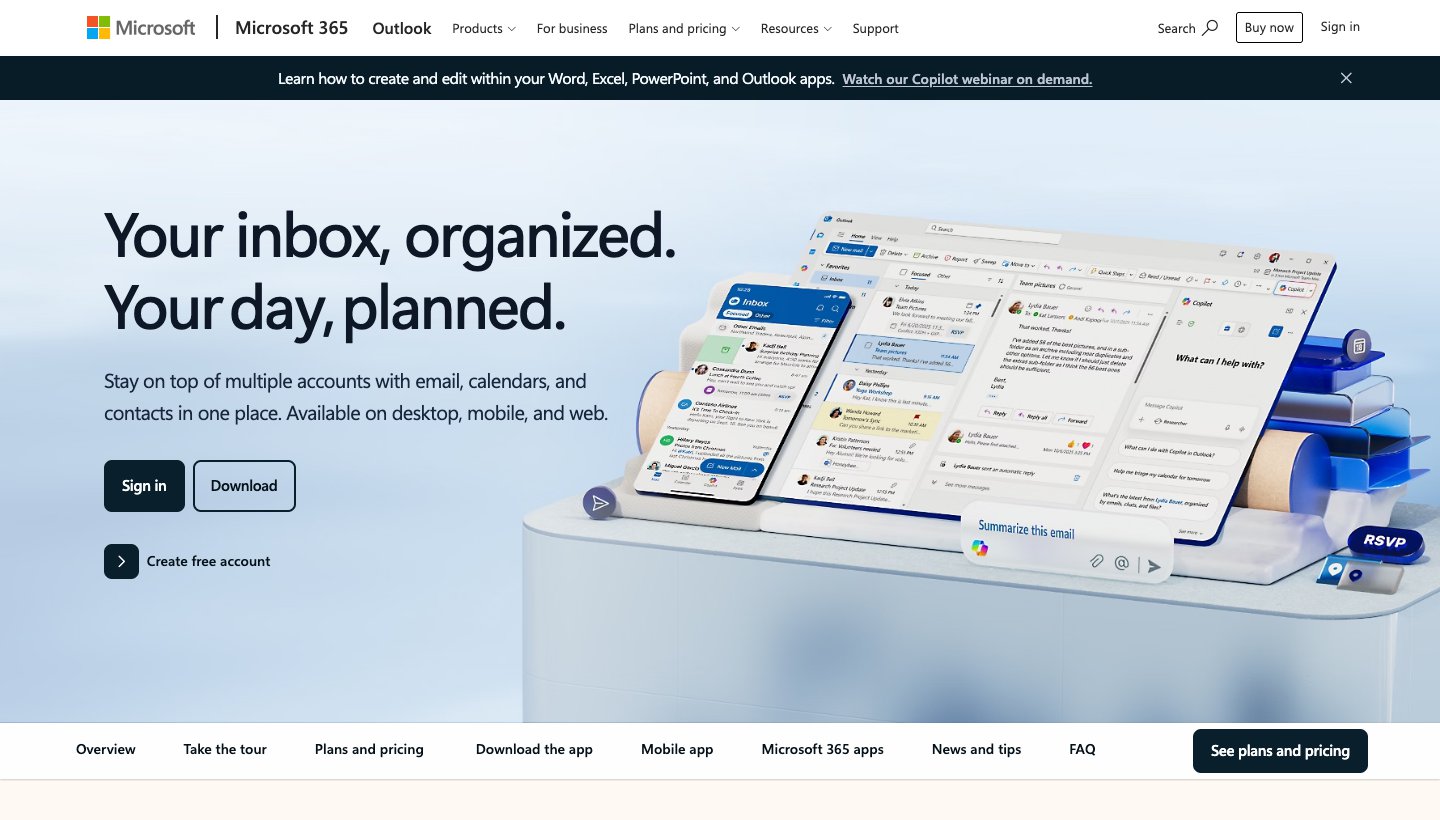
Outlook is the free pick if you also use Windows or Android. Like Spark, it runs almost everywhere and has a calendar built in.
Who it's for: people who switch between a PC, a Mac and an Android phone, or already pay for Microsoft 365.
Price: free with ads. Microsoft 365 Basic removes the ads for $1.99 a month or $19.99 a year. Microsoft 365 Personal, at $9.99 a month or $99.99 a year, adds Copilot. See Microsoft 365 plans.
Platforms: Windows, Mac, iPhone, iPad, Android and web.
Providers: Outlook.com and Microsoft 365, plus Gmail, iCloud, Yahoo and other IMAP accounts in the Windows and Mac apps.
Standout: a full email and calendar app on every platform, free.
One real downside: the free version shows ads. And the web version, Outlook.com, can no longer connect Gmail or other outside accounts, so those only work in the apps.
Thunderbird
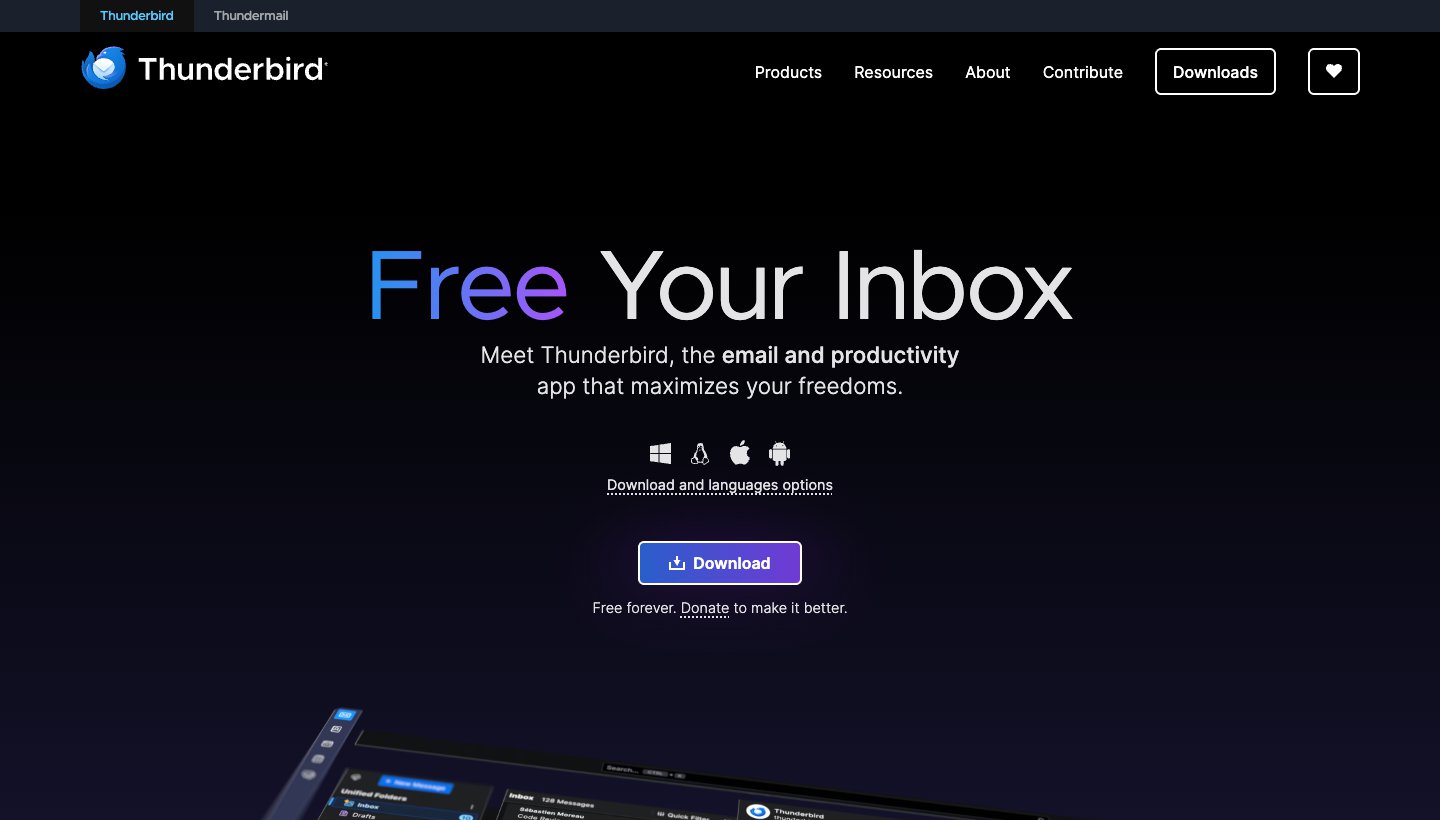
Thunderbird is free, open source and run on donations. It's the only app here with a Linux version, which Spark has never had.
Who it's for: people who want a free desktop app with no account to sign up for and lots of settings to change.
Price: free. See thunderbird.net.
Platforms: Windows, Mac, Linux and Android. The iPhone app is still in development; Thunderbird's October 1 post shows an early look.
Providers: Gmail, Microsoft 365, Yahoo, iCloud and any IMAP or POP account.
Standout: mail stays on your computer, and it supports OpenPGP encryption.
One real downside: no iPhone app yet, and it looks and feels more old-fashioned than Spark.
Spark alternatives that keep your mail on your device
Mimestream
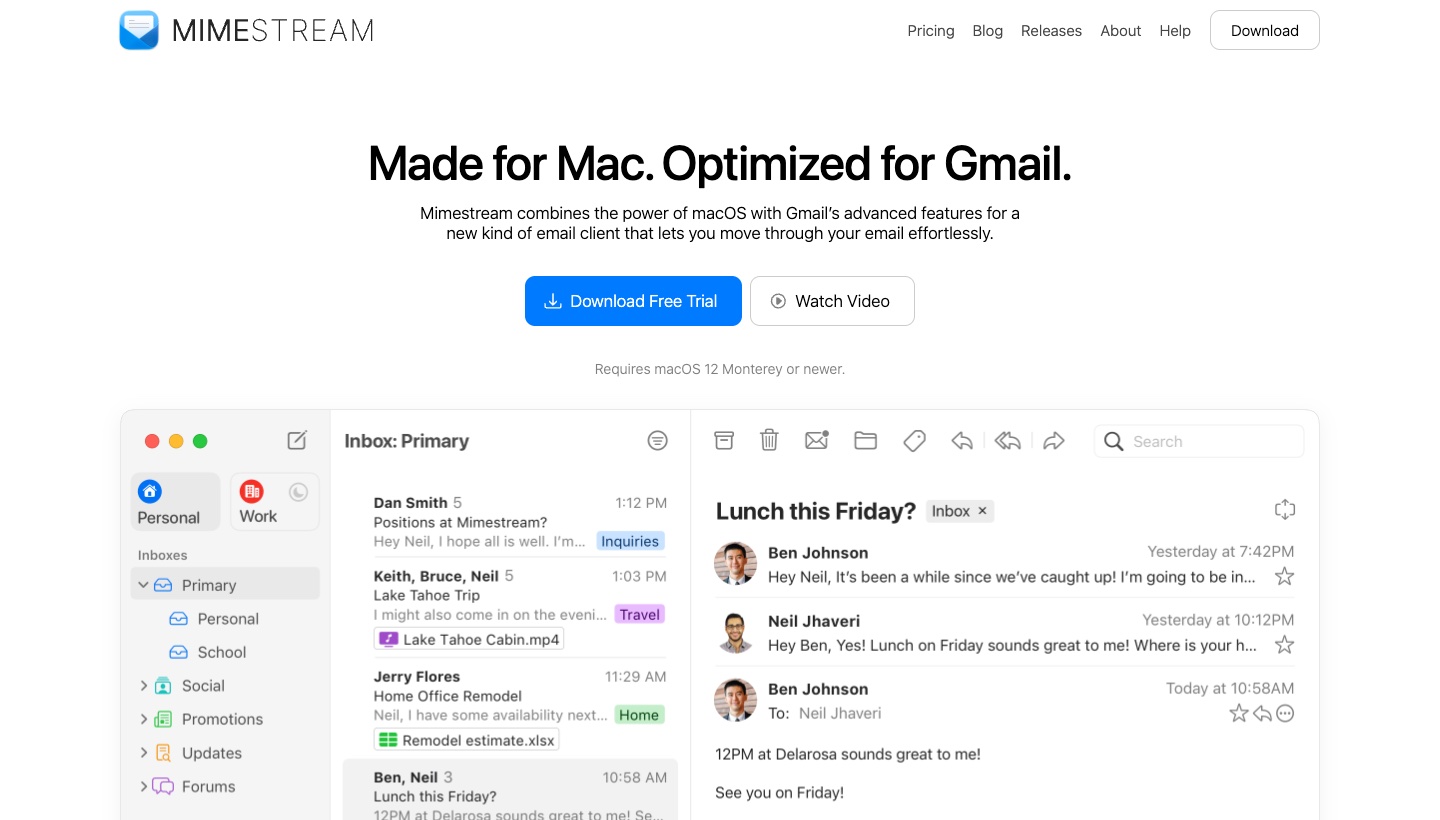
Mimestream is a native Mac app for Gmail only, and the company behind it never sees your mail.
Who it's for: Gmail and Google Workspace users who spend their day on a Mac.
Price: $4.99 a month or $49.99 a year, with a 14-day trial and no card needed. One plan covers all your Google accounts on up to five devices. See Mimestream's pricing.
Platforms: Mac (macOS 12 or newer). An iPhone and iPad version is in beta through TestFlight, for paying users with at least six months paid.
Providers: Gmail only.
Standout: it uses Gmail's own labels and categories, and stores mail only on your Mac.
One real downside: if you have an Outlook, iCloud or Yahoo account, it can't hold it.
Airmail
Airmail is the closest thing to Spark that stays on Apple devices, with even more settings to change.
Who it's for: Apple users who want Spark-style tools, like snooze and send later, with lots of options.
Price: free for one account. Airmail Pro is a subscription through the App Store, but Airmail's own help center gives two prices: $9 a month or $49 a year in one article and $5.99 a month or $29.99 a year in another. Check the price in the app before you pay.
Platforms: Mac, iPhone, iPad, Apple Watch and Vision Pro.
Providers: Gmail, Google Workspace, iCloud, Exchange, Microsoft 365, Outlook, IMAP and POP.
Standout: a Privacy Mode that keeps everything on your device.
One real downside: more than one account needs Pro, and the price is unclear even on Airmail's own site.
Canary Mail
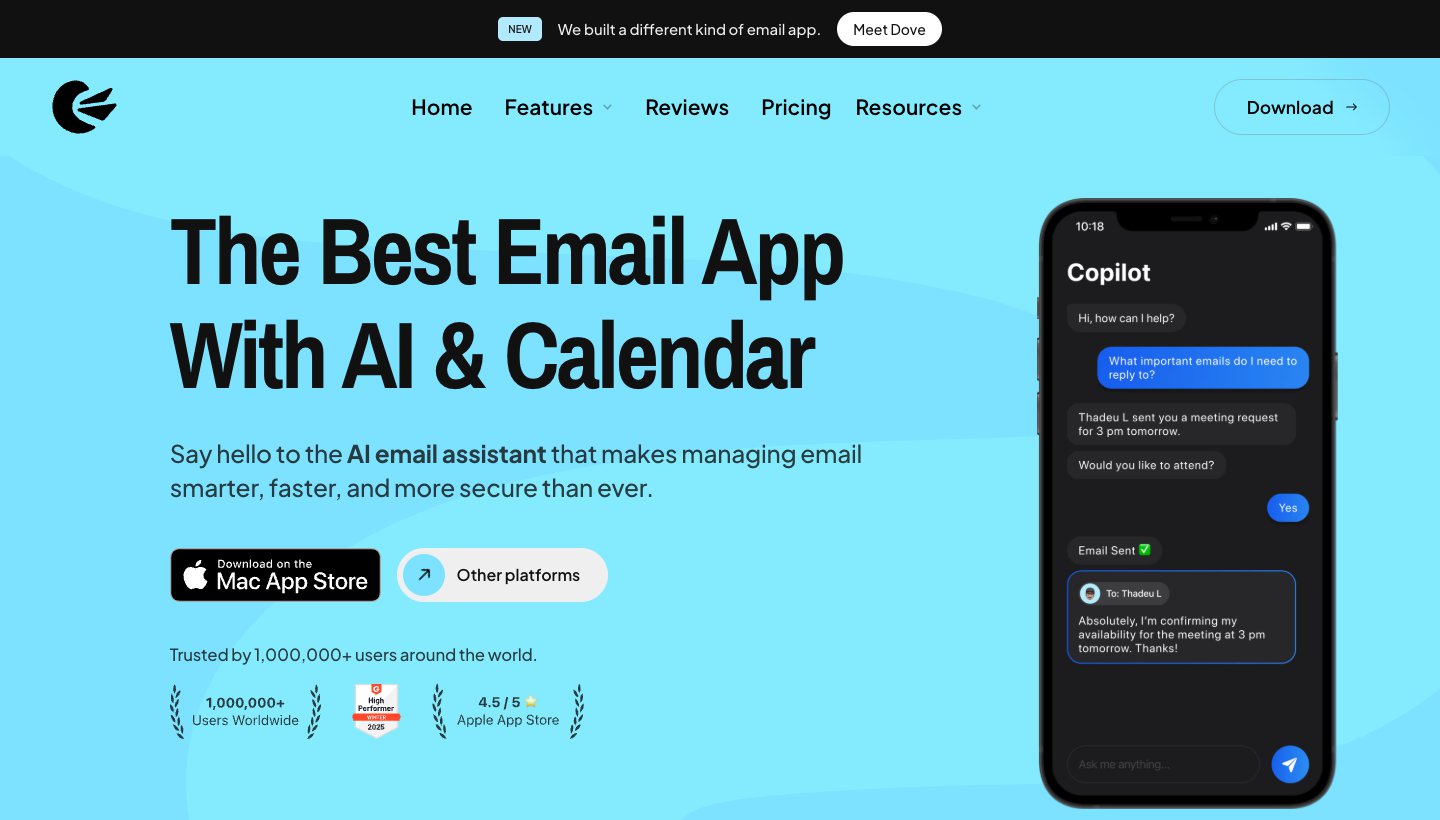
Canary Mail comes from the same team as Dove. It's the pick if Spark's servers were your main worry and you need more than Apple devices. Canary has more than 2 million users and has been featured by Apple on the App Store and Mac App Store.
Who it's for: people who want encryption and their mail stored on their own devices, on any platform.
Price: free on up to two devices. Growth is $36 a year and Pro+ is $100 a year, and both are also sold as a one-time lifetime purchase. There's no monthly plan. The 7-day trial doesn't need a card. See Canary's pricing.
Platforms: Mac, Windows, iPhone, iPad, Android.
Providers: Gmail, Outlook, Microsoft 365, Exchange, iCloud, Yahoo, Zoho and ProtonMail.
Standout: PGP end-to-end encryption on Pro+. Canary's privacy policy says it doesn't collect or store the content of your email by default.
One real downside: the free plan has no AI, and you can only pay yearly or once.
Spark alternatives with better AI
Dove
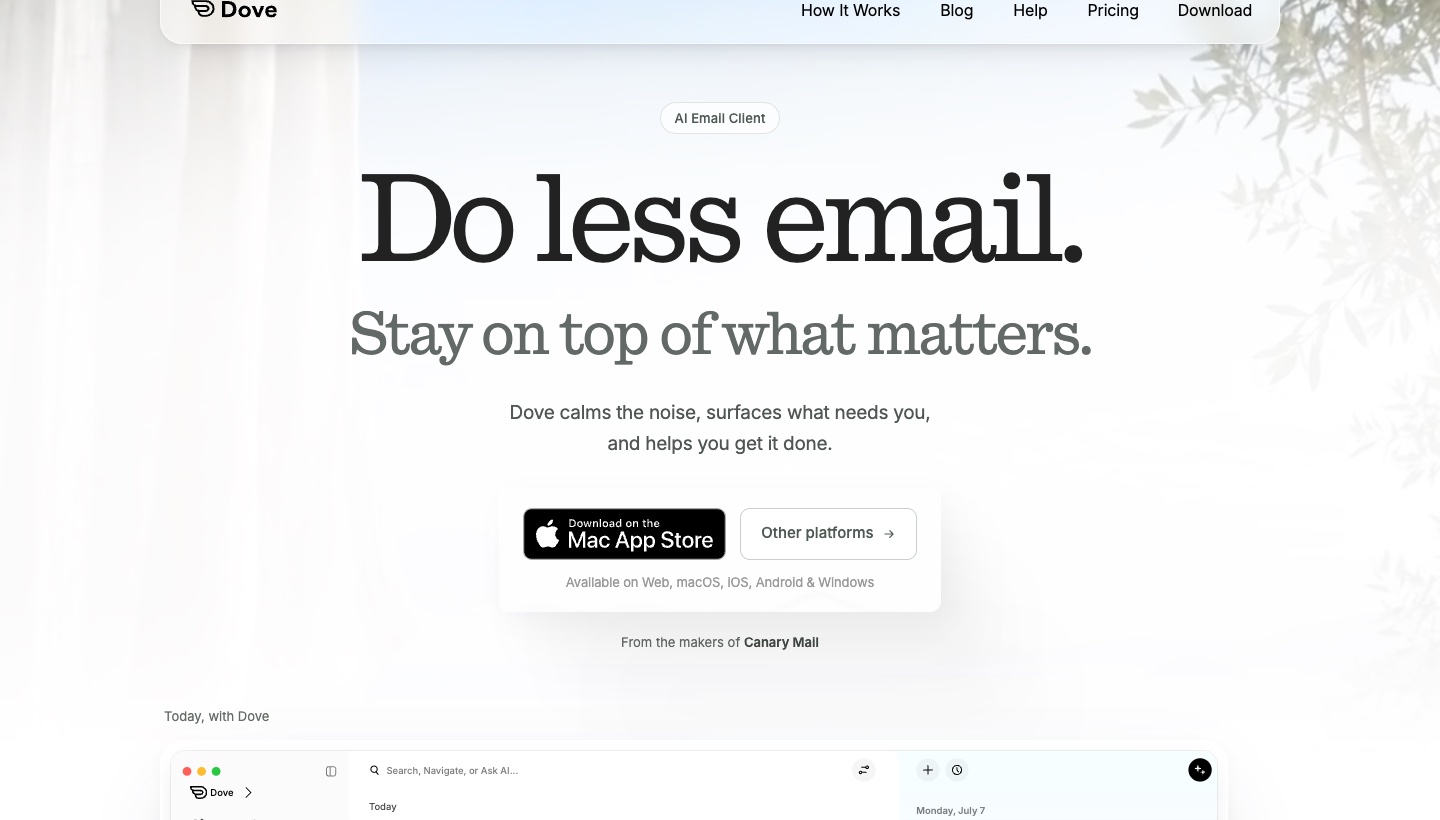
Dove is our app. It's the pick if you paid for Spark's AI and want the AI to do more of the sorting and writing.
Who it's for: one person with several accounts across providers who wants AI to decide what needs attention and to draft replies.
Price: $20 a month or $200 a year. The free plan gives you 10 AI actions a day; each draft, summary, search or question counts as one. The 7-day trial asks for a card. See Dove's pricing.
Platforms: Mac, Windows, iPhone, iPad, Android and web.
Providers: Gmail, Google Workspace, Outlook.com, Microsoft 365, iCloud, Yahoo and any IMAP account, with unlimited accounts on every plan.
Standout: Dove sorts mail into Focus, Feed and Noise, and Today turns your inbox into a short list: what needs you, your schedule, what's for your information and who you're waiting on. Both are on the paid plan. Ask Dove answers questions about your mail, and AI use on the paid plan has no monthly quota.
One real downside: Dove is new, so its track record is short and there are fewer guides and integrations than for Spark. It has no Linux app and no end-to-end encryption, and its calendar works with Gmail and Microsoft 365 accounts only.
How it compares with Spark, feature by feature: Dove vs Spark.
Shortwave
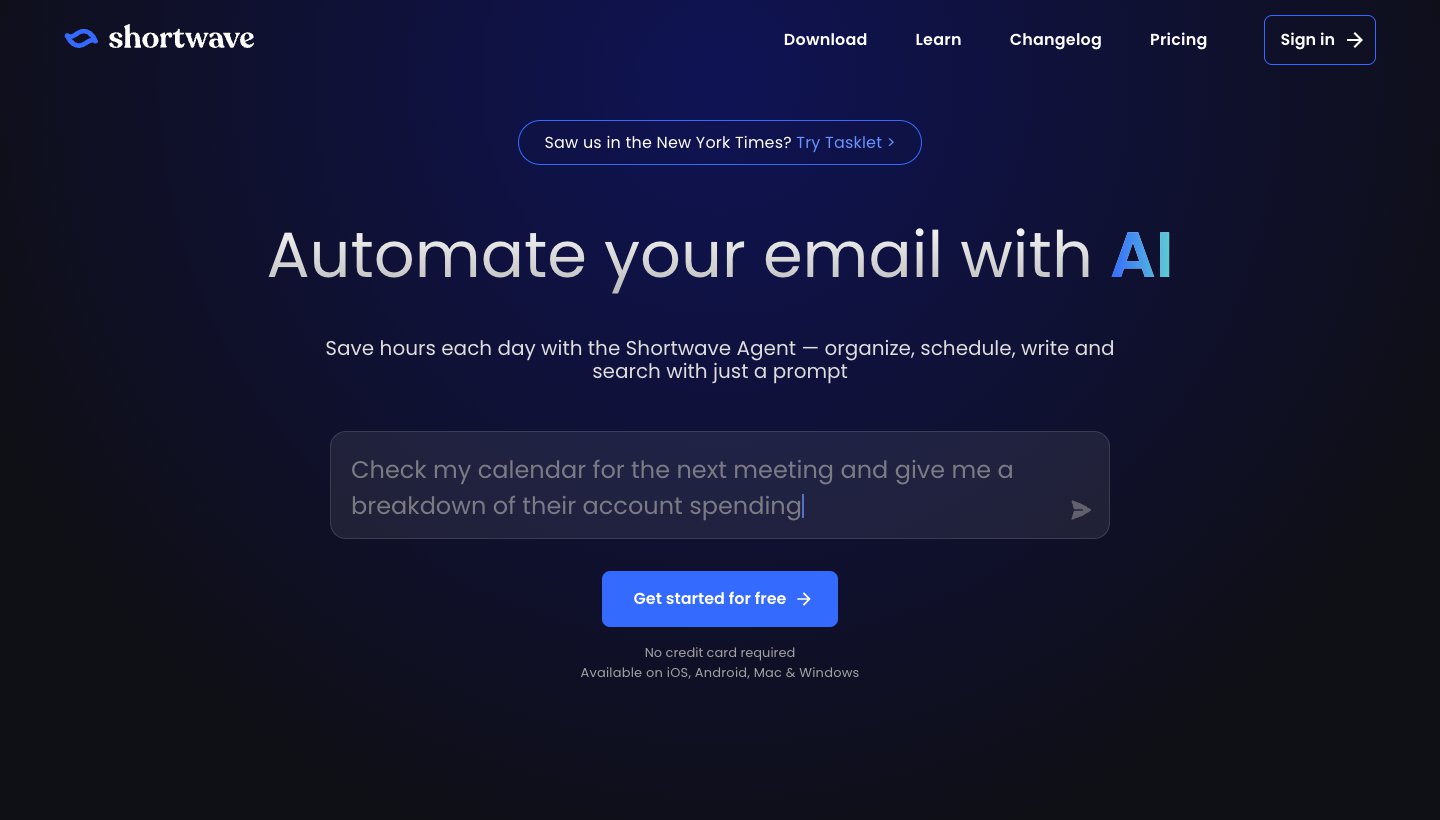
Shortwave is an AI email app for Gmail. Its AI search reaches back years.
Who it's for: people whose mail is all in Gmail or Google Workspace.
Price: free with limits. Pro is $18 a month, with three years of AI search and a 14-day trial. Business plans run $30 to $120 a seat. There's no annual price. See Shortwave's pricing.
Platforms: Mac, Windows, iPhone, iPad, Android and web.
Providers: Gmail and Google Workspace. Other accounts have to be connected to a Gmail account first.
Standout: ask a question and it searches years of your mail for the answer, then helps you write the reply.
One real downside: it only works properly with Gmail, and the free plan adds a "Sent with Shortwave" signature.
More in Dove vs Shortwave.
Superhuman
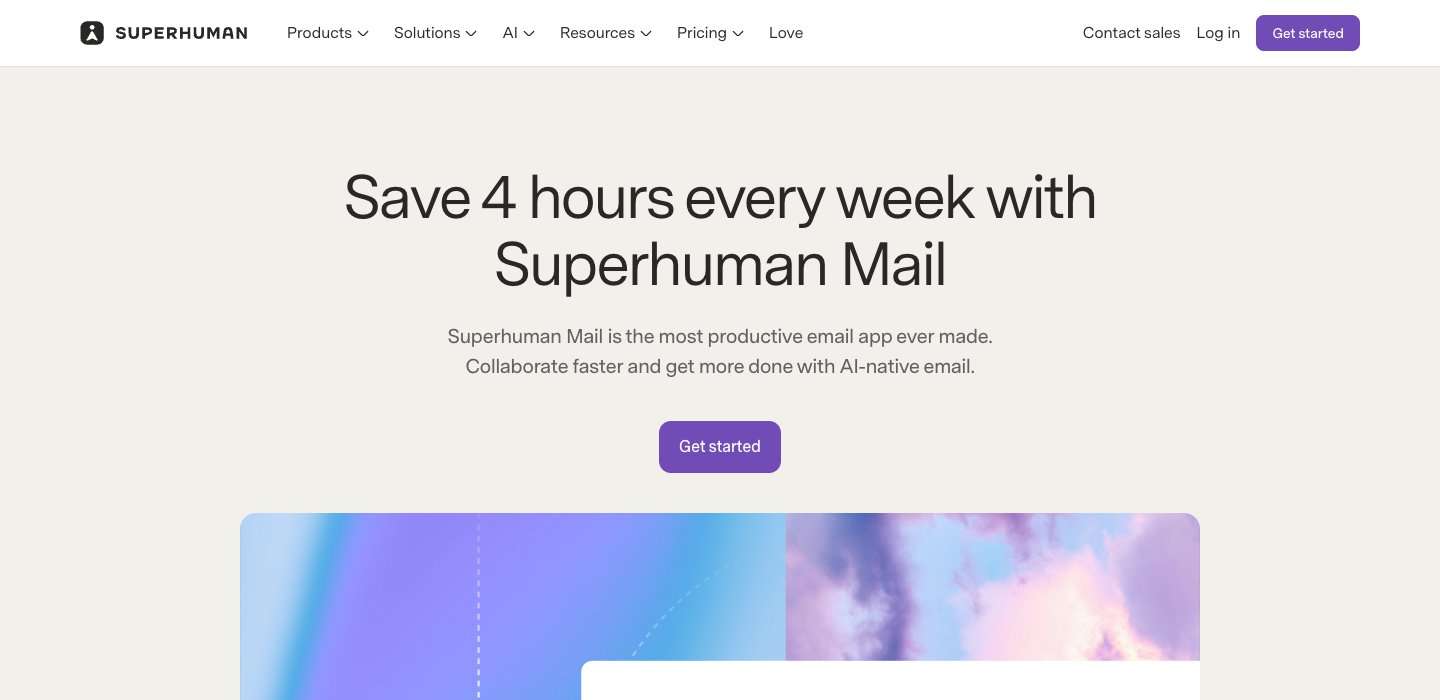
Superhuman is built for getting through lots of email fast, mostly from the keyboard.
Who it's for: people who live in Gmail or Outlook all day and would pay well for speed.
Price: Starter is $30 a month, or $25 billed yearly. Business, which adds Auto Drafts and Ask AI, is $40 a month, or $33 billed yearly. There's no free plan. See Superhuman's pricing.
Platforms: Mac, Windows, iPhone, iPad, Android, and a Chrome extension.
Providers: Gmail and Outlook only.
Standout: a shortcut for almost everything, Split Inbox, follow-up reminders and Snippets.
One real downside: at $30 to $40 a month it costs more than Spark Pro, and it can't add iCloud, Yahoo or IMAP accounts.
Our Superhuman alternatives guide covers it in depth.
A Spark alternative for teams
Missive
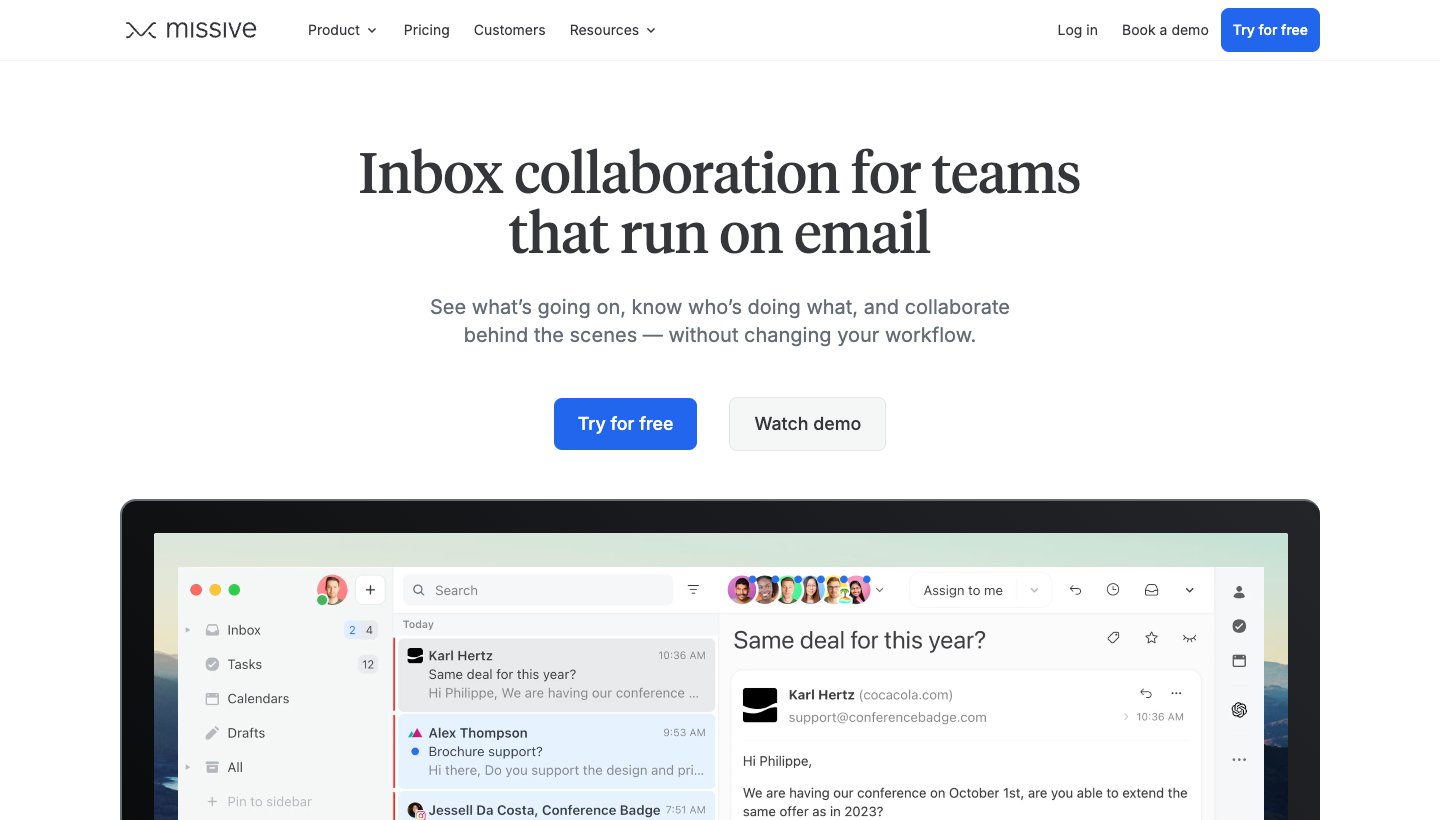
Missive is the team app that keeps coming up when Spark users ask for alternatives. Google shows it as the top answer in one r/SparkMail thread, and Google's AI summary lists it first for Spark's team features.
Who it's for: small teams that share inboxes like support@ or sales@ and talk about emails together.
Price: Starter is $18 a user a month, or $14 billed yearly. Productive is $30 or $24, and Business is $45 or $36. There's a 30-day trial with no card, and no free plan. See Missive's pricing.
Platforms: Mac, Windows, iPhone, iPad, Android and web.
Providers: Gmail, Microsoft 365, Outlook and IMAP, plus SMS and WhatsApp.
Standout: chat with your team inside any email thread, assign emails and write drafts together.
One real downside: it's more than one person needs, and each user is limited to 10 personal and 5 shared accounts.
Platforms and email providers compared
"Yes" and "No" come from each vendor's own pages. A dash means the vendor doesn't say.
App | Mac | Windows | iPhone/iPad | Android | Web | Linux | Gmail | Outlook / Microsoft 365 | iCloud | Yahoo | Other IMAP |
|---|---|---|---|---|---|---|---|---|---|---|---|
Spark | Yes | Yes | Yes | Yes | No | No | Yes | Yes | Yes | Yes | Yes |
Apple Mail | Yes | No | Yes | No | No | No | Yes | Yes | Yes | Yes | Yes |
Outlook | Yes | Yes | Yes | Yes | Yes | No | Yes | Yes | Yes | Yes | Yes |
Thunderbird | Yes | Yes | Not yet | Yes | No | Yes | Yes | Yes | Yes | Yes | Yes |
Mimestream | Yes | No | Beta | No | No | No | Yes | No | No | No | No |
Airmail | Yes | No | Yes | No | No | No | Yes | Yes | Yes | — | Yes |
Canary Mail | Yes | Yes | Yes | Yes | No | No | Yes | Yes | Yes | Yes | — |
Dove | Yes | Yes | Yes | Yes | Yes | No | Yes | Yes | Yes | Yes | Yes |
Shortwave | Yes | Yes | Yes | Yes | Yes | No | Yes | Through Gmail | Through Gmail | Through Gmail | Through Gmail |
Superhuman | Yes | Yes | Yes | Yes | Chrome | No | Yes | Yes | No | No | No |
Missive | Yes | Yes | Yes | Yes | Yes | No | Yes | Yes | — | — | Yes |
If you need Windows, Android and an iPhone with one app, Outlook, Canary, Dove, Shortwave, Superhuman and Missive are left. If you have iCloud or Yahoo mail as well, Outlook, Canary and Dove are left.
How to move off Spark
Spark is an app on top of your email provider, so your mail, folders and labels stay where they are. Leaving is mostly about the things you set up inside Spark.
Copy your templates and signatures into a note before you go.
Write down your Smart Inbox and Gatekeeper habits. Most apps above can do something similar with rules or filters.
Try the new app for a week with the same accounts. Spark and the new app can run side by side.
Cancel your Spark plan in the app under Settings, then Spark Account, then Manage.
Delete your Spark account if you want Spark to remove what it keeps. Its privacy policy says the account is stored until you delete it.
Remove Spark's access in your Google or Microsoft account security settings.
Which Spark alternative should you choose?
Choose Apple Mail if you only use Apple devices and want free and simple.
Choose Outlook if you want a free app with a calendar on Windows, Mac, iPhone and Android, and can live with ads or pay $1.99 a month.
Choose Thunderbird if you want free and open source, or you use Linux.
Choose Mimestream if your mail is in Gmail and you work on a Mac.
Choose Airmail if you want an Apple-only app with Spark-like tools and lots of settings.
Choose Canary Mail if privacy was your reason for leaving and you need PGP encryption or a lifetime license.
Choose Dove if you want AI to sort your mail and draft replies across Gmail, Outlook, iCloud and Yahoo, on every device.
Choose Shortwave if you use only Gmail and want strong AI search.
Choose Superhuman if you process a lot of mail at a desk and speed is worth $30 a month or more.
Choose Missive if you used Spark with a team.
Stay on Spark if you're on the free plan and it still works for you. For a free app with unlimited accounts on four platforms, it's hard to beat.
For any email app, not just Spark replacements, see our guide to the best email apps, or the picks for Mac, iPhone, Android and Windows.
FAQ
What can I use instead of Spark?
On a Mac and iPhone, Apple Mail is free and already installed. On Windows or Android, Outlook is free. For AI that sorts and drafts on any provider, try Dove; for Gmail only, Shortwave. For teams, Missive.
Is there a free version of Spark?
Yes. Spark's free plan includes Smart Inbox, unlimited email accounts, smart notifications and a calendar. It doesn't include the AI writing tools, Priority, Gatekeeper or templates. Those start with Plus at $10 a month or $99 a year.
Does Spark store my email on its servers?
Partly. Spark's privacy policy says most email is processed on your device. Its servers keep recent emails for up to four hours, Send Later emails until they're sent, and emails shared by link until you delete the link. Your login is kept as a token that Spark says it can't read. Spark says it doesn't sell your data or use it to train AI.
Is Spark better than Gmail?
They do different jobs. Gmail is your email account and a free app. Spark is an app that can show Gmail next to Outlook, iCloud and Yahoo in one inbox, which Gmail on the web is about to stop doing: from January 2027, Google is removing Gmailify, POP fetching and "Send as" for outside accounts on the web.
What's the difference between Spark and Spark Classic?
Spark Classic is the older Spark 2 app. Its App Store listing says it has had no new features since 2022, when they began going into the new Spark, a separate app. Spark still offers Classic as a download.
Is there Spark for Linux or the web?
No. Spark runs on Mac, Windows, iPhone, iPad and Android. If you need Linux, use Thunderbird. If you need a web app, Outlook, Dove, Shortwave and Missive all have one.
What's the best Spark alternative for Windows or Android?
Outlook if you want free, Thunderbird if you want free and open source (Windows and Android, no iPhone yet). For AI on both, Dove or Shortwave. Canary Mail if you want encryption.
More from Dove
Recent posts
October 27, 2026
Mailbird Alternatives in 2026: 8 Email Clients, US Prices Checked
Mailbird 2 stops getting updates at the end of 2026, and its free plan covers one account. Here's what to switch to, from free Thunderbird to paid desktop and cross-platform apps, with every US price checked on October 27, 2026.
October 27, 2026
Best Email App for Multiple Accounts in 2026: 10 Picks, Free Limits Checked
Most lists skip the catch: some free plans stop at one or two accounts. We checked the limit in 10 apps, which providers each one takes, and which to pick on each device.
October 13, 2026
Outlook Alternatives in 2026: 9 Email Apps for Every Device
Microsoft isn't shutting Outlook down, but Windows Mail is gone and the old Outlook for Mac loses work accounts this month. Here's what's changing, and nine Outlook alternatives for Windows, Mac, iPhone and Android, with prices checked on October 13, 2026.