'/%3e%3c/g%3e%3c/svg%3e)

Best Email App for Multiple Accounts in 2026: 10 Picks, Free Limits Checked
For most people with several email addresses, the best app is Spark. It's free, it takes as many accounts as you like, it shows them in one inbox, and it runs on Mac, Windows, iPhone and Android. If all your devices are Apple, Apple Mail does the same job and is already installed. If one of your accounts is Microsoft 365 for work, use Outlook.
Before you pick, check the free plan. Mailbird's free version holds one account and eM Client's holds two. Both turn up in most lists for this search, usually without that detail.
Disclosure: Dove is made by the team behind Canary Mail. Both are on this list, marked "(ours)". We checked every limit and price below on the vendor's own site on October 27, 2026. Each app, ours included, gets one real downside.
Quick picks
Best overall: Spark. Free, no account limit, one inbox, on Mac, Windows, iPhone and Android.
Best if you only use Apple devices: Apple Mail. Free and built in.
Best if one account is Microsoft 365: Outlook. Free on every platform, with ads.
Best on an Android phone you don't want to change: the Gmail app. Up to five outside addresses.
Best for a busy inbox sorted for you, on every device including the web: Dove (ours). Free plan has no account limit; sorting is in Pro at $20 a month or $200 a year.
Best for encryption across all your accounts: Canary Mail (ours).
Best free desktop app, and the only Linux pick: Thunderbird.
Best free Android app for lots of accounts: FairEmail.
Two to skip if you need the free version for more than two accounts: eM Client (two accounts free) and Mailbird (one).
Want the full list for one device? See the best email app for Mac, for iPhone and iPad, for Android and the best email client for Windows. Our main guide to the best email apps covers every kind of user, not only people with many accounts.
How many accounts each free plan allows
This is the table most lists leave out. Checked on October 27, 2026, on each vendor's pricing or help page (linked in each app's section).
App | Accounts on the free plan | One inbox for all accounts | Paid plan |
|---|---|---|---|
Spark | Unlimited | Yes | Plus $10 a month or $99 a year |
Apple Mail | No limit stated | Yes (All Inboxes) | None |
Outlook | No limit stated; ads | Phone apps yes; Windows rolling out | $1.99 a month removes ads |
Gmail app | Up to 5 outside addresses | Yes, on phones (All inboxes) | None for the app |
Dove (ours) | Unlimited | Yes | $20 a month or $200 a year |
Canary Mail (ours) | Unlimited, on up to 2 devices | Yes | Growth $36 a year; Pro+ $100 a year |
Thunderbird | Unlimited | Yes | None (donations) |
FairEmail | Unlimited | Yes | Optional one-time Pro |
eM Client | 2, home use, 1 device | Yes | Yearly or one-time licence |
Mailbird | 1 | Yes, but useful only on Premium | Yearly or one-time licence |
eM Client and Mailbird showed us local-currency prices, so we've left their dollar figures out. Their pricing pages show yours.
What "handles multiple accounts" actually means
Almost every email app lets you add a second account. That part is easy. With four or five accounts, these six things matter:
One inbox for everything. A unified inbox shows new mail from every account in one list. You should also be able to switch to a single account in one tap when you want only work mail.
Replies go out from the right address. If a message came to your work address, the reply should go from your work address, with your work signature. Good apps do this on their own. Test it on day one. Sending a client reply from your personal Gmail is the mistake people notice.
A signature for each account. Spark, Apple Mail, Thunderbird and Dove all let you set a different signature per address.
No cap on the free plan. See the table above.
Support for all your providers. Gmail and Outlook work almost everywhere. iCloud, Yahoo, custom domains and old POP-only accounts are where apps differ. Our grid further down shows which app takes what.
Work accounts. If your company runs Microsoft 365 or Google Workspace, IT may block outside apps. That's a company setting, not a fault in the app. Ask IT before you blame the app.
What changed for people with several accounts in 2026
Gmail on a computer is dropping outside accounts. You can no longer add or sync a non-Google account in Gmail on the web. Gmailify, "Check mail from other accounts" (POP) and "Send as" for non-Google addresses all end in January 2027. The Gmail phone apps can still add outside accounts. If you used Gmail on your laptop to read a work or Yahoo address, you need another app before then.
Outlook.com on the web is Microsoft-only. It can't connect a Gmail account any more. The Outlook apps still can.
New Outlook for Windows is getting a combined inbox. Microsoft calls it the All Accounts view. Microsoft's notice to admins says the rollout should finish by late October 2026. It's a view only: your accounts stay separate underneath.
Mailbird now has phone apps, in beta. Its homepage says the Android and iOS apps are in public beta.
Thunderbird for iPhone isn't out yet. Its team said on October 1, 2026 that community testing should start "in the next few months".
The 10 best email apps for multiple accounts
Spark: best overall
Spark, made by Readdle, gives away the two things this search is about: unlimited accounts and a unified inbox. It's also polished, and it looks the same on your phone and your computer.
Price: free. Plus is $10 a month or $99 a year, and Pro is $20 a month or $199 a year. See Spark's pricing.
Free plan limit: none. "Unlimited Email Accounts" is on the free plan.
Platforms: Mac, Windows, iPhone and Android. No web or Linux version.
Works with: Gmail and Google Workspace, Outlook and Microsoft 365, iCloud, Yahoo, and any IMAP account.
Multi-account extras: you can set a default signature for each account, and the free plan includes its sorted inbox and smart notifications.
Watch out for: Spark works with IMAP only, so an old POP-only mailbox won't connect.
If you're weighing Spark against our app, see Dove vs Spark.
Apple Mail: best if you only use Apple devices
If your phone and computer are both Apple, you may not need anything else. Add each account once and open All Inboxes.
Price: free, built into macOS, iOS and iPadOS.
Free plan limit: Apple doesn't state one.
Platforms: Mac, iPhone and iPad.
Works with: iCloud, Gmail, Microsoft Exchange, and other accounts through IMAP or POP. See Apple's guide to adding accounts.
Multi-account extras: All Inboxes, and signatures you can assign to each account. Mail Privacy Protection hides your IP address from senders on every account.
Watch out for: it's Apple-only. The day you get a Windows laptop or an Android phone, you'll need a second app.
Comparing it with ours? See Dove vs Apple Mail.
Outlook: best if one account is Microsoft 365
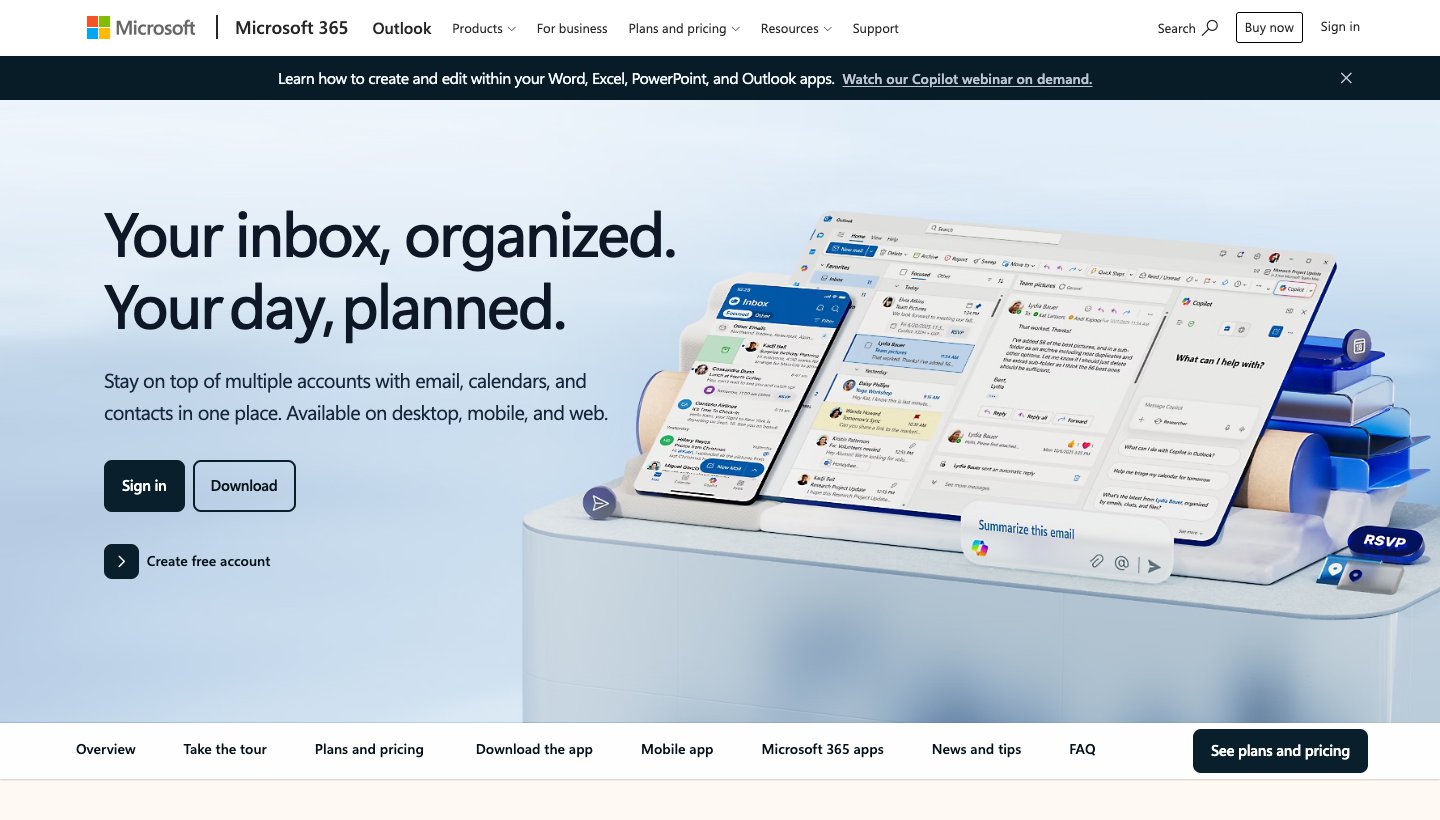
If your work account is Microsoft 365 or Exchange, Outlook handles it better than anything else here, and it can hold your Gmail and iCloud accounts next to it.
Price: free with ads. Microsoft 365 Basic at $1.99 a month or $19.99 a year removes the ads.
Free plan limit: Microsoft doesn't state one.
Platforms: Windows, Mac, iPhone, iPad, Android and web.
Works with: Outlook.com, Microsoft 365 and Exchange, Gmail, iCloud and IMAP in the apps. On Android and iPhone, IMAP and POP accounts sync mail only, not calendar or contacts.
Multi-account extras: the phone apps have an All Accounts inbox. New Outlook for Windows is getting the same view this autumn.
Watch out for: Outlook isn't one app. The web version takes only Microsoft accounts, and what you can add or see together changes between Windows, Mac and phone.
Leaving Outlook? Our Outlook alternatives guide covers the options.
Gmail app: best on an Android phone you don't want to change
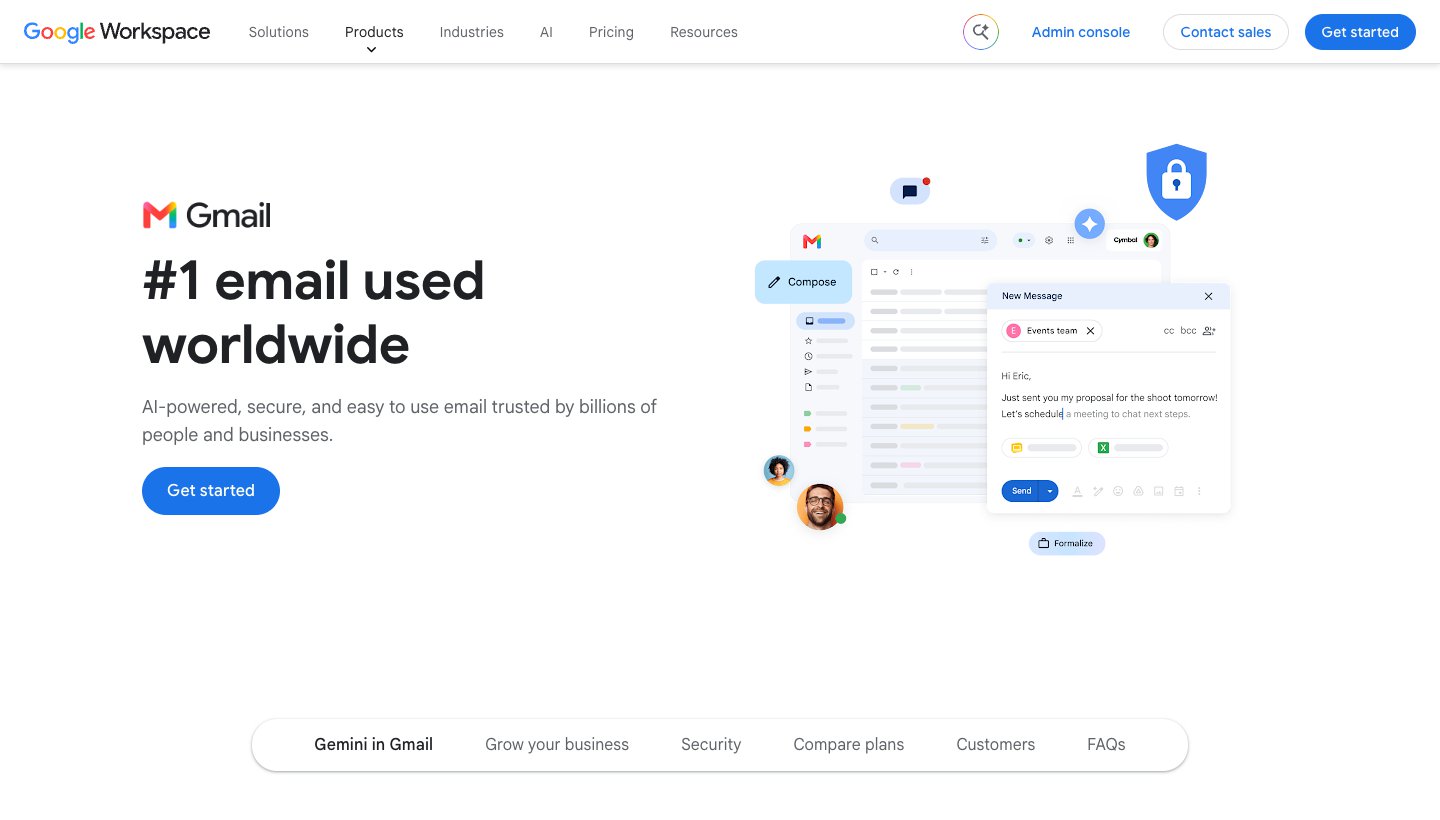
The Gmail app is already on most Android phones, and it isn't only for Gmail. It can add Outlook, iCloud, Yahoo and other IMAP accounts and show them under All inboxes.
Price: free.
Free plan limit: up to five outside addresses, alongside your Google accounts.
Platforms: Android, iPhone and iPad. On a computer there's only Gmail in a browser.
Works with: Gmail and Google Workspace, plus Outlook, iCloud, Yahoo and other IMAP accounts in the phone apps.
Multi-account extras: All inboxes, and Google accounts get Gmail's labels and spam filtering.
Watch out for: it stops at your phone. Gmail on a computer can no longer add outside accounts, and "Send as" for non-Google addresses ends in January 2027.
If you're thinking of leaving Gmail entirely, see our Gmail alternatives.
Dove (ours): best for a busy inbox sorted for you, on every device
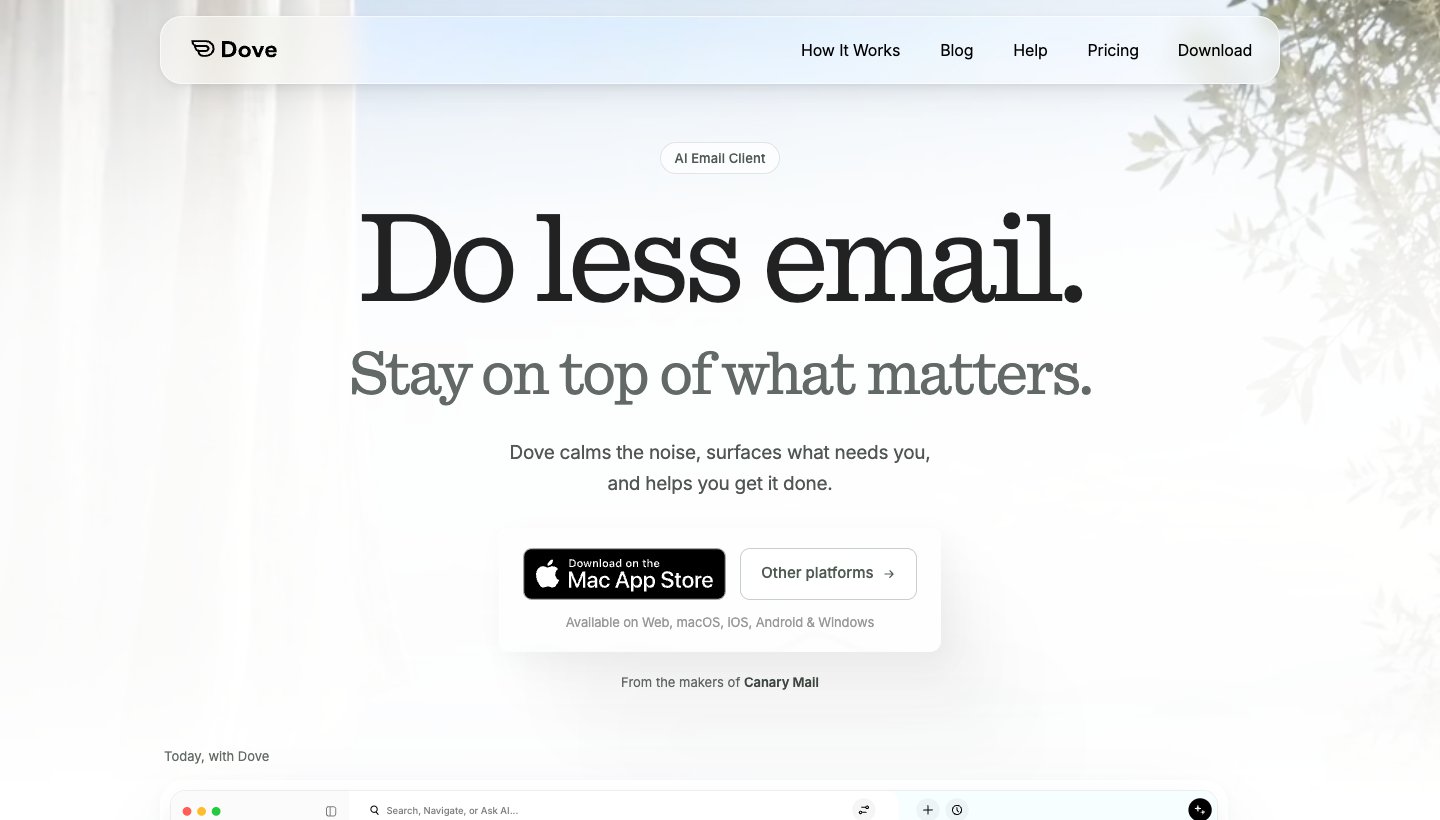
Dove is our app. It puts every account in one inbox, then sorts that inbox by what needs you. Of the apps on this list, it's the only one whose maker lists a web version that holds Gmail, Microsoft, iCloud, Yahoo and IMAP accounts together.
Price: free plan, or Pro at $20 a month or $200 a year. The 7-day Pro trial asks for a card. See Dove's pricing.
Free plan limit: none. Every plan has unlimited accounts. The free plan includes 10 AI actions a day.
Platforms: Mac, Windows, iPhone, iPad, Android and web. No Linux.
Works with: Gmail, Google Workspace, Outlook.com, Microsoft 365, iCloud, Yahoo and any IMAP account.
Multi-account extras: one inbox, a signature for each address, and aliases. On Pro, mail from every account is sorted into Focus, Feed and Noise, and Today lists what needs you, your schedule and what you're waiting on. AI drafts replies and answers questions about your mail. Mail is encrypted in transit and at rest. Dove has no PGP or end-to-end encryption, and no calendar.
Watch out for: Dove is new. It has 4.7 stars from only 25 ratings on the App Store, so there's far less of a track record than Spark or Outlook.
If you only need your accounts in one list, Spark or Apple Mail does that for free. Dove is worth paying for when the problem is the amount of mail, not the number of accounts. You can download Dove for any device.
Canary Mail (ours): best for encryption across all your accounts
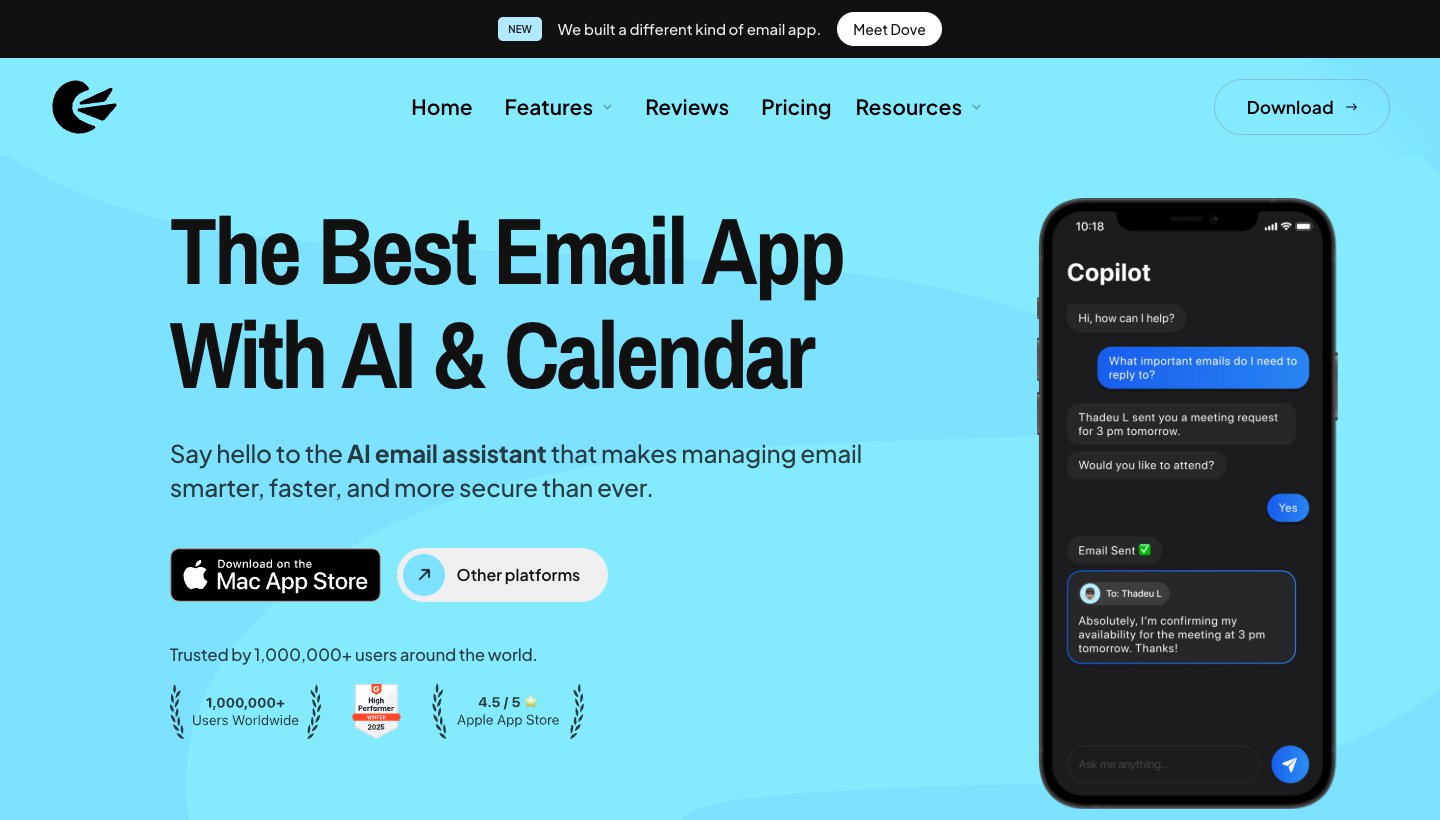
Canary Mail is made by the same team as Dove. It has more than 2 million users and Apple has featured it on the App Store and Mac App Store. On this list it's the pick for PGP encryption on any account you add.
Price: free. Growth is $36 a year and Pro+ is $100 a year, or either as a one-time lifetime licence. There's no monthly billing. The 7-day trial needs no card. See Canary's pricing.
Free plan limit: unlimited accounts, on up to 2 devices.
Platforms: Mac, Windows, iPhone, iPad and Android.
Works with: Gmail, Outlook, Office 365, Exchange, iCloud, Yahoo, Zoho Mail and ProtonMail.
Multi-account extras: a unified inbox on the free plan. Pro+ adds PGP encryption and SecureSend, and checks for phishing and impersonation.
Watch out for: the free plan covers only two devices, so a phone, a laptop and a work computer means paying.
Thunderbird: best free desktop app, and the Linux pick
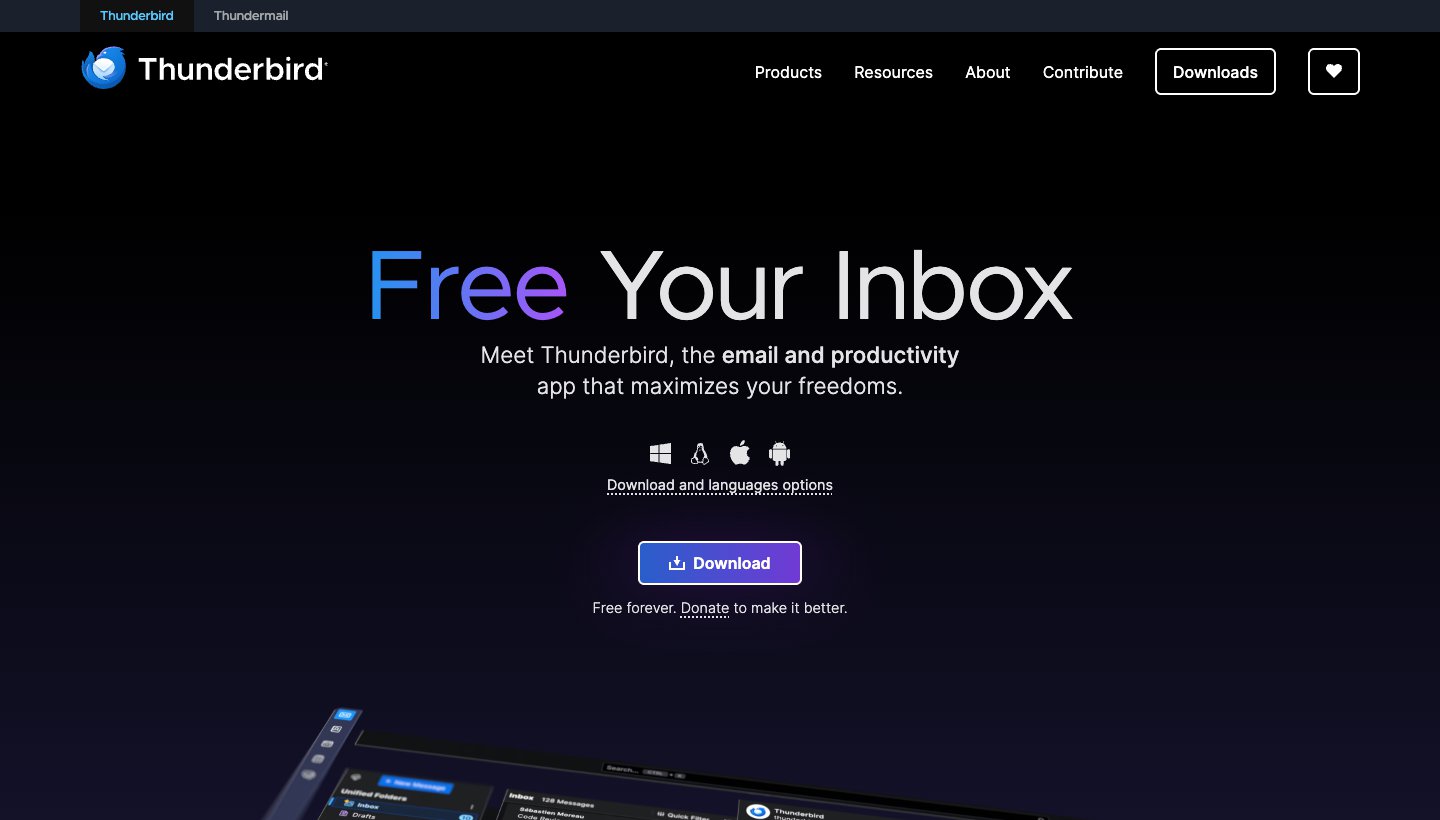
Thunderbird is free, open source and paid for by donations. It has no account limit and no ads.
Price: free. See Thunderbird's site.
Free plan limit: none.
Platforms: Windows, Mac, Linux and Android. The iPhone app is still in development.
Works with: Gmail, Microsoft 365 and Outlook.com, Yahoo, iCloud, and any IMAP or POP account. Exchange works for email only.
Multi-account extras: a unified inbox on desktop and Android. Identities let one account send from several addresses, each with its own signature.
Watch out for: there's no iPhone app yet, so iPhone users can't have the same app on phone and computer.
FairEmail: best free Android app for lots of accounts
FairEmail is an open-source Android app. Its feature list promises "Unlimited accounts" and "Unlimited email addresses", and there's no paywall in front of either.
Price: free. Extras such as per-account colours and per-account notification sounds are a one-time Pro purchase. See FairEmail's site.
Free plan limit: none.
Platforms: Android only.
Works with: Gmail, Outlook and Hotmail, Yahoo, iCloud and almost any IMAP or POP account.
Multi-account extras: a unified inbox that can include whole accounts or only the folders you choose.
Watch out for: it doesn't speak Exchange ActiveSync or EWS, so a work account has to allow IMAP to connect.
eM Client: a full desktop app, but only two accounts free
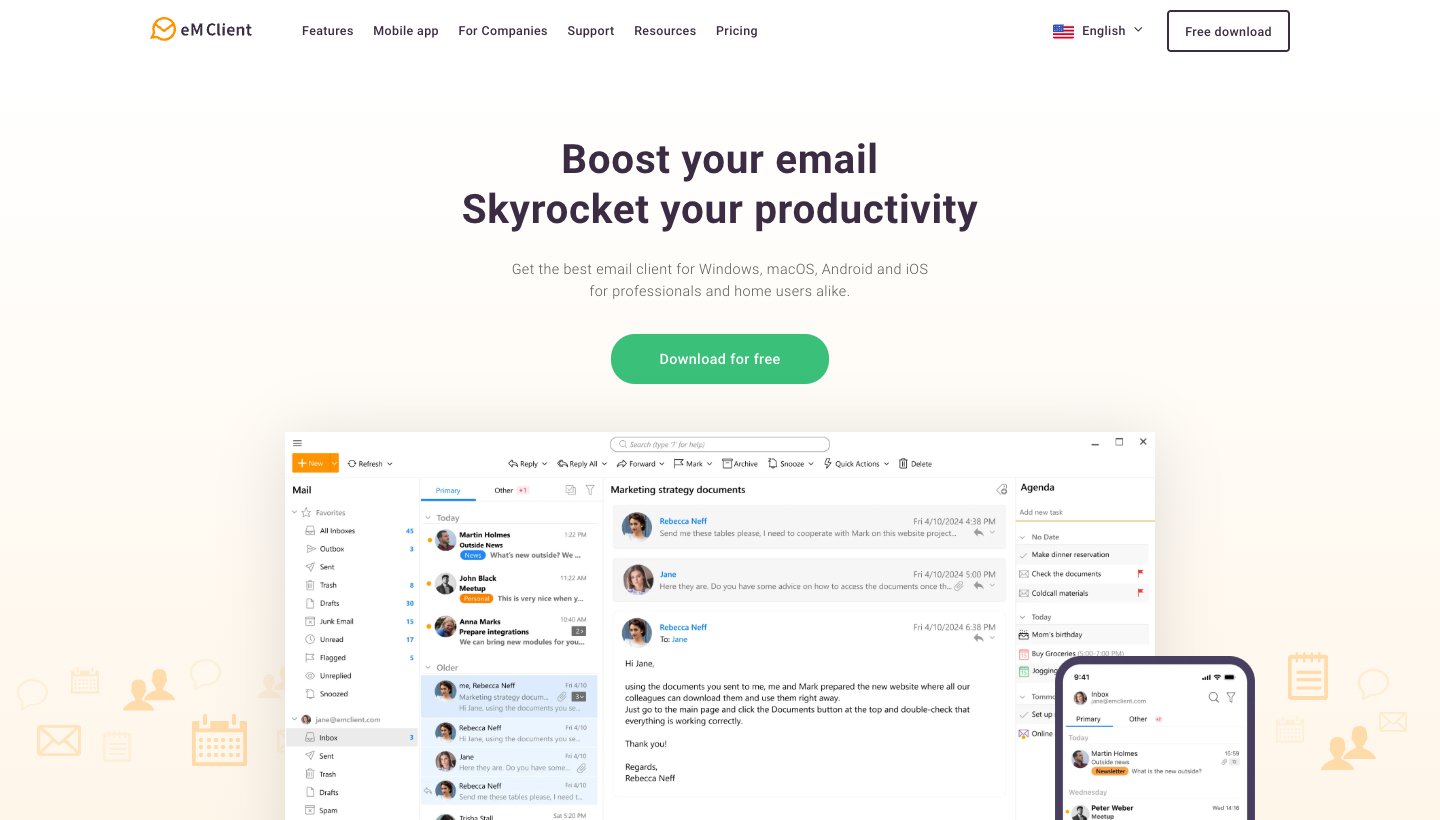
eM Client puts mail, calendar, contacts and tasks in one Windows or Mac window. It's a capable app. The free version just isn't meant for many accounts.
Price: free for home use. A paid Personal licence, yearly or one-time, removes the limit. Prices vary by country. See eM Client's pricing.
Free plan limit: 2 accounts, home use, 1 device.
Platforms: Windows and Mac, plus free iPhone and Android apps.
Works with: Gmail and Google Workspace, Microsoft 365, Exchange, Outlook.com, iCloud, and any IMAP or POP account.
Multi-account extras: a unified inbox, PGP and S/MIME, and a calendar for every account.
Watch out for: account number three means paying, and any work use needs a paid licence.
Mailbird: a unified inbox on Windows, but one account free
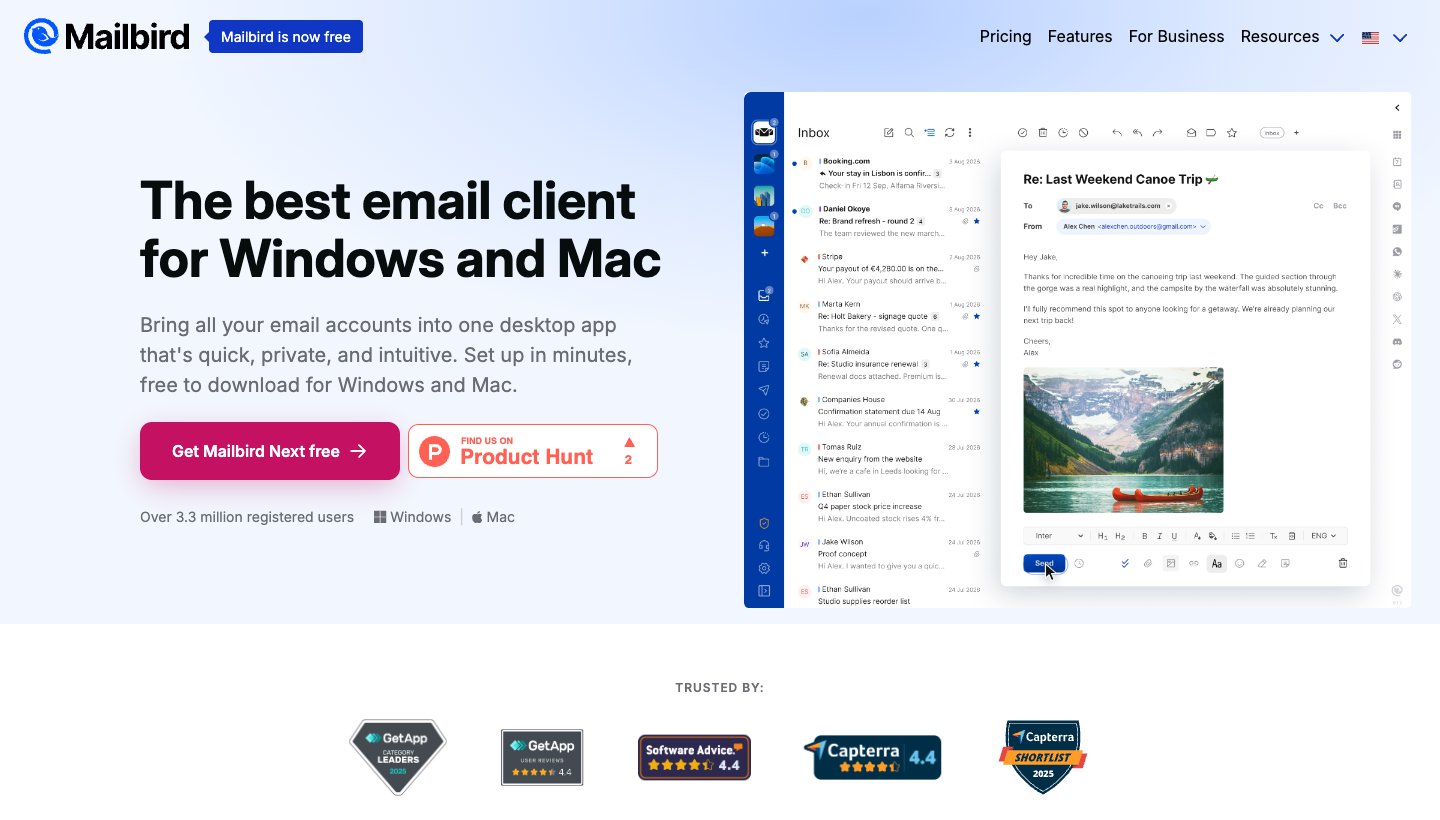
Mailbird is built around a unified inbox, and its site says "Mailbird is now free". The free plan, though, holds one account. Some round-ups say Mailbird handles unlimited accounts. That's true only on Premium.
Price: free for one account. Premium, yearly or pay-once, removes the limit. See Mailbird's pricing.
Free plan limit: 1 account.
Platforms: Windows and Mac (macOS Ventura or later). Android and iOS apps are in public beta.
Works with: Gmail, Outlook, Microsoft 365, iCloud, Yahoo, Proton and any IMAP account. POP3 works on Windows, not on Mac.
Multi-account extras: one inbox, and apps such as Slack and WhatsApp docked beside your mail.
Watch out for: with one free account there's nothing to unify, so the main feature is effectively paid.
Which app works with which accounts
Start here if you have an unusual account. "Yes" and "No" come from each vendor's pages; a dash means the vendor doesn't say.
App | Gmail | Microsoft 365 / Outlook.com | iCloud | Yahoo | Other IMAP | POP | Exchange (work) |
|---|---|---|---|---|---|---|---|
Spark | Yes | Yes | Yes | Yes | Yes | No | Exchange Online |
Apple Mail | Yes | Yes | Yes | Yes | Yes | Yes | Yes |
Outlook | Yes | Yes | Yes | Windows and Mac | Yes | Yes | Yes |
Gmail app (phones) | Yes | Yes | Yes | Yes | Yes | — | — |
Dove (ours) | Yes | Yes | Yes | Yes | Yes | — | Microsoft 365 |
Canary Mail (ours) | Yes | Yes | Yes | Yes | — | — | Yes |
Thunderbird | Yes | Yes | Yes | Yes | Yes | Yes | Email only |
FairEmail | Yes | Yes | Yes | Yes | Yes | Yes | IMAP only |
eM Client | Yes | Yes | Yes | Yes (IMAP) | Yes | Yes | Yes |
Mailbird | Yes | Yes | Yes | Yes | Yes | Windows only | Yes |
POP-only accounts rule out Spark. A work Exchange account that blocks IMAP rules out FairEmail. And nothing on this list except Thunderbird runs on Linux.
The best app on each device
Mac
Apple Mail if every device you own is Apple. Spark if you also use Windows or Android. Outlook if work is Microsoft 365. More options, including Mimestream for Gmail-only users, are in our best email app for Mac guide.
Windows
Outlook is built in, free with ads, and getting a combined inbox this autumn. Thunderbird is free with no ads and no limit. Spark is the free option that matches your phone. Skip eM Client and Mailbird's free versions if you have more than two accounts. See the best email client for Windows.
iPhone and iPad
Apple Mail's All Inboxes is the zero-setup answer. Spark, Outlook and the Gmail app all have free unified inboxes too. Thunderbird isn't on iPhone yet, and Mailbird's iOS app is still a beta. More in the best email app for iPhone and iPad.
Android
The Gmail app covers up to five outside addresses. FairEmail is the free pick for more than that, or for privacy. Thunderbird for Android is free and matches Thunderbird on your computer. Spark and Outlook match your computer too. See the best email app for Android.
Web browser
Few apps do this well. Gmail on the web is dropping outside accounts, and Outlook.com on the web is Microsoft-only. Of the apps here, Dove (ours) is the only one whose maker lists a web version that holds all your providers together.
Test it before you move every account
Give any new app a 10-minute test with your two busiest accounts before you add the rest:
Add both accounts. Use the provider's own sign-in page where the app offers one, not your password typed into the app.
Reply to a message in each account. Check the From address and the signature.
Write a new message from the unified inbox. Check which address it picks.
Search for an email you know is in the second account.
Check the same thing on your phone, if you use the app there.
If a work account won't connect, ask your IT team whether the app is allowed. Many companies block outside apps by default.
Which should you choose?
Choose Spark if you want one free app on Mac, Windows, iPhone and Android with no account limit.
Choose Apple Mail if everything you own is Apple.
Choose Outlook if one of your accounts is Microsoft 365 or Exchange.
Choose the Gmail app if you're on Android and have five or fewer outside addresses.
Choose Dove (ours) if the trouble is how much mail you get across all those accounts, and you want it sorted on every device, the web included.
Choose Canary Mail (ours) if you want PGP encryption on any account, and you're fine with yearly billing.
Choose Thunderbird if you want a free desktop app with no limits, or you're on Linux.
Choose FairEmail if you're on Android with lots of IMAP accounts.
Choose eM Client or Mailbird if you'll pay for a licence. Their free versions are too small for this job.
FAQ
What is the best free email app for multiple accounts?
Spark is the best free choice across devices: unlimited accounts and a unified inbox on Mac, Windows, iPhone and Android. Thunderbird is free with no limit on desktop and Android. On Apple devices, Apple Mail is free and built in. Dove and Canary Mail (both ours) also have free plans with no account limit.
What is the best email app for creating multiple email accounts?
An email app doesn't create addresses; it reads the ones you have. To make new free addresses, sign up with a provider such as Gmail, Outlook.com or Yahoo. Then add each one to an app from this list. If you only want extra addresses for sign-ups, aliases are often easier than new accounts.
Can I have two email accounts on my Android phone?
Yes. The Gmail app can hold several Google accounts plus up to five outside addresses, and shows them together under All inboxes. Outlook, Spark, FairEmail and Thunderbird for Android also hold several accounts.
Can Gmail still check my other email accounts?
On your phone, yes: the Gmail app still adds Outlook, iCloud, Yahoo and IMAP accounts. On a computer, no. Gmail on the web can no longer add outside accounts, and Gmailify, POP fetching and "Send as" for non-Google addresses end in January 2027.
Will a unified inbox reply from the wrong address?
It shouldn't. Good apps reply from the address the email was sent to. Check it in the first week anyway, especially when writing a new email from the combined view, where some apps start from your default account.
Is there a better app than Gmail for multiple accounts?
On a computer, almost any app on this list, because Gmail on the web is dropping outside accounts. On Android, Gmail is fine up to five outside addresses. For more, or for the same app on your computer, use Spark, Outlook or Thunderbird.
Which email provider is best for multiple accounts?
That's a different question from which app. Gmail and Outlook.com are free and work in nearly every app above. If you'd rather not open more accounts, a provider with aliases lets one mailbox receive mail at several addresses.
More from Dove
Recent posts
October 27, 2026
Mailbird Alternatives in 2026: 8 Email Clients, US Prices Checked
Mailbird 2 stops getting updates at the end of 2026, and its free plan covers one account. Here's what to switch to, from free Thunderbird to paid desktop and cross-platform apps, with every US price checked on October 27, 2026.
October 27, 2026
Spark Mail Alternatives in 2026: 10 Apps, Sorted by Why You're Leaving
Most people who leave Spark Mail want one of four things: no extra account on someone's servers, a free app, better AI, or a real team inbox. Here's the best pick for each, with prices checked on October 27, 2026.
October 13, 2026
Outlook Alternatives in 2026: 9 Email Apps for Every Device
Microsoft isn't shutting Outlook down, but Windows Mail is gone and the old Outlook for Mac loses work accounts this month. Here's what's changing, and nine Outlook alternatives for Windows, Mac, iPhone and Android, with prices checked on October 13, 2026.