'/%3e%3c/g%3e%3c/svg%3e)

Mailbird Alternatives in 2026: 8 Email Clients, US Prices Checked
If you're leaving Mailbird, start with Thunderbird. It's free, it handles as many accounts as you like, and there's no licence to argue about later. If you want something more polished and don't mind paying, eM Client is the closest desktop match. If you want the same app on your phone, look at Spark or Dove.
Disclosure: Dove is made by the team behind Canary Mail, and both apps are on this list. Each app gets the same fields, including one real downside, and each price comes from the vendor's own site or app store listing.
Why people leave Mailbird
The Reddit threads and review pages that rank for this search keep coming back to four reasons.
The licence. Many people bought Mailbird 2 as "Pay Once" or "Lifetime" and expected Mailbird 3 to be included. It wasn't. Both Reddit threads that rank for this search, from late 2023 and early 2024, are about it. On September 24, 2026, Mailbird's CEO posted a note saying the company's wording "was not clear enough" and apologising. The note says:
Mailbird 2 stops getting updates, security fixes included, at the end of 2026. It keeps working, and the licence doesn't expire.
Every active Mailbird 2 customer gets a free upgrade to Mailbird 3, with no deadline.
Mailbird Next, the new version for Windows, Mac and phones, is a separate product. Some buyers get it free: people who bought before May 4, 2016, Pro Lifetime buyers from March 2018 to June 2019, yearly subscribers, Lifetime Updates holders and anyone who bought Mailbird 3 on or after April 5, 2026. Everyone else will get an upgrade offer later.
The free plan is small. Mailbird's free version has no time limit, but it works with one email account. For an app whose main job is putting all your inboxes in one place, that's a tight limit.
Phones. Mailbird's homepage says its Android and iPhone apps are "in public beta". If you want the same inbox on your phone today, most apps below are further along.
Bugs and support after big updates. In one Reddit thread, a user who paid for the 3.0 upgrade said it gave them several problems that support couldn't fix, and went back to 2.9. That's one person's report, not a test we ran.
Should you stay?
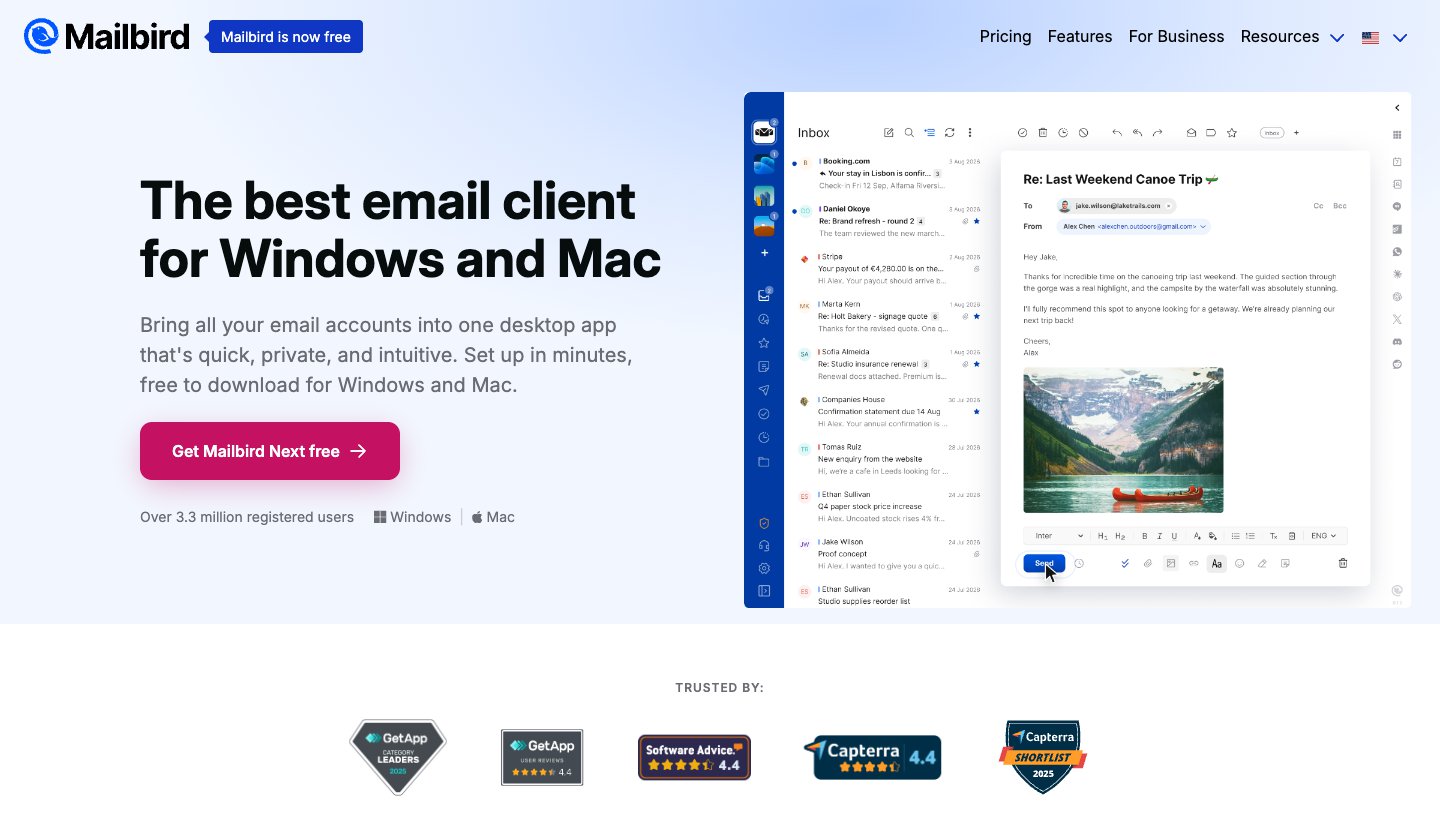
Maybe. If you're on Mailbird 2 and the licence was your only complaint, the free upgrade to Mailbird 3 fixes the update problem. Mailbird also keeps your mail on your computer, not on its servers, and its AI only works if you connect an AI app of your own. If that's what you liked, the free upgrade might be all you need.
Here's what Mailbird costs if you stay, checked on October 27, 2026:
Where you buy | Free | Yearly | One time |
|---|---|---|---|
1 account, 1 device | $69 a year list price (shown at $48.30 with a 30% offer) | $399 list price (shown at $99.75 with a 75% offer) | |
Free download | $34.49 | $159 |
Mailbird's site was showing a countdown offer when we checked, so the price you see may be different. A licence covers 3 devices and works on both Windows and Mac. POP accounts work on Windows but not yet on Mac.
What changed on Windows
Two things make this choice different from a few years ago.
Windows Mail is gone. Microsoft says "Support for Windows Mail, Calendar, and People ended December 31, 2024." It can't send or receive mail any more. Windows 11 now comes with the new Outlook instead.
The new Outlook shows ads on free accounts. Its Microsoft Store listing says that if you use a free service such as Outlook.com, Hotmail or Gmail without Microsoft 365, "you'll see ads in the new Outlook for Windows." Microsoft 365 Basic, at $1.99 a month or $19.99 a year, removes them.
So "just use the built-in app" now means either living with ads or paying a small yearly fee.
Mailbird alternatives at a glance
US prices from each vendor's own site, checked on October 27, 2026.
App | Best for | Free version | Paid price | Runs on |
|---|---|---|---|---|
Thunderbird | Free, no ads, any number of accounts | Everything | Donations | Windows, Mac, Linux, Android |
New Outlook | Already on your PC | Yes, with ads | $19.99/yr removes ads | Windows, Mac, iPhone, iPad, Android, web |
eM Client | Paid desktop app with calendar and tasks | 2 accounts, home use | $49.95/yr or $74.95 once | Windows, Mac, plus free phone apps |
Dove (ours) | A busy inbox sorted for you, on every device | 10 AI actions a day | $20/mo or $200/yr | Windows, Mac, iPhone, iPad, Android, web |
Spark | A cheap app on desktop and phone | Unlimited accounts | $10/mo or $99/yr | Windows, Mac, iPhone, Android |
Canary Mail (ours) | Privacy and PGP | 2 devices | $36/yr, or $100 once | Windows, Mac, iPhone, iPad, Android |
Mailspring | The closest look to Mailbird, free | Yes | Pro $8/mo | Windows, Mac, Linux |
Wino Mail | Windows Mail fans | 3 accounts | $9.99 once | Windows |
And the accounts each one can add. "IMAP" covers most other providers and many custom domains.
App | Gmail | Outlook.com and Microsoft 365 | iCloud | Yahoo | Other IMAP | POP |
|---|---|---|---|---|---|---|
Thunderbird | Yes | Yes | Yes | Yes | Yes | Yes |
New Outlook | Yes | Yes | Yes | Yes | Yes | Not confirmed |
eM Client | Yes | Yes, plus Exchange | Yes | Via IMAP | Yes | Yes |
Dove (ours) | Yes | Yes | Yes | Yes | Yes | Not listed |
Spark | Yes | Yes | Yes | Yes | Yes | Not listed |
Canary Mail (ours) | Yes | Yes, plus Exchange | Yes | Yes | Not listed | Not listed |
Mailspring | Yes | Yes | Yes | Yes | Yes | Not listed |
Wino Mail | Yes | Yes | Via IMAP | Via IMAP | Yes | Not listed |
"Not listed" means the vendor's pages don't say, so we didn't assume.
How we picked
We looked for apps that run as real desktop apps on Windows, where Mailbird started, and that connect to the email accounts you already have. Then we sorted them by the reason you're leaving. Prices, platforms and account types come from each vendor's pricing, help or store pages. We didn't run speed tests, so there are no speed claims here.
The best Mailbird alternatives
1. Thunderbird: the best free alternative
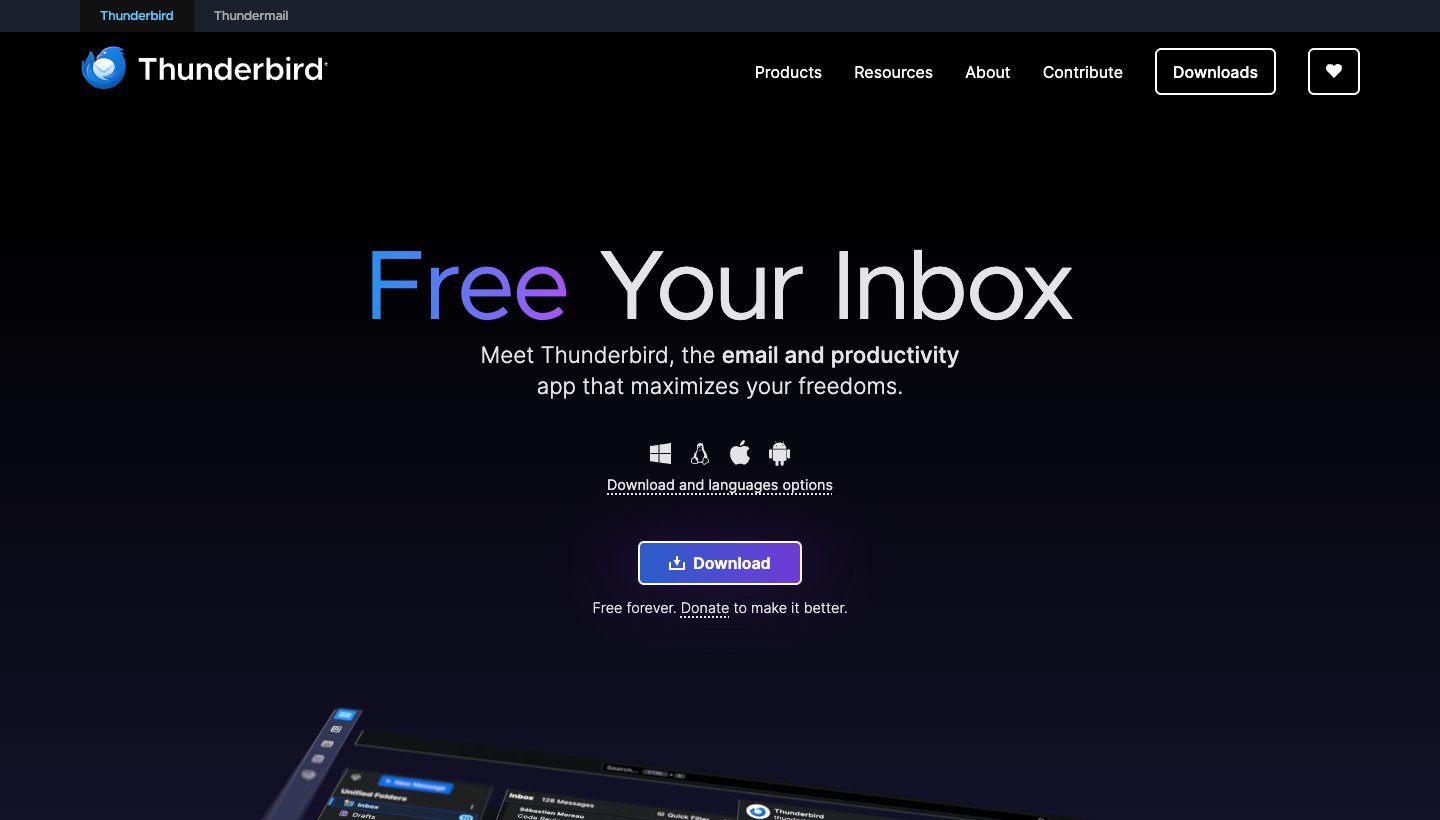
Thunderbird gives you what Mailbird's free plan doesn't: every account in one unified inbox. It costs nothing.
Who it's for: anyone who wants a full desktop email app with no ads, no account limit and no licence to buy.
Price: free, paid for by donations.
Platforms: Windows, Mac, Linux and Android.
Accounts: Gmail, Outlook and Microsoft 365, iCloud, Yahoo, and any IMAP or POP account.
Standout: calendar, contacts, add-ons and OpenPGP encryption are all built in. Your mail is stored on your PC, as it was with Mailbird.
One real downside: there's no iPhone app yet. Thunderbird says it hopes to have a first version ready for testing "in the next few months".
2. New Outlook for Windows: the one you already have
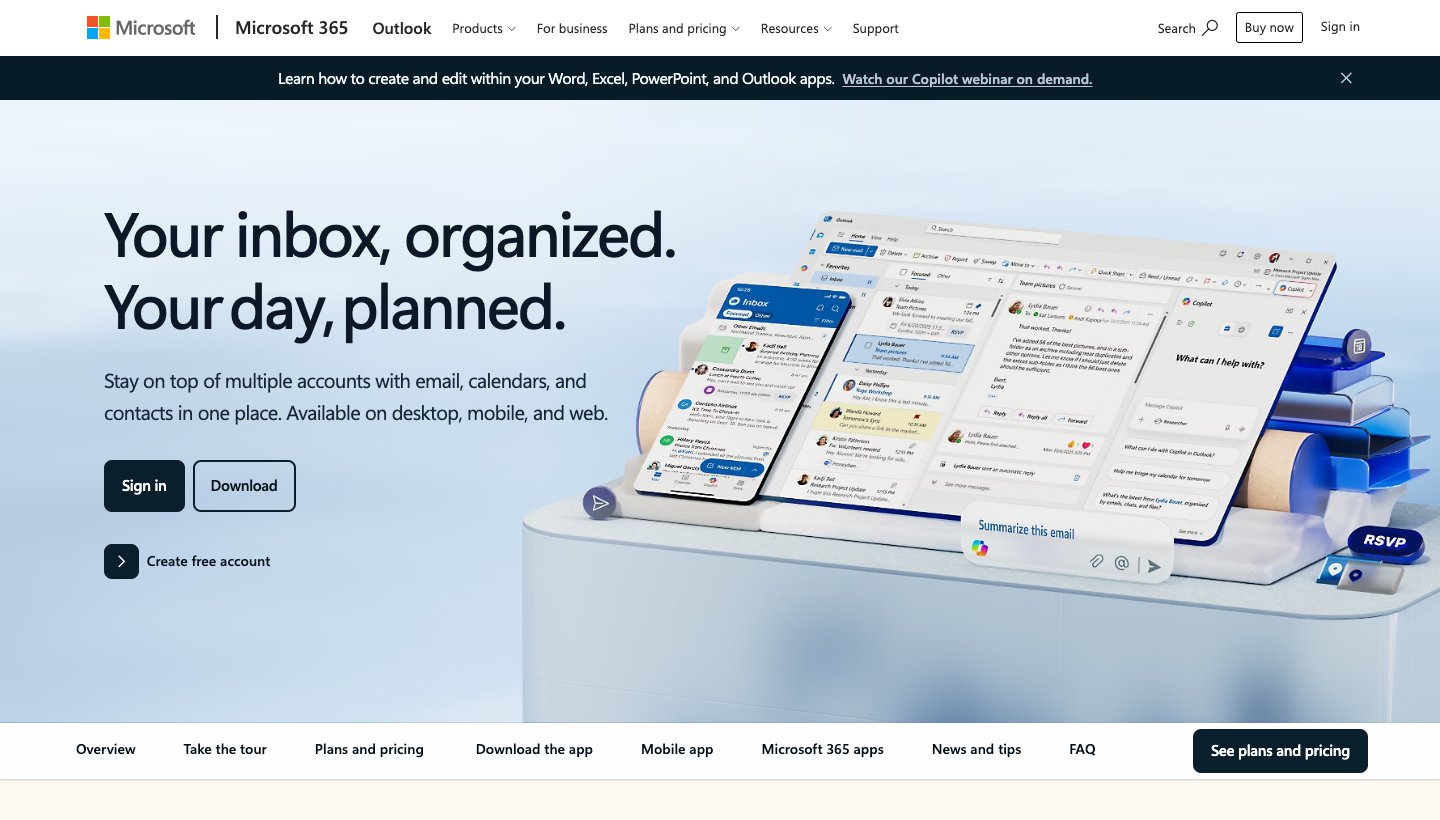
If you'd rather not install anything, the new Outlook is already on Windows 11, and it isn't limited to Microsoft accounts.
Who it's for: people who want the default app, and anyone whose work runs on Microsoft 365.
Price: free with ads. Microsoft 365 Basic removes them for $1.99 a month or $19.99 a year.
Platforms: Windows, with Outlook apps for Mac, iPhone, iPad, Android and the web.
Accounts: Outlook.com and Hotmail, work or school Microsoft accounts, Gmail, Yahoo, iCloud and other IMAP accounts.
Standout: mail and calendar in one window, plus scheduled send and undo send. It's also the same Outlook you'd use on your phone.
One real downside: free accounts see ads in the inbox. To get rid of them you need another subscription, even a small one.
3. eM Client: the best paid desktop app
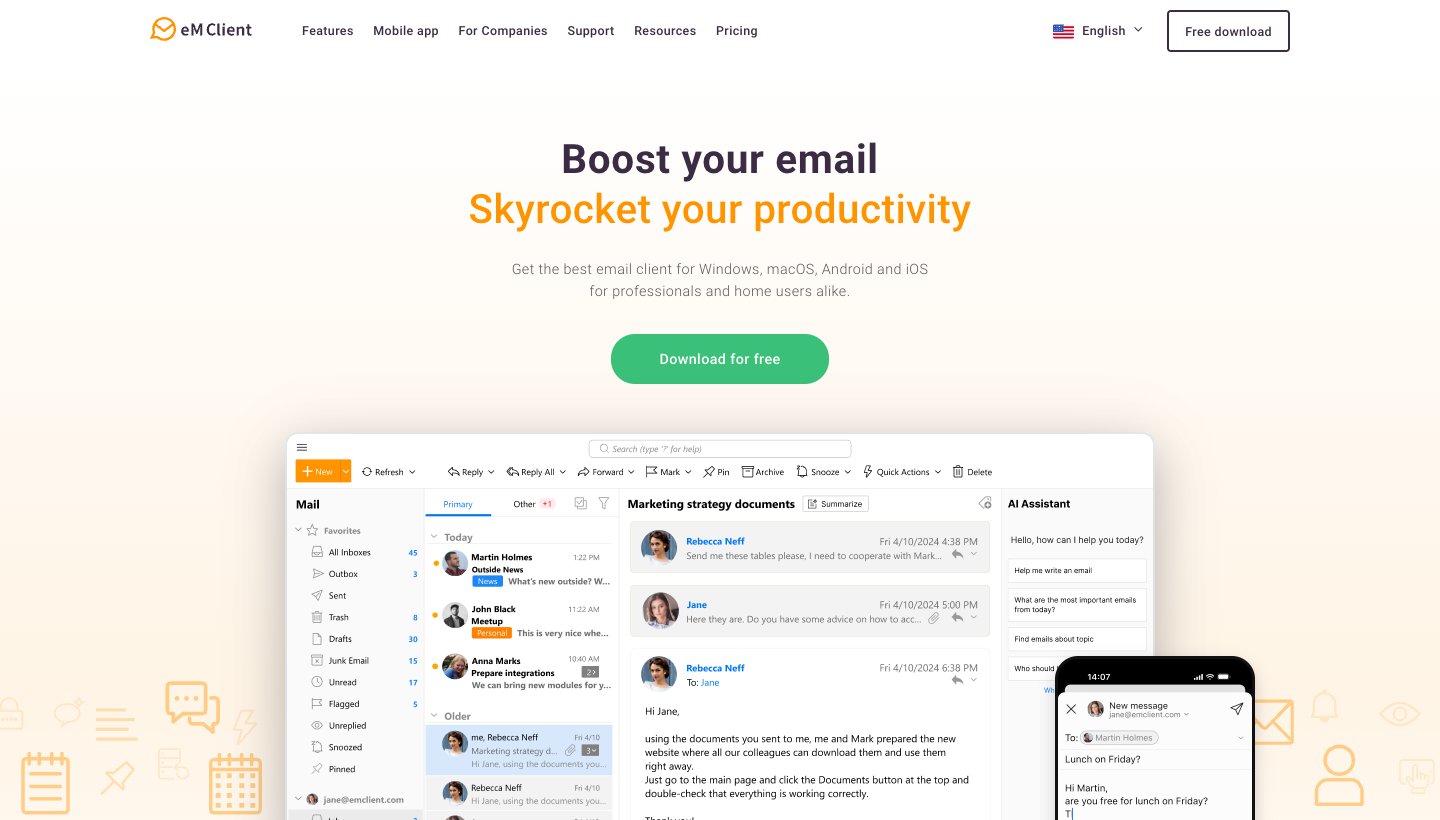
eM Client feels like a desktop Outlook without the Microsoft 365 bill. Mail, calendar, contacts and tasks all sit in one window. Version 11 came out on October 8, 2026 and added an AI assistant, natural-language search and Microsoft Graph support.
Who it's for: Mailbird users who want more desktop features, not fewer, and who don't mind paying.
Price: free for home use on 1 device with 2 accounts. Personal is $49.95 a year (3 devices, unlimited accounts, AI included) or $74.95 once. Business is $59.95 a year or $89.95 once, per device. These are US prices; eM Client sets prices by country. 30-day free trial. See eM Client's pricing.
Platforms: Windows and Mac, with free iPhone and Android apps.
Accounts: Gmail, Microsoft 365, Exchange, Outlook.com, iCloud and any IMAP or POP account.
Standout: PGP and S/MIME encryption, tracking-pixel blocking, and phone apps that need no licence.
One real downside: it has the same catch Mailbird had. A one-time licence covers only the current major version. If you want version 12 later, you need the separate Lifetime Upgrades purchase.
4. Dove: best for a busy inbox you want sorted, on every device (ours)
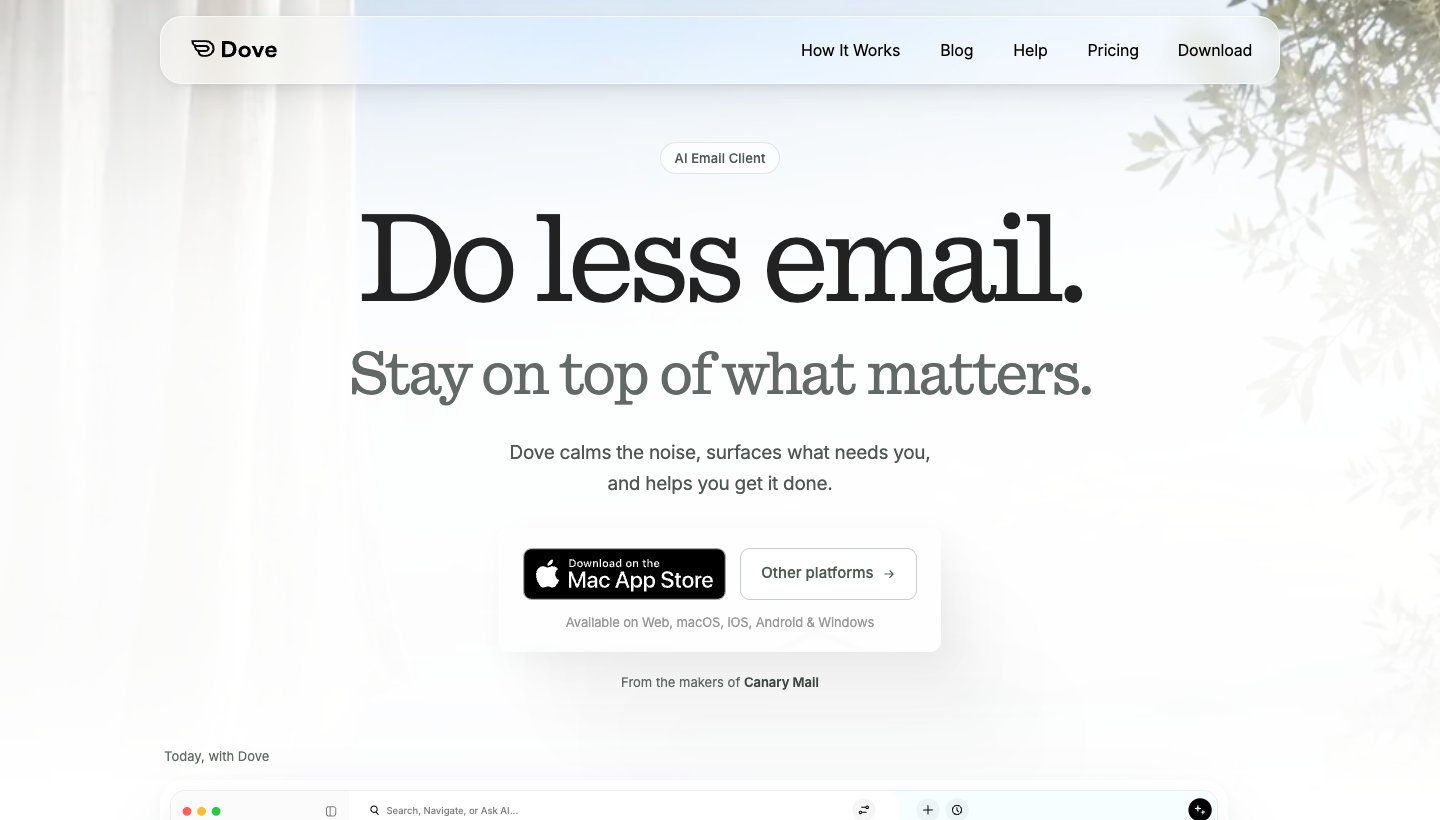
Dove is our app. Like Mailbird, it puts all your accounts in one inbox. It also sorts that inbox, so the mail that needs you comes first.
Who it's for: people who get more mail than they can read, across several accounts, and want the same inbox on their PC and phone.
Price: $20 a month or $200 a year. The free plan gives you 10 AI actions a day. The paid plan has a 7-day free trial, and you add a card to start it. See Dove's pricing.
Platforms: Windows, Mac, iPhone, iPad, Android and web. No Linux.
Accounts: Gmail, Google Workspace, Outlook.com, Microsoft 365, iCloud, Yahoo and any IMAP account. Unlimited accounts on every plan, free included.
Standout: on Pro, mail is sorted into Focus, Feed and Noise, and Today shows what needs you, your schedule and what you're waiting on. AI drafts replies and sums up long threads.
One real downside: Dove is new, with only 21 ratings in the Microsoft Store and a short track record. Its calendar works with Gmail and Microsoft 365 accounts only, it has no PGP or end-to-end encryption, and the sorting is a Pro feature.
5. Spark: the cheapest way to get desktop and phone
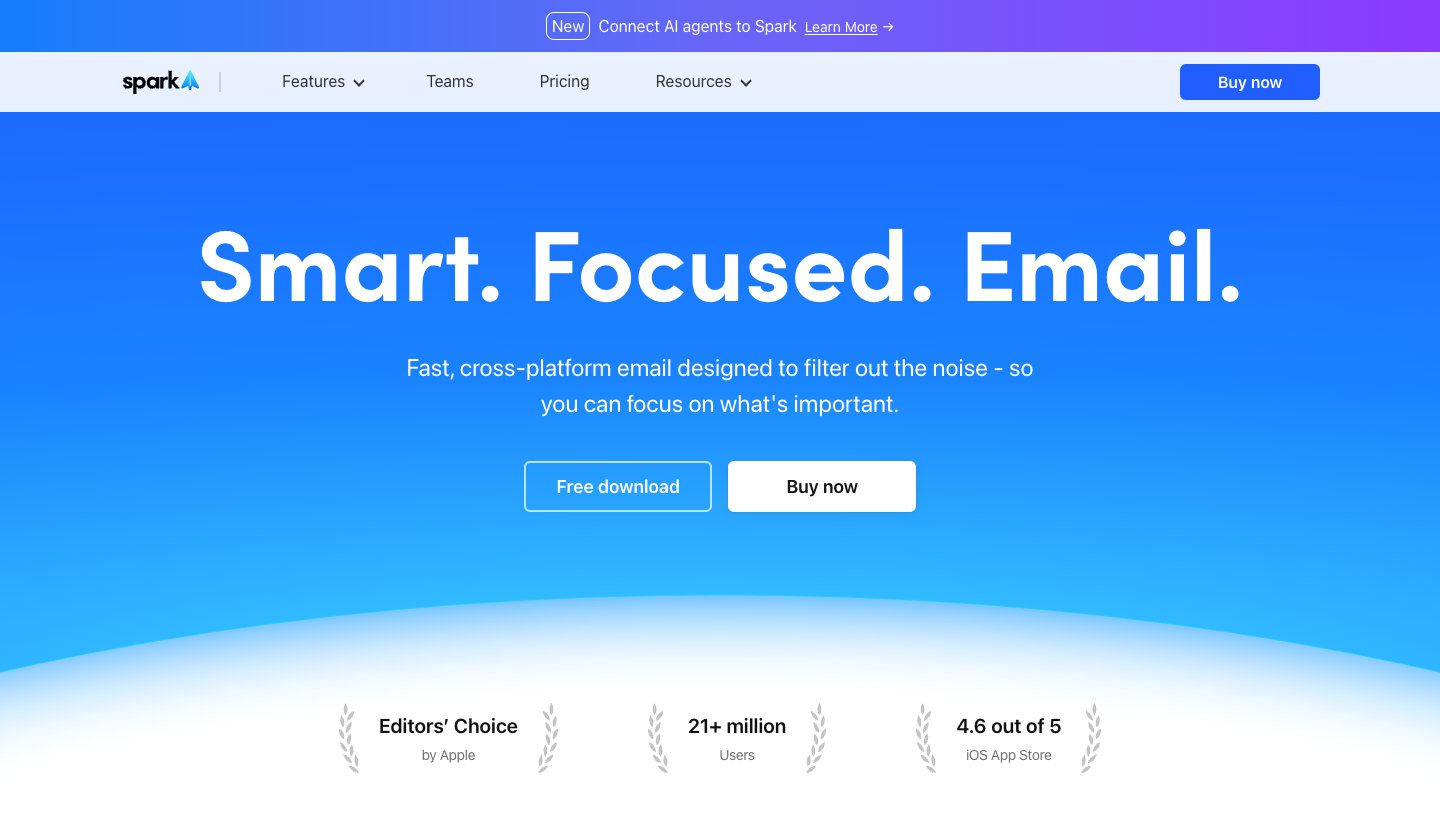
Spark, from Readdle, covers two of Mailbird's gaps for free. There's no account limit on the free plan, and the phone apps are out of beta.
Who it's for: people who want one free app on Windows and their phone.
Price: free with unlimited accounts. Plus is $10 a month or $99 a year. Pro is $20 a month or $199 a year. See Spark's pricing.
Platforms: Windows, Mac, iPhone and Android.
Accounts: Gmail and Google Workspace, Outlook and Office 365, iCloud, Yahoo and any IMAP account.
Standout: it groups mail by type, lets you screen new senders, and has an AI assistant that can search across your mail.
One real downside: Spark doesn't say how much AI you get. Plus has "Extended" monthly credits and Pro "High", with no numbers.
If you're weighing Spark against our app, see Dove vs Spark.
6. Canary Mail: best for privacy and PGP (ours)
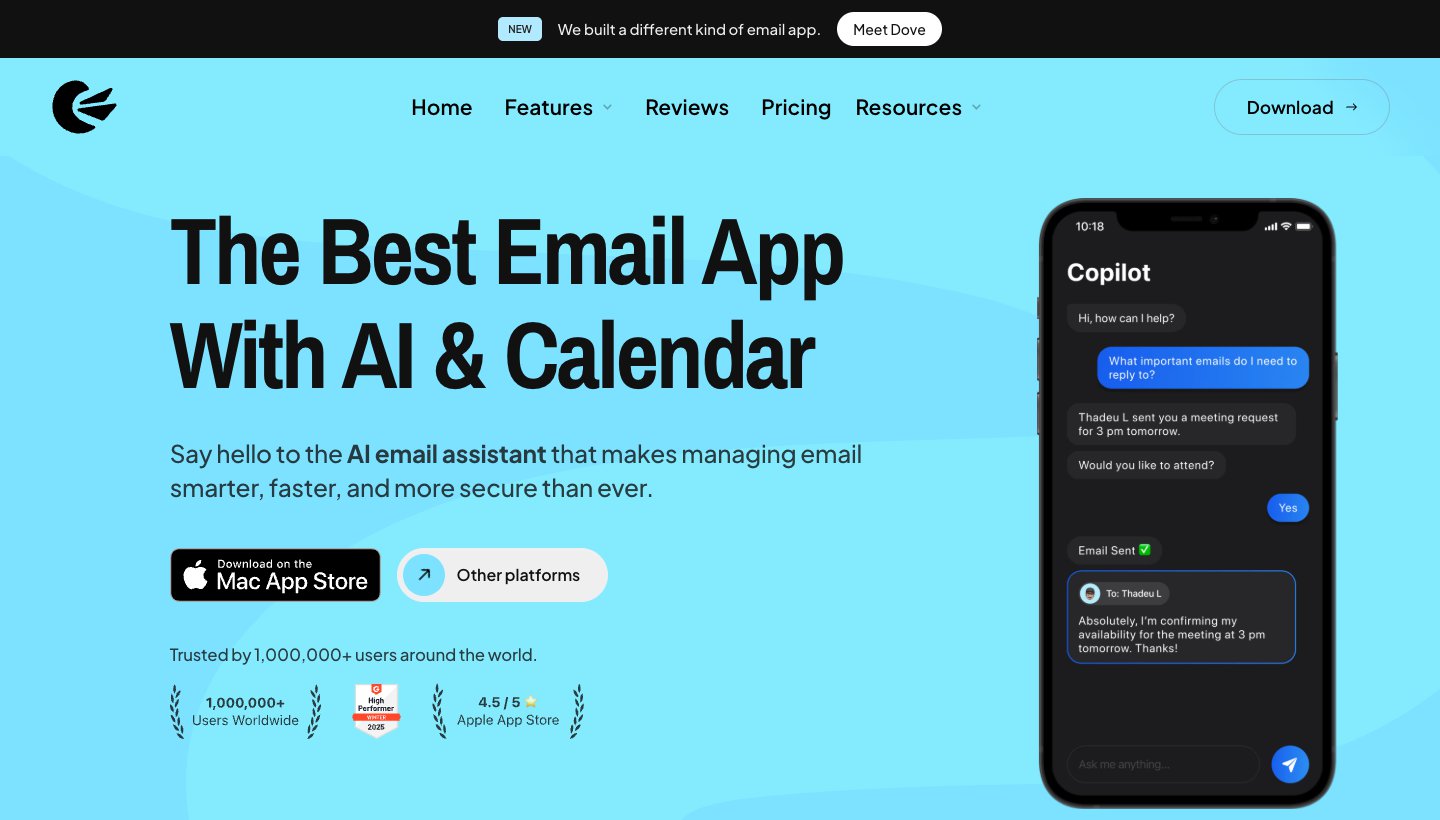
Canary is our team's other app. Pick it if you want encryption you control.
Who it's for: people who want PGP encryption in an everyday app, on desktop and phone.
Price: free on 2 devices. Growth is $36 a year or $100 once. Pro+ is $100 a year or $300 once. No monthly plan. The 7-day trial doesn't ask for a card. See Canary's pricing.
Platforms: Windows, Mac, iPhone, iPad and Android.
Accounts: Gmail, Outlook, Exchange, Office 365, iCloud, Yahoo, Zoho Mail and ProtonMail.
Standout: PGP end-to-end encryption on Pro+, plus AI drafting and summaries on paid plans.
One real downside: you pay for a year or a lifetime up front, and the free plan has no AI.
7. Mailspring: closest to Mailbird's look, for free
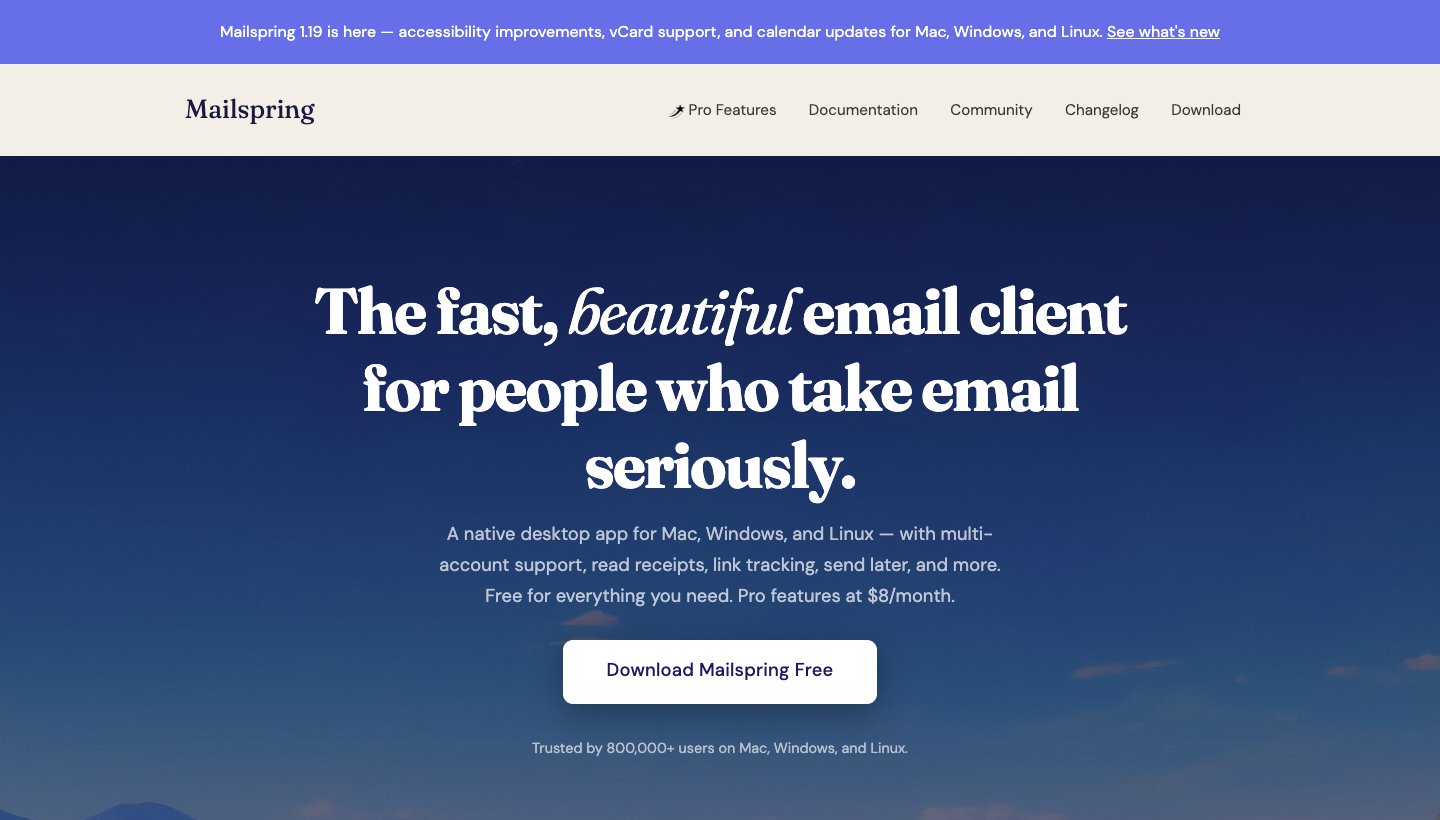
If you liked how Mailbird looked, Mailspring is the nearest free match: a clean unified inbox and a light, modern design. It also runs on Linux, which Mailbird never has.
Who it's for: people who want a good-looking free app and don't need a phone version.
Price: free. Mailspring Pro is $8 a month and adds read receipts, send later, snooze, templates and reminders.
Platforms: Windows, Mac and Linux.
Accounts: Gmail, Outlook.com, Office 365, iCloud, Yahoo, FastMail and any IMAP account.
Standout: mail syncs straight from your provider to your computer, not through Mailspring's servers.
One real downside: there's no phone app, and snooze and send later need Pro.
8. Wino Mail: if you really miss Windows Mail
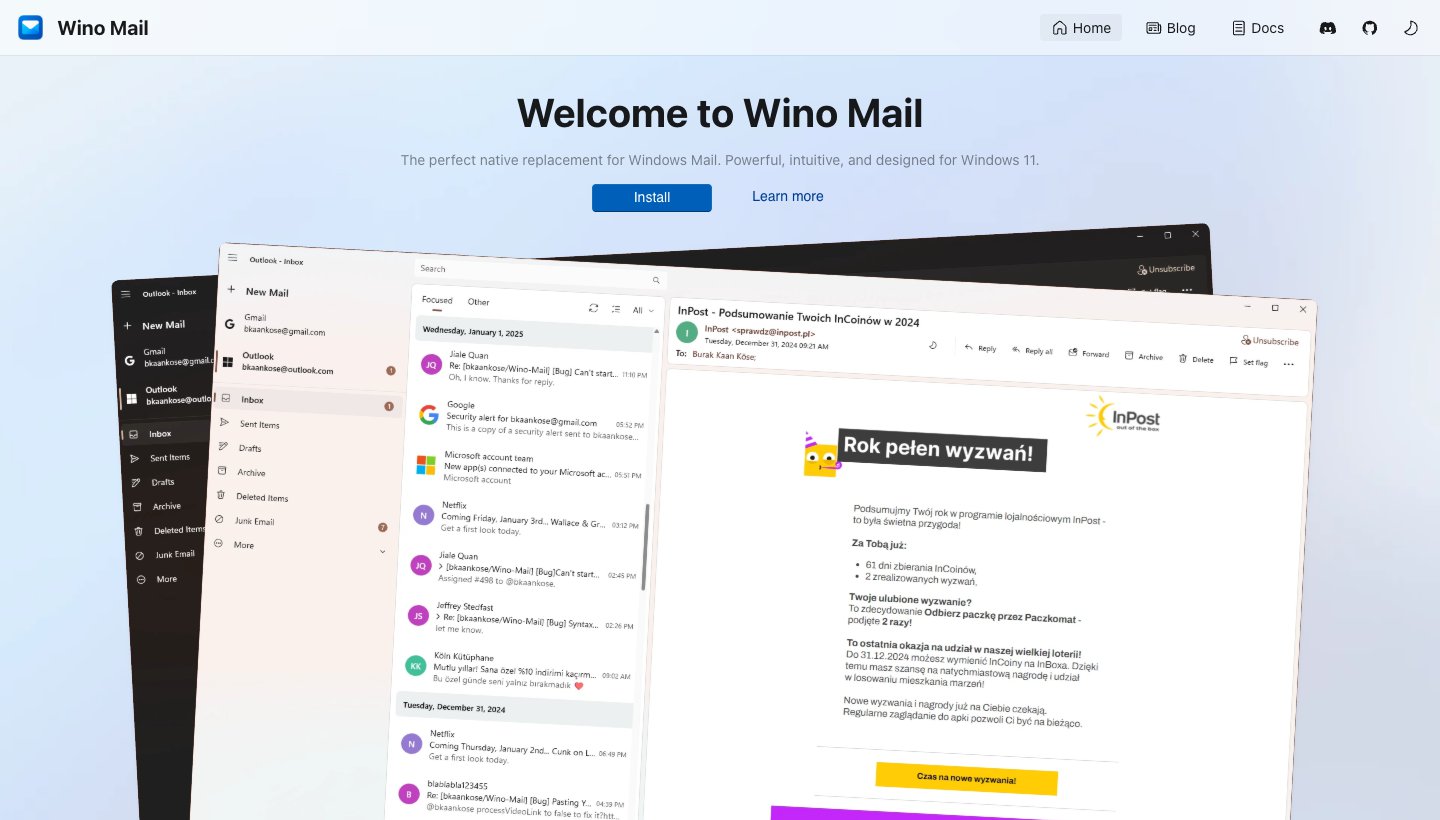
Some people moved to Mailbird when Windows Mail died. If that's you, Wino Mail is a free app built to bring the old Windows Mail look back.
Who it's for: people who want a simple, native Windows app and nothing more.
Price: free for up to 3 accounts. Unlimited accounts cost $9.99 once in the Microsoft Store.
Platforms: Windows 10 and 11 only.
Accounts: Outlook and Gmail, plus any IMAP account.
Standout: a real Windows app, not a web wrapper, with mail and calendar. It's open source.
One real downside: it's mostly one developer's project, so updates depend on one person.
eM Client alternatives
eM Client is the most common next step from Mailbird, and also something people leave. Two reasons come up. The free plan stops at 2 accounts and home use. And one-time licences only cover the current major version, which matters now that version 11 is out. US prices also went up: on October 8, 2026 we saw $39.95 a year and $59.95 once for Personal. Today it's $49.95 and $74.95.
If you're leaving eM Client:
For free with no account limit: Thunderbird. It has a calendar, contacts and PGP built in, so you keep most of what eM Client gave you.
For a free app on your phone too: Spark.
For AI sorting on every device: Dove (ours), which also has a calendar for Gmail and Microsoft 365 accounts.
For PGP on desktop and phone: Canary Mail (ours).
For work on Microsoft 365: Outlook.
Thunderbird alternatives
Thunderbird is our top pick, but some people leave it too, mostly because it looks dated or has no iPhone app. If you liked Thunderbird but want fixes faster, Betterbird is a free fork of it. For a more modern look, try Mailspring. For a phone app today, try Spark, Dove or Canary. For a paid desktop app with more polish, try eM Client.
How to switch from Mailbird
Check how your accounts connect. If they use IMAP (Gmail, Outlook.com, iCloud and Yahoo all do by default), your mail lives on the server. Add the same accounts to your new app and your mail shows up.
Look out for POP accounts. POP downloads mail to your PC. Keep a copy of Mailbird's local data before you uninstall, and pick an app that handles POP, such as Thunderbird or eM Client.
Copy signatures and filters by hand. They don't move between apps.
Run both for a week. Keep Mailbird installed until you're happy. If you have a Mailbird 2 licence, it keeps working after updates stop.
More Windows options are in our guide to the best email clients for Windows. If you're replacing apps on a phone or Mac too, start with the best email apps.
Which one should you choose?
Thunderbird if you want free, no ads and your mail on your PC.
New Outlook if you'd rather use what's installed, and ads or $19.99 a year are fine.
eM Client if you want a fuller desktop app and will pay for it.
Dove (ours) if the problem is how much mail you get, and you want help on every device.
Spark if you want one free app on your PC and phone.
Canary Mail (ours) if you need PGP.
Mailspring if you liked Mailbird's look and also use Linux.
Wino Mail if you just want Windows Mail back.
Mailbird 3 if the licence was your only problem and you like the app.
FAQ
What is the best alternative to Mailbird?
For most people, Thunderbird: free, unlimited accounts and a unified inbox. eM Client is the best paid desktop option. Spark and Dove (ours) are better if you also want the app on your phone.
Is Mailbird still free?
Partly. The free version has no time limit but covers one email account on one device. Each new account gets Premium free for 7 days. After that, Premium costs $69 a year at list price on Mailbird's site, or $34.49 a year through the App Store.
Which is better, Mailbird or Thunderbird?
Thunderbird, if you want free and lots of accounts. It also runs on Linux and has encryption and a calendar built in. Mailbird looks more modern, but its free plan only covers one account.
Which is better, Mailbird or eM Client?
eM Client, if you want calendar, contacts and tasks in one window and finished phone apps. Its free plan allows 2 accounts to Mailbird's 1. Mailbird is simpler to look at. Both sell one-time licences that don't cover every future version.
What happened to Mailbird lifetime licences?
Mailbird says its "Pay Once" and "Lifetime" wording wasn't clear. Mailbird 2 stops getting updates at the end of 2026, and every Mailbird 2 customer gets a free upgrade to Mailbird 3. Some buyers also get Mailbird Next free. Mailbird's wind-down note lists who.
Does Mailbird have a phone app?
Yes, but both the Android and iPhone apps are in public beta. Spark, Dove, Canary, Outlook and eM Client all have finished phone apps.
Is Thunderbird being discontinued?
No. Thunderbird is still updated, now has an Android app, and is working on an iPhone app.
What is the best free email client for Windows 11?
Thunderbird if you want no ads. The new Outlook is also free and already installed, but free accounts see ads. For more picks, see our guide to the best email clients for Windows, and if you're leaving Outlook instead, our Outlook alternatives.
More from Dove
Recent posts
October 27, 2026
Spark Mail Alternatives in 2026: 10 Apps, Sorted by Why You're Leaving
Most people who leave Spark Mail want one of four things: no extra account on someone's servers, a free app, better AI, or a real team inbox. Here's the best pick for each, with prices checked on October 27, 2026.
October 27, 2026
Best Email App for Multiple Accounts in 2026: 10 Picks, Free Limits Checked
Most lists skip the catch: some free plans stop at one or two accounts. We checked the limit in 10 apps, which providers each one takes, and which to pick on each device.
October 13, 2026
Outlook Alternatives in 2026: 9 Email Apps for Every Device
Microsoft isn't shutting Outlook down, but Windows Mail is gone and the old Outlook for Mac loses work accounts this month. Here's what's changing, and nine Outlook alternatives for Windows, Mac, iPhone and Android, with prices checked on October 13, 2026.