

Best Email Cleaner Apps in 2026: What They Cost, and What They Do With Your Mail
For most people with a huge, cluttered inbox, the best email cleaner app is Clean Email. It groups years of mail by sender so you can delete, archive or unsubscribe in a few taps. It works with Gmail, Outlook, Yahoo, iCloud and most other accounts, and runs on iPhone, Android, Mac and the web. It reads message headers rather than full emails, and it makes its money from subscriptions: $29.99 a year for one account after a free first 1,000 emails.
If you'd rather not pay, start with what's already in your inbox. Gmail has a free Manage subscriptions page and search filters that can clear thousands of emails in minutes. iPhone and Outlook have their own free tools too. Be careful with free cleaner apps. Cleanfox and Unroll.me are both run by NielsenIQ, a market research company, and both say in their privacy notices that data from your shopping emails may be sold.
Disclosure: Dove is made by the team behind Canary Mail. Dove appears on this list, marked "(ours)", as an app for keeping mail sorted after the cleanup. It isn't a bulk cleaner, and we say so in its entry. We checked every price and policy below on the vendor's own site on November 11, 2026. Every entry, ours included, gets one real downside.
Quick picks
Best email cleaner app overall: Clean Email. Every major provider, apps on every device, headers only, paid by subscription.
Best for one giant inbox on the web: Mailstrom. Groups mail by sender, subject, date or size. Pick the plan by how many emails you have.
Best for unsubscribing without selling your data: Leave Me Alone. Ten free unsubscribes, then a paid plan.
Best free option on Gmail: Gmail's own tools. Manage subscriptions plus a few search terms.
Best free option on iPhone: Apple Mail's categories and iCloud Mail Cleanup.
Best free option on Outlook.com: Sweep.
Free, but paid for with your data: Cleanfox and Unroll.me.
Best for keeping new mail sorted in the email app you already use: SaneBox.
Best for keeping new mail sorted in a new email app: Dove (ours).
Two jobs: clearing the backlog and keeping it clean
Most "email cleaner" lists mix up two different jobs.
Clearing the backlog. You have 20,000 or 160,000 emails and want most of them gone. You need a tool that groups mail by sender, lets you delete or archive a whole group at once, and unsubscribes you from lists. You do this once, maybe once a year. Clean Email, Mailstrom and Gmail's own search do this well.
Keeping it clean. New mail keeps arriving. You need something that sorts it as it comes in, so newsletters and receipts don't bury the email from your boss. You use this every day. SaneBox, inbox categories and email apps that sort for you, such as Dove (ours), do this.
A cleaner can set up rules for new mail, but that isn't its main job. A sorting app can't delete five years of old newsletters. Most people with a big mess need one of each. Sometimes both are already built into your email.
How each cleaner makes money, and what it reads
This is the part most lists skip. To clean your inbox, any of these tools needs permission to read and change your mail. So it's worth knowing what each one reads, and who pays for it.
Tool | How it makes money | What it reads |
|---|---|---|
Subscriptions: "100% of our income comes from subscription fees" | Headers to build its index; message bodies only briefly, for previews and for Auto Clean | |
Subscriptions | Stores subject lines and other metadata; its FAQ says it "also has access to the contents of your emails" | |
Subscriptions; says it never sells email content | Metadata of subscription emails; content only for Rollups and the optional Spam Blocker | |
Subscriptions | Headers only, unless you turn on its optional AI features, which can read message bodies | |
Gmail, Apple Mail, Outlook | Part of the email service you already use | Nothing new: no extra company gets access |
Free. "To keep Cleanfox free, we sell data for statistical purposes." Signing up joins NielsenIQ's consumer panel | Copies of your commercial emails: receipts, delivery notices, subscriptions | |
Free. Same NielsenIQ consumer panel model | Copies of your commercial emails | |
Free app funded by its research business; it is "an affiliate of Yipit LLC (d.b.a. YipitData)" | Identifies "Commercial Data" such as purchases, bills and shipments in your mail | |
Subscriptions | Full messages, so its AI can sort and draft. Dove says it never uses your email content to train AI models |
What "sell" means here. Cleanfox's and Unroll.me's privacy notices both say they may provide data about the commercial emails you receive, "as well as some of your demographic characteristics", to customers including "e-commerce businesses, investment companies, consumer brands, media companies, and data brokers". Both also say your directly identifiable information will never be sold or shared with those customers to target you. You can opt out of the sale in your settings. Edison's policy says it may share de-identified data with YipitData "for commercial research, analytics, products, and insights offered to business subscribers".
This has happened before. In 2017, reporting on Unroll.me's then parent company, Slice, showed Uber had used Slice's data services to learn about Lyft's business. In 2019 the FTC said Unroll.me had "falsely told consumers that it would not 'touch' their personal emails" while sharing their e-receipts with Slice, which used purchase information from them in market research products it sold. The settlement made Unroll.me delete those stored e-receipts unless users agreed to keep them. Its disclosures are clearer today. The business model is the same.
None of this makes the free tools illegal or unsafe in the hacking sense. It's a trade: you pay with data about what you buy instead of with money. Some people are fine with that. If you aren't, use the built-in tools or a paid cleaner.
Prices at a glance
Prices are in US dollars from each vendor's own site, checked on November 11, 2026. The tool name links to the pricing source we used.
Tool | Free | Paid | Accounts | Platforms |
|---|---|---|---|---|
Clean up to 1,000 emails | $9.99 a month or $29.99 a year (1 account); 5 accounts $19.99 a month or $49.99 a year; 10 accounts $29.99 a month or $99.99 a year | Gmail, Outlook, Microsoft 365, Yahoo, AOL, iCloud, Fastmail, IMAP | Web, iPhone, iPad, Mac, Android | |
Trial: act on 25% of your latest 5,000 emails | Basic $59.95 a year (up to 10,000 emails); Plus $99.95 a year (250,000); Pro $199.95 a year (unlimited); monthly from $9 | Gmail, Outlook, Yahoo, AOL, iCloud, IMAP | Web | |
10 unsubscribes | $15 a month or $150 a year (1 inbox); $19 for a 7-day pass | Gmail, Outlook, iCloud, Yahoo, Fastmail, IMAP | Web | |
7-day trial | From $3.49 a month or $29 a year | Gmail, Microsoft 365, iCloud, Yahoo, Fastmail, IMAP, Exchange | Works inside any email app | |
Gmail, Apple Mail, Outlook.com | Yes | — | Their own accounts | Built in |
Yes, with your data | — | Gmail, Outlook, Yahoo, Hotmail, iCloud, AOL | Web, iPhone, Android | |
Yes, with your data | — | Gmail, Outlook.com, Yahoo, iCloud, AOL | Web, iPhone, Android | |
Yes, funded by research | Edison Mail+ $14.99 a month or $99.99 a year | Gmail, Outlook, Yahoo, iCloud, AOL, Exchange, IMAP | iPhone, Android | |
Yes, with limits | Premium in the app; no clear price on its site | Gmail, Outlook, Hotmail, Live | iPhone, web | |
10 AI actions a day | $20 a month or $200 a year | Gmail, Google Workspace, Outlook, Microsoft 365, iCloud, Yahoo, IMAP | Mac, Windows, iPhone, iPad, Android, web |
The best email cleaner apps, in detail
Clean Email: best email cleaner app overall
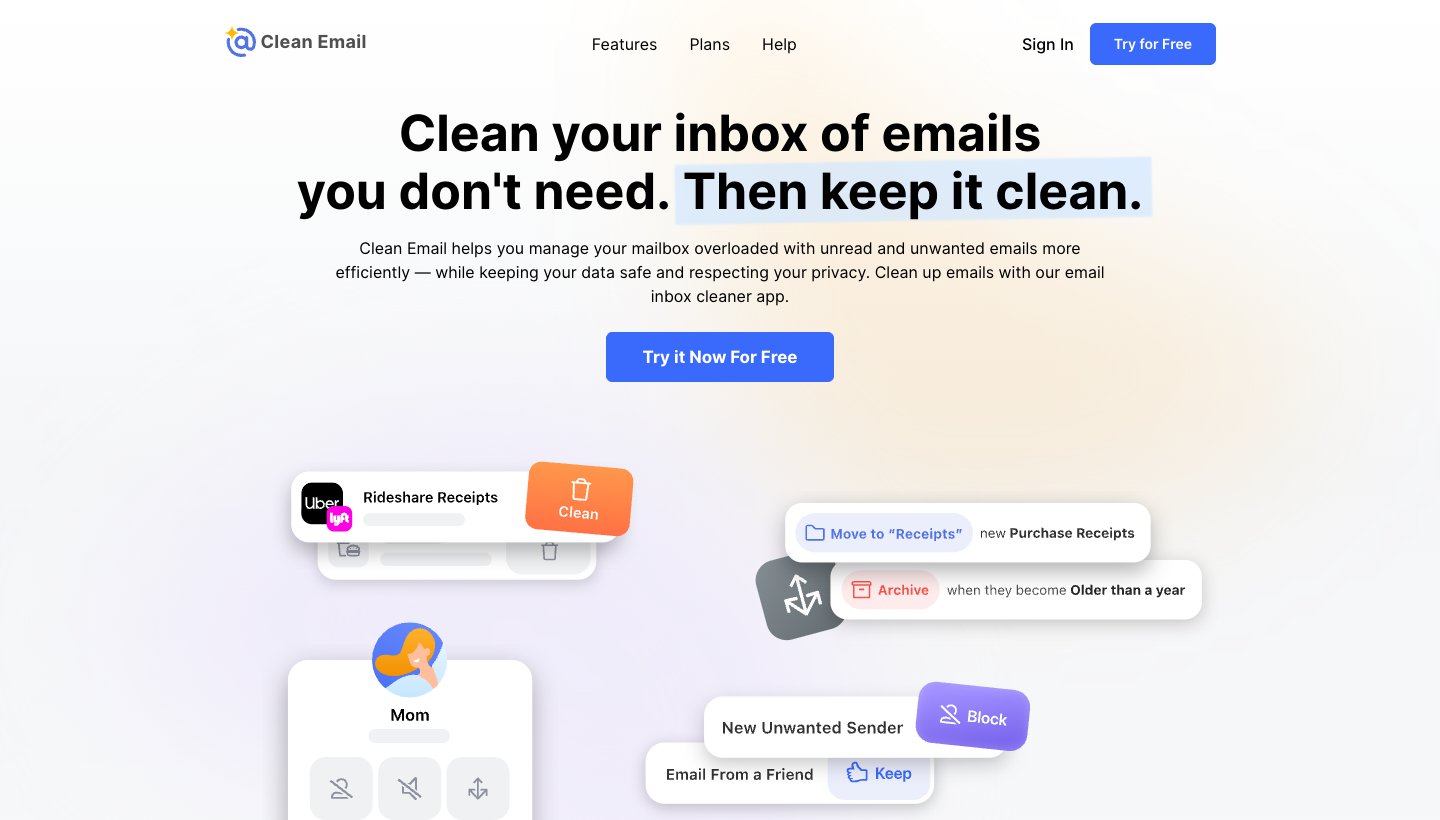
Clean Email is the one to try first if you have years of mail to clear. It sorts your inbox into groups such as "Old emails" and newsletters, shows you every sender, and lets you trash, archive, move or unsubscribe from a whole group at once.
Who it's for: anyone with a big backlog on almost any provider who wants an app on their phone and their computer.
Price: free for your first 1,000 emails, plus 100 a week if you turn on cleanup reminders. A 14-day trial adds every Premium feature and 25 unsubscribes. After that, one account is $9.99 a month or $29.99 a year; five accounts are $19.99 a month or $49.99 a year. See Clean Email's plans.
Works with: Gmail, Yahoo, Outlook, Microsoft 365 and AOL through the provider's own sign-in. iCloud and Fastmail need an app-specific password. Other IMAP accounts work too. Proton and Tuta don't.
Platforms: web, iPhone and iPad, Mac and Android.
How it reads your mail, and how it's paid for: it reads message headers to build its index and downloads bodies only briefly, for previews and when Auto Clean deletes mail. It says all of its income comes from subscriptions.
Standout: Auto Clean rules keep working after the big cleanup. You can keep only the newest email from a sender, or move receipts to a folder and archive them after a year.
One real downside: the free plan is a taster. 1,000 emails won't touch a 50,000-email backlog, and Auto Clean and the Screener are paid features.
Mailstrom: best for one giant inbox on the web
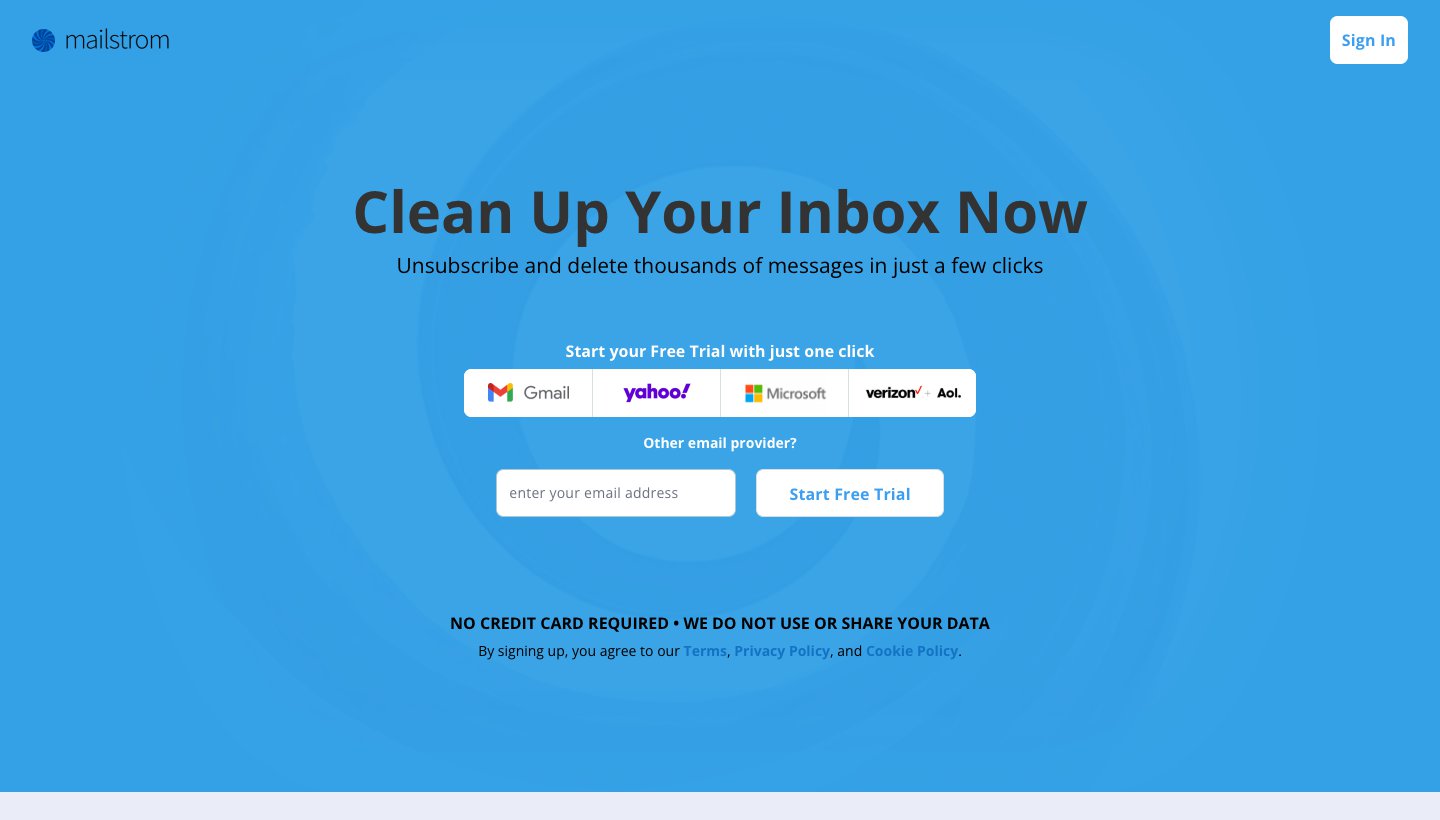
Mailstrom, from 410 Labs, has been doing bulk cleanup since 2013. It groups your mail by sender, subject, date, size or mailing list, and you act on each group in one click.
Who it's for: someone at a computer with one or a few very full mailboxes.
Price: Basic is $59.95 a year for one account and up to 10,000 emails. Plus is $99.95 a year for three accounts and up to 250,000 emails. Pro is $199.95 a year for 20 accounts and no limit. Monthly billing starts at $9. See Mailstrom's plans.
Works with: Gmail, Outlook, Yahoo, AOL, iCloud (with an app-specific password) and any IMAP account. Not POP.
Platforms: it runs in your web browser. There's no Mailstrom app for phones.
How it reads your mail, and how it's paid for: Gmail, Outlook and Yahoo connect by sign-in, so Mailstrom never sees your password. It stores subject lines and other metadata, and its FAQ says it "also has access to the contents of your emails". Paid by subscriptions; its homepage says "We do not use or share your data".
Standout: the most ways to slice a backlog: by size to free up storage, by date to clear everything older than five years, by list to kill newsletters.
One real downside: the plan limits are about inbox size. Basic stops at 10,000 emails, so a really big inbox needs Plus at least. The free trial only loads your latest 5,000 emails and lets you act on a quarter of them.
Leave Me Alone: best for unsubscribing without selling your data
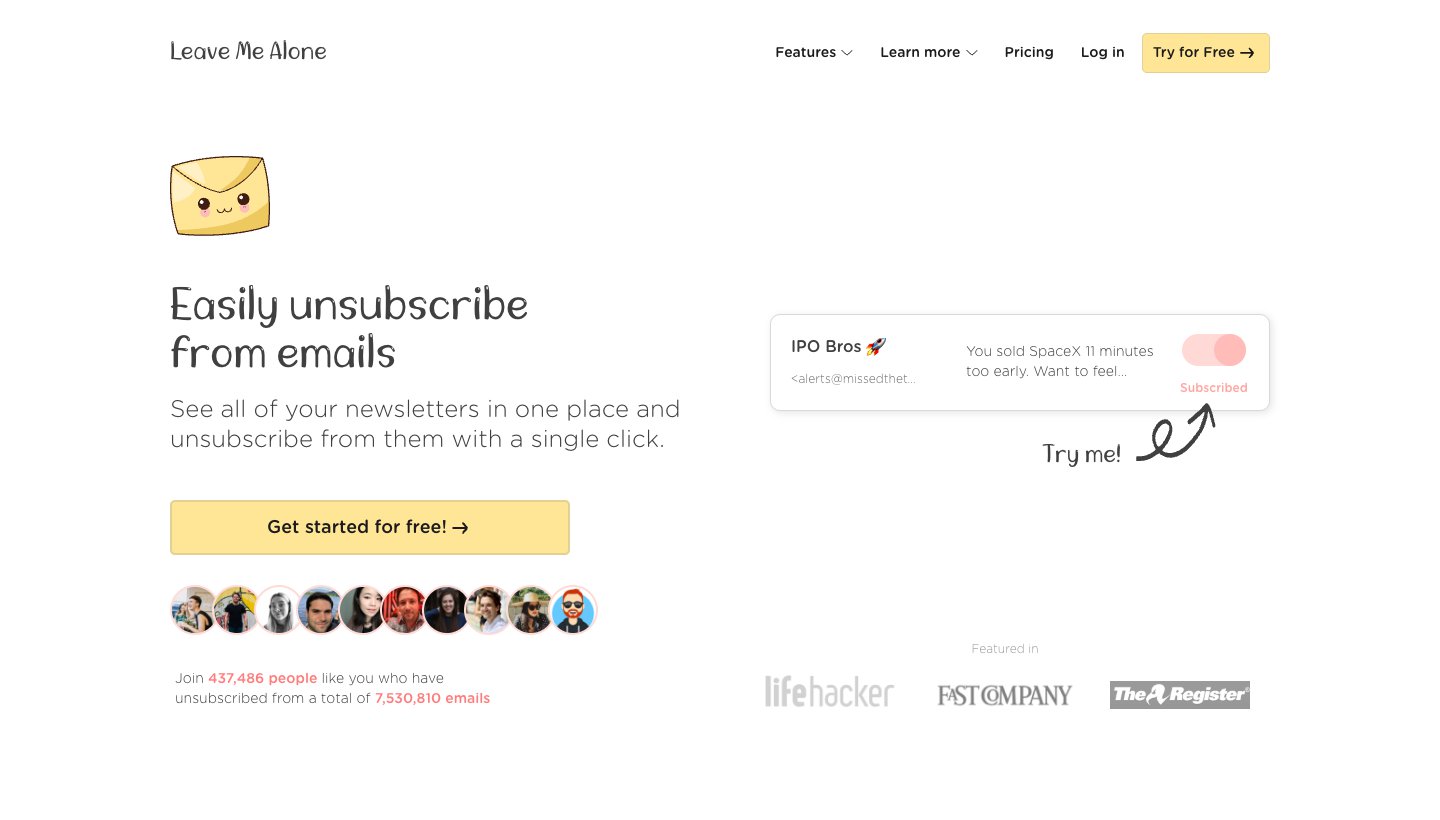
Leave Me Alone, from the small independent company Squarecat, is built around one job: seeing every newsletter you get and unsubscribing from the ones you don't want.
Who it's for: people whose clutter is mostly newsletters and promotions, who want an unsubscribe tool that isn't funded by data.
Price: 10 free unsubscribes. Then $15 a month or $150 a year for one inbox, $24 a month for three, or $36 a month for unlimited. A 7-day pass for one inbox is $19, paid once. There's a 14-day money-back guarantee. See Leave Me Alone's pricing.
Works with: Gmail, Outlook, iCloud, Yahoo, Fastmail and any IMAP account.
Platforms: web. We found no iPhone app in the US App Store.
How it reads your mail, and how it's paid for: Gmail and Outlook connect by sign-in; IMAP accounts use an app password. It stores the metadata of your subscription emails. If you turn on its Spam Blocker, it reads those emails and keeps some content to train its own spam filters (security page). It says it never sells your email content.
Standout: a plain list of every newsletter with a one-click switch, plus Rollups that bundle the ones you keep into one digest.
One real downside: its one-inbox plan is the priciest single-account plan here, and it's built for unsubscribing and blocking. It won't clear out years of old mail the way Clean Email or Mailstrom can.
Gmail's own tools: best free option on Gmail
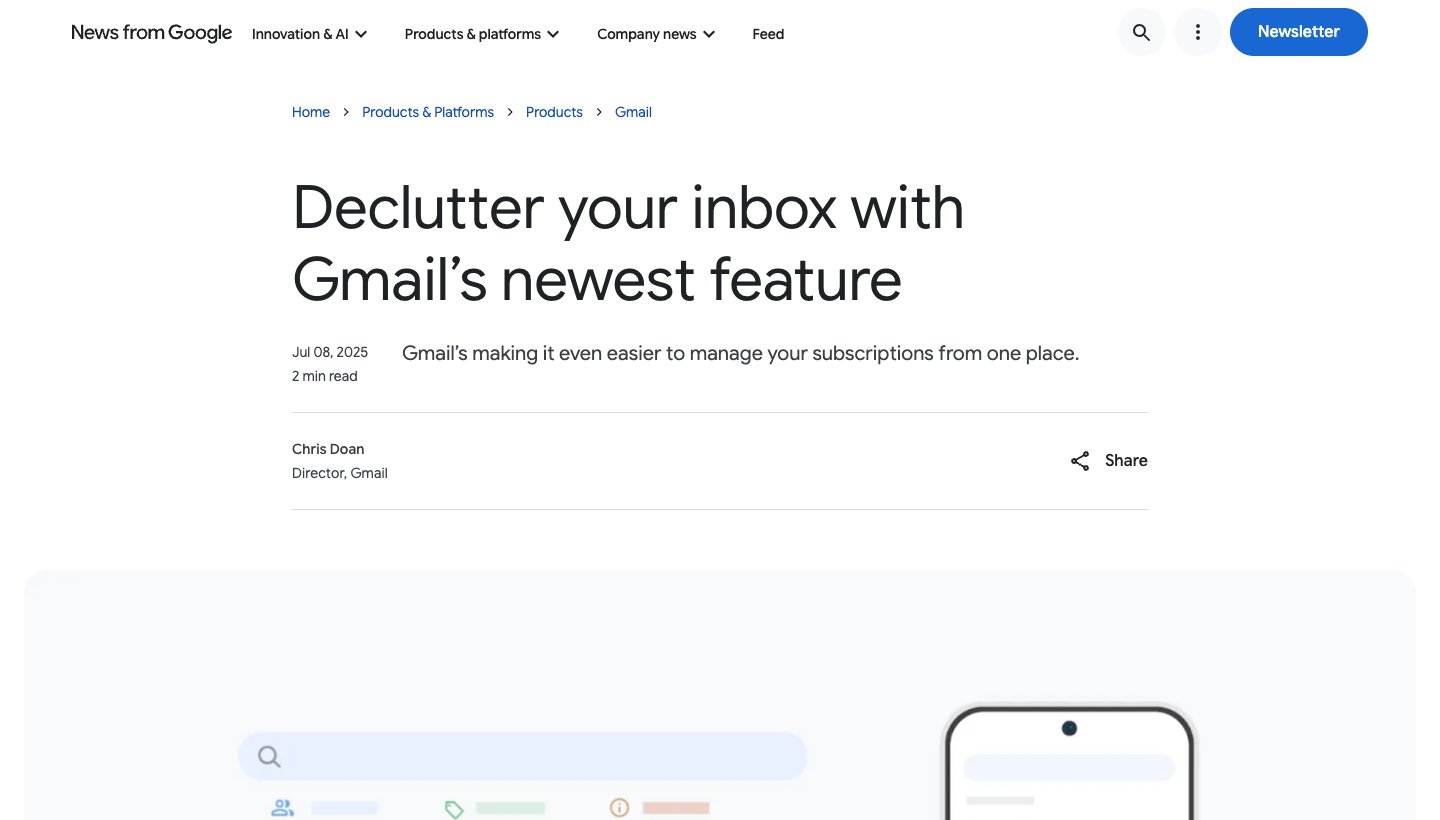
If your mess is in Gmail, you may not need an app at all. Gmail now has a Manage subscriptions page, and its search is a bulk cleaner if you know a few terms.
Who it's for: Gmail users who'd rather not give another company access to their inbox.
Price: free. Free Gmail accounts get 15 GB shared across Gmail, Drive and Photos, which is why a full inbox often means a storage warning.
Platforms: Gmail on the web, Android and iPhone.
How it works: on a computer, click More, then Manage subscriptions. You get a list of mailing lists sorted by how often each one emails you, with an Unsubscribe button beside each. Gmail sends the unsubscribe request for you, and new mail from that sender goes to spam. For old mail, search terms like older_than:1y or larger:10M find whole groups, and you can select and delete them all at once.
Standout: nobody new gets access to your mail, and it costs nothing.
One real downside: Manage subscriptions is still rolling out, so you may not have it yet. And Gmail's filters can't keep only the newest email from a sender, which Clean Email and Outlook's Sweep can.
The step-by-step version is further down this page, under "How to clean a Gmail inbox for free in 10 minutes".
Apple Mail and iCloud Mail Cleanup: best free option on iPhone
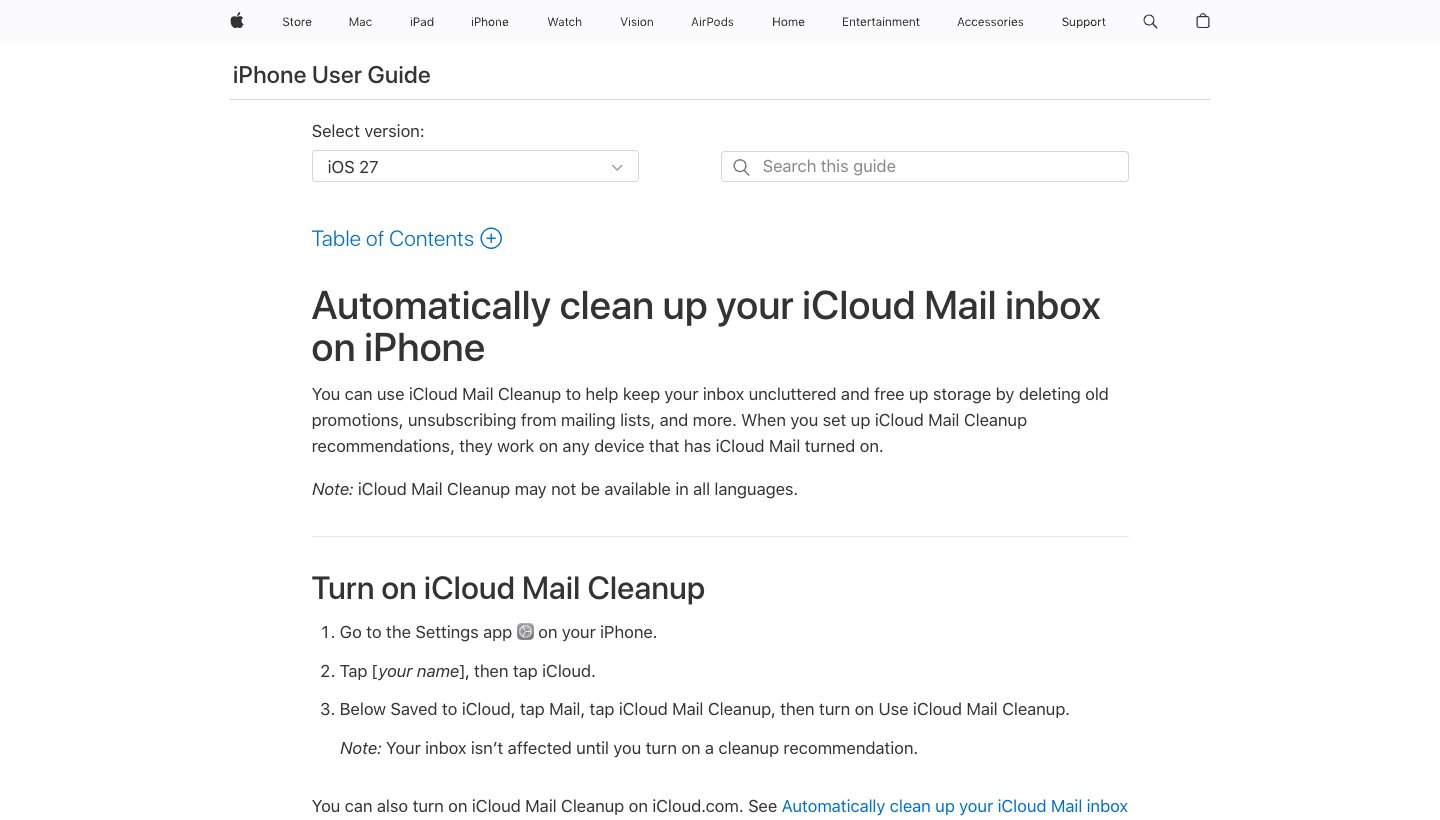
The iPhone's Mail app has two free cleaning tools that most lists don't mention.
Who it's for: iPhone users, especially anyone with an iCloud email address.
Price: free, built into iOS.
How it works: in iOS 18.2 and later, Mail sorts your inbox into Primary, Transactions, Updates and Promotions. This works with any account in Mail, but it isn't available in every country or region. Open an email in a category, tap More, then Trash All to delete everything from that sender in that category. For iCloud addresses, iCloud Mail Cleanup (Settings, your name, iCloud, Mail, iCloud Mail Cleanup) can delete old promotions automatically and unsubscribe you from senders in bulk. Its rules then work on every device with iCloud Mail.
Standout: no new company gets access to your mail, and iCloud Mail Cleanup keeps working after the first cleanup.
One real downside: iCloud Mail Cleanup only works on iCloud addresses, and Apple says it may not be available in every language. For a huge Gmail or Outlook backlog, Apple itself says it can be easier to use your provider's website.
Outlook's Sweep: best free option on Outlook.com
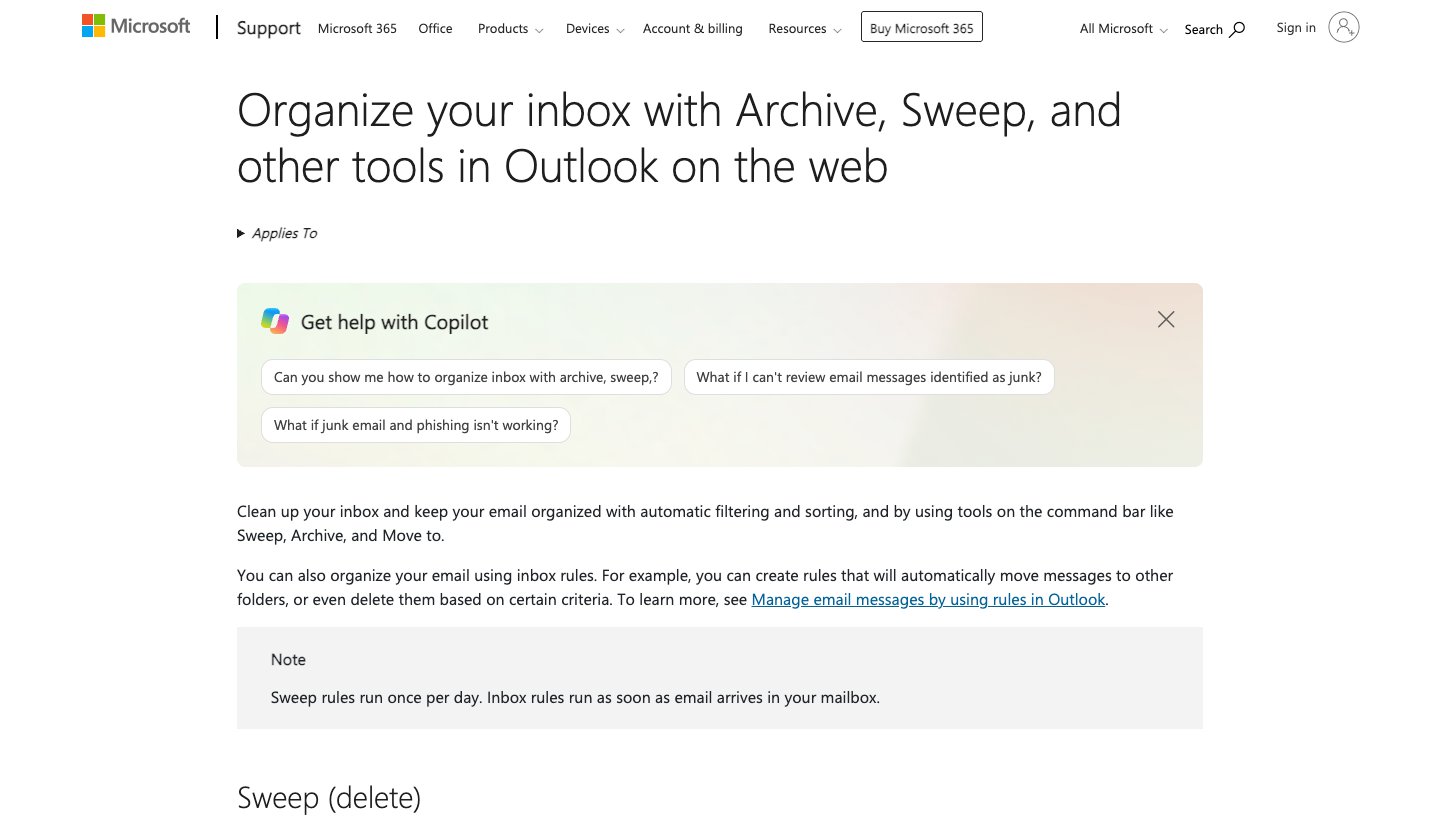
Outlook on the web has had a cleaner built in for years. Select an email and choose Sweep.
Who it's for: Outlook.com and Hotmail users.
Price: free.
How it works: Sweep can delete all email from a sender, keep only the latest one, or delete anything older than 10 days, now and for future mail.
Standout: "keep only the latest" works well for daily deals and newsletters you still want.
One real downside: Sweep rules run once a day, not the moment mail arrives, and it works one sender at a time.
Cleanfox: free and fast, paid for with your data
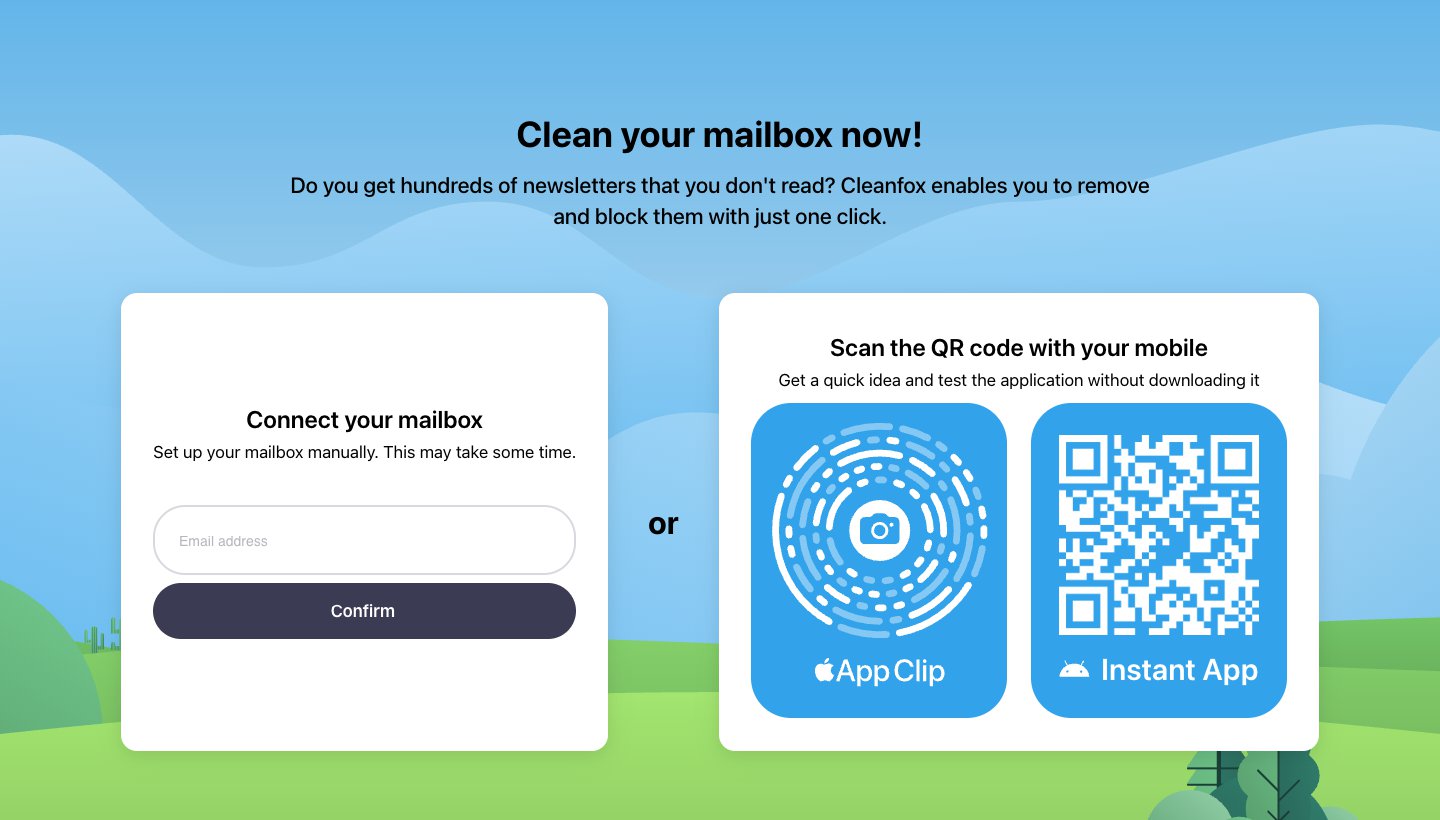
Cleanfox is the free email cleaner app most people find first. It shows your newsletters one by one, and you swipe to unsubscribe and delete, or to keep.
Who it's for: someone who wants a free, quick newsletter purge on a phone and is comfortable with the data trade.
Price: free, with no paid plan.
Works with: Gmail, Outlook, Yahoo, Hotmail, iCloud and AOL.
Platforms: web, iPhone and Android.
How it reads your mail, and how it's paid for: Cleanfox is made by AC Nielsen SAS, "a NielsenIQ company". Its homepage says: "To keep Cleanfox free, we sell data for statistical purposes." Its privacy notice says it collects copies of your commercial emails, such as receipts and delivery notices.
Standout: it's very easy. It has 4.8 stars from more than 27,000 ratings on the App Store and 4.6 from more than 338,000 on Google Play.
One real downside: the data. Your shopping emails feed NielsenIQ's market research for as long as you stay in the panel.
Unroll.me: free unsubscribing, same data trade
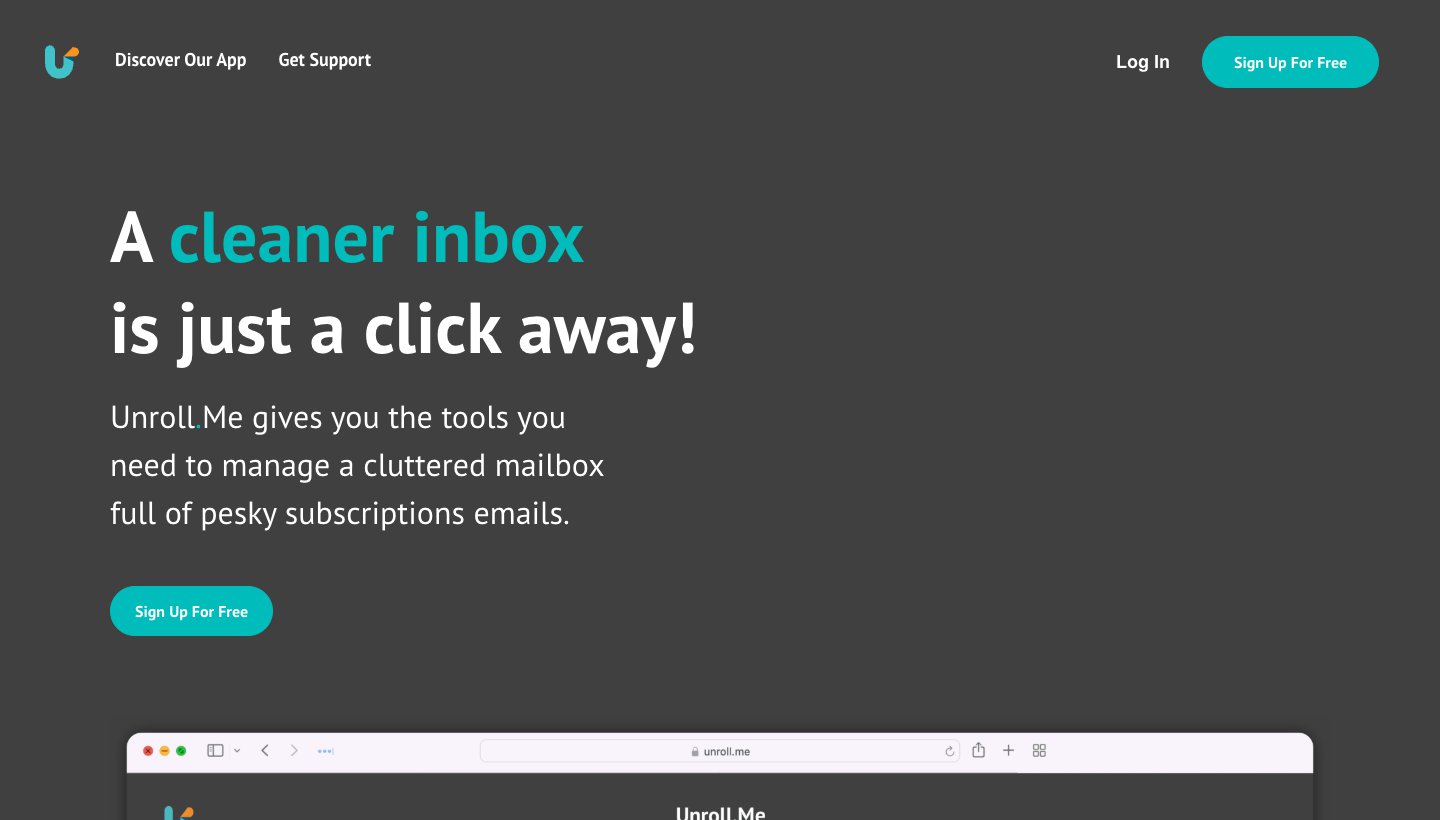
Unroll.me finds your subscriptions, lets you unsubscribe, and can "roll up" the ones you keep into one daily email.
Who it's for: people who want the Rollup digest and accept the data trade.
Price: free.
Works with: Gmail and Google Workspace, iCloud, Yahoo, AOL, and Outlook.com or Hotmail. Microsoft 365 work accounts aren't on its list.
Platforms: web, iPhone and Android.
How it reads your mail, and how it's paid for: Unrollme LLC is also "a NielsenIQ company", and its privacy notice uses the same consumer-panel wording as Cleanfox's. It also has the FTC history described above.
Standout: the Rollup is a tidy way to keep newsletters you like out of your inbox.
One real downside: it unsubscribes and bundles, but it doesn't bulk-delete years of old mail. And it's paid for with your purchase data.
Edison Mail: an email app with a free cleaner, funded by research
Edison Mail is a full email app, not a separate cleaner. Its built-in assistant suggests subscriptions to drop, one at a time, and lists every subscription with a one-tap unsubscribe.
Who it's for: people who want a new free email app on their phone with unsubscribing built in.
Price: free. Edison Mail+ adds sender checks and spam call and text blocking for $14.99 a month or $99.99 a year.
Works with: Gmail, Outlook, Hotmail, Yahoo, iCloud, AOL, Exchange and IMAP.
Platforms: iPhone and Android.
How it reads your mail, and how it's paid for: Edison's footer says "Our research business keeps Edison Mail free". Its privacy policy says it processes your emails to identify "Commercial Data" such as purchases, bills and shipments. It may share de-identified data with its affiliate YipitData for research sold to business subscribers. You can opt out, but the policy says opting out won't remove data already used.
Standout: cleaning happens inside the app you read mail in, with custom swipes to archive or trash fast.
One real downside: it's built for unsubscribing, not clearing a backlog. Edison's cleaner page doesn't describe a way to delete everything from a sender at once.
InboxZapper: a simple iPhone cleaner with unclear pricing
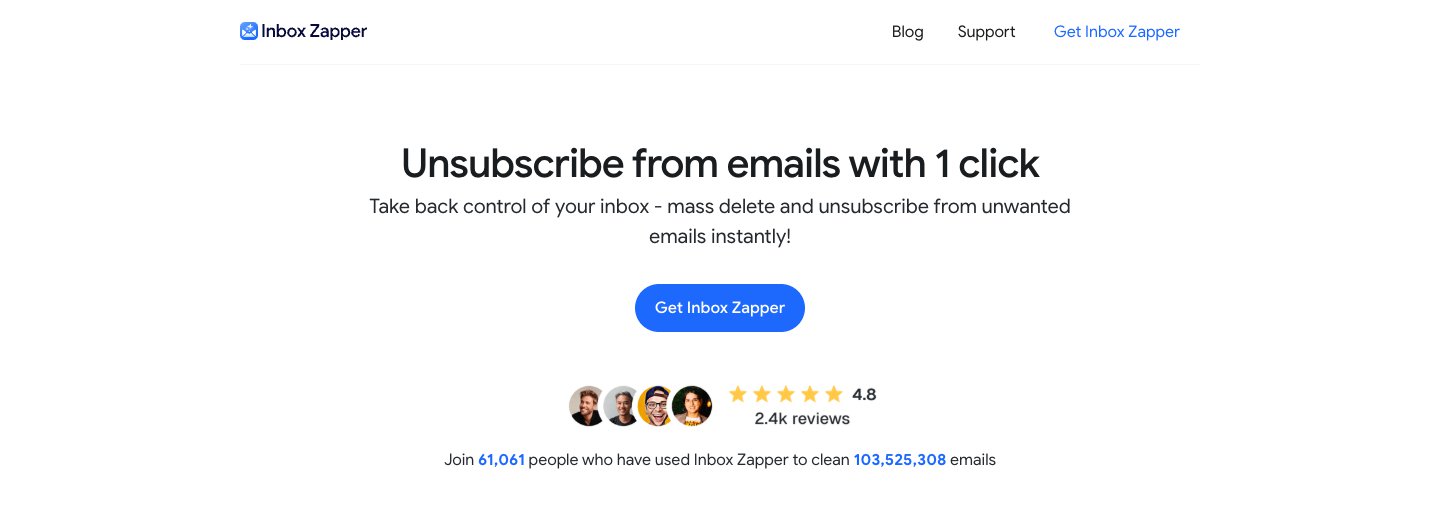
InboxZapper is a newer app, from a small Turkish company, Eclipse Studios. It shows your senders and lets you unsubscribe or delete everything from one sender with a tap.
Who it's for: iPhone users on Gmail or Outlook who want a simple sender-by-sender cleanup.
Price: free to start. The App Store says a premium subscription removes the limits and lets you add more than one account. We couldn't find a clear price on its website.
Works with: Gmail, Outlook, Hotmail and Live.
Platforms: iPhone and a web app.
How it reads your mail, and how it's paid for: Gmail connects by sign-in. It's paid for by subscriptions, and the site says your data is never shared with third parties.
Standout: "delete all from this sender" in one tap, which the free data-funded apps don't offer.
One real downside: its privacy claims don't line up. The website says "Encrypted end-to-end", and the App Store says your data never leaves your device. Ask before you trust either.
Keeping it clean after the cleanup
Once the backlog is gone, you need something that sorts new mail as it arrives. Which one fits depends on whether you want to keep your current email app.
SaneBox: best for keeping new mail sorted in your current email app
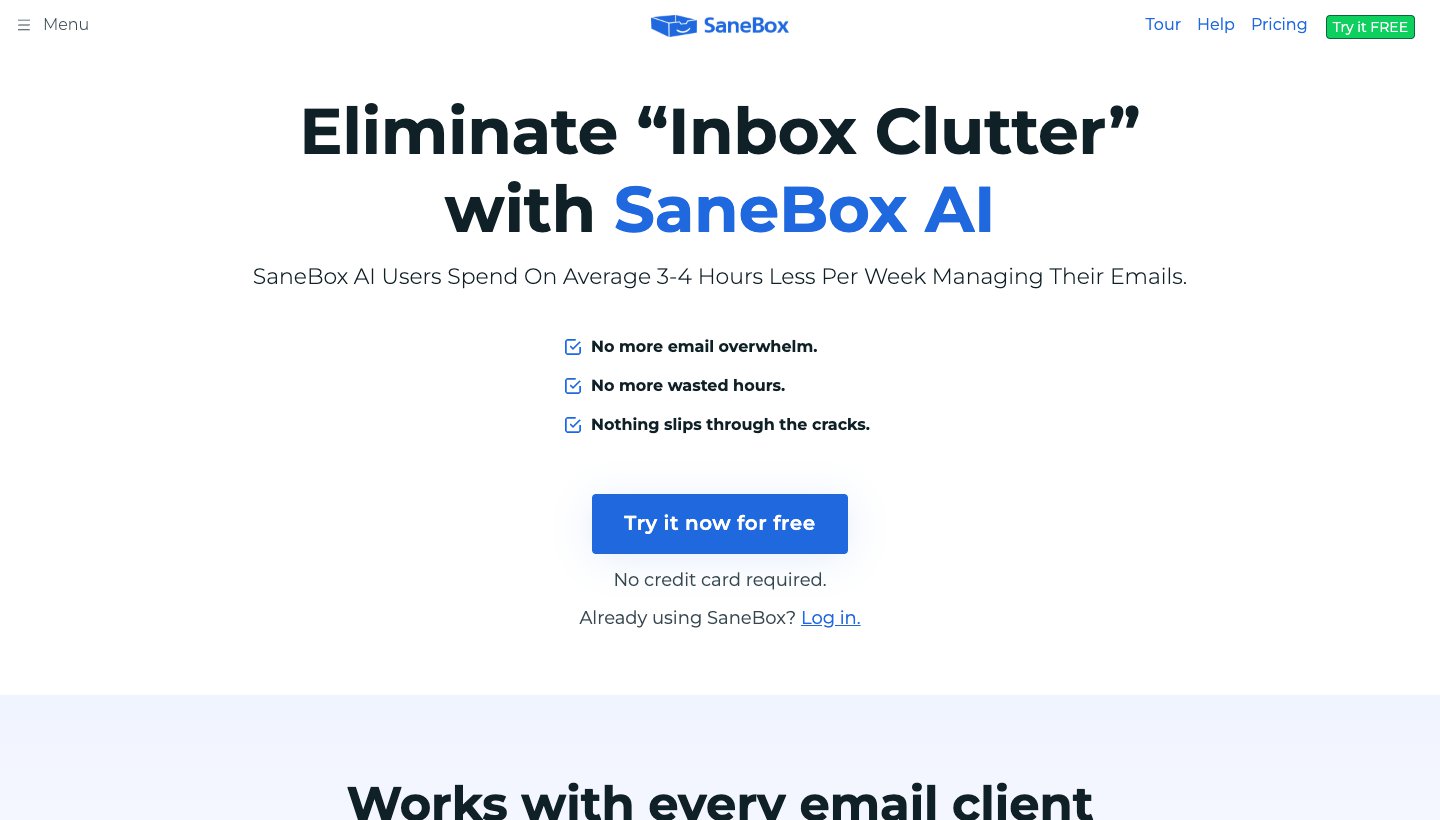
SaneBox works in the background. It learns which senders matter to you and moves the rest into a SaneLater folder that shows up in whatever email app you use. Drag a sender into SaneBlackHole and you won't see them again.
Who it's for: people who want to keep their email app and stop newsletters landing in the inbox.
Price: Snack $3.49 a month (one account), Lunch $5.99 (two), Dinner $16.99 (four), or $29, $49 and $139 a year. There's a 7-day trial with no card. See SaneBox's pricing.
Works with: Gmail, Microsoft 365, iCloud, Yahoo, Fastmail, and any IMAP, Exchange or ActiveSync server.
Platforms: it works through folders, so it works in any email app. There's also an iPhone app.
How it reads your mail, and how it's paid for: headers only, never the body, unless you turn on its optional AI features such as drafts and summaries. It says it never trains AI on your email. Paid by subscriptions.
Standout: nothing to switch. Your email app stays the same; the clutter just goes elsewhere.
One real downside: it has no free plan, and it isn't built to clear a backlog. Use a cleaner first.
SaneBox is also in our guide to the best AI email assistants, alongside the AI already built into Gmail and Outlook.
Dove (ours): best for keeping new mail sorted in a new email app
Dove is our email app. To be plain about it: Dove is not a bulk cleaner. If you have 100,000 old emails, use Clean Email, Mailstrom or Gmail's own tools first. Dove is for what comes after. It sorts every new email into Focus, Feed and Noise, so newsletters and promotions stop crowding out the mail that needs you.
Who it's for: people with several accounts or a lot of daily mail who want it sorted for them on every device.
Price: free plan with 10 AI actions a day. Pro, which includes Focus, Feed and Noise sorting and the Today view, is $20 a month or $200 a year. The 7-day trial asks for a card. See Dove's pricing.
Works with: Gmail, Google Workspace, Outlook.com, Microsoft 365, iCloud, Yahoo and any IMAP account, with unlimited accounts on every plan.
Platforms: Mac, Windows, iPhone, iPad, Android and the web.
How it reads your mail, and how it's paid for: Dove's AI processes full messages so it can sort them and draft replies. Dove says it never uses your email content to train AI models. Mail is encrypted in transit and at rest. There's no PGP or end-to-end encryption. Paid by subscriptions.
Standout: sorting happens in the app you read mail in, across all your accounts at once. Today lists what needs you, your schedule and what you're waiting on. The calendar works with Gmail and Microsoft 365 accounts.
One real downside: Dove is new. It has 4.7 stars from only 26 ratings on the App Store, and the sorting that makes it worth having is in the paid plan.
You can download Dove for any device. For other email apps, see our guide to the best email apps.
Best email cleaner app for iPhone
On iPhone, start free. In iOS 18.2 and later, Mail's categories let you open any promotion and Trash All from that sender in seconds. If you use an iCloud address, turn on iCloud Mail Cleanup in Settings and let it unsubscribe and delete old promotions for you.
If you need an app, Clean Email is the best paid email cleaner for iPhone. It has a proper iPhone and iPad app, works with every major provider, and its rules keep running after you close it. It has 4.5 stars from more than 3,800 ratings on the App Store. Cleanfox is the most popular free one, but read the data section above first. InboxZapper is a simpler iPhone option for Gmail and Outlook.
Mailstrom and Leave Me Alone have no iPhone app; both run in a web browser. For full email apps rather than cleaners, see the best email app for iPhone.
Free email cleaner apps: what "free" really costs
There are three kinds of free here.
Free because it's built in. Gmail's Manage subscriptions and search, Apple Mail's categories, iCloud Mail Cleanup and Outlook's Sweep. Nothing new gets access to your mail. This is the best free option for most people.
Free trial or free tier of a paid tool. Clean Email's first 1,000 emails, Mailstrom's trial and Leave Me Alone's 10 unsubscribes. Good for testing; not enough for a huge backlog.
Free because your data pays. Cleanfox and Unroll.me (both NielsenIQ), and Edison Mail (YipitData). They're well made and easy to use. You pay with information from your shopping emails.
What about open source? One open-source cleaner, Confygre Email, gets shared on Reddit, but its code was last updated in February 2025 and its README calls it a beta from a new developer. We wouldn't connect a real inbox to it. Inbox Zero is the serious project: its code is on GitHub and you can run it yourself for free. Its licence adds limits on commercial use, so it isn't open source in the strict sense. The hosted version's bulk unsubscribe and archive tools start at $20 a month on yearly billing (Inbox Zero's pricing).
How to clean a Gmail inbox for free in 10 minutes
No app needed. Do this on a computer, in Gmail on the web.
Unsubscribe from the worst offenders (2 minutes). Click More in the left menu, then Manage subscriptions. Unsubscribe from everything you don't read, starting at the top, where the most frequent senders are. If you don't see Manage subscriptions yet, search for unsubscribe instead and use the Unsubscribe link at the top of each newsletter.
Delete old promotions (2 minutes). Search for category:promotions older_than:6m. Tick the select box above the list, then click the link that appears to select every conversation that matches. Click Delete.
Delete old social and update emails (2 minutes). Do the same with category:social older_than:6m and category:updates older_than:1y.
Free up storage (2 minutes). Search for larger:10M older_than:1y. These big attachments use the most of your 15 GB. Check the list, then delete what you don't need.
Clear one noisy sender at a time (2 minutes). Search for from: followed by the sender's address, such as from:deals@example.com, then select all and delete. Repeat for your top three.
Deleted mail sits in Trash for up to 30 days, so you can undo a mistake. To get the storage back straight away, empty the Trash once you're sure. The full list of search terms is in Google's search operator guide.
Two safety tips. Search is:starred or from: for your bank before deleting in bulk, so you know what you're keeping. And leave the Primary category alone on the first pass: that's where mail from people usually is.
Before you connect any cleaner
Prefer sign-in buttons to passwords. Gmail, Outlook and Yahoo let cleaners connect through the provider's own sign-in page. If a tool asks for an app password, it gets full access to that mailbox until you revoke the password.
Read the "how we make money" line. If you can't find one, assume the answer is your data.
Check what "delete" means. Find out whether the tool moves mail to Trash or deletes it for good before you run a big rule.
Disconnect when you're done. If you only needed a one-time cleanup, remove the app's access in your Google or Microsoft account settings, and cancel the subscription.
Which should you choose?
Choose Clean Email if you have a big backlog on any provider and want an app on your phone and computer that keeps cleaning afterwards.
Choose Mailstrom if you work at a computer and want the most ways to group one very large mailbox. Pick the plan by inbox size.
Choose Leave Me Alone if most of your clutter is newsletters and you want an unsubscribe tool funded only by its customers.
Choose Gmail's own tools if you're on Gmail and willing to spend 10 minutes. They're free, and nobody new reads your mail.
Choose Apple Mail's categories or iCloud Mail Cleanup if you're on iPhone, especially with an iCloud address.
Choose Sweep if you use Outlook.com or Hotmail.
Choose Cleanfox or Unroll.me if you want free and easy, and you're comfortable joining NielsenIQ's consumer panel.
Choose SaneBox if you want to keep your current email app and stop new clutter landing in the inbox.
Choose Dove (ours) if you want a new email app that sorts every account into Focus, Feed and Noise from now on, after you've cleared the backlog with one of the tools above.
FAQ
What is the best email cleaner app?
For most people, Clean Email. It works with Gmail, Outlook, Yahoo, iCloud and most other accounts, has apps for iPhone, Android, Mac and the web, reads headers rather than full emails, and is paid for by subscriptions, from $29.99 a year. Mailstrom is the strongest alternative if you work in a browser.
What is the best free email cleaner app?
The tools built into your email: Gmail's Manage subscriptions and search, Apple Mail's categories and iCloud Mail Cleanup, and Outlook's Sweep. Among separate apps, Cleanfox is the most popular free cleaner, but it's free because NielsenIQ sells data from your commercial emails for market research.
Is there a free version of Clean Email?
Yes, with limits. A free account can clean up to 1,000 emails, plus 100 a week if you turn on cleanup reminders, and the 14-day trial turns on every feature and adds 25 unsubscribes. Auto Clean and the Screener need a paid plan.
Is the Clean Email app legit?
Yes. Clean Email, LLC is based in Los Angeles and has been selling subscriptions for over a decade. It has 4.5 stars from more than 3,800 App Store ratings. It says it reads headers, not message bodies, except briefly for previews and Auto Clean, and that all its income comes from subscriptions.
Are email cleanup apps safe?
The well-known ones are safe from hackers in the usual sense: most connect through Google's or Microsoft's own sign-in, so they never see your password. What matters more is what they do with your mail. Paid tools such as Clean Email, Mailstrom and Leave Me Alone say they don't sell your data. Free tools such as Cleanfox and Unroll.me say in their privacy notices that data from your commercial emails may be sold.
Does Unroll.me sell your data?
Its privacy notice says it may "sell" or "share" data about the commercial emails you receive, and some demographic characteristics, to customers including e-commerce businesses, investment companies, consumer brands, media companies and data brokers. It says directly identifiable information is never sold to target you. In 2019 it settled FTC charges that it had misled users about how it used their emails.
How do I clean up thousands of emails?
Work by group, not by email. Unsubscribe first so the pile stops growing. Then delete whole groups at once: everything in Promotions older than six months, everything from one noisy sender, everything over 10 MB. In Gmail, a search plus "select all conversations" does this for free. Clean Email and Mailstrom do it for any provider.
Is there a fast way to clean out email on iPhone?
Yes. In iOS 18.2 or later, open an email in the Promotions or Updates category, tap More, then Trash All to delete everything from that sender in that category. For an iCloud address, turn on iCloud Mail Cleanup in Settings to delete old promotions and unsubscribe in bulk.
How do I get rid of spam emails that keep coming back?
Unsubscribe from real mailing lists, which Gmail's Manage subscriptions or a cleaner can do in bulk. Block senders who ignore unsubscribe requests. Mark actual spam as spam rather than deleting it, so your provider learns. A cleaner's block rule or Outlook's Sweep can then delete any new mail from that sender automatically.
More from Dove
Recent posts
November 11, 2026
Postbox Alternatives: What to Use Now That Postbox Is Gone
Postbox stopped being sold or developed in October 2024. Here's what to move to on Mac or Windows, which app keeps the Postbox features you used, and how to bring your mail and settings across.
November 11, 2026
Gmail App for Windows: Google Doesn't Make One, So Here's What to Use (2026)
Google doesn't make a Gmail app for Windows, and the store listings that look like one come from other companies. You can install Gmail as an app from Chrome or Edge in about a minute, or use a desktop app that handles Gmail well. Prices checked on November 11, 2026.
October 27, 2026
Mailbird Alternatives in 2026: 8 Email Clients, US Prices Checked
Mailbird 2 stops getting updates at the end of 2026, and its free plan covers one account. Here's what to switch to, from free Thunderbird to paid desktop and cross-platform apps, with every US price checked on October 27, 2026.