

Spark Mail Review (2026): Is the Free Email App Still Worth It?
The short answer: Spark Mail is worth trying, and for many people the free plan is enough. It puts Gmail, Outlook, iCloud, Yahoo and other accounts in one inbox on Mac, Windows, iPhone, iPad and Android, and its free Smart Inbox keeps newsletters and notifications apart from mail from people. Pay for Plus ($10 a month or $99 a year) if you want its AI writing tools, Priority and Gatekeeper. Pro ($20 a month or $199 a year) adds Auto-Drafts and Autopilot. Skip Spark if you need a web app, or if you'd rather your email didn't pass through another company's servers.
Disclosure: We make Dove, an email app that competes with Spark, and Dove is made by the team behind Canary Mail. We haven't used Spark as our main email for months, so this is a researched review: every price and feature below comes from Spark's own site, help center and store listings, checked on November 19, 2026. Where we mention what users say, we say where it came from.
Spark at a glance
Spark Mail | |
|---|---|
Made by | Readdle, a privately held company (also behind PDF Expert and Documents). The legal entity is Spark Mail Limited in Dublin |
Price | Free. Plus $10 a month or $99 a year. Pro $20 a month or $199 a year. Enterprise on request |
Trial | 7 days of Plus or Pro when you subscribe in the app |
Platforms | Mac, Windows, iPhone, iPad, Apple Watch and Android. No web app |
Email accounts | Gmail, iCloud, Outlook, Exchange, Yahoo and IMAP. Proton Mail on Mac and Windows through Proton Bridge, since November 2026 |
AI | Spark +AI on Plus and Pro; Auto-Drafts and Autopilot on Pro |
User ratings | 4.6 on the App Store (82,914 ratings), 4.1 on Google Play (89,686), 4.7 in the Microsoft Store (1,168) |
What Spark does well
One inbox for all your accounts, free
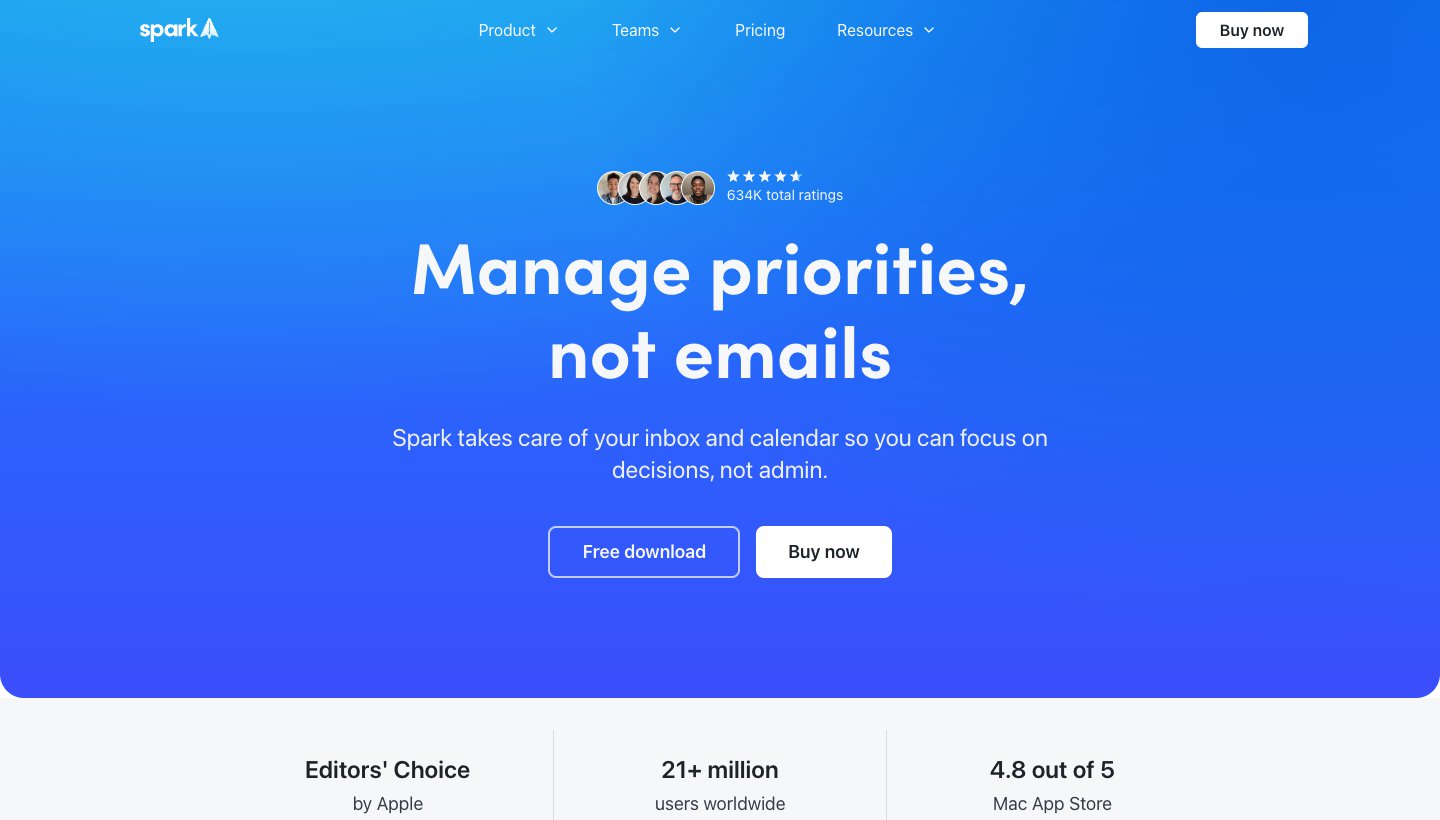
Spark's free plan includes unlimited email accounts and a unified inbox. You can add a Gmail, a work Outlook and an iCloud account and read them together, on every device, with your settings synced. For many people, that's the whole reason to use it. On Reddit's r/SparkMail, the top answer to "What's the point of SparkMail" (as shown in Google's results) is simply "Unified inbox."
The Smart Inbox
The free Smart Inbox groups newsletters and notifications apart from mail from people, so a busy inbox doesn't bury the emails that need you.
Good everyday tools on every plan
Spark's free plan has more than most free apps:
Send later (scheduled sends), snooze, set aside and reminders if nobody replies.
Mark as Done, to clear an email from your view once it's handled.
Swipe actions you can customize, a Command Center, and Smart Notifications.
A calendar built in.
Paid sorting: Priority and Gatekeeper
On Plus and Pro, Priority lets you mark senders whose mail always goes to the top, and Gatekeeper screens first-time senders: "The first time someone emails you, Spark screens the sender." It's the same idea as HEY's Screener, inside an app that works with your existing address.
Spark +AI and Auto-Drafts
Spark +AI, on Plus and Pro, writes and rewrites emails, summarizes threads, translates, and answers questions about your mail through its AI Assistant. My Writing Style learns from your recently sent emails so drafts sound like you.
Pro adds Auto-Drafts: "Get draft replies written in your voice — just review, edit, and send." Spark announced it on October 19, 2026 and says it's "gradually rolling out to Spark Pro users across Desktop and iOS." Pro also adds Autopilot, rules you describe to organize, forward and prioritize mail.
Teams
Spark has shared drafts, comments on emails, shared links and, on Pro, shared inboxes and read statuses. Free teams get 2 active collaborators.
What Spark doesn't do, or charges for
No web app. Spark runs on Mac, Windows, iPhone, iPad, Apple Watch and Android, but not in a browser.
The AI is paid. Spark says "Spark +AI is disabled by default," and the free plan only gets "a limited free preview". Monthly AI limits are described as "Extended" (Plus) and "High" (Pro), with no numbers.
Priority, Gatekeeper and templates are paid. On Trustpilot, where Spark has 2.2 stars from 38 reviews, one review complains about "paywalls for blocking senders and marking people as priority".
Features differ by platform. Spark says it's "working toward feature parity between platforms", and Auto-Drafts is reaching Mac, Windows and iPhone first.
Some older team features aren't back. Spark's help says it aims to bring Spark 2's team features to the current app. The older app, now called Spark Classic, still runs on Mac but gets only maintenance.
Spark pricing in brief
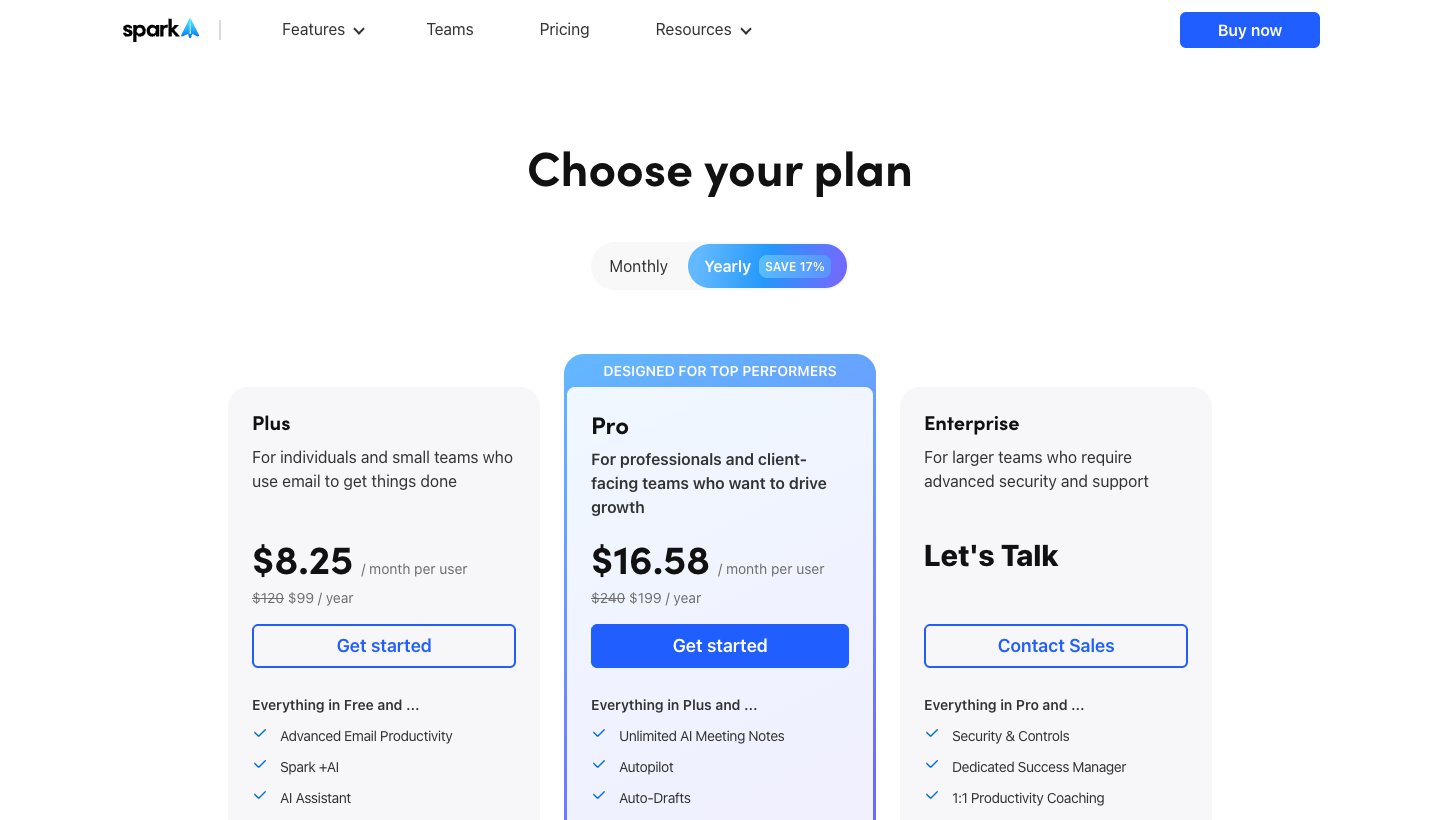
Prices from Spark's pricing page, checked on November 19, 2026, and matching its US App Store in-app purchases:
Plan | Monthly | Yearly | Adds |
|---|---|---|---|
Free | $0 | $0 | Unified and Smart Inbox, unlimited accounts, calendar, send later, snooze |
Plus | $10 | $99 ($8.25/mo) | Spark +AI, Priority, Gatekeeper, templates, 40 AI meeting notes a month |
Pro | $20 | $199 ($16.58/mo) | Auto-Drafts, Autopilot, unlimited meeting notes, shared inboxes, read statuses, HubSpot |
Enterprise | On request | On request | Security controls, a success manager |
One subscription covers all your devices. There's a 7-day free trial of Plus or Pro when you subscribe in the app. If you bought the old Spark Premium plan, Spark says features "may be different for Spark users on legacy plans"; the App Store still lists Premium at $7.99 a month or $59.99 a year.
Privacy: what goes through Spark's servers
This is the trade-off most Spark reviews skip.
Your login. Spark's privacy policy says "Your login credentials are stored as a token, and we cannot retrieve or access them." Its privacy help article adds a nuance: for Gmail, Outlook and Yahoo it stores an app-specific token, but "For services like AOL, Exchange and custom IMAP accounts, this access token is your email login and password", which Spark stores encrypted.
Your mail. Spark says mail "is mainly processed on your device", but many features run on its servers. Its privacy help lists teams, shared emails and comments, shared drafts, shared links, delegation, templates and Send Later as features "that require the support of our servers", and push notifications keep part of a message, encrypted, for 4 hours. Its Proton announcement adds that smart features such as Send Later "need Spark's servers to connect to your account."
AI. Spark's privacy policy says it uses on-device models and several named outside AI providers. "We do not use your data to train any AI model. AI providers may only retain your inputs for up to thirty (30) days as part of their abuse and misuse monitoring."
Storage. Spark says its servers are in the US and Europe, with encryption in transit and at rest. It doesn't claim end-to-end encryption.
None of this is unusual for a feature-rich email app. But if you chose your email app for privacy, know that Spark's smart features depend on its servers.
What users say
Spark has 4.6 stars from 82,914 ratings on the App Store, 4.1 from 89,686 on Google Play, and 4.7 from 1,168 in the Microsoft Store. Long-time users are more mixed: a March 2026 r/SparkMail thread titled "Slowly giving up on Spark" (as shown in Google's results) complains that native apps deliver notifications faster, and the common themes in reviews are features moving to paid plans, changes between versions, and occasional sync problems.
Pros
Free, with unlimited accounts on every major platform except the web.
Smart Inbox, send later, snooze and reminders on the free plan.
Gatekeeper and Priority give you control over who reaches you (paid).
Auto-Drafts in your own voice on Pro.
Spark says it doesn't train AI on your data.
Cons
No web app.
The AI, Priority and Gatekeeper are paid, and AI limits aren't stated as numbers.
Many features depend on Spark's servers, and for IMAP and Exchange accounts that means Spark stores your password, encrypted.
Features differ between Mac, Windows, iPhone and Android.
Is Spark worth it? Who should use it
Use Spark free if you have several email accounts and want one good-looking app for all of them, on your phone and your computer.
Pay for Plus if you want AI writing help and a Gatekeeper for first-time senders, at $99 a year.
Pay for Pro if you want Auto-Drafts and Autopilot, or shared inboxes for a small team.
Skip Spark if you need a web app, want your mail to stay between you and your email provider (look at Thunderbird or Mimestream), or only use Gmail and are happy with Google's own apps.
Spark vs Gmail and Outlook
Gmail's and Outlook's own apps keep every feature of their service and are free. Spark is better if you have accounts from more than one provider and want them together with one set of tools. For Gmail users choosing between Google's app and others, see our guide to the best email client for Gmail; for Outlook users, see Outlook alternatives.
Spark alternatives
If Spark isn't for you, these are the closest alternatives. Prices from each vendor's site, checked in November 2026.
Dove (ours): sorting done for you, on every device
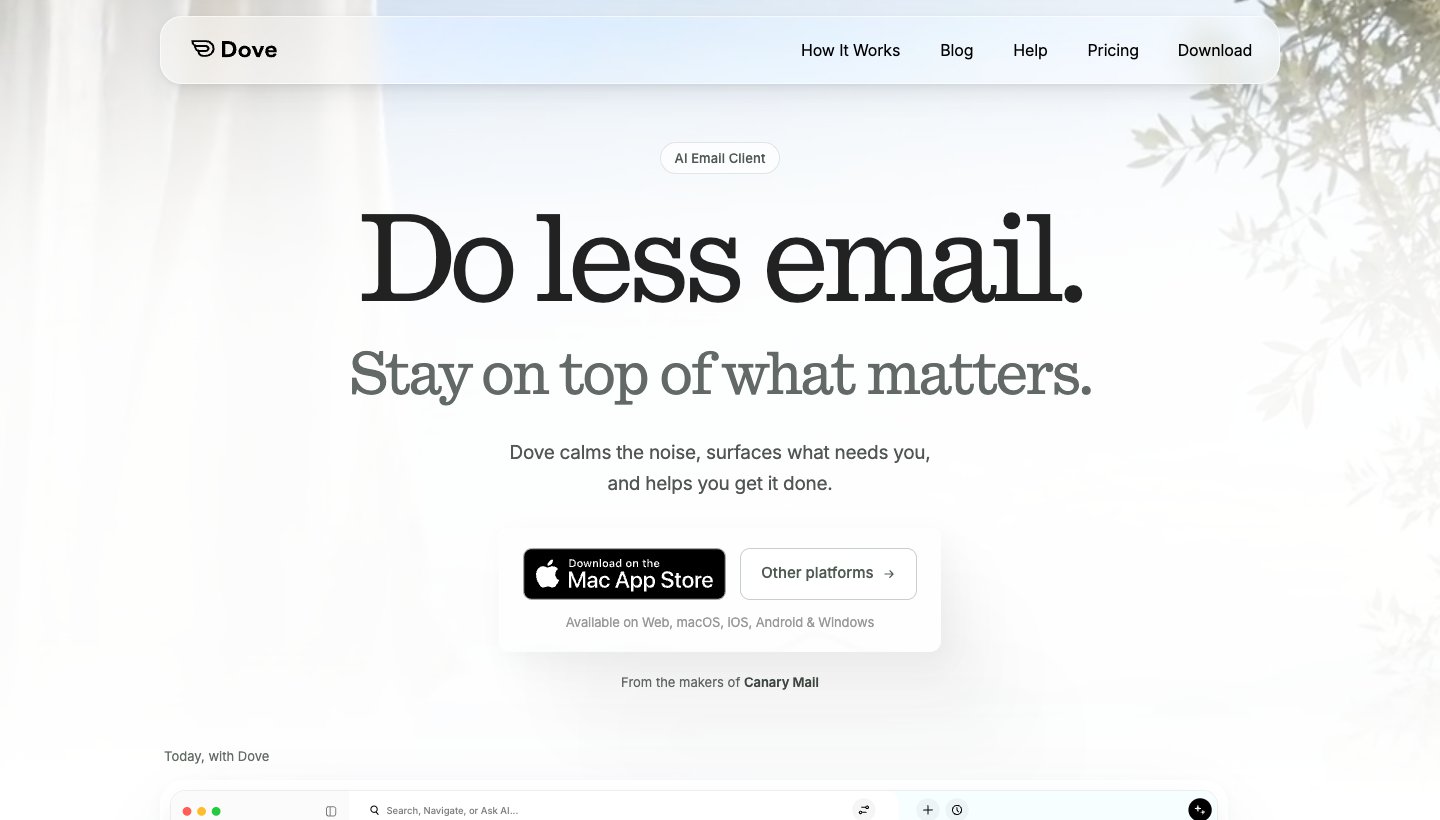
Dove is our app, so weigh this with that in mind. Like Spark, it puts Gmail, Outlook, iCloud, Yahoo and IMAP accounts in one app on Mac, Windows, iPhone, iPad and Android, and unlike Spark it also runs on the web. It sorts every new email into Focus, Feed and Noise, and its Today view lists what needs you, your schedule and what you're waiting on. It drafts replies in your voice, and Send Later is on the paid plan (Spark's is free).
Price: free plan with 10 AI actions a day; Pro is $20 a month or $200 a year, with a 7-day trial that asks for a card (Dove's pricing).
One real downside: Dove is new, with a short track record, and its sorting, Today view and Send Later are on the paid plan. Like Spark, Dove's servers handle your mail and its AI processes full messages; mail is encrypted in transit and at rest, but there's no end-to-end encryption. If you want your mail to stay on your own computer, Thunderbird or Mimestream suit you better.
Superhuman: for speed
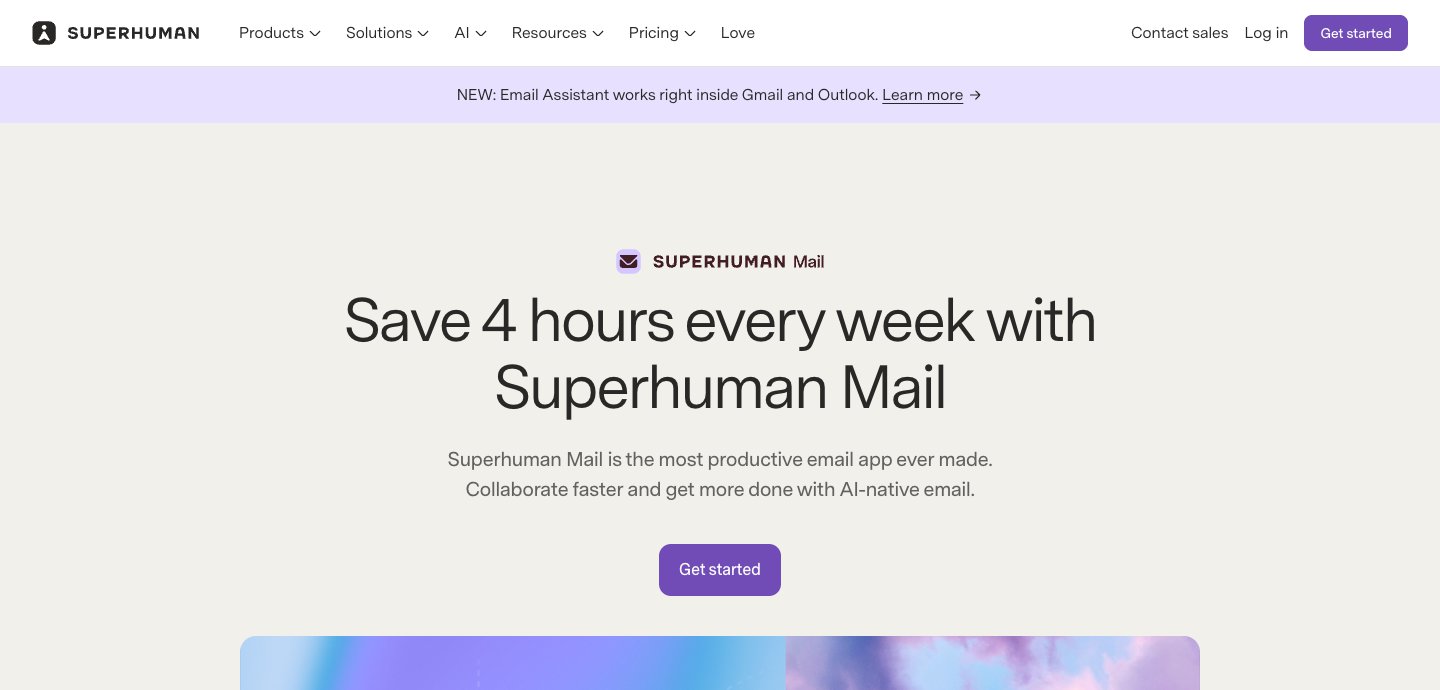
Superhuman is keyboard-first and fast, for Gmail and Outlook accounts only. Starter is $30 a month or $25 a month billed yearly (Superhuman's plans). Our Superhuman vs Spark comparison goes deeper.
Mimestream: for Gmail on a Mac
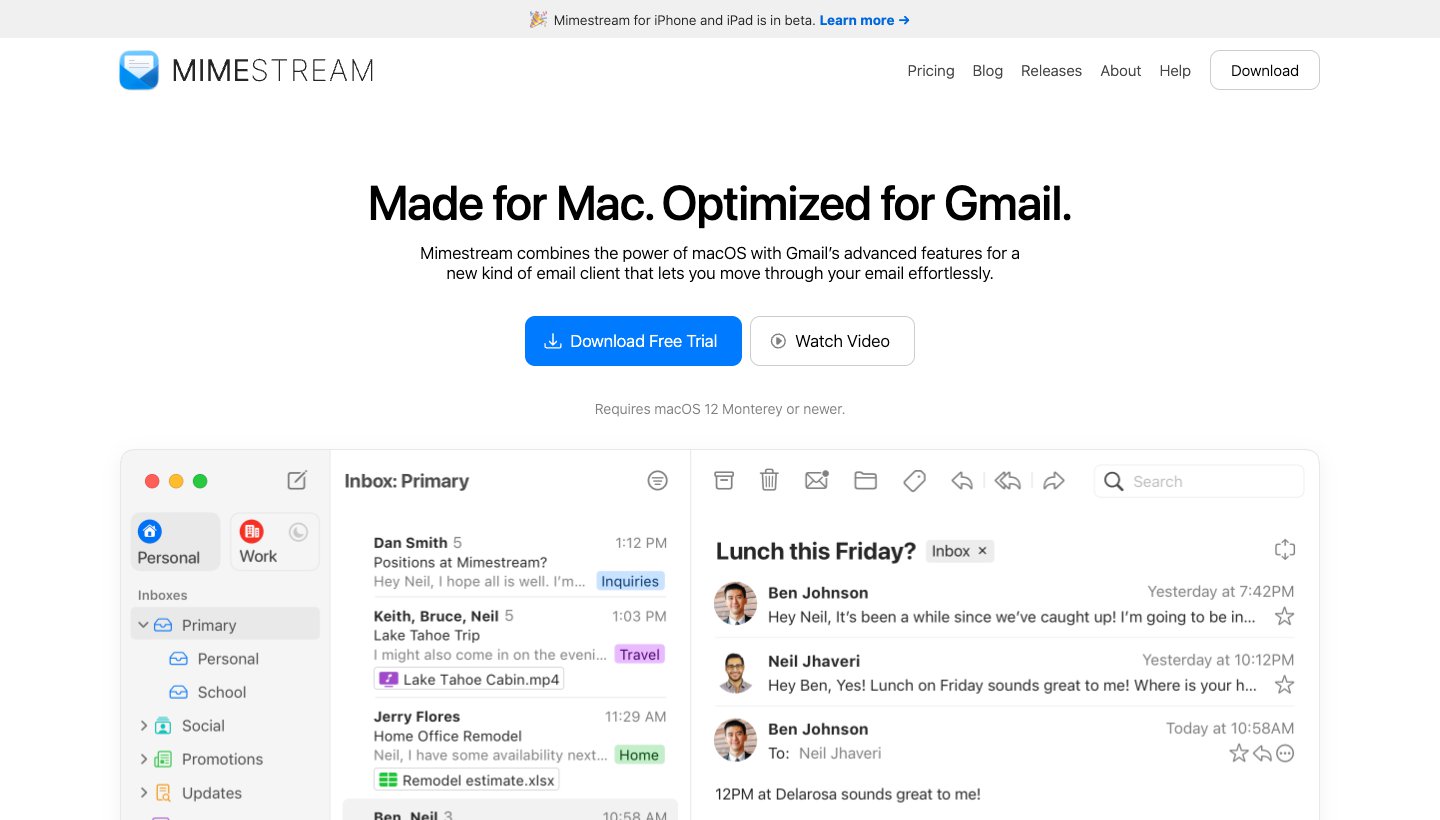
A native Mac app built on the Gmail API, $4.99 a month or $49.99 a year after a 14-day trial (Mimestream's pricing). Gmail and Mac only.
Outlook: free, with a calendar
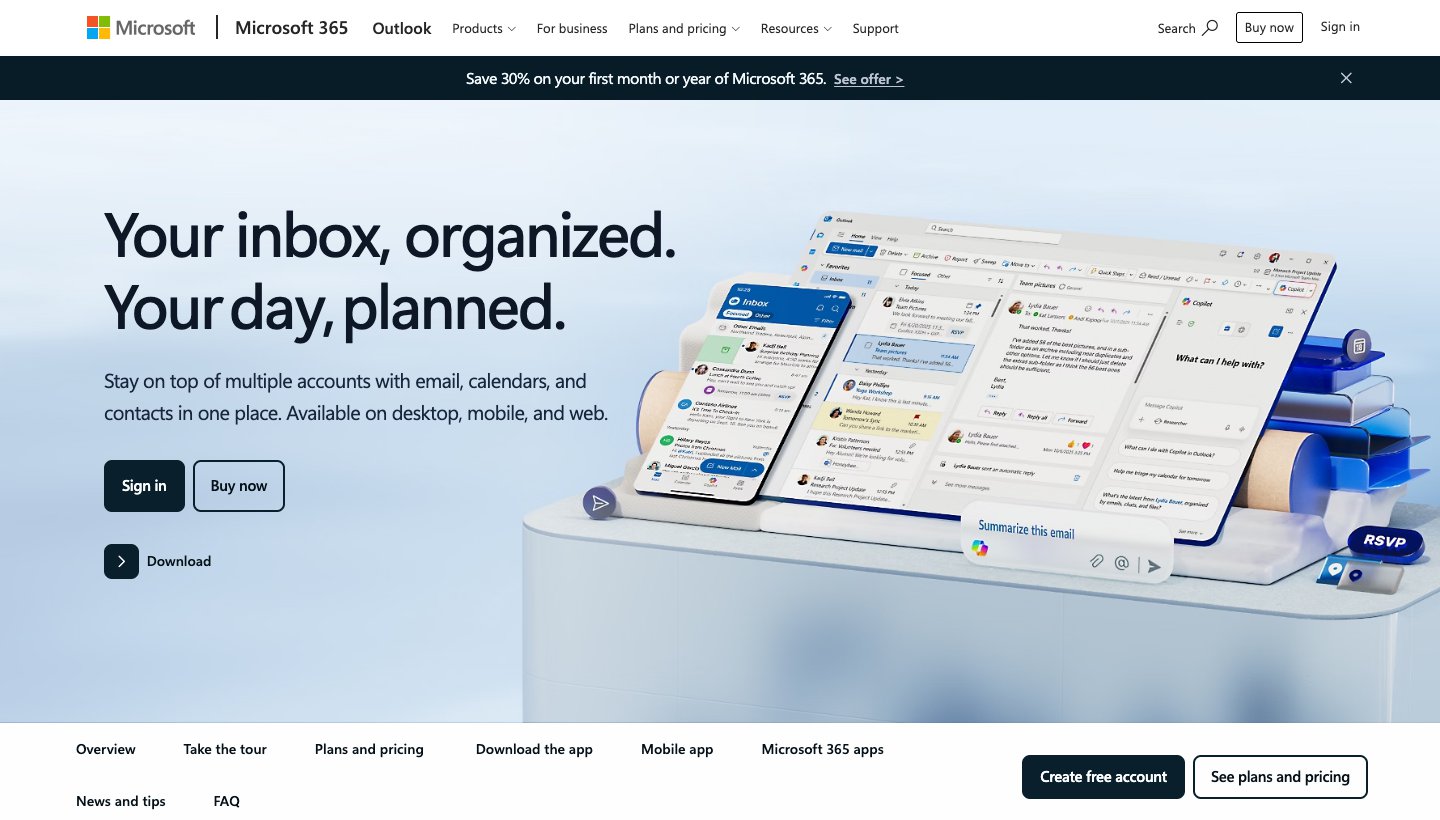
Free with ads on personal accounts, on every platform, and the natural choice if you also use Microsoft 365 at work.
Thunderbird: free and open source
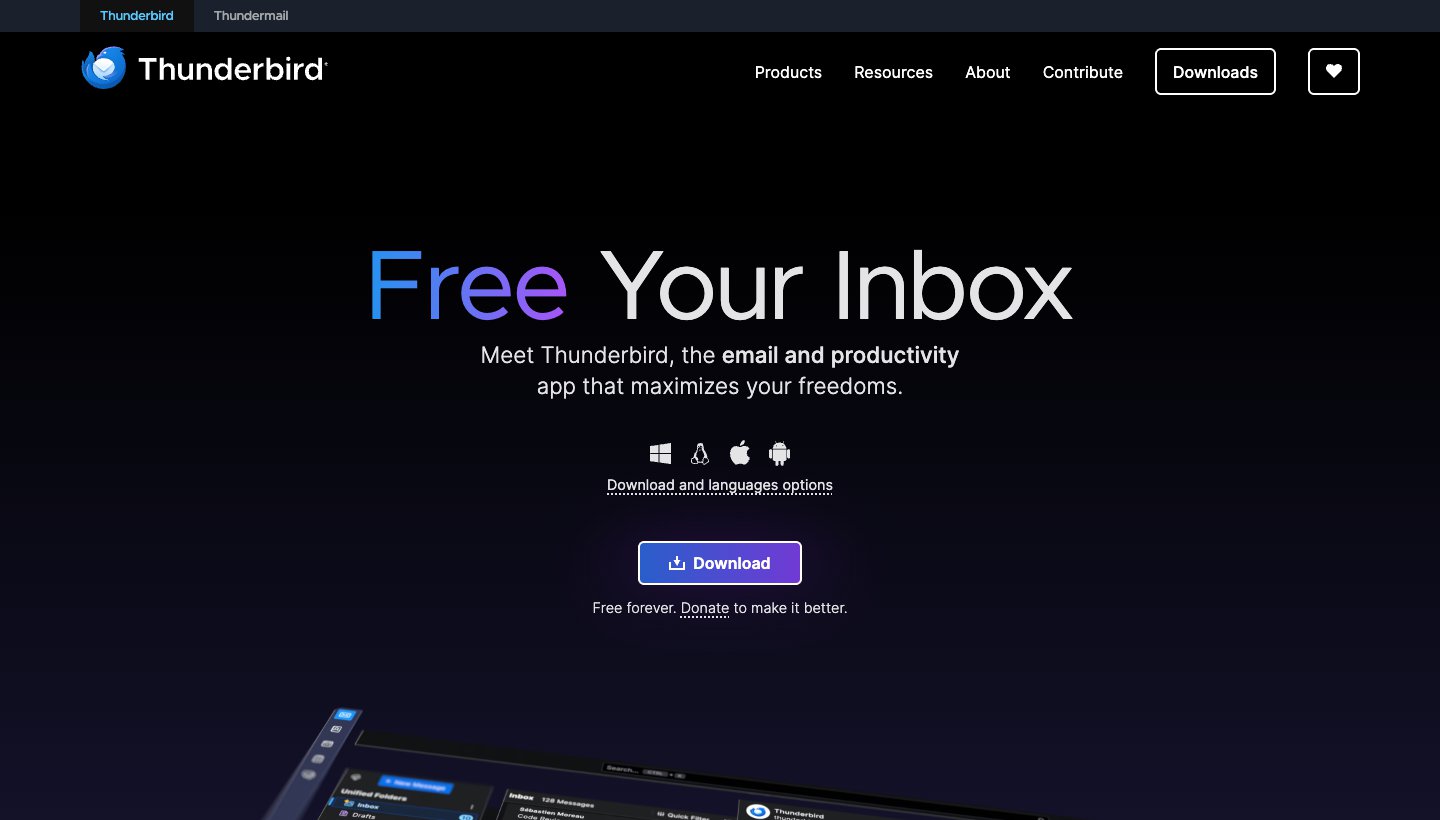
Free, funded by donations, on Windows, Mac, Linux and Android, with mail stored on your computer. No iPhone app yet.
For a longer list, see our guide to Spark alternatives and to the best email apps.
FAQ
Is Spark email still free?
Yes. The free plan includes the unified inbox, Smart Inbox, unlimited accounts, send later, snooze and a calendar. The AI, Priority, Gatekeeper and templates need Plus ($10 a month or $99 a year) or Pro.
Is Spark a good email app?
For people with several accounts who want one app on every device, yes: it's free, well designed and full of everyday tools. Its weak spots are the lack of a web app, paid AI, and features that depend on Spark's servers.
Is Spark email safe to use?
Spark is run by Readdle, an established company, and says it stores login details as encrypted tokens, encrypts data in transit and at rest, and doesn't train AI on your data. The trade-off is that many features run through Spark's servers, and for IMAP and Exchange accounts Spark stores your password, encrypted.
Is Spark Mail better than Outlook?
Spark is better if you mix accounts from several providers and want a cleaner inbox with free sorting. Outlook is better if you mainly use Microsoft 365 or Outlook.com, want the calendar and Microsoft features, or need a web app.
Is Spark better than Gmail?
For Gmail alone, Gmail's own website and apps keep more of Gmail's features, including Gemini. Spark is better if you also have other accounts and want them in one inbox.
Does Spark have a web version?
No. Spark has apps for Mac, Windows, iPhone, iPad, Apple Watch and Android, but no web app.
What's the difference between Spark and Spark Classic?
Spark Classic is the older Mac app (Spark 2). Spark says it's still supported but "no longer where we ship new features." The current Spark adds AI, Windows support and meeting notes.
More from Dove
Recent posts
November 19, 2026
How to Get to Inbox Zero in Gmail (and Stay There): Settings, Shortcuts and a Daily Routine
Inbox zero in Gmail means your inbox only holds what still needs you. Here's how to clear years of mail safely, which Gmail settings help, and the daily routine Google itself suggests. Checked against Google's help pages in November 2026.
November 19, 2026
How to Schedule Send in the Outlook App (Phone, Windows, Mac and Web)
How to schedule an email to send later in Outlook on every device, checked against Microsoft's support pages in November 2026, plus which accounts can't do it and why the button goes missing.
November 19, 2026
How to Add or Change Your Signature in the Outlook App (Phone, Windows, Mac and Web)
Exact steps to add, change or remove your signature in Outlook on every device, checked against Microsoft's support pages in November 2026, plus why your phone and computer signatures don't match.