

The Best Email Client for Gmail in 2026, by Device and by Need
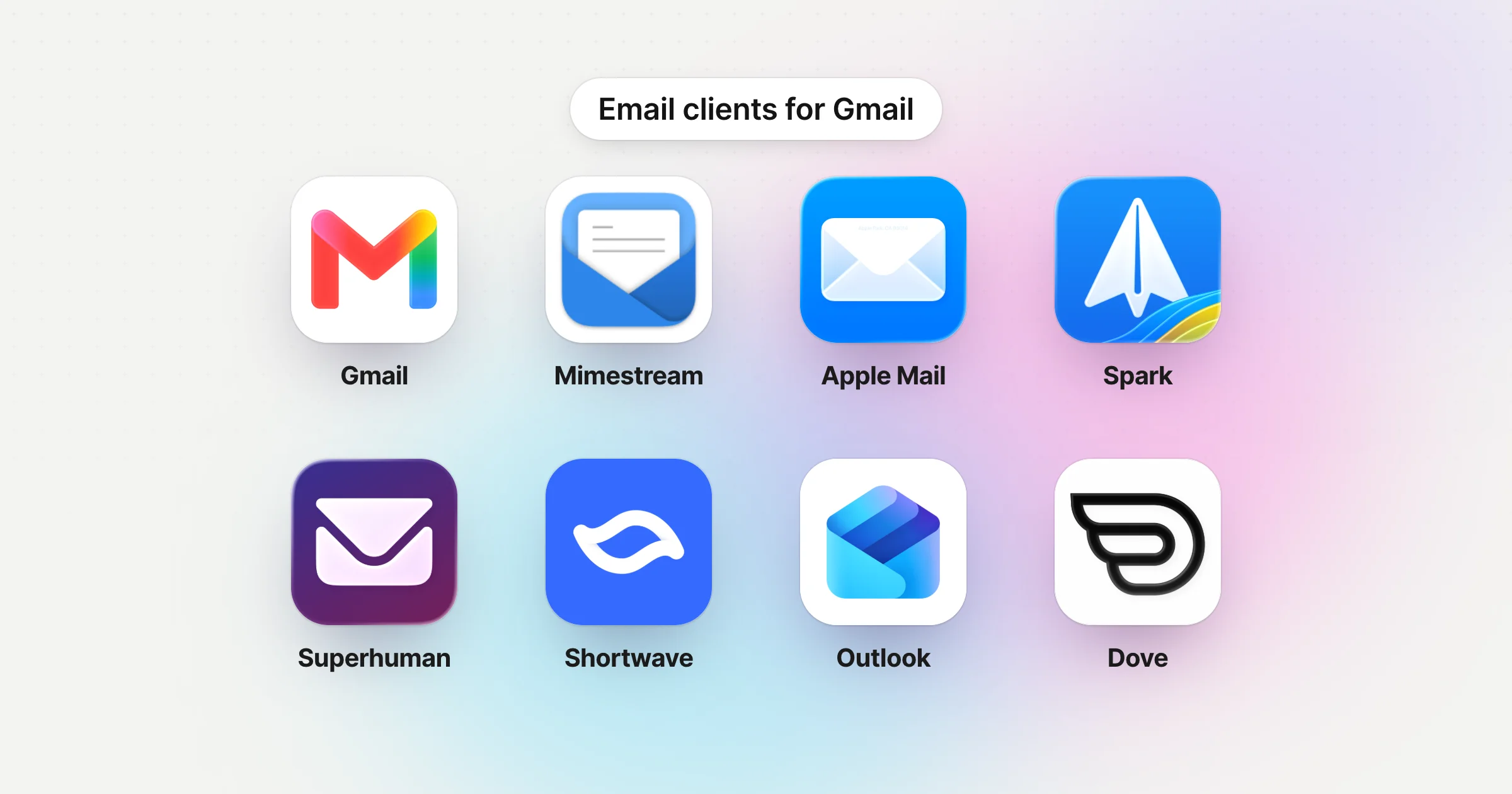
For most people, the best email client for Gmail is still Gmail itself: the website and Google's apps for iPhone, iPad and Android keep every label, category, search trick and Gemini feature. Use a separate email client when you want a real desktop app, several accounts in one inbox, or mail sorted for you. On a Mac, the best Gmail client is Mimestream, because it's built on the Gmail API and keeps Gmail's labels and categories. The best free client on every device is Spark. For speed, Superhuman. For AI in a Gmail-only app, Shortwave. If Gmail is one of several busy accounts, Dove sorts them all for you.
Disclosure: Dove is made by the team behind Canary Mail. Dove appears in this guide, marked "(ours)". Every price below comes from the vendor's own site, checked on November 17, 2026, and every client, ours included, gets one real downside.
Quick picks
Best overall, for free: Gmail on the web and Google's own apps. Nothing works more like Gmail.
Best Gmail client for Mac: Mimestream. Native, built on the Gmail API, Gmail only.
Best free client on every device: Spark. Mac, Windows, iPhone, iPad and Android.
Best for speed: Superhuman. Keyboard-first, Gmail and Outlook only.
Best for AI in a Gmail-only app: Shortwave.
Best for several accounts, sorted for you: Dove (ours).
Best free built-in client: Apple Mail on Apple devices, Outlook on Windows.
Best free open-source client: Thunderbird.
Do you need a Gmail client at all?
Maybe not. Gmail on the web is good, and Google's apps for iPhone, iPad and Android are some of the best-rated mail apps there are. The Gmail iPhone app has 4.7 stars from about 2.45 million ratings on the App Store. Gemini features such as thread summaries and Help me write live in Gmail's own website and apps, so other clients don't show them.
A separate client is worth it when:
You want a desktop app. Google makes no Gmail app for Mac or Windows. See our guides to the Gmail app for Mac and the Gmail app for Windows.
You have other accounts too. Gmail on the web is losing the ability to pull in Yahoo or Outlook accounts in January 2027 (more below). A client puts them all in one inbox.
You want mail sorted or answered for you. Some clients sort new mail, screen senders or draft replies.
You want mail stored on your computer. Desktop clients keep a copy you can read offline.
Gmail API or IMAP: why some clients feel more like Gmail
This is the difference most lists skip, and it decides whether your labels survive.
IMAP is the old, standard way email apps connect. Google names Apple Mail, Outlook and Thunderbird as clients that reach Gmail this way. Gmail's labels don't really fit it, because IMAP only knows folders. Mozilla's Thunderbird and Gmail guide explains what happens: "Gmail labels become Thunderbird folders", so an email with two labels shows up twice, and deleting one copy removes all its labels. Google's IMAP tips add that "You can find messages you delete from an IMAP folder in your 'All Mail' label."
The Gmail API is Google's own interface. Apps built on it can show labels as labels. Mimestream, for example, keeps Gmail's label colors and inbox categories. Dove connects this way too.
Two more things to know before you connect a client:
Sign-in goes through Google. Good clients open Google's own sign-in page, so they never see your password. Mozilla's guide, for example, says Thunderbird shows "an OAuth dialogue supplied and branded by Google".
IMAP is always on for personal accounts, and Google allows up to 15 email clients per account (Google's IMAP page).
The best Gmail clients at a glance
US prices from each vendor's own site, checked on November 17, 2026.
Client | Price | Connects to Gmail by | Gmail labels | Platforms | Other accounts |
|---|---|---|---|---|---|
Gmail (web and apps) | Free | It is Gmail | Exactly as in Gmail | Web, iPhone, iPad, Android | No |
$4.99/mo or $49.99/yr; 14-day trial | Gmail API | Real labels, with colors | Mac | No | |
Free; Plus $10/mo or $99/yr | Not stated | Supported | Mac, Windows, iPhone, iPad, Android | Yes | |
$30/mo, or $25/mo yearly | Not stated | Not stated | Mac, Windows, iPhone, Android; web via Chrome | Outlook only | |
Free; Pro $18/mo | Natively to Gmail; method not stated | Not stated | Mac, Windows, iPhone, Android | Gmail and Workspace only | |
Free plan; $20/mo or $200/yr | Gmail API | Synced as labels | Mac, Windows, iPhone, iPad, Android, web | Yes | |
Apple Mail | Free, built in | IMAP | Not documented by Apple | Mac, iPhone, iPad | Yes |
Outlook | Free with ads on personal accounts | Microsoft cloud sync | Not documented by Microsoft | Mac, Windows, iPhone, Android, web | Yes |
Free | IMAP | As folders | Mac, Windows, Linux, Android | Yes |
The best email clients for Gmail, in detail
Gmail on the web and Google's apps: best overall, for free
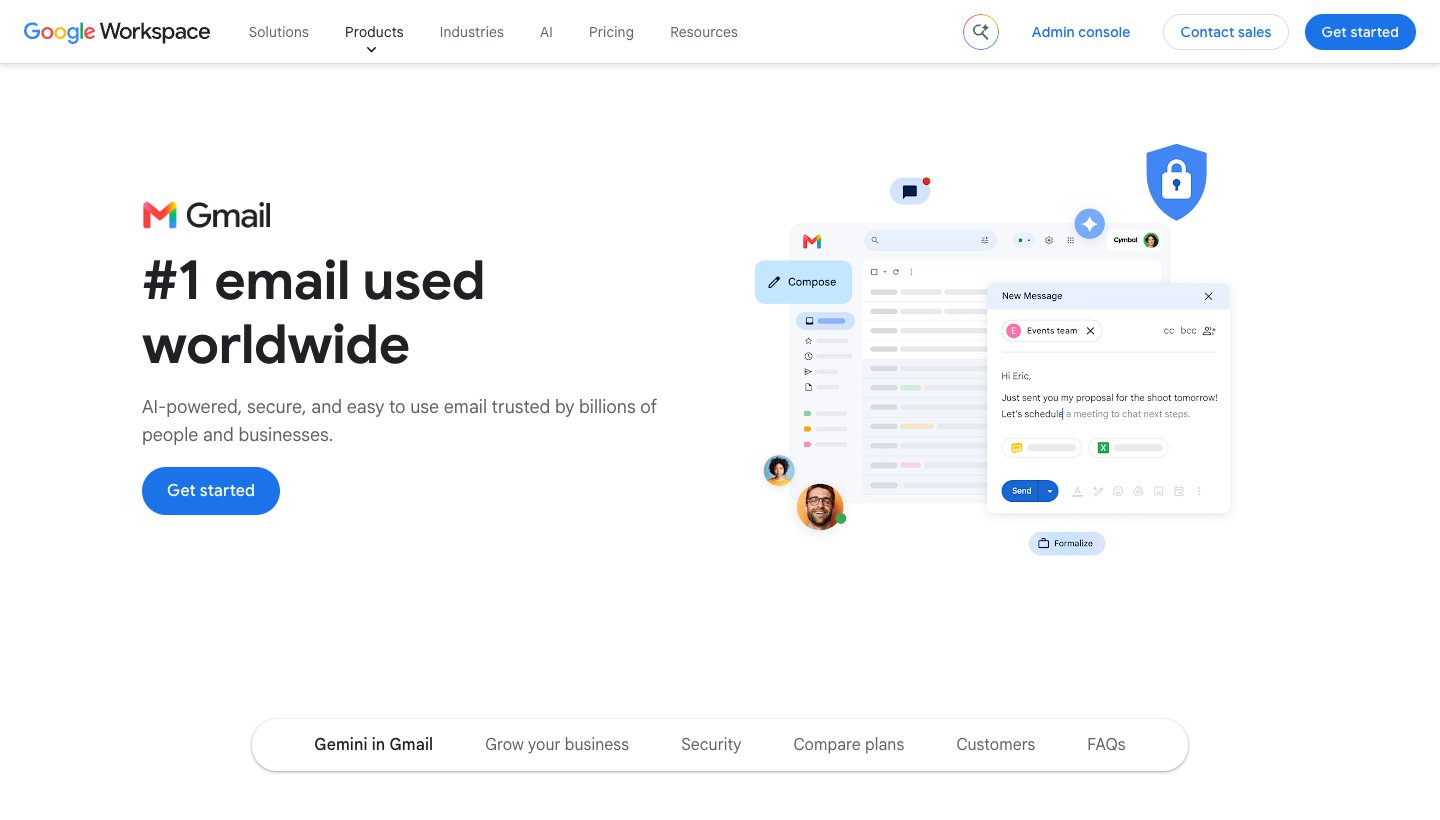
Who it's for: anyone with only Gmail accounts who's happy in a browser on the computer and Google's app on the phone.
Price: free. Gemini summaries are free; some AI features, such as AI Inbox, need a paid Google AI plan.
Standout: everything works as Google designed it: labels, categories, filters, search operators, Snooze and Schedule send.
One real downside: no desktop app, and from January 2027 no way to pull other providers' mail into Gmail on the web.
Mimestream: best Gmail client for Mac
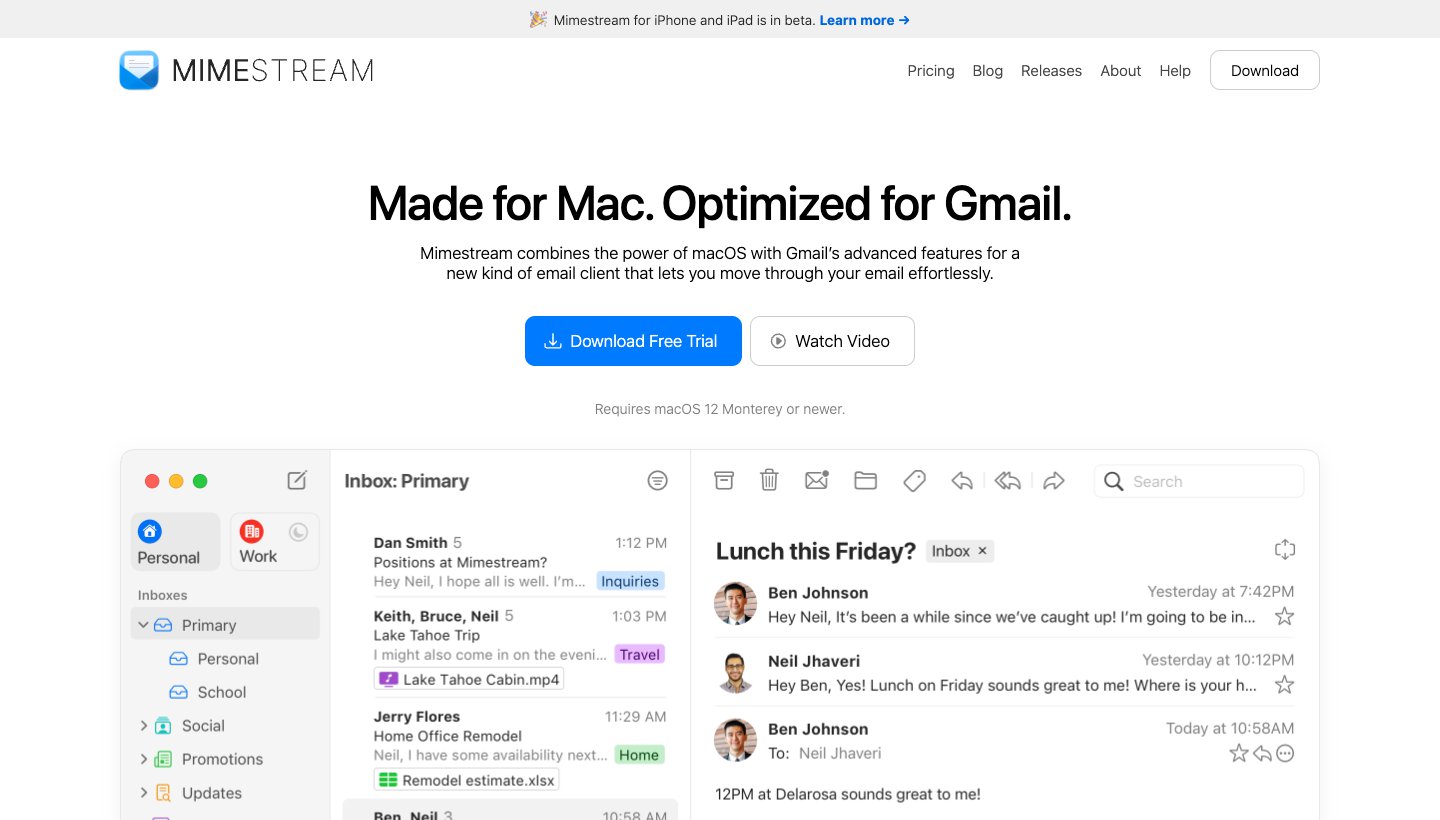
Mimestream is a native Mac app "Powered by the Gmail API", so it behaves like Gmail with the speed and feel of a Mac app.
Who it's for: Gmail users on a Mac who want a real app that keeps labels and categories.
Price: $4.99 a month or $49.99 a year after a 14-day trial that needs no card. Family sharing included. See Mimestream's pricing.
Platforms: Mac only (macOS 12 or later), direct download. An iPhone and iPad version is in invite-only beta.
Standout: "Full support for Gmail labels, including color-coding and visibility settings", "Gmail-backed search", and its privacy policy says your passwords and cached mail stay on your Mac, not on Mimestream's servers.
One real downside: Gmail only and Mac only, and we found no Send Later.
Mac options compared step by step: Gmail app for Mac.
Spark: best free client on every device
Who it's for: people who want one free app for Gmail and other accounts on every device.
Price: free. Plus is $10 a month or $99 a year; Pro is $20 a month or $199 a year. See Spark's pricing.
Platforms: Mac, Windows, iPhone, iPad and Android. No web app.
Gmail support: "Spark supports Gmail labels", including several on one email. It can't apply labels automatically; Gmail's filters still do that (Spark's labels help).
Standout: the Smart Inbox, on the free plan, groups newsletters and notifications apart from mail from people.
One real downside: the AI is on paid plans, and Spark's privacy policy says shared emails and Send Later are processed on its servers.
Superhuman: best for speed
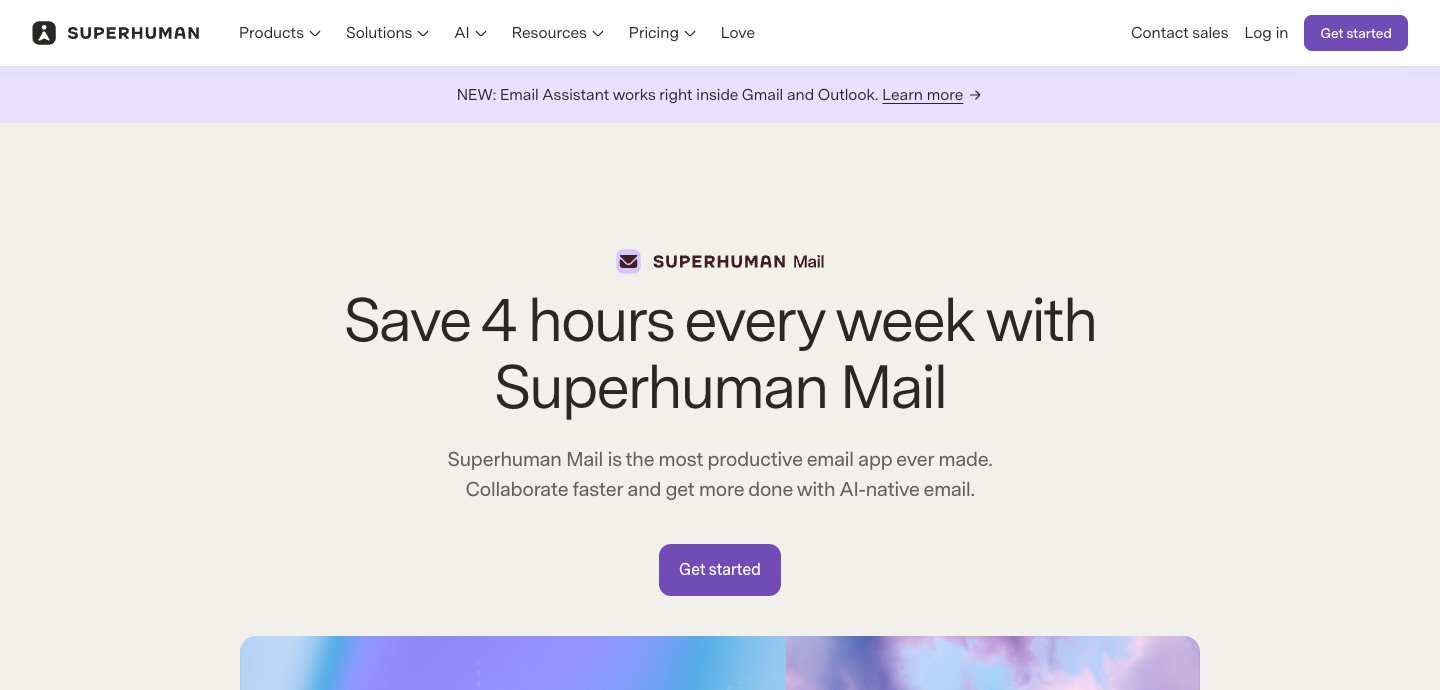
Who it's for: people who spend hours a day in Gmail and want to get through it by keyboard.
Price: Starter is $30 a month, or $25 a month billed yearly. Business, with auto drafts and Ask AI, is $40, or $33 yearly. No free plan. See Superhuman's plans.
Platforms: Mac and Windows apps, iPhone and Android, and the web through a Chrome extension.
Standout: speed, plus Split Inbox, snooze, Send Later and auto labels for Gmail.
One real downside: the most expensive client here, and it only works with Gmail and Outlook. More in our Superhuman review.
Shortwave: best for AI in a Gmail-only app
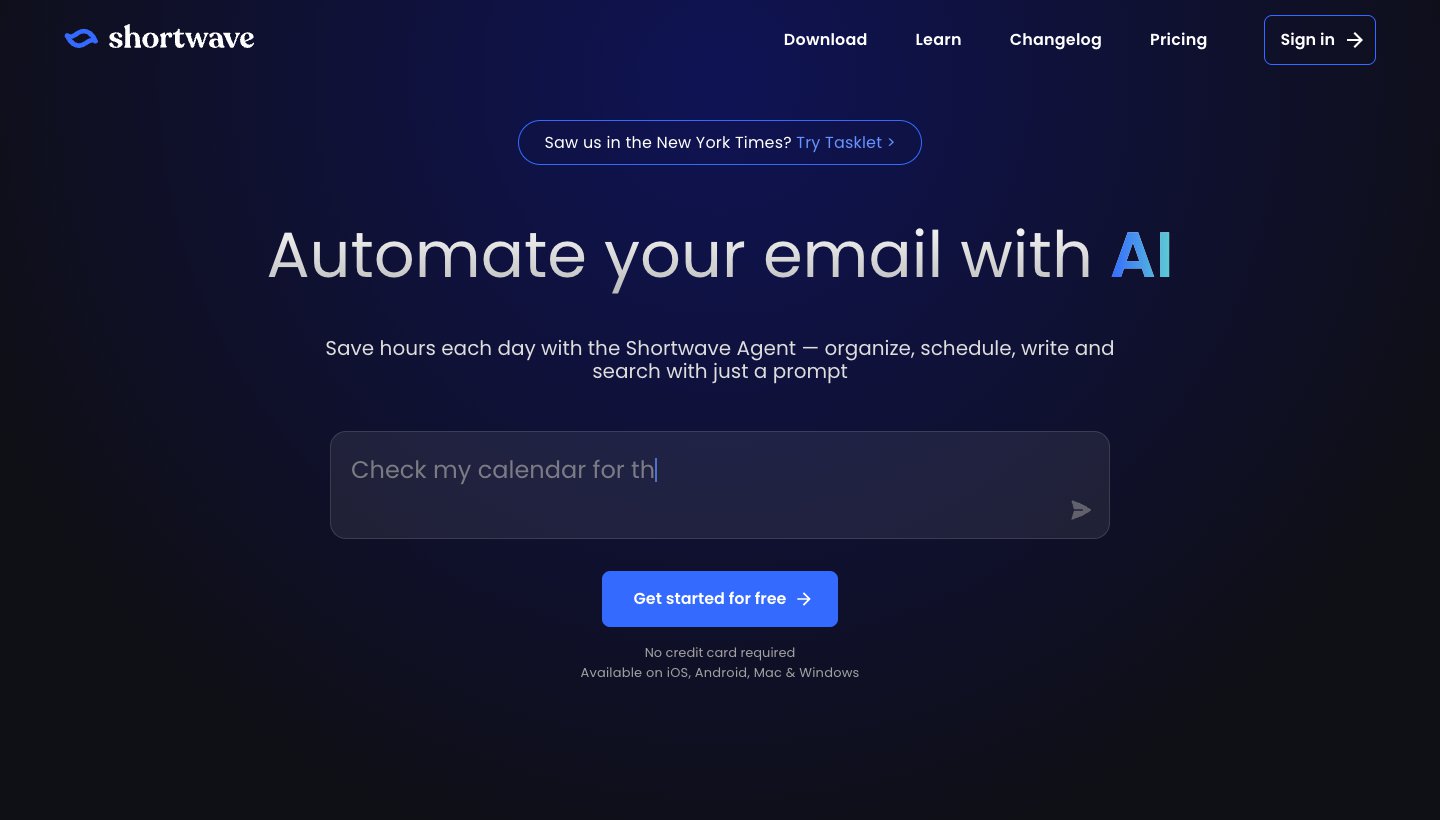
Who it's for: Gmail and Google Workspace users who'd rather ask an AI agent to organize, search and write than do it by hand.
Price: free plan with a limited AI quota and 90 days of search history. Pro is $18 a month; business plans run $30 to $120 per user a month. Billed monthly only. See Shortwave's pricing.
Platforms: Mac, Windows, iPhone and Android.
Standout: the Shortwave Agent, which can "organize, schedule, write and search with just a prompt".
One real downside: it "connects natively to Gmail & Google Workspace accounts" only. Its guide for Outlook and other accounts forwards them into Gmail and sends through Gmail's "Send mail as", and Google is removing "Send as" for other providers' addresses in January 2027.
Dove (ours): best for several accounts, sorted for you
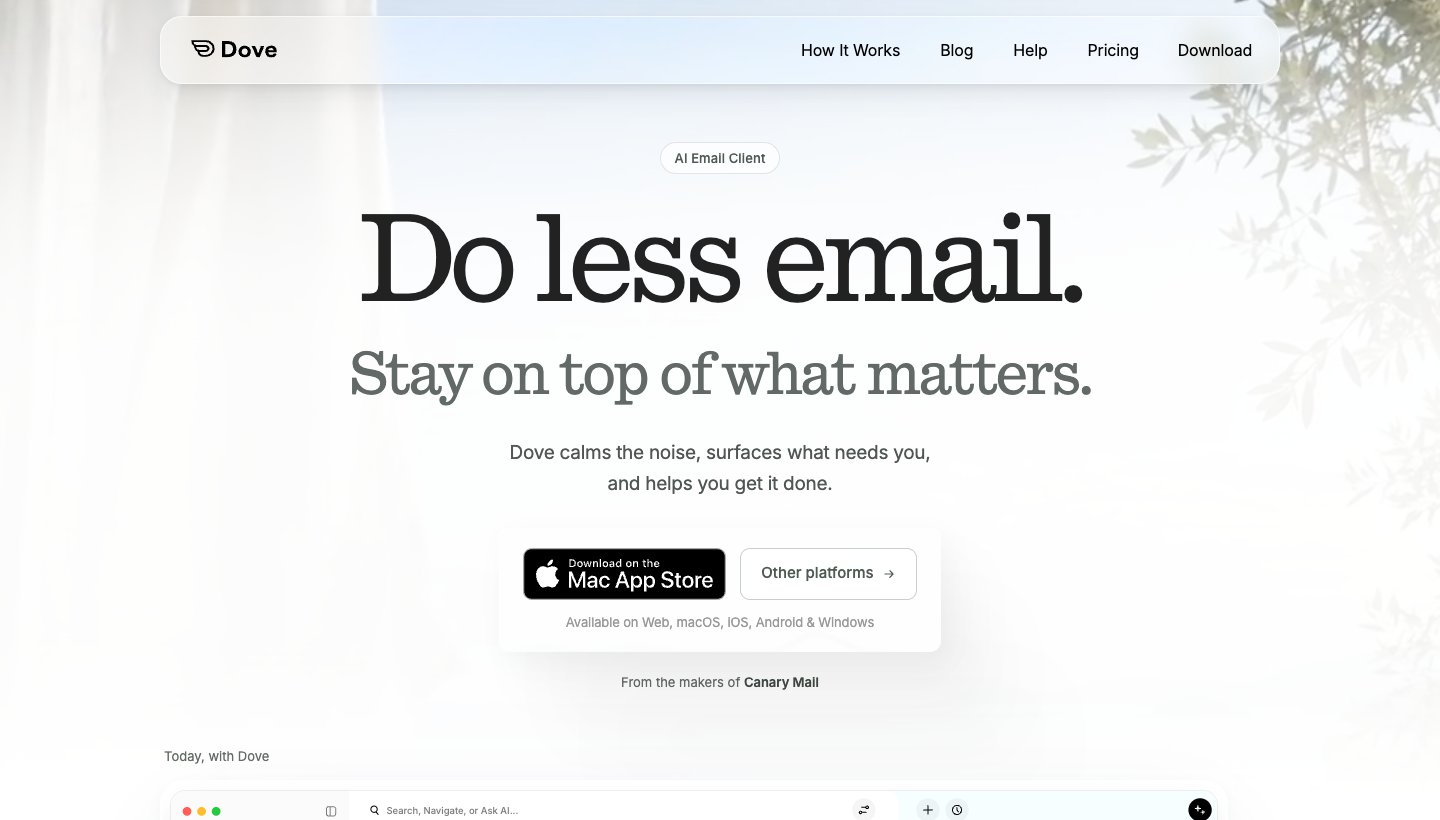
Dove is our app. It's for people whose Gmail is one of several busy inboxes.
Who it's for: someone with a heavy Gmail account, often alongside Outlook, iCloud or a work account, who wants the sorting done for them on every device.
Price: free plan with 10 AI actions a day. Pro is $20 a month or $200 a year, with a 7-day trial that asks for a card. See Dove's pricing.
Platforms: Mac, Windows, iPhone, iPad, Android and the web.
Gmail support: connects through the Gmail API, so labels sync as labels. Also works with Google Workspace, Outlook.com, Microsoft 365, iCloud, Yahoo and IMAP. The calendar works with Gmail and Microsoft 365 accounts.
Standout: every account is sorted into Focus, Feed and Noise, and Today shows what needs you, your schedule and what you're waiting on. AI drafts replies and summarizes threads. Dove says it never uses your email content to train AI models. Dove's AI processes full messages so it can sort and draft, and mail is encrypted in transit and at rest.
One real downside: Dove is new, with a short track record, and sorting and Today are on the paid plan. There's no PGP or end-to-end encryption.
Apple Mail: best free client on Apple devices
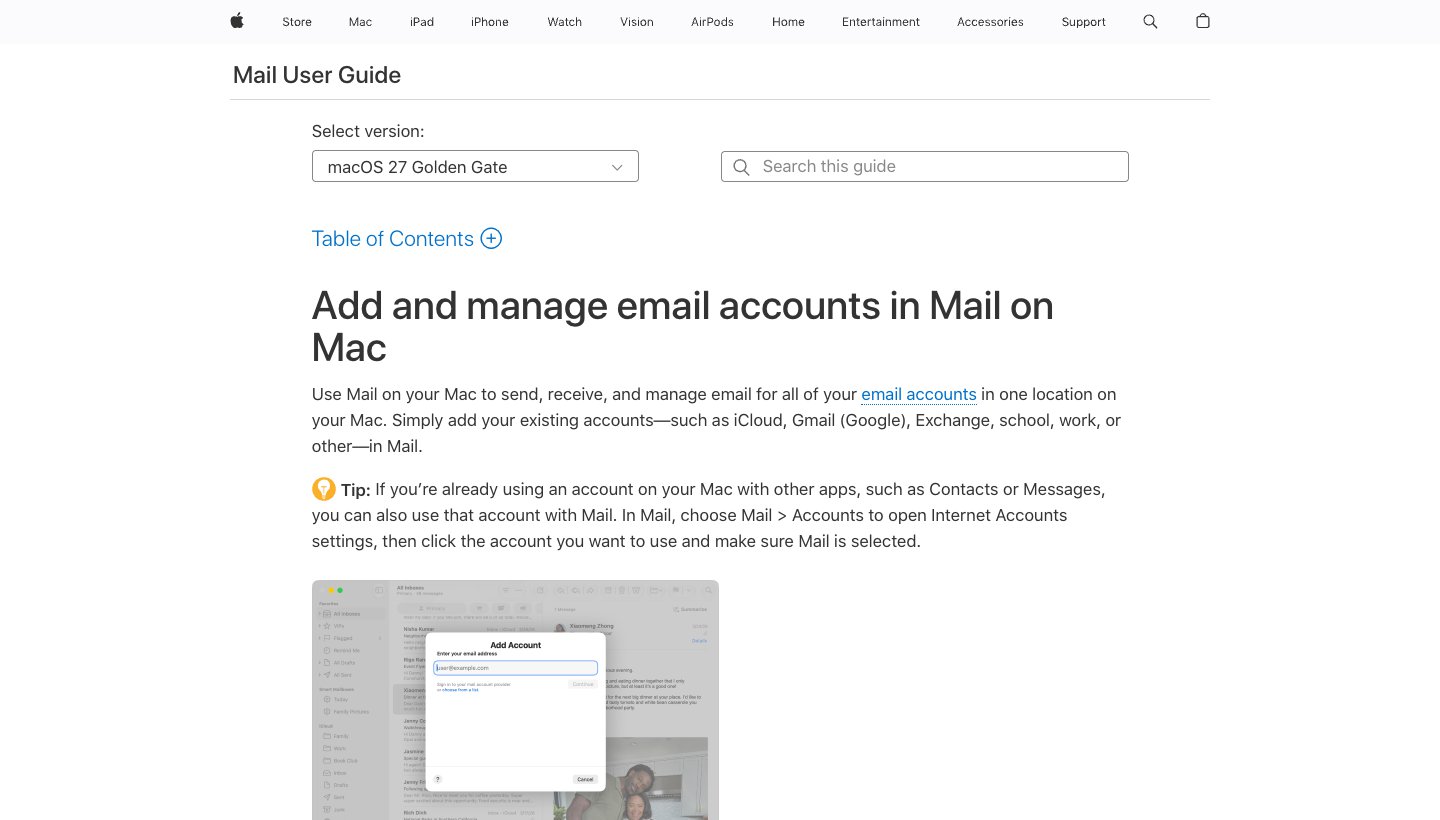
Who it's for: iPhone, iPad and Mac users who want Gmail and iCloud together in the app they already have.
Price: free.
Gmail support: add a Google account with Mail > Add Account > Google (Apple's guide). It connects over IMAP.
Standout: free, native and already installed on every Apple device.
One real downside: no Gmail categories, search operators or Gemini, and Apple doesn't document how Mail handles Gmail labels.
Outlook: best free client on Windows
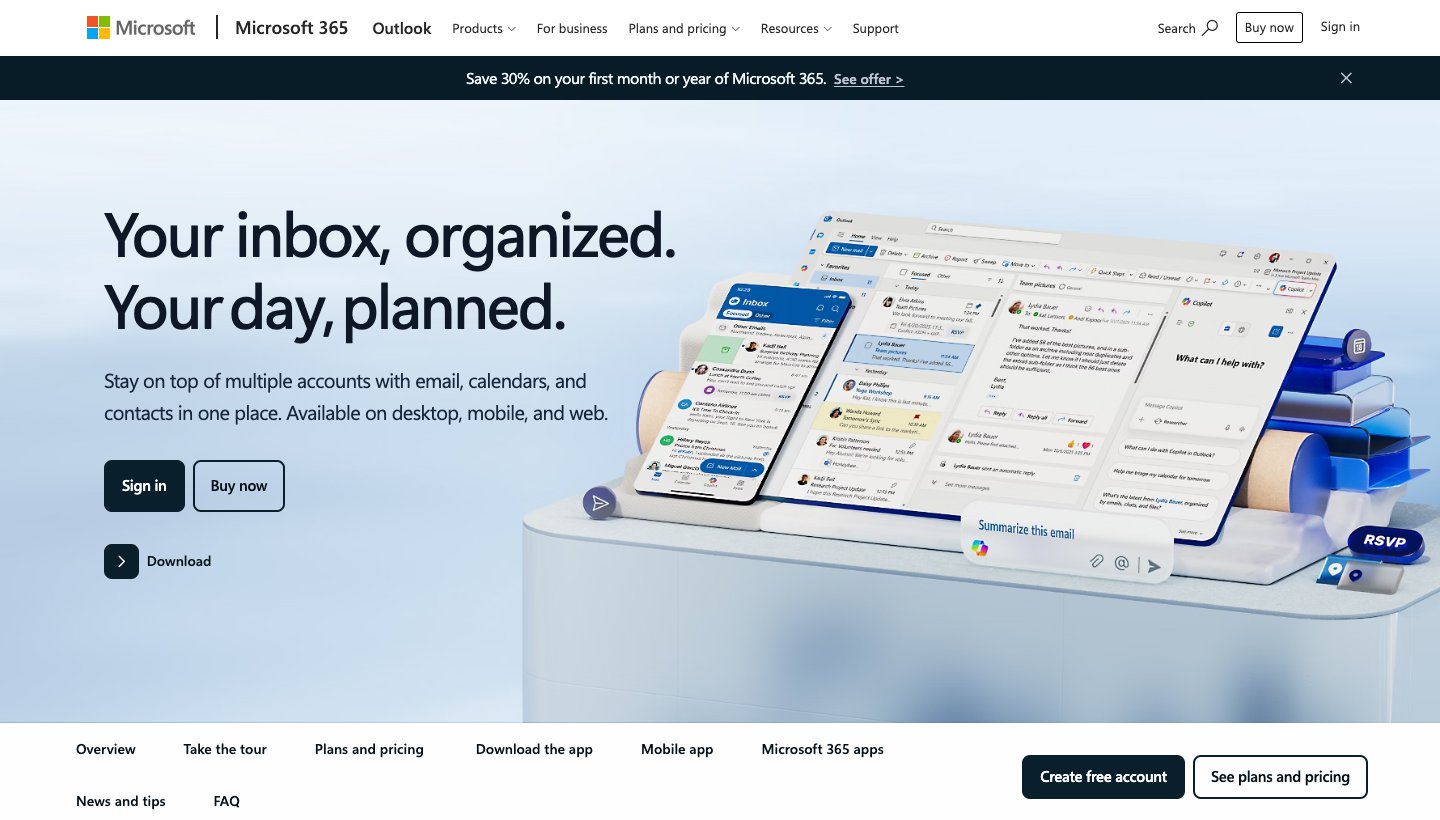
Who it's for: people with Gmail plus a Microsoft work or Outlook.com account who want one app with a calendar. New Outlook is the default mail app on Windows 11.
Price: free with ads on personal accounts; a Microsoft 365 subscription removes them.
Gmail support: adds Gmail, Yahoo, iCloud and IMAP accounts, but Microsoft says new Outlook "does not support rules for managing third-party accounts like Gmail, Yahoo, and iCloud".
Standout: mail and calendar for Gmail and Microsoft accounts in one free app.
One real downside: your Gmail goes through Microsoft's cloud: "a copy of your email, calendar, and contacts will be synchronized between your email provider and Microsoft data centers" (Microsoft).
Thunderbird: best free open-source client
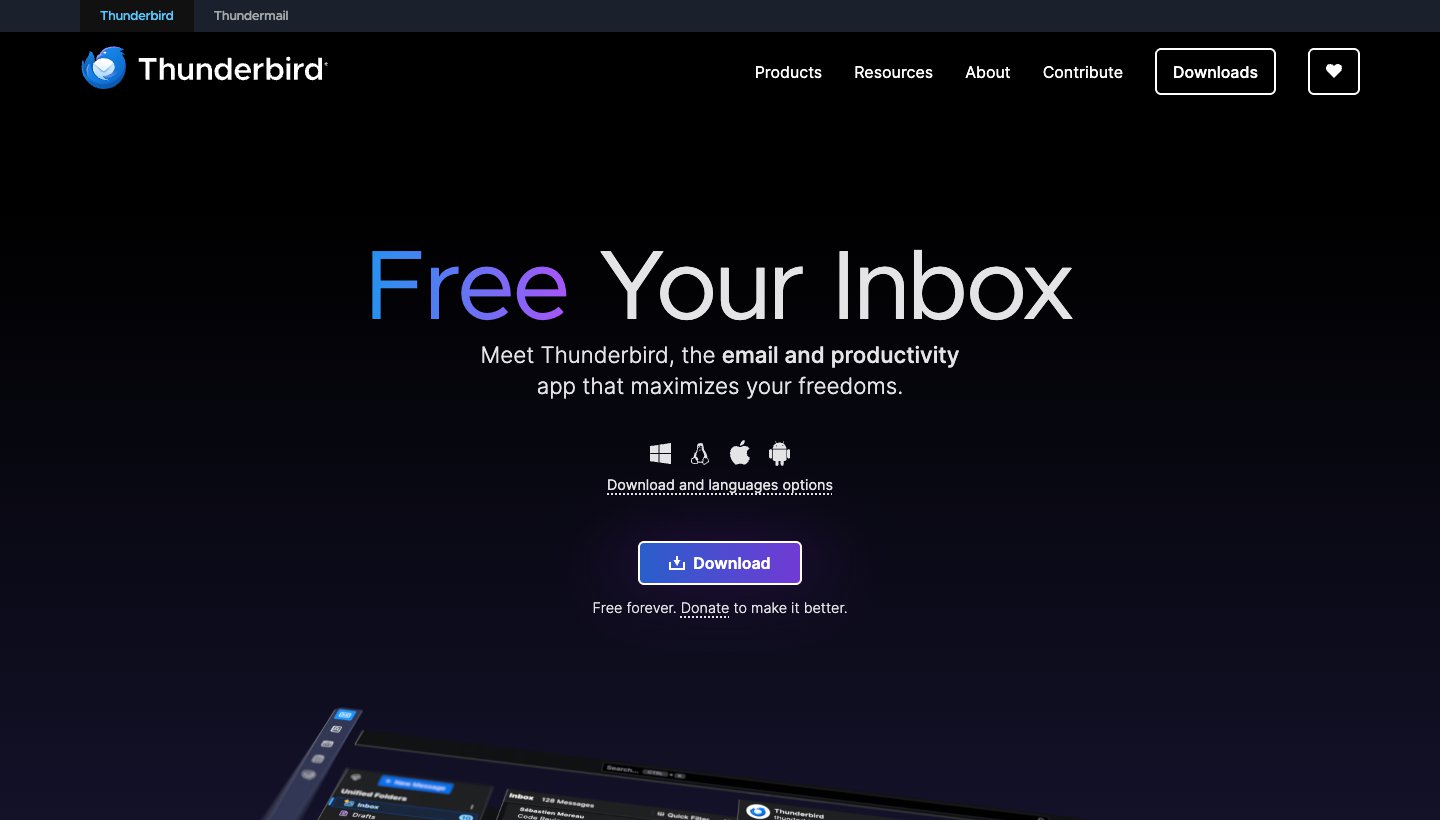
Who it's for: people who want a free desktop client that stores mail on their computer and runs on Linux too.
Price: free, funded by donations.
Platforms: Windows, Mac, Linux and Android. No iPhone app yet.
Gmail support: signs in through Google's own page. Labels become folders (see the IMAP section above).
One real downside: labels as folders take getting used to, and there's no iPhone app.
Also worth a look: eM Client and Mailbird
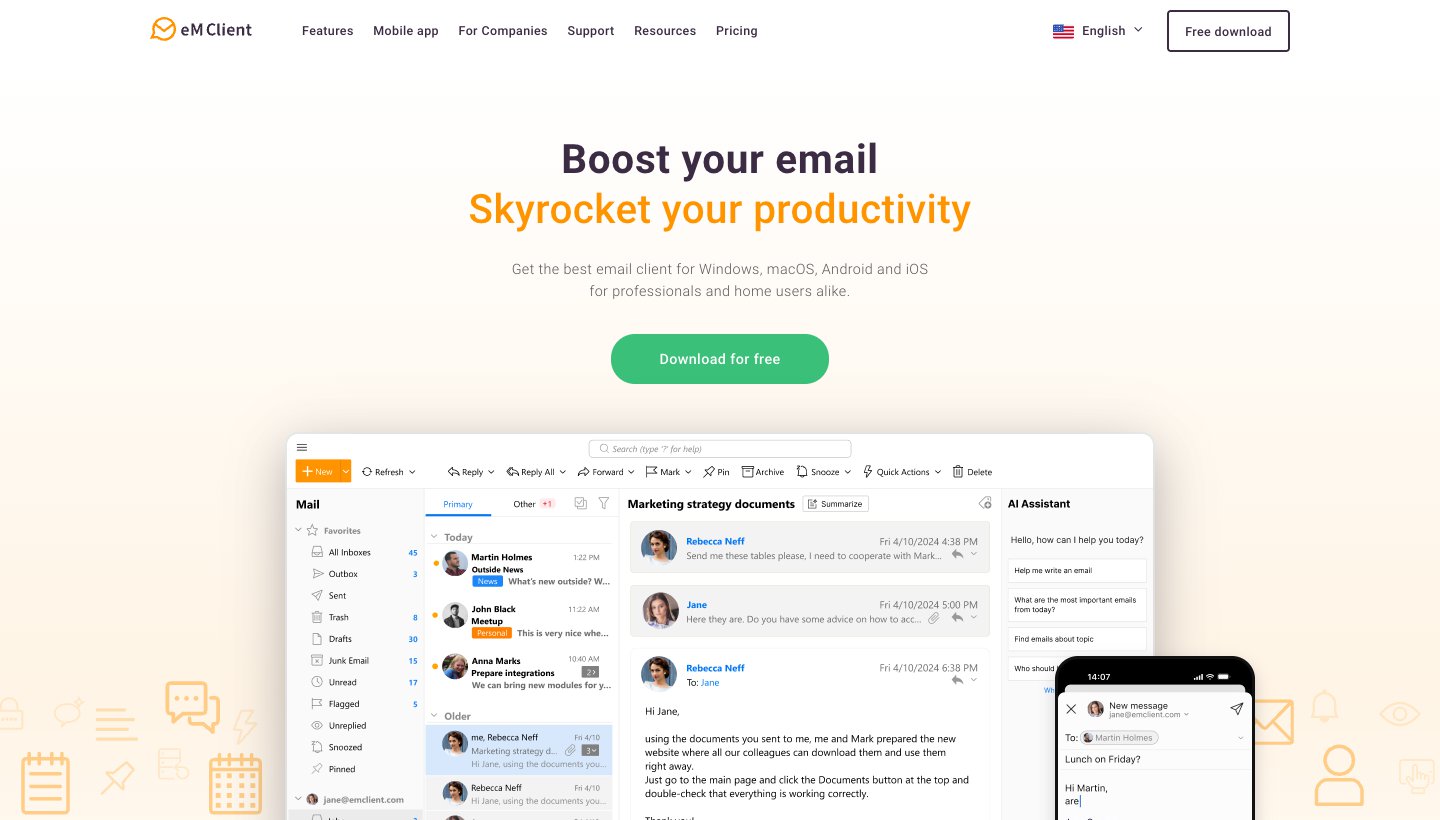
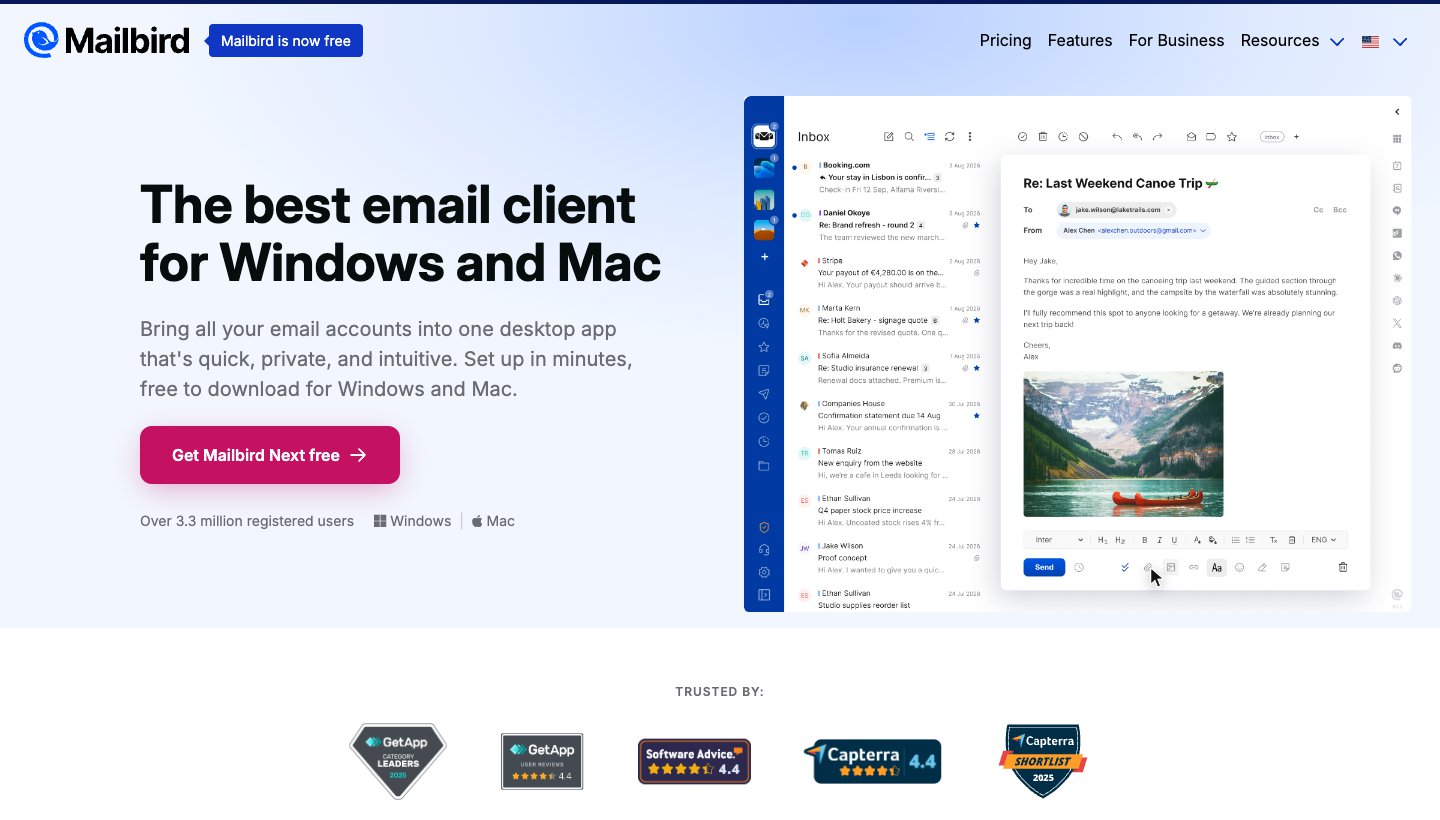
eM Client is a desktop client for Windows and Mac with mobile apps, free for two accounts. Its FAQ says "Gmail labels are treated as Tags". Mailbird is a desktop client for Windows and Mac; its site says the free version "has no time limit and works with one email account", with Premium for more. Both price their paid plans by country, so check the price on their sites from where you are.
Best Gmail client by device
Mac: Mimestream for Gmail alone, Apple Mail for free, or Gmail added to your Dock from Safari. Full guide: Gmail app for Mac.
Windows: Gmail installed as an app from Chrome or Edge, Outlook, Thunderbird or Dove. Full guide: Gmail app for Windows.
iPhone and iPad: Google's Gmail app is hard to beat for Gmail alone. Apple Mail is better if you also use iCloud. Spark and Dove handle several accounts.
Android: Google's Gmail app is already there and can add other accounts too. Google says that keeps working after January 2027.
Gmail changes in January 2027
Google's support page says that in January 2027, "Gmail will fully remove "Send as" for third-party accounts, Gmailify, and POP." If Gmail on the web has been collecting your Yahoo, Hotmail or work mail, that stops.
Email clients aren't affected. Google says your experience "remains unchanged if you use a third-party email client", and the Gmail apps for Android, iPhone and iPad can still add other accounts. So the fix is a client that holds all your accounts side by side. Google also warns that third-party tools claiming to bring "Send as" back may put your credentials at risk.
Which should you choose?
Stay with Gmail's website and apps if Gmail is your only account and you're happy in a browser on your computer.
Choose Mimestream if you use Gmail on a Mac and want a real app that keeps labels and categories.
Choose Spark if you want a free app for Gmail and other accounts on every device.
Choose Superhuman if you live in Gmail all day and speed matters more than price.
Choose Shortwave if you only use Gmail and want an AI agent to do the busywork.
Choose Dove (ours) if Gmail is one of several busy accounts and you want them sorted the same way on every device.
Choose Apple Mail if you're on Apple devices and want Gmail and iCloud together for free.
Choose Outlook if you're on Windows or have a Microsoft work account and want a free app with a calendar.
Choose Thunderbird if you want free, open source, and your mail stored on your computer.
Thinking of leaving Gmail altogether? See our Gmail alternatives, and for email apps beyond Gmail, our guide to the best email apps.
FAQ
What is the best email client for Gmail?
For Gmail alone, Gmail's own website and apps, because they keep every feature. For a desktop app, Mimestream on Mac. For a free app on every device, Spark. For several accounts sorted for you, Dove (ours).
What is the best free email client for Gmail?
Gmail itself, then Spark, Apple Mail, Outlook and Thunderbird, which are all free. Spark's free plan includes its Smart Inbox on every device; Thunderbird is free and open source.
Can I use Gmail with another email client?
Yes. Apple Mail, Outlook, Thunderbird and most other clients add a Gmail account through Google's own sign-in page. IMAP is always on for personal Gmail accounts, and Google allows up to 15 clients per account.
Is there a Google email client for desktop?
No. Google makes Gmail apps for Android, iPhone and iPad only. On a computer you use Gmail in a browser, or install it as an app from Chrome or Safari.
Will my Gmail labels work in another email client?
It depends on how the client connects. Clients built on the Gmail API, such as Mimestream and Dove, keep labels as labels. Clients using IMAP, such as Thunderbird, show labels as folders, so an email with two labels appears twice.
Does Gmail work in Outlook?
Yes. Outlook for Windows and Mac can add a Gmail account. Your mail is synced through Microsoft's cloud, and new Outlook doesn't support rules for Gmail accounts.
Why are people moving away from Gmail?
Common reasons are privacy, wanting fewer ads and less tracking, and Google's January 2027 change, which stops Gmail on the web collecting mail from other providers. Some move to a new provider, such as HEY (see our HEY email review); many keep their Gmail address and change the app. Our Gmail alternatives guide covers both.
More from Dove
Recent posts
November 19, 2026
How to Get to Inbox Zero in Gmail (and Stay There): Settings, Shortcuts and a Daily Routine
Inbox zero in Gmail means your inbox only holds what still needs you. Here's how to clear years of mail safely, which Gmail settings help, and the daily routine Google itself suggests. Checked against Google's help pages in November 2026.
November 19, 2026
How to Schedule Send in the Outlook App (Phone, Windows, Mac and Web)
How to schedule an email to send later in Outlook on every device, checked against Microsoft's support pages in November 2026, plus which accounts can't do it and why the button goes missing.
November 19, 2026
Spark Mail Review (2026): Is the Free Email App Still Worth It?
Spark is one of the best free email apps for people with several accounts, but its AI and some of its best sorting tools are paid, and much of it runs through Spark's servers. Checked on Spark's own site on November 19, 2026.