

HEY Email Review (2026): What It Costs, What It Does, and Who It's For
The short answer: HEY is worth $99 a year if you're happy to start over with a new @hey.com address and you want firm control over who reaches you. Its Screener makes every first-time sender wait until you say yes, and newsletters and receipts get their own places away from your inbox. It isn't worth it if you want to keep using Gmail or Outlook, or the email app you have now. HEY is a separate email service, not an app for your existing account. It has no IMAP, so no other email app can open it.
Disclosure: We make Dove, an email app, and Dove is made by the team behind Canary Mail. We haven't used HEY as our main email for months, so this is a researched review. Every price and feature below comes from HEY's own site and help pages, checked on November 17, 2026. Where we mention what users or other reviewers think, we say where it came from.
HEY at a glance
HEY | |
|---|---|
What it is | A paid email service with its own address (@hey.com) and its own apps. Not an app for Gmail or Outlook |
Made by | 37signals, the company behind Basecamp. Launched in June 2020 |
Price | HEY for You: $99 a year, billed yearly only. HEY for Domains (your own domain): $12 per user a month, $10 for the first user. Families: $179 a year for up to four more people |
Free plan or trial | No free plan. 30-day trial of HEY for You with no card |
Platforms | Web, Mac, Windows, Linux, iPhone, iPad and Android |
Works with other email apps? | No. "HEY doesn't support IMAP or POP" |
Calendar | HEY Calendar is included |
AI | None built in. HEY now offers a command-line tool so outside AI agents can work in your mail |
Encryption | Encrypted at rest. "HEY is not end-to-end encrypted (we still hold the keys)" |
User ratings | 4.6 on the App Store (4,325 ratings), 4.7 on Google Play (3,618 ratings) |
What HEY is, and what it isn't
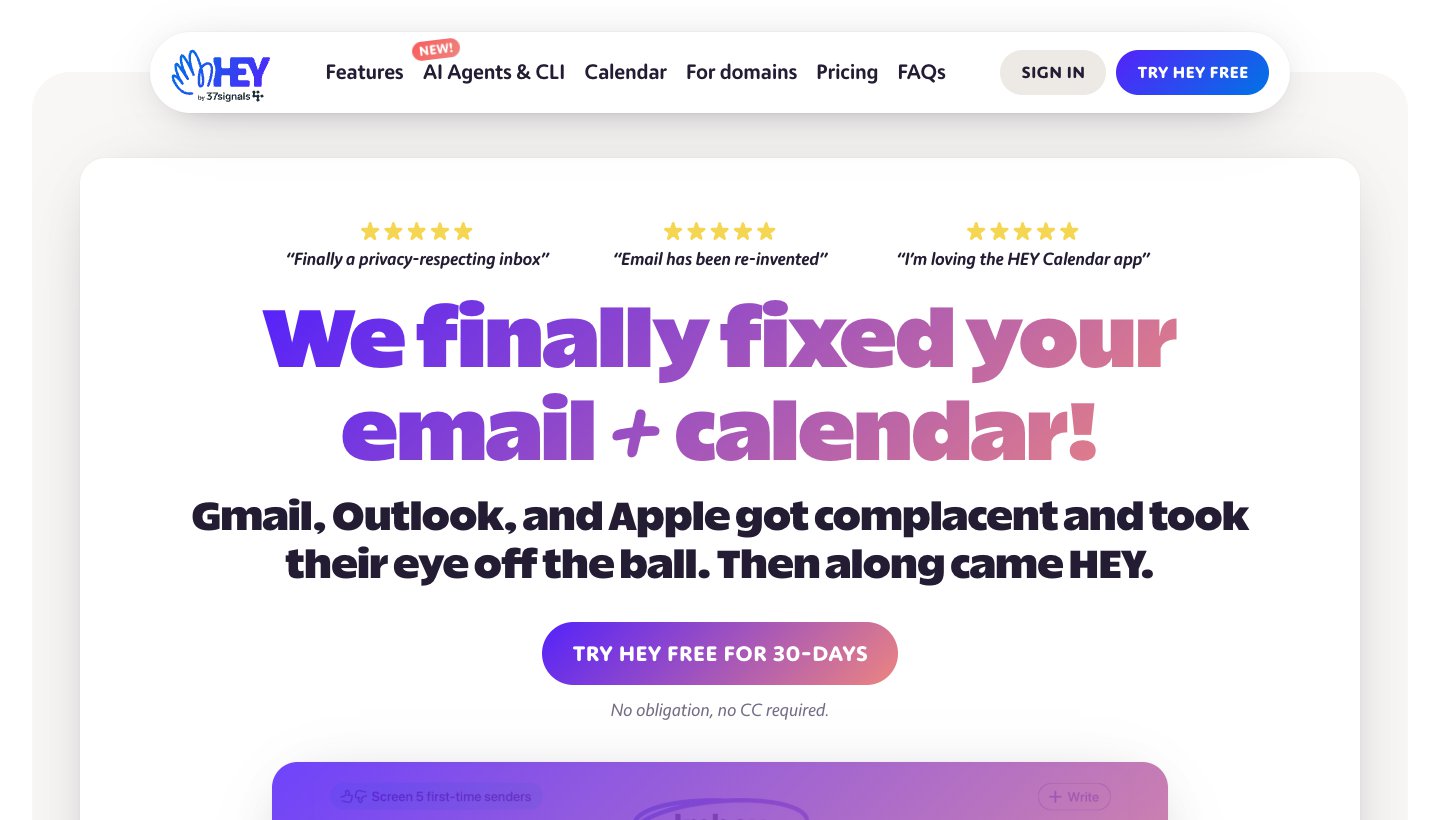
The most common mistake about HEY is thinking it's an email app like Spark or Superhuman. It isn't. HEY's own FAQ puts it plainly: "HEY is an email provider, it's not an app you use to check your existing Gmail, Outlook, Yahoo, etc."
So signing up means:
A new address. You get name@hey.com, or with HEY for Domains, your own domain. Short addresses cost more: two characters are $999 a year and three are $349.
Your old mail stays put. "HEY does not import your existing email from Gmail, Outlook, iCloud." Your old inbox stays where it is.
Forwarding is the bridge. You can forward your Gmail into HEY and send from your old address through its Send as feature.
HEY's apps only. Apple Mail, Outlook, Thunderbird and every other email app can't open a HEY account. HEY's help center says "off-the-shelf 3rd party email apps won't work with HEY."
Efficient App's HEY review says HEY "does not work with Gmail, Outlook, or Apple". That's half right: HEY can't show your Gmail inbox, but it can receive your forwarded Gmail and send as your Gmail address.
What HEY does well
The Screener: nobody new gets in without your yes
The first time anyone emails you, their message goes to the Screener, not your inbox. You choose yes or no once, and HEY remembers it. Say no and their mail stays out of your inbox, with no unsubscribe link needed. If you want someone to skip the line, give them a Speakeasy code.
This is HEY's whole idea, and the reason most people pay for it. In Gmail, anyone with your address can land in your inbox. In HEY, they can't.
Mail sorted by what it is, not by date
Once a sender is approved, you choose where their mail goes:
The Imbox (HEY's spelling) is for mail from people that matters.
The Feed collects newsletters and updates, shown like a feed you scroll through.
Paper Trail holds receipts, confirmations and other mail you want kept but not read.
You decide each sender's place once. HEY doesn't guess with AI; it does what you told it.
Tools for the mail you can't deal with now
Reply Later stacks emails you need to answer, and Focus & Reply lets you answer them all in one go.
Set Aside holds emails you need to come back to.
Bubble Up brings an email back to the top at a time you pick.
Merge joins two threads about the same thing, and Rename subjects lets you fix unhelpful subject lines.
Clips saves a highlighted bit of an email, and Notes let you add sticky notes to threads, contacts and your inbox.
Spy pixel blocking
Many marketing emails carry hidden images that tell the sender when, where and on what device you opened them. HEY blocks these and shows you who tried.
HEY Calendar, included
HEY Calendar comes with every plan. It adds habits, time tracking and a daily journal, and you can import events from Google, Outlook and Apple calendars. HEY's page says import; it doesn't promise two-way sync, so check that before you rely on it with a work calendar.
What HEY doesn't do
No IMAP or POP. You can only use HEY's apps. If you love Apple Mail or need Outlook for work, HEY won't fit.
No free plan, and yearly billing only. HEY's FAQ says: "We only offer annual billing at this time." That's $99 up front after the trial.
No built-in AI. No summaries, no drafted replies, no AI sorting. Some people see that as a plus. If you want AI, HEY's answer is new: a HEY command-line tool and connector so outside AI agents can work in your mail. Its hosted connector for AI assistants is still a preview for invited reviewers.
Not end-to-end encrypted. HEY's FAQ says its database is "encrypted both at rest and at work", and its security page says each field is encrypted with its own key. But HEY holds the keys. If you need end-to-end encryption, look at Proton Mail.
Every new sender waits. The Screener is the point, but it also catches the plumber, the school and the job offer until you check it.
HEY pricing in brief
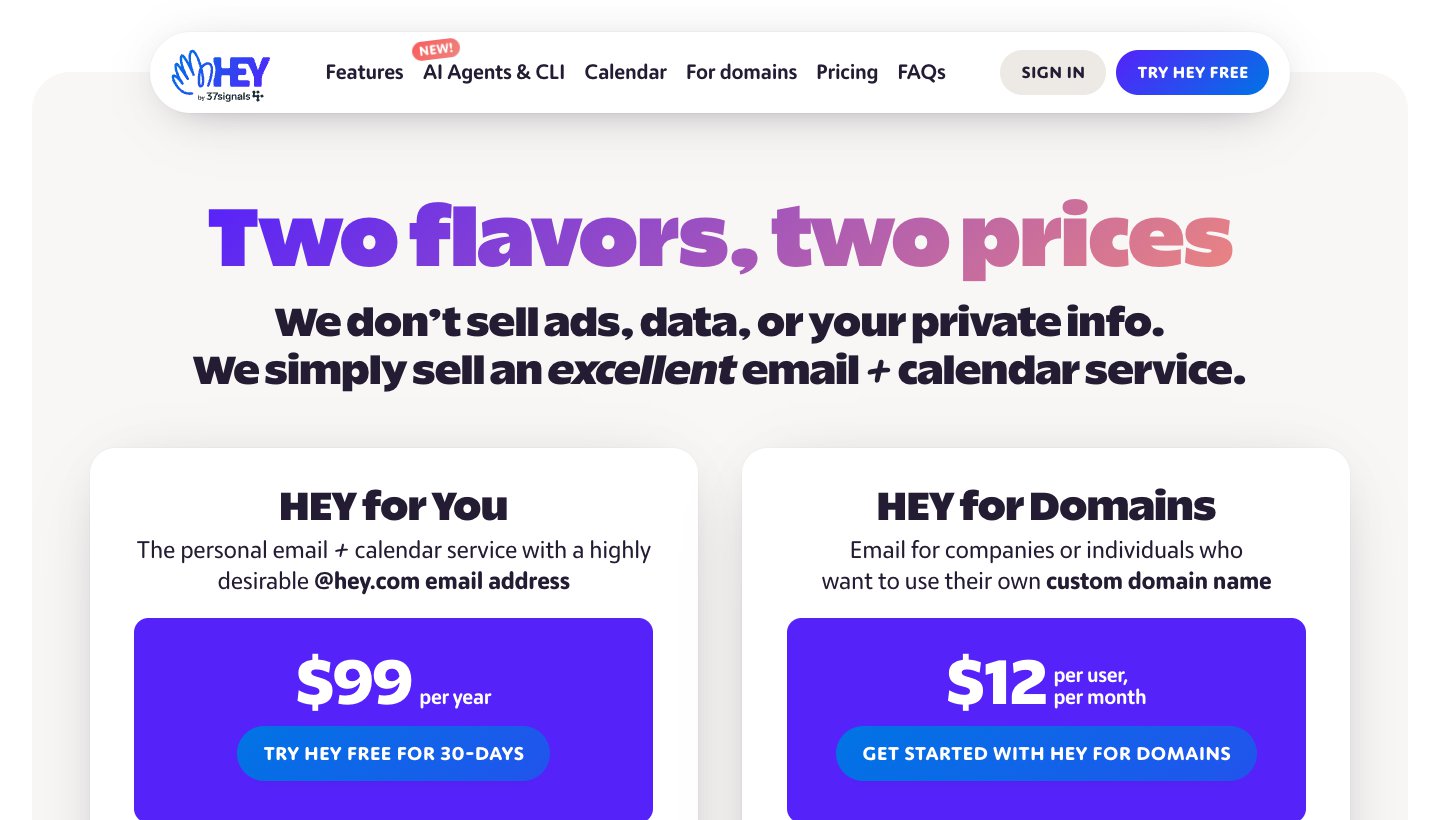
Prices from HEY's pricing page, checked on November 17, 2026:
Plan | Price | What you get |
|---|---|---|
HEY for You | $99 a year (yearly only) | An @hey.com address, HEY Calendar, all apps, 100 GB of storage |
Short addresses | $349 a year (3 characters), $999 a year (2 characters) | Same as HEY for You |
HEY for Families | $179 a year total | Up to four more people, each with their own address and calendar |
HEY for Domains | $12 per user a month; the first user is $10 | Your own domain, for one person or a team. No free trial, but 30 days to finish moving in |
The 30-day trial of HEY for You needs no card, and HEY says you won't be charged when it ends.
If you leave HEY
This is one of HEY's better policies. If you've paid for at least a year, HEY says on its forever page that you keep your address "forever" and can forward it to another email address. Its forwarding page adds that this is "not meant to be actively used in perpetuity", so treat it as a safety net while you move. Trial accounts don't get it.
You can export everything at any time: your email as an MBOX file, contacts as a vCard, and calendars as .ics files (HEY's export help). Many email apps, including Apple Mail, can import an MBOX file.
What users say
HEY has 4.6 stars from 4,325 ratings on the App Store and 4.7 from 3,618 on Google Play.
On Reddit's r/HeyEmail, the top answer to "Is HeyEmail worth using" (as shown in Google's results) starts: "Yes. Every time I see my work inbox on Gmail I remember how happy I am to pay $99 a year." In the reviews that rank for HEY, the usual complaints are the price, having to use a new address, and the lack of IMAP.
Is HEY worth it? Who should pay for it
Pay for HEY if:
You get a lot of mail from strangers and companies, and you want a hard rule about who reaches you.
You're happy with a new address, or you own a domain you can move to HEY for Domains.
You're happy to use HEY's own apps on every device.
You'd rather sort by your own rules than have AI do it.
Skip HEY if:
You want to keep your Gmail or Outlook address as your main one.
You use an email app you like, or your work requires Outlook.
You want AI to summarize, sort or draft for you.
You need end-to-end encryption.
You don't want to pay $99 up front for the year.
HEY vs Gmail
Gmail is free, works in almost any email app, and sorts mail into tabs automatically. Anyone with your address can land in your inbox, and Gmail's AI features are built in. HEY costs $99 a year, works only in its own apps, and lets nobody in until you approve them. If your problem is too much mail from people you never asked to hear from, HEY solves it more firmly than Gmail. If your problem is the volume of mail you do want, a better app may help more. Our guide to the best email client for Gmail covers those.
HEY vs Proton Mail
Neither shows ads, and both block trackers. Proton calls itself "the world's largest end-to-end encrypted email service" and has a free plan; HEY is neither. HEY has the Screener, the Feed and Paper Trail; Proton has a more ordinary inbox with filters. Pick Proton for privacy, HEY for control over who reaches you.
For Proton's plans and what they cost after the first year, see our Proton Mail pricing guide.
HEY alternatives
If HEY's idea appeals but the trade-offs don't, these get you part of the way. Prices are from each vendor's own site, checked on November 17, 2026.
Spark: a sender screener in a regular email app
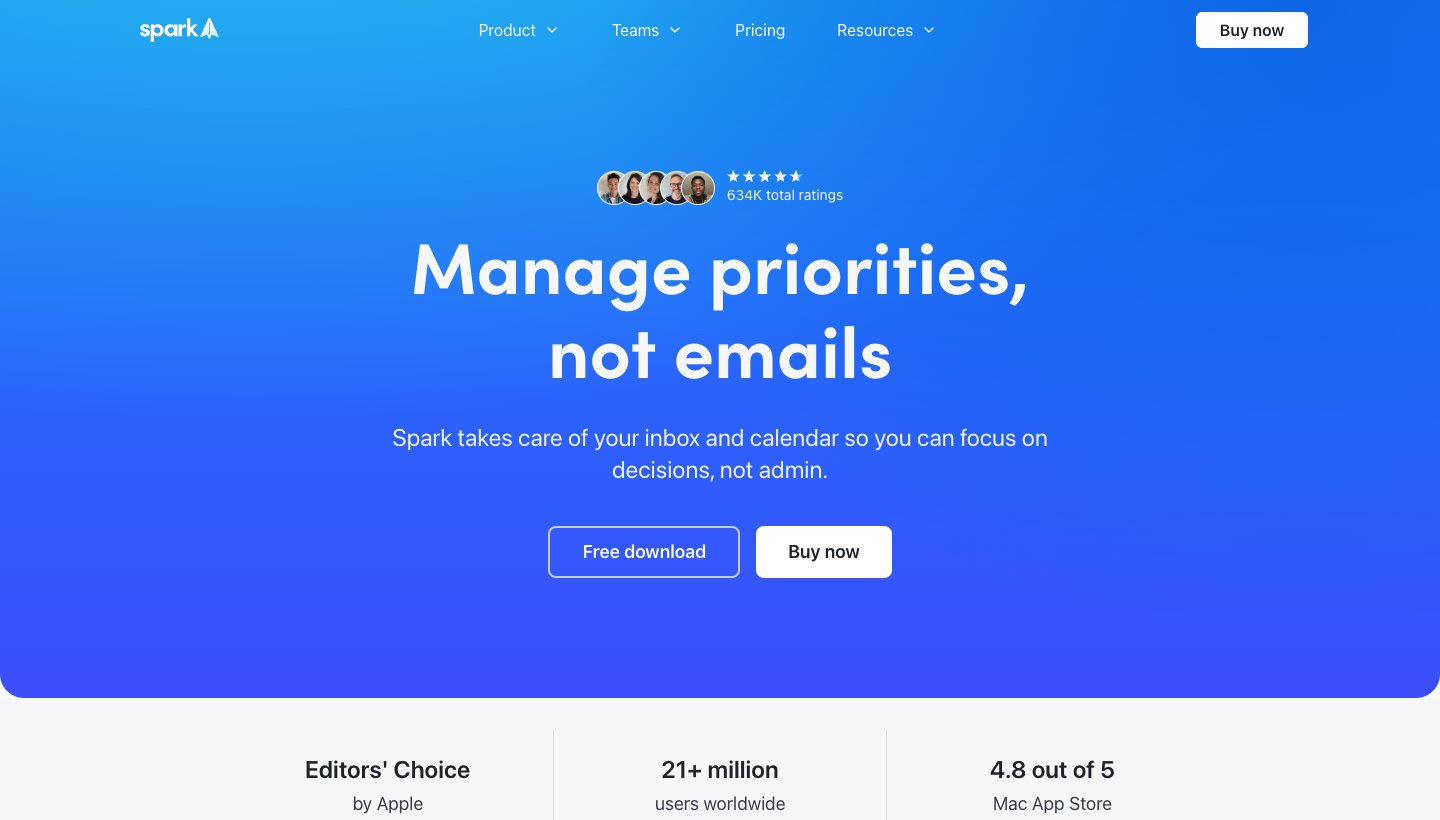
Spark's Gatekeeper is the closest thing to HEY's Screener in an app that works with Gmail, Outlook, iCloud and other accounts: "The first time someone emails you, Spark screens the sender." Gatekeeper is on the paid plans, Plus at $10 a month or $99 a year and Pro at $20 a month or $199 a year, not on the free plan (Spark's pricing). Mac, Windows, iPhone, iPad and Android.
SaneBox: screening and filtering for the email you already have
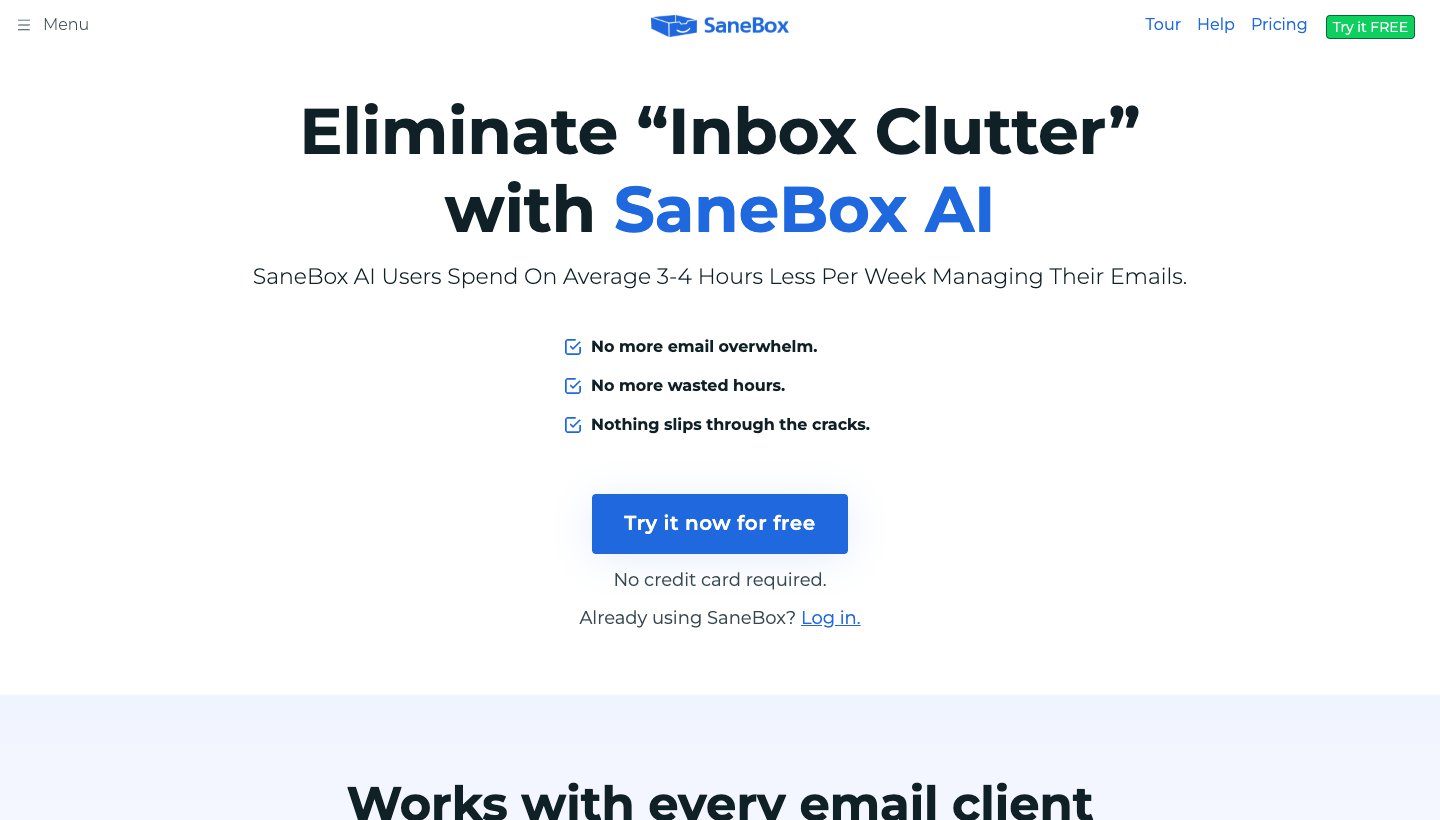
SaneBox works in the background on your existing account. SaneScreener holds back new senders, and SaneBlackHole makes a sender disappear for good. Plans start at $3.49 a month, about $29 a year, with a 7-day trial (SaneBox's pricing). Keep your address and your app.
Proton Mail: a new address with end-to-end encryption
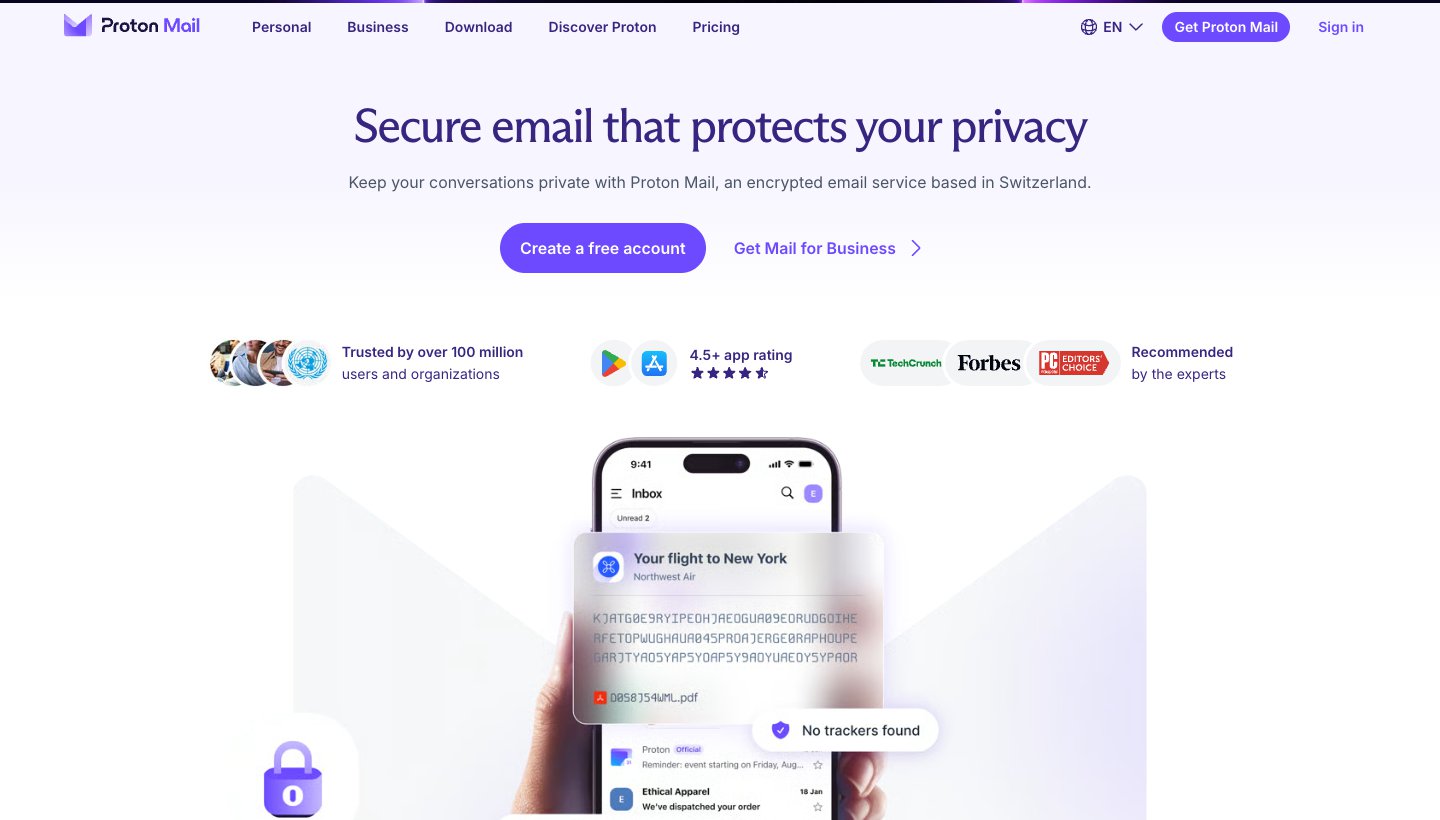
If you're leaving Gmail for privacy rather than control, Proton is the better move. There's a free plan, and Mail Plus is $4.99 a month, or $47.88 a year at the regular price; Proton often discounts the first year (Proton's pricing). There's no first-time-sender screener.
Fastmail: a new address that works in any app
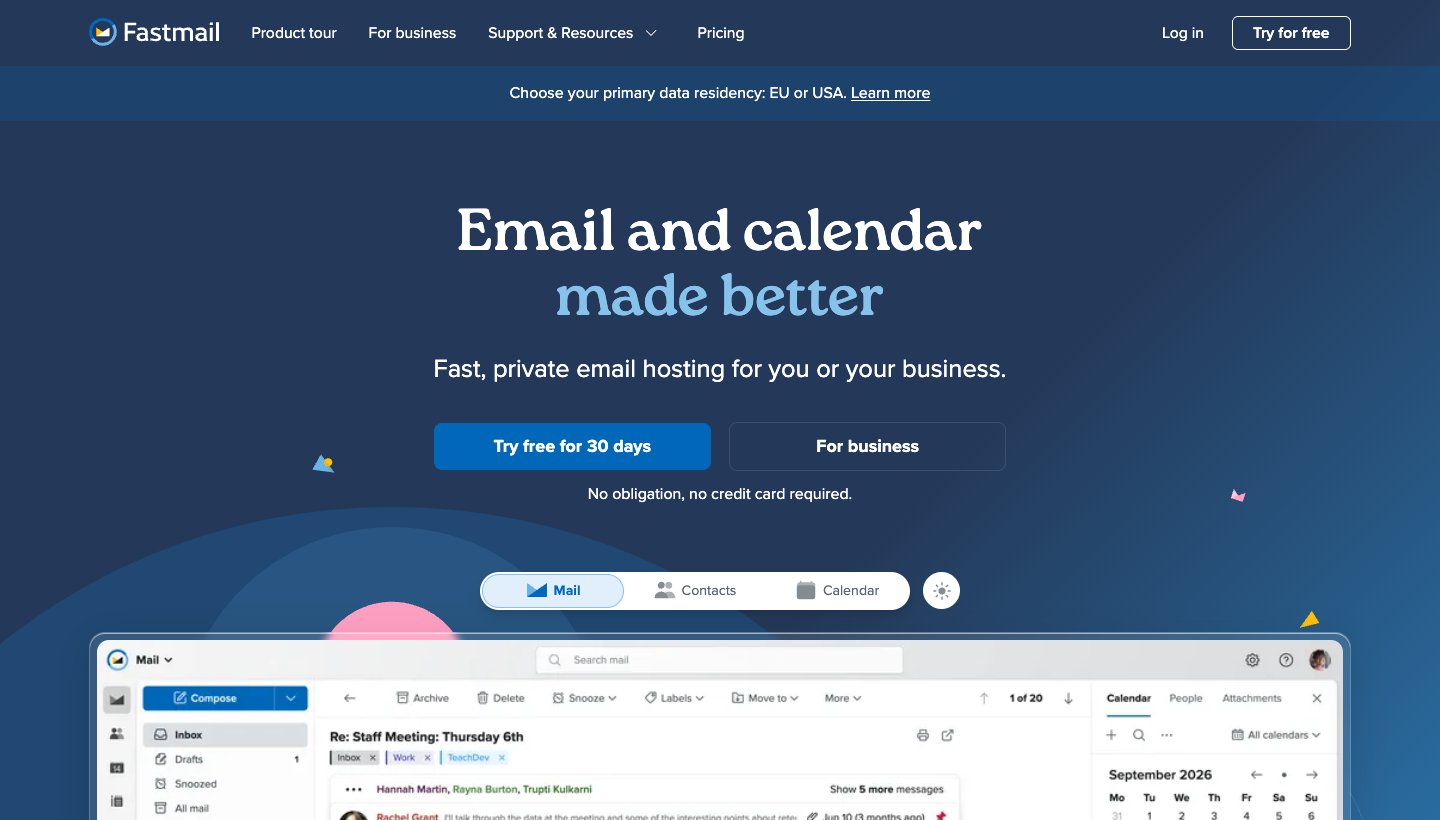
Fastmail is a paid email service with a free trial of up to 30 days and plans from $5 a month billed yearly for one person (Fastmail's US pricing). Unlike HEY, it supports IMAP on its personal plans, so you can use Apple Mail, Thunderbird or another app (Fastmail's server settings); the Business Basic plan doesn't include it. There's no Screener.
Superhuman: speed for Gmail and Outlook
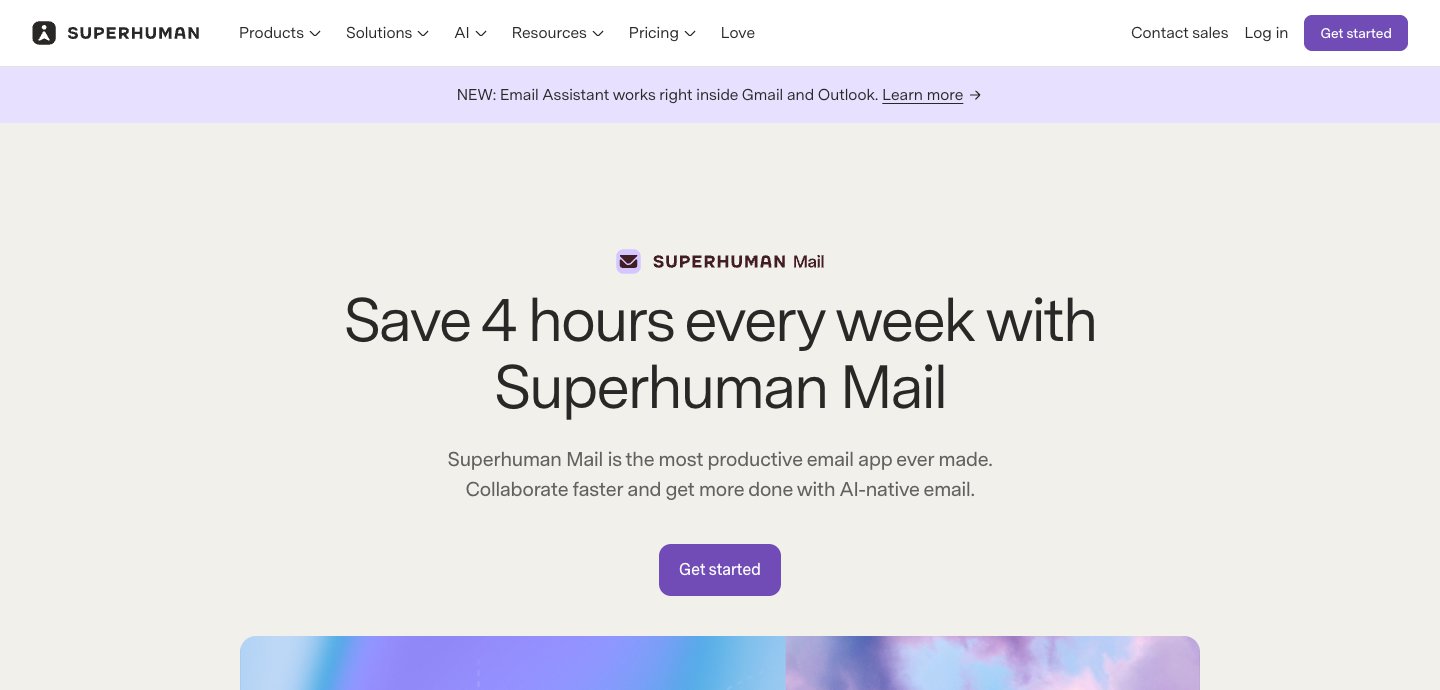
If what you want is to get through email faster, not to keep it out, Superhuman is the opposite of HEY: an app for your Gmail or Outlook account, built for keyboard speed, with AI. It's $30 a month, or $25 a month billed yearly (Superhuman's plans). More in our Superhuman review.
Dove (ours): sorting for the accounts you already have
Dove is our app, so weigh this with that in mind. Dove takes a different route from HEY. You keep your Gmail, Outlook, iCloud, Yahoo or IMAP accounts, and Dove sorts new mail into Focus, Feed and Noise for you, so you don't approve each sender by hand. Dove has no Screener, though, and its sorting is AI, not rules you set. Today shows what needs you, your schedule and what you're waiting on.
Price: free plan with 10 AI actions a day. Pro is $20 a month or $200 a year, with a 7-day trial that asks for a card (Dove's pricing).
Platforms: Mac, Windows, iPhone, iPad, Android and the web.
One real downside: Dove is new, with a short track record, and its sorting is on the paid plan. Dove's AI processes full messages so it can sort and draft. Mail is encrypted in transit and at rest, but there's no PGP or end-to-end encryption.
For more choices, see our guide to the best email apps and to Gmail alternatives, which covers HEY alongside other new email services.
FAQ
Is HEY email free?
No. There's a 30-day free trial with no card, then HEY for You costs $99 a year, billed yearly only. HEY for Domains is $12 per user a month. There's no free plan.
How much does HEY email cost?
$99 a year for HEY for You with a regular @hey.com address. Three-character addresses are $349 a year and two-character ones $999. Families is $179 a year for up to four more people. HEY for Domains, for your own domain, is $12 per user a month, with the first user at $10.
Is Hey.com a legit email service?
Yes. HEY is run by 37signals, the company behind Basecamp, and has been running since June 2020. It's paid for by subscriptions; HEY says "We don't sell ads, data, or your private info."
Is HEY better than Gmail?
For control over who reaches you, yes: nobody gets into your inbox until you approve them. For everything else, it depends. Gmail is free, works in almost any email app and has AI built in. HEY costs $99 a year and works only in its own apps.
Can I use HEY with my Gmail address?
Not as an app for your Gmail inbox. You can forward your Gmail to HEY and send as your Gmail address from HEY, but HEY won't import your old Gmail mail, and you read everything at your HEY address.
Does HEY work with Apple Mail or Outlook?
No. "HEY doesn't support IMAP or POP," so you can only use HEY's own apps on the web, Mac, Windows, Linux, iPhone, iPad and Android.
Is HEY end-to-end encrypted?
No. HEY says: "HEY is not end-to-end encrypted (we still hold the keys)." Its database is encrypted at rest, with each field encrypted with its own key, and mail is sent over TLS.
Does HEY have AI?
There's no AI built into HEY itself. HEY offers a command-line tool and connector so outside AI agents can read and draft in your mail. HEY says these agents save drafts and never send them.
More from Dove
Recent posts
November 19, 2026
How to Get to Inbox Zero in Gmail (and Stay There): Settings, Shortcuts and a Daily Routine
Inbox zero in Gmail means your inbox only holds what still needs you. Here's how to clear years of mail safely, which Gmail settings help, and the daily routine Google itself suggests. Checked against Google's help pages in November 2026.
November 19, 2026
How to Schedule Send in the Outlook App (Phone, Windows, Mac and Web)
How to schedule an email to send later in Outlook on every device, checked against Microsoft's support pages in November 2026, plus which accounts can't do it and why the button goes missing.
November 19, 2026
Spark Mail Review (2026): Is the Free Email App Still Worth It?
Spark is one of the best free email apps for people with several accounts, but its AI and some of its best sorting tools are paid, and much of it runs through Spark's servers. Checked on Spark's own site on November 19, 2026.