

AI Email Reply Generators in 2026: Free Tools, Built-In AI, and Apps That Reply in Your Tone
For a quick, free reply to one email, use HelpJet's AI Email Reply Generator. It needs no sign-up, reads the whole thread you paste, lets you pick a tone, and says it doesn't store what you paste. If you answer a lot of email, a paste-in tool gets tedious fast. The better route is AI that drafts replies inside your inbox, using the full thread and your own writing style. Gemini in Gmail and Copilot in Outlook do that inside the email you already use. Email apps and assistants such as Dove, Superhuman, Fyxer and Spark go further and draft in your own tone.
Disclosure: Dove is made by the team behind Canary Mail. Dove appears below, marked "(ours)". We checked every tool's price, limits and privacy terms on its own site on November 19, 2026, and every tool, ours included, gets one real downside.
Two kinds of AI email reply generator
Paste-in generators. You copy an email into a web page, say what you want to reply, pick a tone and copy the result back. They're free and need no setup. They only know what you paste.
AI that drafts in your inbox. It sees the whole thread, often learns your style from your sent mail, and puts the draft where you'd reply anyway. This is built into Gmail and Outlook, or comes with an email app or add-on.
If you reply to a handful of emails a week, the first kind is fine. If email is a big part of your day, the second saves far more time, because you skip the copying and the drafts already sound like you.
The best free AI email reply generators
Tool | Sign-up | Reads the whole thread | Tones | Limits | What it says about your email |
|---|---|---|---|---|---|
No | Yes | Professional, Friendly, Apologetic, Persuasive | 10 free runs an hour | "HelpJet doesn't store what you paste" | |
No | One email (2,000 characters) | Six, from Professional to Assertive | Character limits | Its privacy line covers its paid product, not the free tool | |
No | One email | Not named | A "fair use policy" | Sent to an outside AI company that "might save your inputs for up to 30 days" | |
No | One message | Not stated | Not stated | "We work hard to protect your data and privacy" |
HelpJet: best free generator
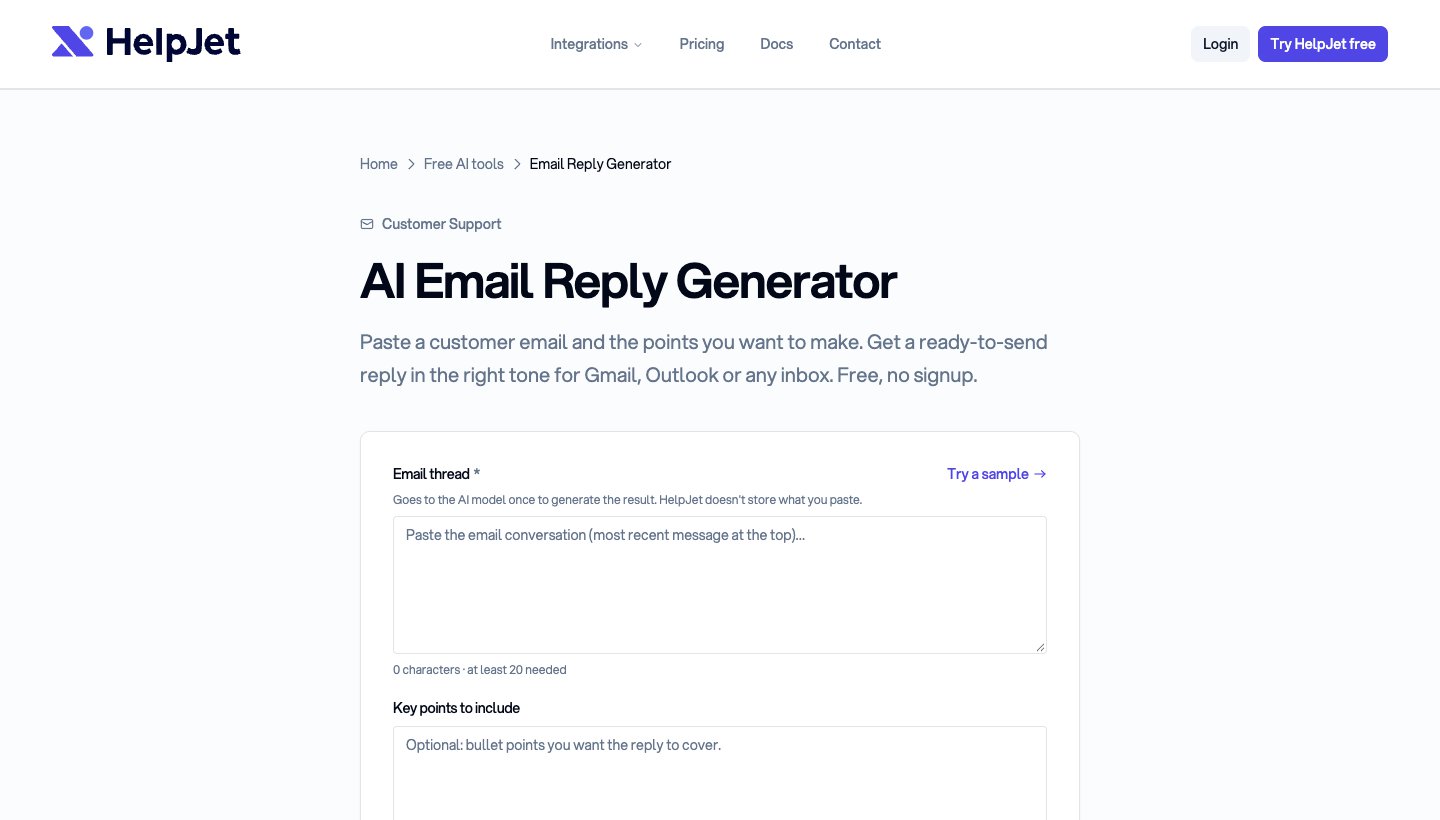
HelpJet is a help desk company, and its free tool is built for customer email, but it works for any reply. You paste the conversation, add the points you want to make, and choose a tone.
Price: free, with no sign-up, "up to 10 free runs an hour".
Standout: it reads the whole thread, not just the last email, and its page says your text goes "to an AI model to write your draft, and that is all it is used for."
One real downside: it's tuned for customer support. It doesn't translate, and you still copy the reply into your inbox by hand.
Fyxer's free generator: best for choosing a tone

Fyxer sells an AI assistant for your inbox, and its free page lets you paste one email, say who sent it, and pick from six tones.
Price: free, no sign-up.
Standout: a long FAQ covering common replies, such as rejections and job offers.
One real downside: it takes one email of up to 2,000 characters, so long threads don't fit, and its privacy statement is about the paid product.
Mailmeteor: the simplest
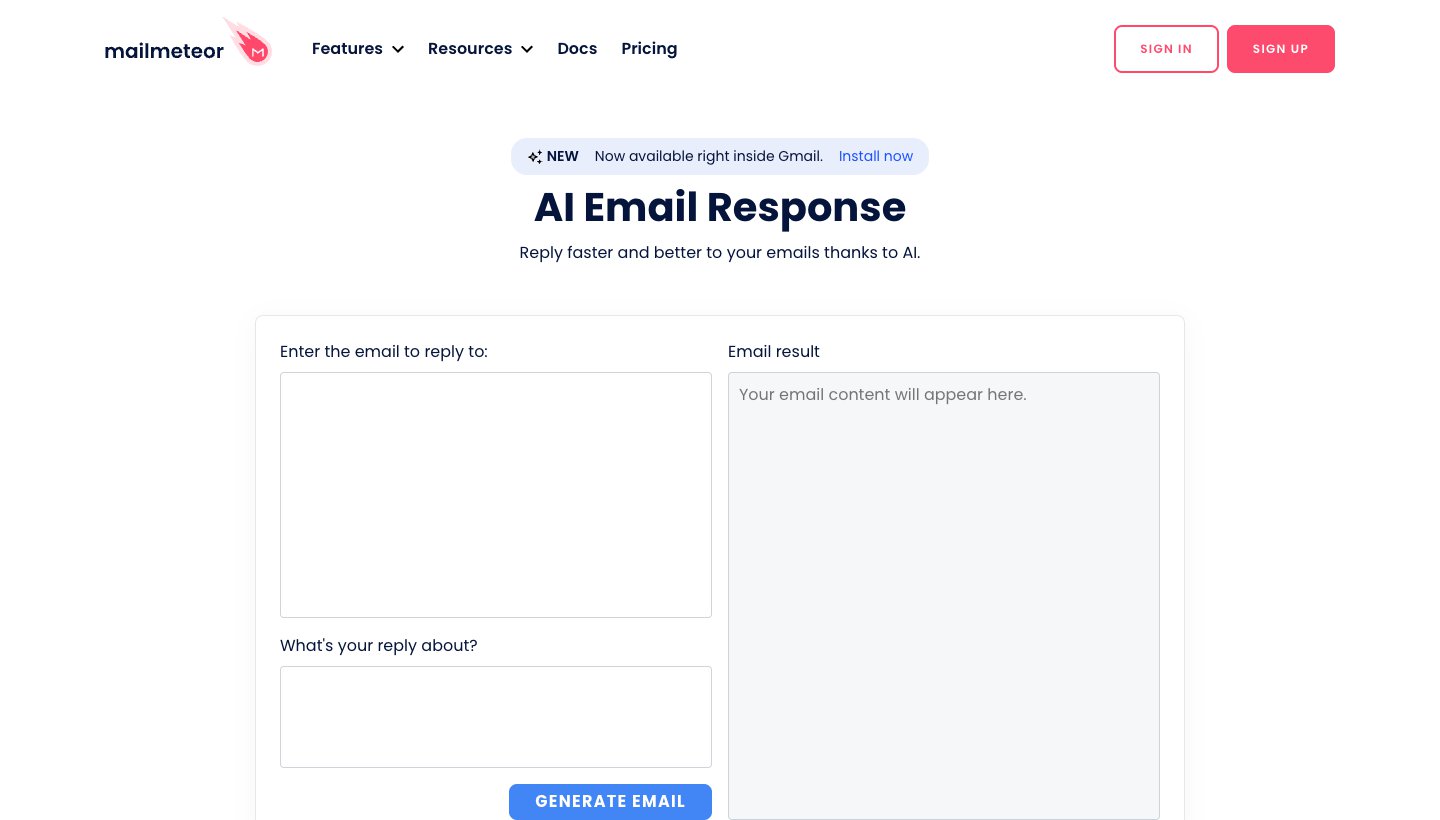
Two boxes: the email you got, and what your reply is about. Press generate.
Price: free, no sign-up, under a "fair use policy" it doesn't spell out.
One real downside: your text goes to an outside AI company, which Mailmeteor says may keep it for up to 30 days. It doesn't say what Mailmeteor itself keeps.
QuillBot: a general reply writer
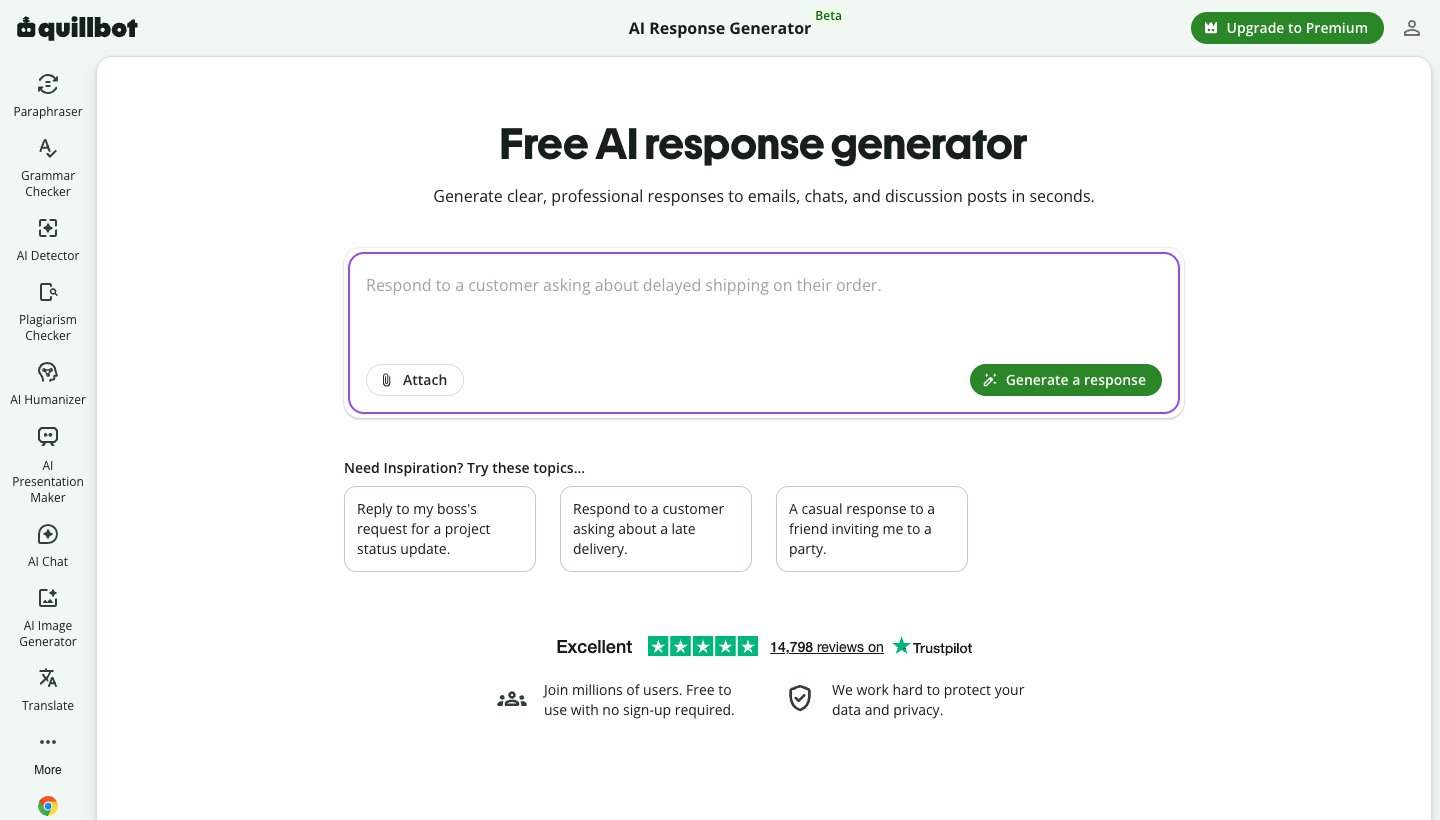
QuillBot's generator writes replies to emails, chats and discussion posts, and its page says it's free to use with no sign-up. It isn't made for email specifically.
AI that replies inside Gmail and Outlook
If you already pay for Google's or Microsoft's AI, or your work does, you may have a reply generator in your inbox already.
Gemini in Gmail
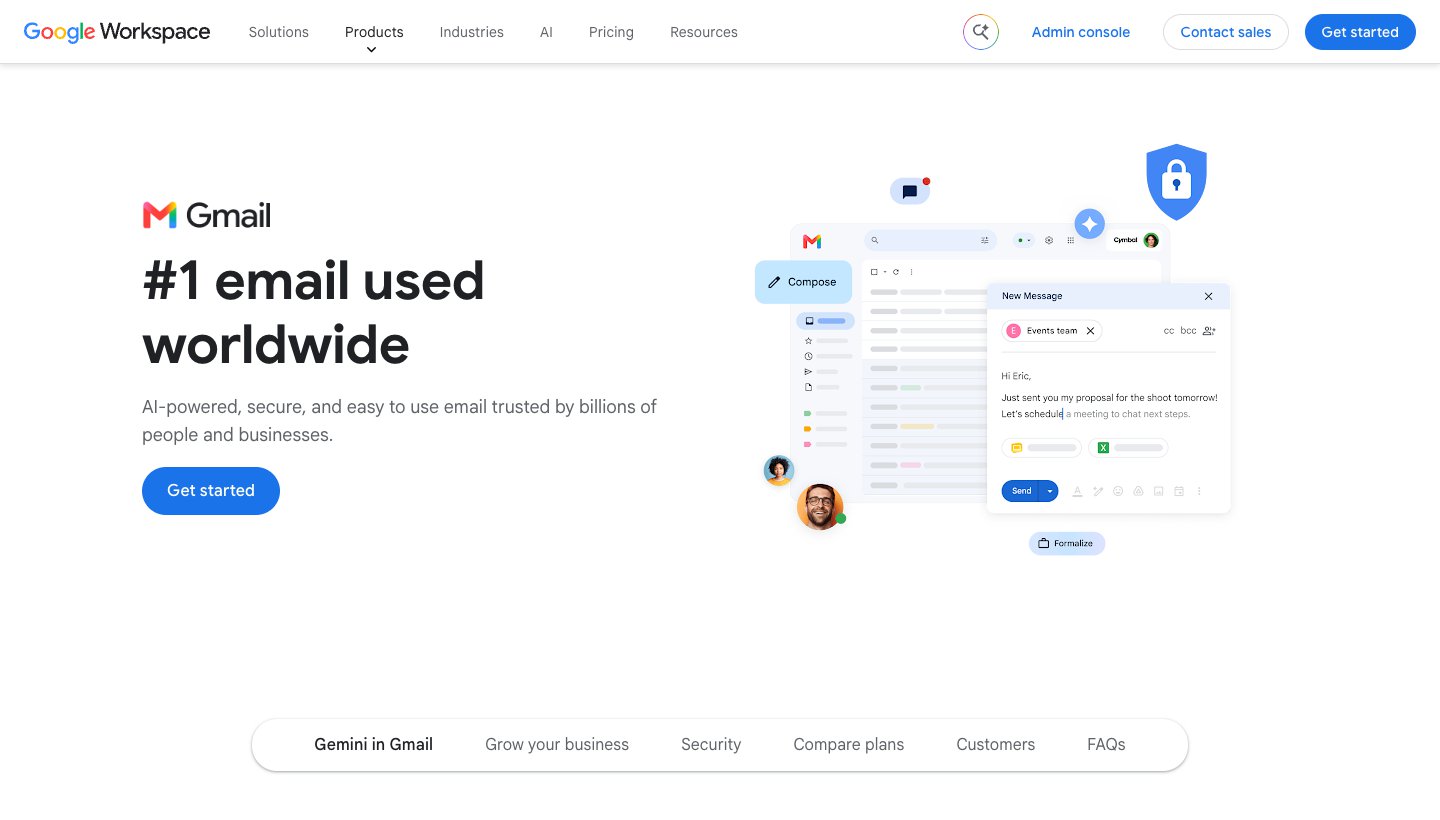
What it does: Help me write drafts a reply from a short prompt, and Suggested Replies offers "context-aware reply suggestions" at the bottom of a thread. You edit and send; nothing goes out by itself.
Your tone: Google says the personalized Suggested Replies match "the tone and style of your past written emails", but that version needs "an eligible Google Workspace or Google AI plan" (Google's help page).
Price: the basic Help me write and Suggested Replies are free on personal Gmail accounts in the US. Google AI Plus starts at $4.99 a month (Google's plans).
Privacy: with a Google AI plan, Google says Gemini in Gmail "doesn't use your content to train or improve Gemini or other generative AI models".
One real downside: the free version is US-only, and replies in your own style need a paid plan.
More in our guide to the AI email assistant for Gmail.
Copilot in Outlook
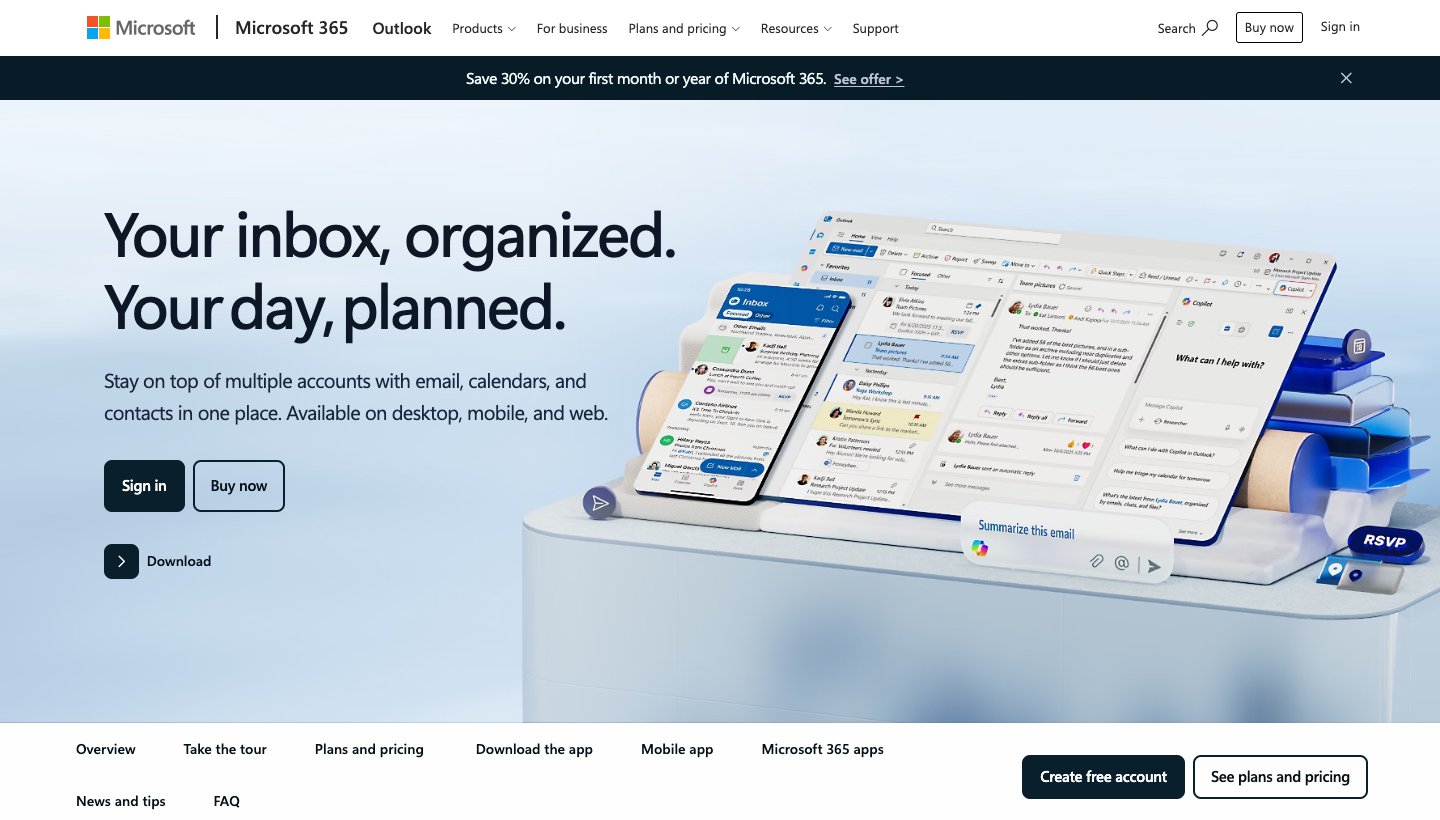
What it does: select Help me reply in an email, or use the Copilot button to draft, then adjust the length and tone. On iPhone and Android, Coaching gives feedback on a reply you wrote yourself (Microsoft's steps).
Your tone: Copilot sounds like you only through Draft Instructions, which you write yourself to describe your style (Microsoft).
Price: included in Microsoft 365 Personal ($9.99 a month or $99.99 a year) and Premium. At work it needs a Copilot licence, from $21 per user a month paid yearly (Microsoft 365 plans).
Privacy: for home plans, Microsoft says prompts, responses and file contents "aren't used to train foundation models."
One real downside: Microsoft describes matching your style only through instructions you write, and on a Family plan only the account owner gets Copilot.
More in our guide to the AI email assistant for Outlook.
Apps that draft replies in your tone
These draft replies in your own tone, inside your inbox, ready for you to edit and send. None of them sends a reply on its own unless you set it up to.
Tool | How it matches your tone | Price for replies in your tone | Inboxes | Training, in its own words |
|---|---|---|---|---|
Dove (ours) | Drafts "in your voice" | Pro: $20/mo or $200/yr | Gmail, Outlook, iCloud, Yahoo, IMAP | Never uses your email content to train AI models |
Auto Drafts, Voice and Tone Match | Business: $40/mo, or $33/mo yearly | Gmail, Outlook | Uses information it collects to train its AI; a setting controls your content | |
Learns from your sent emails | Pro: $49/mo, or $37/mo yearly | Gmail, Outlook | Trains its own models; you can opt out | |
Learns from your sent emails (Auto-Drafts, rolling out) | Pro: $20/mo or $199/yr | Gmail, Outlook, iCloud, IMAP | Writing samples not used for training | |
Learns from your sent emails | Pro: $18/mo | Gmail and Google Workspace | "Never used to train third-party LLMs" |
Dove (ours): replies in your voice, across every account
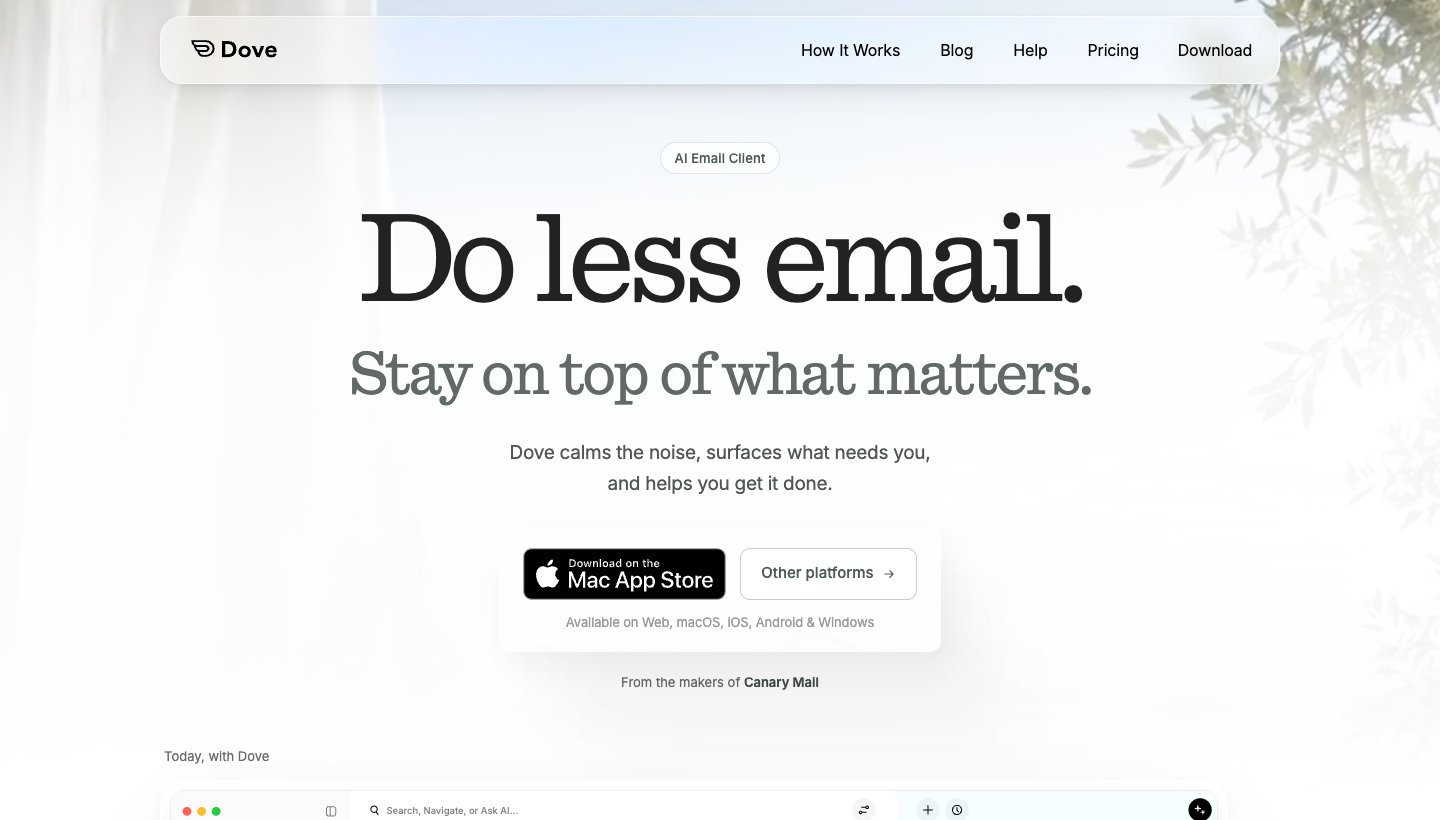
Dove is our email app. Its Help Me Write feature "drafts and rewrites any email, in your voice", and its Today view lists the emails that need a reply, with a draft a tap away.
Price: the free plan includes 10 AI actions a day, and each draft counts as one. Pro is $20 a month or $200 a year, with unlimited AI and a 7-day trial that asks for a card (Dove's pricing).
Inboxes: Gmail, Google Workspace, Outlook.com, Microsoft 365, iCloud, Yahoo and IMAP, all in one app on Mac, Windows, iPhone, iPad, Android and the web.
Privacy: Dove's AI reads full messages so it can draft, and Dove says it never uses your email content to train AI models. Mail is encrypted in transit and at rest; there's no end-to-end encryption.
One real downside: it means switching email apps, and Dove is new, with a short track record. Unlimited drafting is on the paid plan.
Superhuman
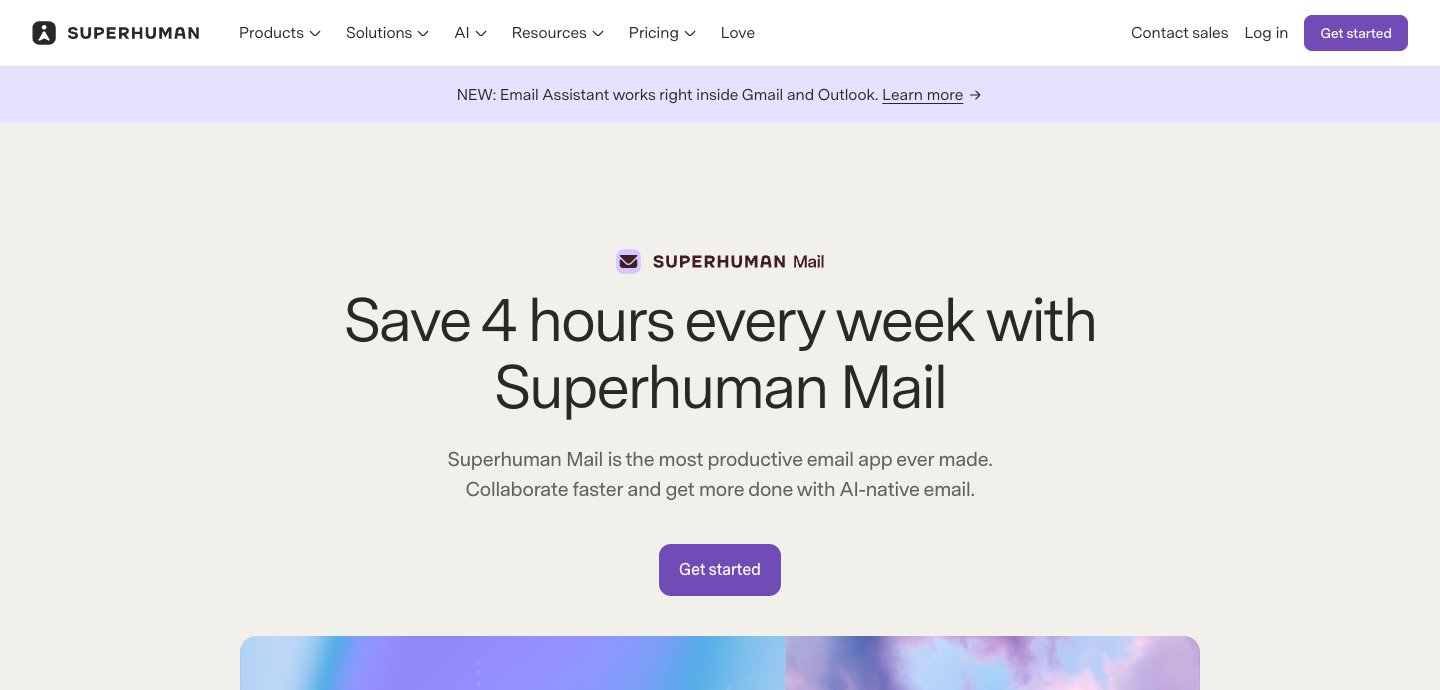
Superhuman's Auto Drafts are replies "written in your voice and tailored to each thread". Instant Reply, shorter suggested replies, is on every plan; Auto Drafts and Voice and Tone Match need the Business plan. Superhuman now also sells an Email Assistant that drafts inside Gmail or Outlook, and its drafts "are never sent automatically".
One real downside: Superhuman's privacy policy, dated November 16, 2026, says "We also use information we collect to train our AI models", and that you decide whether your content is used through a training control in your account settings. More in our Superhuman review.
Fyxer
Fyxer works inside Gmail or Outlook. When you connect your inbox, it "writes personalized instructions from your recent sent emails" and drafts replies in your tone; you decide what gets sent.
Price: free plan without automatic drafts; Pro is $49 a month or $37 a month billed yearly, after a 14-day trial (Fyxer's pricing).
One real downside: Fyxer says it "trains its own AI models" on your data, after replacing names and addresses with codes, unless you opt out. More in our Fyxer AI review.
Spark
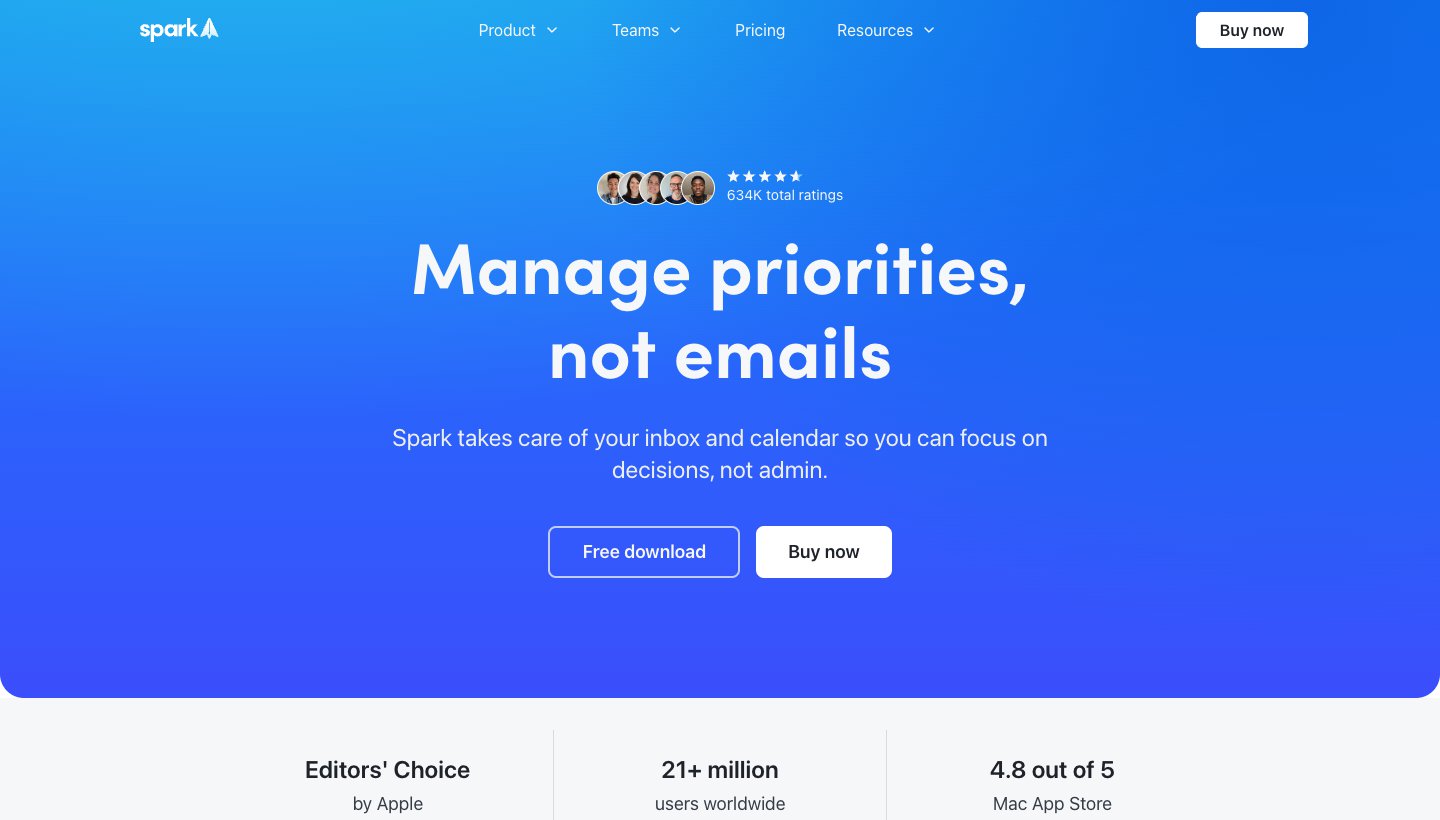
Spark's Auto-Drafts give you "draft replies written in your voice — just review, edit, and send." It's on the Pro plan, and Spark says it's "gradually rolling out", and its announcement names desktop and iOS. Spark says the samples it uses to learn your style aren't used for training.
One real downside: Auto-Drafts is Pro-only and still rolling out; Spark's announcement doesn't mention Android.
Shortwave
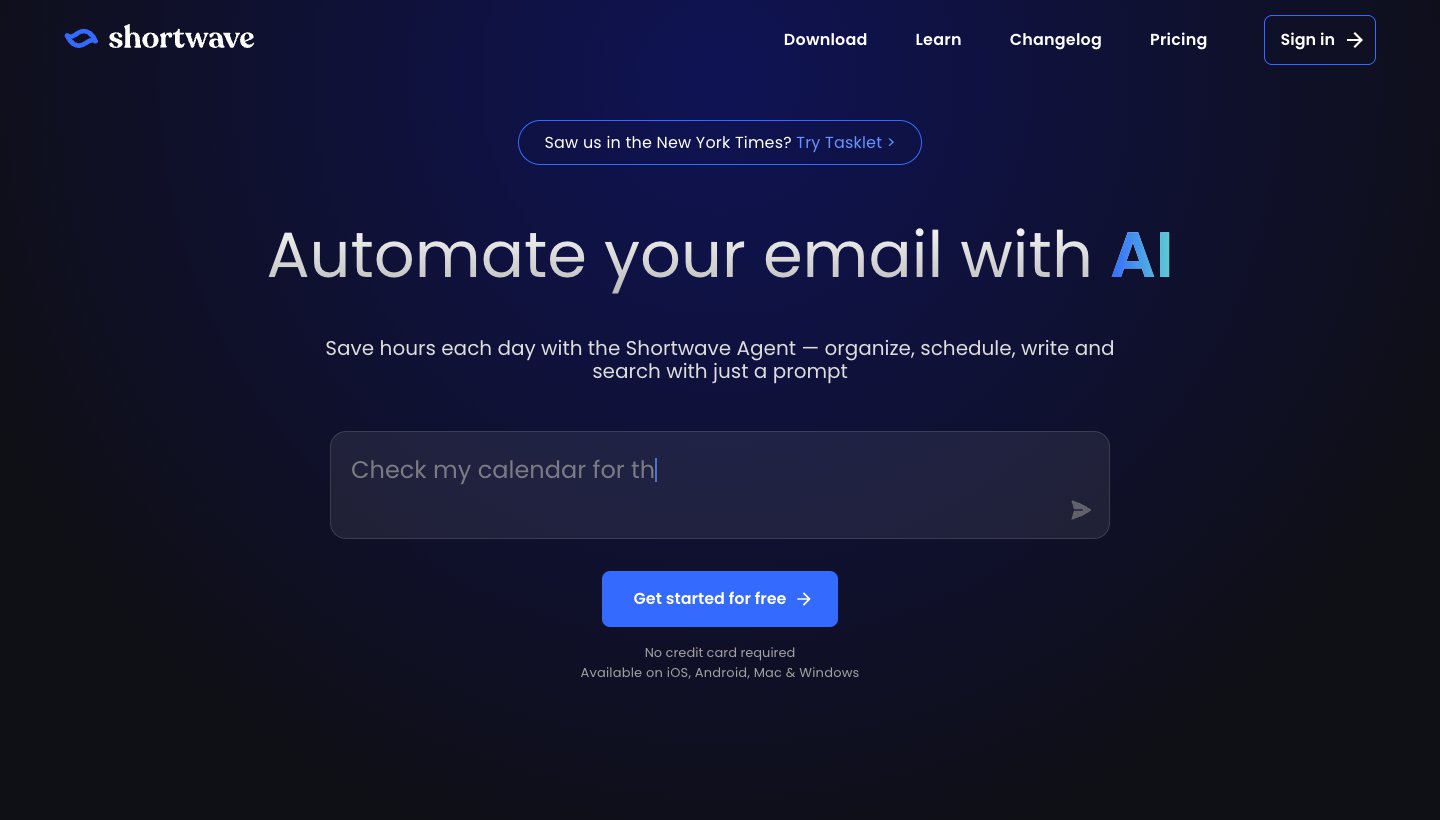
Shortwave's free plan has one-click AI replies. Learning "your writing style, tone, and even facts about you" from your sent mail is on Pro ($18 a month).
One real downside: it works natively with Gmail and Google Workspace only, and the free plan adds "Sent with Shortwave" to your signature.
Is it safe to paste emails into an AI reply generator?
Usually yes for ordinary mail, but read what each tool says first. The questions that matter:
Does it keep what you paste? HelpJet says no. Mailmeteor says the outside AI company it uses may keep it for 30 days.
Is it used to train AI? Fyxer says it trains its own models and lets you opt out. Superhuman says it uses information it collects to train its AI and gives you a setting for your content. Google says Gemini in Gmail doesn't train on your content for Google AI plan users, Microsoft says the same for its home plans, and Spark and Dove say they don't.
Does it see more than you meant to share? Inbox tools read your whole mailbox to learn your style. That's the point, and it's also the trade.
Don't paste anything you wouldn't email to a stranger: passwords, medical details, other people's personal data, or anything under a confidentiality agreement. Work mail may be covered by your company's rules on AI tools, so check before you paste it into a free website.
How to get a better reply from any AI tool
Say what the reply should do, not just the topic: "Say yes to Thursday at 3, ask for the agenda."
Give one fact it can't know: a date, a price, a name.
Pick the tone for the reader. A customer complaint wants apologetic and specific; a colleague wants short.
Ask for shorter. AI replies run long. Most good email replies are under five sentences.
Read it before sending. AI gets dates, names and promises wrong. Check anything it commits you to.
The same email, three tones
Here's one example we wrote to show how much tone changes a reply. The email: "Hi, can you send the Q4 report by Friday? Thanks, Sam."
Professional: Hi Sam, yes, I'll send the Q4 report by end of day Friday. Let me know if you need anything specific in it. Best, Alex
Friendly: Hi Sam! Sure thing, you'll have it by Friday. Shout if you want anything added. Alex
Pushing back: Hi Sam, Friday is tight with the audit this week. Could Monday morning work? If Friday is a must, I can send a first draft then. Alex
When not to use AI to reply
Bad news, apologies and condolences. People can tell, and it matters.
Anything legal, HR or contractual. A wrong word costs more than the time saved.
When you don't know the answer yet. AI fills gaps with confident guesses.
Which should you choose?
Choose HelpJet if you need a free reply now and don't want to sign up.
Choose Gemini in Gmail or Copilot in Outlook if you already pay for Google's or Microsoft's AI and want help in the app you use.
Choose Dove (ours) if you want replies drafted in your voice across Gmail, Outlook, iCloud and other accounts in one app.
Choose Superhuman if you live in Gmail or Outlook and want speed plus drafts, and will pay for Business.
Choose Fyxer if you want drafts to appear inside your existing Gmail or Outlook without changing apps.
Choose Spark if you want a free email app now and Auto-Drafts on Pro later.
For a wider look at AI that sorts, summarizes and drafts, see our guide to the best AI email assistants.
FAQ
What is the best free AI email reply generator?
HelpJet's AI Email Reply Generator: no sign-up, up to 10 free replies an hour, it reads the whole thread you paste, and it says it doesn't store what you paste. Fyxer's free generator is a good second choice if you want more tones.
Can AI reply to my emails automatically?
Most tools only draft and leave sending to you, which is safer. Gemini, Copilot, Superhuman, Fyxer, Spark and Dove all draft for you to review. A few agent tools, such as Lindy, can be set to send some replies, like follow-ups, on their own.
Can ChatGPT reply to my emails?
You can paste an email into a chatbot and ask for a reply, like any paste-in generator. It can't read or answer your inbox unless you connect it with another tool. Inbox tools are faster because they already have the thread.
Does an AI reply generator read the whole email thread?
Inbox tools do. Most free paste-in tools only see what you paste: Fyxer's free tool takes one email up to 2,000 characters, while HelpJet asks you to paste the whole conversation.
Will the reply sound like me?
Free generators write in a generic tone you pick. Inbox tools such as Dove, Superhuman Business, Fyxer, Spark Pro and Shortwave Pro aim for your own style; Fyxer, Spark and Shortwave say they learn it from your sent mail. Copilot uses instructions you write about your style.
Is it safe to use an AI email reply generator?
For everyday mail, generally yes, if you check what the tool keeps and whether it trains AI on your text. Avoid pasting passwords, health information, other people's personal data or confidential work into free tools.
More from Dove
Recent posts
November 19, 2026
How to Get to Inbox Zero in Gmail (and Stay There): Settings, Shortcuts and a Daily Routine
Inbox zero in Gmail means your inbox only holds what still needs you. Here's how to clear years of mail safely, which Gmail settings help, and the daily routine Google itself suggests. Checked against Google's help pages in November 2026.
November 19, 2026
How to Schedule Send in the Outlook App (Phone, Windows, Mac and Web)
How to schedule an email to send later in Outlook on every device, checked against Microsoft's support pages in November 2026, plus which accounts can't do it and why the button goes missing.
November 19, 2026
Spark Mail Review (2026): Is the Free Email App Still Worth It?
Spark is one of the best free email apps for people with several accounts, but its AI and some of its best sorting tools are paid, and much of it runs through Spark's servers. Checked on Spark's own site on November 19, 2026.